
AMS HT Top Mount for X1C - P1S / TPU Bypass Mount


Print Profile(2)


Description
Boost Me (for free)
Thank you for your support!
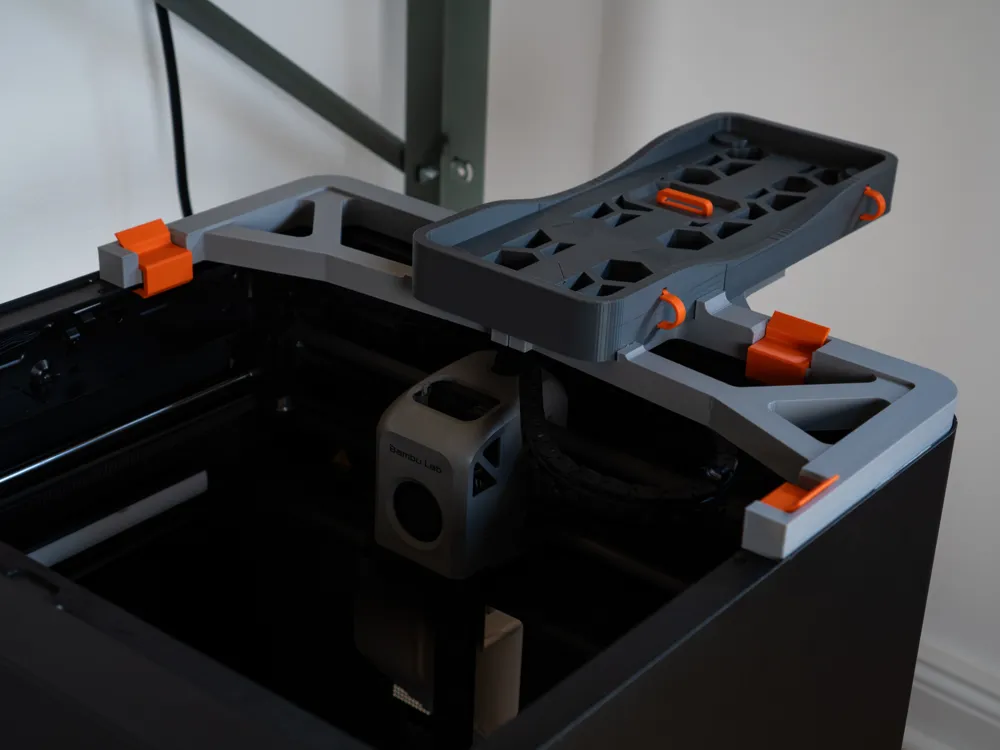
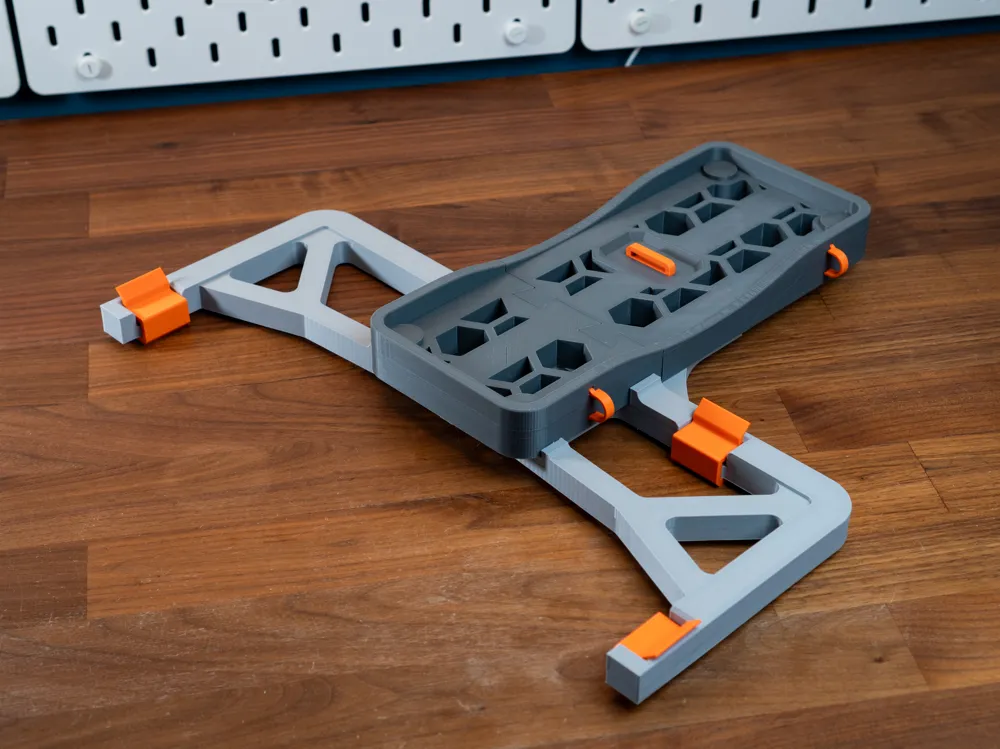
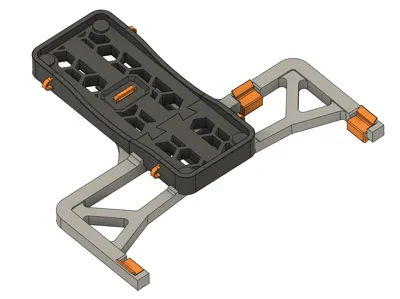
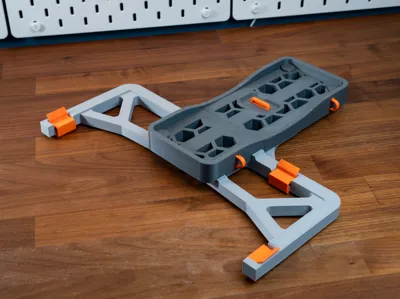
Update: Added parametric clips. Adjustable to fit different risers.
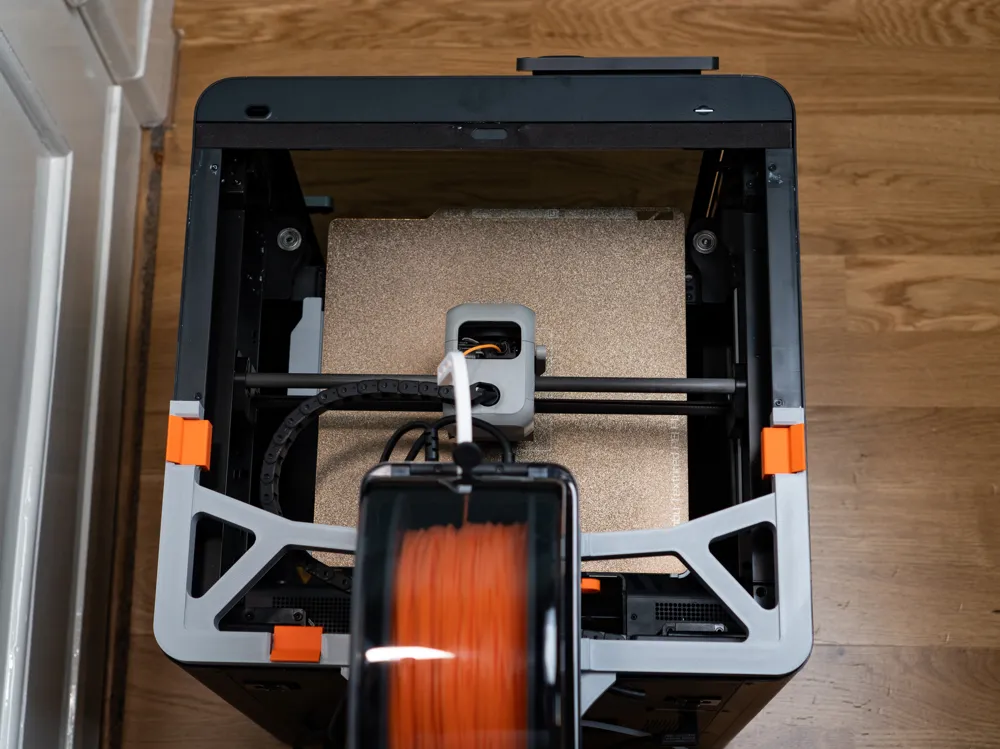
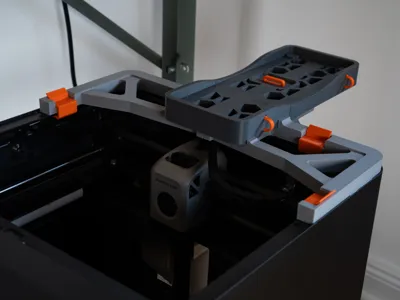
Please note that the left clip will not fit when used with an X1C, due to the location of the AP board cover. The mount can still be used without that clip.
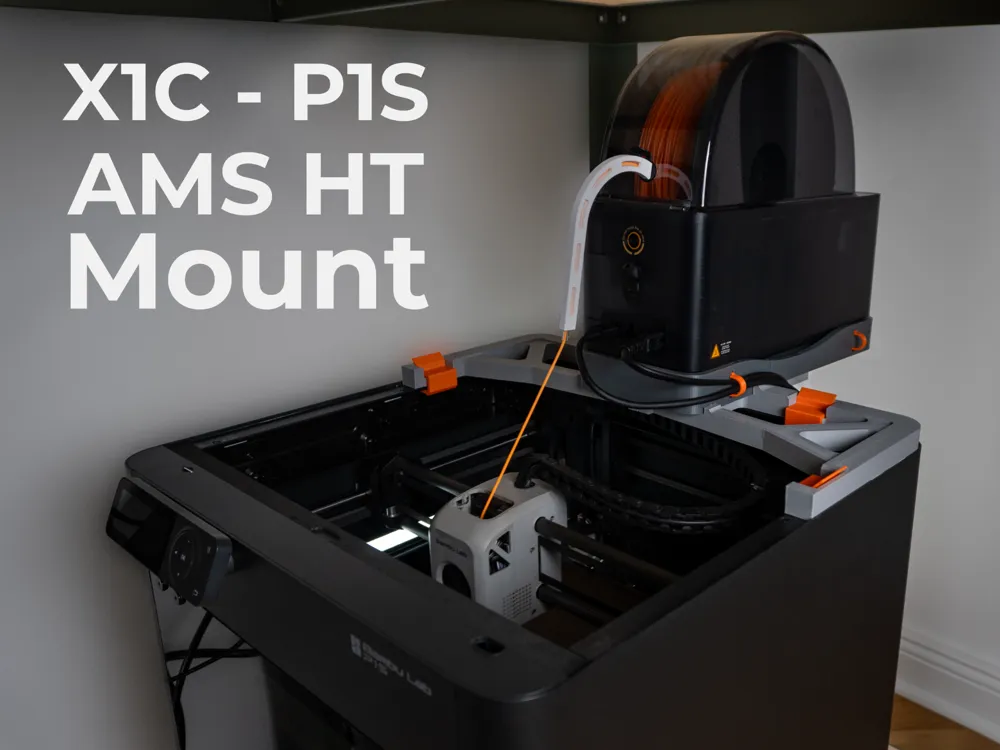
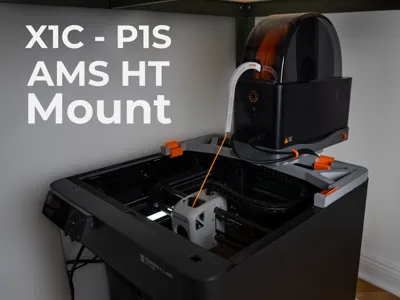
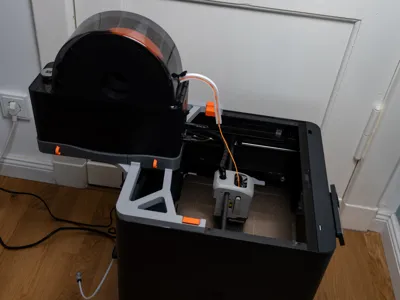
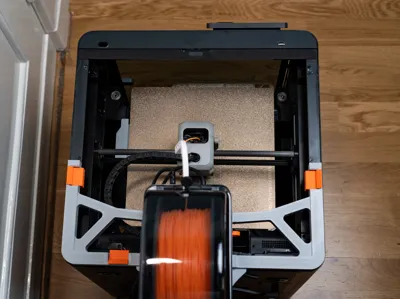
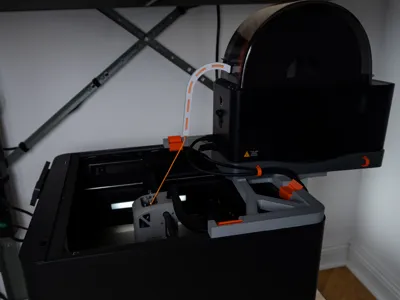
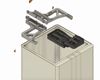
A sturdy mount that enables smooth, direct feeding of ultra-soft TPU from the AMS HT bypass port into the Bambu Lab X1C or P1S print head.
Key Features:
- Direct TPU Feed: Routes very soft TPU straight from the AMS HT bypass into the extruder, minimizing resistance and improving print consistency.
- No Extra Hardware Required: Snaps in without additional screws or components.
- Support-Free Printing: Designed to print cleanly without supports.
- Material: All parts printed in Bambu Lab PETG-HF for strength and heat resistance.
Printing and Use Tips:
- Dry Your TPU: For best results, dry TPU before printing. The AMS HT keeps filament dry during the print, but you must disable rotating drying to use it while printing. (Note: Rotating drying cannot currently be disabled on the P1S, but there is a workaround described in this video: https://youtu.be/VzPerW1xmtw)
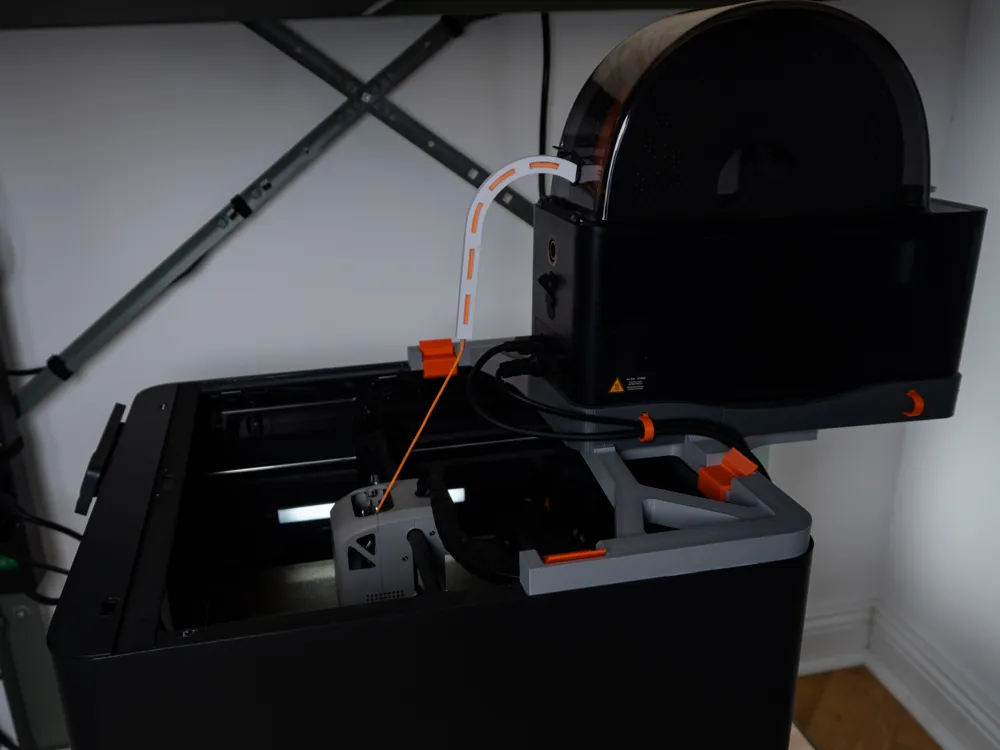
- Feed Setup: Set up to print from “External Spool” in Bambu Studio. Route filament through the AMS HT bypass port (a short PTFE tube can help smooth the bend).
- Manual Loading: Remove the PTFE tube from the extruder and manually load TPU into the hotend. A cold pull before loading can help prevent clogs.
- Important: Do not feed soft TPU directly through the AMS feeder motor — use the HT bypass instead.
Assembly:

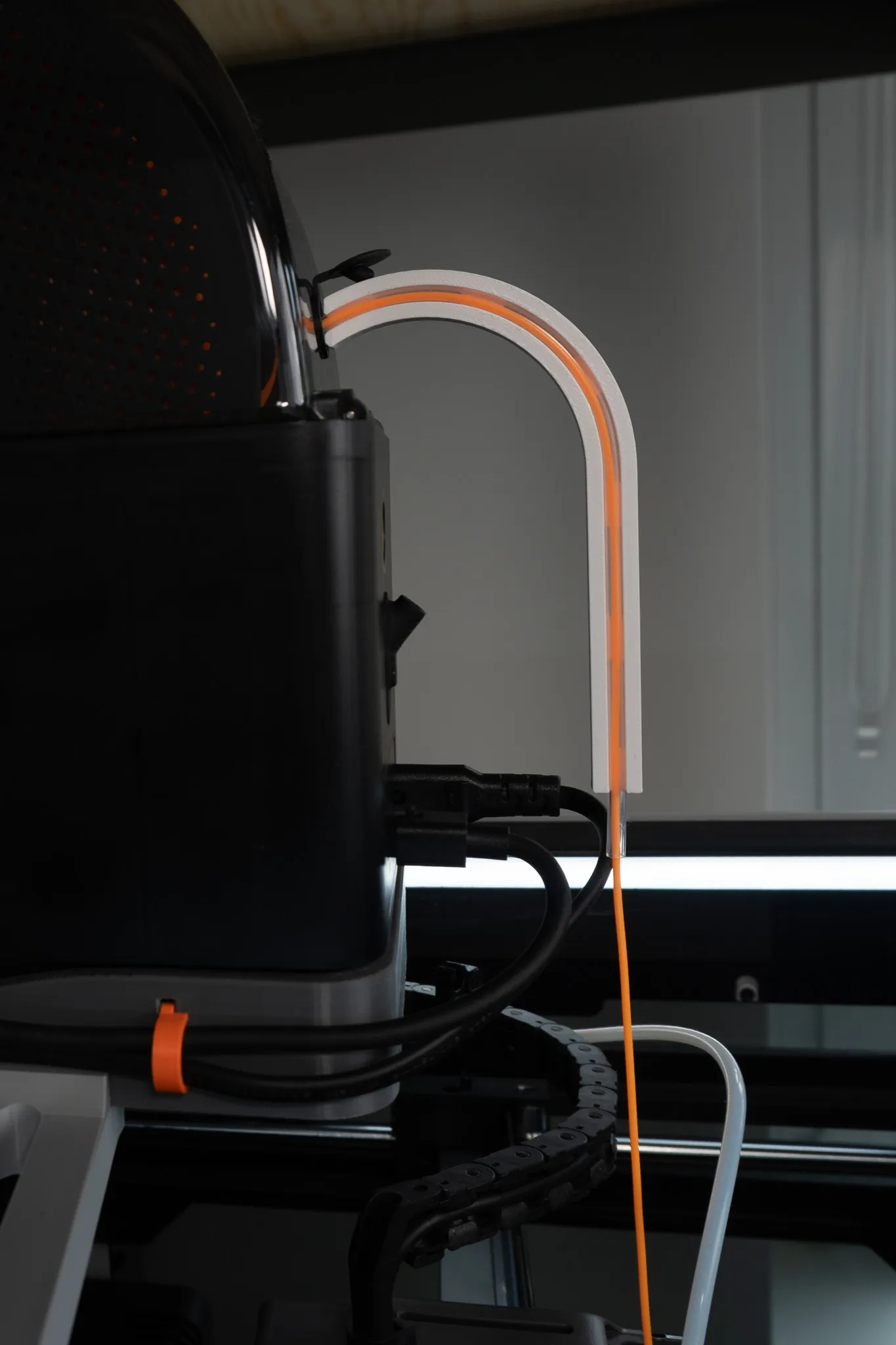
If you are looking for the PTFE guide for the AMS HT, you can find it here
https://makerworld.com/en/models/1442732-ptfe-guide-for-ams-ht
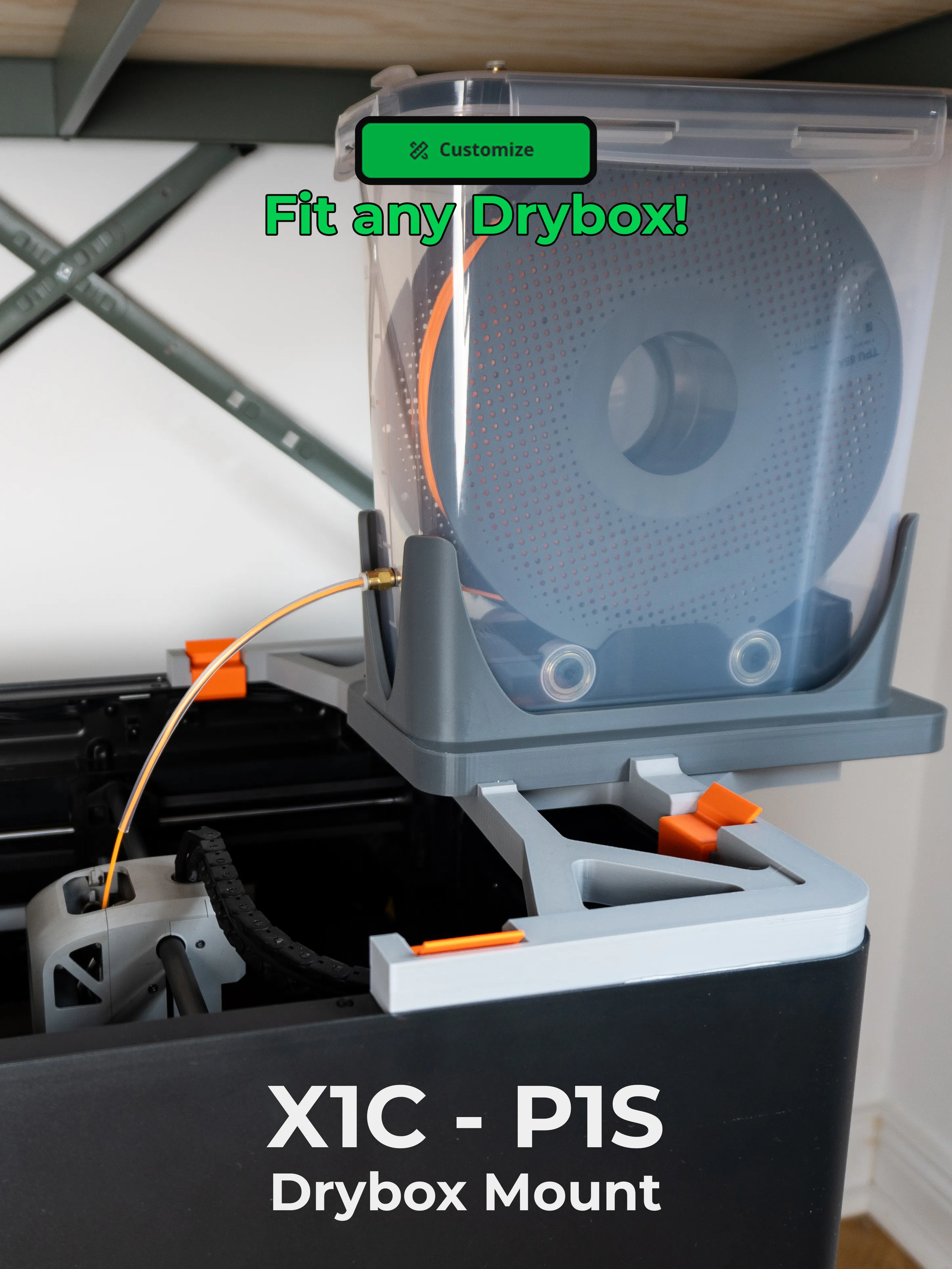
Here is a version that allows you to mount a drybox
https://makerworld.com/en/models/1524274-drybox-polydryer-mount-for-x1c-p1s-tpu-direct-feed
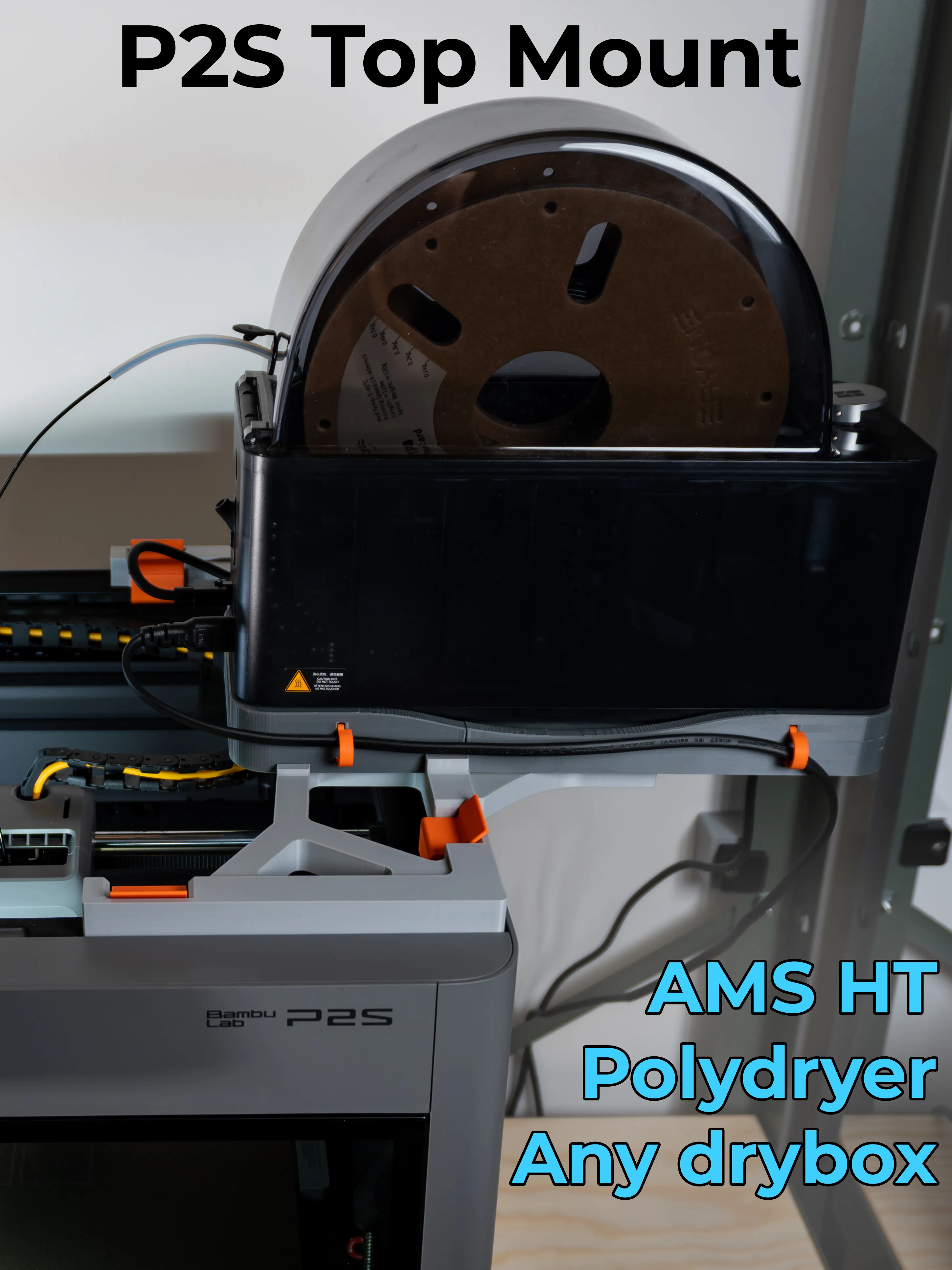
Here is a version for the P2S
https://makerworld.com/en/models/2070323-p2s-top-mount-for-ams-ht-polydryer-or-any-drybox
Documentation (1)
License

You shall not share, sub-license, sell, rent, host, transfer, or distribute in any way the digital or 3D printed versions of this object, nor any other derivative work of this object in its digital or physical format (including - but not limited to - remixes of this object, and hosting on other digital platforms). The objects may not be used without permission in any way whatsoever in which you charge money, or collect fees.


Comment & Rating (107)