
Print Profile(1)

Bill of Materials








Description
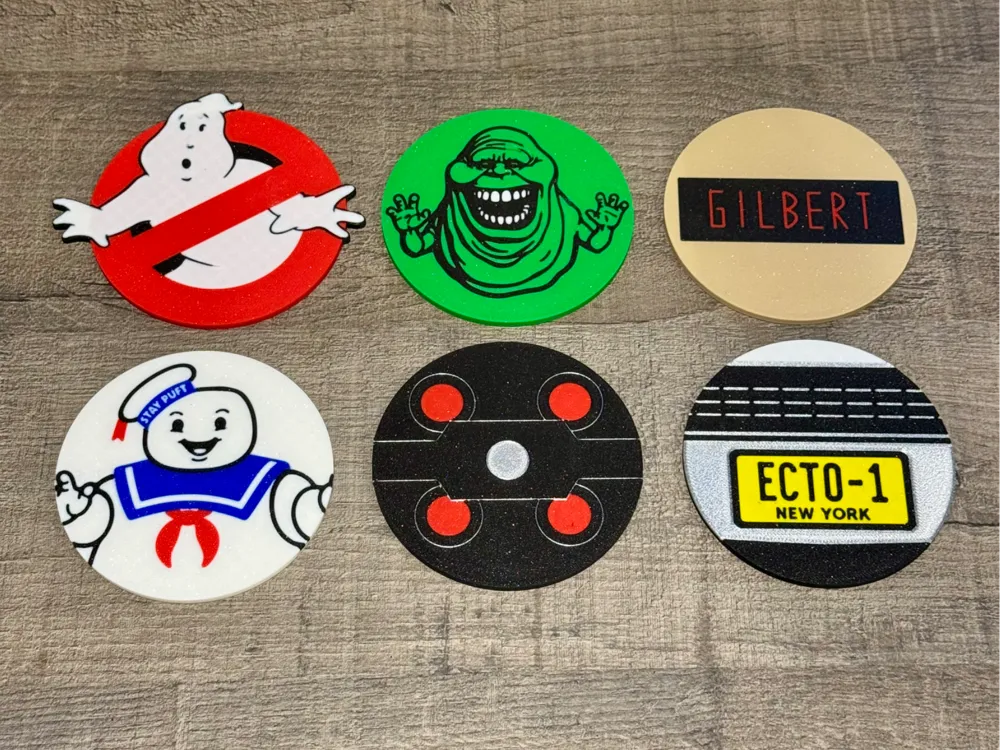
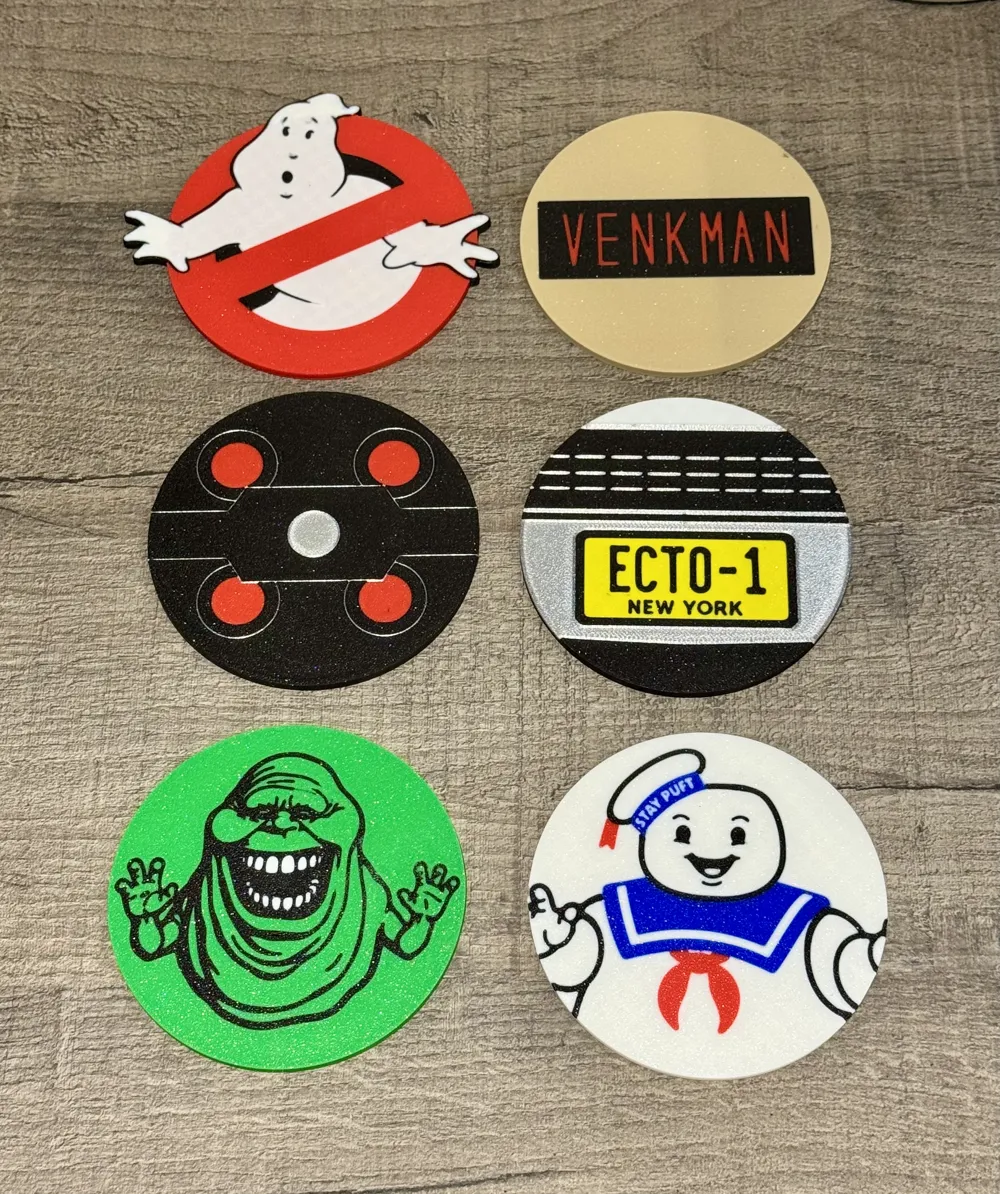
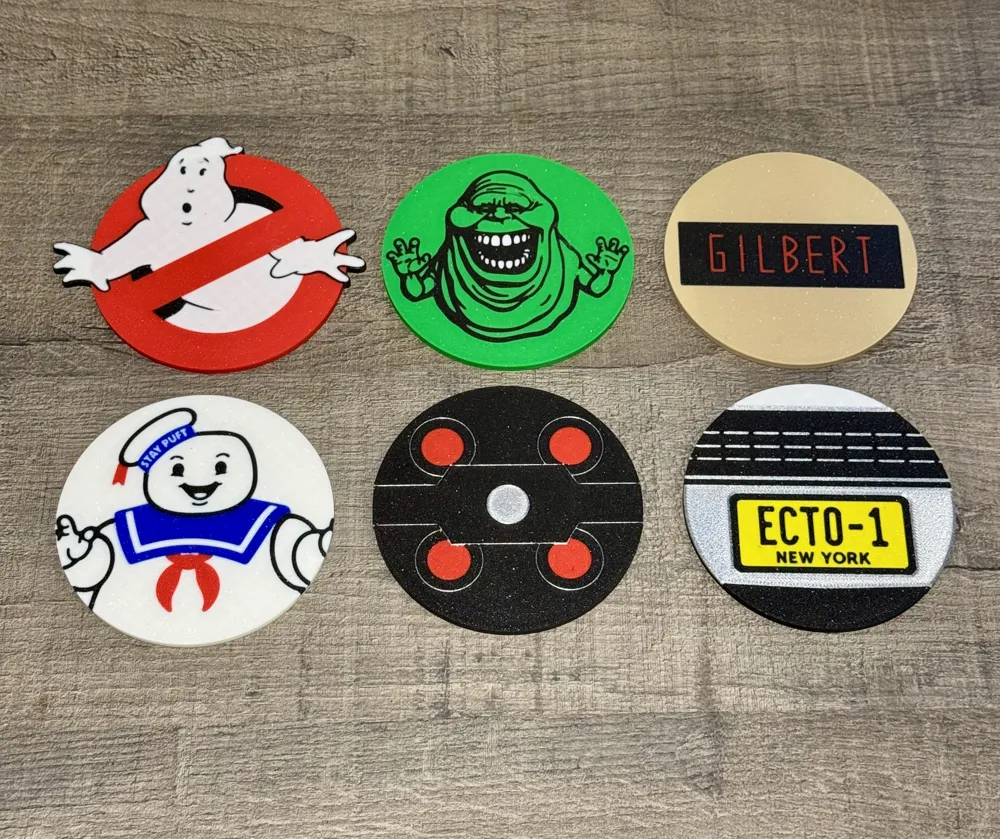
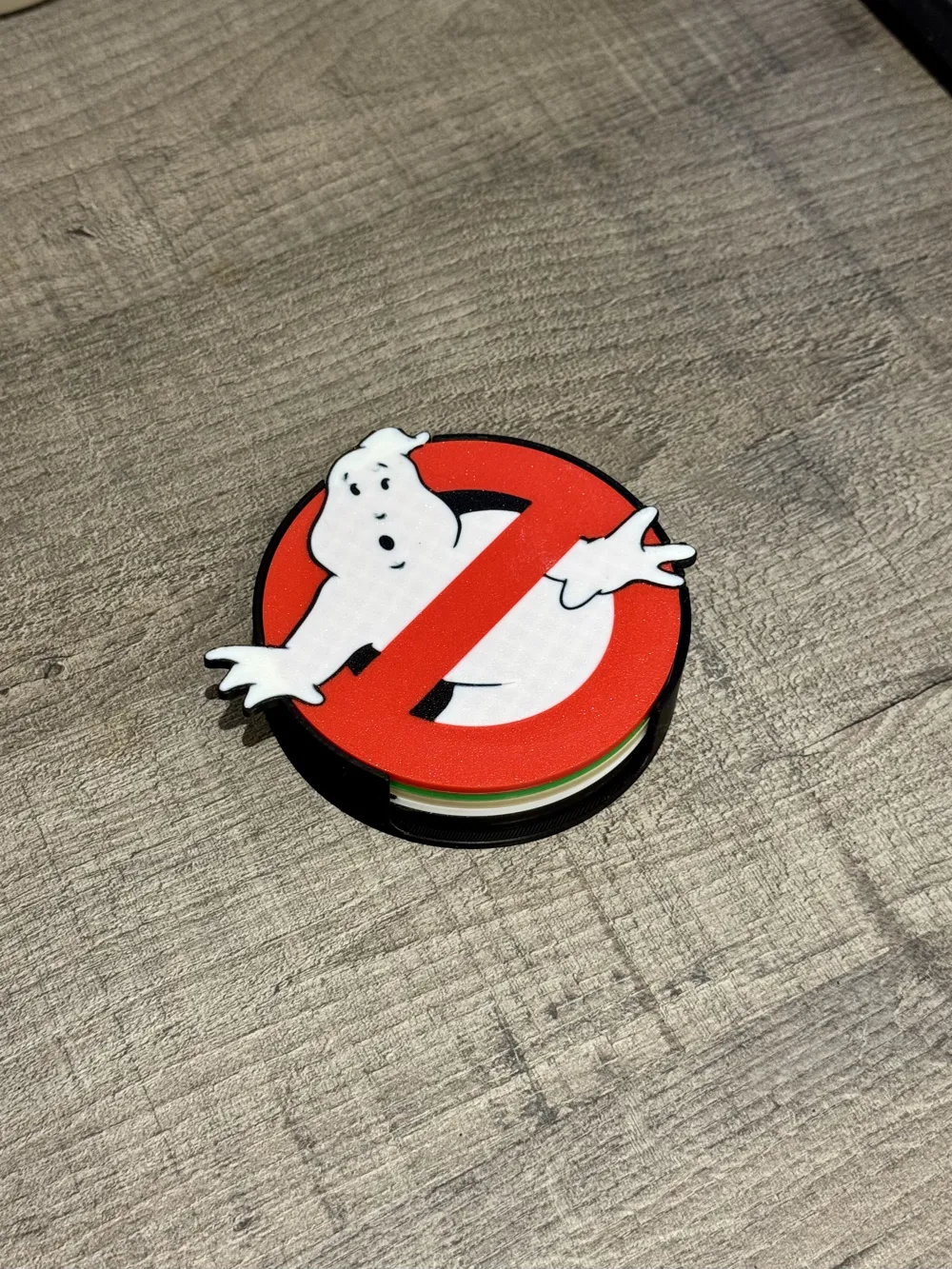
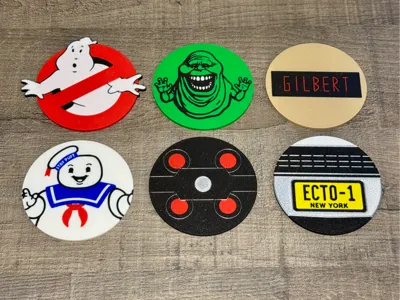
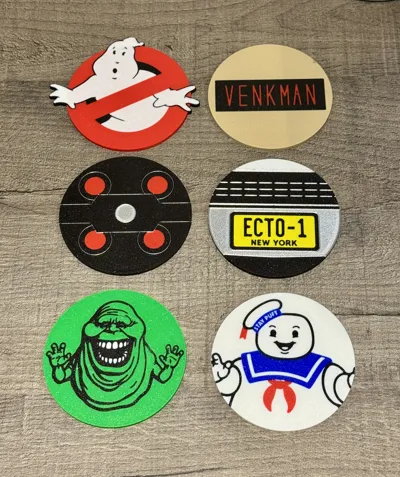
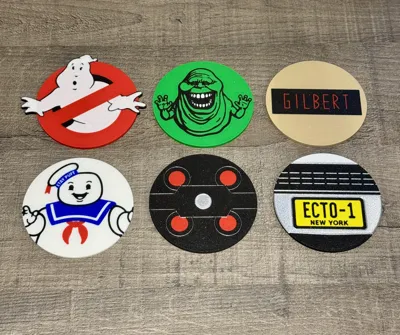
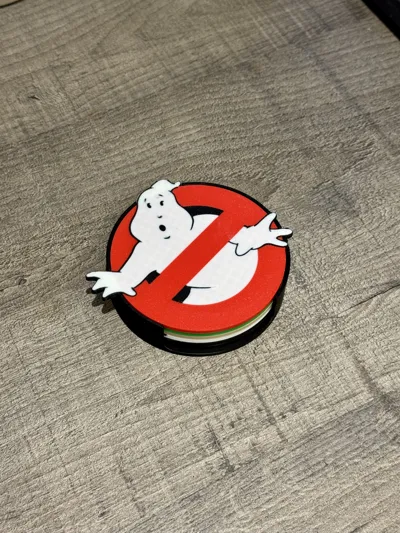
Ghostbuster drinks coasters set, with matching coaster holder
Set of Ghostbusters themed coasters with container, including customisable name badge coaster that can be changed to be a name of your choice, or even styled in the Ghostbusters 2 theme (different colour and font).
Featuring Stay Puft, Slimer, Ecto 1, the proton pack Cyclotron cover, a customisable name badge on uniform and of course, the 'No Ghost' logo.
Don't be put off by the print time, this is for if you print everything, whereas you will only need to print one of the name badge coasters, not all five!
Boost Me (for free)
If you like this design, consider a boost to support me on here :)
Customising the name badge / tag
First, download the name tag font from here: https://fonts2u.com/ghostbusters-nametag.font
Next, you need to install the font in your system font directory, NOT the user profile one, otherwise they won’t load.
For a Mac, you need to copy the font file in here: /Library/Fonts/ (if it still doesn’t show up, then install the font locally too, by double clicking on it, and installing)
For Windows users, I believe you need to install fonts for all users (https://support.seagullscientific.com/hc/en-us/articles/5928443723927-How-to-Install-fonts-for-all-Windows-users)
Once the font is installed / copied to the correct directory, quit all instances of Bambu Studio and re-open.
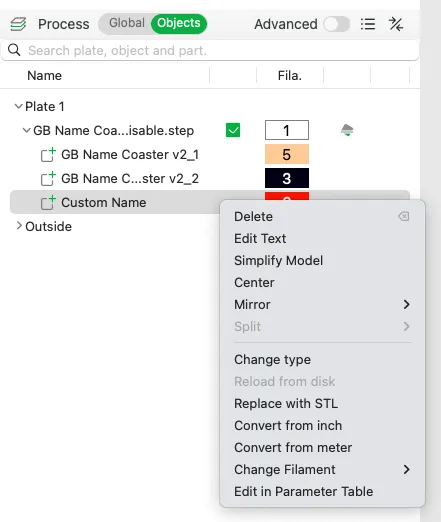
Re-open the coasters file, go to Objects (instead of Global), click to expand the ‘Customisable name tag’ plate, right click on Custom Name, click Edit Text.
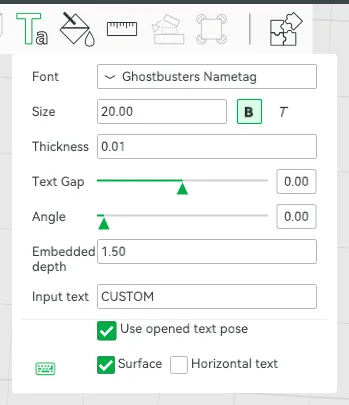
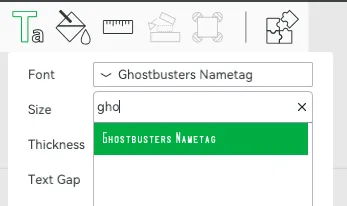
If the correct font isn’t selected., click on Font, start typing Ghost until Ghostbusters Nametag comes up.
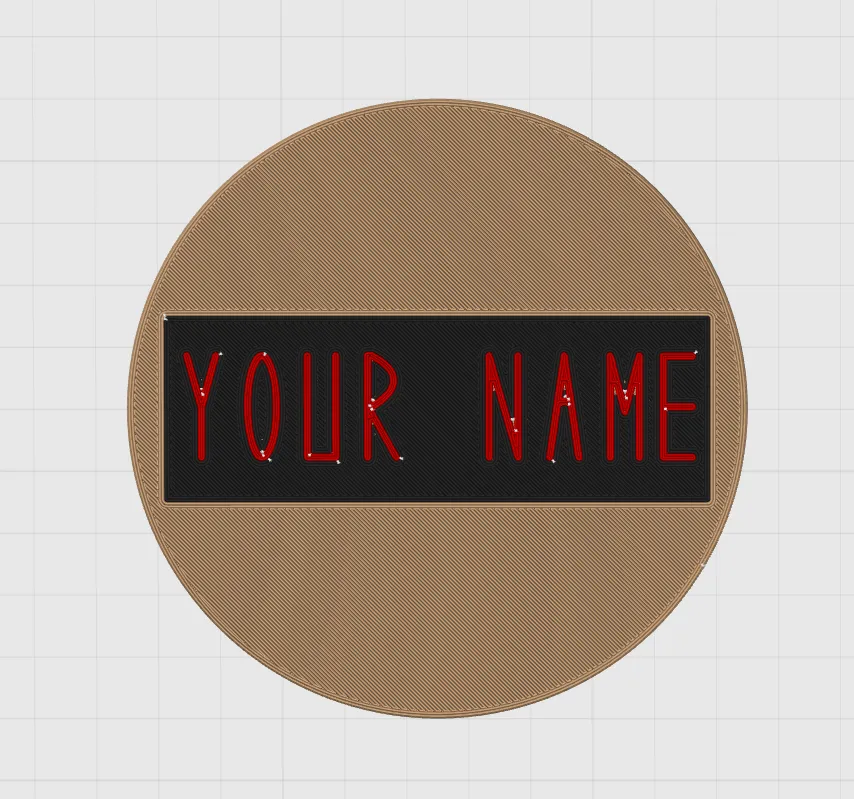
You can then edit the Input text field with whatever name you would like. If you are entering something too long for the box, adjust the Size (it is set to 20 by default) accordingly. Once you've adjusted, if you slice the plate, you should now see the value you entered
If you want to change it to the GB2 style patches, follow the above, but with this font: https://fontsgeek.com/fonts/Franklin-Gothic-Medium-Cond-Regular
Then change the beige colour for a grey filament the in the same area as above.
Printing
This set has been divided up into 10 plates, not all of them need printing. You can either follow the patter I've gone for, or just print the ones you want, up to a maximum of 6 per holder. For example, you could print 5 name tag ones (4 OG's and customised to you) and the No Ghosts.
Plate 1: The holder and the cyclotron coaster. I recommend you use black, red and silver or grey.
Plate 2: Stay Puft, for this one I recommend white, blue, black and red.
Plate 3: Slimer!, for this I recommend green and black and either white or yellow (for the teeth, the white ones I did looked a bit like he'd been to Turkey), you can change the background colour to make the whole thing less green if you'd like, it's the first item under objects for this plate.
Plate 4: Customisable name tag, either choose to print this, OR 7, 8. 9 or 10. Remember follow the customising instructions about and to change the text first if you print this one, or it'll print with a random font and “Your Name” in the badge, which unless you are called Your Name, won't be very helpful. For GB1, I recommend a beige, black and red, for GB2, I recommend a grey, black and red
Plate 5: No Ghosts, red, white and black is needed here.
Plate 6: Ecto 1, you will need black, white and silver
Plate 7, 8, 9 and 10: if you are going for one of the OG ghostbusters name tags instead of a custom one, choose one of these. I recommend a beige, black and red, for GB2, I recommend a grey, black and red.
License

You shall not share, sub-license, sell, rent, host, transfer, or distribute in any way the digital or 3D printed versions of this object, nor any other derivative work of this object in its digital or physical format (including - but not limited to - remixes of this object, and hosting on other digital platforms). The objects may not be used without permission in any way whatsoever in which you charge money, or collect fees.


Comment & Rating (21)