
Button Box for Sim Racing


Print Profile(1)

Description
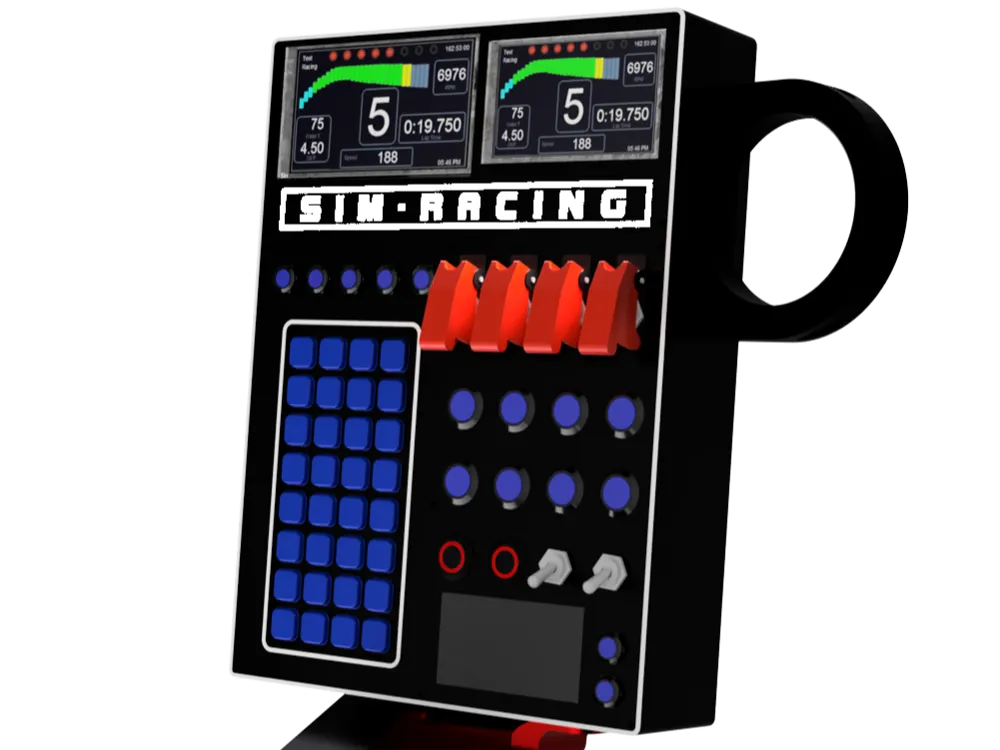
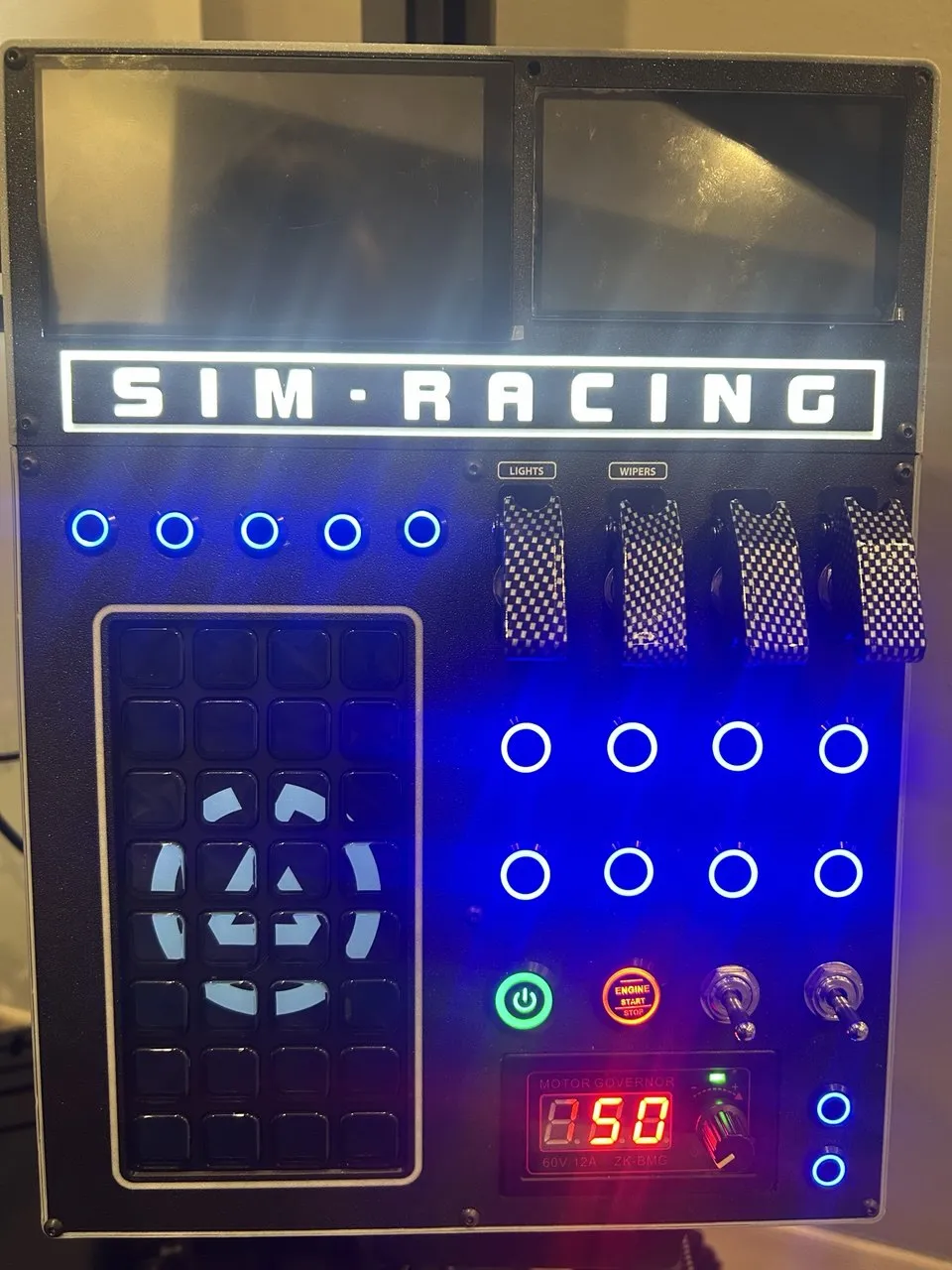
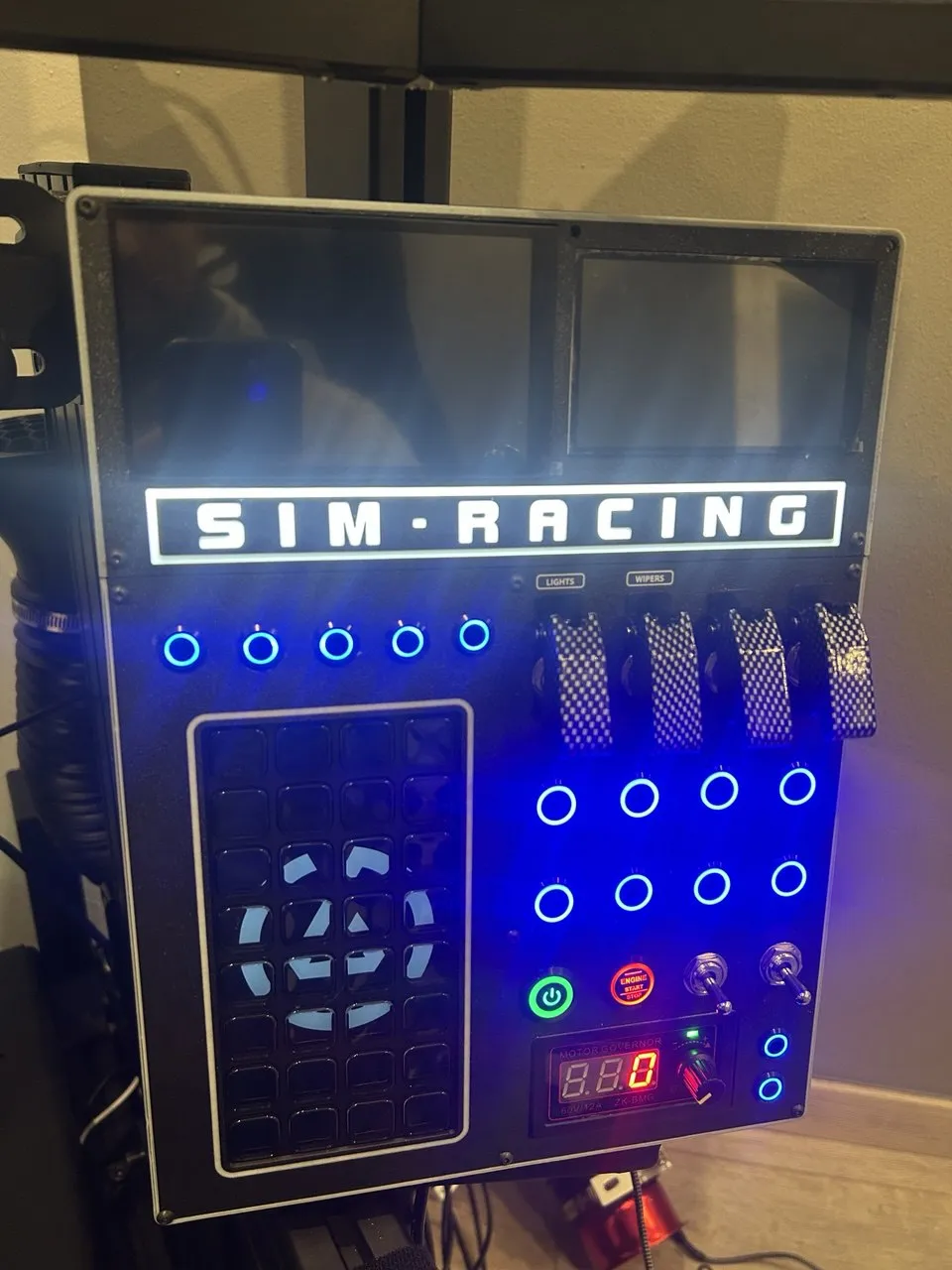
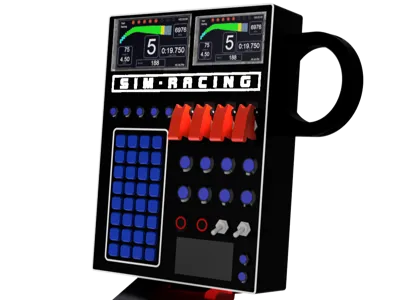
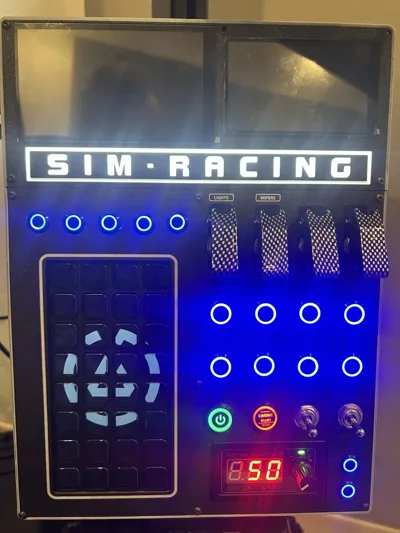
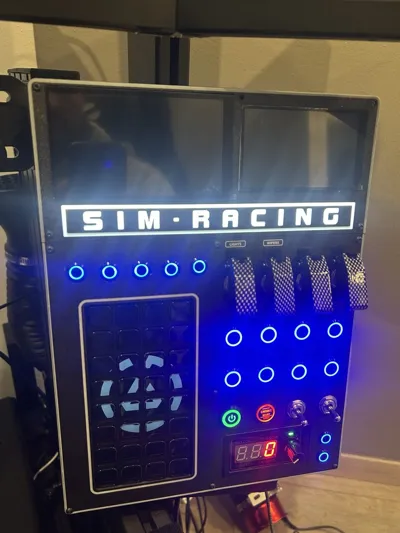
Attached are the files for my button box with illuminated lettering, two VoCore displays, a Stream Deck XL, and a controller for fan control.
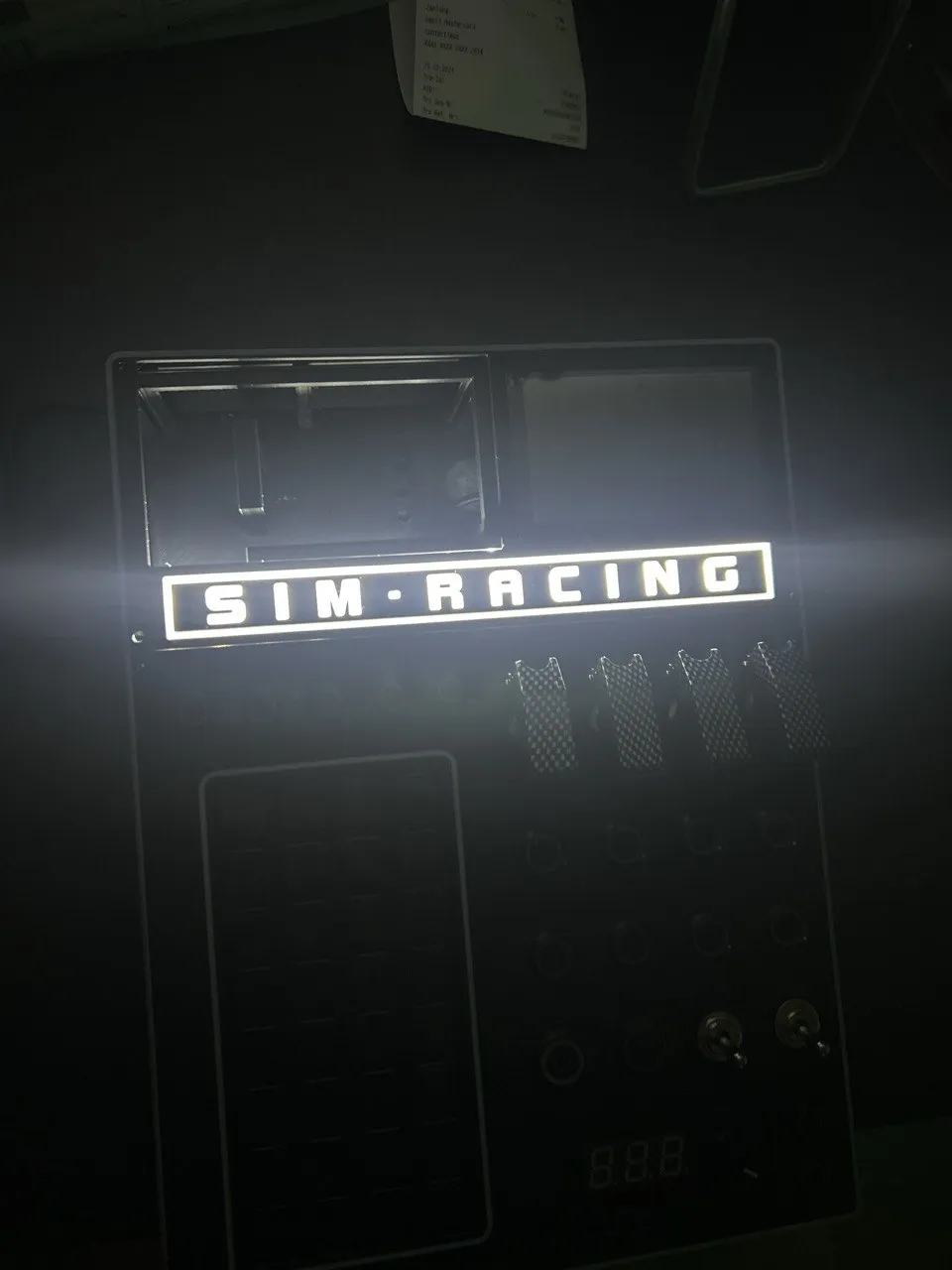
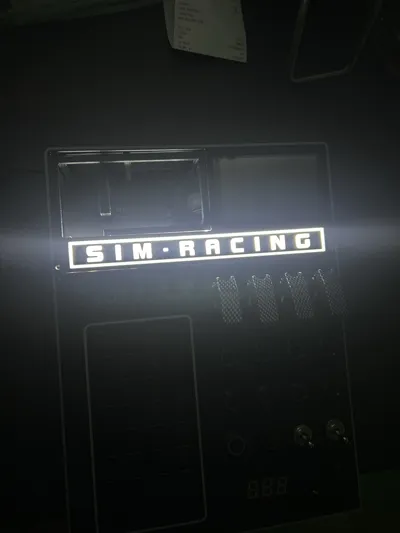
Changing the illuminated text, e.g., team name or whatever:
Anyone can adapt this as they wish, given some experience in Fusion 360. I have added the lid with the illuminated lettering as a Fusion file.
The box is modular, meaning you can also operate it without the displays. The unit with the displays is simply placed on top and bolted to the base unit, as is the mount for the wind simulator. This can, but does not have to, be attached.
I implemented the whole thing using an Arduino Micro Pro and the corresponding soldering work. I cannot provide you with instructions for this as I am not an electrician myself. However, it is not as difficult as it may seem at first. You can find many videos on YouTube. Setting up the Arduino via Simhub was surprisingly easy.
I designed a mount with which I installed the box on my rig. A VESA mount could also be mounted instead; I adhered to its specifications and therefore it should also fit. For example, mounting via a ball joint.
Boost Me (for free)
Used components:
Controller for fan control:
https://www.amazon.de/dp/B08QN39SJC?ref=ppx_yo2ov_dt_b_fed_asin_title
Toggle switches:
https://s.click.aliexpress.com/e/_omvJ0at
https://s.click.aliexpress.com/e/_oDFVANJ
Push buttons
https://s.click.aliexpress.com/e/_okYJ3ut
https://s.click.aliexpress.com/e/_ooZLl1T
https://s.click.aliexpress.com/e/_oprFte9
License



Comment & Rating (0)