
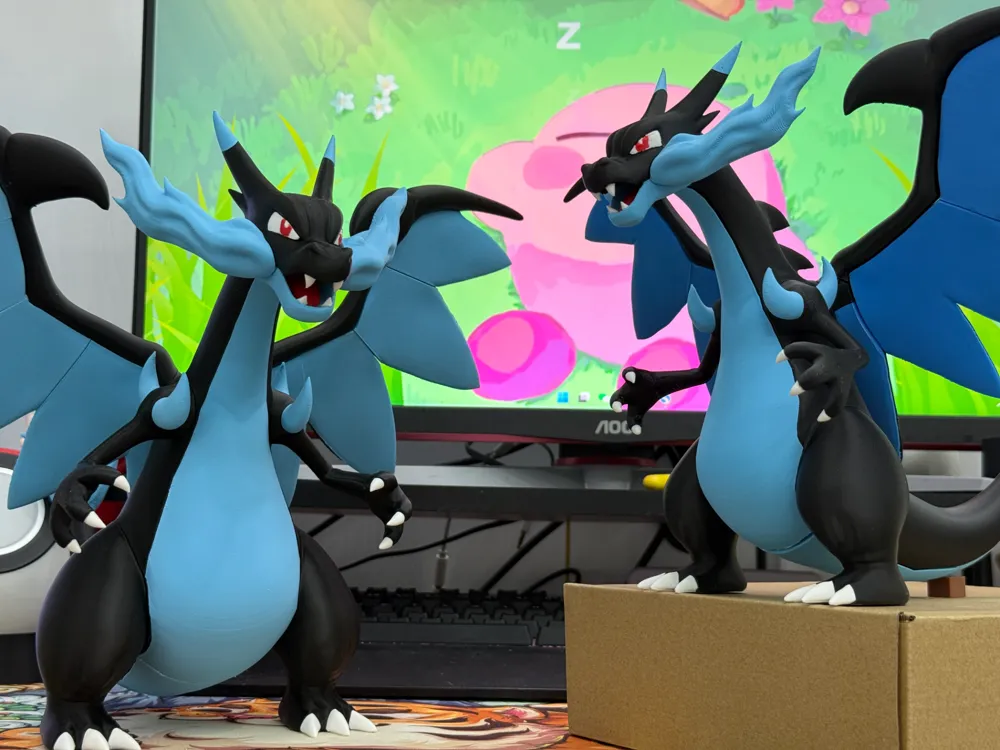
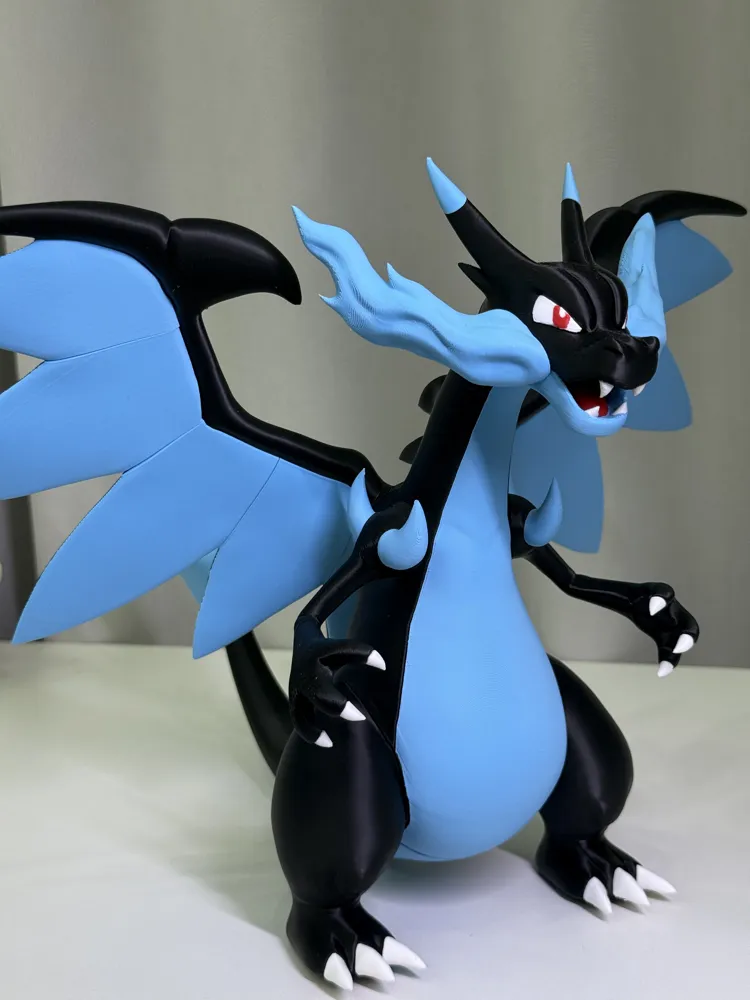
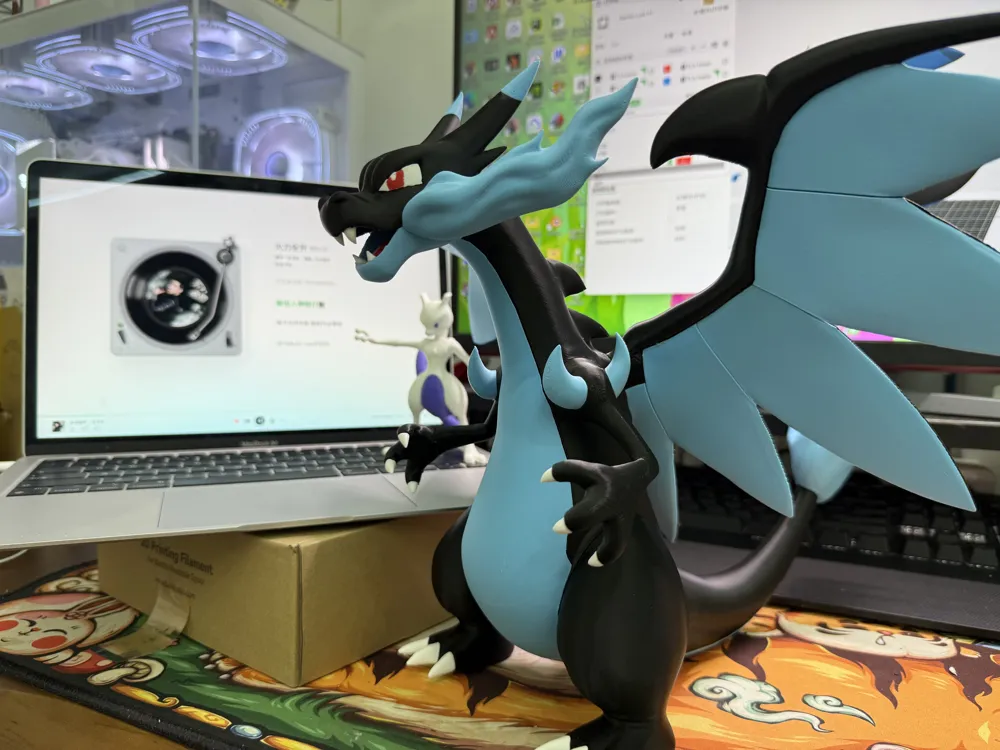
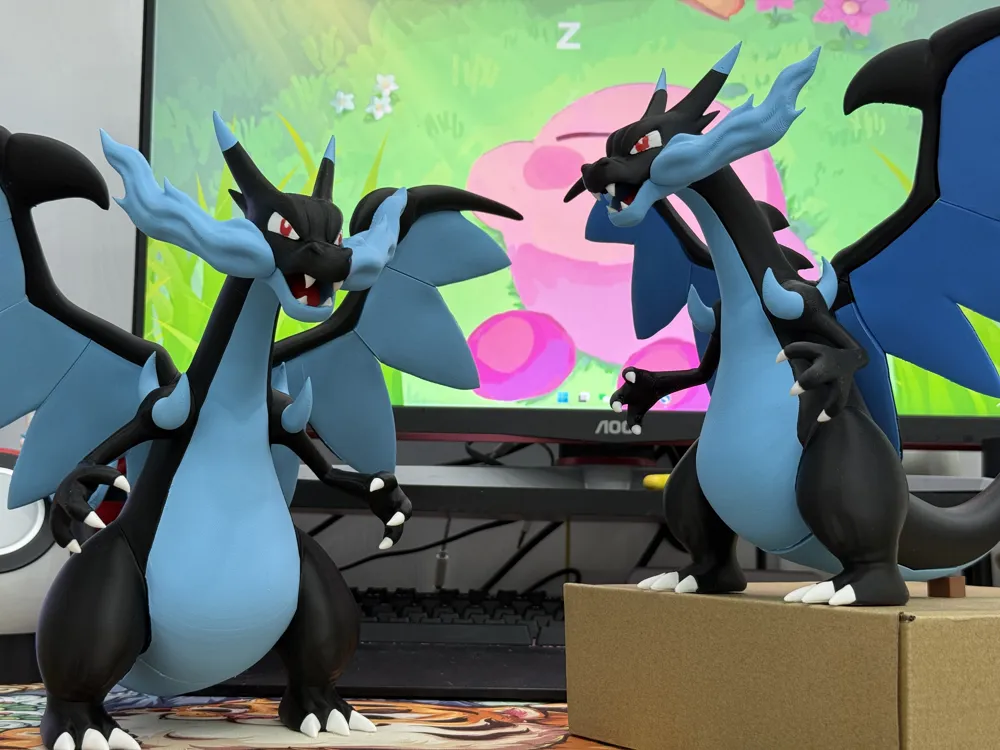
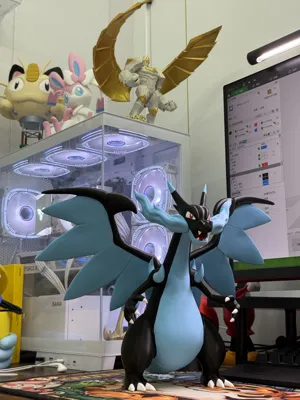
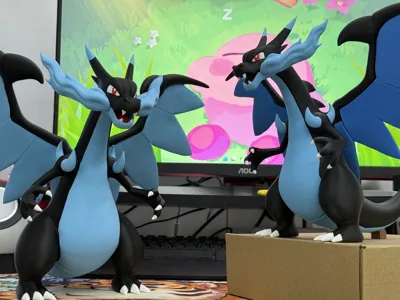
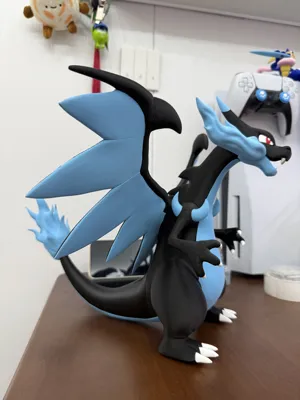
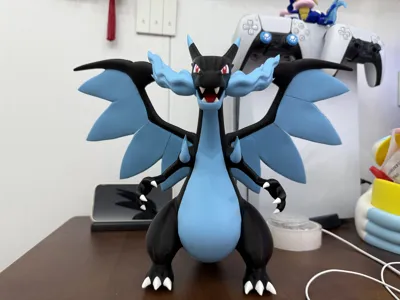
Mega Charizard X (Multi-Color Print)

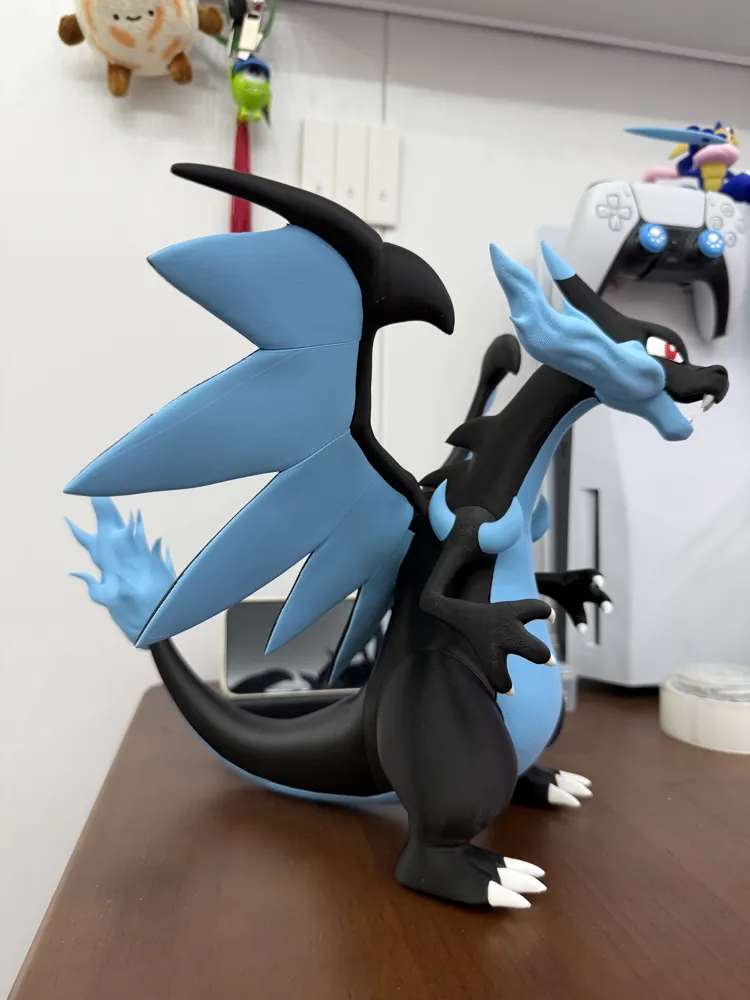


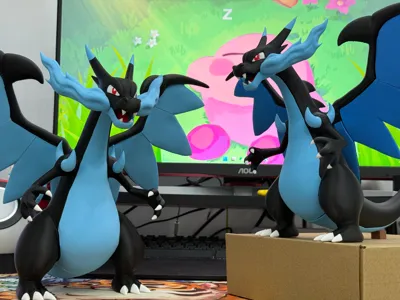
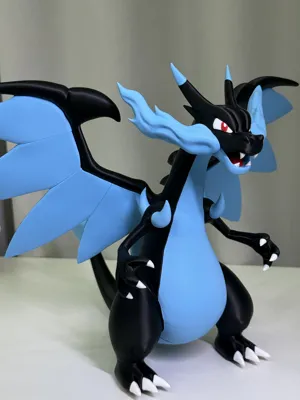
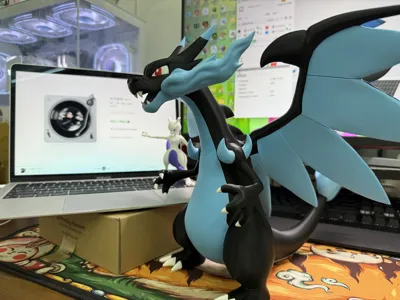
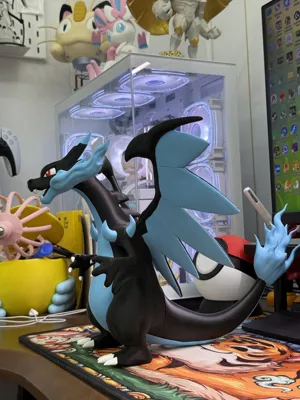
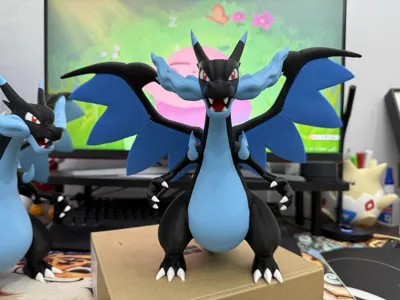
Print Profile(9)


Description
Assembly requires super glue!
About the model:
I have verified the model twice, once at the original size and once scaled to 80%.
Belly:During the first assembly, I found that part of the belly could not be fitted to the body. After briefly heating it with a lighter to soften it, it could be fitted. (This problem has been resolved in the second verification. If you encounter this situation when printing, you can try my method.)
Teeth, claws, and shoulder horns:When placing the parts, in order to make it easier for you to distinguish the left and right positions, 1 is used to represent left or up, and 2 is used to represent right or down; at the same time, the claws/teeth/shoulder horns next to the numbers are the left claw/left tooth/front shoulder horn of that group.
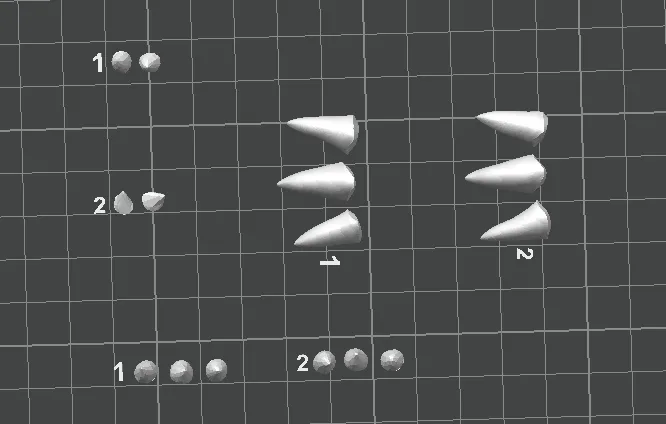
Eyes:Charizard X's eyes are not separate pieces; the configuration shows the colors I applied in the slicing software. If you are not satisfied with the coloring of the eyes, you can try coloring them yourself or print white eyes and hand-paint them.
Belly and Body: The parts outside the configuration plate include an uncut body and belly 2; you can try printing the complete body and belly 2 in one piece.
Wings:I have experimented with Charizard X's wings many times. The difficulty of separating the parts is dividing the wings into black and blue halves. Because I don't know how to model and my part separation skills are average, after many attempts, I can only achieve the current effect. I provide two wing printing methods: one is to split the wings into nine parts, and the other is to split them into five. You can choose according to your needs. Due to the possible inferior quality of my A1 and materials, I always encountered overhang problems when printing the wings, so I added a lot of support to ensure successful printing. I will also upload this print configuration.

At the same time, because the technique was not perfect when the wings were divided into black and blue halves, some parts might be too thin. Printing at a smaller scale will cause the walls to fail to generate, resulting in holes in the wings. If you choose to print at a smaller scale, please be sure to check the sliced effect in the slicing software.
Some friends may have seen my post on Xiaohongshu. I was hesitant about whether to change the wings to a darker blue; I finally changed them to a teal color from TopBambu in the second print verification, providing a reference for your color choices.
I'm still learning. Please be patient if the separation isn't perfect. Thank you very much!
License

You shall not share, sub-license, sell, rent, host, transfer, or distribute in any way the digital or 3D printed versions of this object, nor any other derivative work of this object in its digital or physical format (including - but not limited to - remixes of this object, and hosting on other digital platforms). The objects may not be used without permission in any way whatsoever in which you charge money, or collect fees.


Comment & Rating (323)