
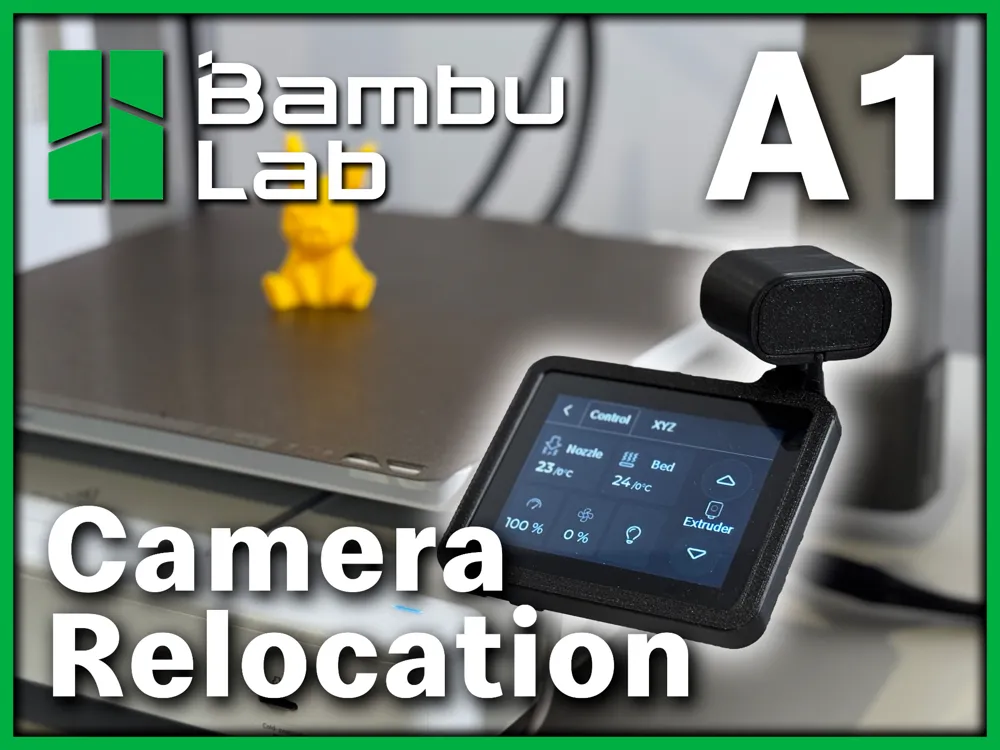
Bambu A1 Camera Relocation - With Instructions
Print Profile(1)
Description
Boost Me (for free)
Thank you so much for the support! These boosts motivate me to continue designing! haha
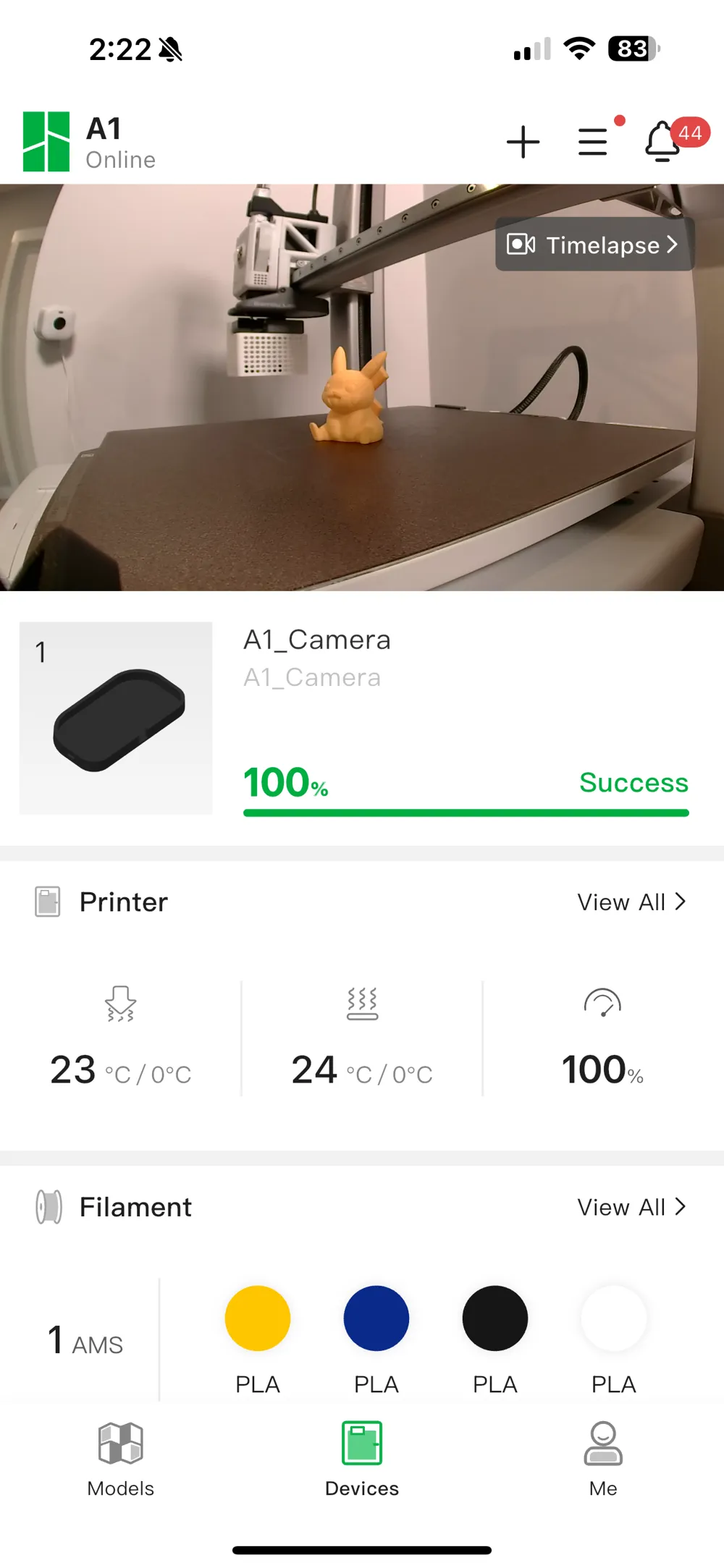
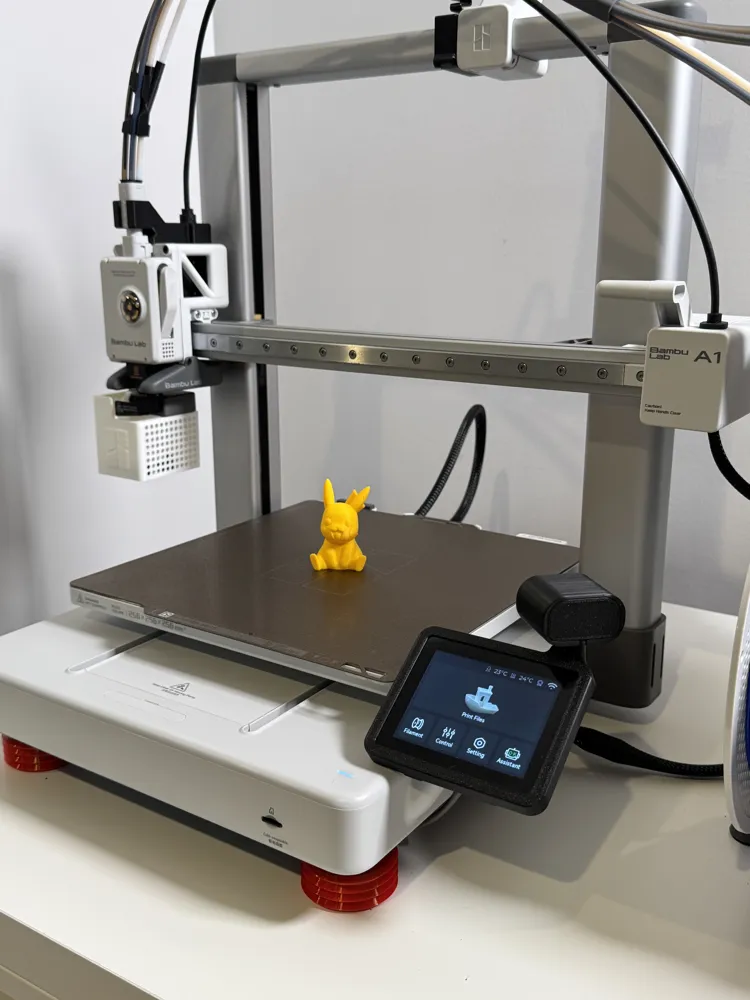
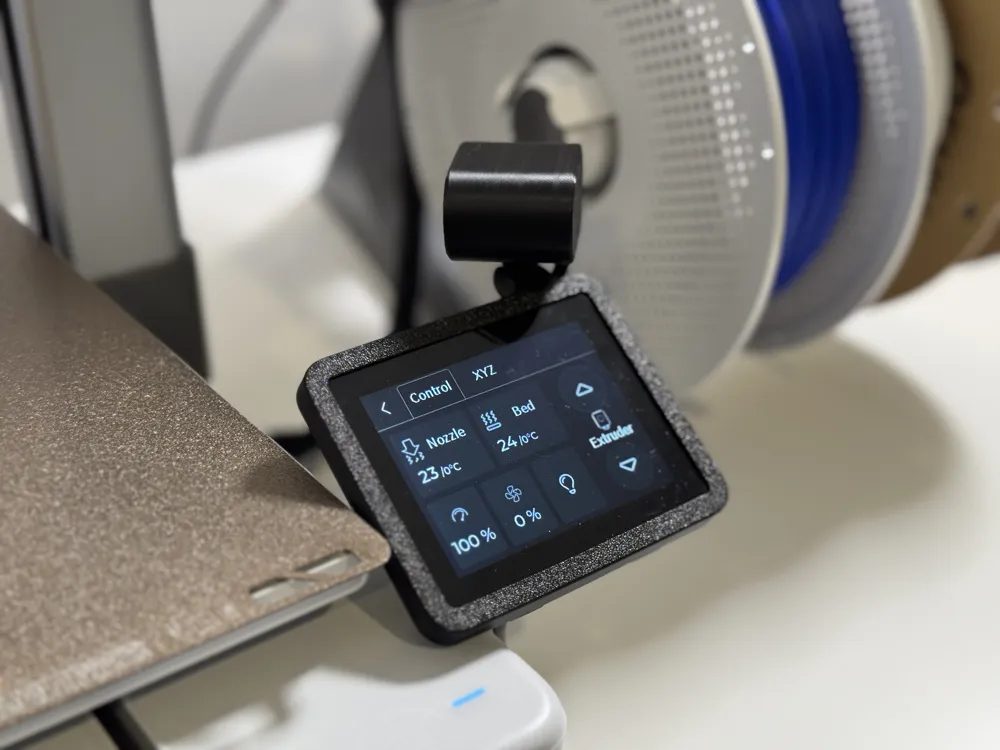
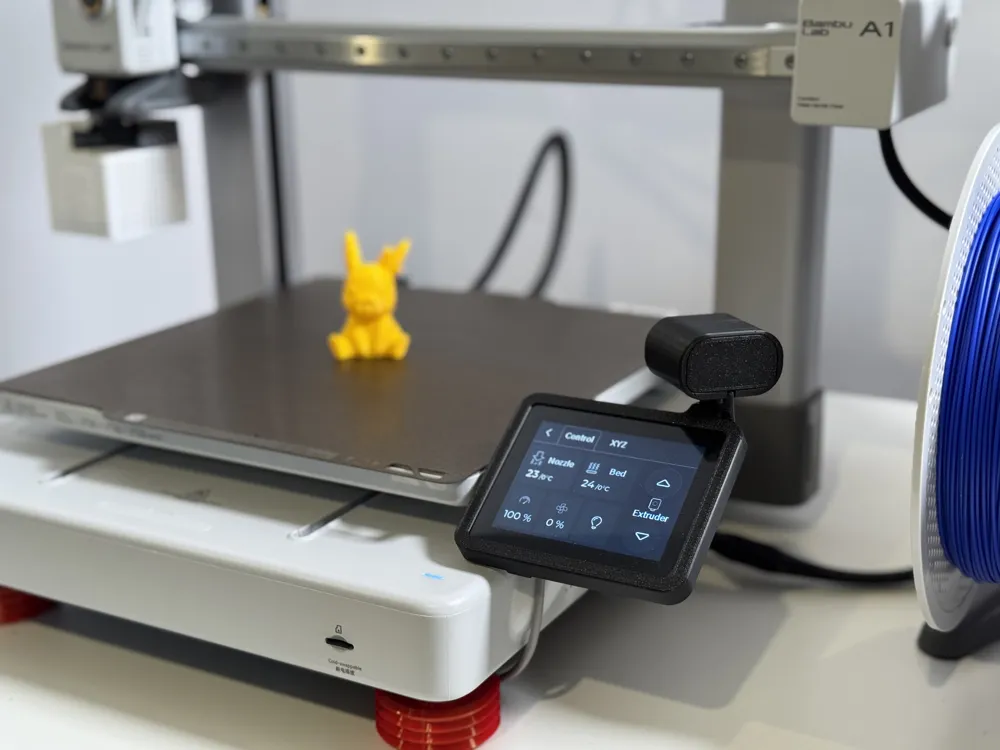
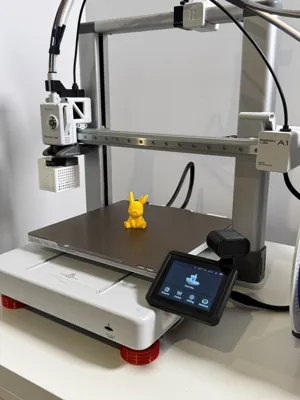
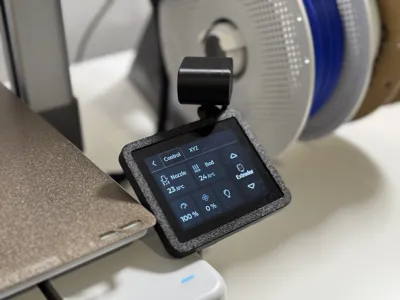
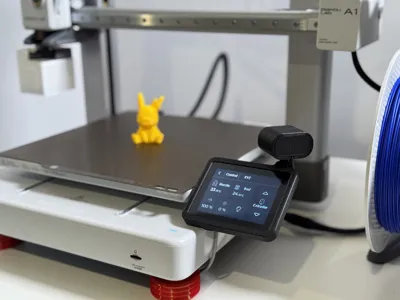
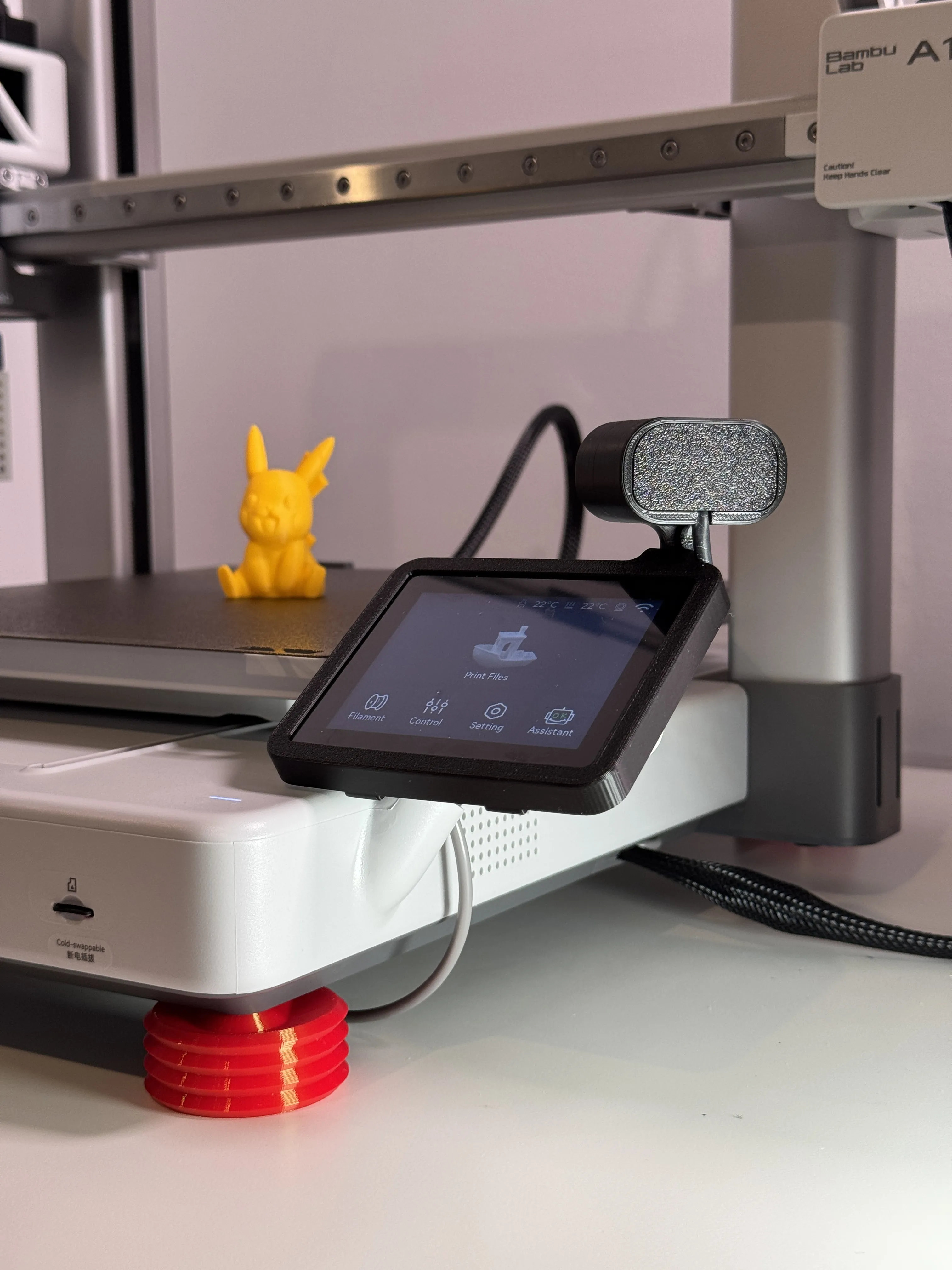
This is my version of the camera relocation for the A1. I wanted something that would print with minimal supports and looked good as well! In the future I will likely reprint this using Bambu Light Grey.
Filament I Used
- eSUN PLA Basic - Black
Assembly
CAUTION: Do this at your own risk!
- You will need to remove the camera and cable to do this modification!
Step 1: Power down and unplug the printer
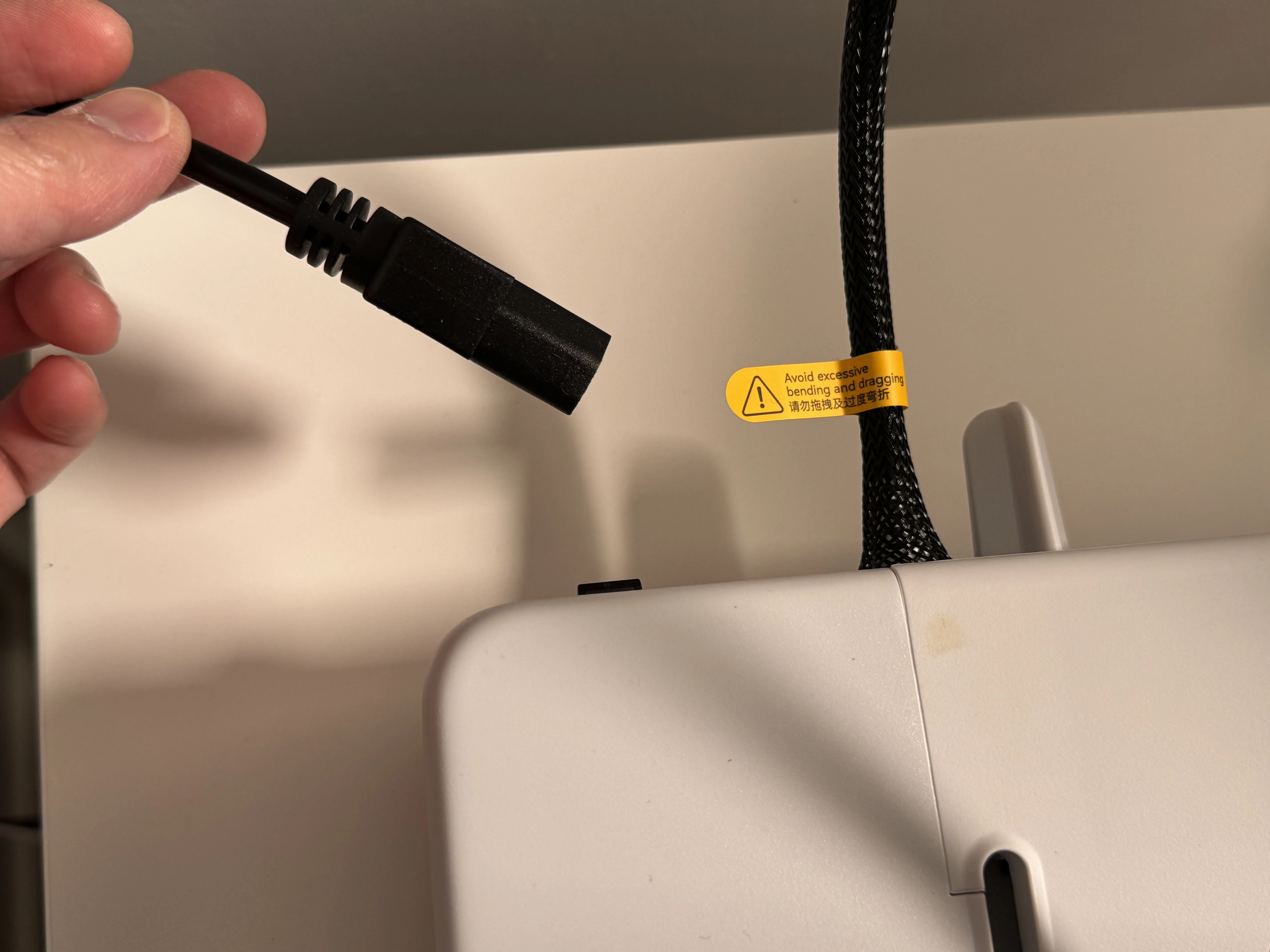
Step 2: Remove front cover, cable clip, and unplug camera cable
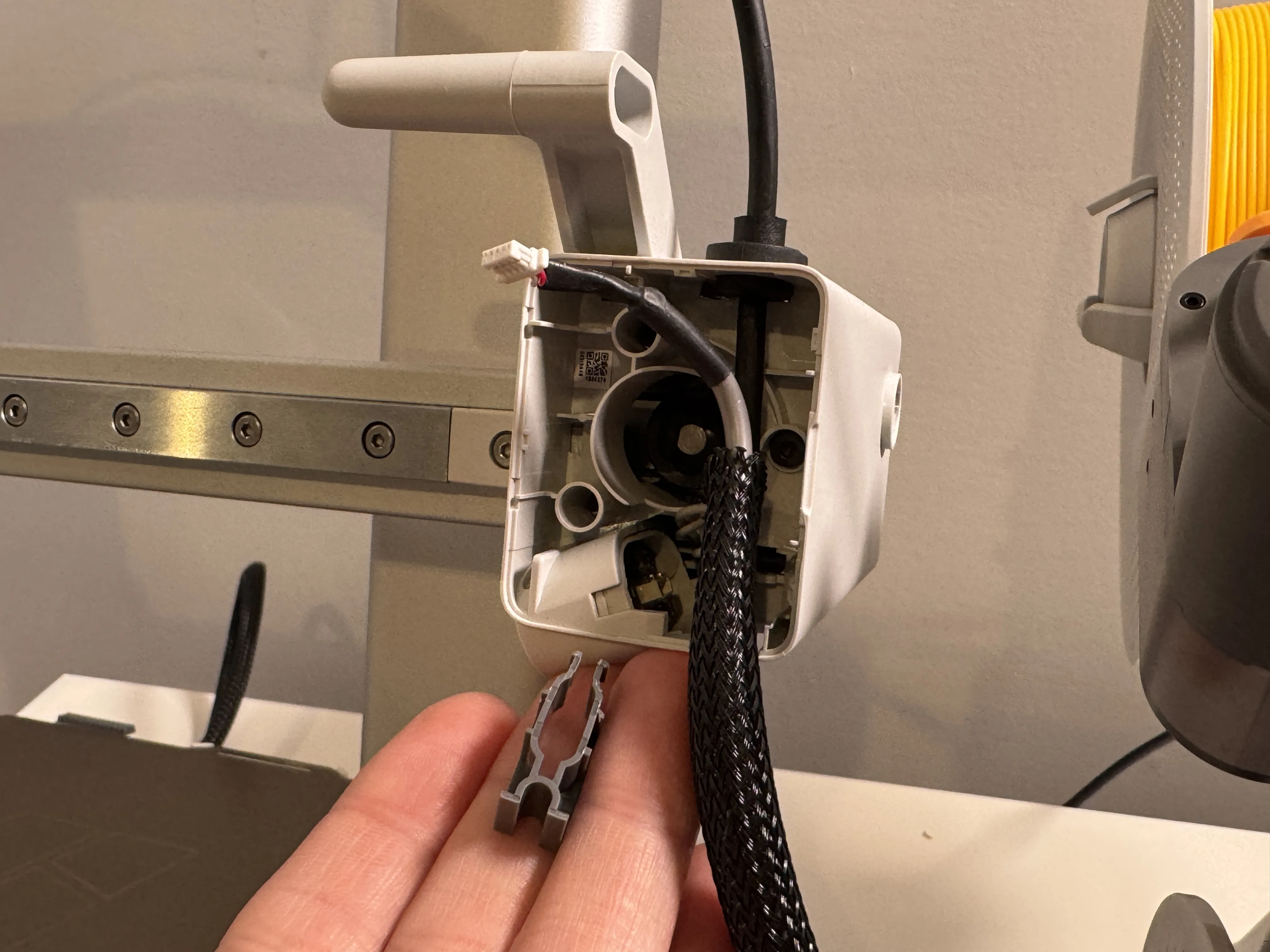
Step 3: Remove camera by pushing in clip on the side
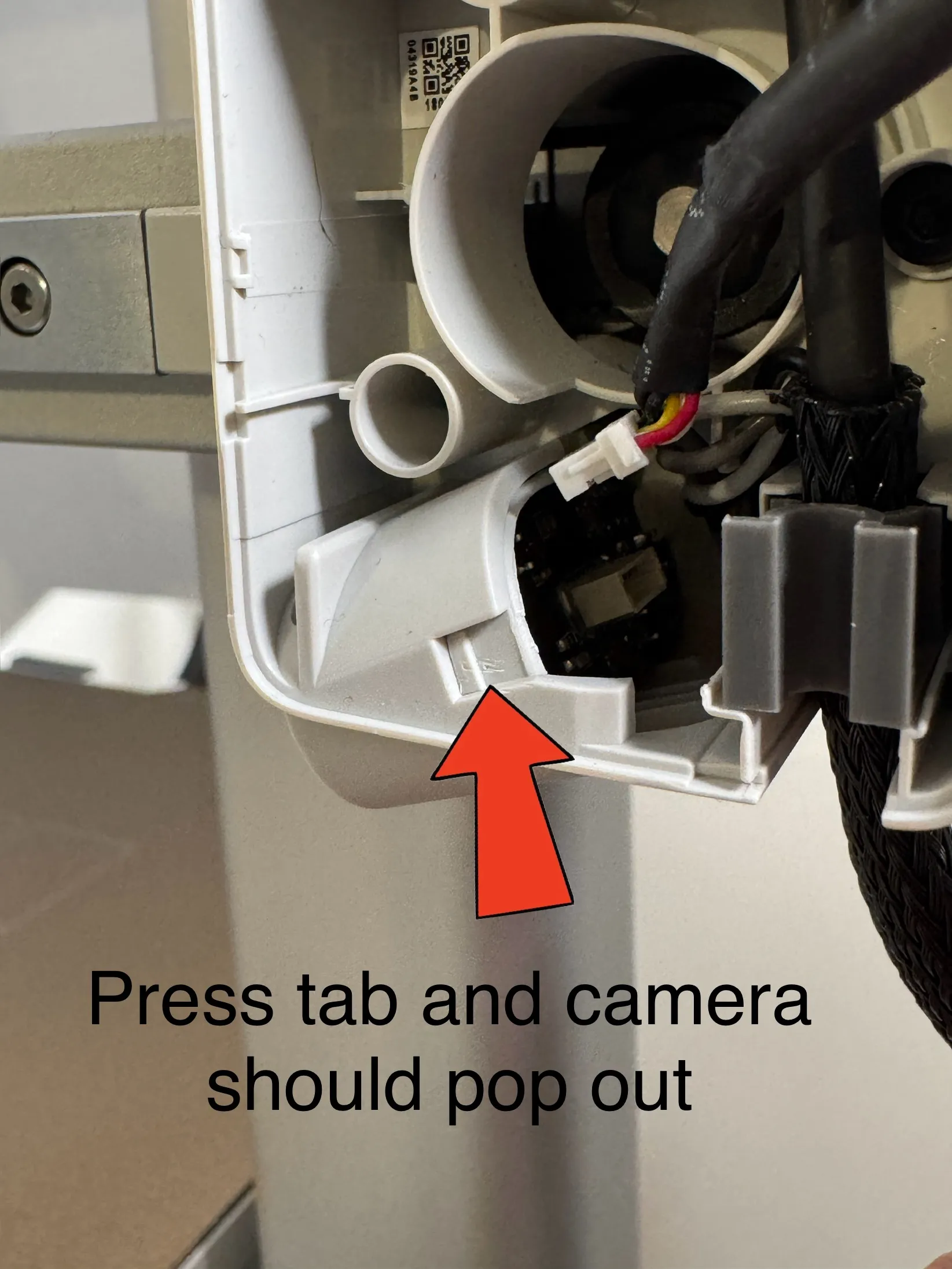
Step 4: Unscrew cable organizer under printer using included Allen key
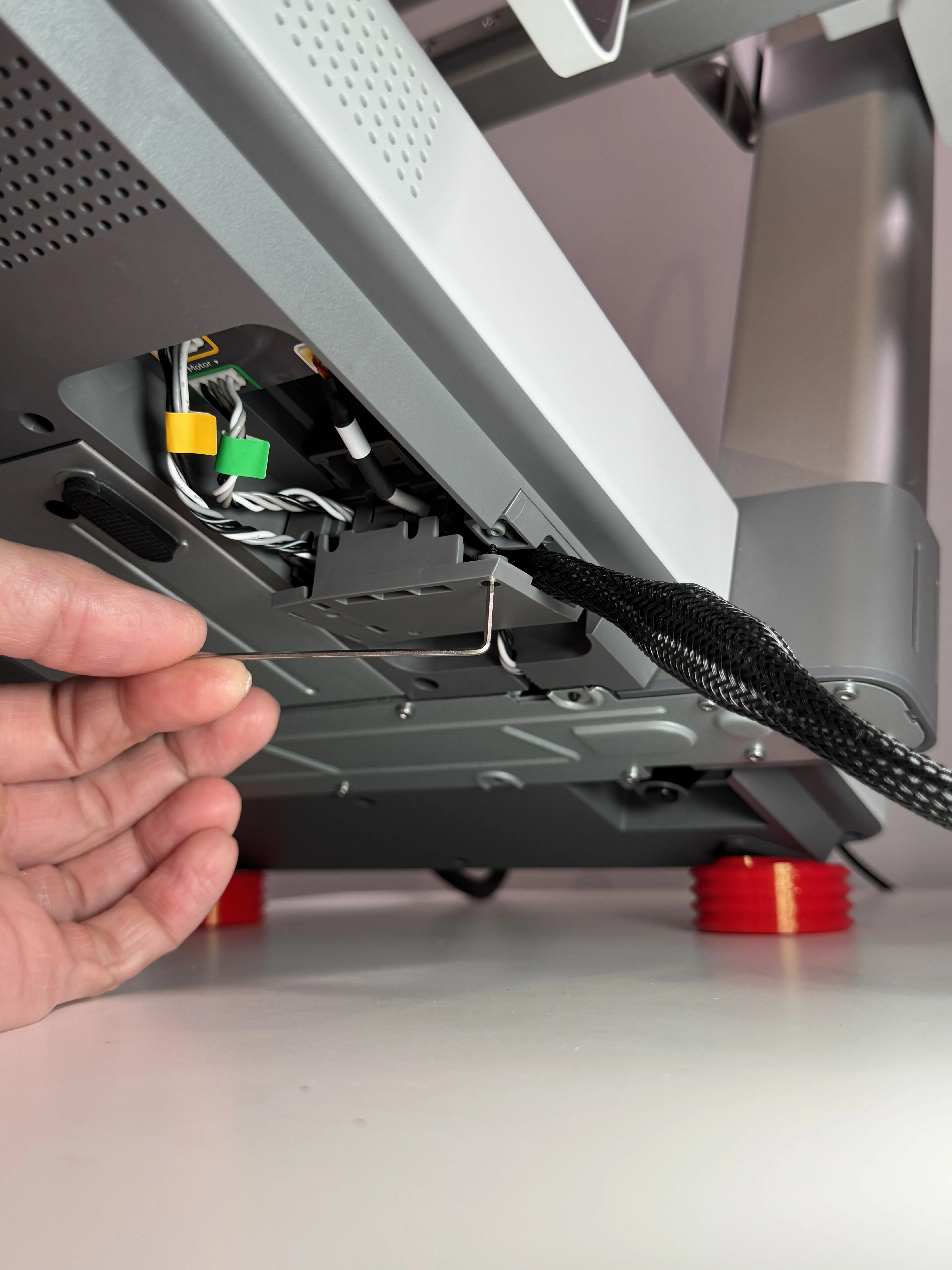
Step 5: Remove tape and pull out camera cable
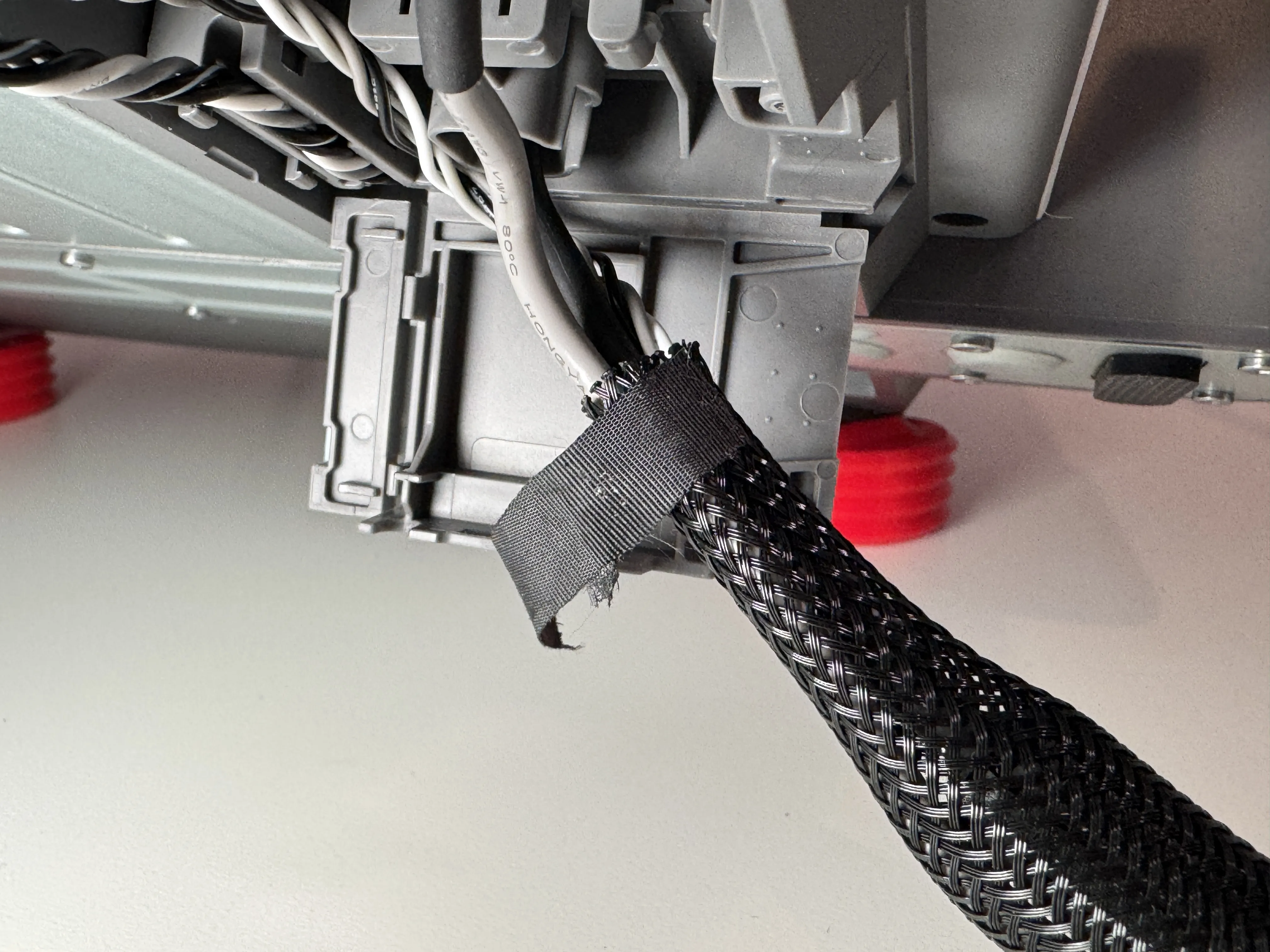
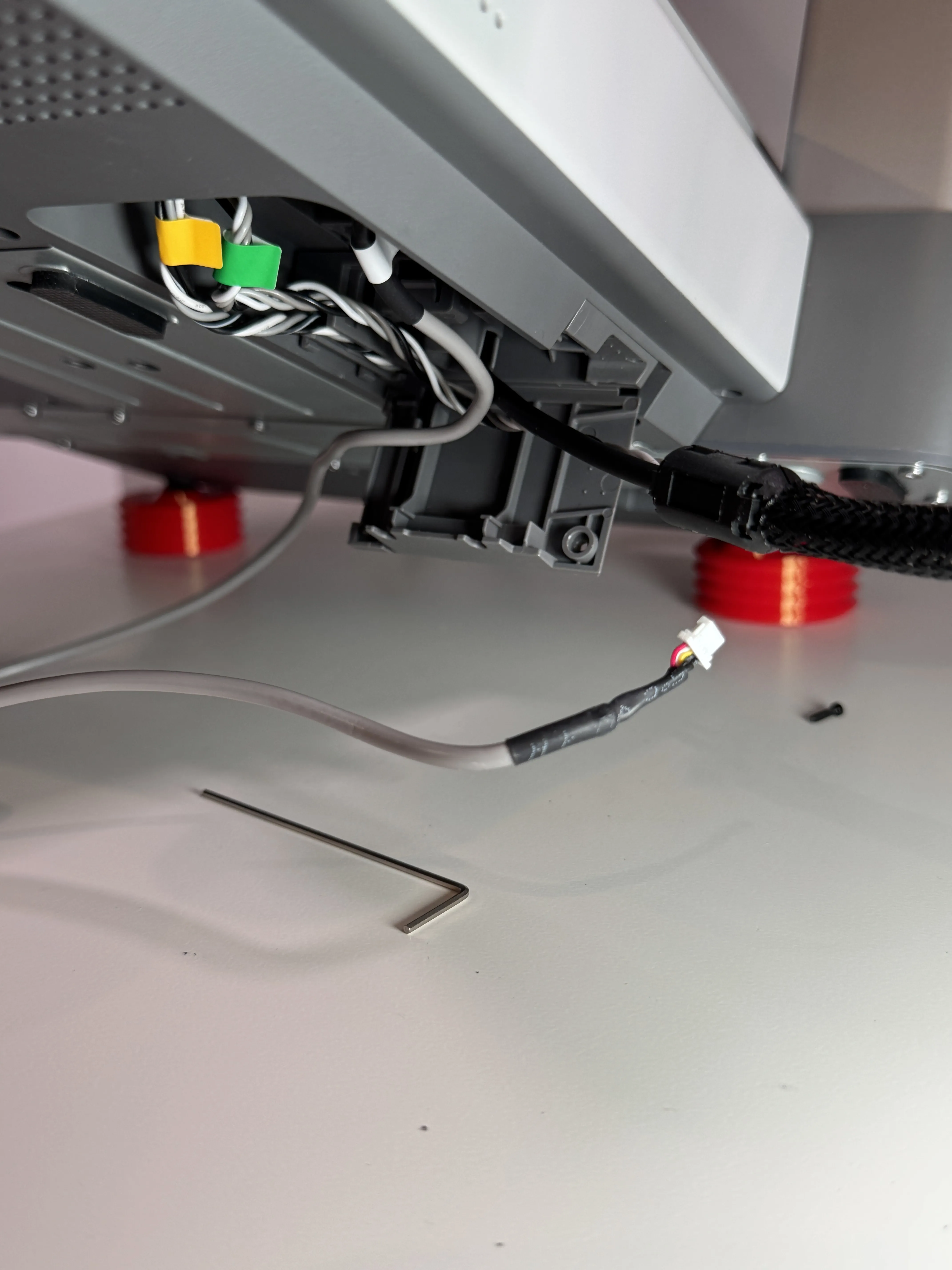
Step 6: Re-run camera cable and screw back on plate
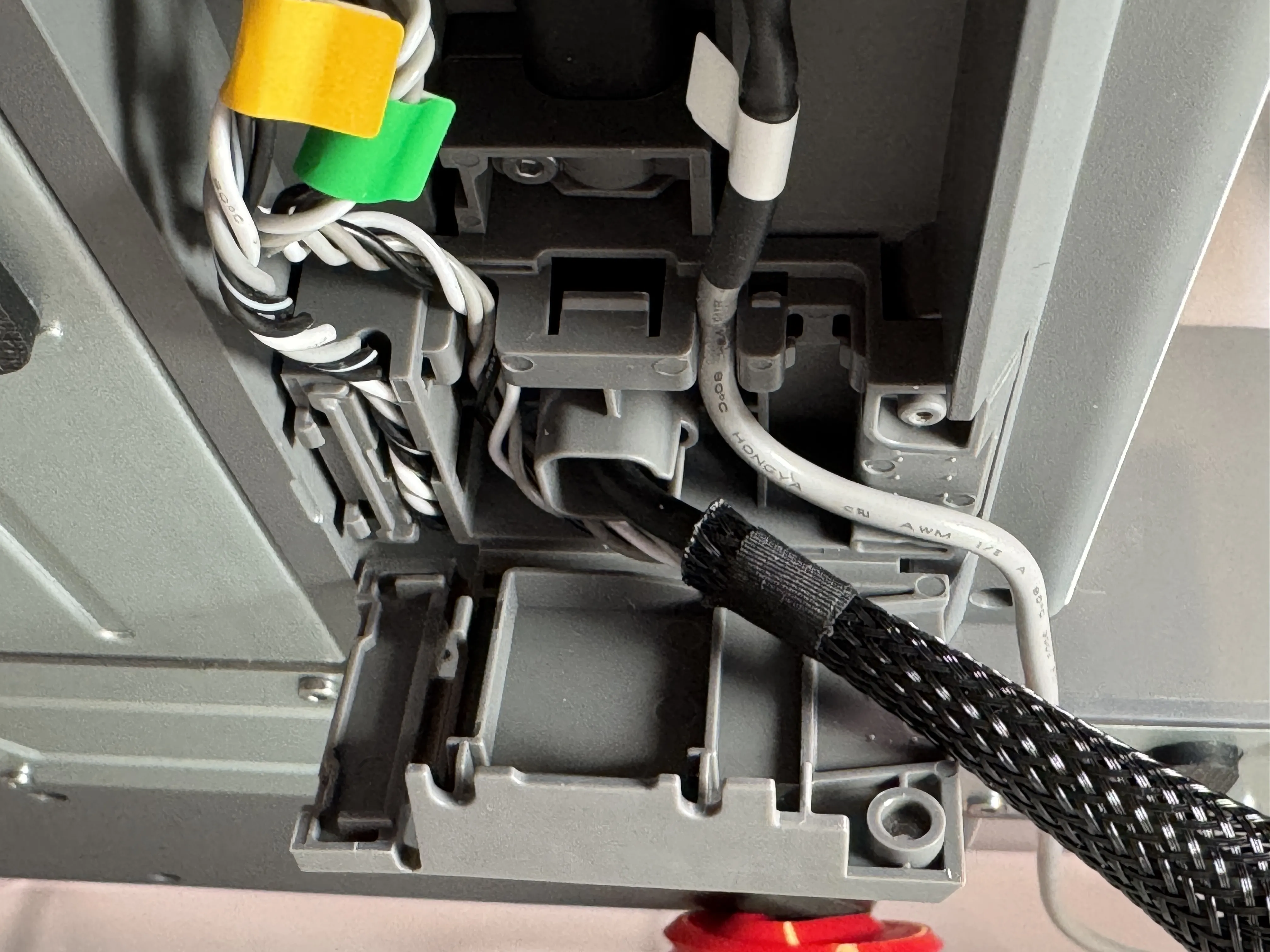
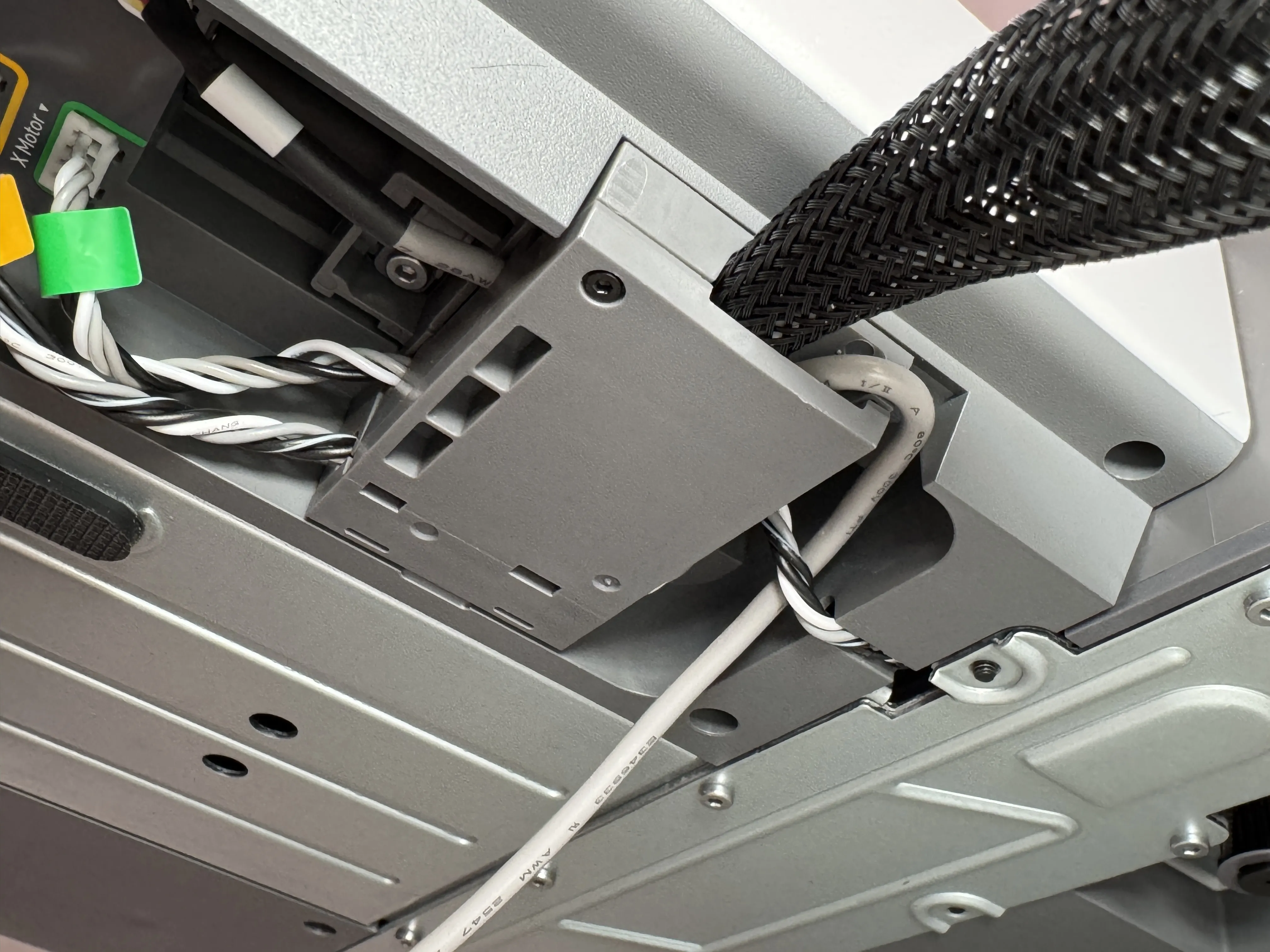
Step 7: Reinstall cable clip and attach front cover
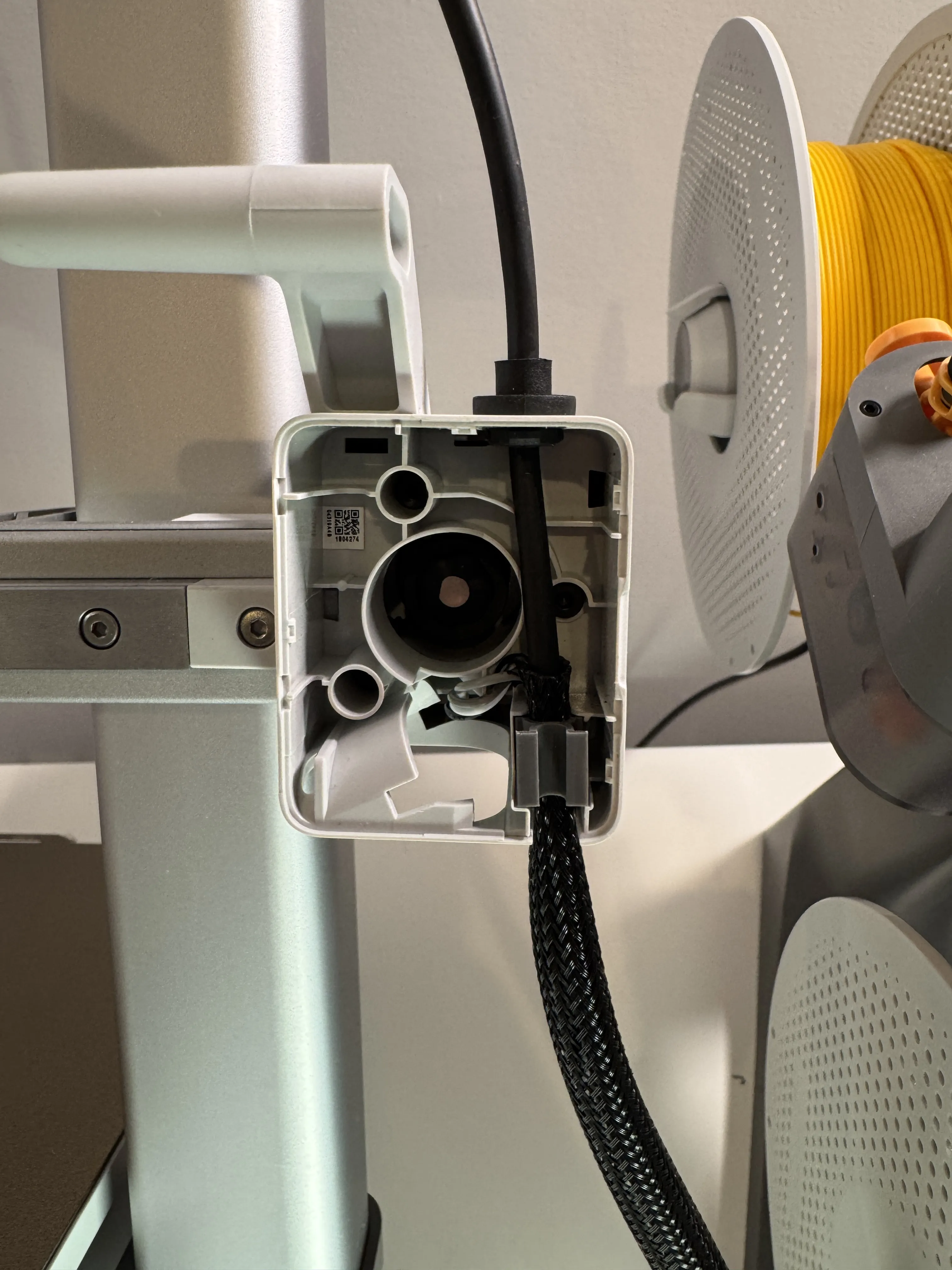
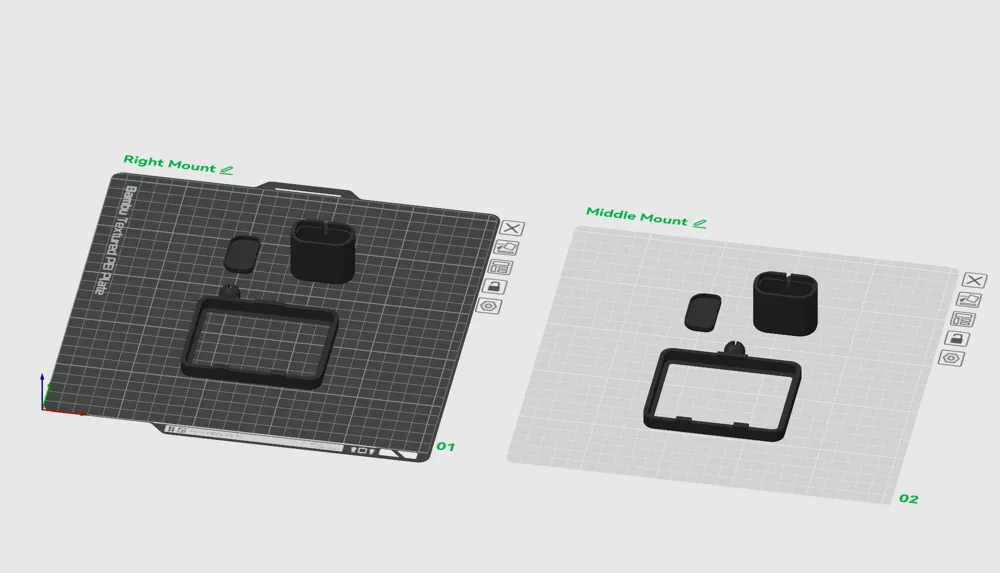
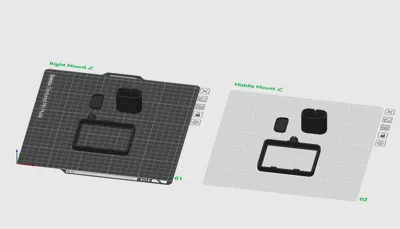
Step 8: Snap the camera mount and screen ring together (It's a tight fit) Also make sure orientation of camera is right side up!
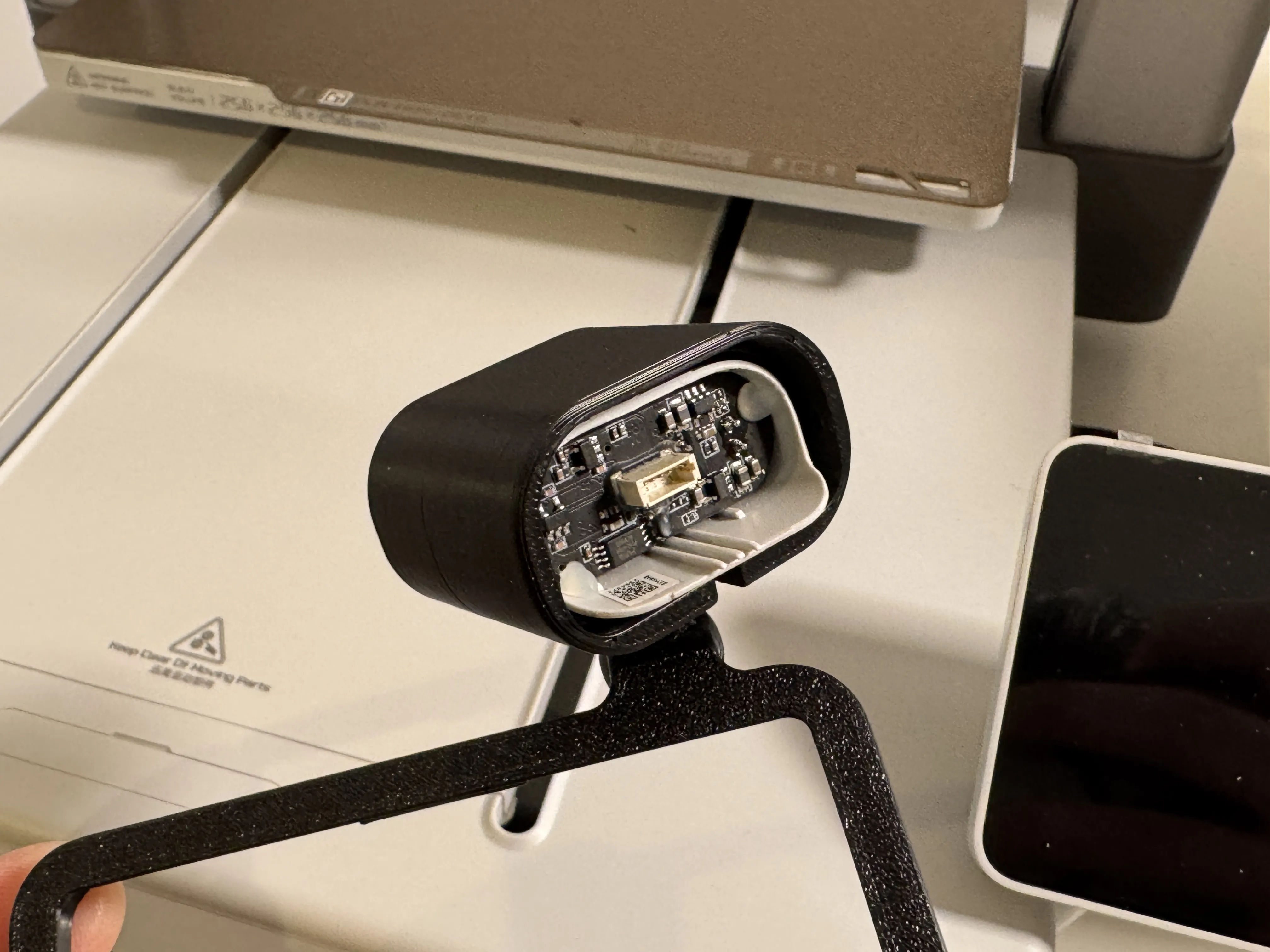
Step 9: Assemble camera mount and press fit camera and cable in (It is a snug fit on purpose)
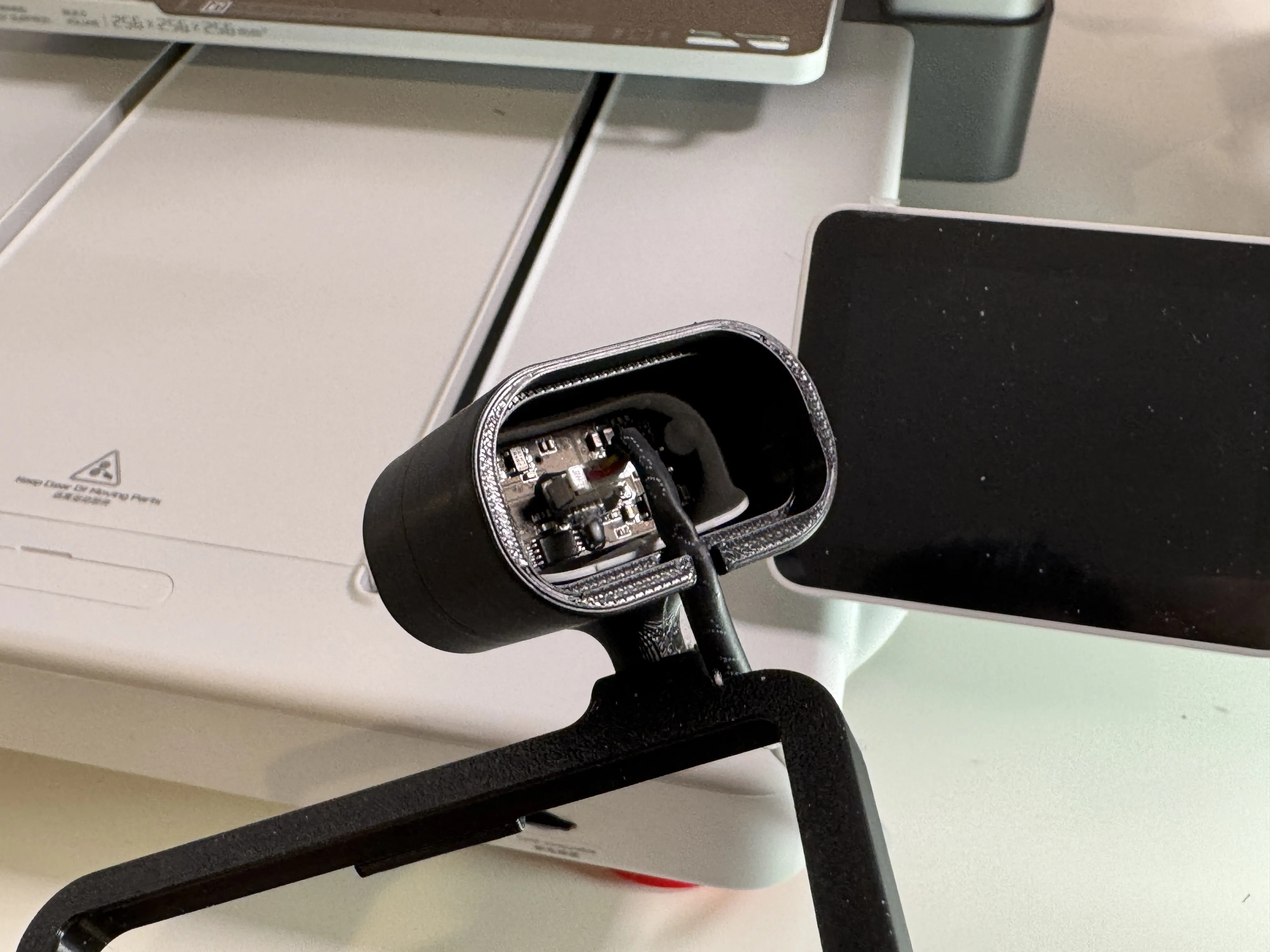
Step 10: Snap on back cover
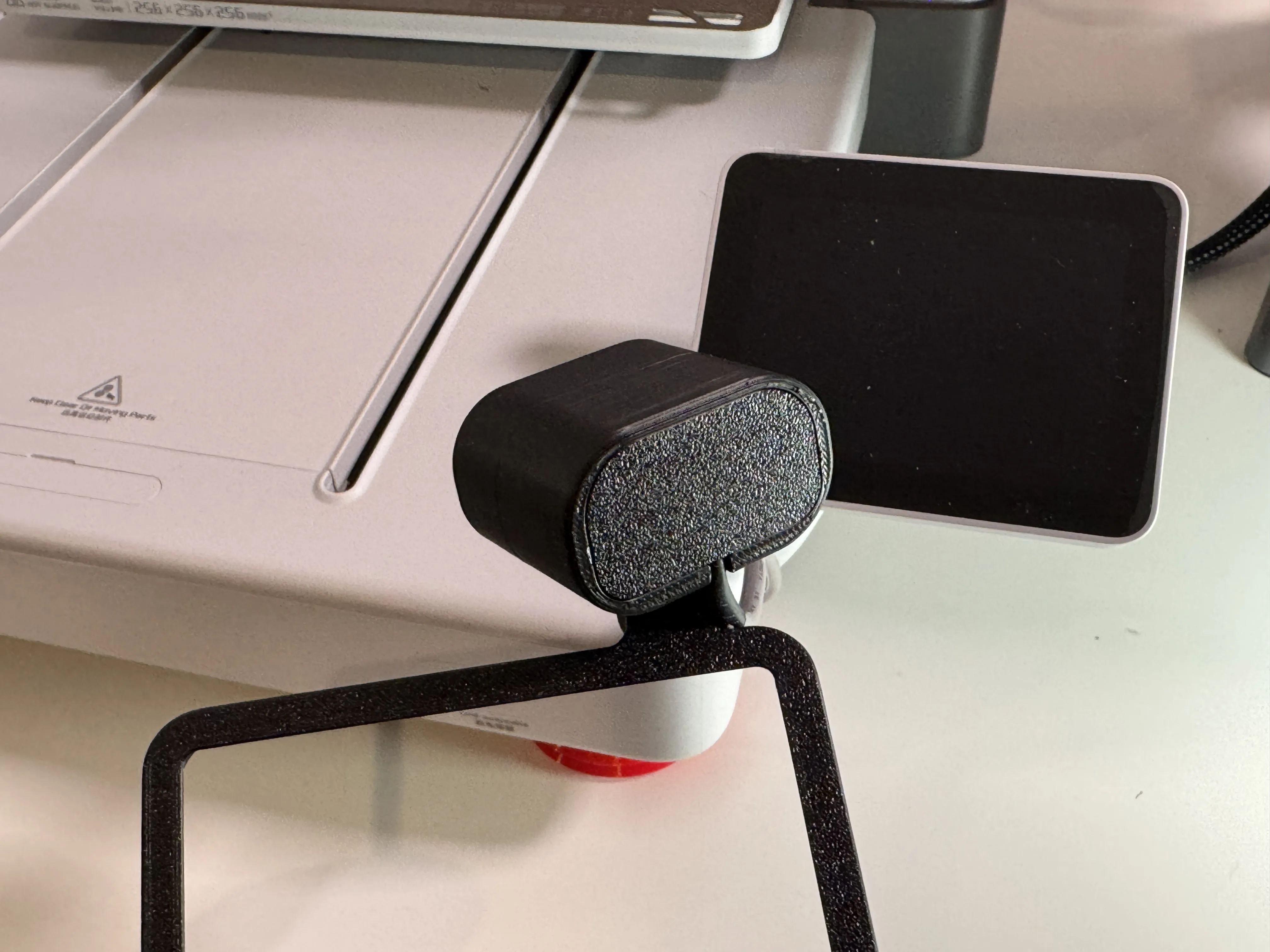
Step 11: Snap on screen ring starting with the bottom first
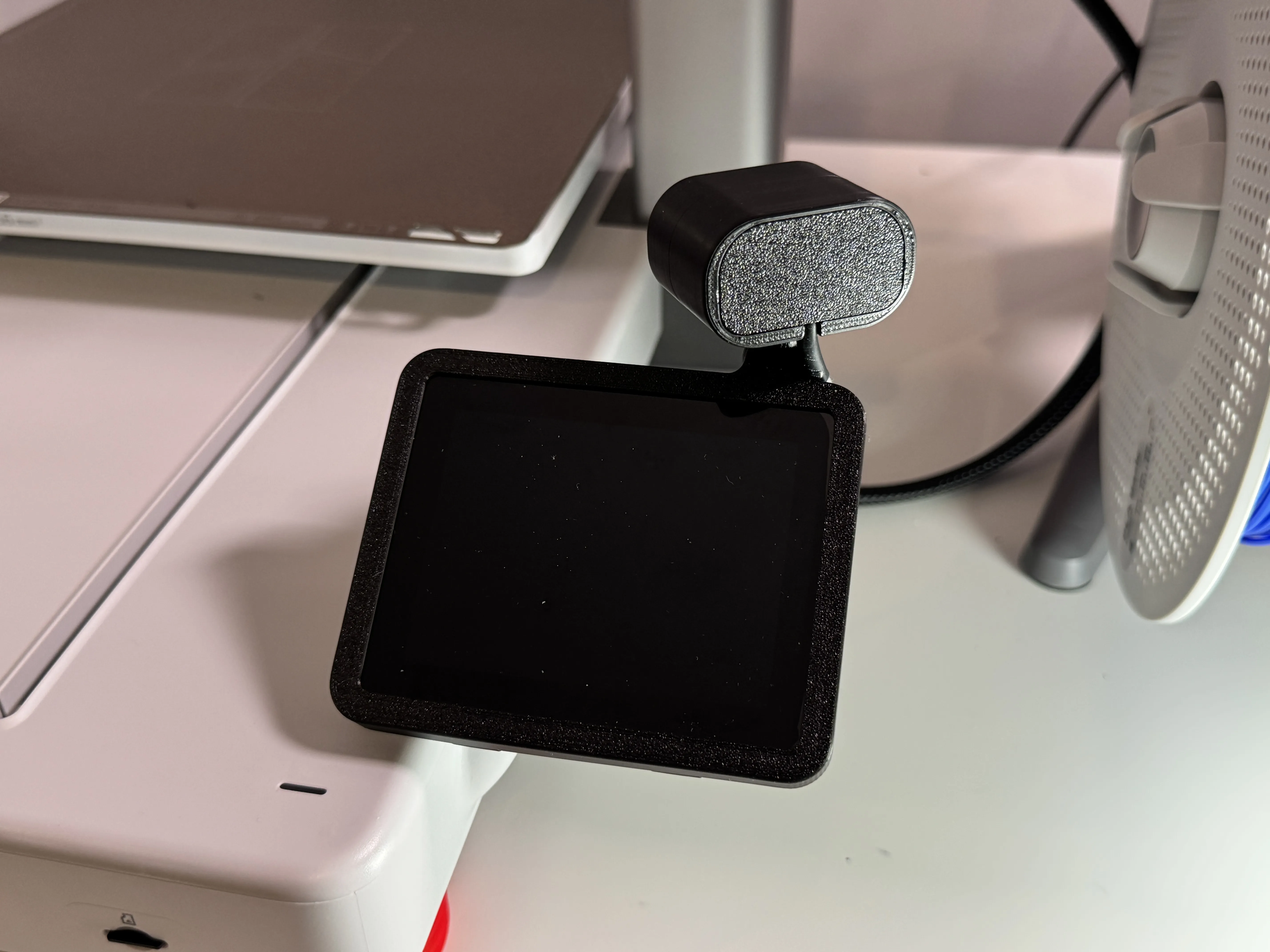
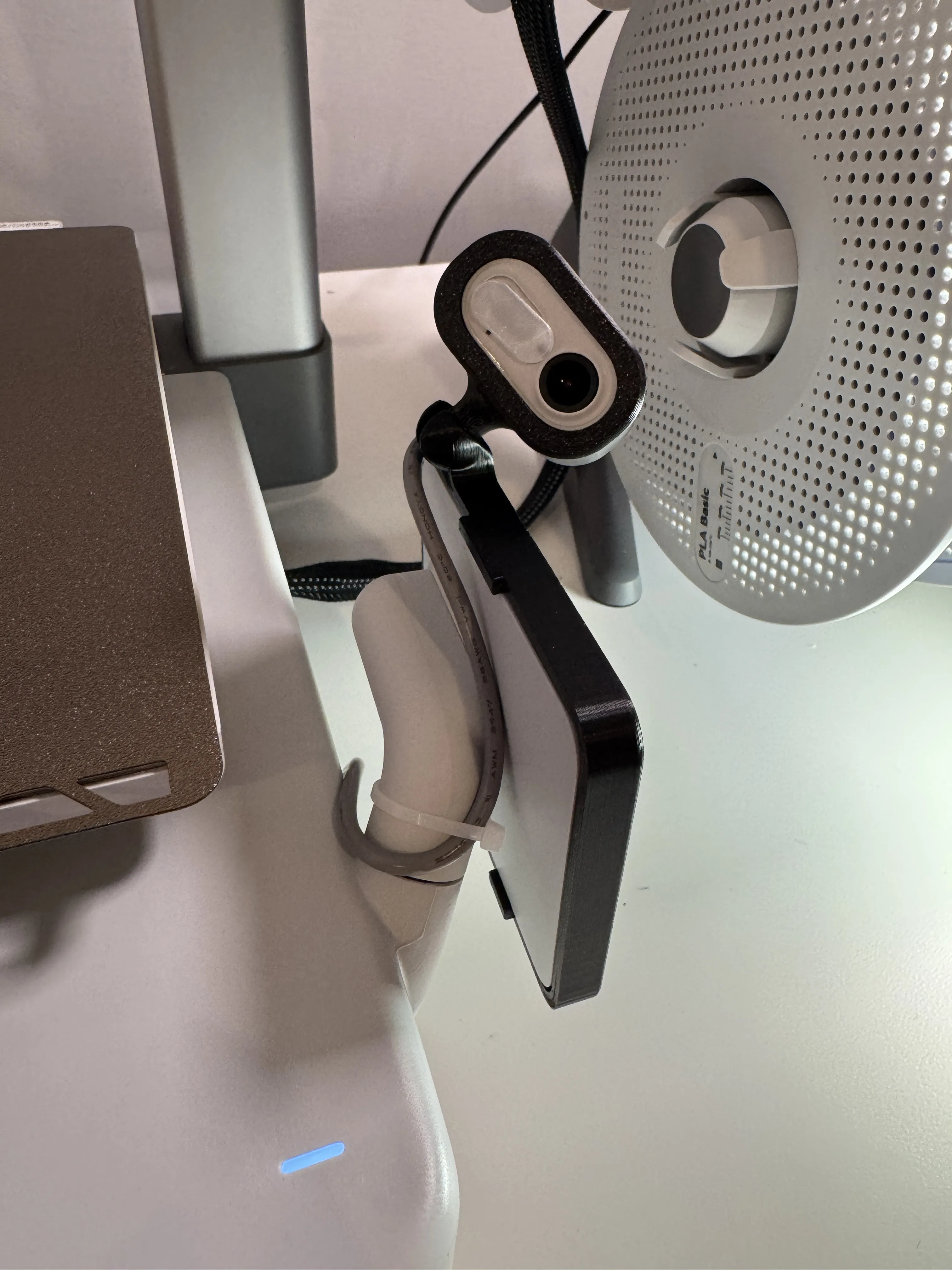
Step 12: Zip tie cable in place for a cleaner look
Step 13: You're Done!
License

You shall not share, sub-license, sell, rent, host, transfer, or distribute in any way the digital or 3D printed versions of this object, nor any other derivative work of this object in its digital or physical format (including - but not limited to - remixes of this object, and hosting on other digital platforms). The objects may not be used without permission in any way whatsoever in which you charge money, or collect fees.


Comment & Rating (99)