
Bullshit Stop Button- Disconnect from Teams calls!





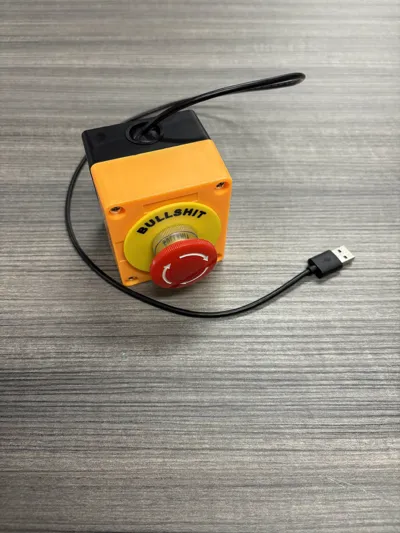
Print Profile(1)

Description
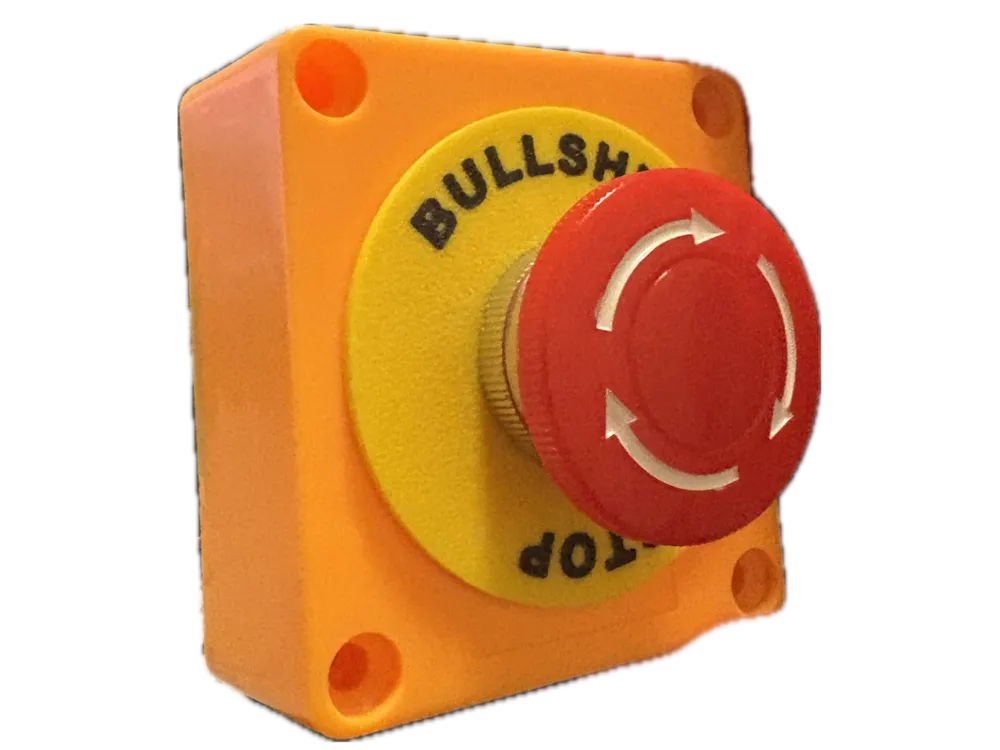
Immediately disconnect from those Bullshit teams calls with the Emergency Bullshit Stop Button! Using an Arduino Micro, it acts like a keyboard and sends the combo “Ctrl + Shift + H” when pressed. This combo is the teams shortcut to immediately disconnect from the call! Stop the bullshit!
A very simple project that can be completed in fifteen minutes from start to finish.
Build Guide
First- we need the components
Arduino Micro- Amazon- I linked the official Arduino board for reference, but you can find others for a third of the price elsewhere.
Wherever you buy it from, the controller NEEDS to be an ATmega32u4! Different boards can't act as a USB keyboard!
3ft MicroUSB cable- Amazon
Emergency Stop button- Amazon
Wires if you don't already have any- Amazon
Assembly
First, disassemble the E-Stop. Unscrew the button cap and replace the “Emergency Stop” Placard with the printed “Bullshit Stop” placard. The E-Stop assembly will have two sides. The green side should allow current through the terminals when the button is pressed, and the orange side should allow current through when the button is not pressed. We want the green behavior. Probably want to verify this is how your E-Stop works too.
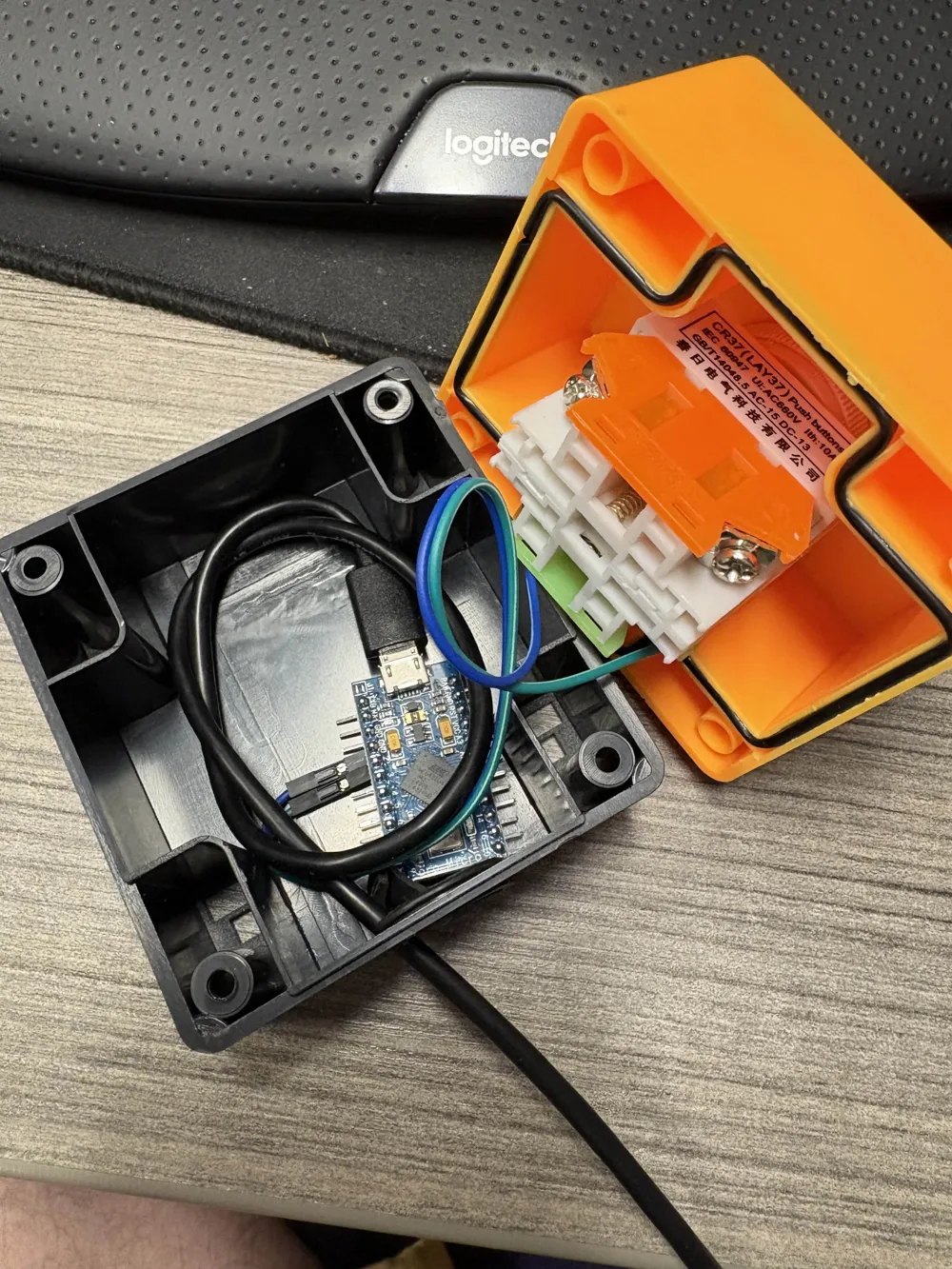
Next, connect pin 2 on the Arduino to one side of the green terminal on the E-Stop. Connect the other side of the green terminal to ground on the Arduino.
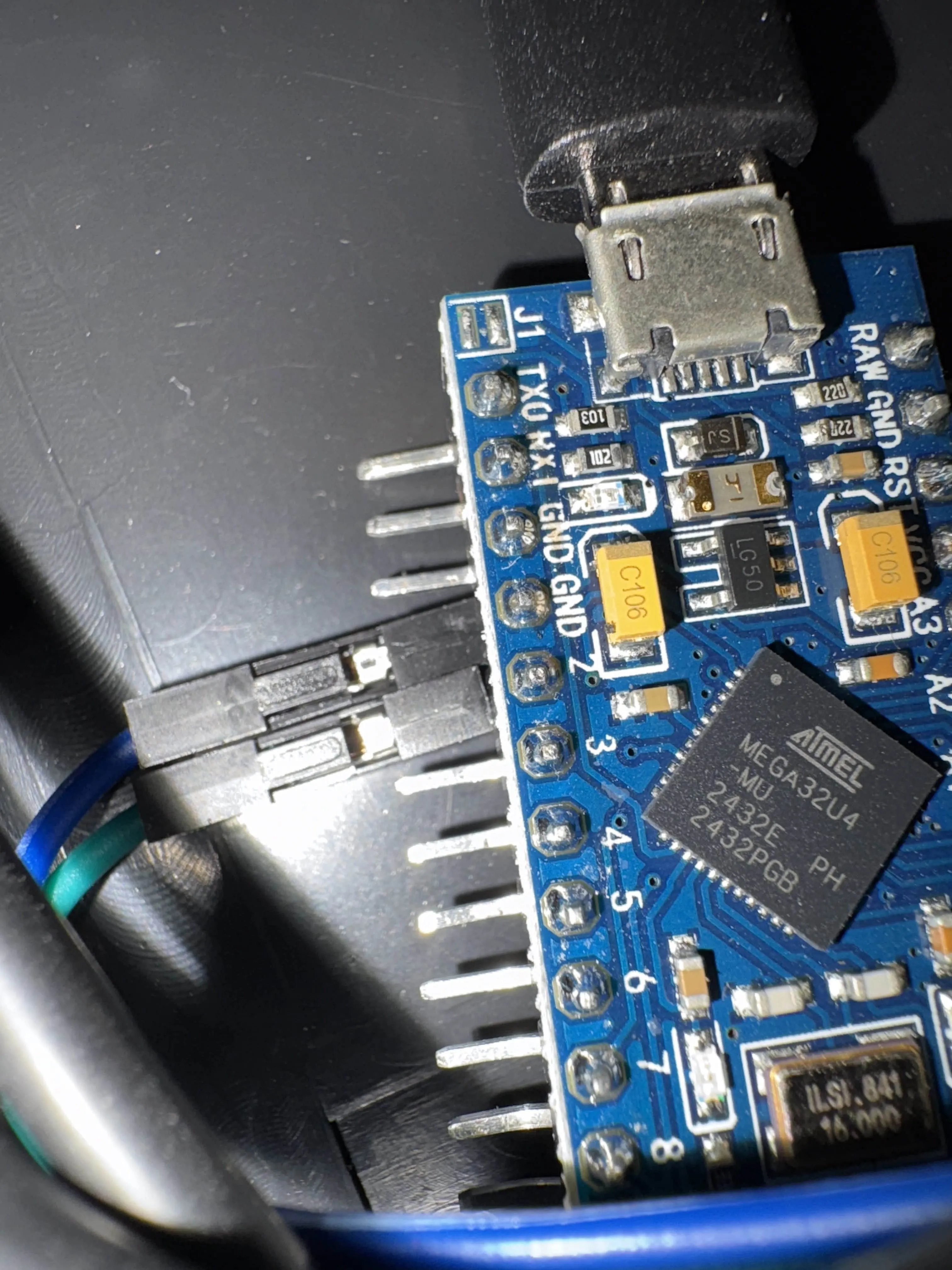
And that's it. Now, its just uploading the arduino code. Here is the code I used. It uses the arduino Keyboard library so make sure you have that downloaded. If you are having trouble uploading the code, try telling the IDE that its an Arduino Leonardo.
#include <Keyboard.h>
bool x = false;
void setup() {
pinMode(2, INPUT_PULLUP); //pullup so you dont need more than two wires
Keyboard.begin();
}
void loop() {
if (digitalRead(2) == LOW) { // pullup inputs activate on low not high, its reversed
if (x == false) {
x = true;
Keyboard.press(KEY_LEFT_CTRL);
Keyboard.press(KEY_LEFT_SHIFT);
Keyboard.press('h');
delay(100);
Keyboard.releaseAll();
delay(1000); // take a lil nap
}
} else {
x = false;
}
}
Once it is uploaded, go ahead and test it out by either creating a teams call and hitting the button, or set CTRL + SHIFT + H as a hotkey in some other program to see if it works.
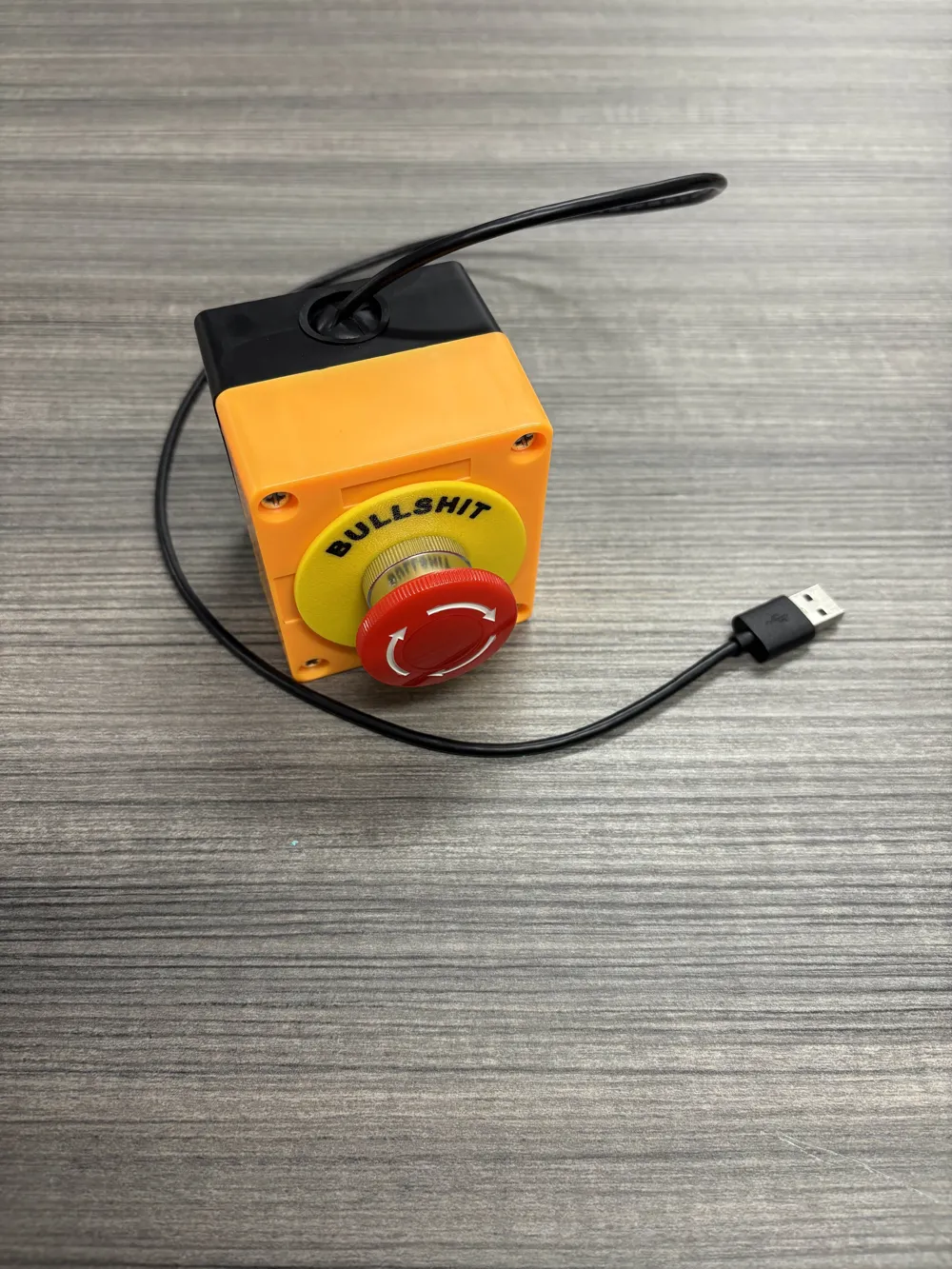
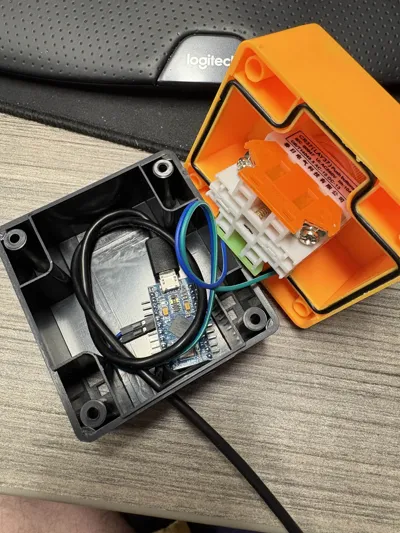
Now all that's left is to screw it all together. Add a small service loop in the cable inside of the E-Stop to make sure the cable doesn't come unplugged when yanked, and put the arduino flat against the bottom to get enough clearance with the button. Should look something like this-
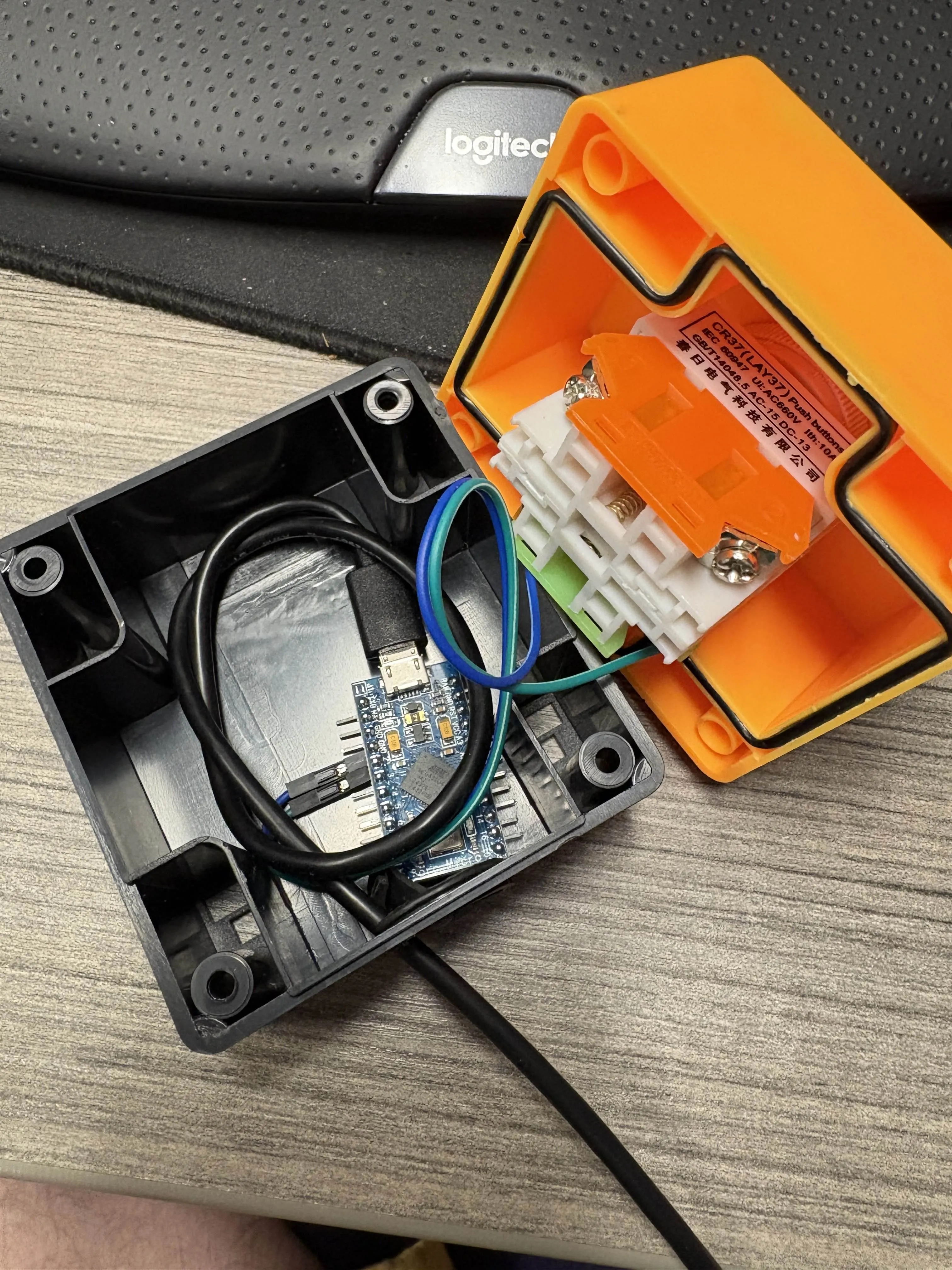
And that's it! Screw it all back together, and you will have your very own Bullshit Stop button!
Boost Me (for free)
If you liked it-
pretty please?
License



Comment & Rating (2)