Search models, users, collections, and posts

Raspberry Fidget Clicker
GIF

Print Profile(1)

All
P1S
P1P
H2D Pro
X1 Carbon
H2C
A1 mini
X1E
H2S
H2D
A1
X1
P2S
X2D
A2L

0.2mm layer, 2 walls, 15% infill
Designer
9.3 h
3 plates
4.8(8)

Open in Bambu Studio
Boost
183
560
33
1
140
82
Released 

Bill of Materials

Bambu Filaments
Select all
Hot Pink (10204) / Refill / 1kg
Bambu Green (10501) / Refill / 1kg
List other parts
  • MX Keyboard Swithces x 12:

Description

Boost Me (for free)

If you enjoy my models and want to see more, a free boost will help keep me motivated!

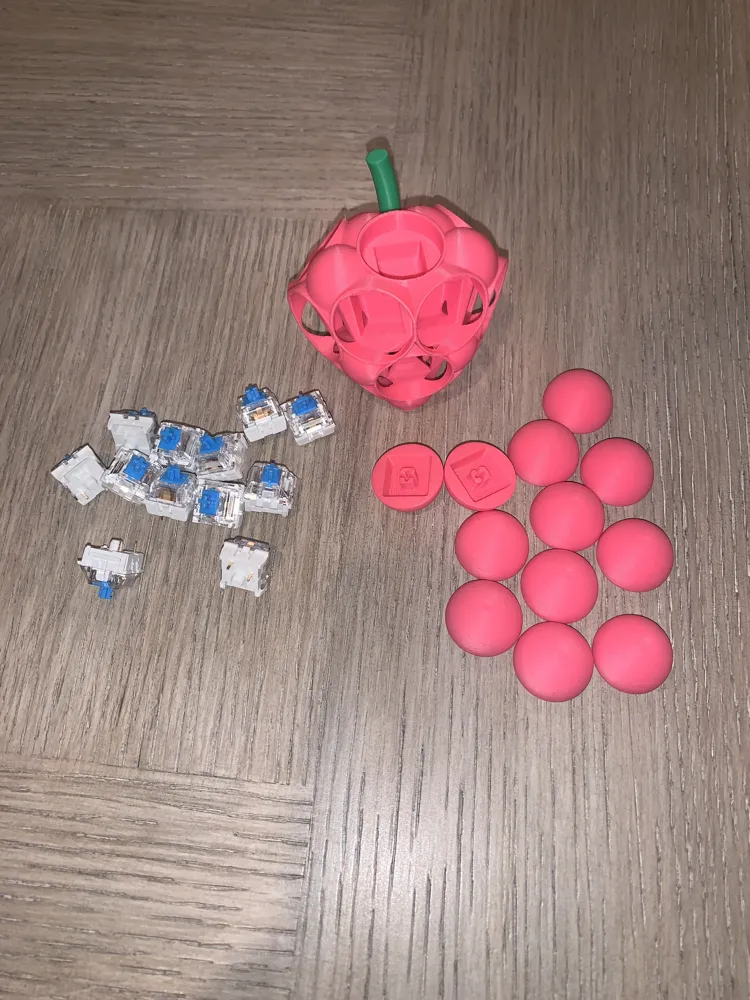
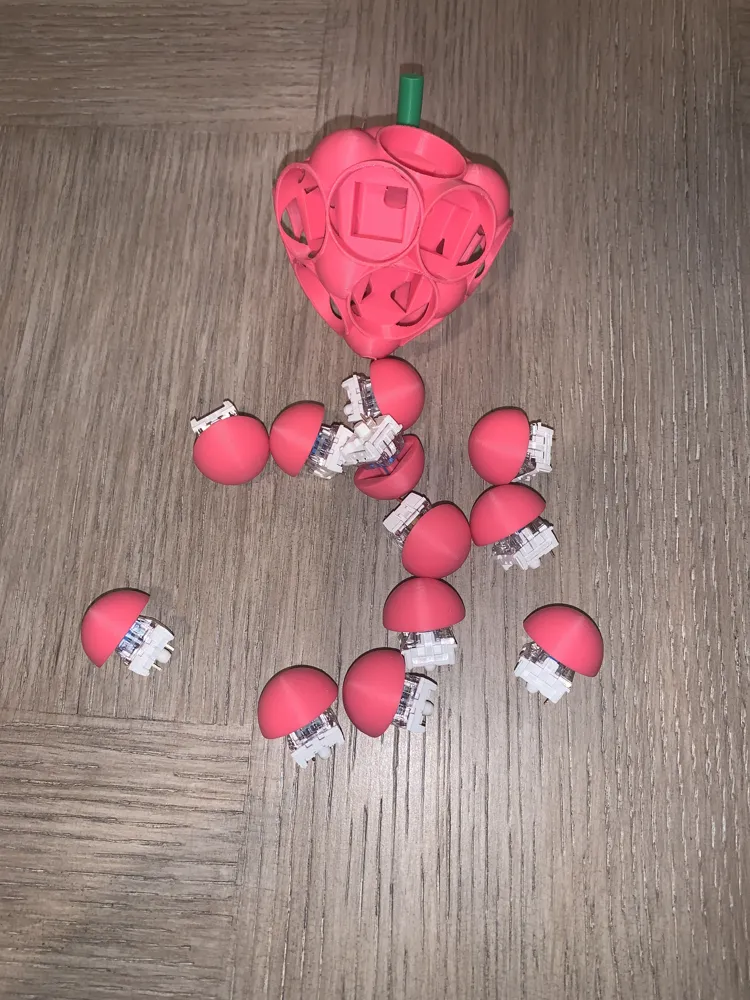
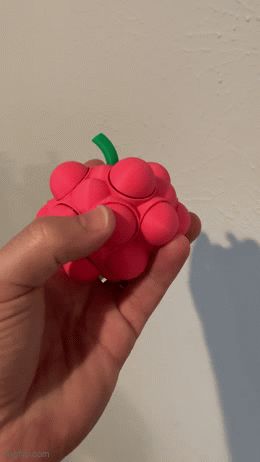
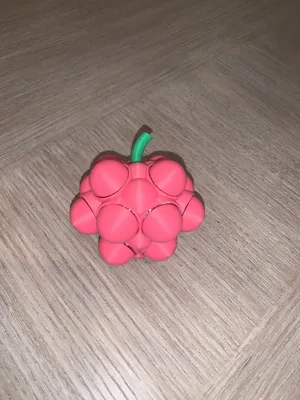
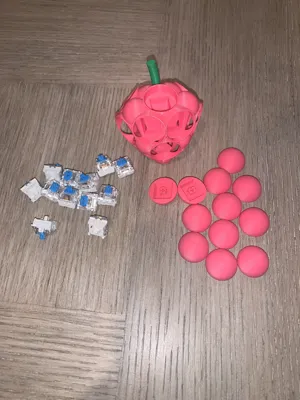
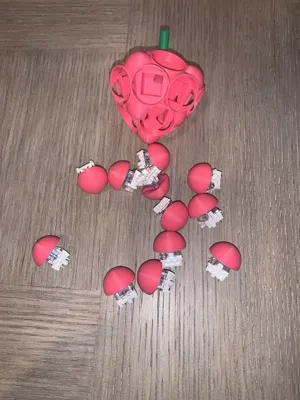

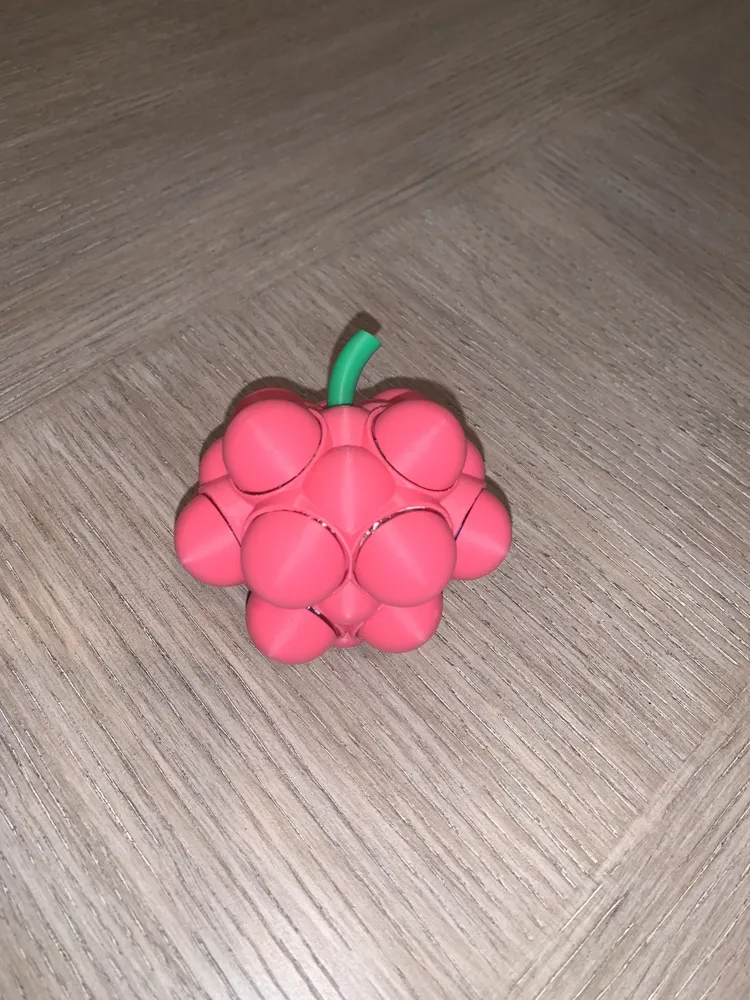
A fidget toy shaped like a raspberry. Uses mechanical keyboard switches under each cap, providing a satisfying click and tactile fun. 

Requirements:
12X MX switch (I used these (https://www.amazon.com/dp/B0DYY1PG6F?ref=ppx_yo2ov_dt_b_fed_asin_title&th=1) from Amazon, but any MX switch should work).


Note:
The MX stem fit all my prints perfectly, but you may need to increase the cap size to 101% to accommodate, if the tolerance is too tight. 


Printing Details:
Plate 1:

I wanted easy support removal with no scaring. This plate uses PLA Support Filament as a support interface with 0 top Z distance, Rectilinear interface pattern, and 0 top interface spacing. 


Plate 2:

No supported needed for 


Plate 3:

If you do not own PLA Support Filament, use this plate with standard support settings. 


Print Settings: 

.2 layer height with variable height enabled on the caps; 15% infill, supports needed, printed with AMS.

Comment & Rating (33)

(0/1000)

works great! thank you!
The designer has replied
0
Reply
You’re welcome. I’m glad you like it!
0
Reply
great fan of these, please make more!
The designer has replied
0
Reply
Do you have a suggestion of what type of shape you would like to see?
0
Reply
doesn’t work
The designer has replied
0
Reply
Which part are you having trouble with? I'll gladly help, if I can.
0
Reply
Replying to @Andrew_Vieck :
it don’t pop
0
Reply
Replying to @landonwalter :
You have to purchase and add MX keyboard switches to the model for it to click. Did you do that? If you don’t have any, there are some people who have created a printable switch instead of purchasing them. However, I have not personally printed any of those, did not test them with my model, and cannot confirm if they will fit or not.
(Edited)
1
Reply
Could you provide a grape model
The designer has replied
Show original
0
Reply
Print Profile
0.2mm layer, 2 walls, 15% infill
The profile uploader has replied
0
Reply
Did you have trouble with any part of the print?
0
Reply
Replying to @Andrew_Vieck :
Hey Nick, first we loved the print, very cool, I was looking into modling a multi-clicker fidget too but have too many projects and not enough time :-) I gave it four stars because: * some of the sides were chewed up a bit when printed, IIRC this was due to overhangs * Some of the thinner internal portions didn't print (they were too thin and didn't form during printing) * The stem broke within a few hours (there is no sheer strength for thin vertical parts) * Some of the raspberry bumps are solid (not clickers) which took away from the satisfaction. I was torn on my rating because we loved it but it did have some flaws...
0
Reply
Replying to @user_4246102806 :
I appreciate the feedback. This was my first big multi-clicker attempt. 1. I was worried about overhangs as well. That's why I chose to use the support interface filament. Not sure if you used that or not. 2. It is a very tight model. Some of the thin walls shown in the original model weren't intended to be printed such as the thin wall over the mx switch hole. I just couldn't figure out how to get them out of the model, honestly. 3. Sorry it broke off. Sheer strength with PLA is very low. Might be stronger in a different material, or print orientation. 4. My original model had them as clickers, but once printed, there wasn't enough space to insert the switches. I had to cut the corners off the switches and force them in. I didn't want anyone else to have to do that. So, I decided to make those two on the bottom solid. Again, I appreciate your feedback. I know what to watch out for on future designs. Thank you!
0
Reply
how do you get the clicker thing?
The designer has replied
0
Reply
I used these from Amazon, but any mechanical keyboard switch should work. https://www.amazon.com/dp/B0DYY1PG6F?ref=ppx_yo2ov_dt_b_fed_asin_title&;th=1 If you prefer to print a substitute, you can use something like this. https://makerworld.com/en/models/1071216-keyboard-clicker-fidget#profileId-1061167
0
Reply
Print Profile
0.2mm layer, 2 walls, 15% infill
The profile uploader has replied
0
Reply
Did you run into any issues with this print?
0
Reply
Print Profile
0.2mm layer, 2 walls, 15% infill
The profile uploader has replied
0
Reply
Thank you!
0
Reply
Print Profile
0.2mm layer, 2 walls, 15% infill
The profile uploader has replied
0
Reply
Thank you!
0
Reply
Print Profile
0.2mm layer, 2 walls, 15% infill
The profile uploader has replied
0
Reply
Thank you!
0
Reply

License

This user content is licensed under a Standard Digital File License.

You shall not share, sub-license, sell, rent, host, transfer, or distribute in any way the digital or 3D printed versions of this object, nor any other derivative work of this object in its digital or physical format (including - but not limited to - remixes of this object, and hosting on other digital platforms). The objects may not be used without permission in any way whatsoever in which you charge money, or collect fees.