
Switch 2 JoyCon 2 Mouse Adapter(Ergonomic Design)
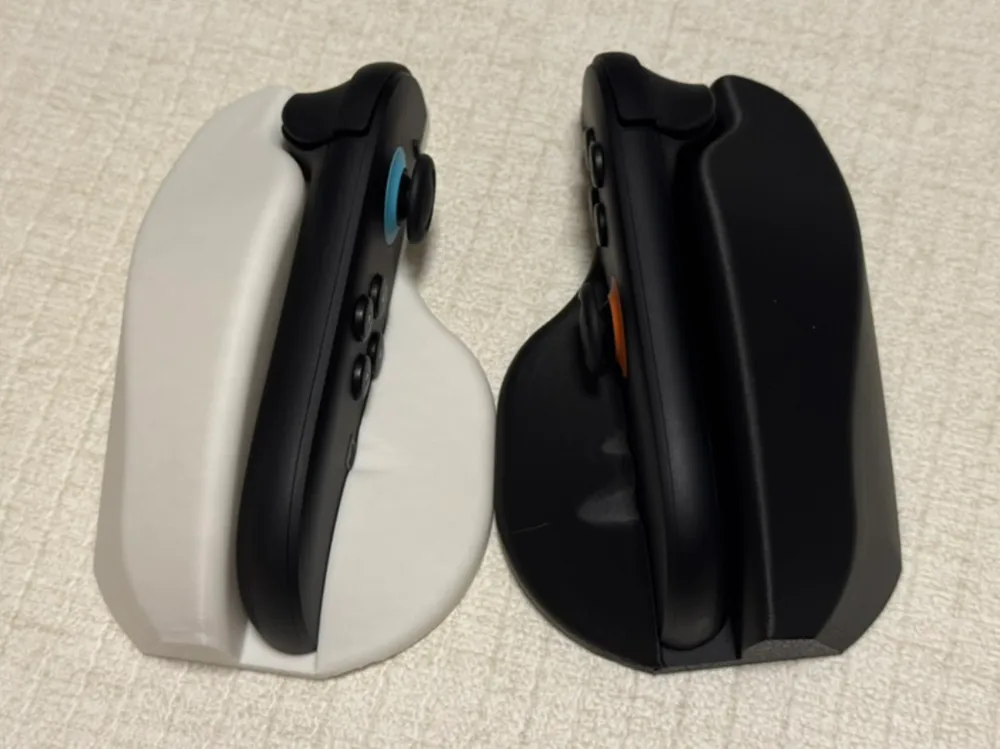
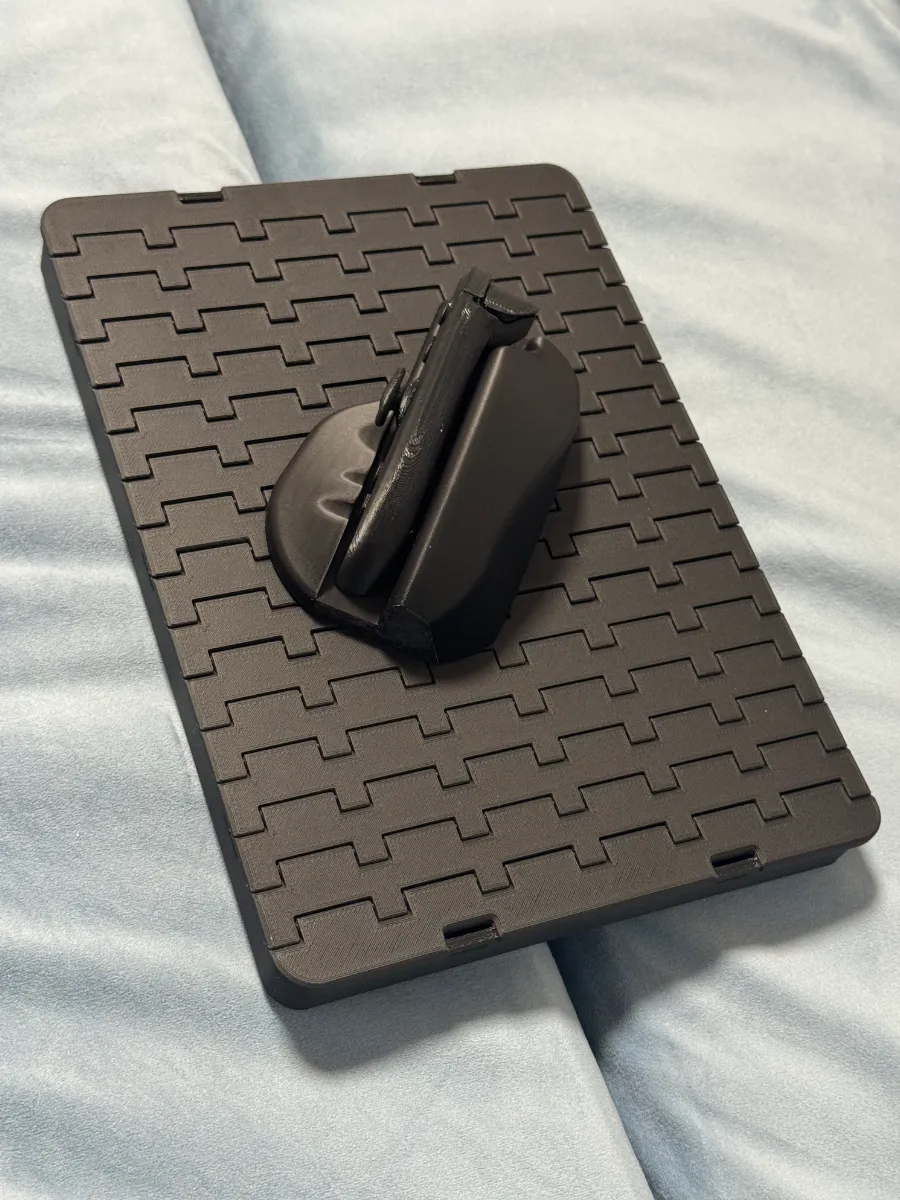
Print Profile(5)


Bill of Materials
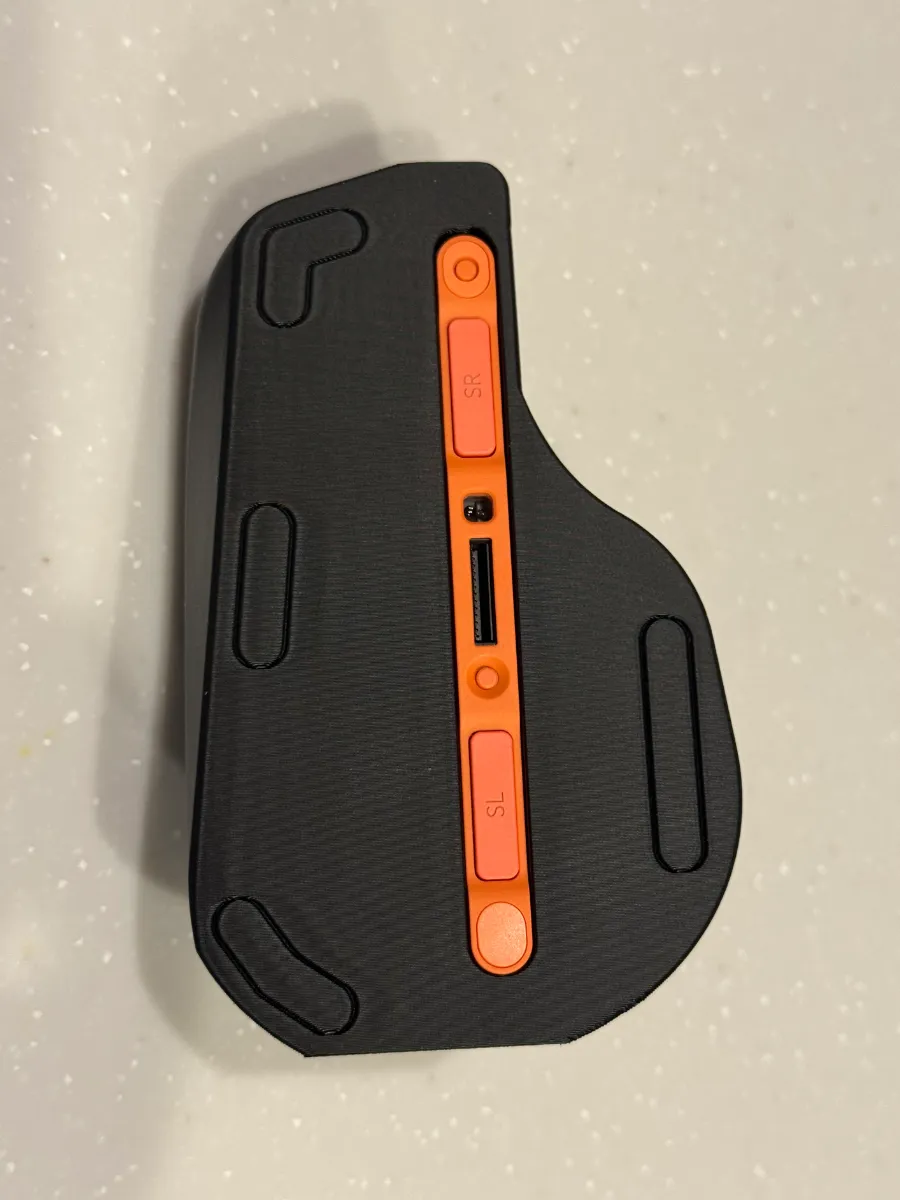
- Mouse feet x 12: Diameter smaller than 7mm
Description
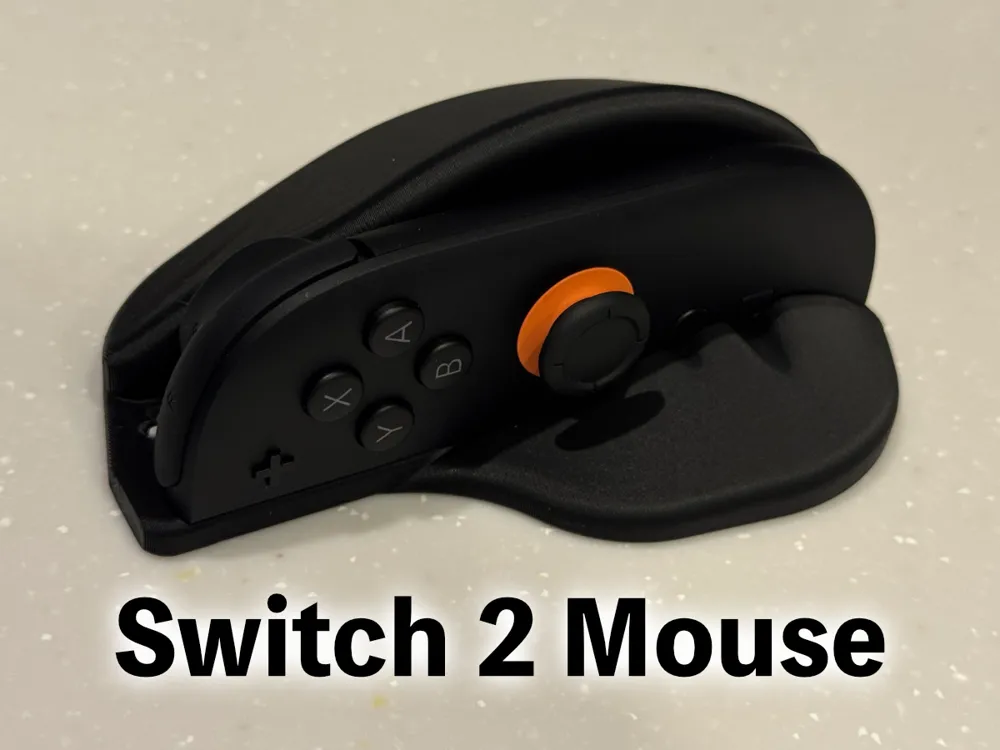
The Switch 2 Joy-Con2 Mouse Adapter, Now fully tested with real Joy-Con 2!
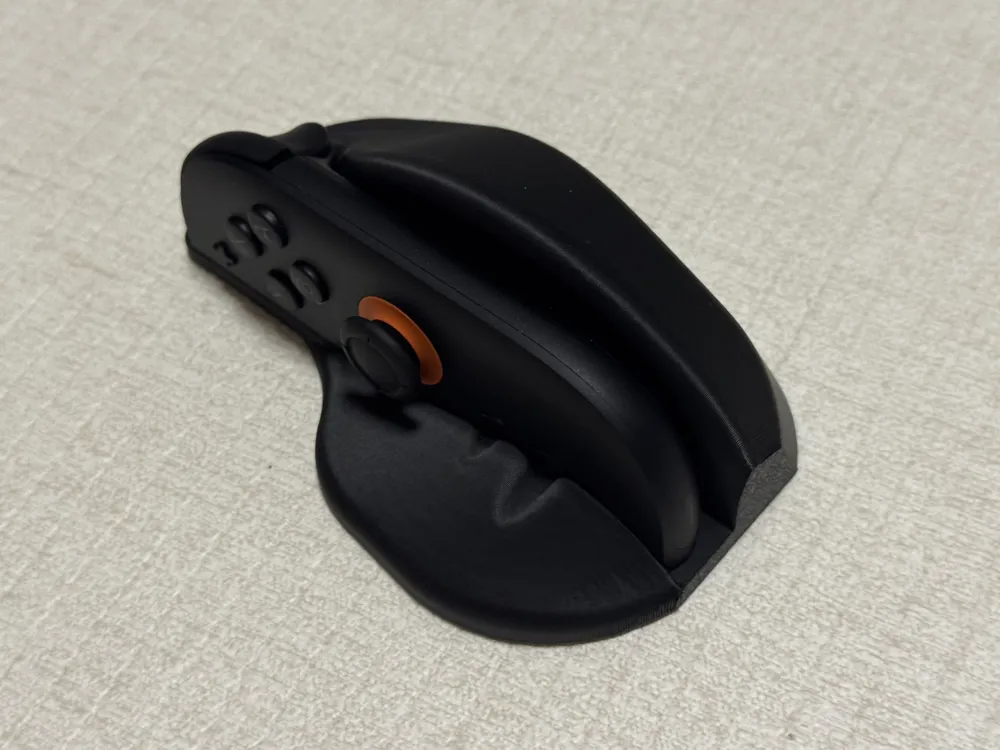
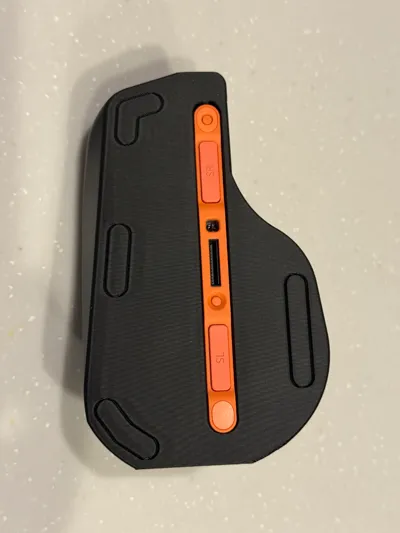
This ergonomic adapter transforms your Joy-Con2 into a comfortable, mouse-like input device. It’s shaped to fit naturally in your hand while keeping most Joy-Con2 buttons easily accessible.
🛑 Thank you for the community reports — it seems some people are selling this design without permission.
If you’d like to sell physical products based on this design, please consider getting a commercial license here:
👉 https://www.patreon.com/c/rewolfus
Also check out my other Switch 2 accessories!
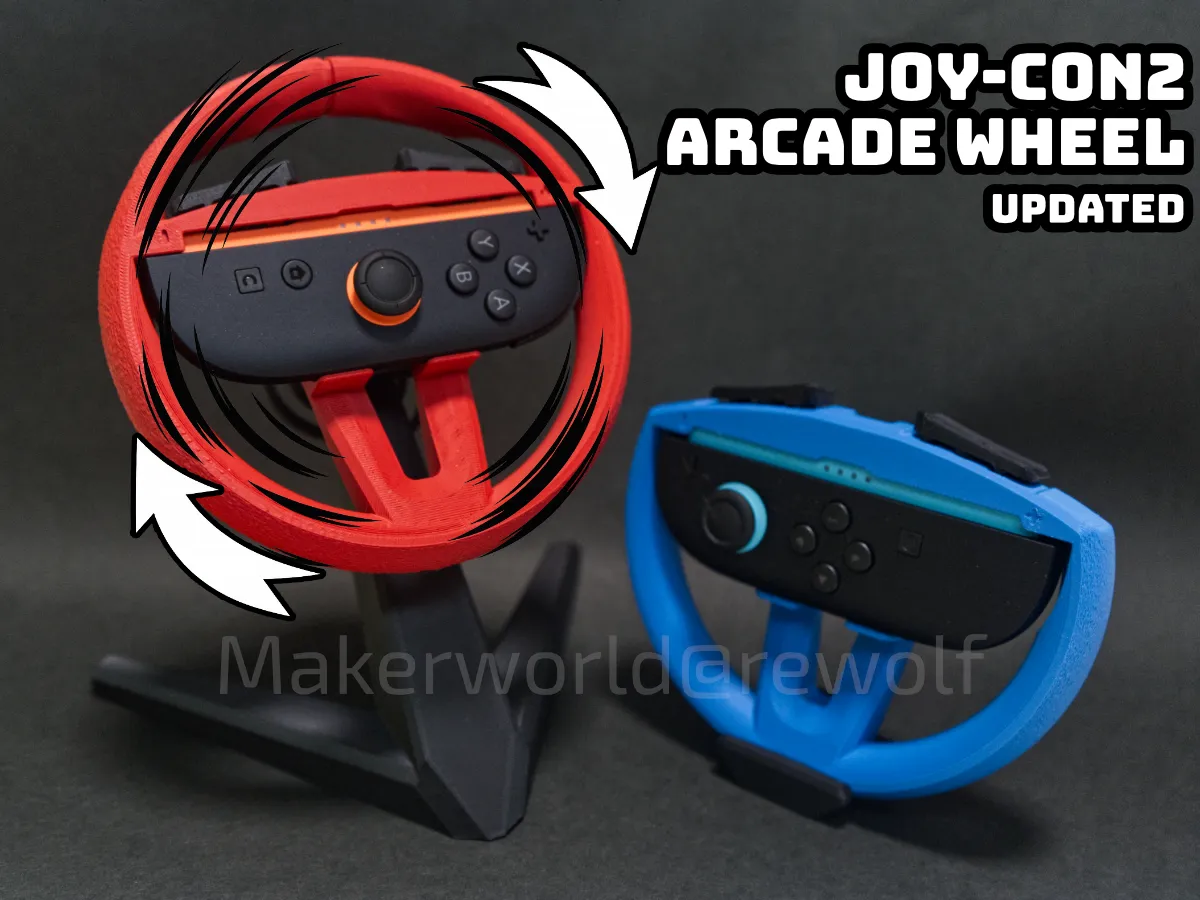
Joy-Con2 Arcade Wheel Adapter
https://makerworld.com/en/models/1554594

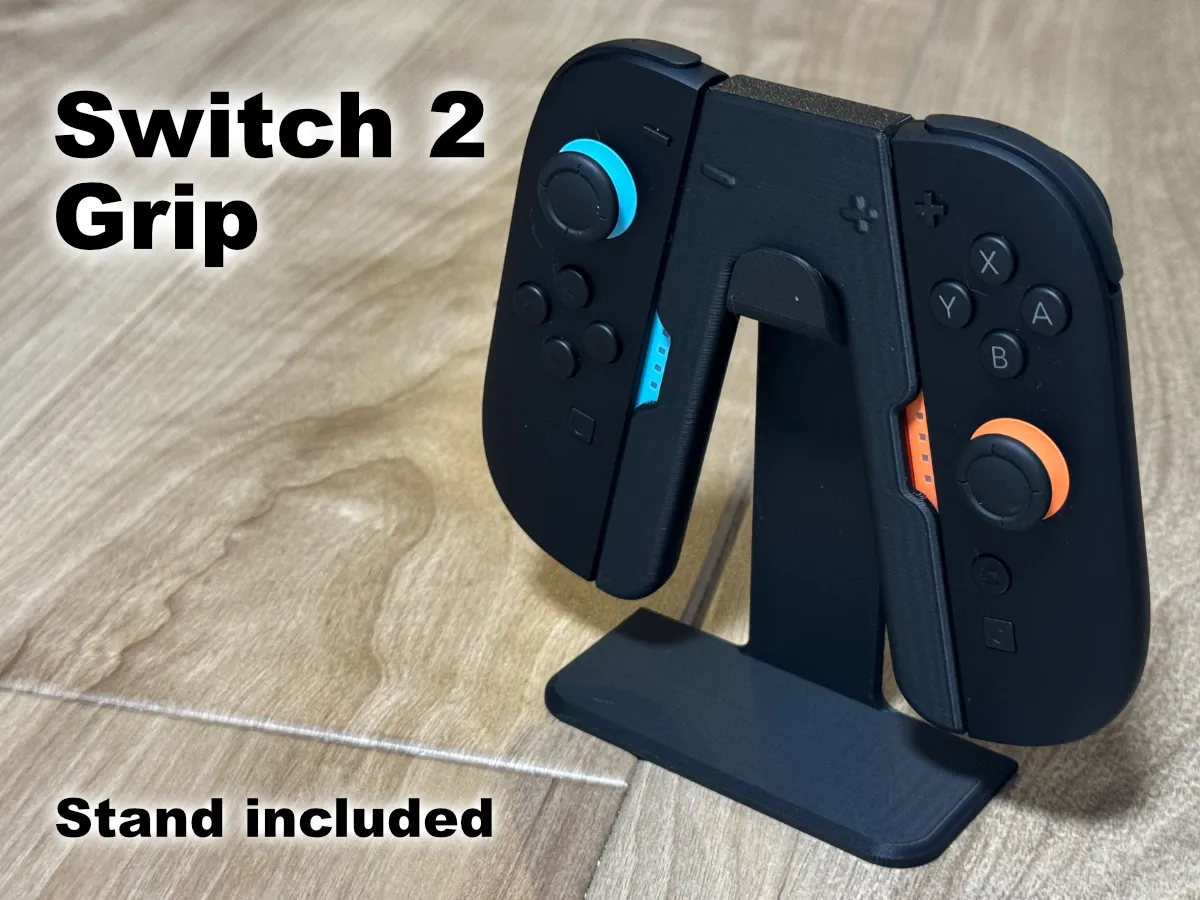
Magnetic Switch 2 Joy-Con 2 Grip
https://makerworld.com/en/models/1509402
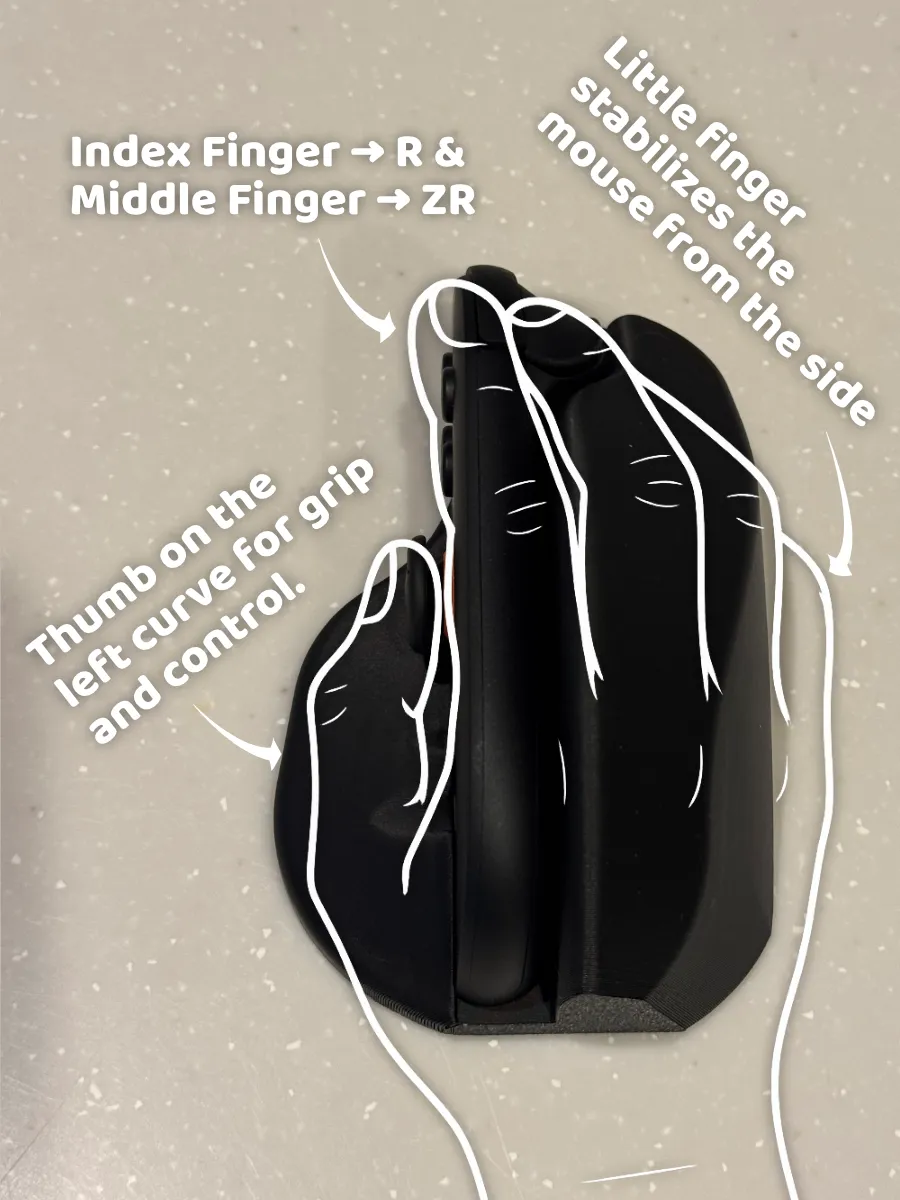
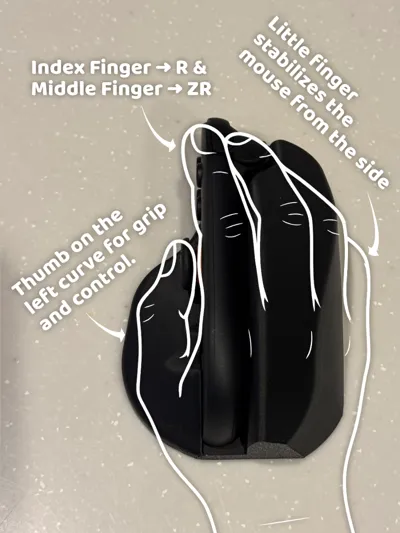
🎨 The Design
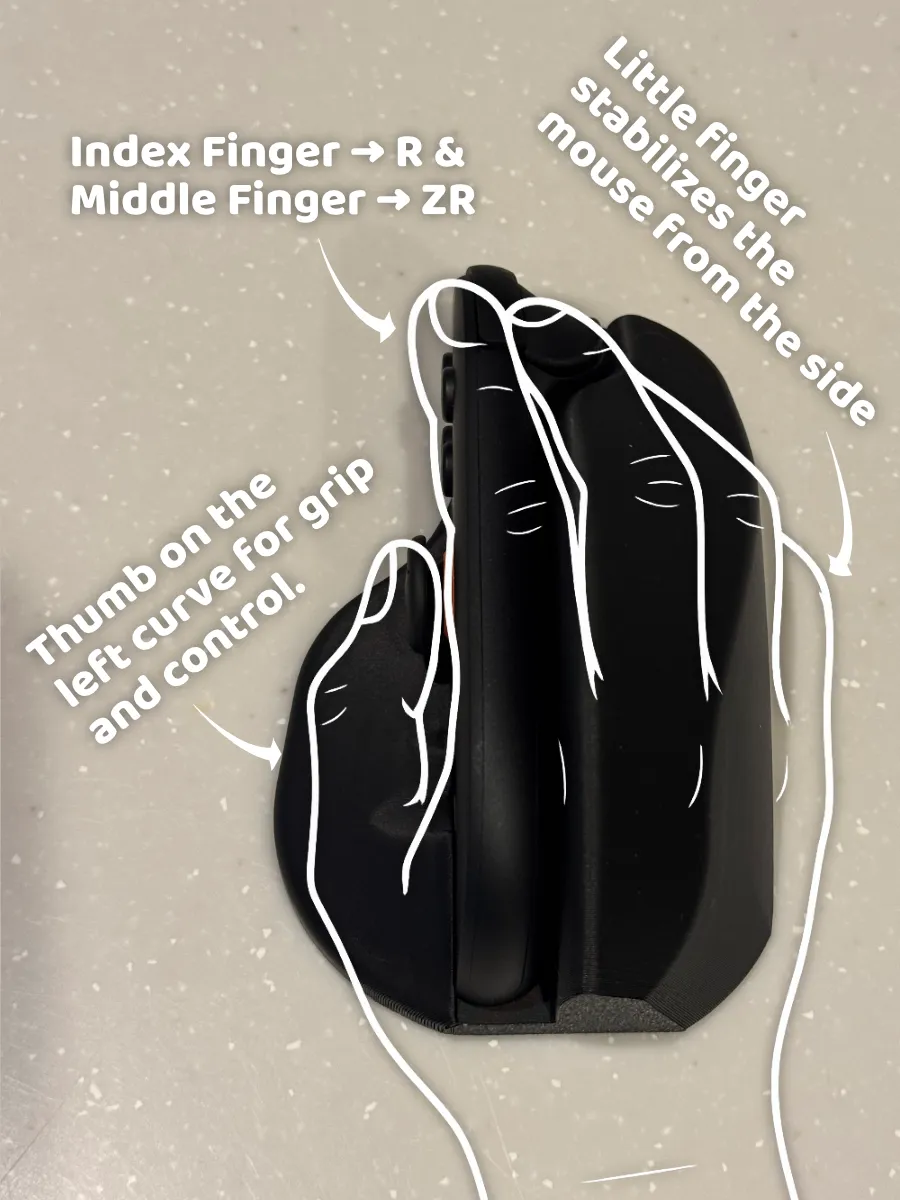
- Thumb
rests on the left curve for grip and control - Index Finger
placed on the R button for primary actions - Middle Finger
placed on the ZR button for secondary input - Little Finger
stabilizes the mouse from the side No magnets
this allows low gap between the sensor and surface, should give more precise mouse tracking
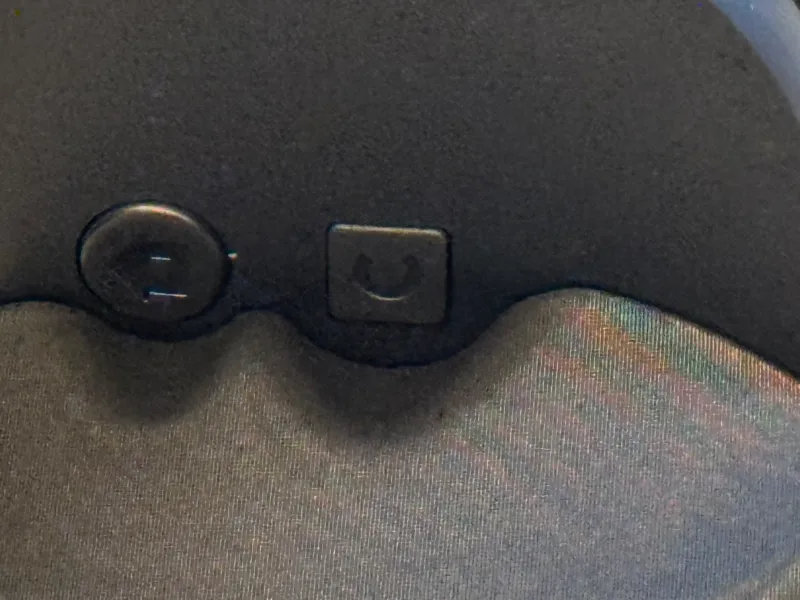
⬆️ v1.1 Update:
The new print profile improves clearance for the C button, Home button, and Screenshot button.
🖨️ ⚠️Print direction⚠️
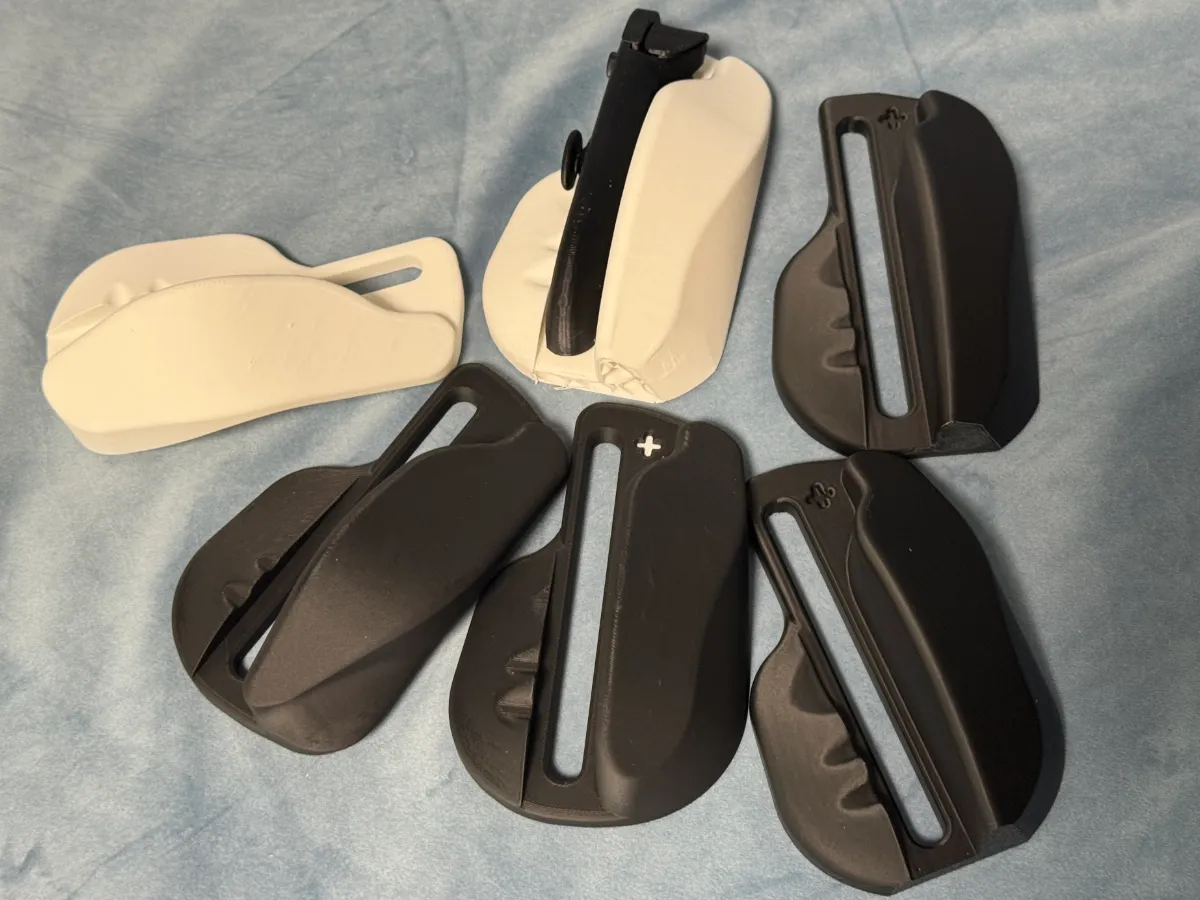
The model is designed for vertical printing to achieve the smoothest surface for hand contact.
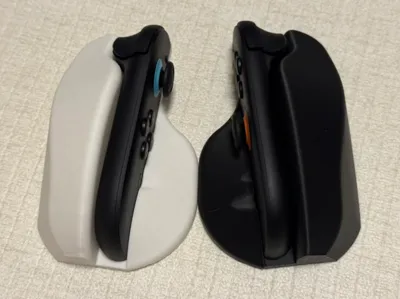
Below is a comparison between vertical and horizontal prints—note how the top surface appears rougher in the horizontal print.
| Vertical print | 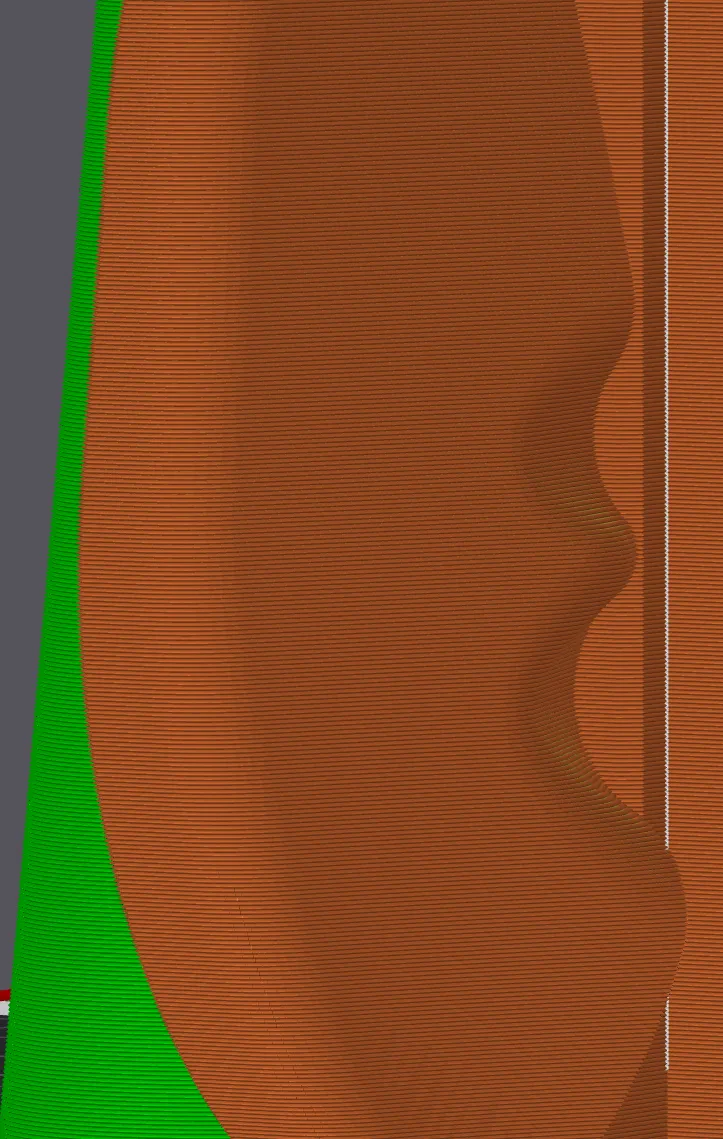 | 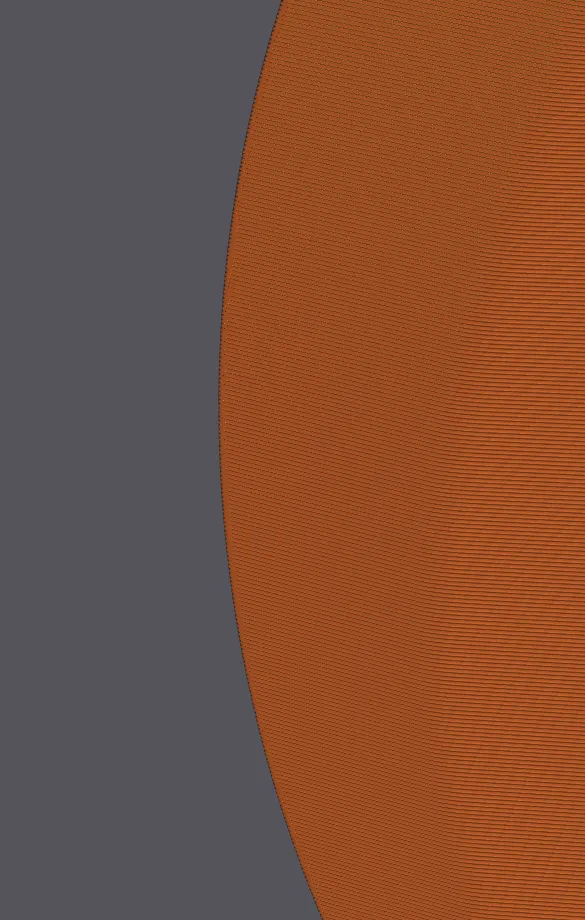 |
| Horizontal print | 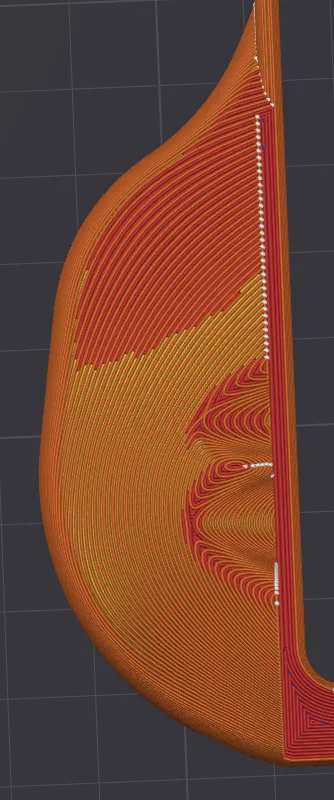 | 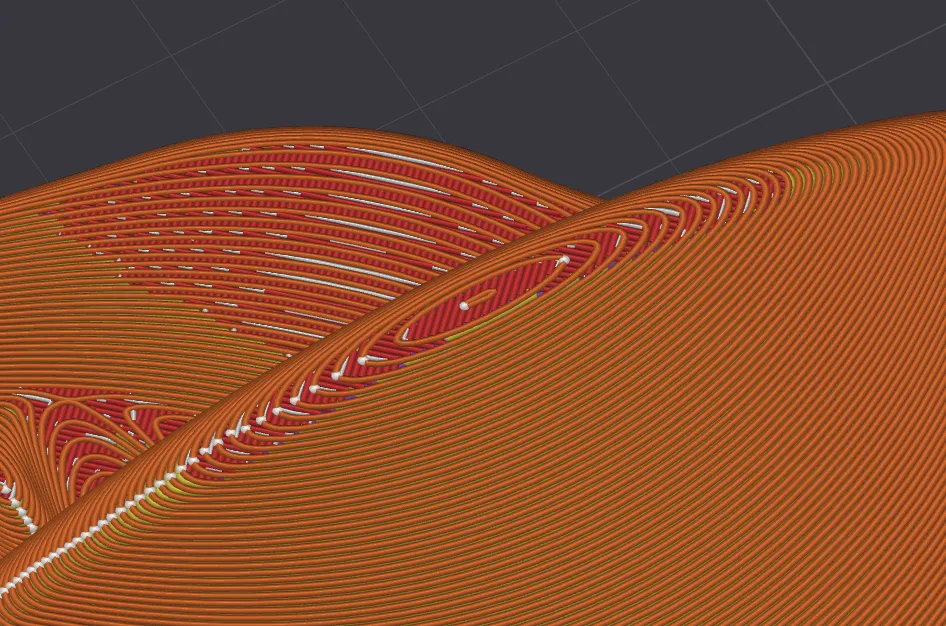 |
🧪 Extensively Test-Printed
This model has been refined through multiple test prints to improve both printability and in-hand comfort. The shape was carefully adjusted to better match the natural grip and feel.
Boost Me (for free)
If you find this design helpful, a like or boost would be greatly appreciated—thanks! 🙌
🖱️ Mouse Movement Tip
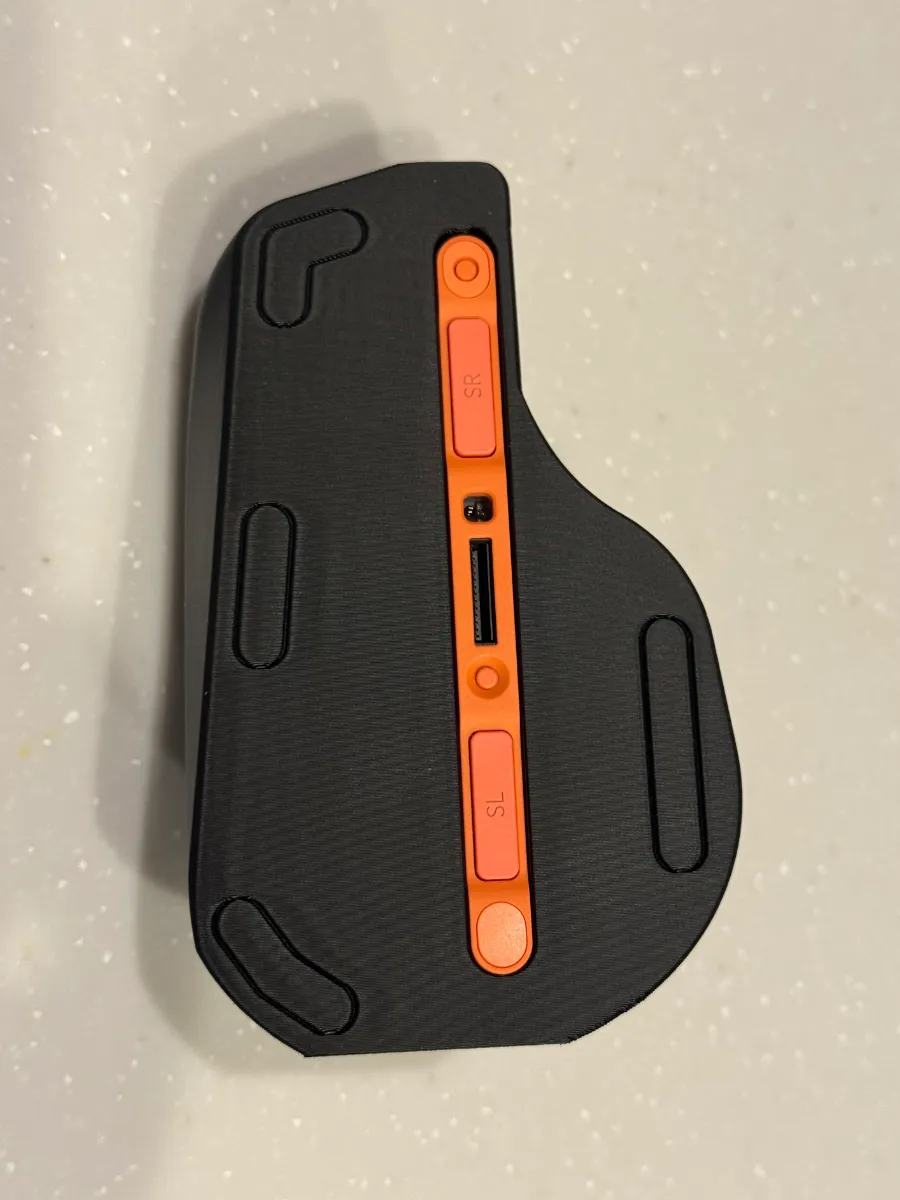
The default print plate model includes subtle guide lines under the base. For smoother movement, you can apply 7 mm diameter dot-style mouse feet, you might find it in local stores or online shops.
🎨 No AMS Required – Simple Multi-Color Option
The small “plus” logo can be printed separately in a different color. Just use glue to attach it securely—no AMS or multi-material printer needed.
🎮 Other related models
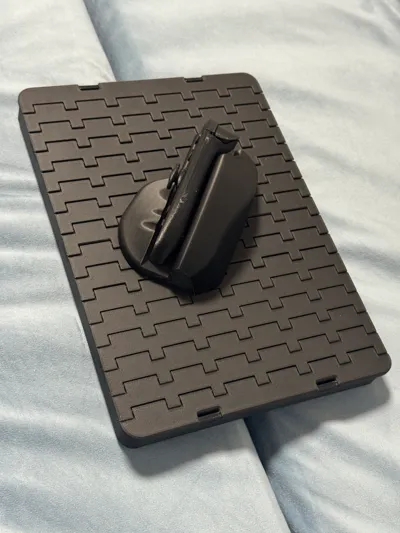
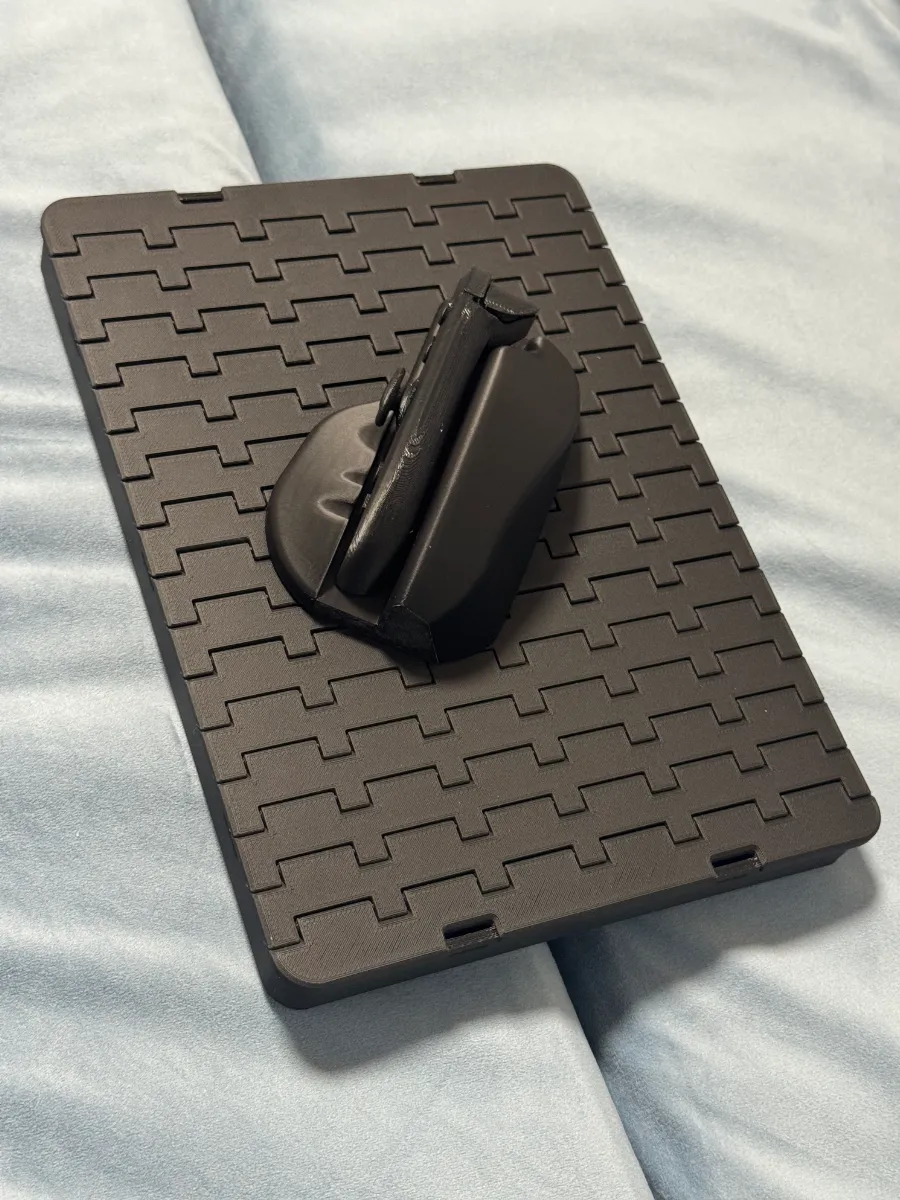
- Compatible with my multi-purpose sofa tray as a mouse pad base
- JoyCon2 Magnetic Grip.
Membership
Get a commercial license to sell prints!
License

You shall not share, sub-license, sell, rent, host, transfer, or distribute in any way the digital or 3D printed versions of this object, nor any other derivative work of this object in its digital or physical format (including - but not limited to - remixes of this object, and hosting on other digital platforms). The objects may not be used without permission in any way whatsoever in which you charge money, or collect fees.


Comment & Rating (1088)