Search models, users, collections, and posts

Mac Mini & Ugreen Dock Under Desk Mount w/ 3x NVMe
Print Profile(1)

All
P1S
H2D
X1
P1P
X1 Carbon
A1
A1 mini
X1E
H2D Pro
H2S
P2S
H2C
X2D
A2L

0.28mm layer, 2 walls, 30% infill
Designer
3.9 h
1 plate
4.7(3)

Open in Bambu Studio
Boost
25
76
15
10
99
31
Released 

Description

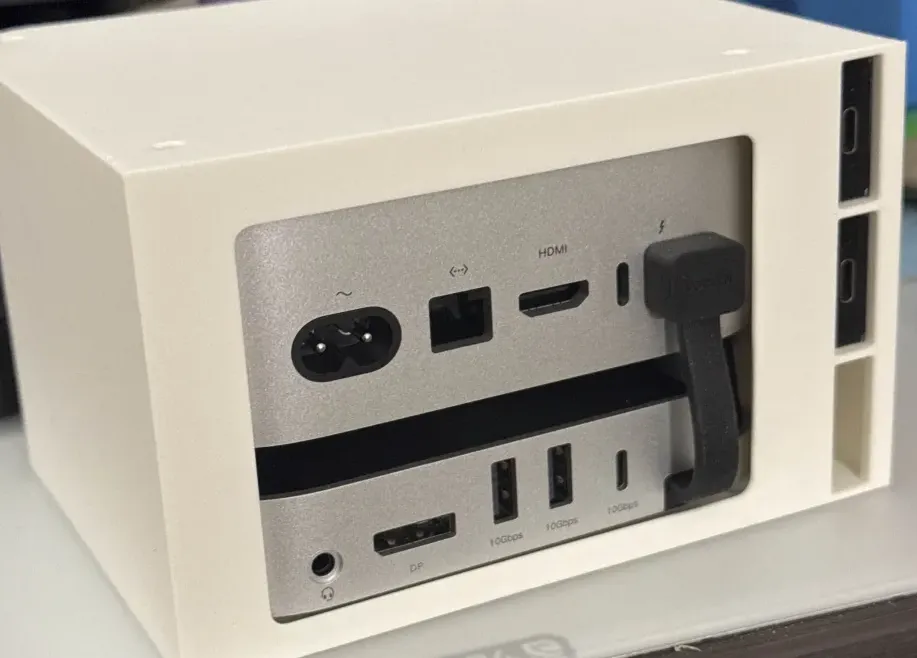
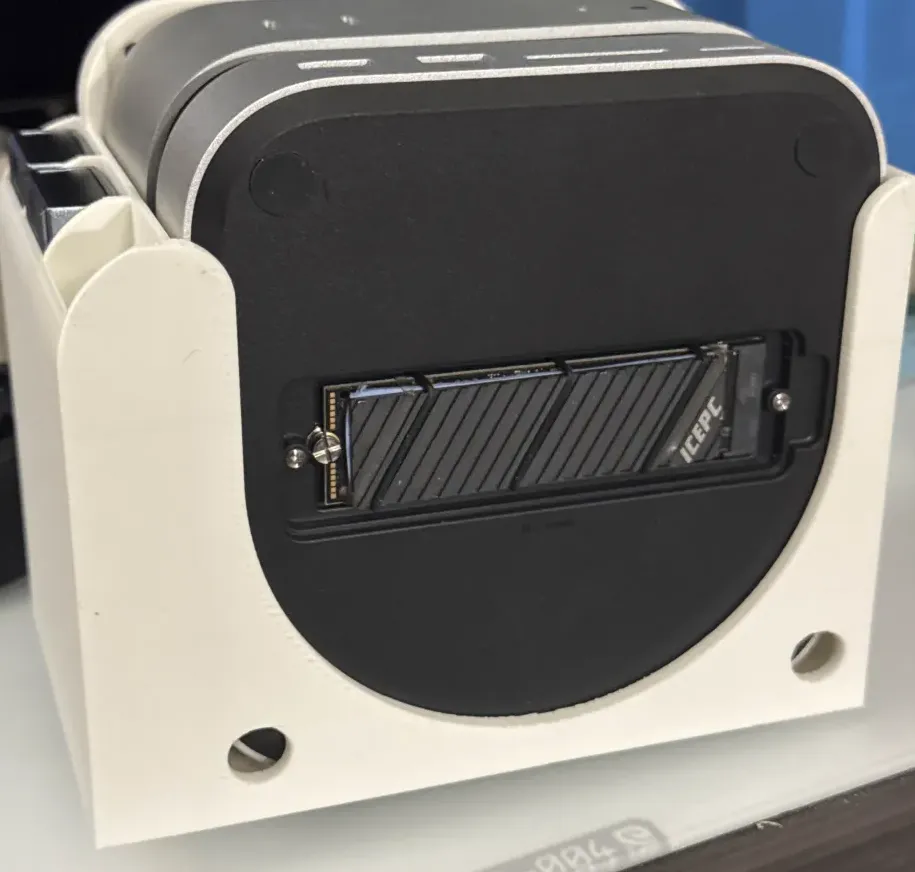
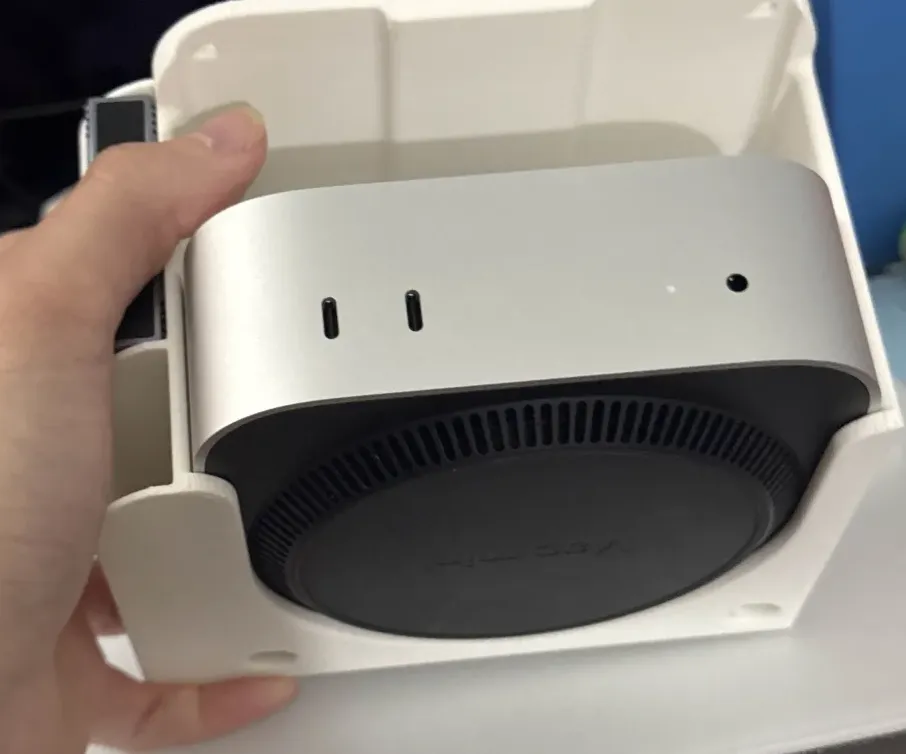
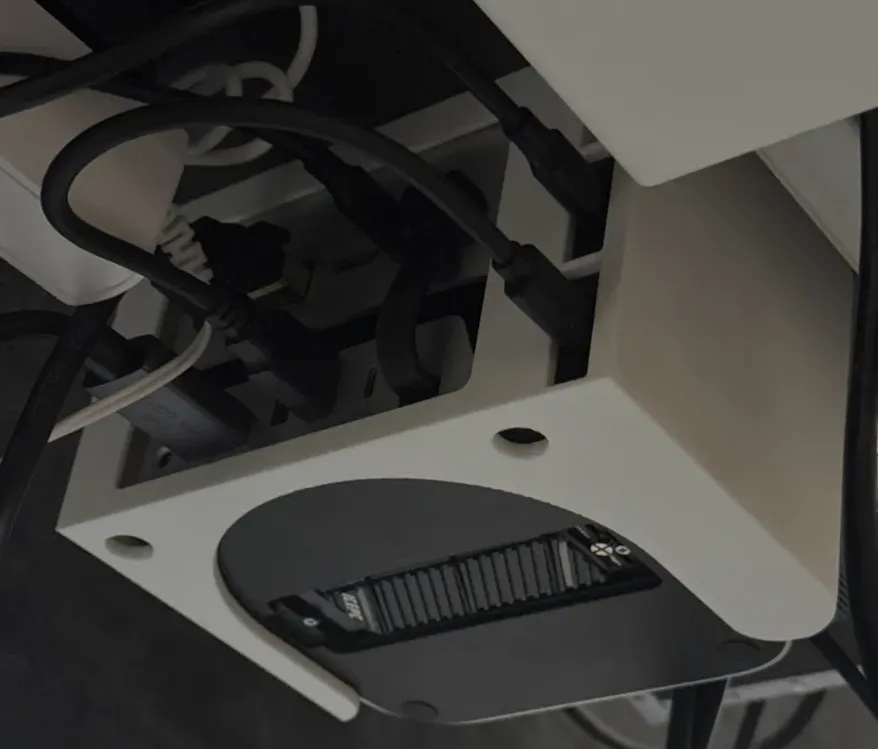
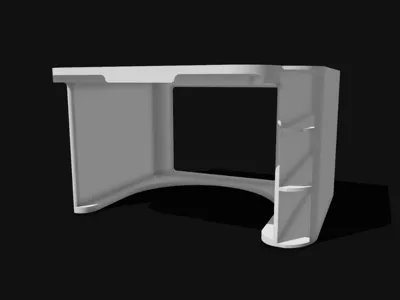
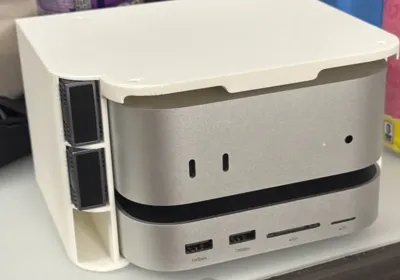
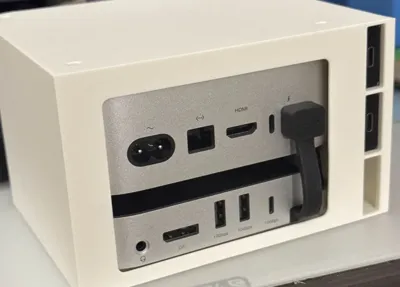
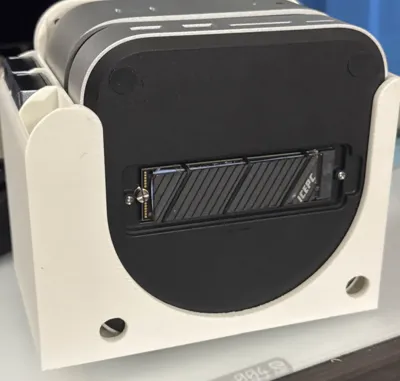
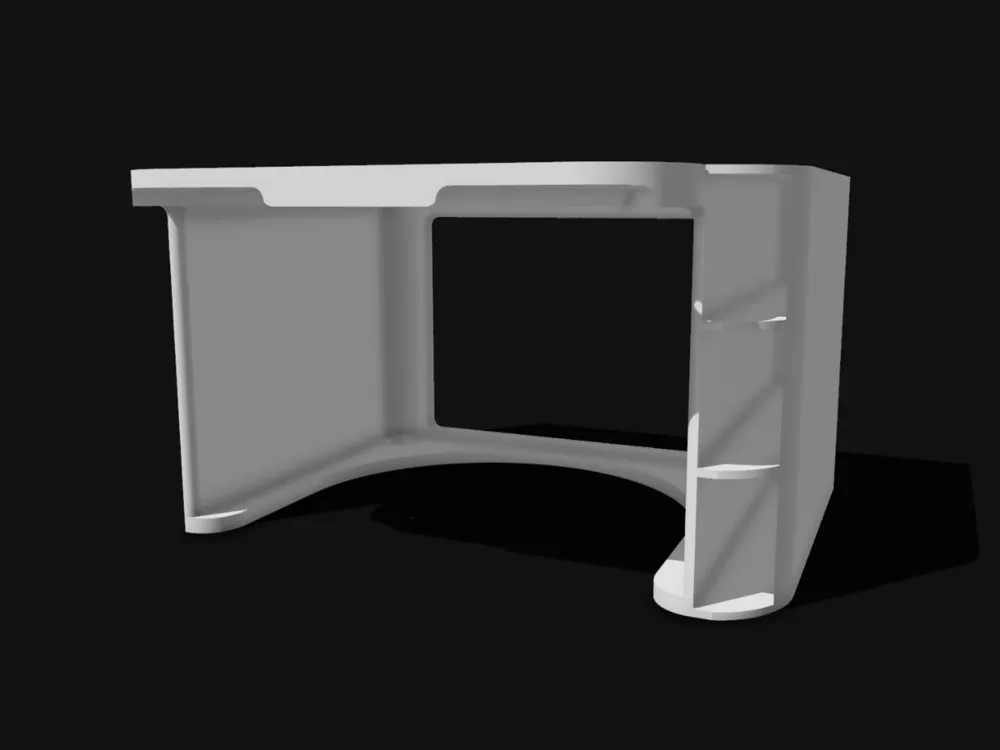
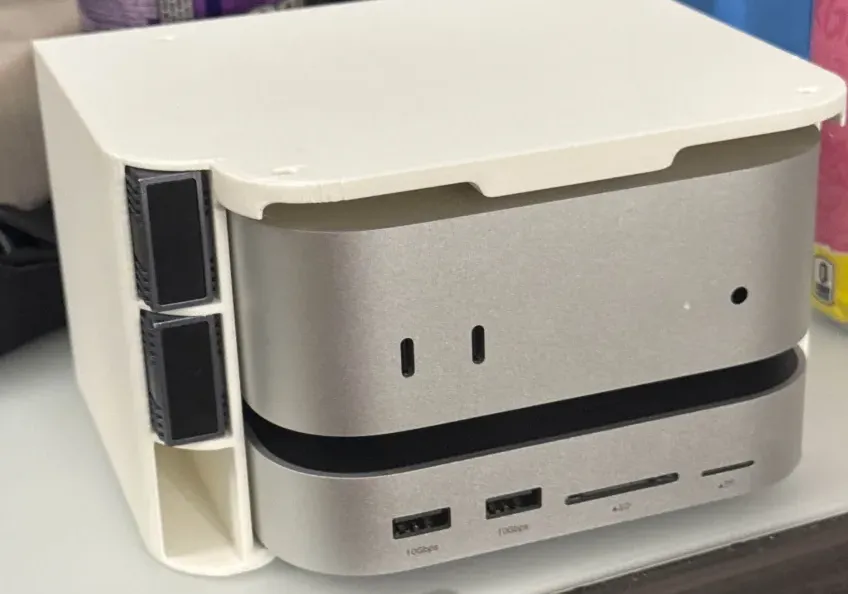
Mount your M4 Mac Mini beneath your desk, away from prying eyes! With support for up to 3x NVME (V VCOM External Adapters) and the new UGREEN Mac Mini M4 NVMe Dock with DP! It's a VERY snug fit for the mac mini on the dock, so press firmly without fear as it slides back, but remember to power on first! The power button placement made for a challenge that couldn't be overcome by design alone. Also even if you do not use the Ugreen dock, there is support for the Mac Mini's cooling system to hang out from below the mount if placed standalone at the base, with room above for whatever you may want to store!


If you like, feel free to drop a Boost below!

Boost Me (for free)

Comment & Rating (15)

(0/1000)

Boosted
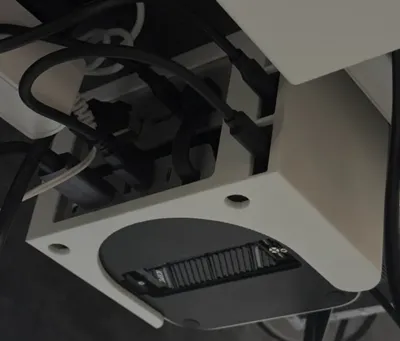
wonderful model, makes it quite difficult to get to the power button (thnx apple). cut a big hole with bambulab studio. works great. also removed the dividers on the side to mount a normal SSD. fits tight but makes for a clean desktop. unfortunately bought the dock without a 3.mm jack so i have to route the audio cable to the front. quite annoying
The designer has replied
designer
1
Reply
Love seeing your use case! If I ever make a newer version, you’ve inspired quite a lot. I’m imagining an interlocking ssd caddy set that can slide off a rail system on both sides, with removable slat separators to allow full ssd or v vcom nvme caddies. As for the button, it was a challenge that I sadly gave up on😅
0
Reply
Boosted
Replying to @truth :
here you go
0
Reply
Would it be possible to provide me with your customized file with the holes
Show original
0
Reply
I forcefully inserted my Mac mini M4 docking station, but thankfully, my desk is now much tidier! 👍
The designer has replied
Show original
designer
1
Reply
I really like that you utilized the NVMe slot for cable management Thank you for the review, it looks really cool in red I'm curious what dock model you are using The compatibility seems good
Show original
0
Reply
This is the perfect design for mounting a MacMini with dock, however, I have an M2 MacMini that measures 7.75"x7.75". How much would you suggest I resize your design to fit the M2?
The designer has replied
0
Reply
I am no longer producing any prints for apple products. But thank you for the recommendation!
0
Reply
I feel like this could be better if you were to include a notch in the back to more easily reach the power button, and possibly add some vents on the right side for more airflow. the NVME drives could also likely benefit by having some venting on the left
0
Reply
added a delete on the back to access the power button more easily, works well. still think cooling vents could help
0
Reply
Exactly what I have and what I was looking for
0
Reply
!!
0
Reply
Print Profile
0.28mm layer, 2 walls, 30% infill
profile
1
Reply
Print Profile
0.28mm layer, 2 walls, 30% infill
profile
1
Reply
Print Profile
0.28mm layer, 2 walls, 30% infill
profile
1
Reply
No more

License

This user content is licensed under a Standard Digital File License.

You shall not share, sub-license, sell, rent, host, transfer, or distribute in any way the digital or 3D printed versions of this object, nor any other derivative work of this object in its digital or physical format (including - but not limited to - remixes of this object, and hosting on other digital platforms). The objects may not be used without permission in any way whatsoever in which you charge money, or collect fees.