
3D Printer LED lighting upgrade support Channel
Print Profile(2)


Description
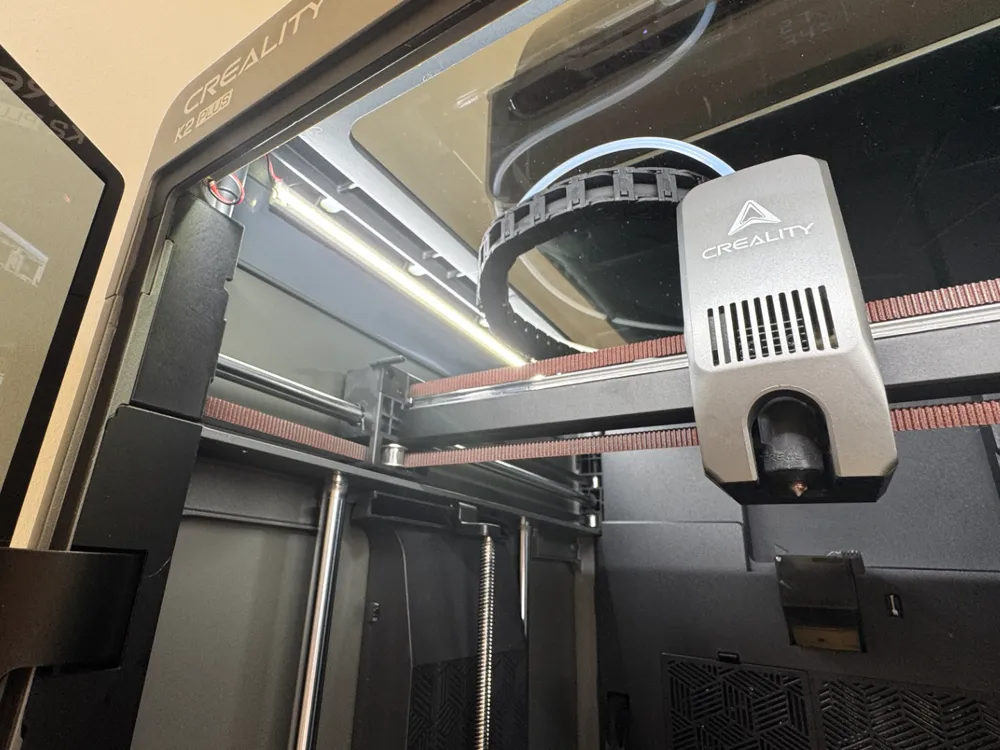
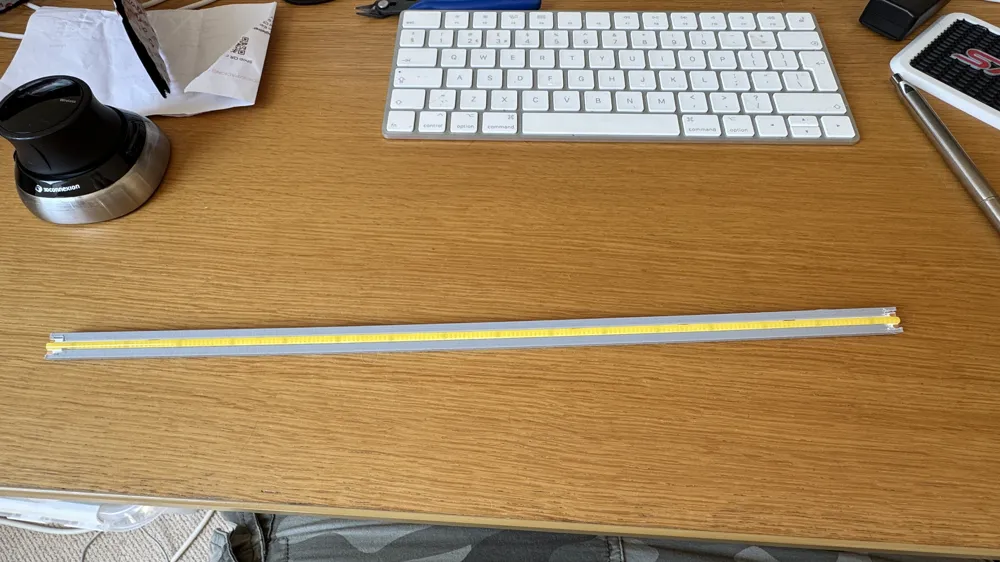
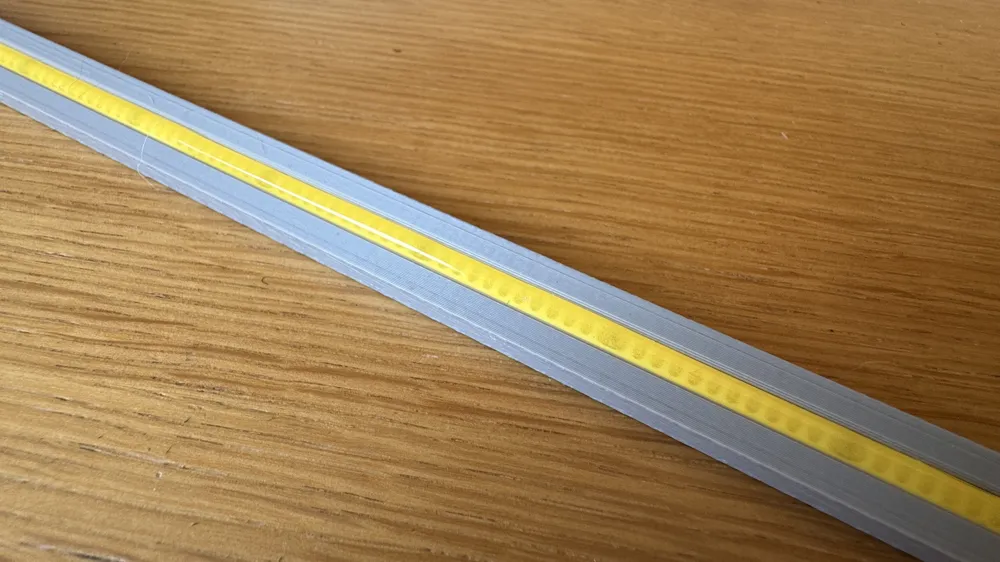
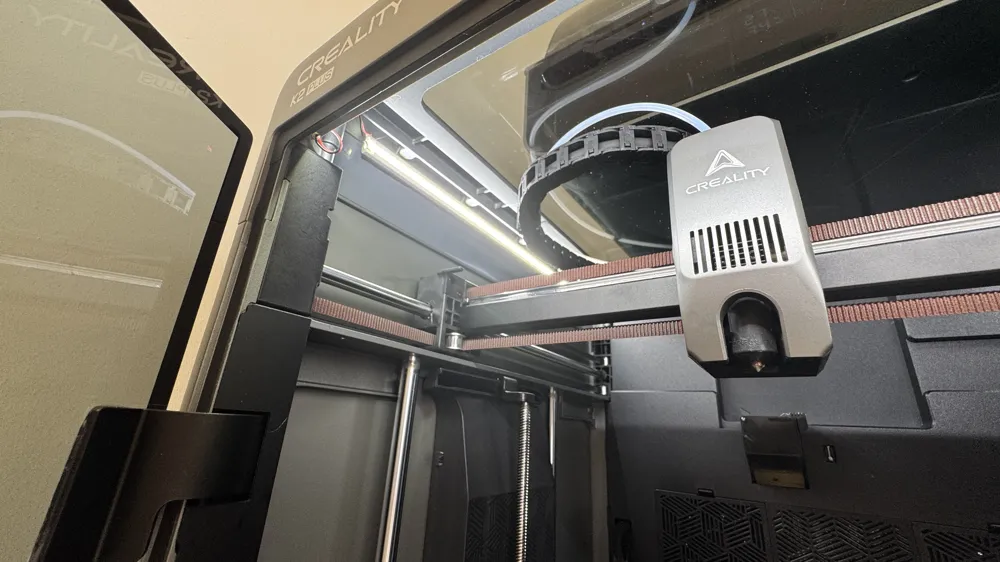
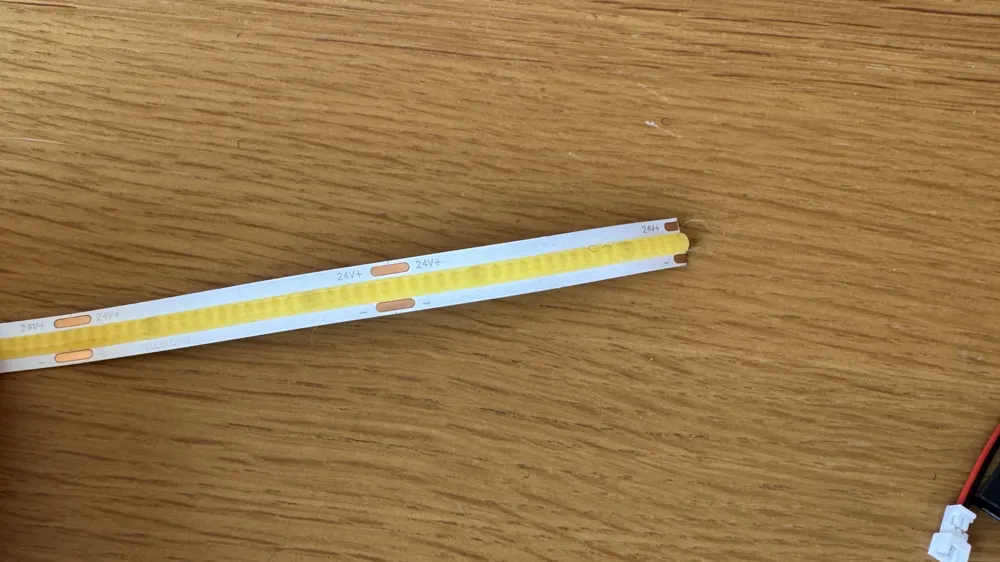
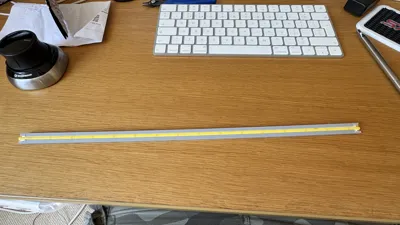
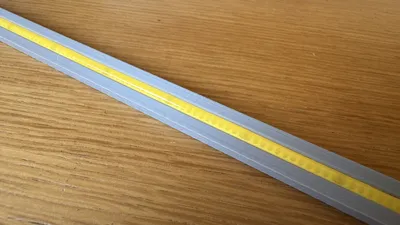
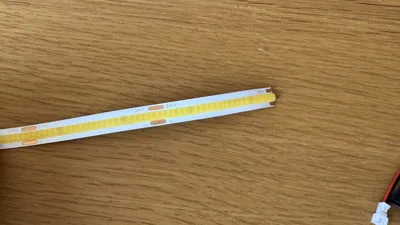
This is a channel that can be used to slide in lengths of 8mm 24V COB LED strip to upgrade the lighting of your printer. This strip makes it easier to install but also easier to remove if you need to.
There are 4 sizes included:
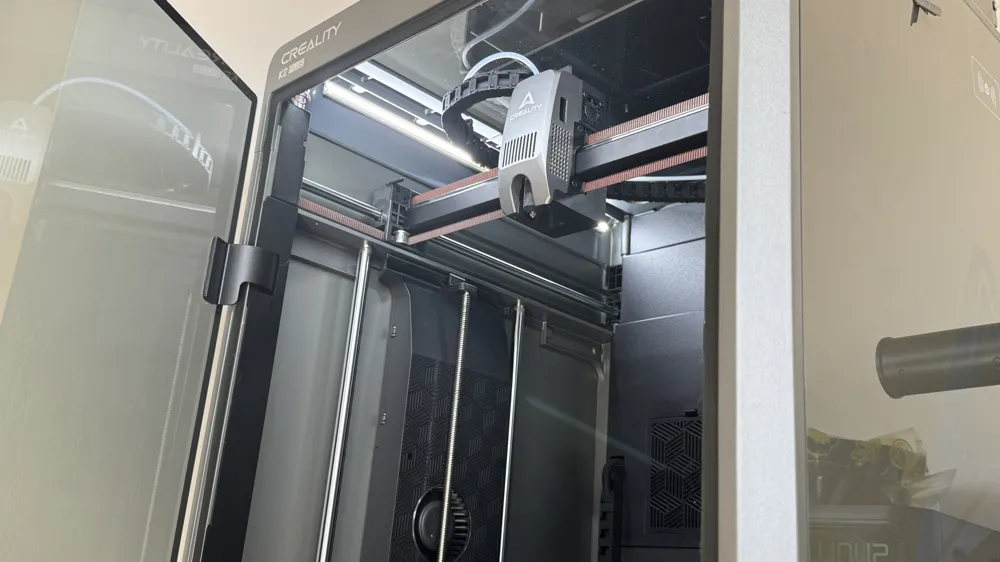
400 - Suitable for Creality K2 Plus.
350
300
250
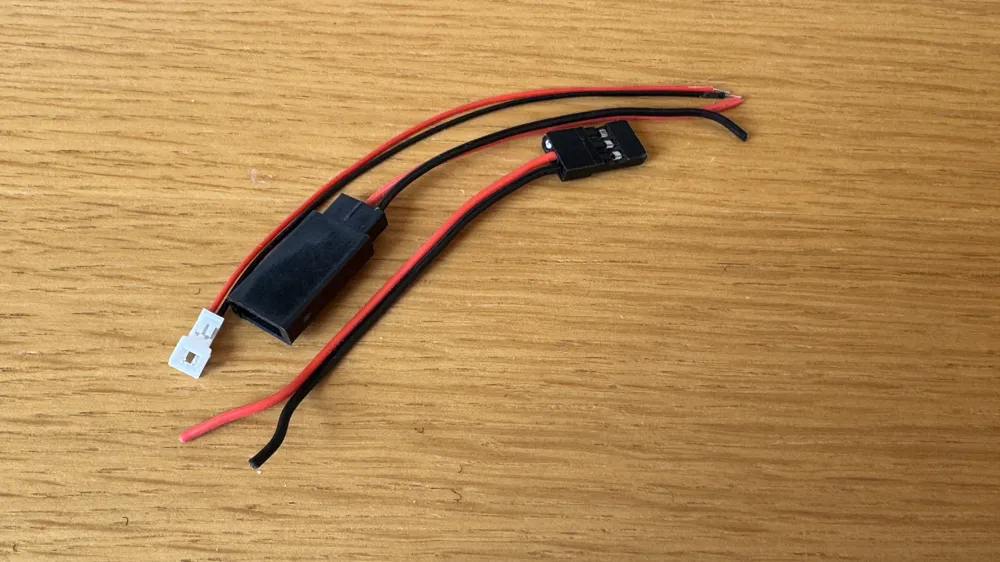
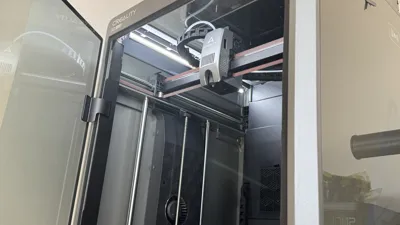
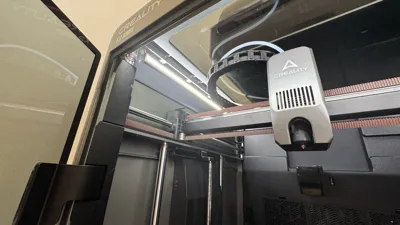
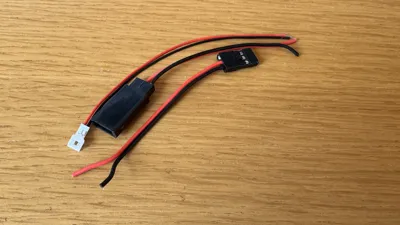
For example, a K2 Plus you can then attach a JST 1.25 socket to one end and if you like either use more JST 1.25 plugs and sockets at the ends to connect more sections. Once this is done add industrial strength Velcro to the back- I would suggest 3 sections of about 40mm . you can then install this in your printer. Make sure the strip is not at the same height as the cable chain. I used 2 sections on mine but you could use 3 or 4 if you wanted. You can just disconnect the existing lights and connect the cable to these.
Different printers will require adjusting how you power and wire in these strips. I would not suggest using PLA as it will soften in the printer due to the temperature.
License

You shall not share, sub-license, sell, rent, host, transfer, or distribute in any way the digital or 3D printed versions of this object, nor any other derivative work of this object in its digital or physical format (including - but not limited to - remixes of this object, and hosting on other digital platforms). The objects may not be used without permission in any way whatsoever in which you charge money, or collect fees.


Comment & Rating (0)