

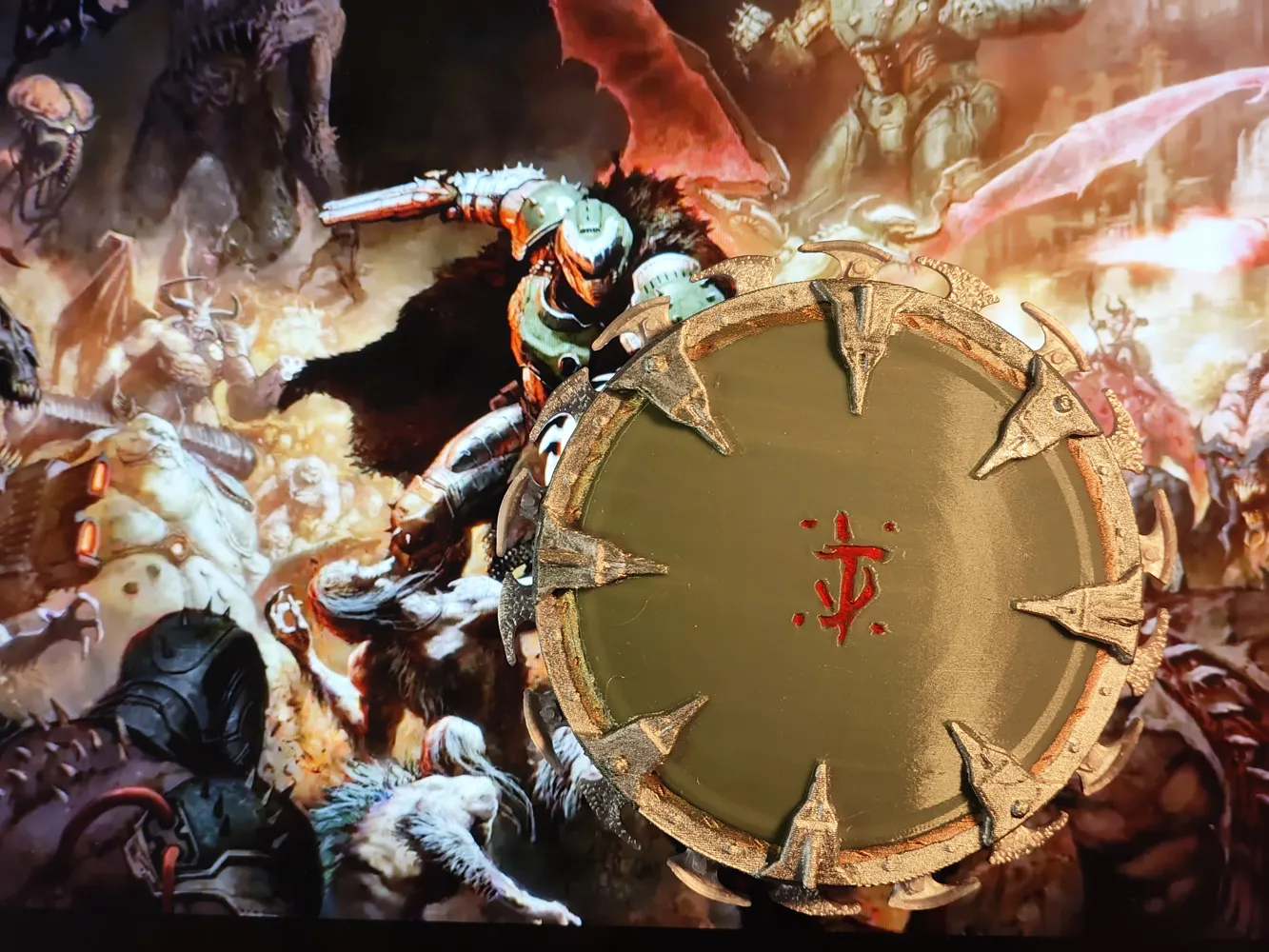
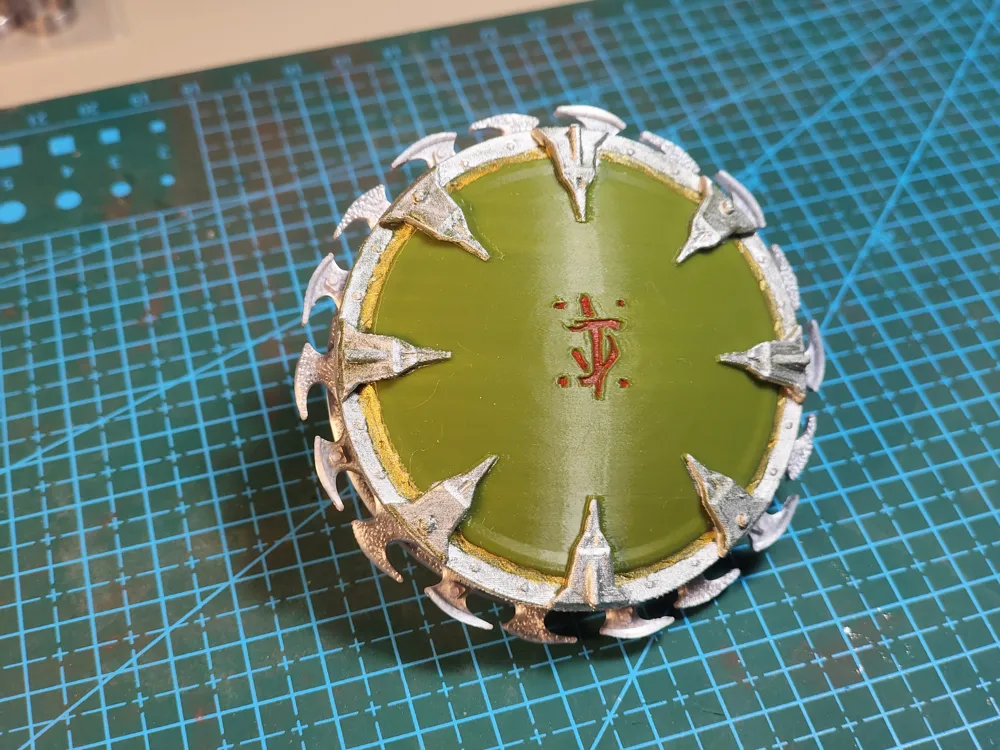
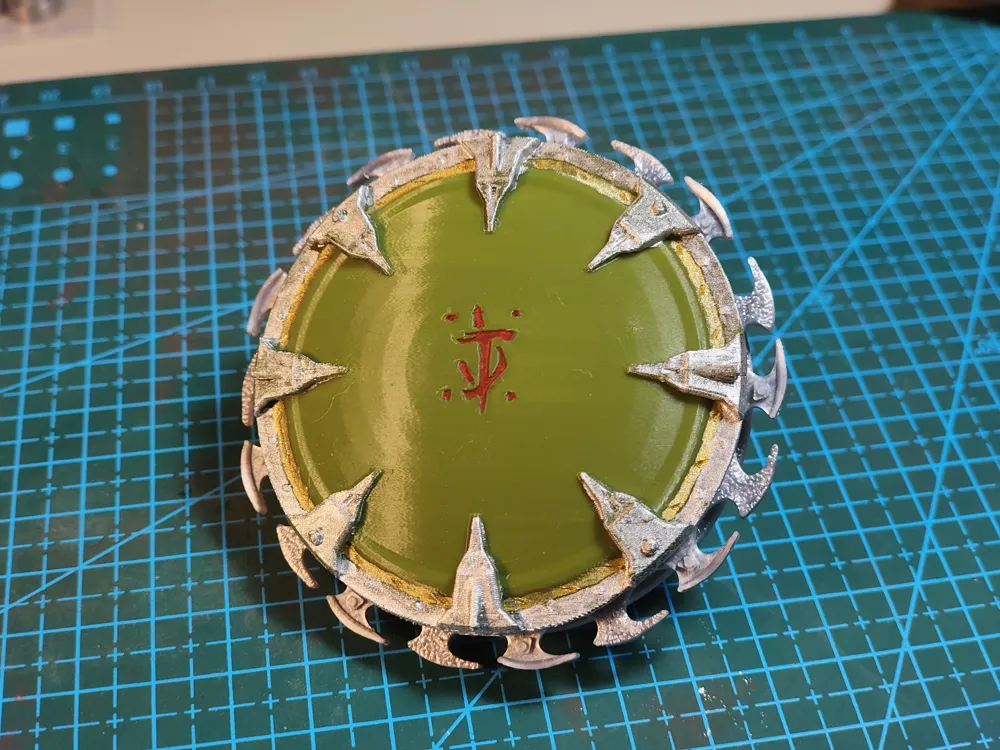
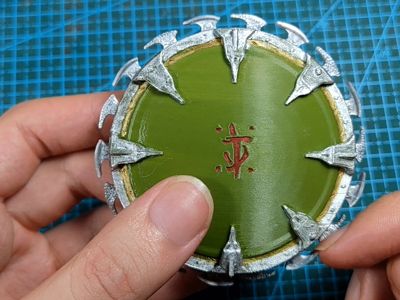
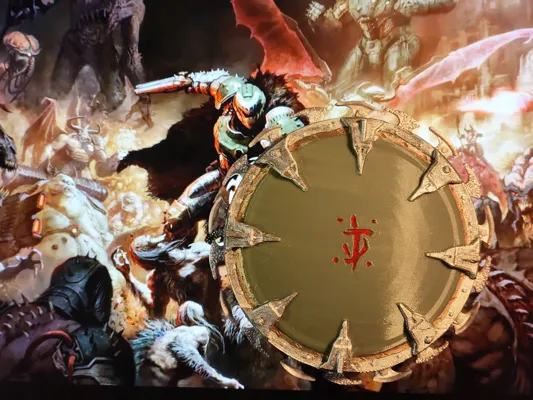

Doom - The Dark Ages Rotating Shield
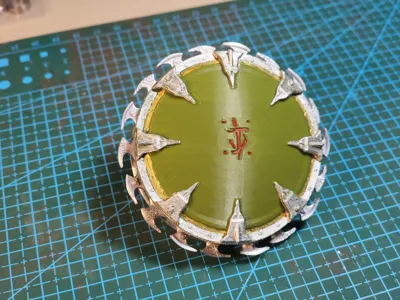
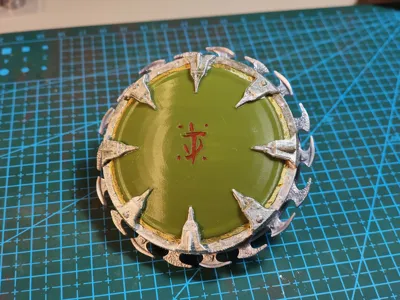
Print Profile(4)




Bill of Materials

Description
Manual coloring is recommended (AMS printing is challenging unless you don't mind the layer lines that appear after flat printing; you can experiment with coloring in your slicer software)
You can opt for MR128 metal bearings or a 3D printed bearing designed by Tassesin (608Z; deselect proportional scaling and adjust the Z-axis height to 50%)
Select the appropriately sized blade for printing
Tolerances will inevitably exist, so if proper installation is proving difficult, adjust the XY hole/contour compensation
- I have selected A1 and A1 mini in the editing settings, but for some reason, the print profiles lack A1 and A1 mini options; however, I successfully printed using the A1 mini, so there's no issue, just manual plate arrangement is required
Installation Steps:
1. First, you will need an MR128 bearing; if unavailable, a plastic bearing can be printed as a substitute, https://makerworld.com.cn/zh/models/128727-608z-6000zgun-zhu-zhou-cheng-v2#profileId-20239, select 608Z, deselect proportional scaling and adjust the Z-axis height to 50%
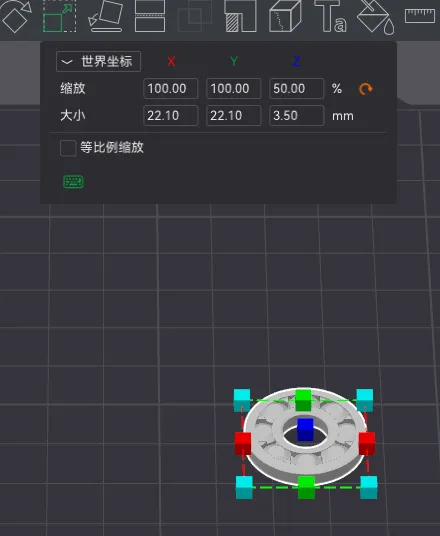
2. Assemble the bearing and blade; after installation, rotate the blade to ensure minimal wobble to prevent scraping
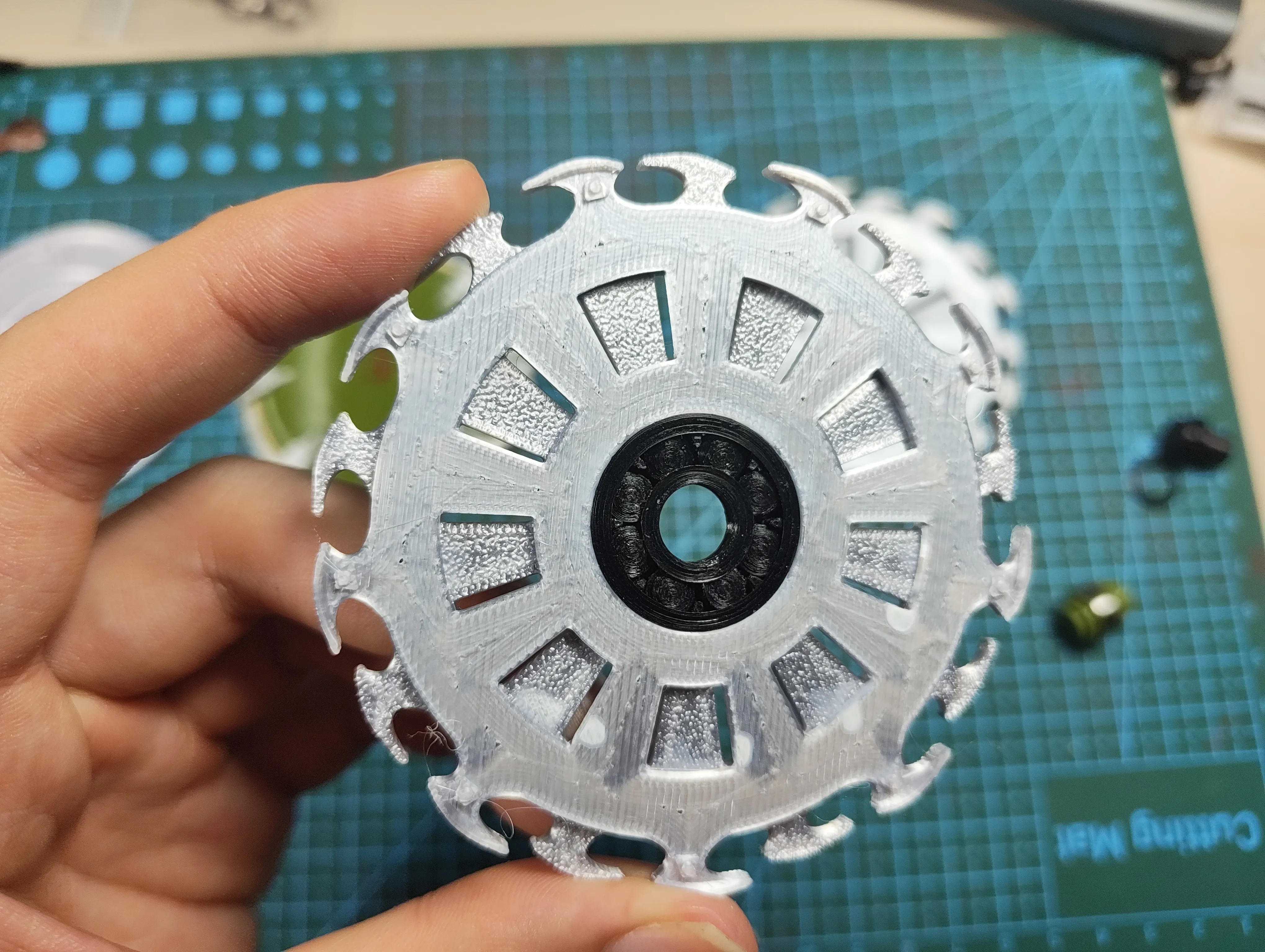
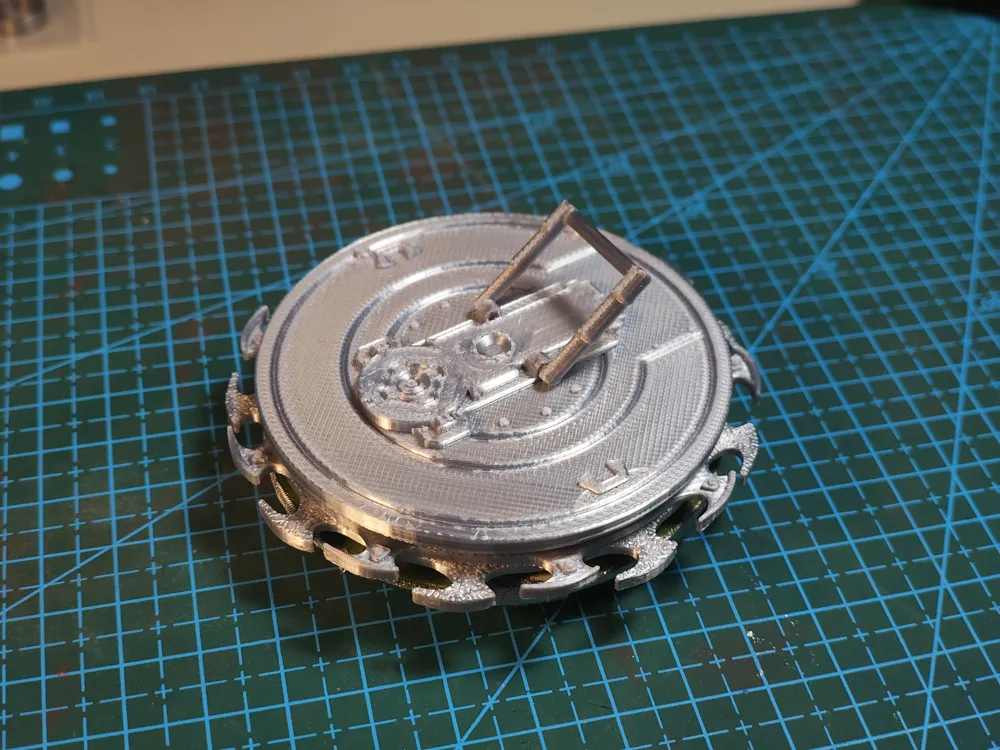
3. Install the central shaft and auxiliary plate (the blade is not installed for better visibility)
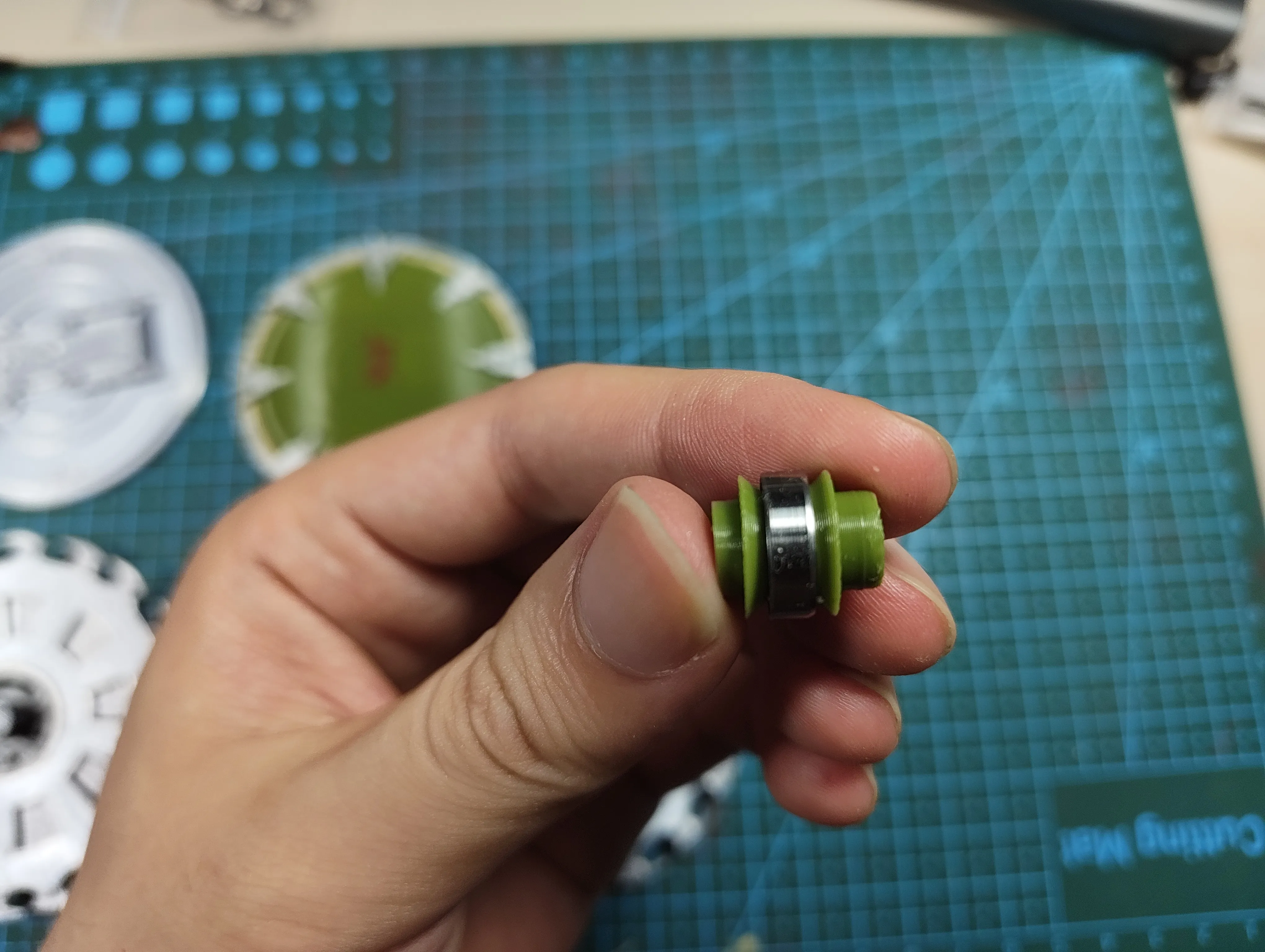
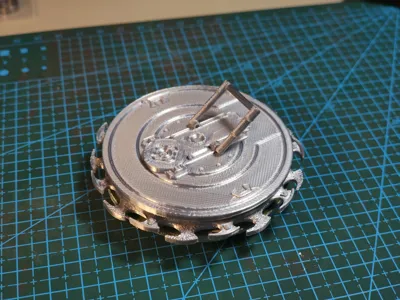
4. Attach the handle to the back plate
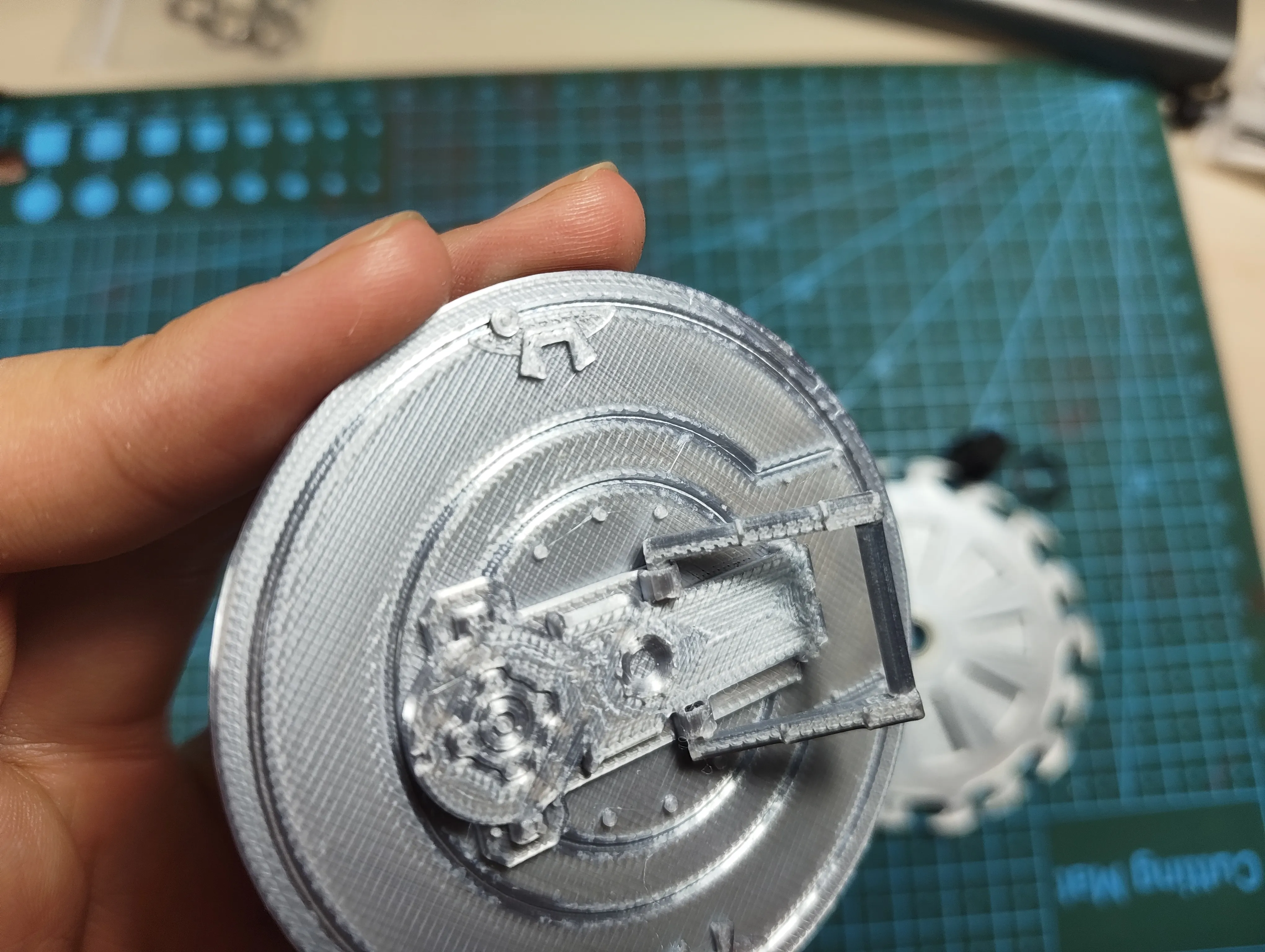
5. Attach the front and back plates to the central shaft
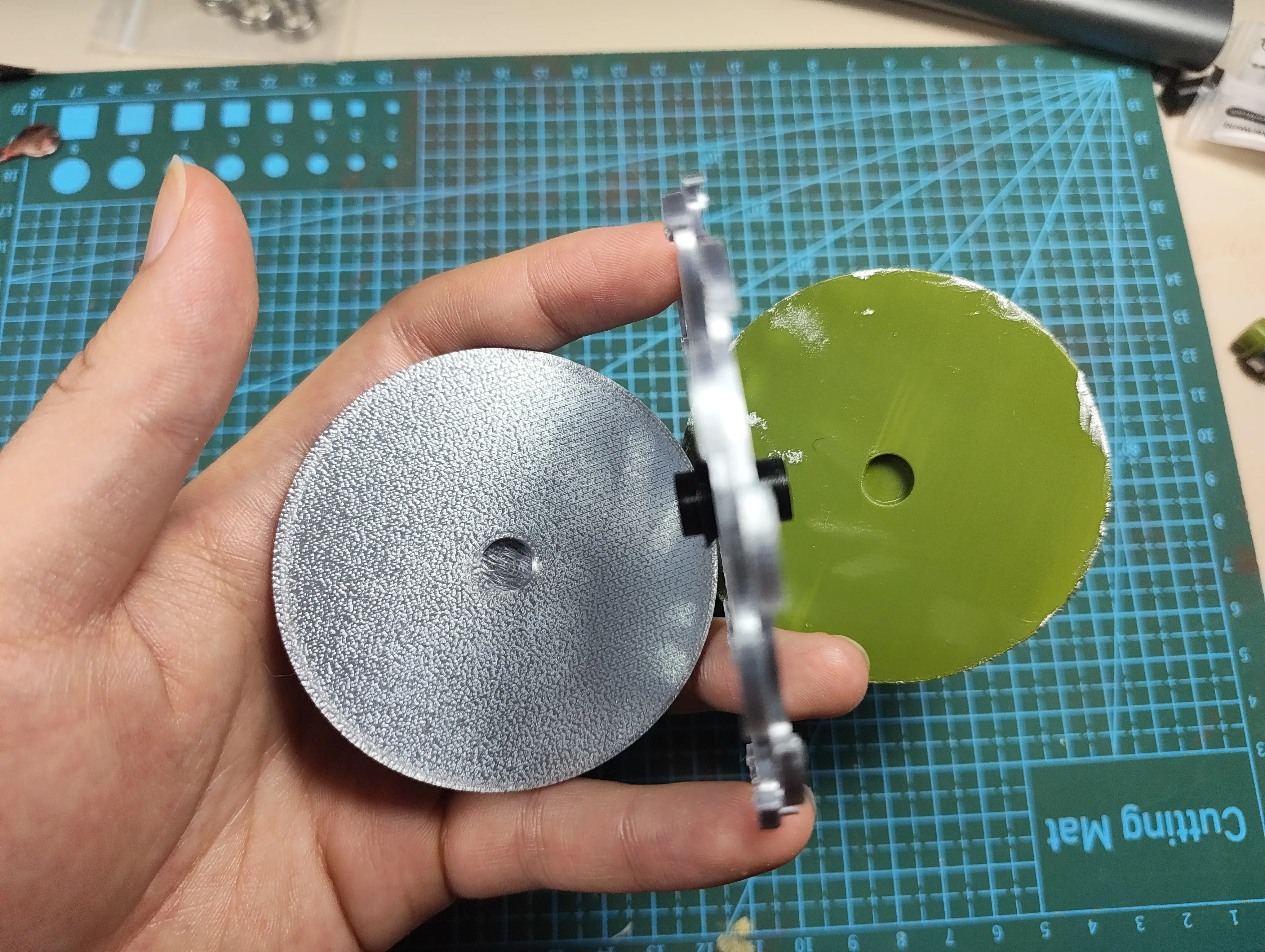
6. Begin rotation
Boost Me (for free)
License

You shall not share, sub-license, sell, rent, host, transfer, or distribute in any way the digital or 3D printed versions of this object, nor any other derivative work of this object in its digital or physical format (including - but not limited to - remixes of this object, and hosting on other digital platforms). The objects may not be used without permission in any way whatsoever in which you charge money, or collect fees.


Comment & Rating (37)