
Tire Insert 2.2" Bubble - Dual Stage RC
Print Profile(1)
Description
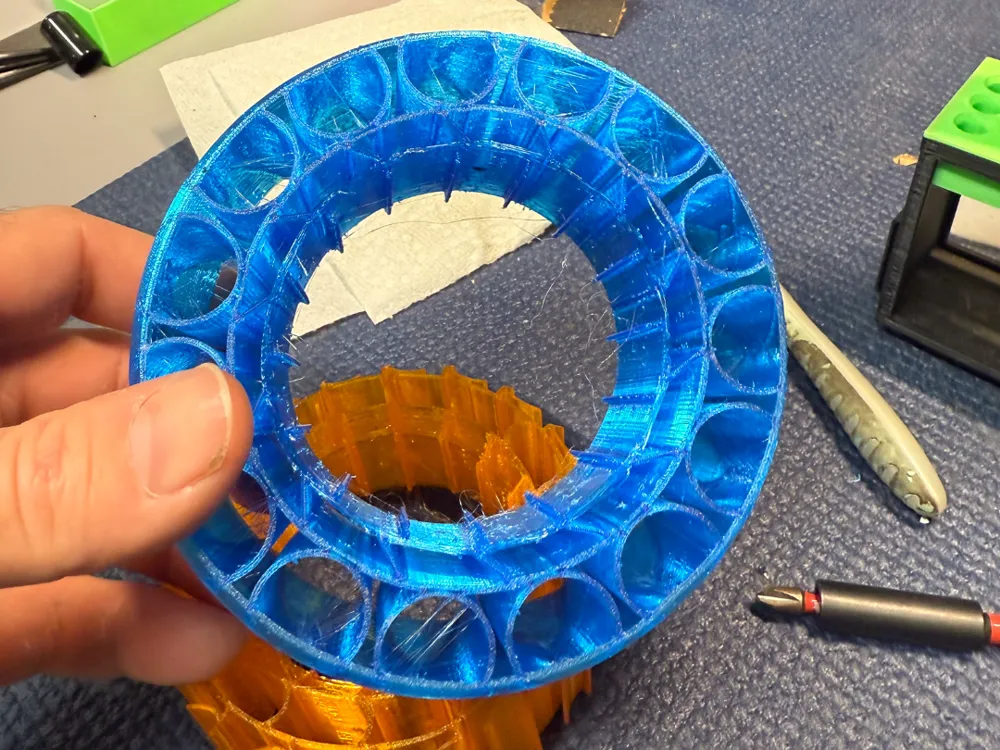
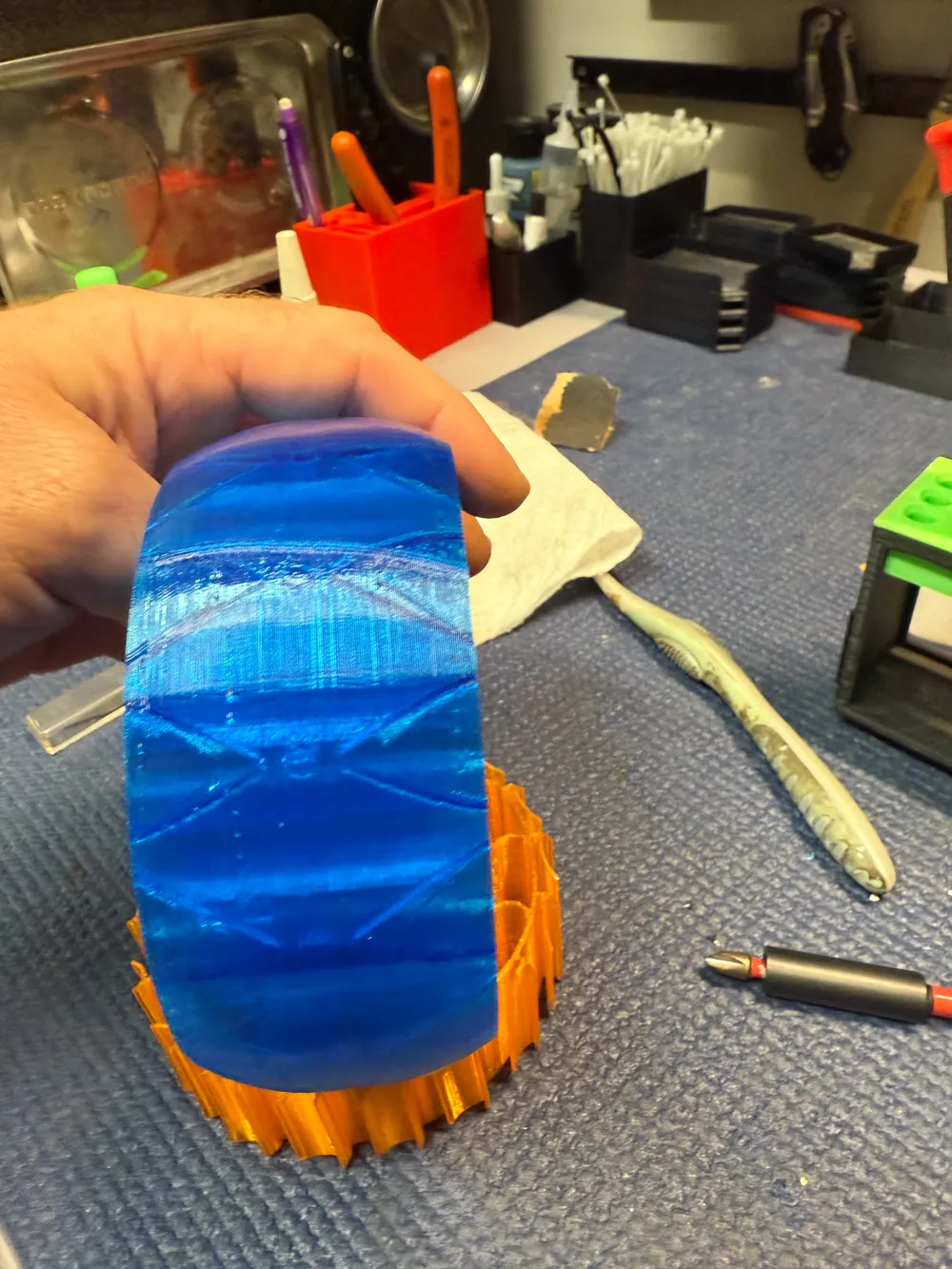
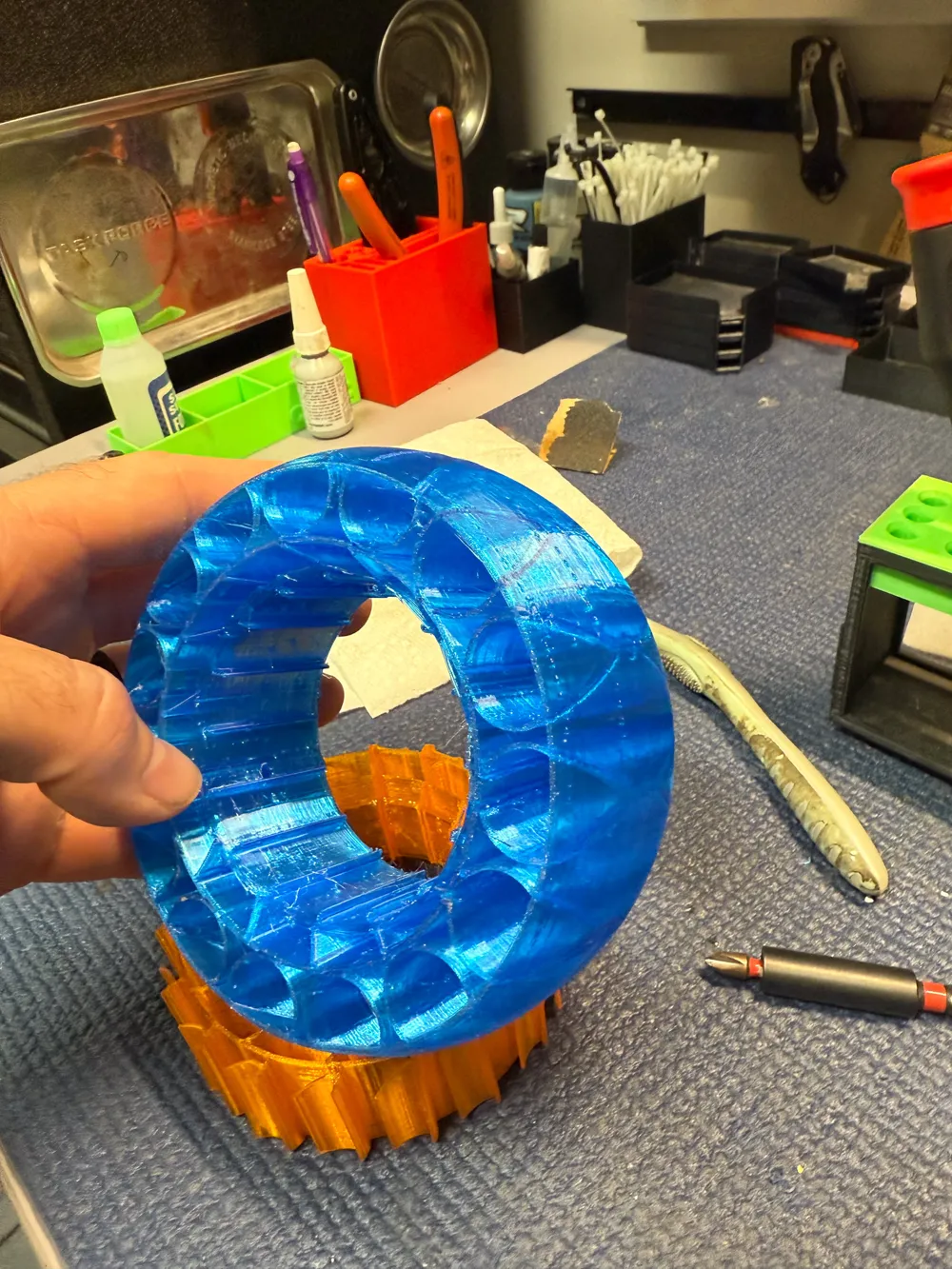
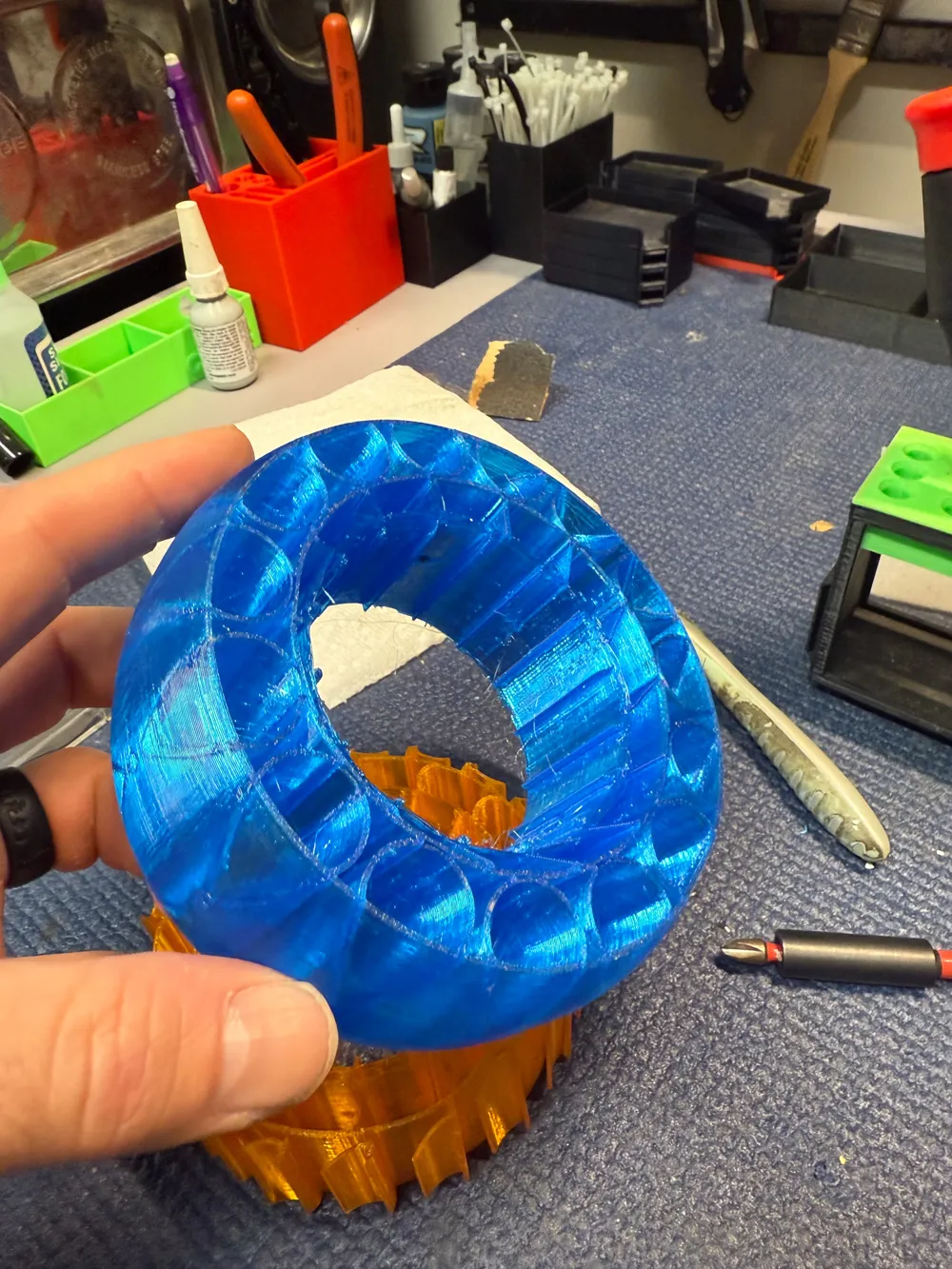
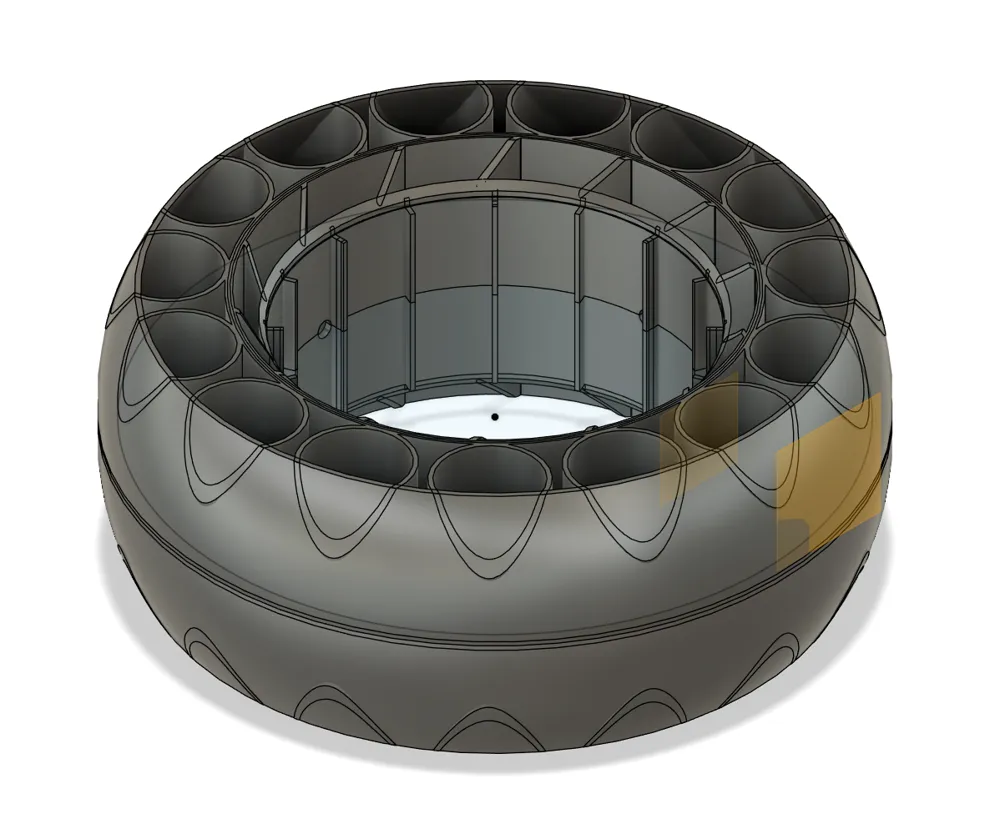
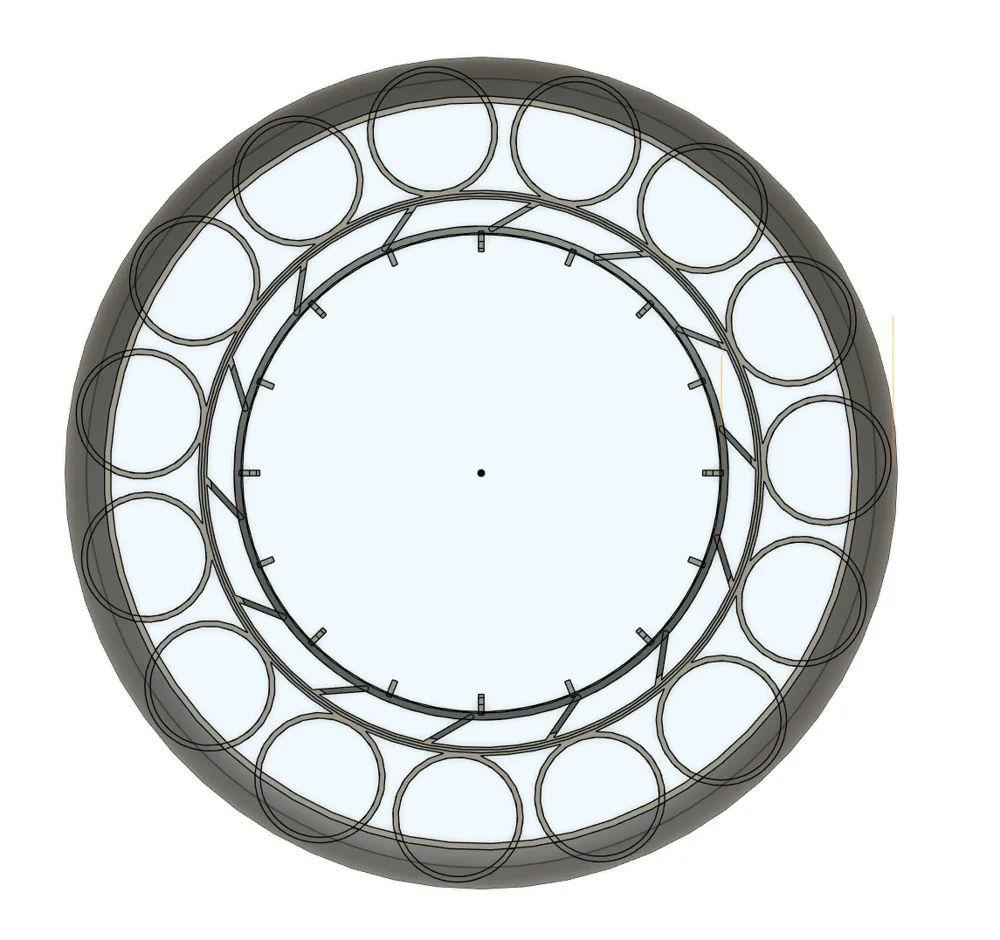
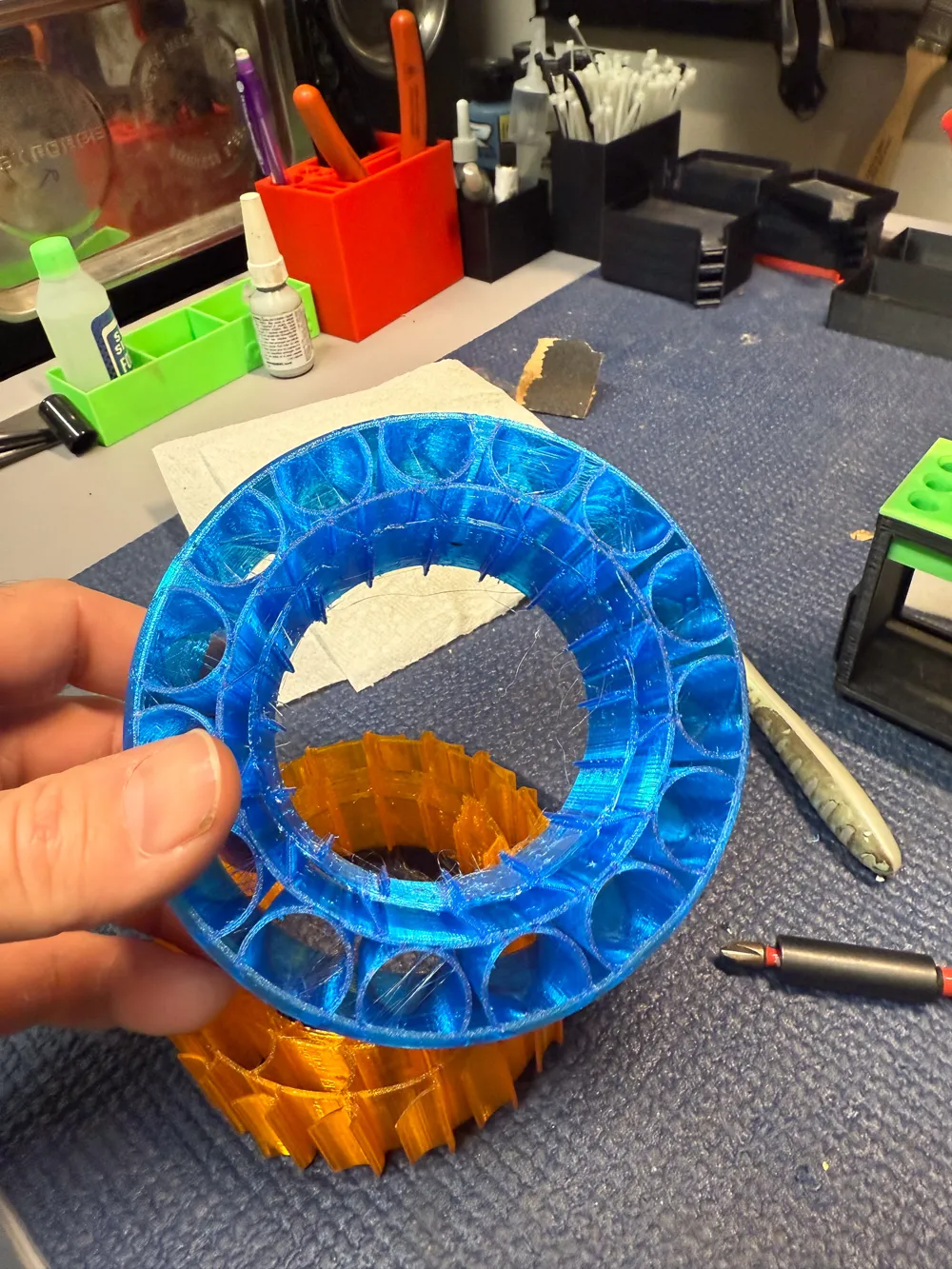
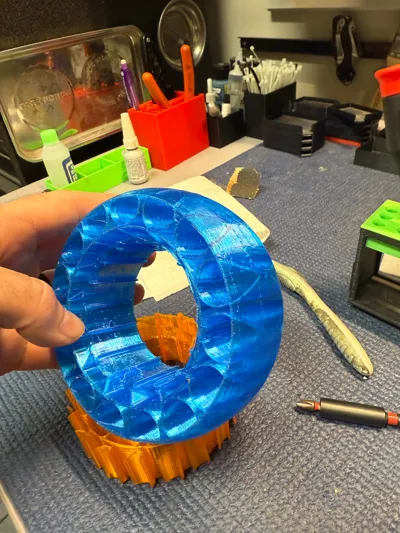
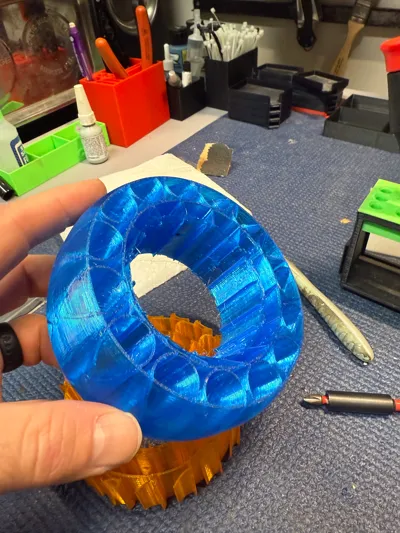
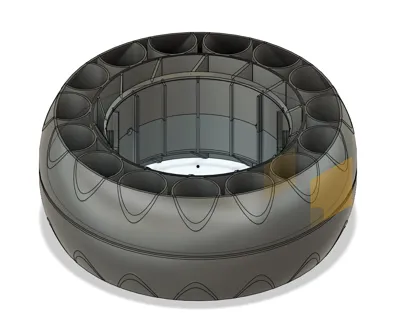
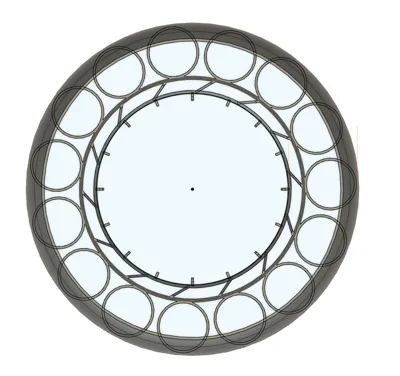
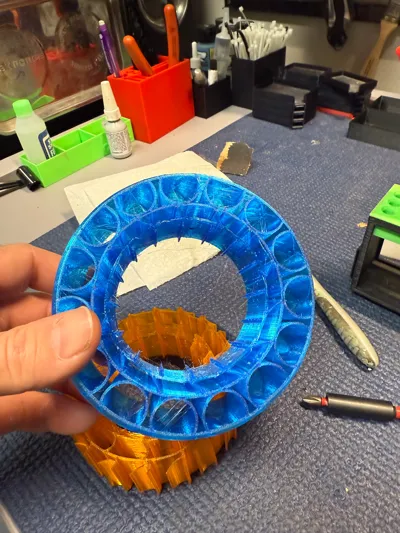
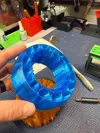
I call this my “Bubble” design. The circles look like bubbles to me. These are for 2.2" wheels.
Here are other sizes:
1.9" Wheels - 1/10 scale
RC Tire Insert - 1.9" Piranha - Multiple Sizes by fajitas21
Tire Insert for 1.9" Beadlocks 1/10 Dual Stage RC by fajitas21
1.0" Wheels - 1/18 and 1/24 scale
RC Tire Insert - 1.0" Piranha by fajitas21
RC Tire Insert - 1.0" - Piranha - Outer Ring by fajitas21
1.55" Wheels - 1/10 and 1/18 scale
RC Tire Insert - 1.55" - UTB18 Capra, RC4WD by fajitas21 MakerWorld: Download Free 3D Models
Description
This represents tons of time and prototypes to find a well performing insert that is durable, water proof, vented, flexible on the tread, stiffer on the sidewalls, and progressive stages to ensure good grip without giving too much. There's plenty of basic inserts out there, but the ones like this are typically behind a paywall, or the files aren't shared at all.
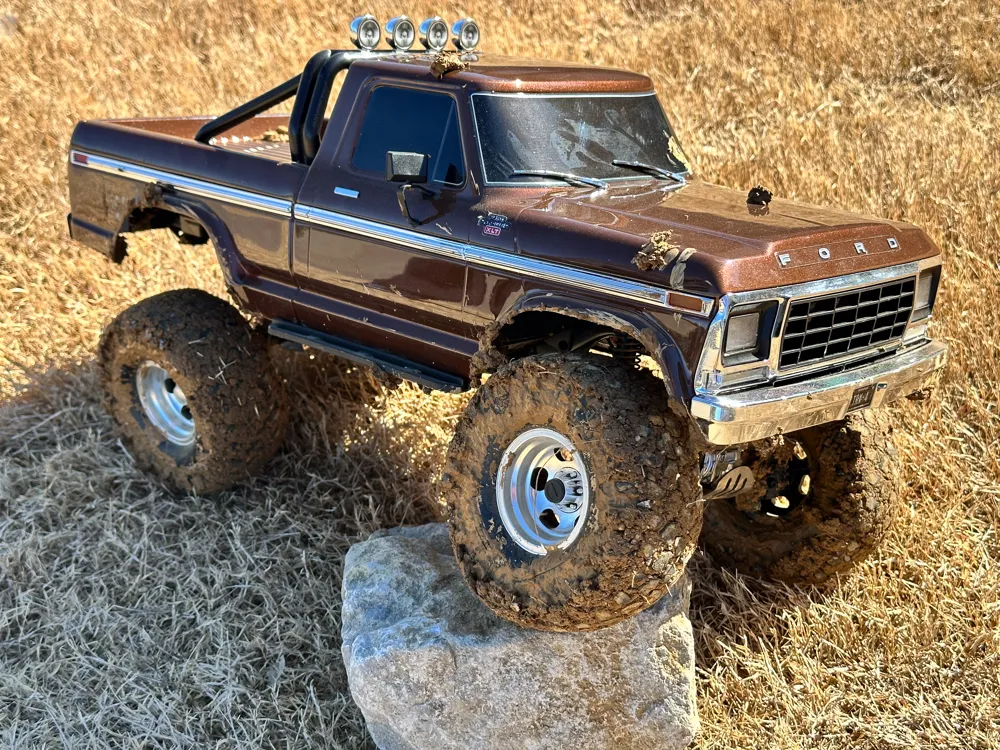
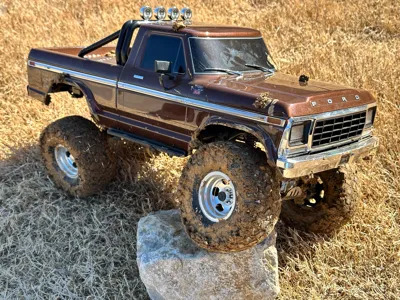
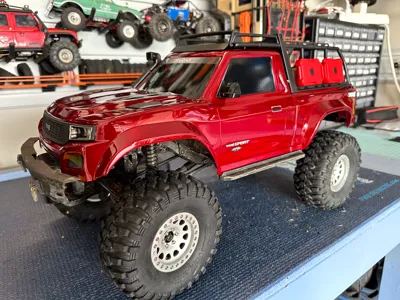
This insert is 115mm diameter x 48mm wide x 2.2 inch. These are considered 1/8 or 1/10 inserts. It's tough to measure the inside of a tire, account for the width of the shell, and figure the right insert, but these typically do well on a 5.25" tall 2.2" 1/10 tire. I use them in the Traxxas TRX4 F150 High Trail default Canyon tires.
Features:
- These are medium compression inserts, and you can adjust depending on the filament
- 95A is going to make them stiffer.
- 90A is going to make them medium.
- 70A-80A is going to make them soft.
- One off custom designed for the following conditions:
- 0.8mm walls designed to print with a 0.4mm nozzle
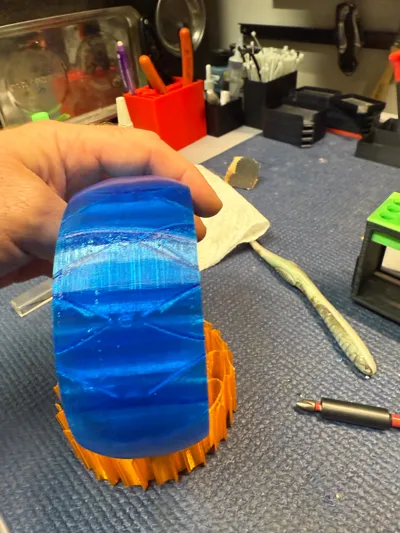
- The “bubbles” make up the first compression stage, and the slanted slots the second stage. These are progressive, and use the shell of the rubber tire to keep them in place.
- You must use a beadlock wheel, but you already knew that if you're into this kind of stuff.
- I wanted minimal sidewall flex, but still some give.
- Water proof. They won't work differently in water, which means you can safely vent your tires for better performance. I used to do sidewall vents but now just vent along the outer treads to fling the water our at higher speed.
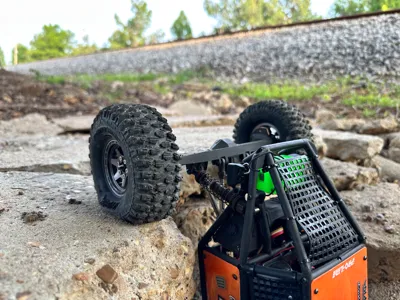
- I wanted my heavy-ish rig to flex the wheels, grip the big ledges, and not roll on the sidehills. I think my trucks are around 8-10lbs.
Boost Me (for free)
As with all my models, I present these to you to do as you please. If you plan to sell, please consider boosting me to fund future work. If you want a custom size, I'm releasing many different sizes, but try a DM to me to see if I have or can create one that would be good for you.
Printing Notes:
These are designed for TPU. I've tried:
Overture - a bit stringy but soft. I suspect their 95A is more like 90A. I use this filament the most.
Hatchboxx - a bit stiffer, prints nicer, but 95A is firm.
TronXY - easy print, quite stiff, maybe 98A
Sainsmart 95A - It prints a bit stiff, but prints nicely. I'd say it's more 98A
I haven't tried Filaflex 70A, but for a lighter rig I bet it would be awesome.
NOTE: These inserts can be challenging to print, but a few notes to make it go better:
- Textured PEI beds are fine, but I'd use a release agent like Magigoo, TPU is tough to remove at times.
- It might come out stringy due to all the travels and retractions. Adjust settings, but know the functional part is what matters.
- Don't use Tree supports. I find the normal supports are easier to remove.
- If you have delamination while removing supports, consider a slightly higher print temp (try 5C increments).
- Dry that TPU if it's tough to print. TPU really does take well to drying.
- I tried to make the print profile as simple as possible, but you may decide you need to tweak a bit.
- Things to consider tweaking
- Make sure there's no or low infill, these are designed to just be 2 wall loops on a 0.4mm nozzle. There shouldn't be infill at all.
- Don't do top or bottom layers, just slows print time and doesn't add anything. Consider this you printing all infill, in a way.
- Wall loops are designed to be 2.
- Slow the print down if its struggling. TPU doesn't like to go too fast. Max volumetric speed around 3.2mm/s or so.
- Consider retraction settings, do some research online, but a good place to start is 0.4mm retraction (default) to instead, try 0.7mm retraction. You will find this setting in your filament process.
- Reduce or remove Z Hop. I set it to 0.
- Things to consider tweaking
License

You shall not share, sub-license, sell, rent, host, transfer, or distribute in any way the digital or 3D printed versions of this object, nor any other derivative work of this object in its digital or physical format (including - but not limited to - remixes of this object, and hosting on other digital platforms). The objects may not be used without permission in any way whatsoever in which you charge money, or collect fees.


Comment & Rating (12)