
AMS HT Top Mount for H2D H2S H2C - TPU Direct-Feed


Print Profile(7)



Description
Boost Me (for free)
Thank you for your support!
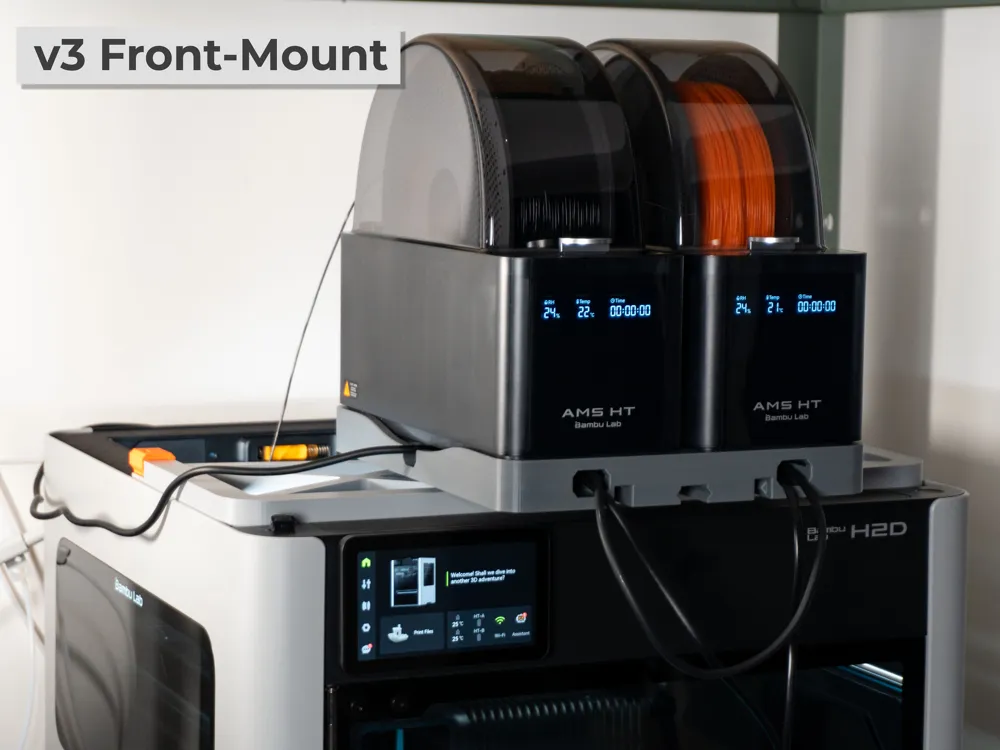
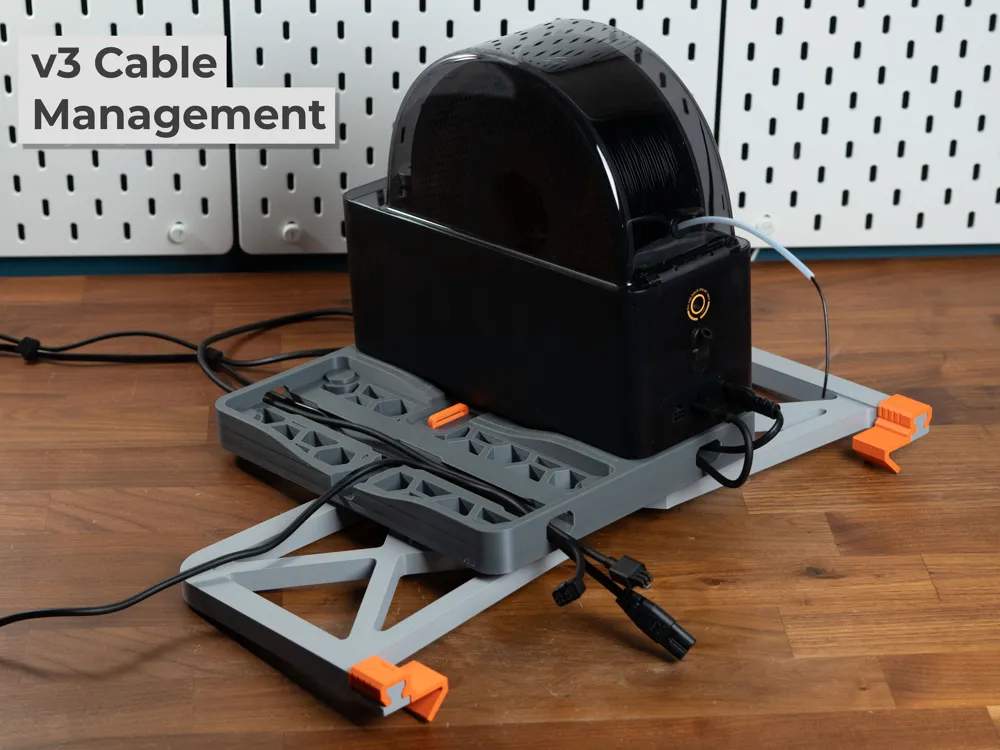
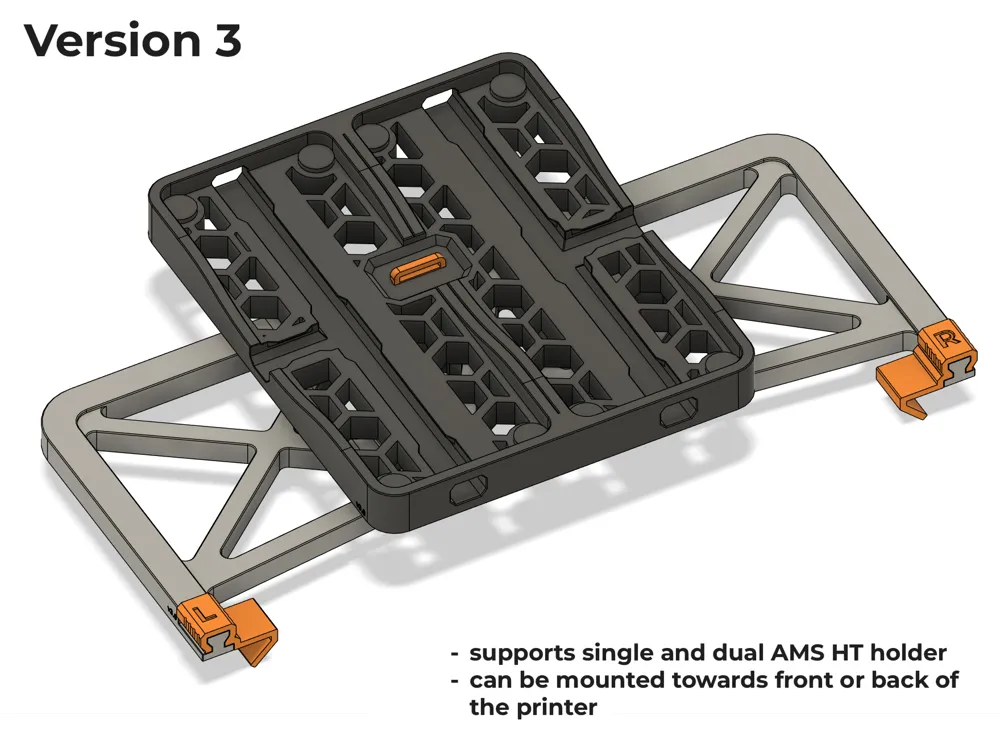
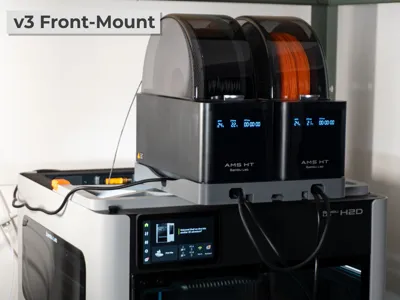
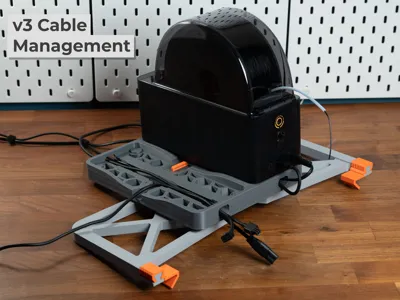
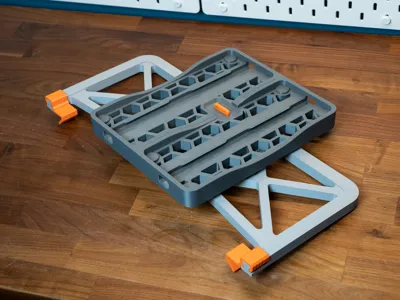
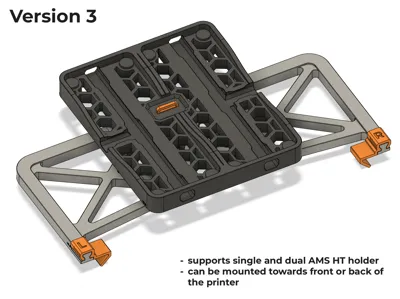
Update v3:
- supports front and back mounting configurations
- added dual AMS HT holder (only supports v3 mount)
- removed middle clip for front mounting support
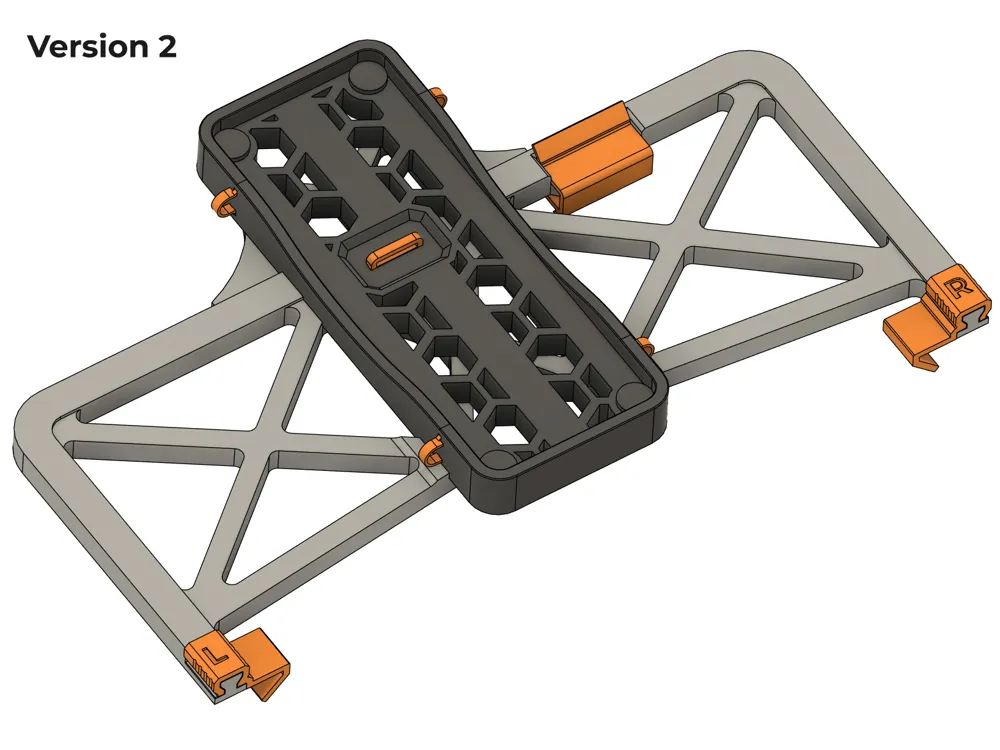
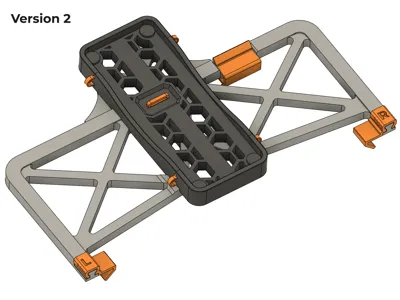
Update v2:

- added clips in front of mount for optimal stability
- moved mount further back to have more clearance for cables in the front.
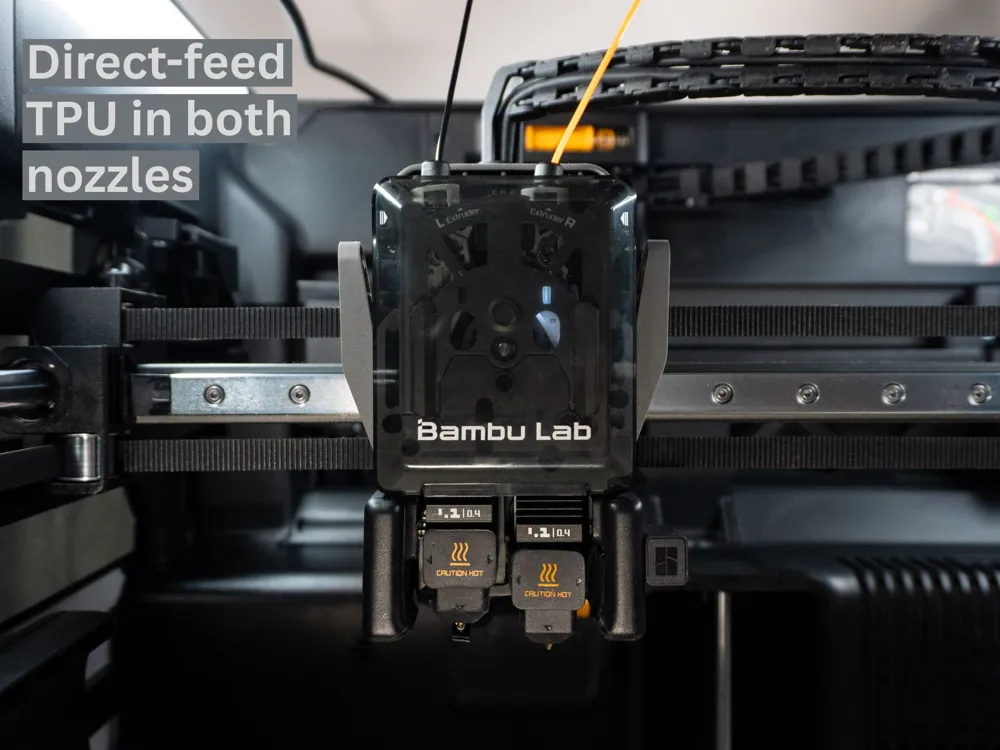
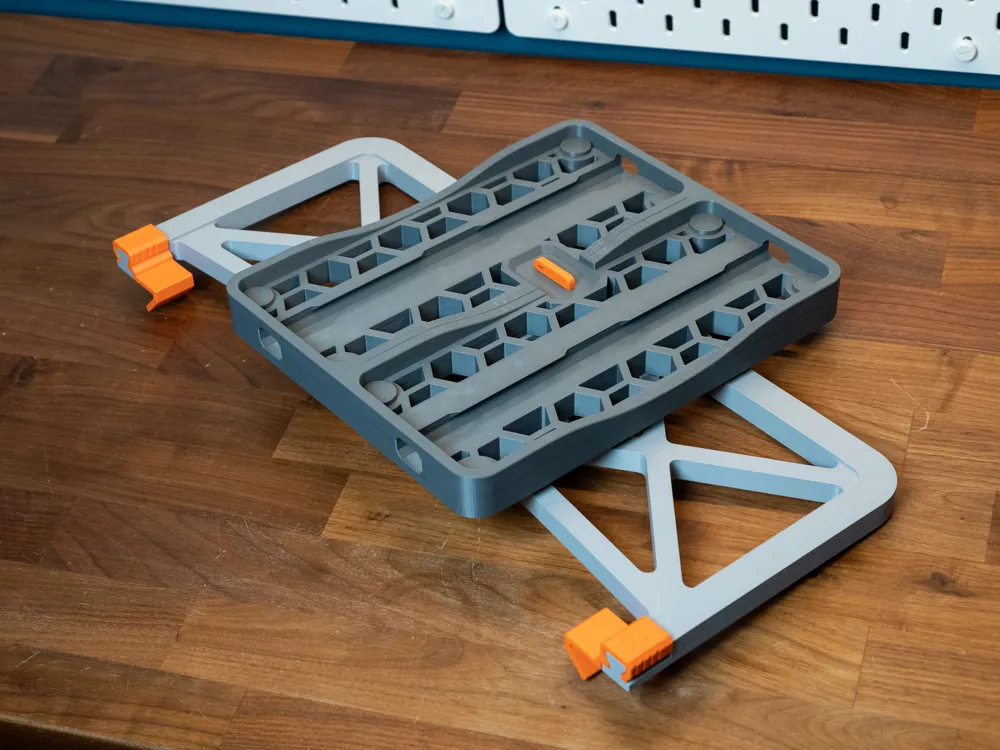
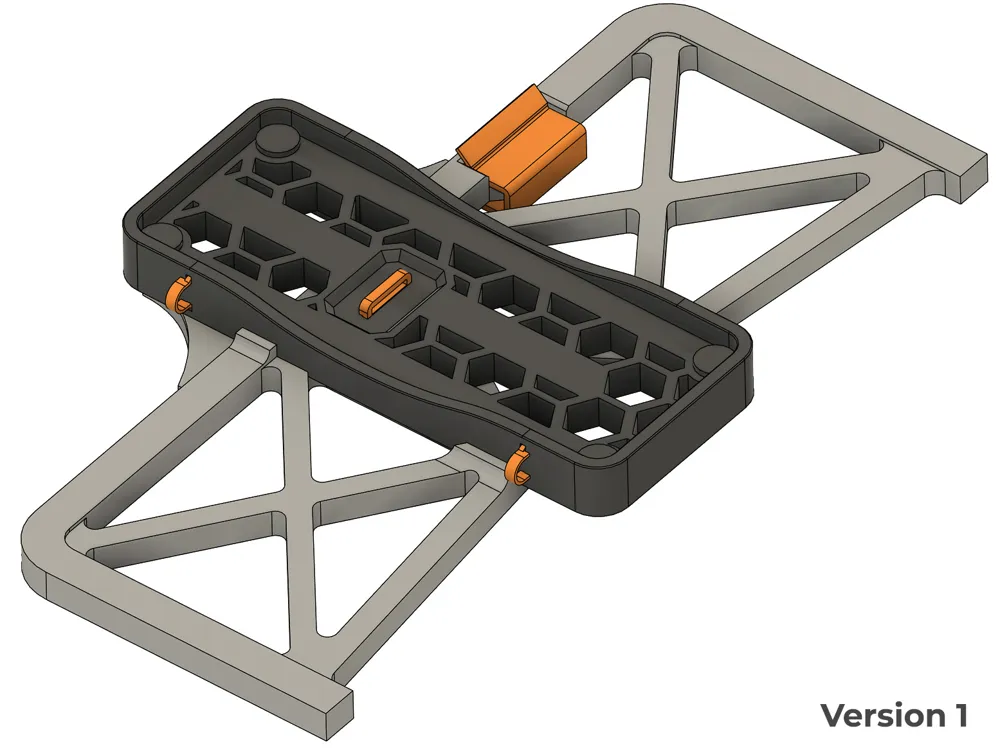
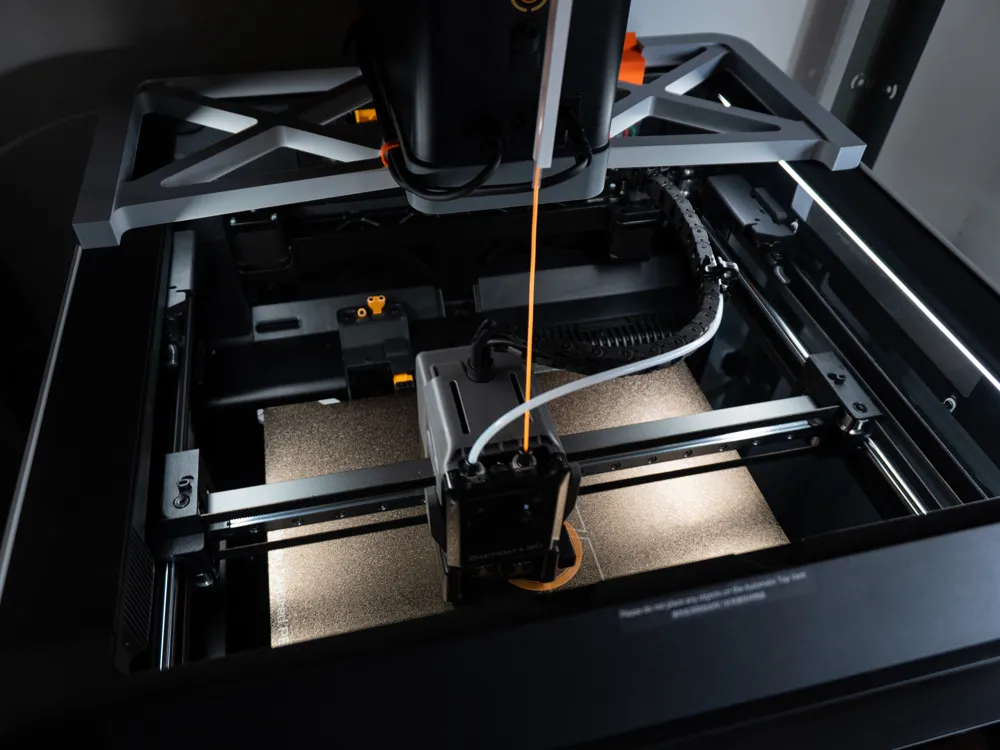
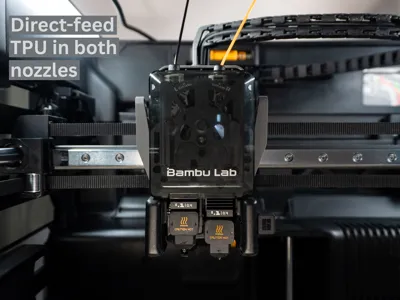
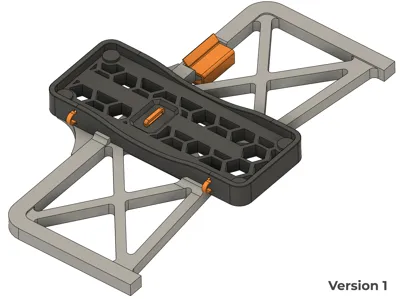
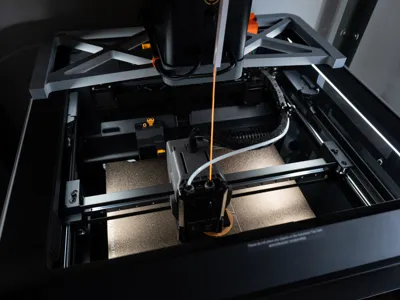
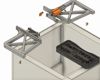
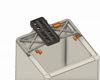
A sturdy mount that allows you to feed very soft TPU directly from the AMS HT bypass port into the H2D, H2S or H2C printhead.
v3 brings a redesign with features many people have asked for. :)
- Direct-Feed TPU: Feed ultra-flexible TPU straight from the AMS HT bypass port into the hot end.
- No extra hardware needed for assembly.
Prints without supports
I have printed all parts using Bambulab PETG-HF
To use the drying function while printing, you will have to uncheck “Rotate spool when drying” when setting up drying. Then you need to set up printing from external spool in the slicer. Feed the TPU through the bypass port of your AMS HT. Don't feed TPU directly through the AMS.
Use the right hotend for printing TPU. You can remove the PTFE tube. Manually load your TPU into the right hotend. Follow the instructions on the screen. Doing a cold pull before loading soft TPU might help to reduce clogging.
Assembly:

The position of the AMS HT holder is easily adjustable.
Additional clips for version 2:
Testing
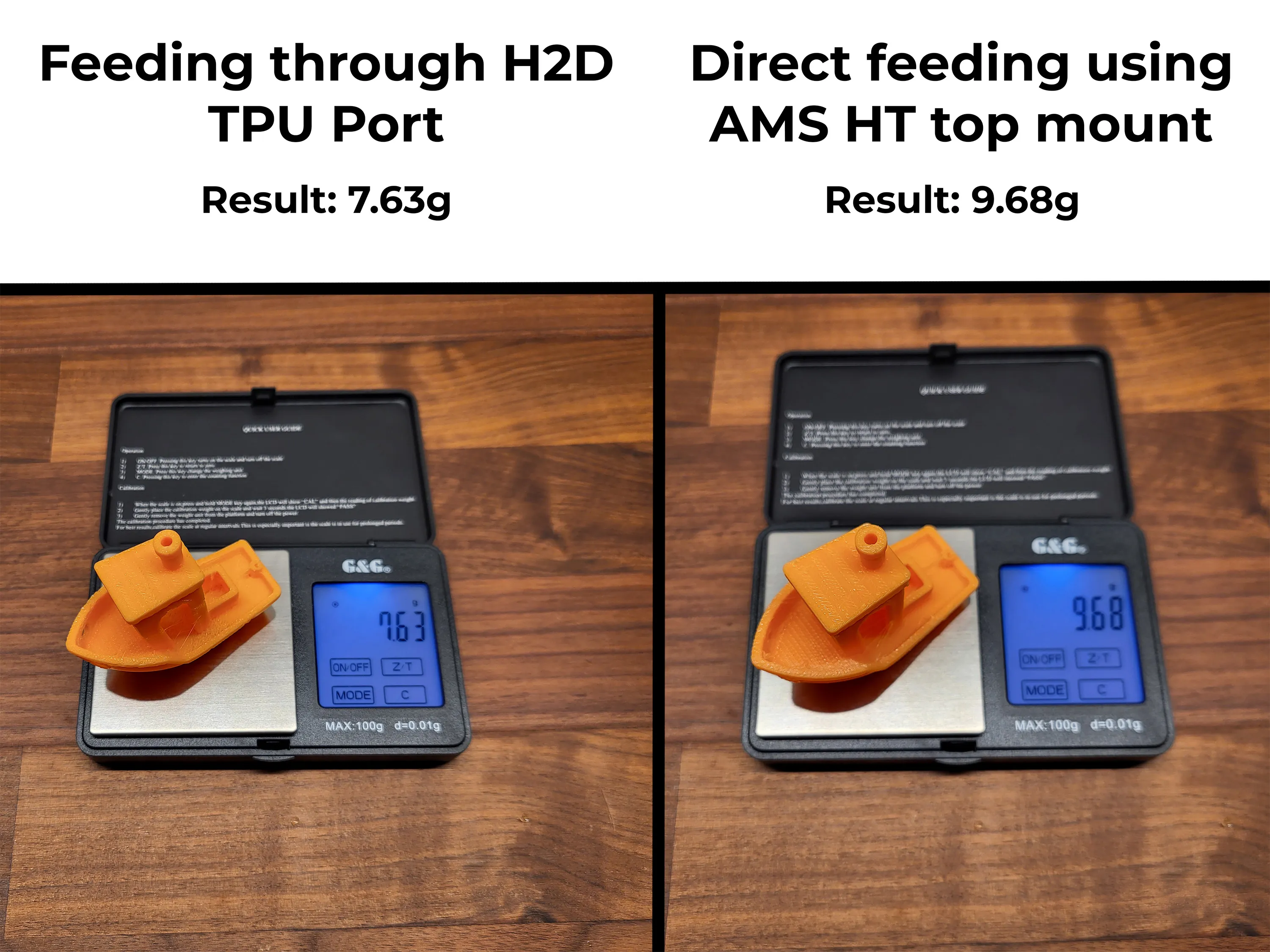
To show the benefit of this mod I have printed two benchies with the same print settings and filament (Bambulab TPU 85A)
One used the dedicated TPU port on the H2D with a spool holder on the same shelf as the H2D. The other uses this AMS HT top mount.
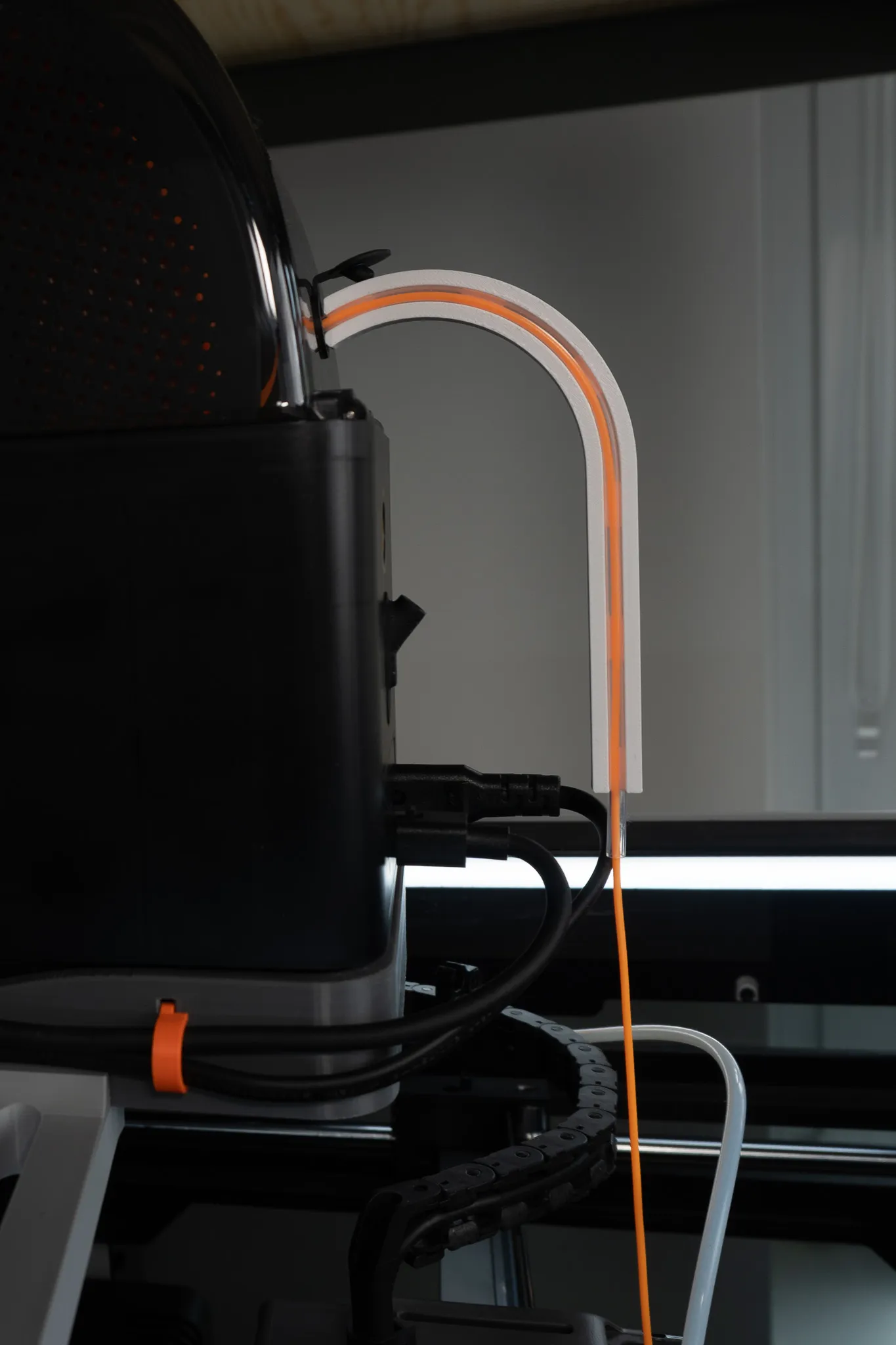
If you are looking for the PTFE guide for the AMS HT, you can find it here
https://makerworld.com/en/models/1442732-ptfe-guide-for-ams-ht
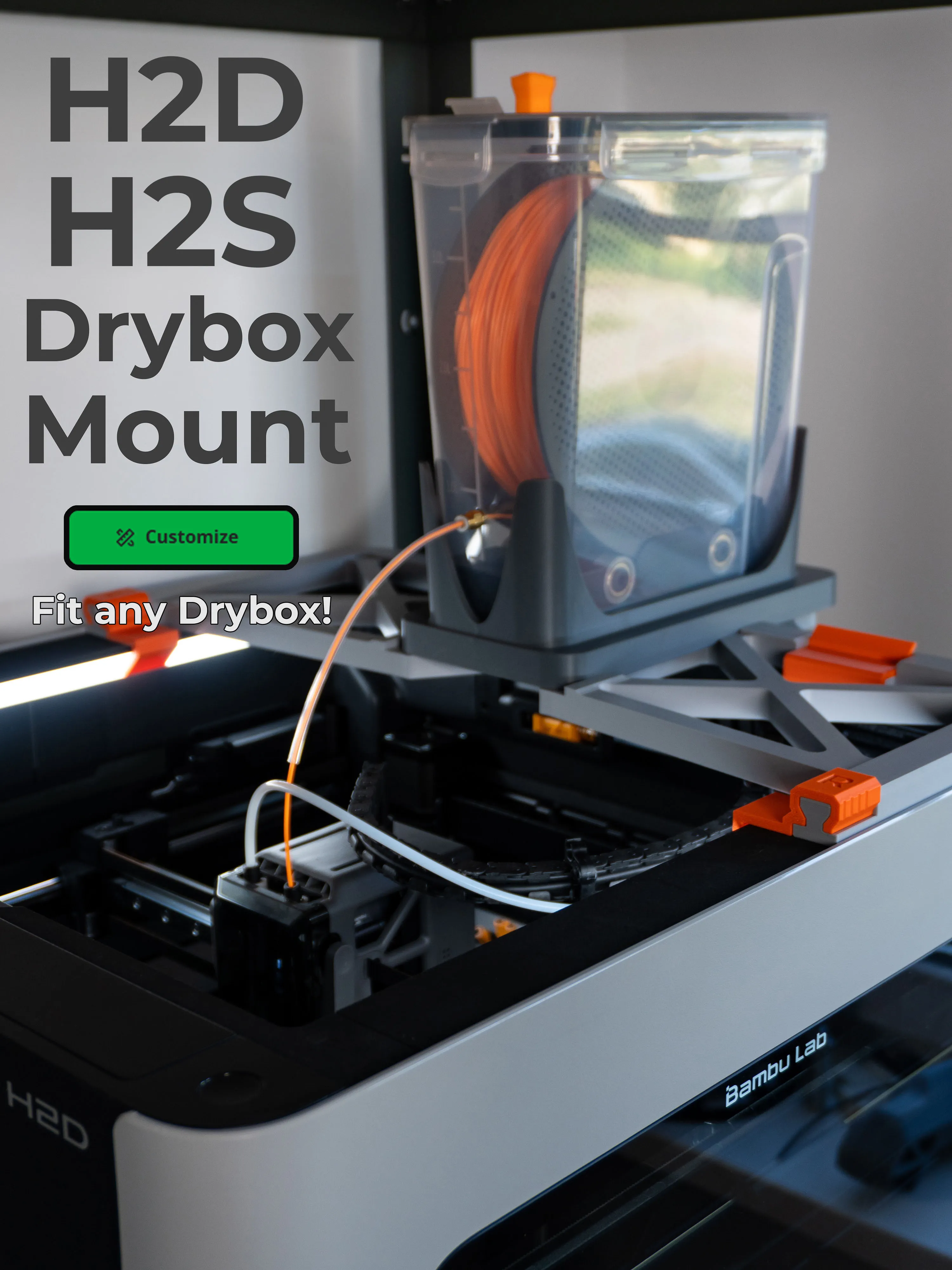
Here is a version that allows you to mount a drybox
https://makerworld.com/en/models/1515622-drybox-polydryer-top-mount-for-h2d-tpu-direct-feed
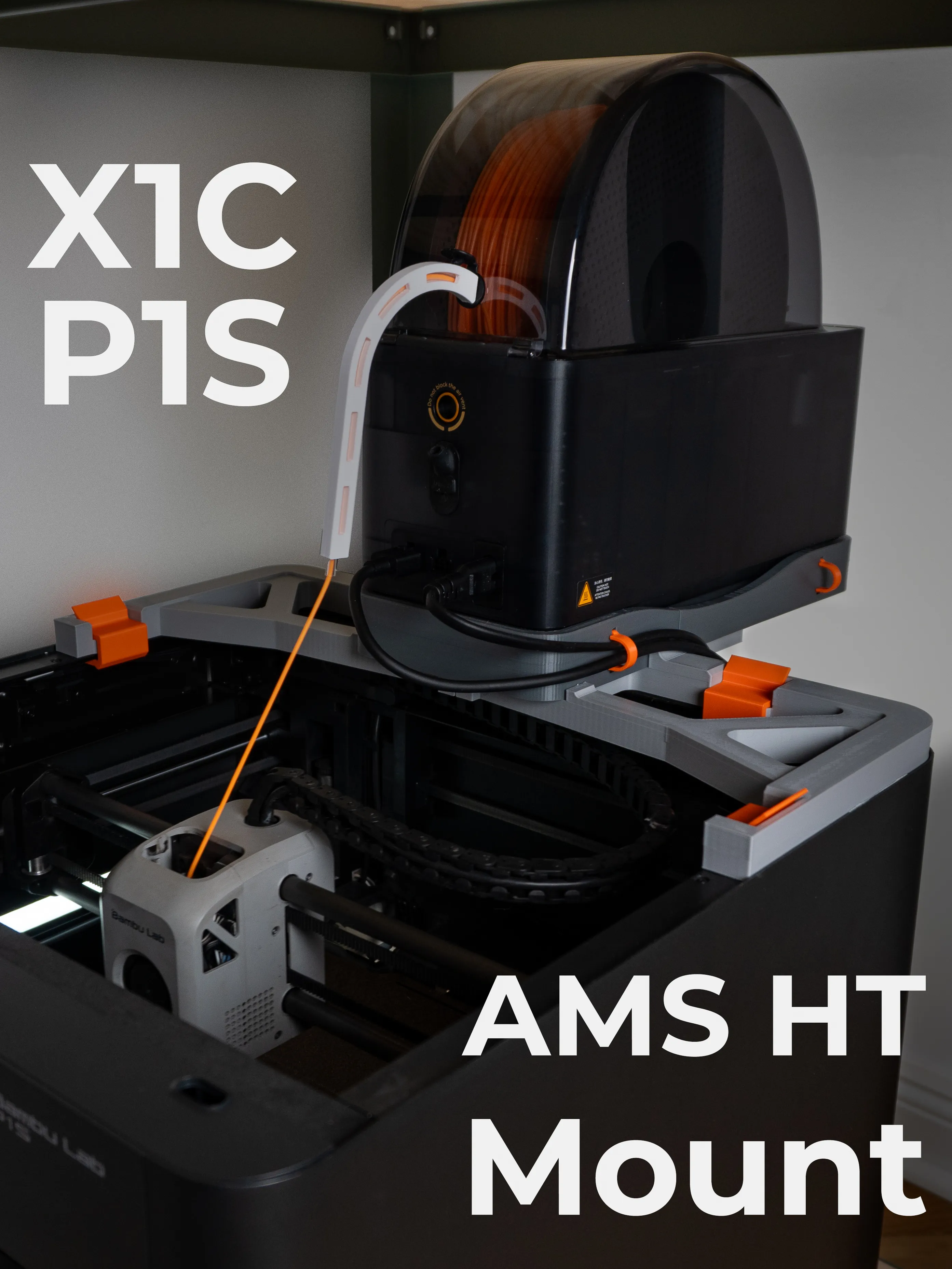
There is also a version of this mount for Bambulab X1C and P1S
https://makerworld.com/en/models/1465251-ams-ht-top-mount-for-x1c-p1s-tpu-bypass-mount
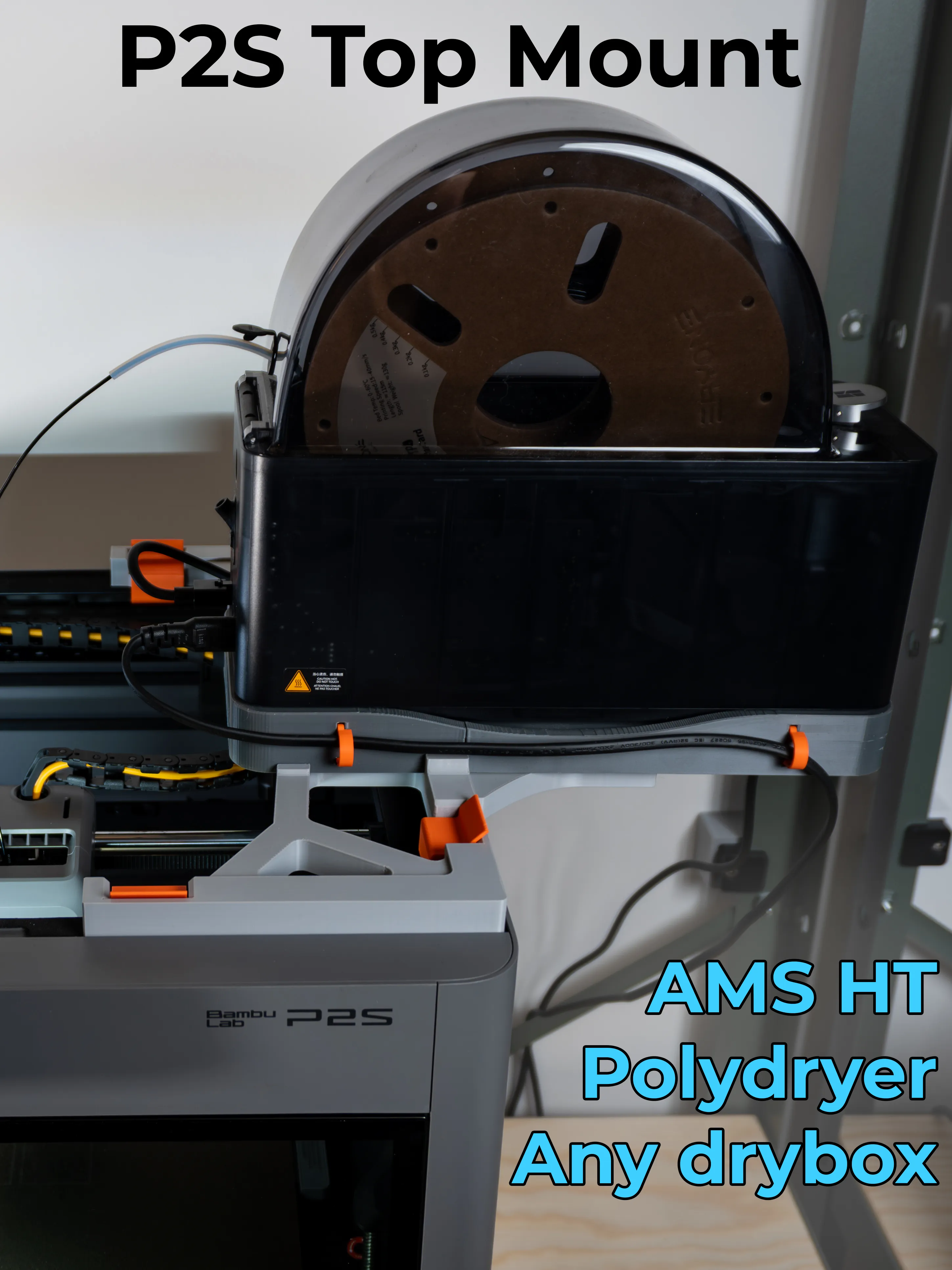
Here is a version for the P2S
https://makerworld.com/en/models/2070323-p2s-top-mount-for-ams-ht-polydryer-or-any-drybox
Documentation (2)
License

You shall not share, sub-license, sell, rent, host, transfer, or distribute in any way the digital or 3D printed versions of this object, nor any other derivative work of this object in its digital or physical format (including - but not limited to - remixes of this object, and hosting on other digital platforms). The objects may not be used without permission in any way whatsoever in which you charge money, or collect fees.


Comment & Rating (758)