Search models, users, collections, and posts

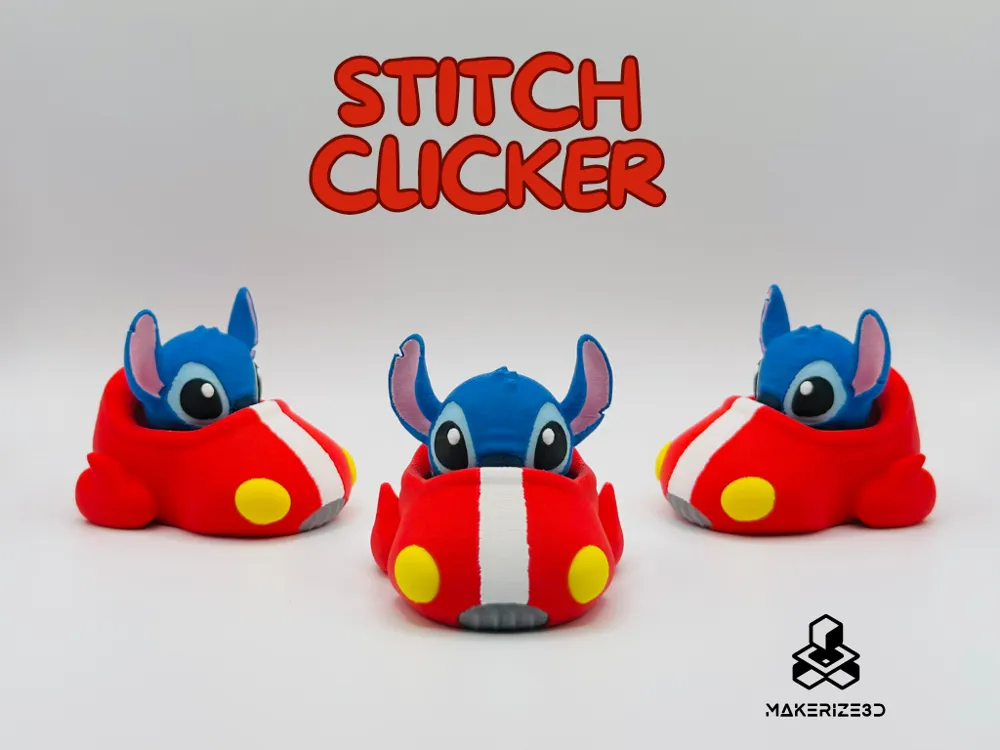
Stitch Clicker + Non-Clicker Option
GIF

Print Profile(4)

All
X1 Carbon
H2D
P1P
P1S
X1E
A1 mini
A1
X1
H2D Pro
H2S
P2S
H2C
X2D
A2L

Clicker Version
Clicker Version
Designer
19 h
2 plates
5.0(41)

Non-Clicker / Keychain
Designer
29.2 h
4 plates
5.0(13)

6-COLOR AMS LITE
6-COLOR AMS LITE
22.8 h
2 plates
5.0(5)

Two colors without AMS
1.4 h
2 plates
5.0(4)

Open in Bambu Studio
Boost
2527
5856
87
113
2.7 k
891
Released 

Bill of Materials

Maker's Supply Kits and Parts
Select all
25mm Silver Keychain (10pcs) - MA001
Bambu Filaments
Select all
Jade White (10100) / Refill / 1kg
Matte Sakura Pink (11201) / Refill / 1kg
Matte Marine Blue (11600) / Refill / 1kg
Matte Scarlet Red (11200) / Refill / 1kg
Matte Dark Blue (11602) / Refill / 1kg
Matte Ice Blue (11601) / Refill / 1kg
Black (10101) / Refill / 1kg
Yellow (10400) / Refill / 1kg

Description

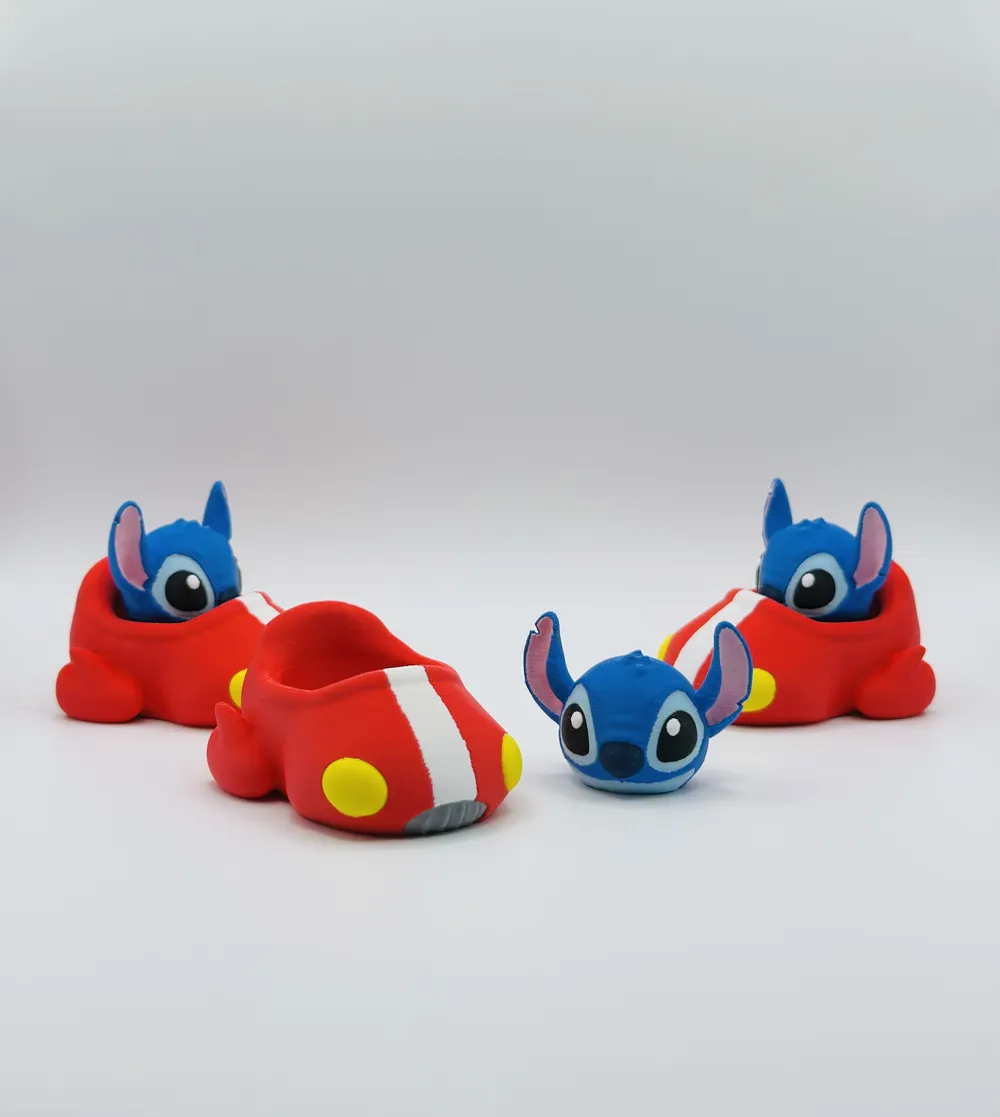
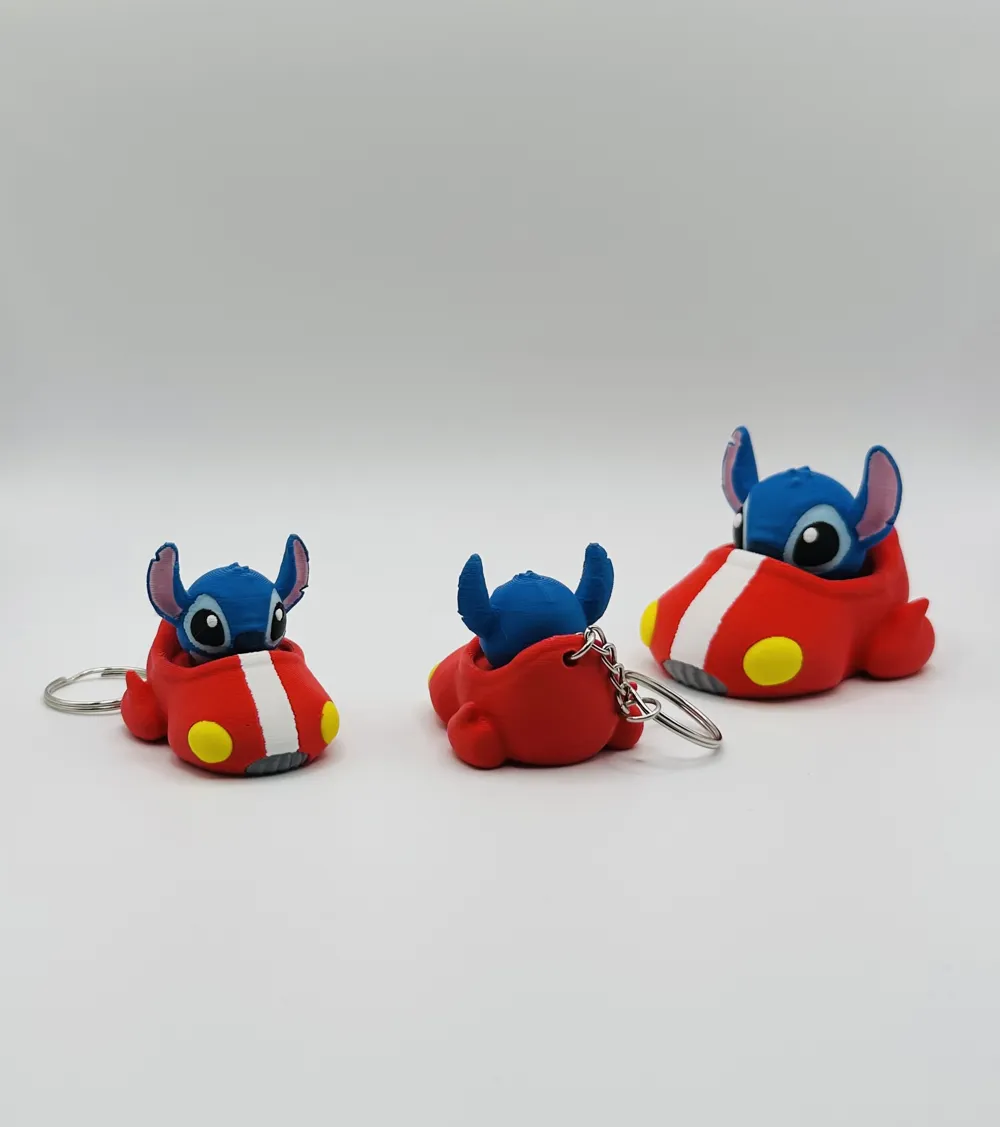
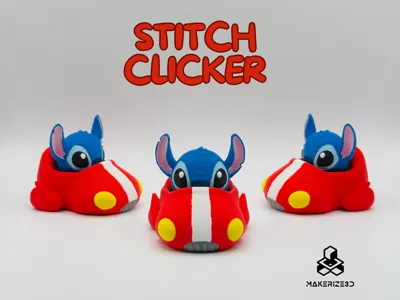
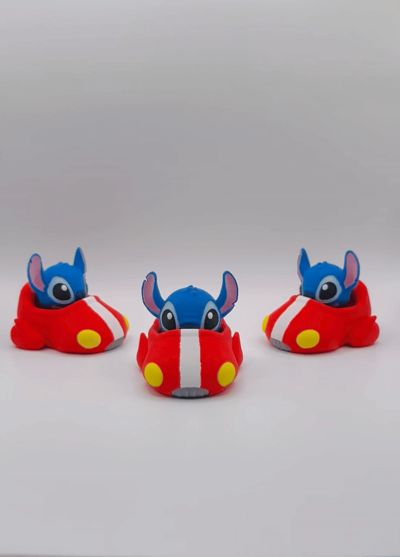
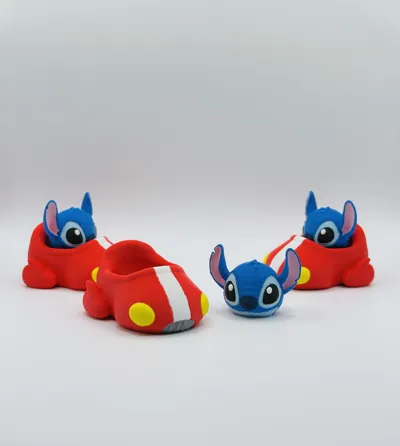
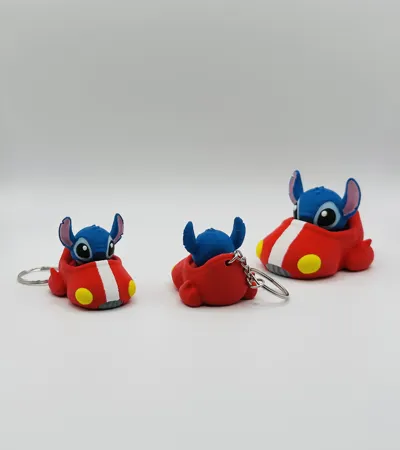
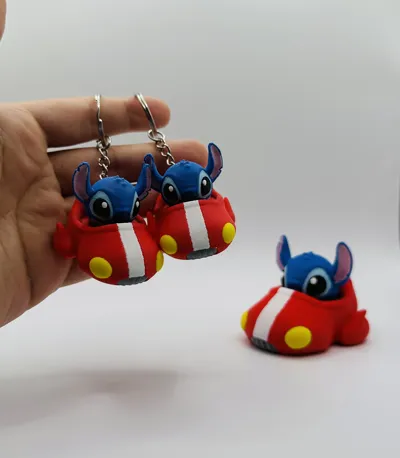

This cute fidget toy features Stitch cruising in his own little ship, ready for takeoff!
You’ll get two versions:
・a clicker version made for MX keyboard switches.
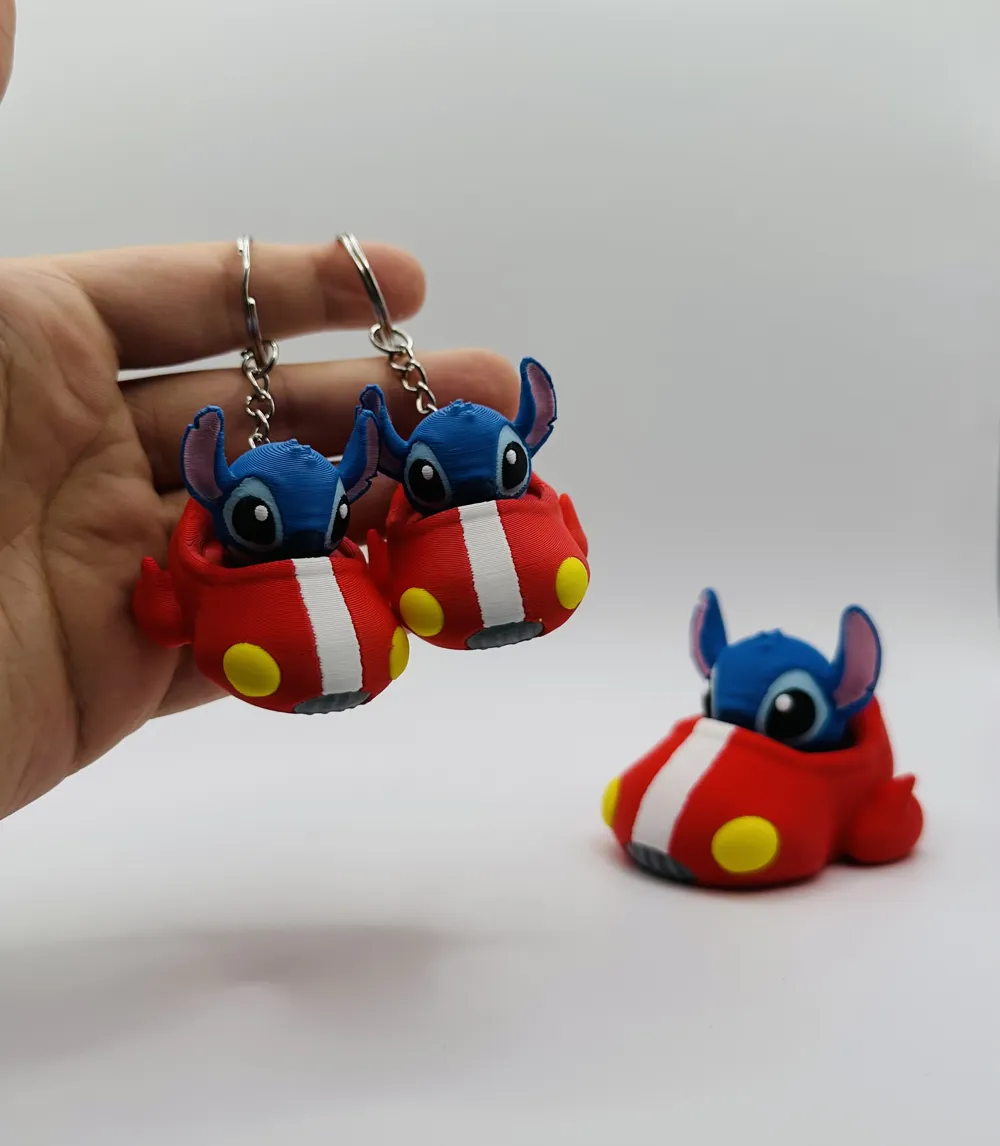
・and a non-clicker version, perfect for a keychain or tiny companion on your desk.


PRINTING SETTINGS

  • Printed with a 0.20mm layer height
  • 15% infill (3D Honeycomb)
  • No supports 

For COMMERCIAL LICENSE and exclusive models please join my PATREON💰

Boost Me (for free)

If you like this model, please like, comment and consider donating a boost! :) Thank you for your support!💖

Membership

If you’re interested in selling prints of my models, you can get a commercial license by joining my MakerWorld membership!🎉✨

Join


For COMMERCIAL LICENSE and exclusive models please join my PATREON💰

Boost Me (for free)

If you like this model, please like, comment and consider donating a boost! :) Thank you for your support!💖

Membership

If you’re interested in selling prints of my models, you can get a commercial license by joining my MakerWorld membership!🎉✨

Join

Comment & Rating (87)

(0/1000)

Boosted
More Pictures of my 6-color AMS lite results. 2 Pauses / Filament changes.
The designer has replied
designer
5
Reply
Boosted
Those aren't strings, he's just fuzzy... okay, but seriously, the strings are because there is a really strange profile that Bambu labs provided for its glow-in-the-dark filament. It was the only light blue I have for now, and it must be heated above 217 or the print stops and pushes out more filament boogers. I actually have about 7x more light blue boogers than any other color (about 2x more than all the other filaments combined) because of this terrible profile that Bambu provides. It kept trying to heat past 240 at times. As a result, there's a lot of stringing. Had I used a "regular" light blue filament, these would have come out looking much better.
0
Reply
Replying to @Paurian :
Thanks so much for sharing the pics! Really appreciate you adding a paused profile for single AMS users 🙌 . “he’s just fuzzy” made me laugh 😆 Still, i think they look awesome
0
Reply
Replying to @Makerize3D :
Hello, where do I find the profile for just one AMS? Or is there a way to change the filament during printing? If so, which colors do I start with? I look forward to an answer
Show original
0
Reply
Boosted
Fabulous, grandson is very pleased. Hand painted mine as didn't have the time for AMS.
designer
4
Reply
what kind of paint did you use?
0
Reply
Boosted
A Lot of printing, but it’s totally worth the effort.
designer
1
Reply
Where did you get the click
Show original
0
Reply
Boosted
Replying to @user_2708003498 :
You can buy those keyboard switches everywhere nowadays.
0
Reply
Print Profile
Clicker Version
Separated the nose and eyes in the model so I could print it with only 4 colours at a time.
0
Reply
How did you separate the eyes and the nose
Show original
0
Reply
Replying to @Konker3D :
First you split the head to parts (right click 'Stitch.obj' in the object list and select Split/To parts) then you change the type of the nose and eyes to 'Negative Part' (right click on the object in the object list and select 'Change type'). To print the nose and eyes you split the head into objects instead of parts and just delete the objects you don't need.
(Edited)
1
Reply
Boosted
Print Profile
Non-Clicker / Keychain
Reduced to 50%, they are adorable, thank you 🥰
Show original
profile
2
Reply
Print Profile
Clicker Version
super cute print! perfect for any Stitch lover.
0
Reply
Print Profile
Clicker Version
These came out great! I need to adjust my flushing volumes for the ship, and I printed the heads at 50% speed to prevent the jaws from sagging (as seen in a first pass that failed due to AMS issues). Super cute! The effect plate adds a bit of whimsy to the ship’s bottom 🤩
0
Reply
Print Profile
Clicker Version
these came out so darn cute you did an awesome job.. keep up the Great quality of work.. thanks for sharing your file.
0
Reply
Print Profile
Two colors without AMS
clicky
(Edited)
0
Reply
Print Profile
Clicker Version
Printed well, no issues. A fun little project.
0
Reply

License

If you want to use this model commercially, please join my membership.
Join Now
This user content is licensed under a Standard Digital File License.

You shall not share, sub-license, sell, rent, host, transfer, or distribute in any way the digital or 3D printed versions of this object, nor any other derivative work of this object in its digital or physical format (including - but not limited to - remixes of this object, and hosting on other digital platforms). The objects may not be used without permission in any way whatsoever in which you charge money, or collect fees.