Search models, users, collections, and posts

Top Layer Flow Test – PLA 0.2mm
IP Report
Print Profile(3)

0.2mm layer, 2 walls, 15% infill
Designer
29 min
1 plate

0.2mm layer, top/bottom surface quality, half size

26 min
1 plate

Additional Flow Rates - 0.2mm, top/bottom, half size
52 min
2 plates
Open in Bambu Studio
Boost
30
93
13
1
469
244
Released
Description
📄 Model Description – Top Surface Flow Ratio Calibration (Bambu Studio / X1C)
This model is designed to calibrate the top surface flow ratio in Bambu Studio for the Bambu Lab X1C printer.
🧱 Filament used: Nebula PLA – black
🧵 Nozzle: 0.4 mm
🔍 Tested flow range: from 0.88 to 1.12 (i.e. –12 % to +12 % relative to the default value of 1.00)
🧪 What it is:
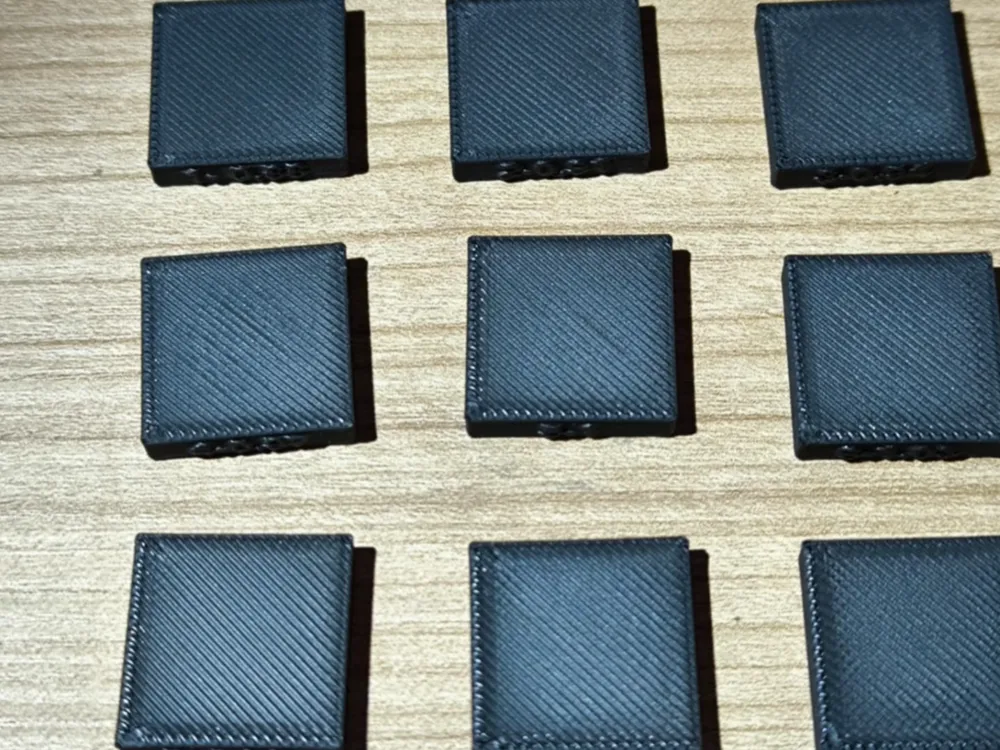
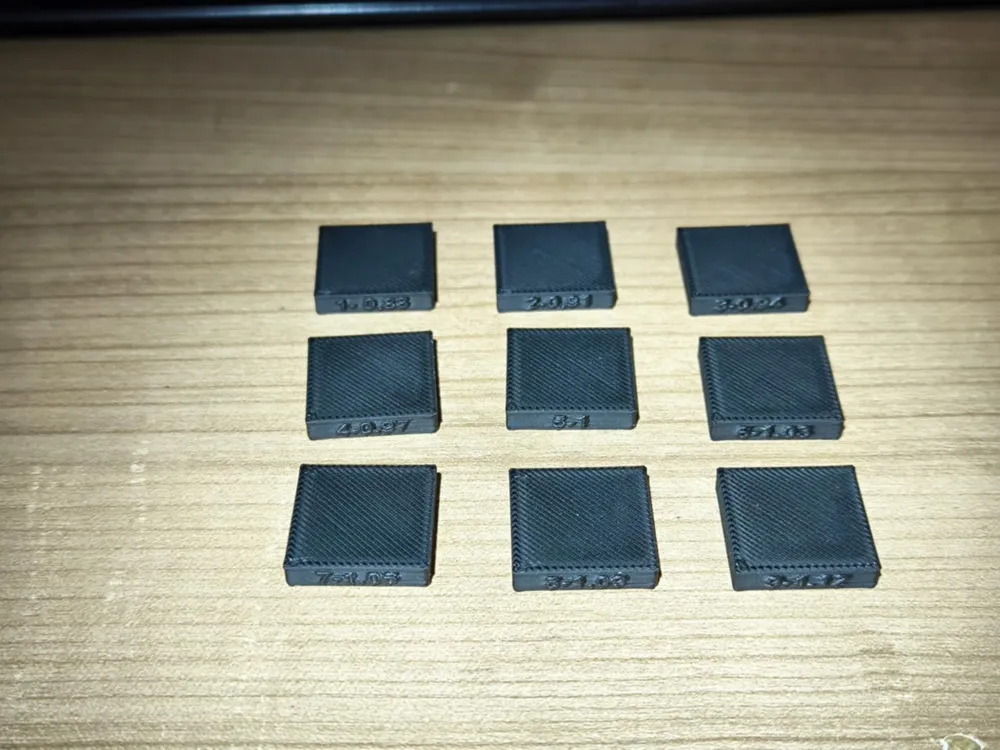
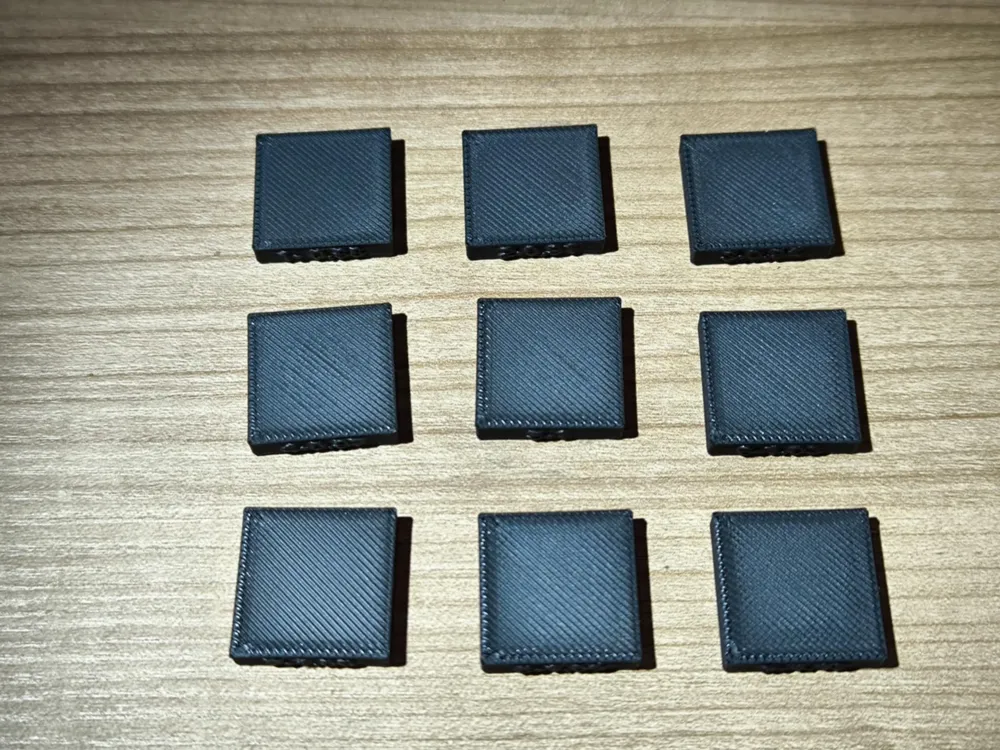
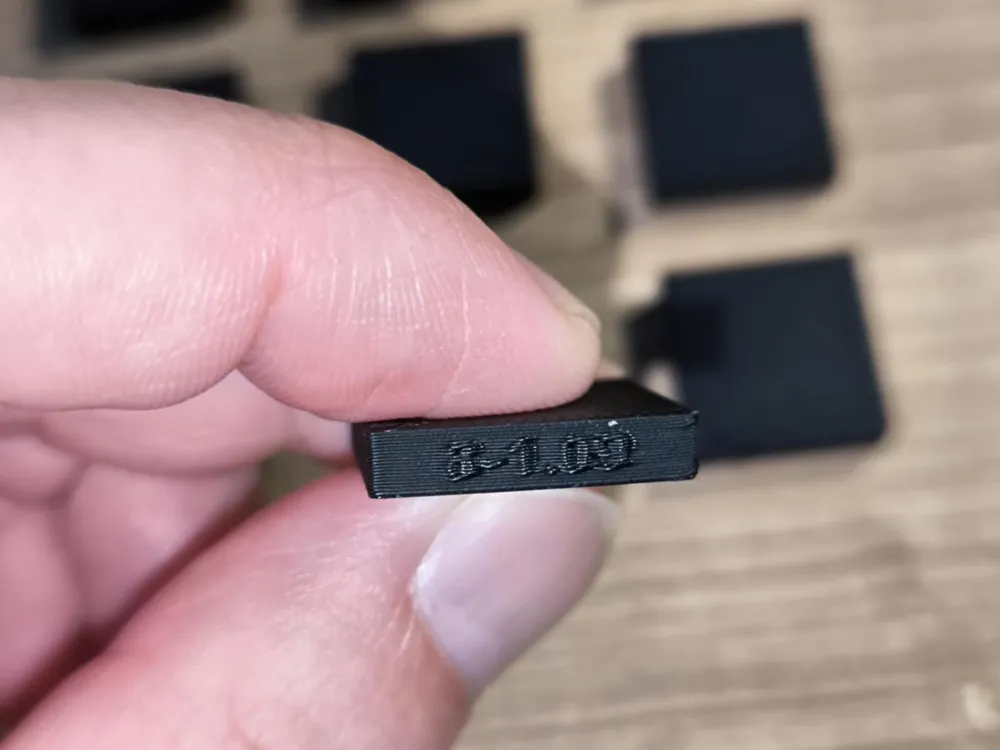
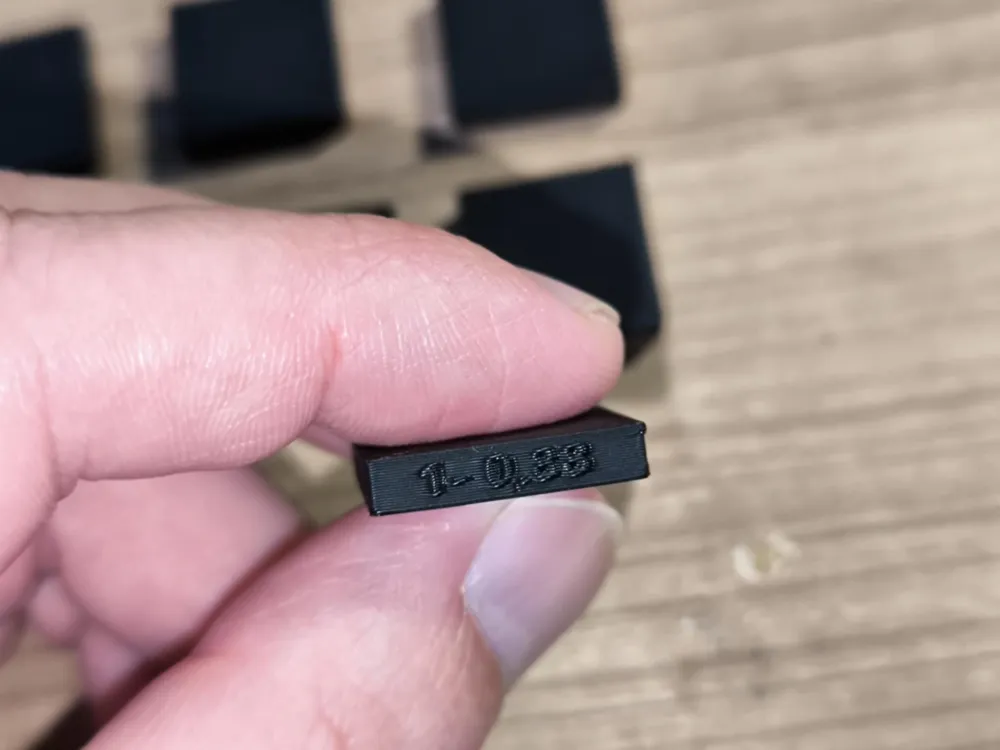
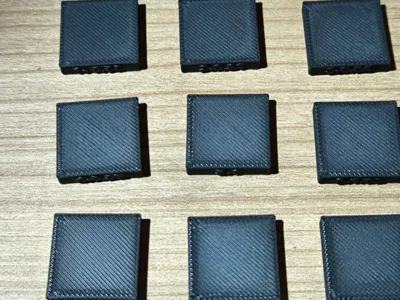
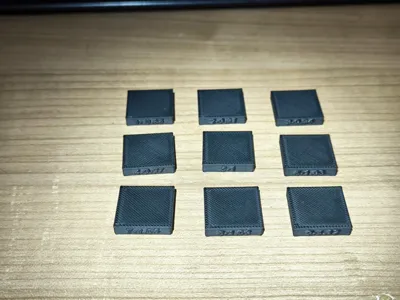
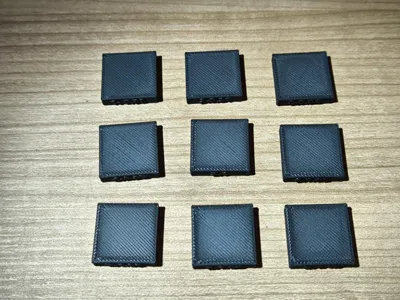
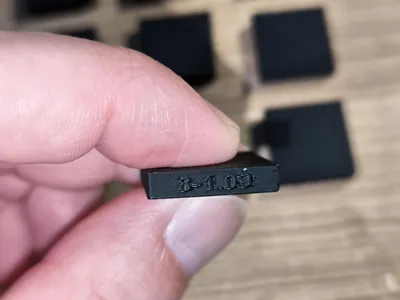
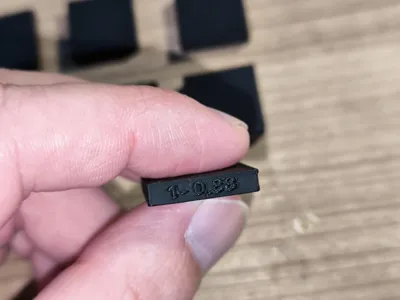
The project contains 9 test blocks, each named with the exact top surface flow ratio used during slicing.
Block names and their corresponding flow values:
- 1-0.88 – 88 % flow
- 2-0.91 – 91 %
- 3-0.94 – 94 %
- 4-0.97 – 97 %
- 5-1.00 – default (100 %)
- 6-1.03 – 103 %
- 7-1.06 – 106 %
- 8-1.09 – 109 %
- 9-1.12 – 112 %
Each block has been manually assigned a different Top Surface Flow Ratio using Developer Mode in Bambu Studio:
Quality → Advanced → Top Surface Flow Ratio
🔧 How to use:
- Open the .3mf file in Bambu Studio.
- Enable Developer Mode (Preferences → Enable Developer Mode).
- Select the filament you want to calibrate (e.g. Nebula PLA – black).
- Slice and print all 9 blocks at once.
- After printing, compare the top surfaces visually:
- Gaps between lines = under-extrusion → flow too low
- Bulging or overfilling = over-extrusion → flow too high
- Smooth, solid, and even surface = optimal flow
- Take the flow value from the best-looking block and set it as the Top Surface Flow Ratio in your filament profile.
💡 Recommendations:
- Use Monotonic or Archimedean Chords as your top infill pattern for best visibility of surface artifacts.
- Set at least 4 top layers for accurate evaluation.
This calibration should be repeated for each filament brand and color. Once the optimal value is found, save a new filament profile, for example:
PLA Nebula – top flow 1.03
License

This user content is licensed under a
Creative Commons Attribution-Noncommercial


Comment & Rating (13)