
ATX Computer Case, Fully 3D Printed NAS Frame
Print Profile(1)

Description
Hello friends!
If you want to check out other models I have created, check out my Thingiverse: Designs - Thingiverse
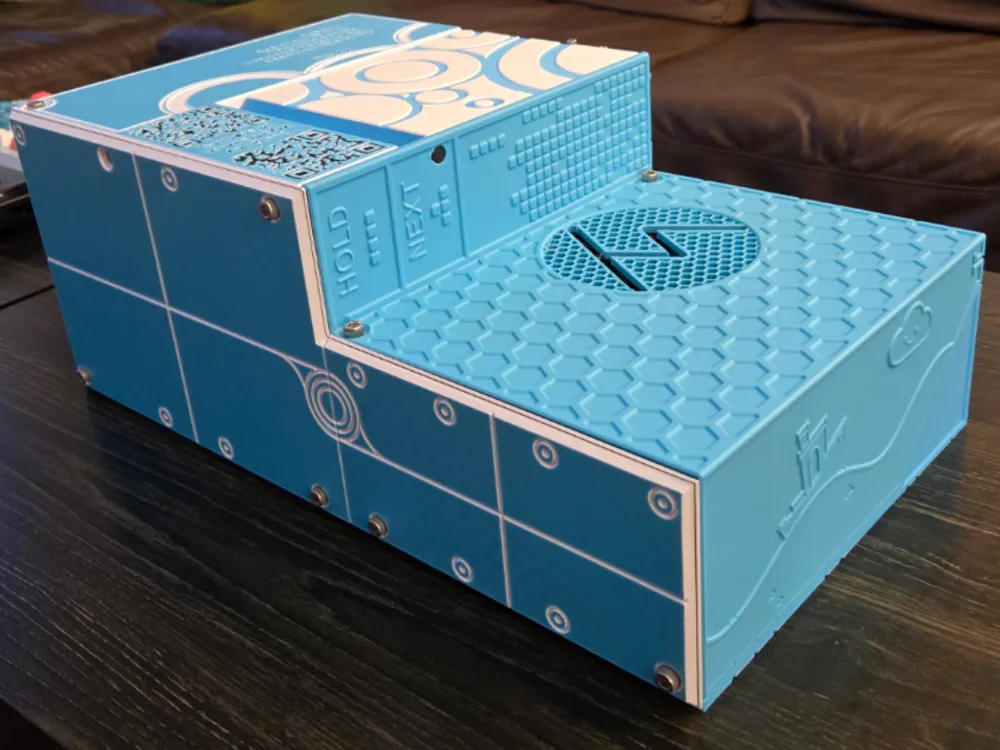
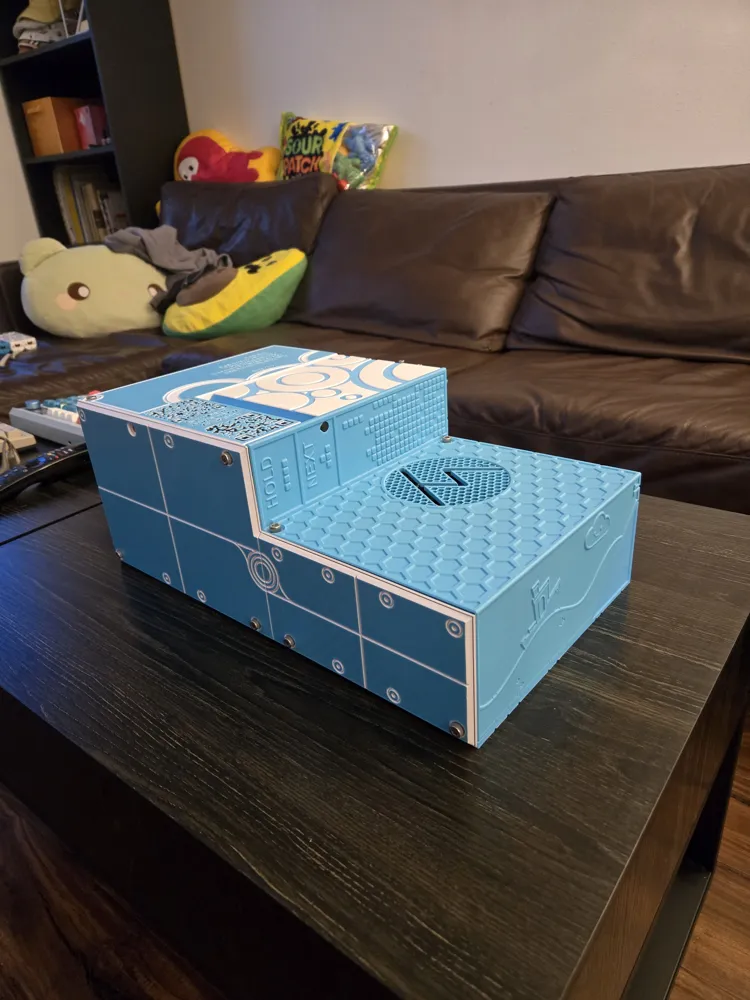
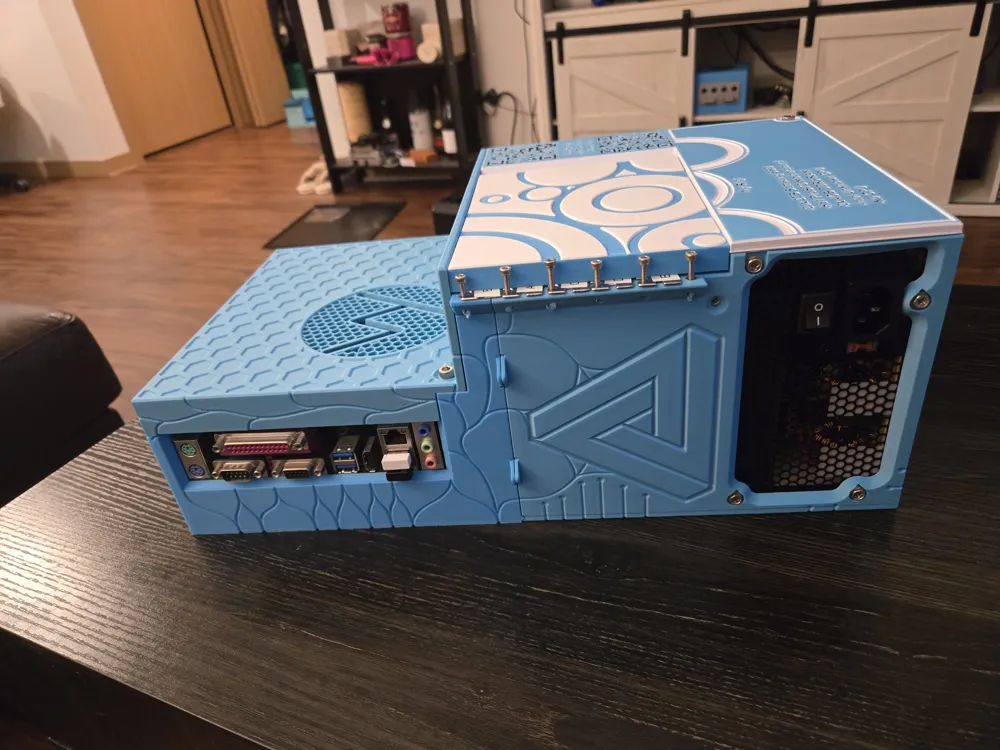
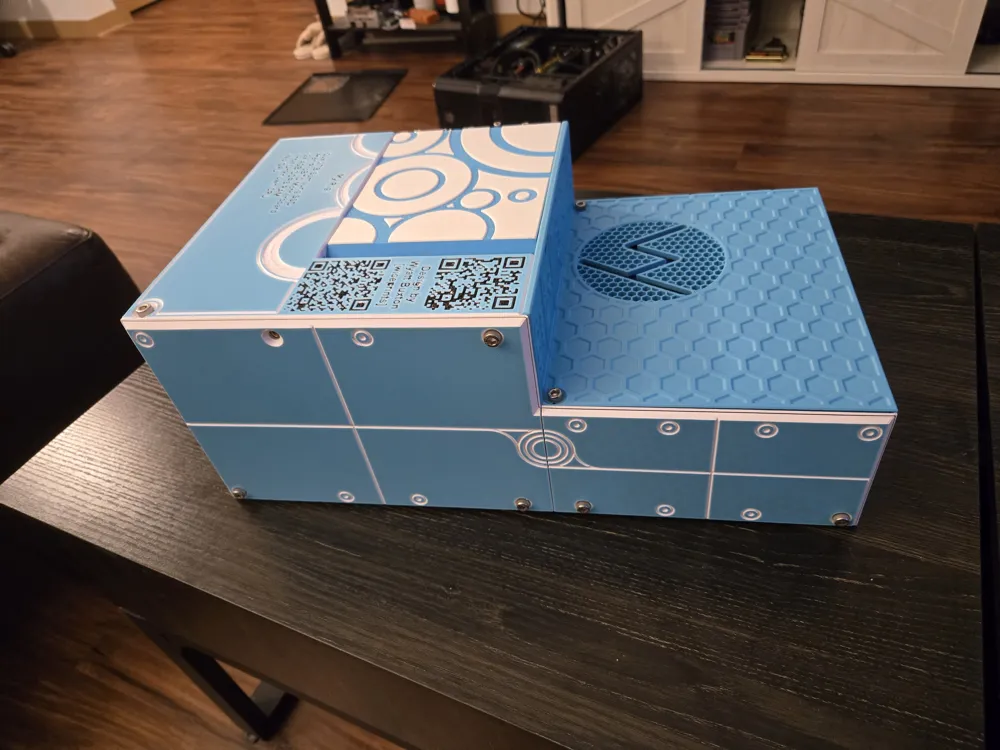
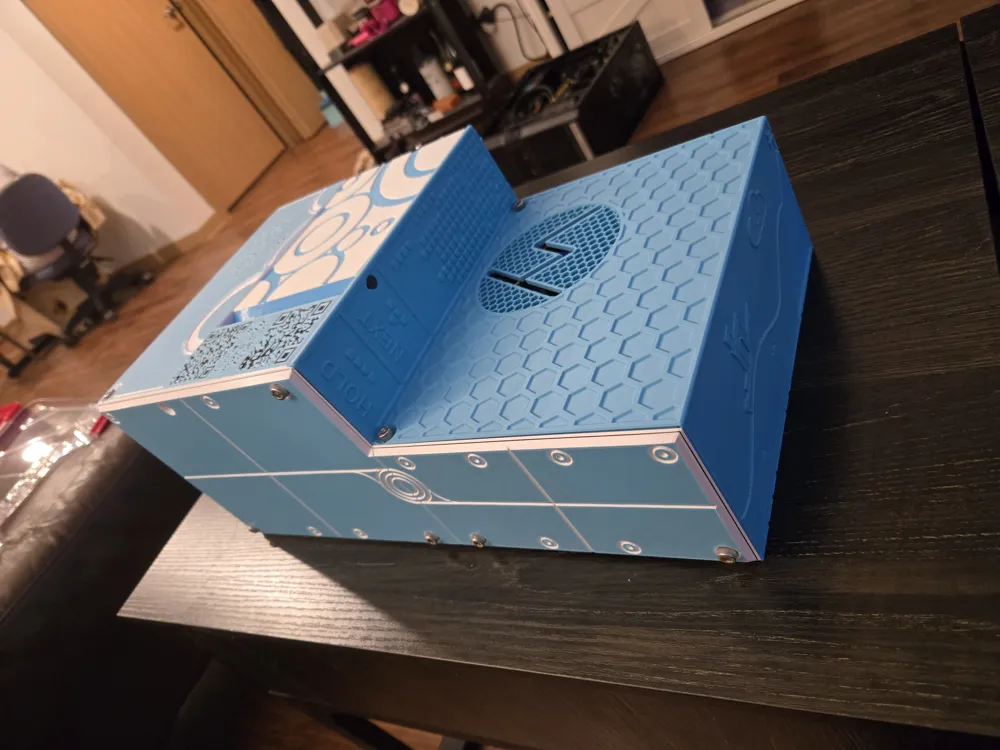
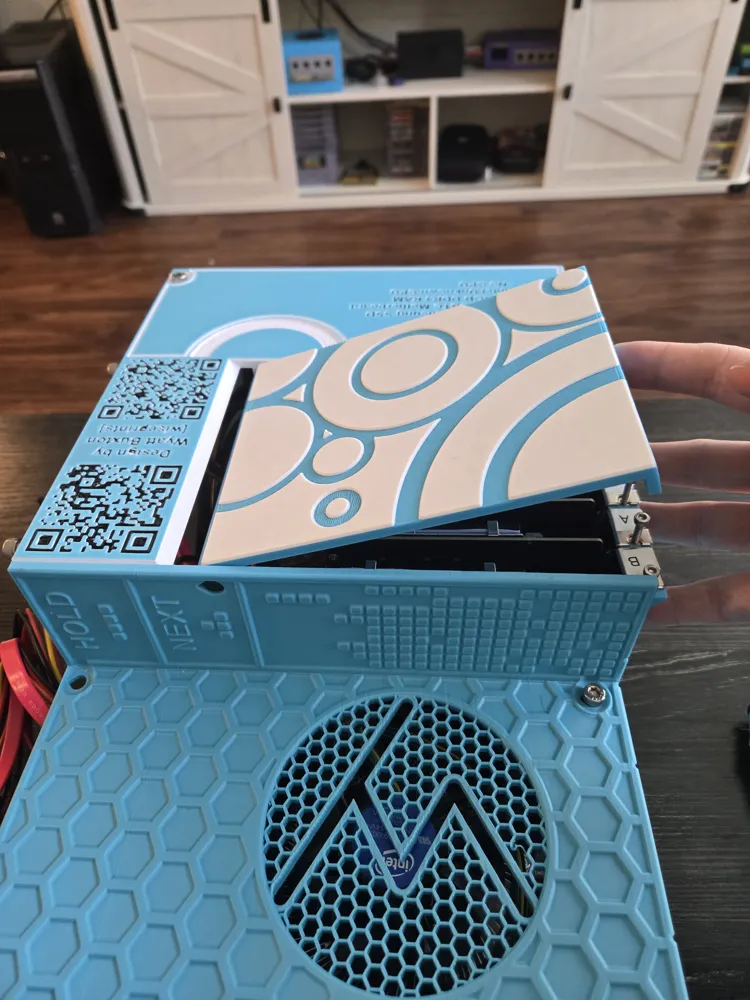
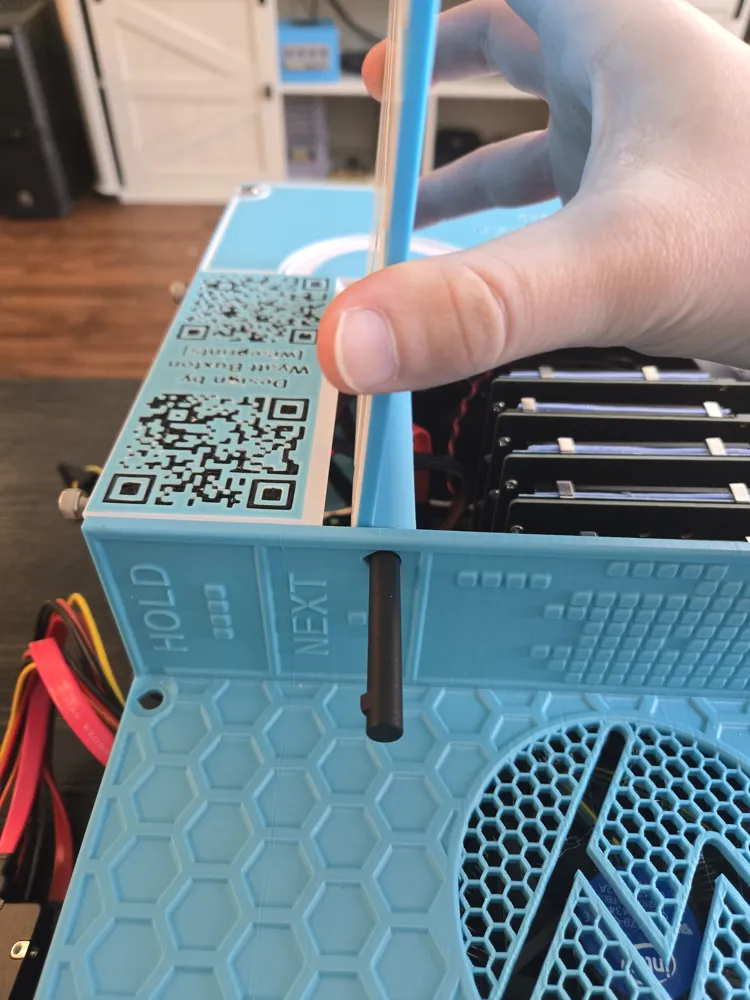
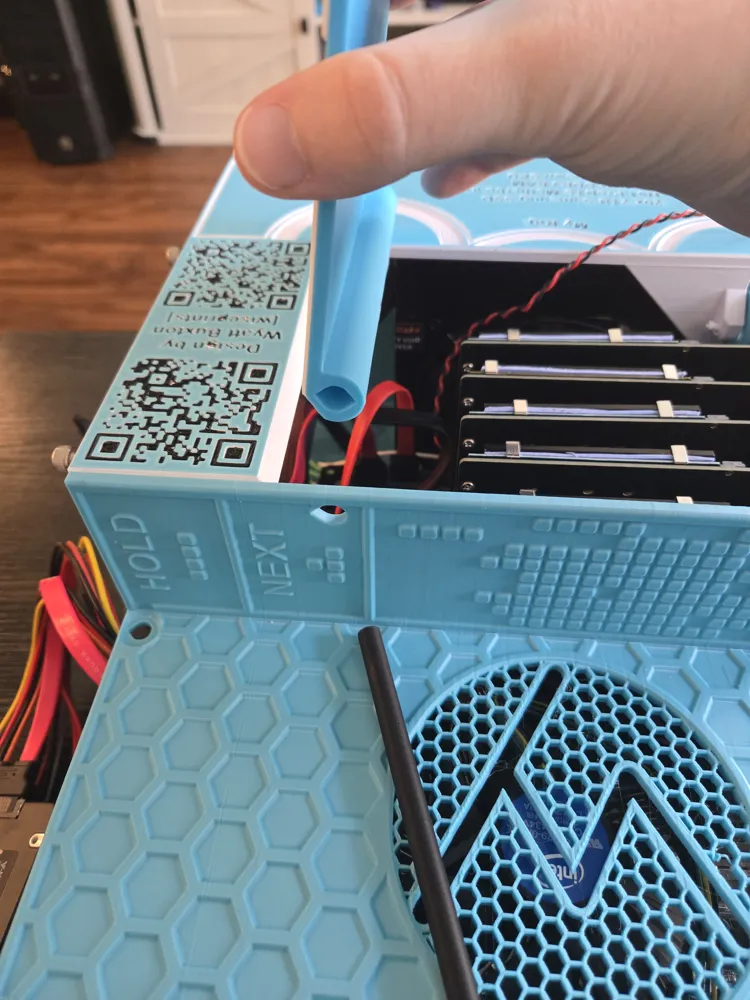
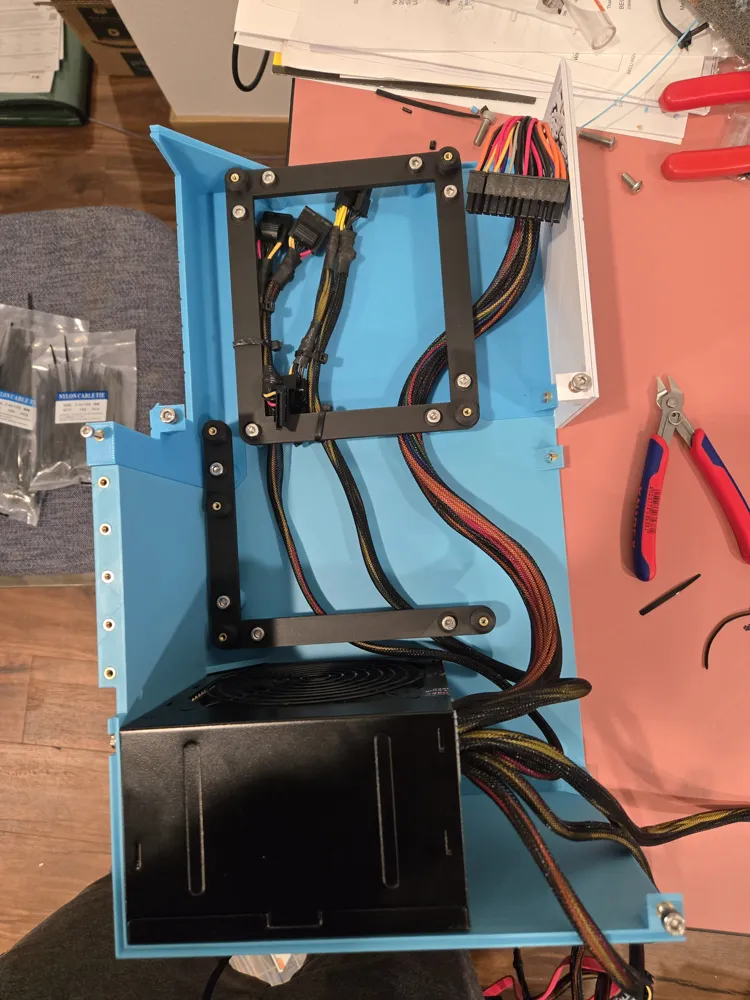
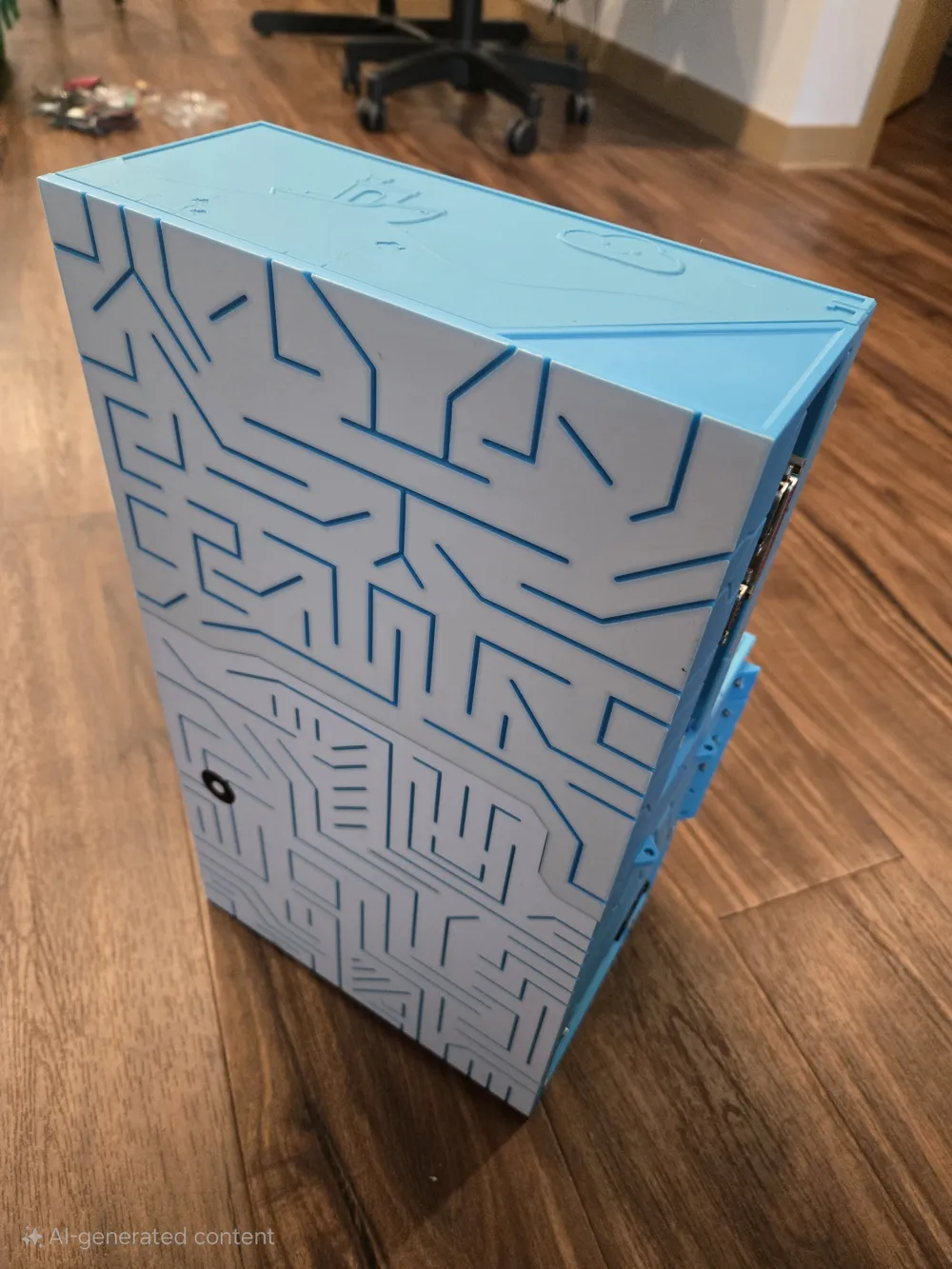
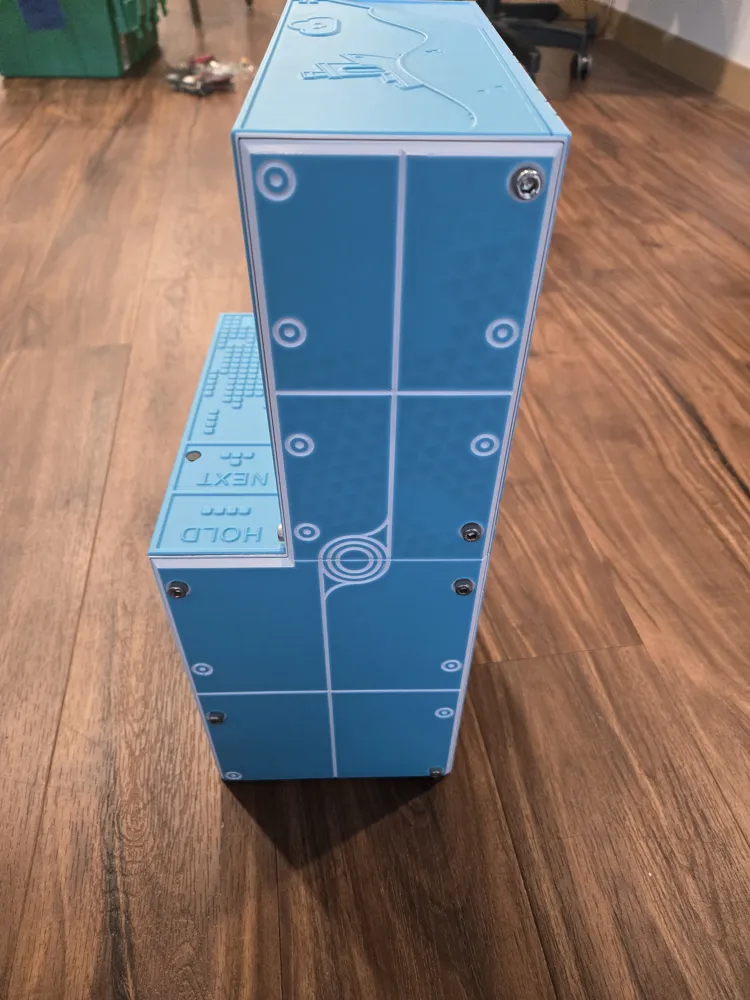
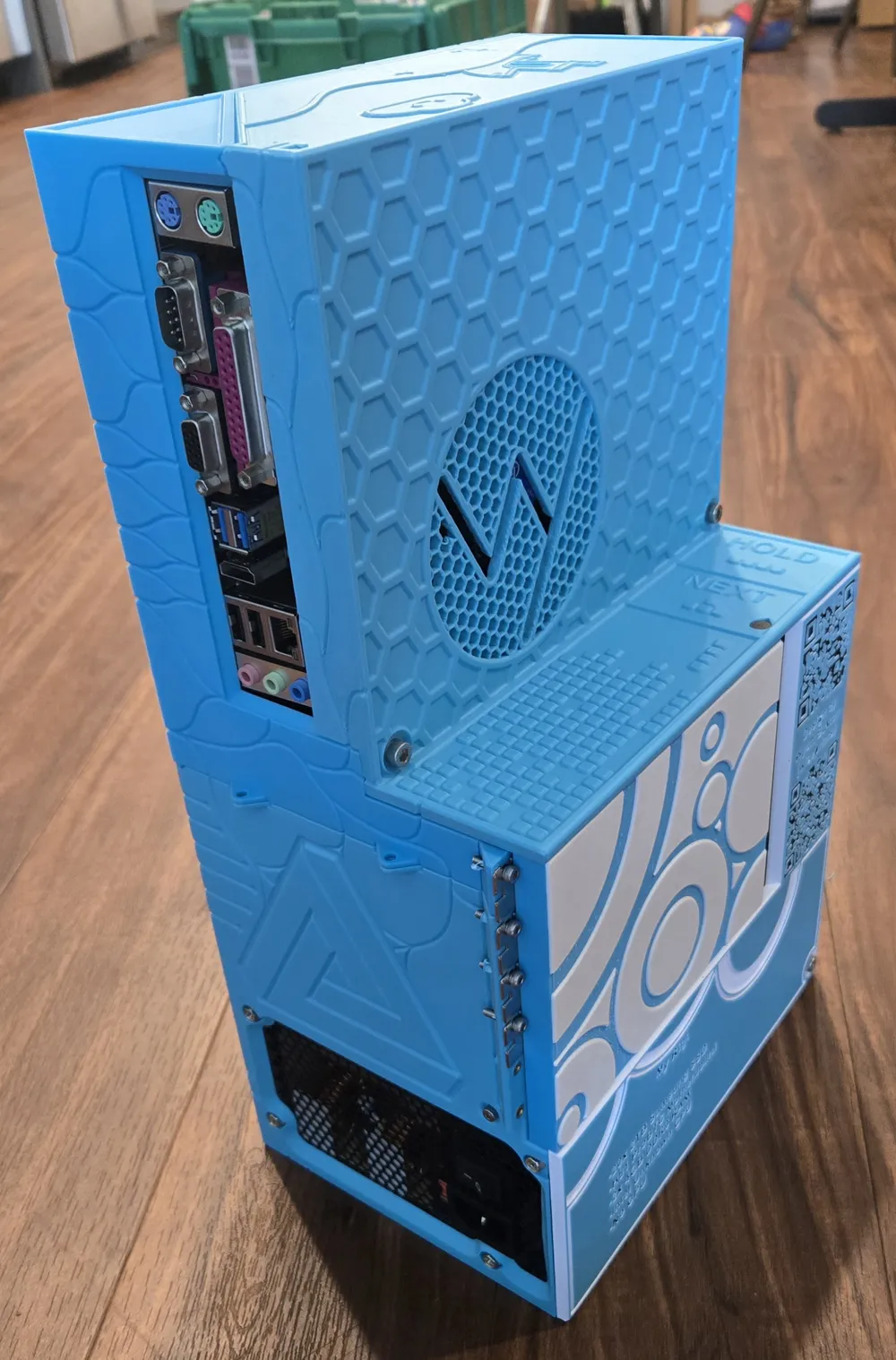
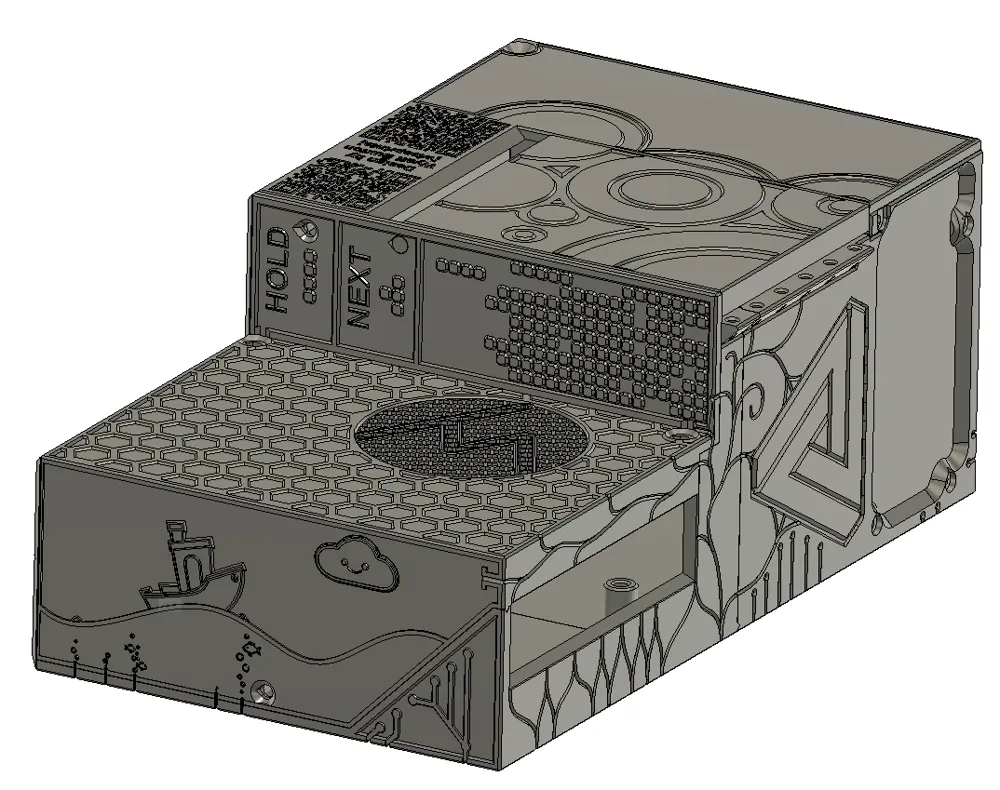
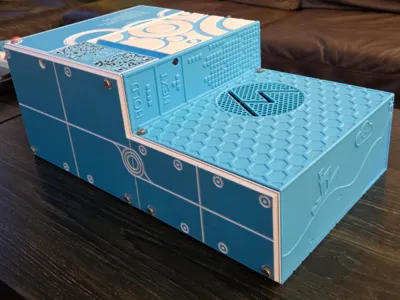
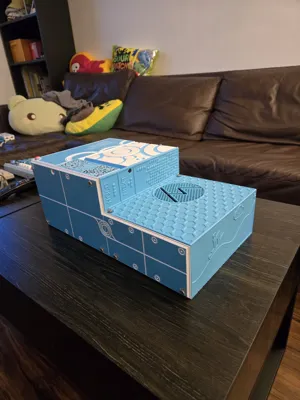
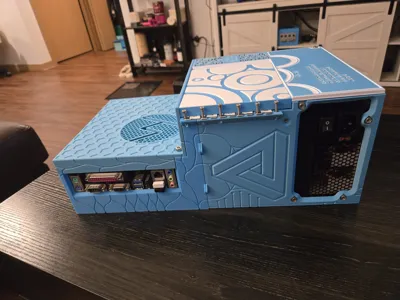
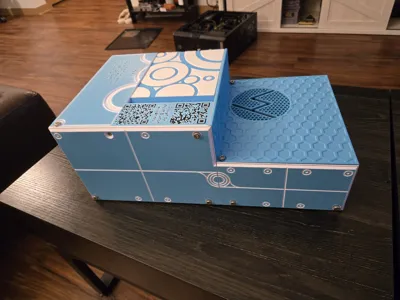
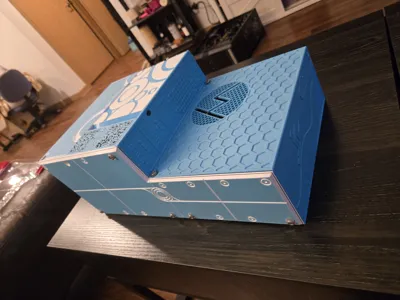
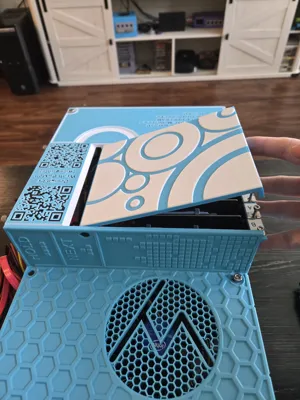
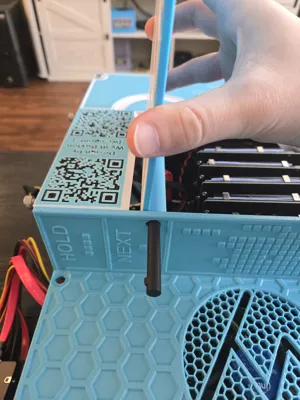
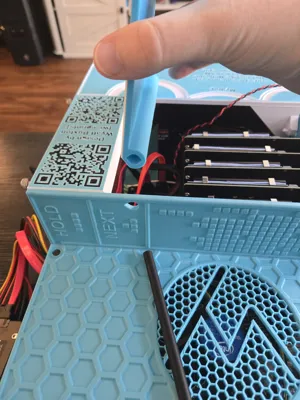
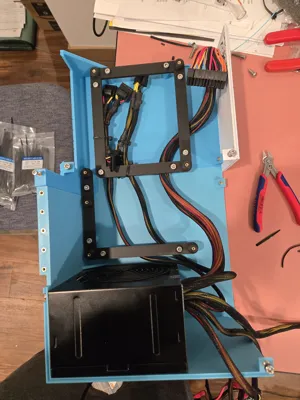
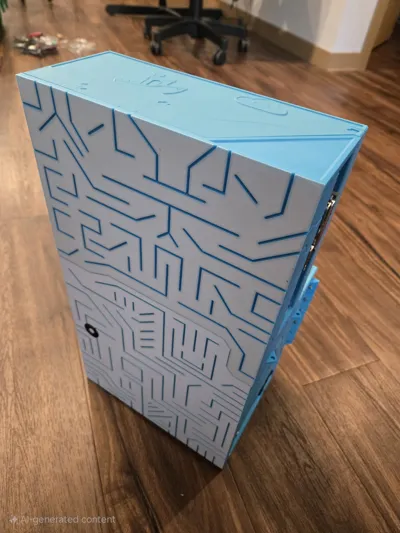
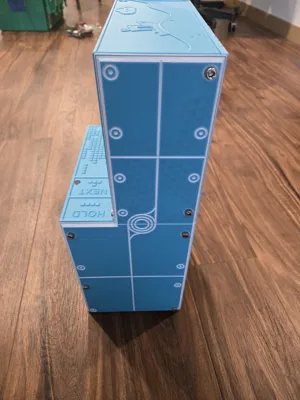
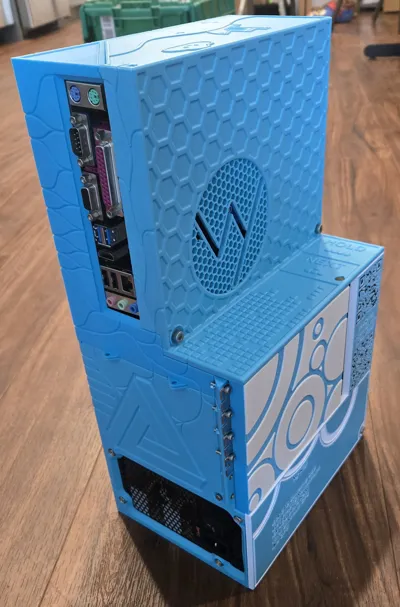
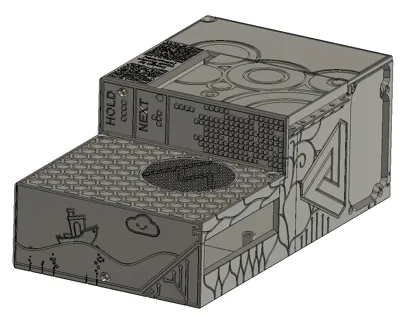
I present to you a completely 3D printable case for a computer or Network Accessible Storage (NAS)! I am very proud of this design, as it took quite a while to create. In fact, I'm still working through a couple of small bugs, such as including a power button slot in the case (minor oversight XP). HOWEVER, as of now, the case is completely functional and ready to use. I created this because I had difficulty finding a good, 3D printable PC/NAS case online, as most the designs use an excess of extra hardware. I wanted a case that is entirely 3D printable, which uses very little extra hardware. I didn't want to buy anything extra, and I assume you don't want to either. That being said, you will need just a few bolts and heat-set inserts for assembly.
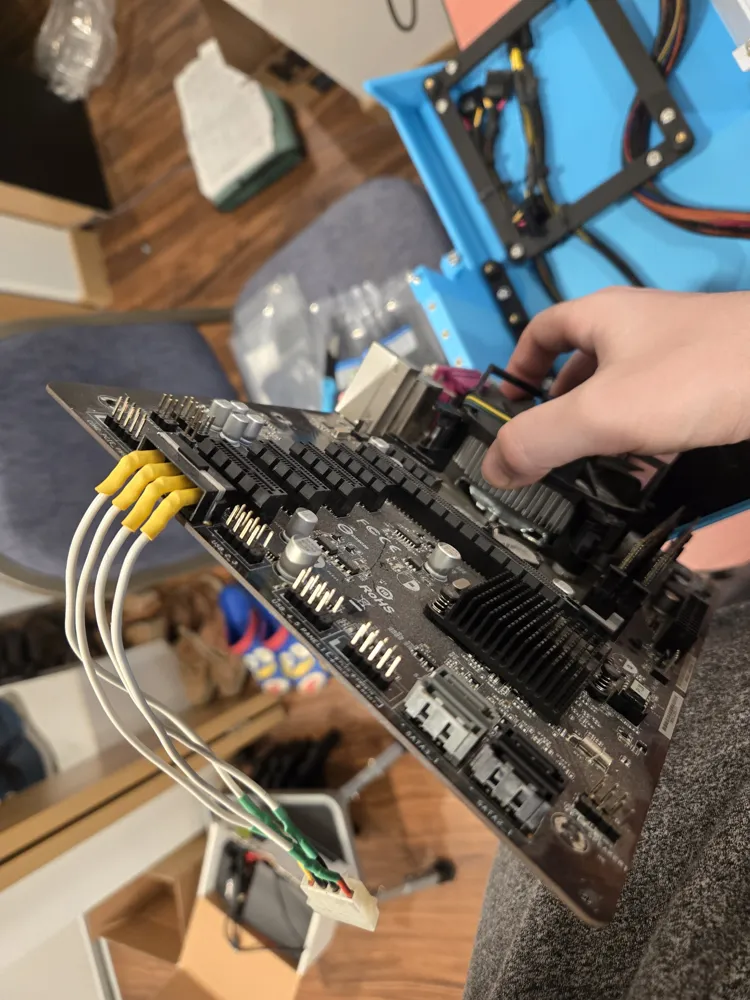
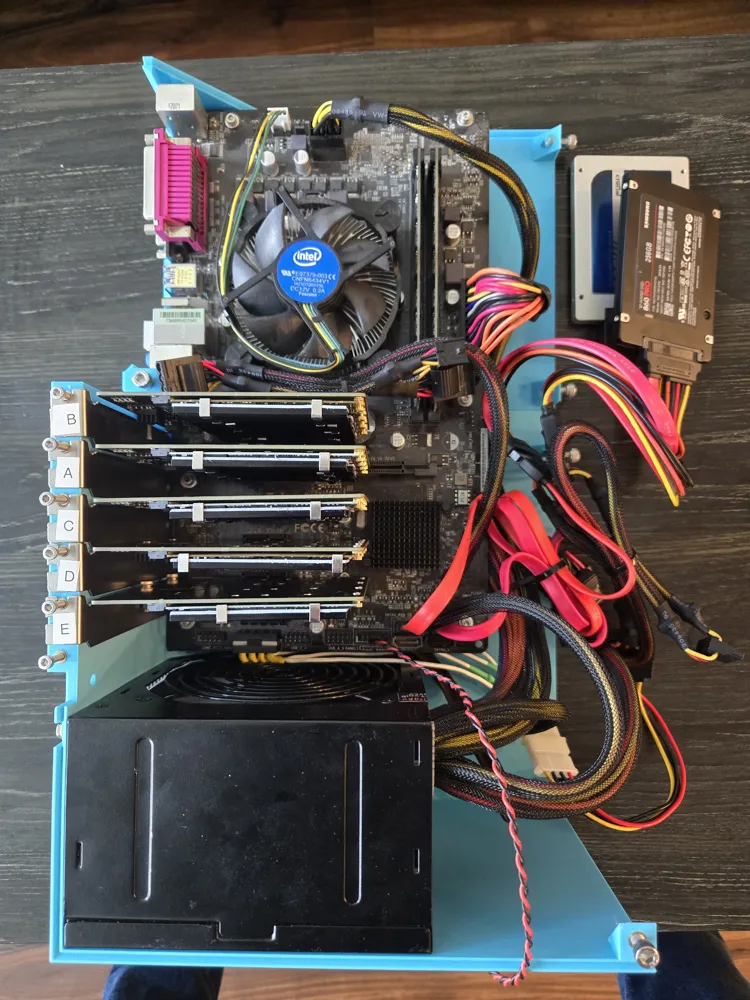
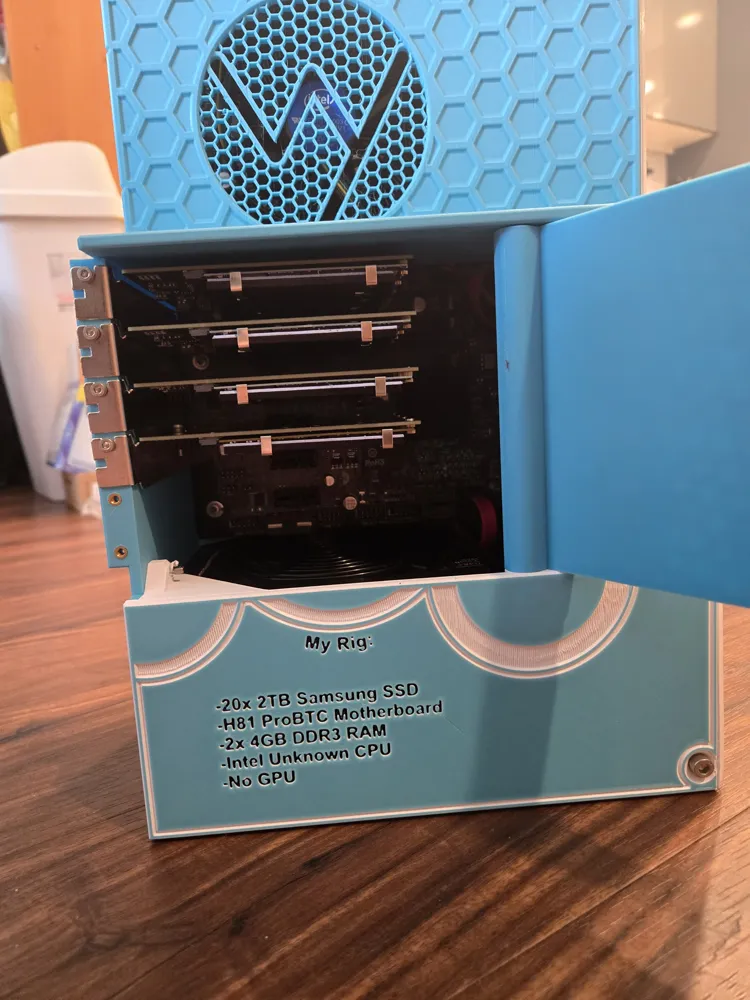
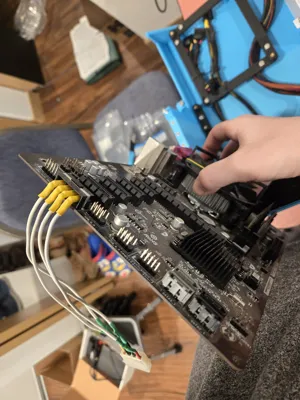
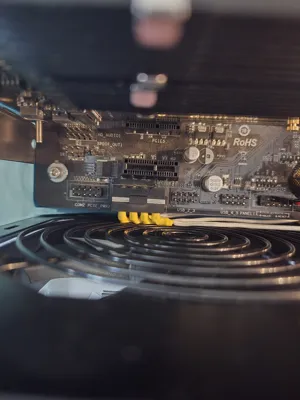
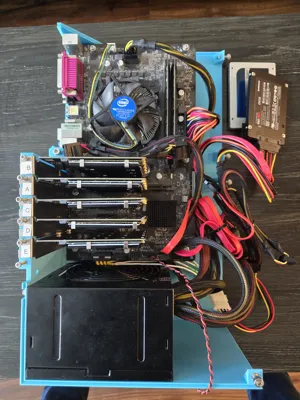
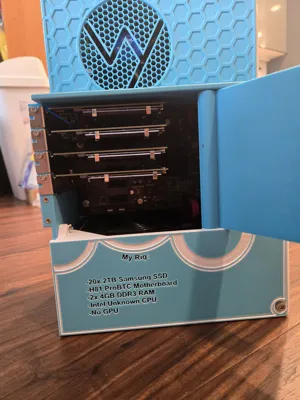
This case is designed to be printable on a Bambu Labs X1C printer and fitted to ATX-style motherboard mounts. Specifically, I am using the H81 Pro BTC motherboard, as I had one lying around from an old crypto mining rig that is no longer in use. The storage devices are all M.2 SATA drives, inserted through the PCIe slots on the motherboard. I also had the m.2 drives already available to me. Old mining rig motherboards are reasonably priced on eBay (around $50) and lend themselves well to this style of NAS, as they usually have 4+ PCIe slots available. This could probably also be used for a regular gaming PC, and I do believe there is space for a graphics card, but I have not hollowed out the back section to plug HDMI cables in. That will be coming in the next update, so keep on the lookout.
Print Settings:
-Every part is designed with a 0.2mm tolerance for fitting together well.
-Parts are designed with printing in mind, so no supports are needed (the motherboard mounting bracket could benefit from supports, but not required. Every other part in the build does not need supports at all). To identify print orientation, look at the screw holes, and notice the chamfer at the top of the hole. This is to prevent sagging when printing the through-hole. The pointy bit of the through hole should point straight up on the printer bed.
-I printed this at a 0.16mm layer height, but it would likely print nicely at 0.2mm as well.
-In Bambu Studio, I painted by layer to get a multicolor effect without adding a noticeable amount of print time. On most pieces, the first layer I would paint one color, then the rest of the part I would print in a different color. I would also recommend turning off the purge tower, as it's not really necessary if you do the paint-by-layer method I am describing.
-Included here is my printer settings preset profile I used to print this (.bbscfg file, not really necessary imo).
-Printed with PLA, but other materials are likely to work well, such as CF-PETG or ASA.
Notes to consider:
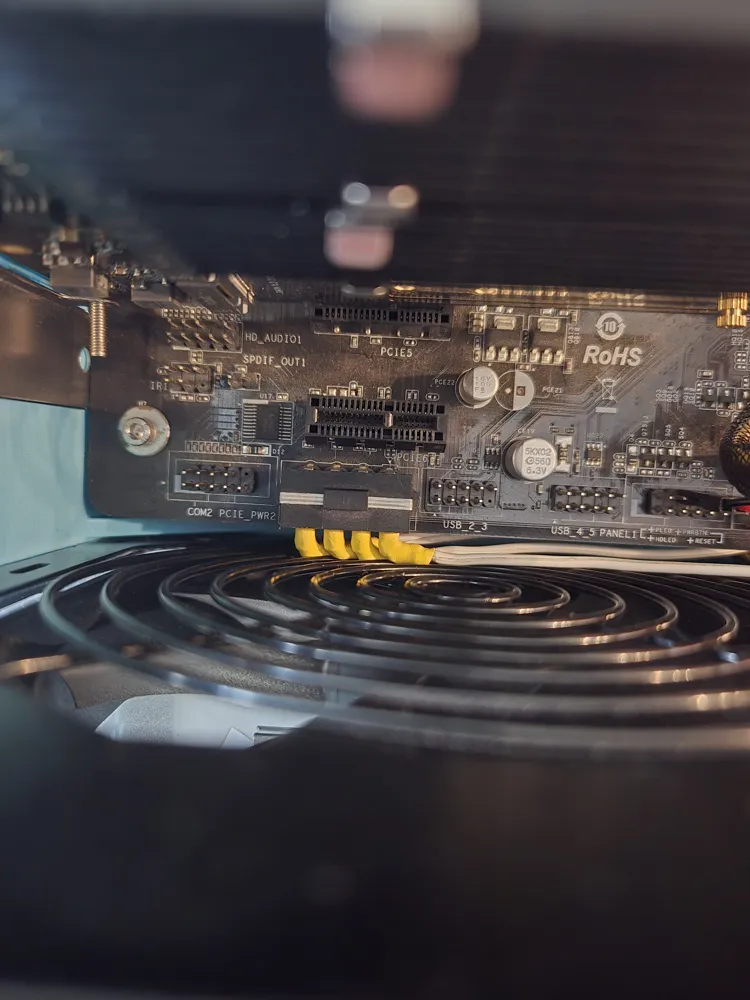
-H81 Pro BTC comes in two varieties, one with a secondary Molex connector on the bottom of the design and one with the Molex connector on the top. Both will technically work, but you should prioritize purchasing the version with the Molex connector on the top, as the version with the Molex on the bottom will be a really tight fit against the power supply, and may require connector modification to get the motherboard to fit properly (see relevant pictures in listing). If you do not connect this Molex, it will only allow you to use 3 or sometimes 4 of the PCIe slots in the motherboard. If you don't plan on using more than 3 PCIe slots, don't worry about connecting it.
-I have included the F3D file for the entire case, so that anyone can modify this design if they would like. Note that changing the timeline early on in the design may cause Fusion to crash, as I should have structured the design files differently.
-H110 Pro BTC, H61 Pro BTC, and other varieties of ATX motherboards will likely work with this design, but I have not tested them. I have a H110 Pro BTC in the mail right now for testing, and will adjust this design to work with the H110 motherboard if needed.
Extra parts needed for the case:
-Aside from the PC components, its literally just bolts and threaded inserts! I kept it to just two sizes for simplicity, as you will need M3 for the motherboard and M5 for the case itself (M3 was just a little too small for the case bolts).
-13x M3 bolts, at least 10mm length (for holding motherboard and PCIe cards): (https://www.amazon.com/uxcell-Phillips-Stainless-Furniture-Connection/dp/B0CYYZ9JW5?crid=3KENUGNK7A9OR&dib=eyJ2IjoiMSJ9.bzZCOw1dr4RtLwtxzcYChXpeln_O5yRQCKxudyeLKSsEXTCx49-MjlrC18c9dyo5fbnZRtp2LpDAFlr89_X_XgHRE7N3tUx-6GWxAWicW0c_OW_e3I7kYzni5BnkCV4vo16cdQrVWoVmK-vludsU7EAAQhyJPFzCqJCzMiW4pBdDODrTdvRNsADws5h9YFPcOUB4W_gCMKwe7G81o0wnLsROwaD6RlrUEypXIP3Bupk.-qN4AsfC_li2MEefBGNUZgnylveZihEqYSNH37lQZQE&dib_tag=se&keywords=20pcs%2BM3%2Bbolts10mm&qid=1747695597&sprefix=20pcs%2Bm3%2Bbolts10mm%2Caps%2C153&sr=8-4&th=1)
Alternatively, you can purchase an assortment pack of bolts and inserts with a variety of sizes from Amazon
My PC build:
(Ensure you pick the appropriate RAM and CPU for your motherboard if your build is different than mine)
-20x M.2 SATA SSDs (ensure that if you get a SATA M. 2 PCIe adapter, you also get SATA M.2 drives rather than NVMe)
-5x PCIe to M.2 SATA conversion cards: (https://www.amazon.com/dp/B0C9TJC6V4?ref_=ppx_hzsearch_conn_dt_b_fed_asin_title_4&th=1)
For OS, I originally intended to use HexOS, but eventually decided on installing TrueNAS (completely free). Plenty of tutorials are available on youtube for how to install, set up, and use TrueNAS.
Please leave a comment if I missed or forgot anything. I will be updating this design very soon with changes as I discover inadequacies (like no spot for a power switch), so let me know if you find any flaws! I have more filament on the way, along with another motherboard to test so I will have another updated version printed shortly.
It's ok if you plan on selling my design elsewhere, but please donate to me at least once if you do. Also, ensure to give me designer credit wherever you end up selling the print. Thank you!
Donation link: paypal.me/wiseprints206
-Wy
License



Comment & Rating (0)