

Print Profile(1)
Description
Follow me for more designs !!!
Boost Me (for free)
If this model made your life easier or just looks awesome, a boost helps fuel my next invention!
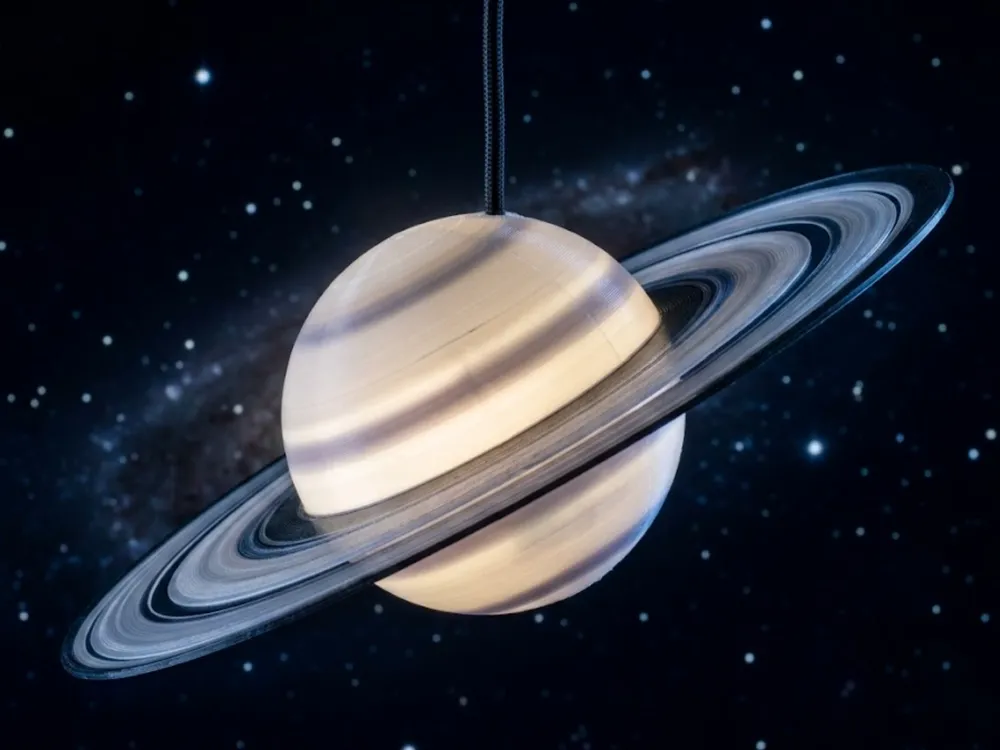
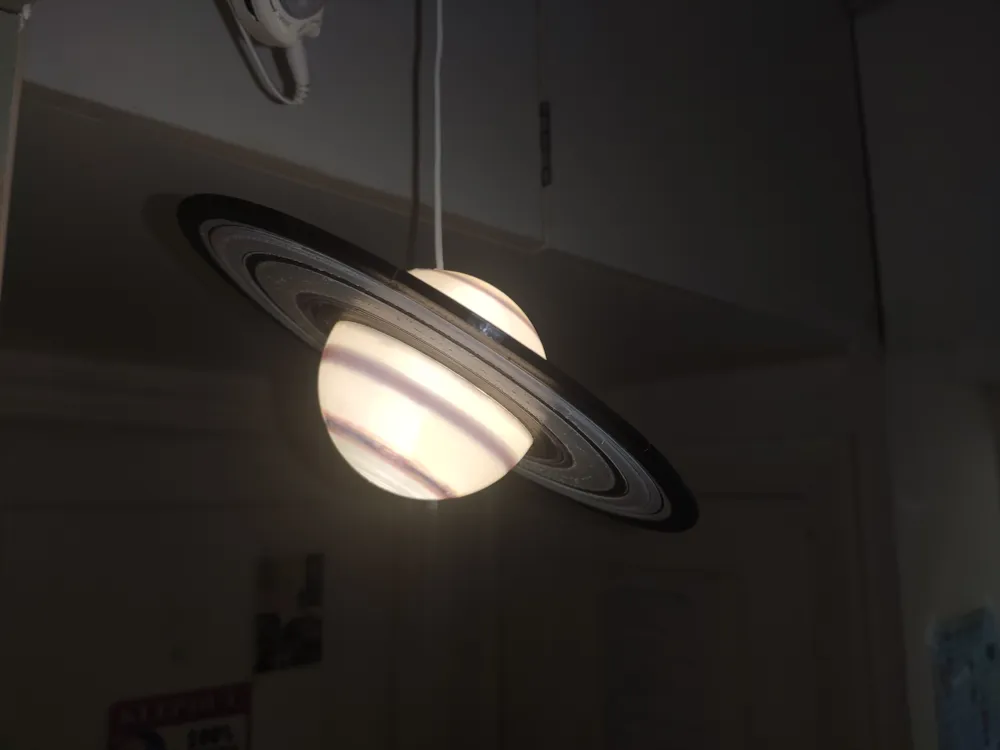
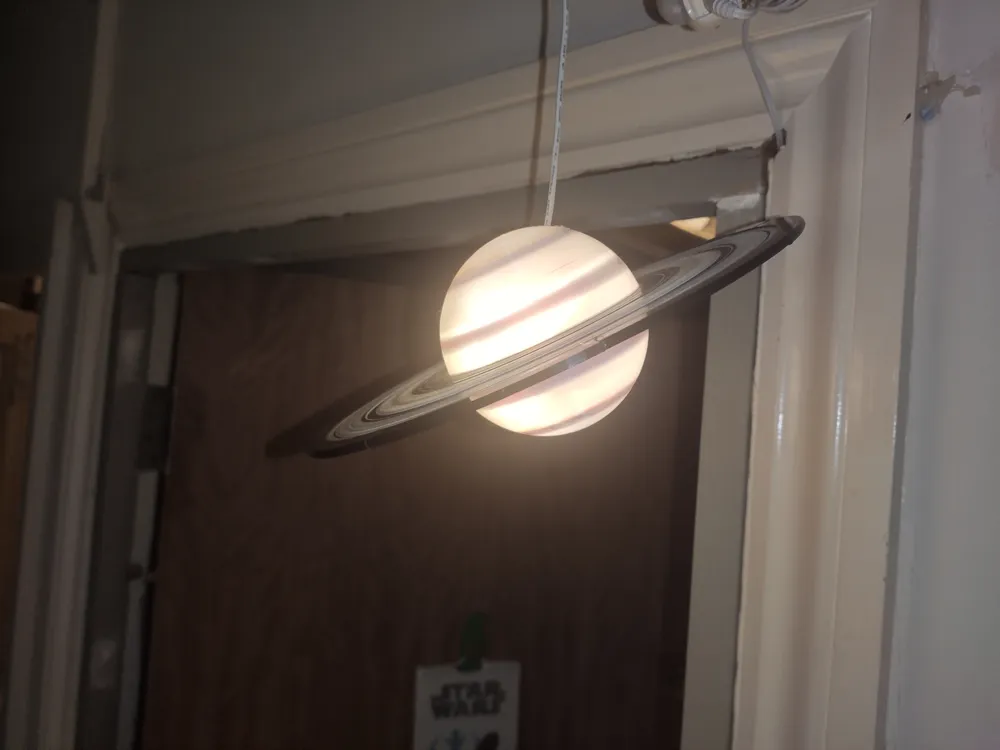
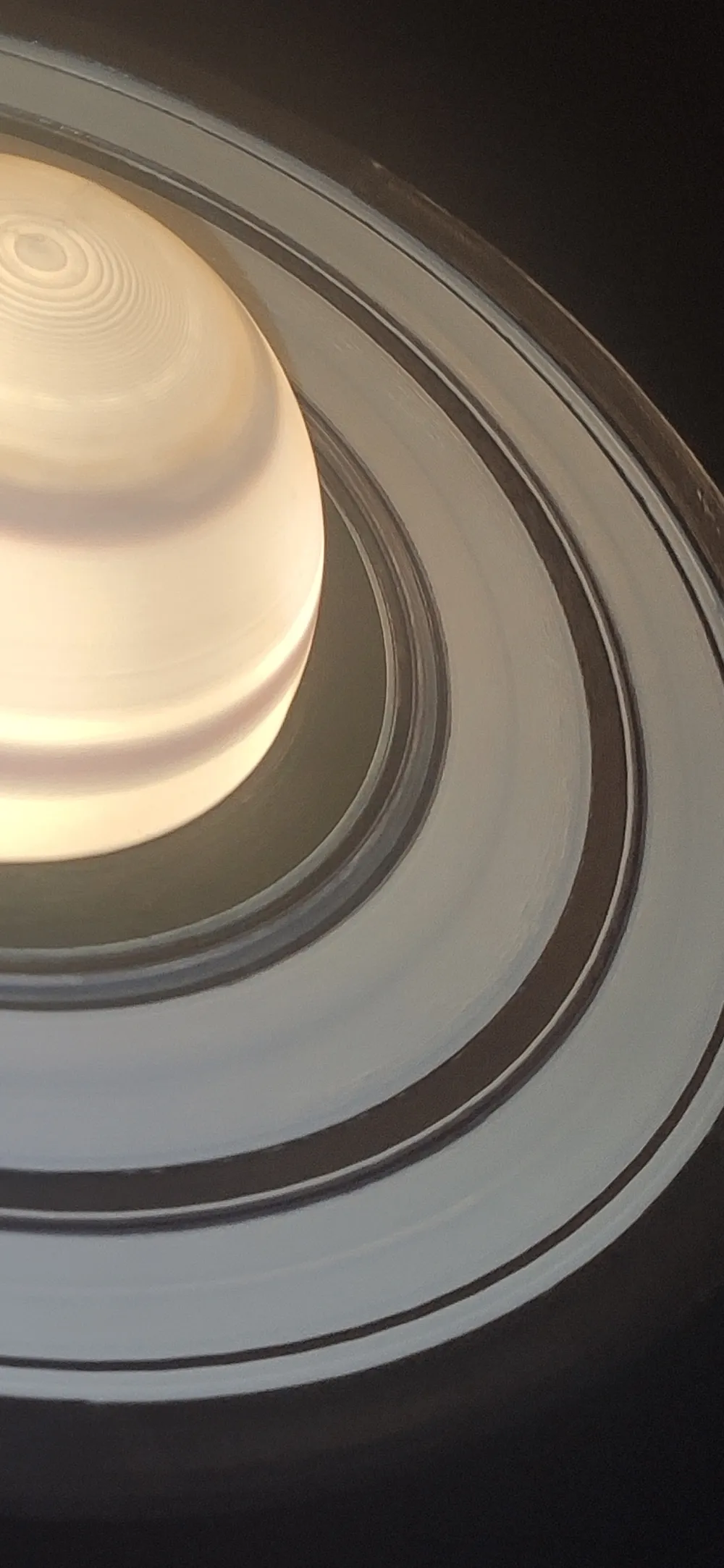
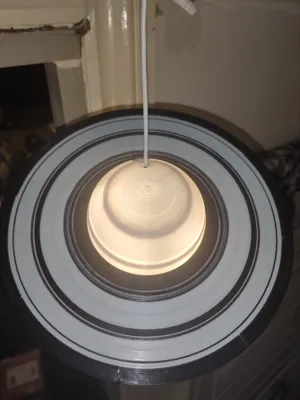
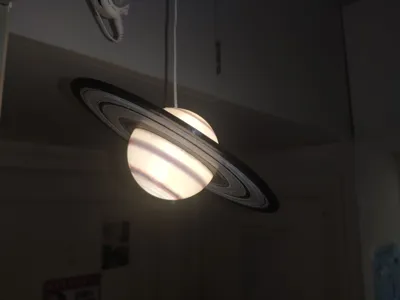
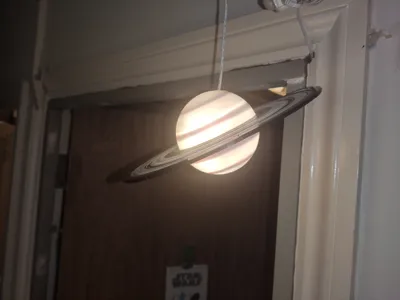
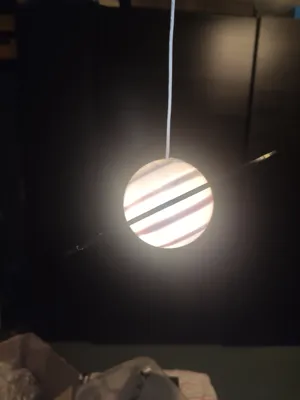
It’s an astronomy inspired light which can be hung or displayed as a show piece; rings are designed to look exactly like the real Saturn planet rings, meaning a Scaled down real model.
Description with Instructions (How I did it):
I rolled the LED strip in a ball and secured it with cable tie. You can use any small LED bulb or battery powered LED light that rests at the bottom.
I have designed it this way so you can choose whatever you prefer.
The sequence of rings:
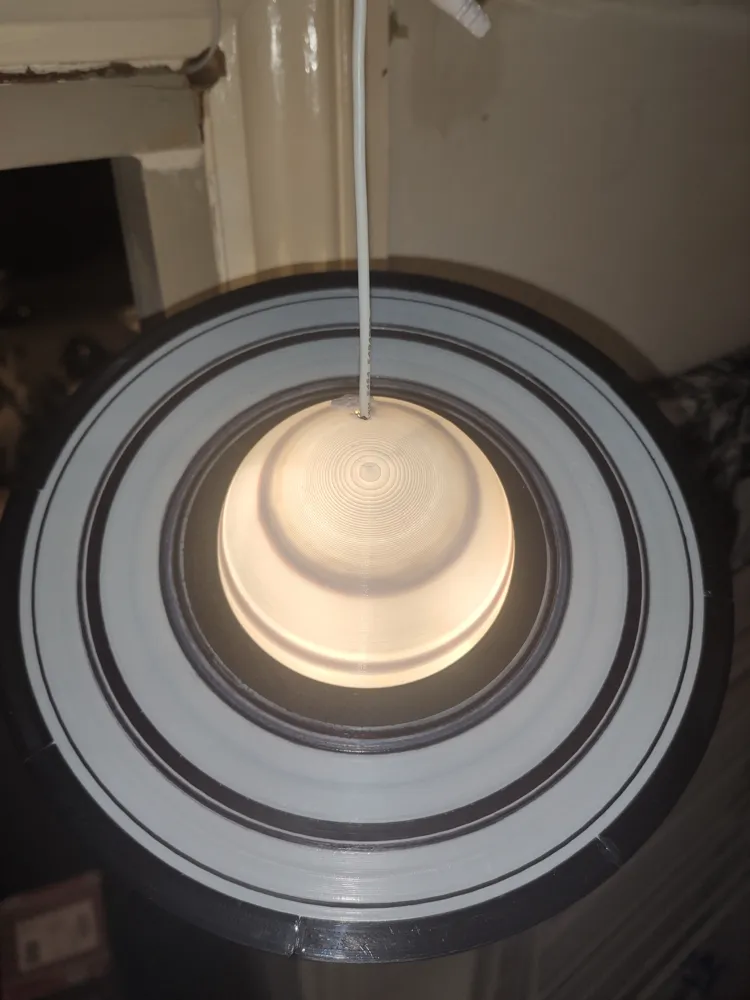
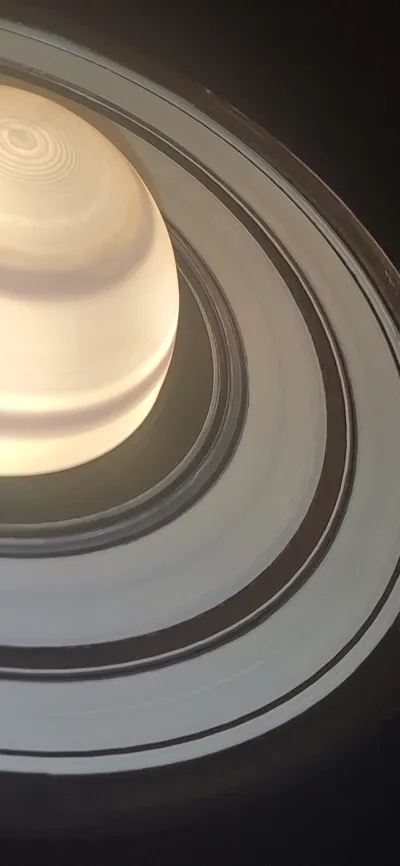
First rings are black then next rings are white but they are supposed to be grey or black, that is why I left small difference between layers so it can be easily darkened with black marker for it to look grey. Then it is white, black, white black, (they be left as they are).
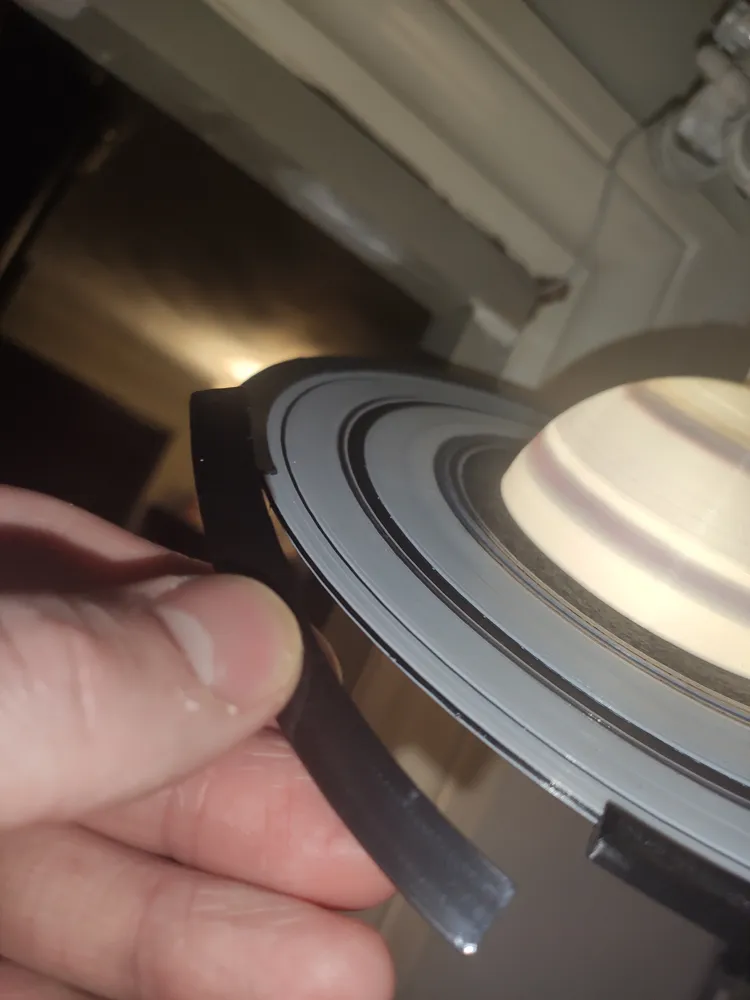
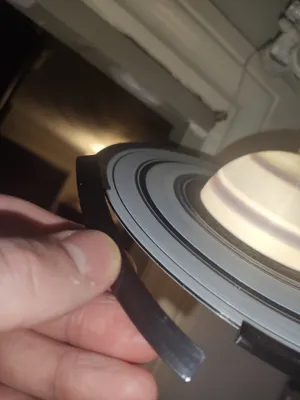
The last ring is made with 8 parts (clips) which hold the top and bottom together (refer to point 4). This goes on the edge as a last toutch.
Planet itself (Sphere):
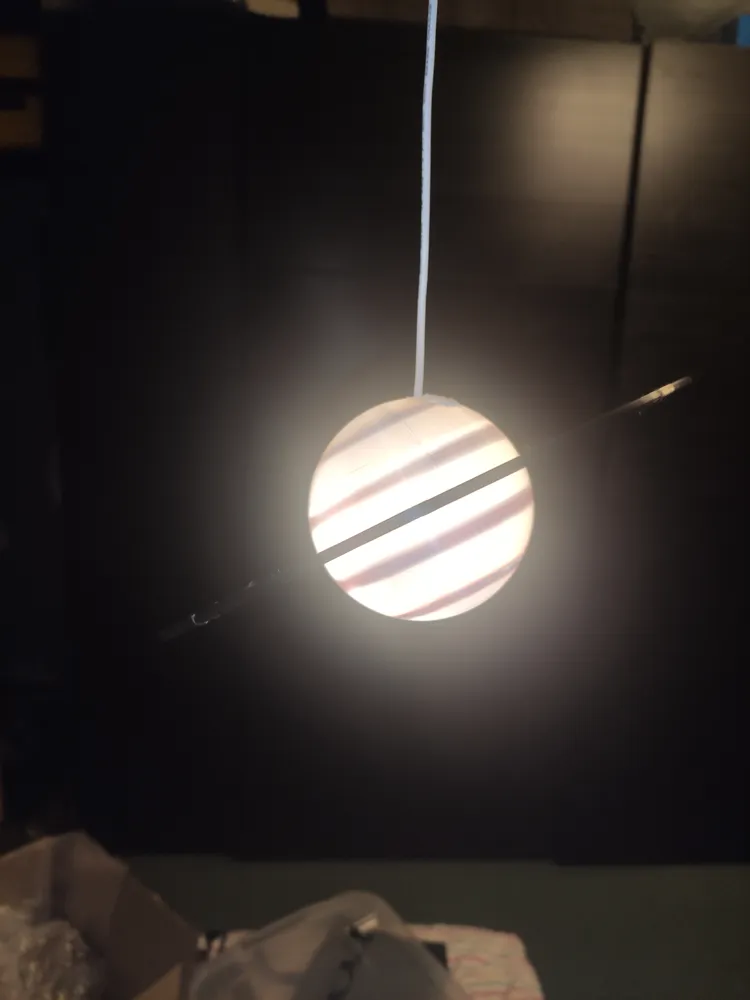
Inside the sphere I made the wall thicker in some places, which can be used as a guide to colour easily. They are also making the sphere darker in places, therefore, the colouring is not required; it is an option to colour if you prefer.
There are four STL files:
1 - Topcable.STL - this is a top of the model which needs to be printed in white on top of the parts called ‘’Bottom,STL''.
2 - Bottom which is a base to be printed underneath for topcable.STL and topnew.STL
3 - Topnew.STL - this is a bottom of the model which needs to be printed in white on top of the parts called ‘’Bottom,STL''.
4 – Clip.STL – This needs to be printed 8 times in black so it forms the last ring. Using the rings makes the model look nice and most importantly it holds the bottom part and top part together. The purpose of the clips is that the model can be opened at any time when needed.
If you just load my profiles everything will be pre loaded and positioned , with a pause for filament change
So start printing in black and when printer pause , change filament to white , do it in both plates , and 3rd plate are clips which are just black.
Enjoy and let me know how it turned out ?
— — — — — —
— — — — — — — — — —
— — — — — — — — — — 🤝 Commercial License: Want to sell physical prints of this design? Get a commercial license on my Patreon here: https://www.patreon.com/DYMO4
License

You may create derivative works based on this object, provided that all such derivative works are published exclusively on the MakerWorld platform and include proper attribution to the original creator. You may not share, upload, host, distribute, or publish this object—or any derivative work of this object—on any other digital platform, marketplace, or distribution channel. Commercial use of this object and any derivative works is strictly prohibited. This includes, but is not limited to, selling, renting, sublicensing, or using the object in any context in which you receive monetary compensation or other financial benefits.


Comment & Rating (17)