Search models, users, collections, and posts

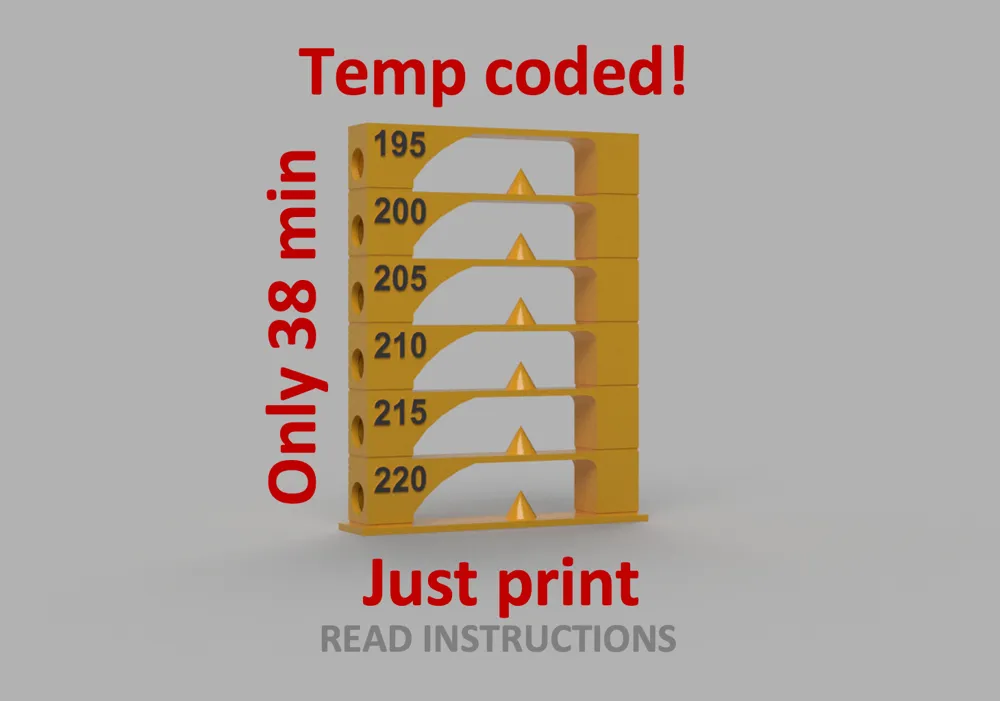
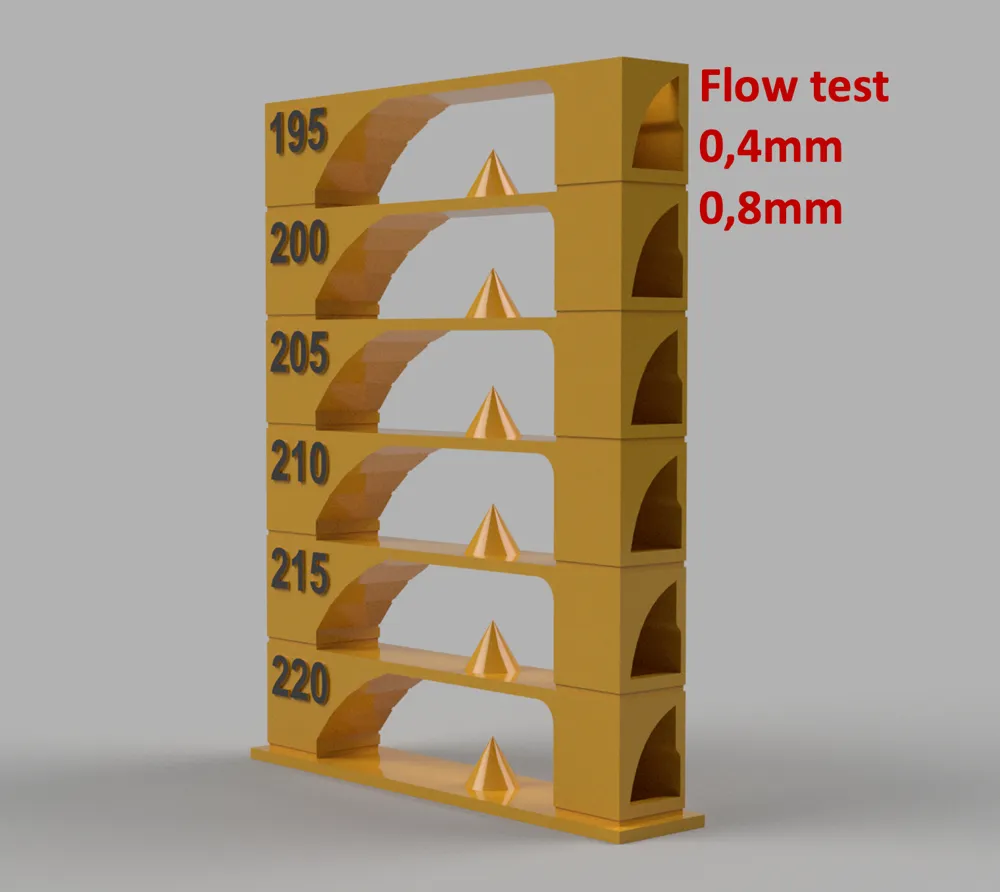
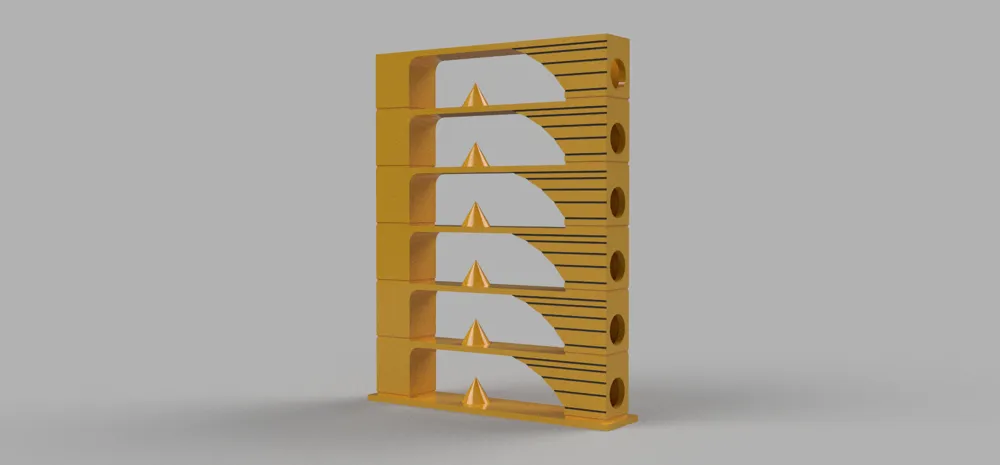
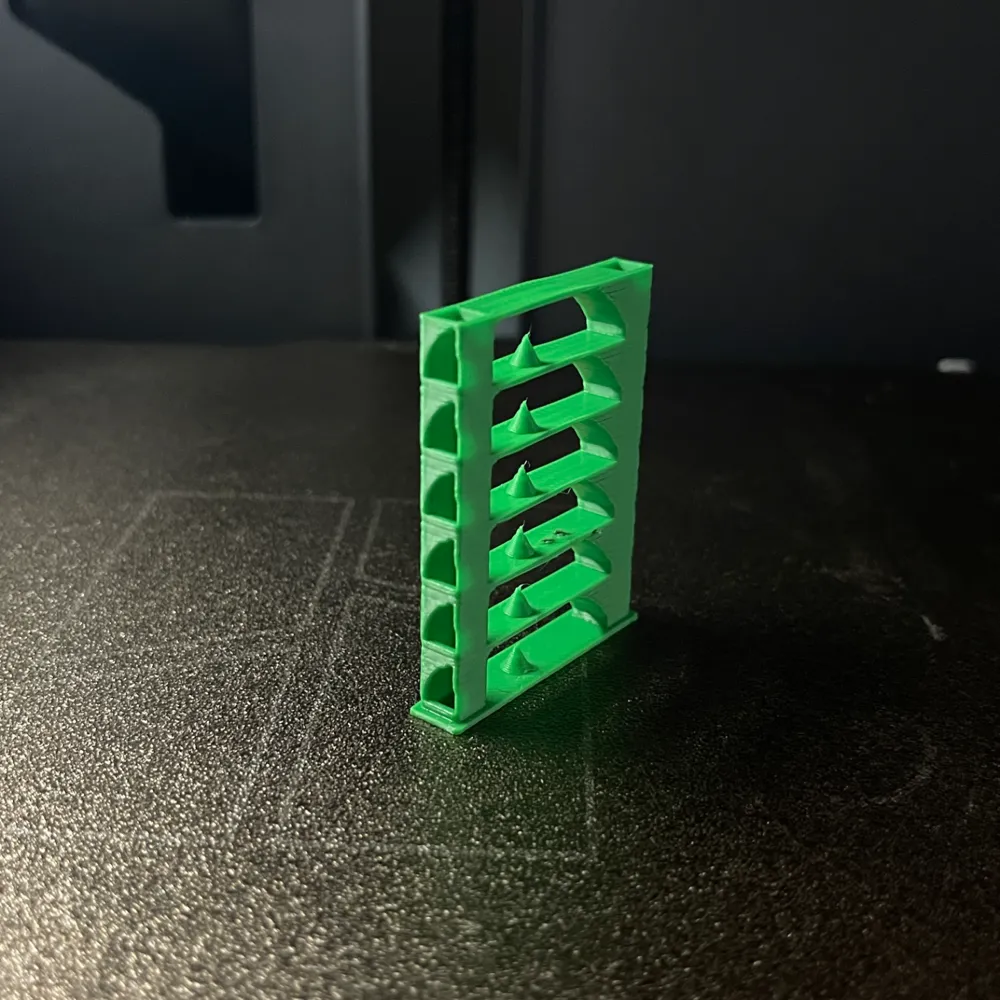
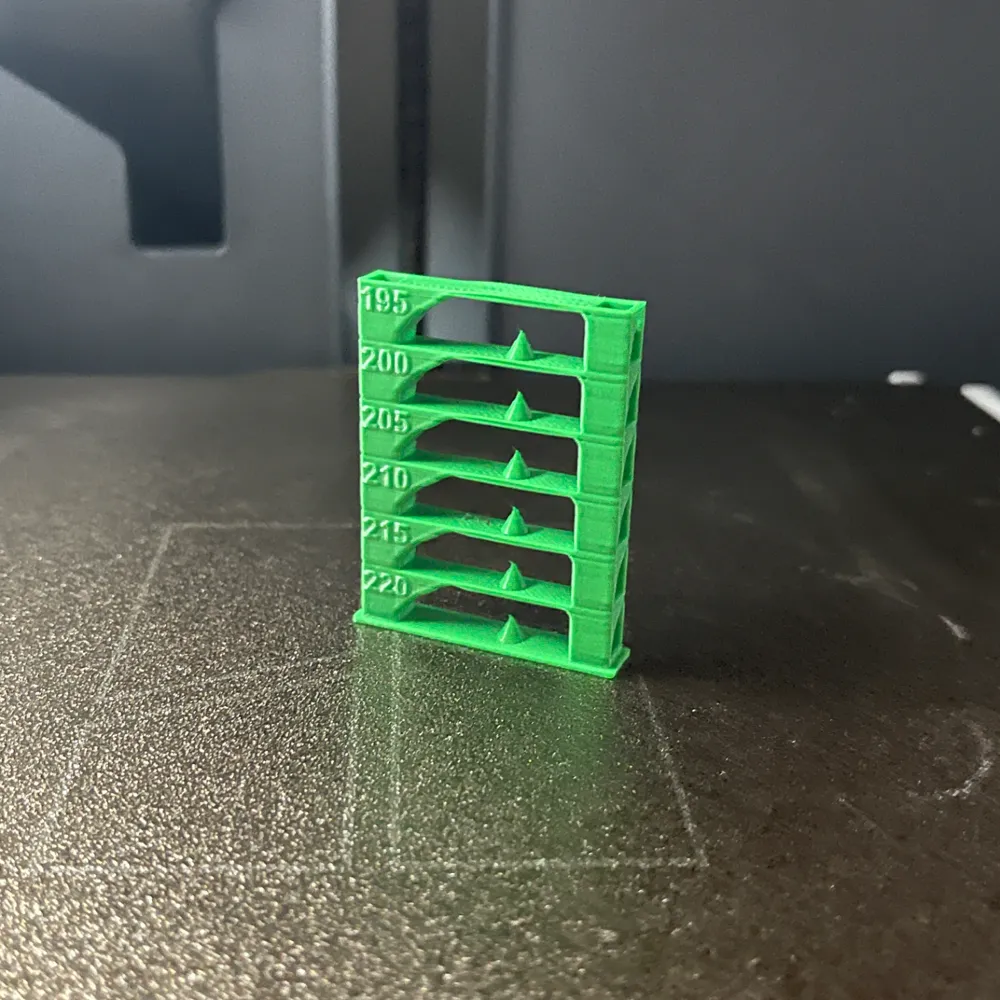
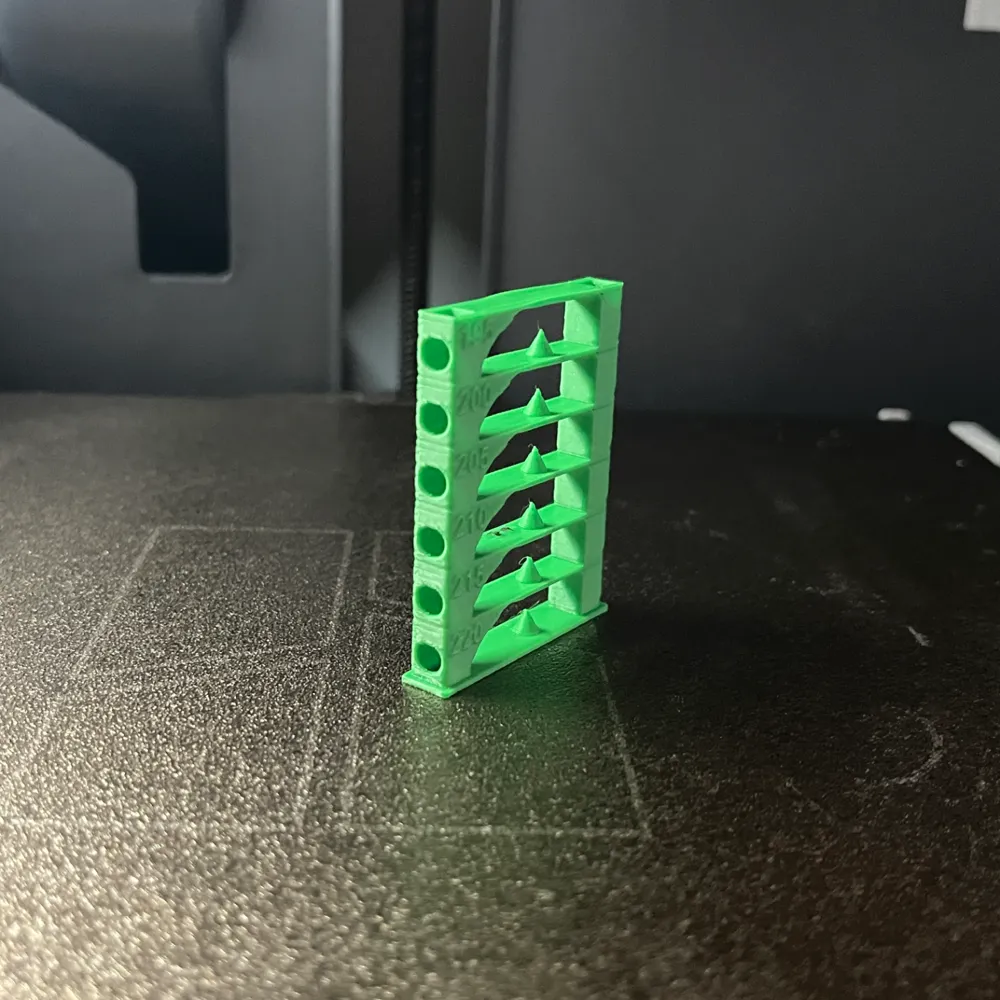
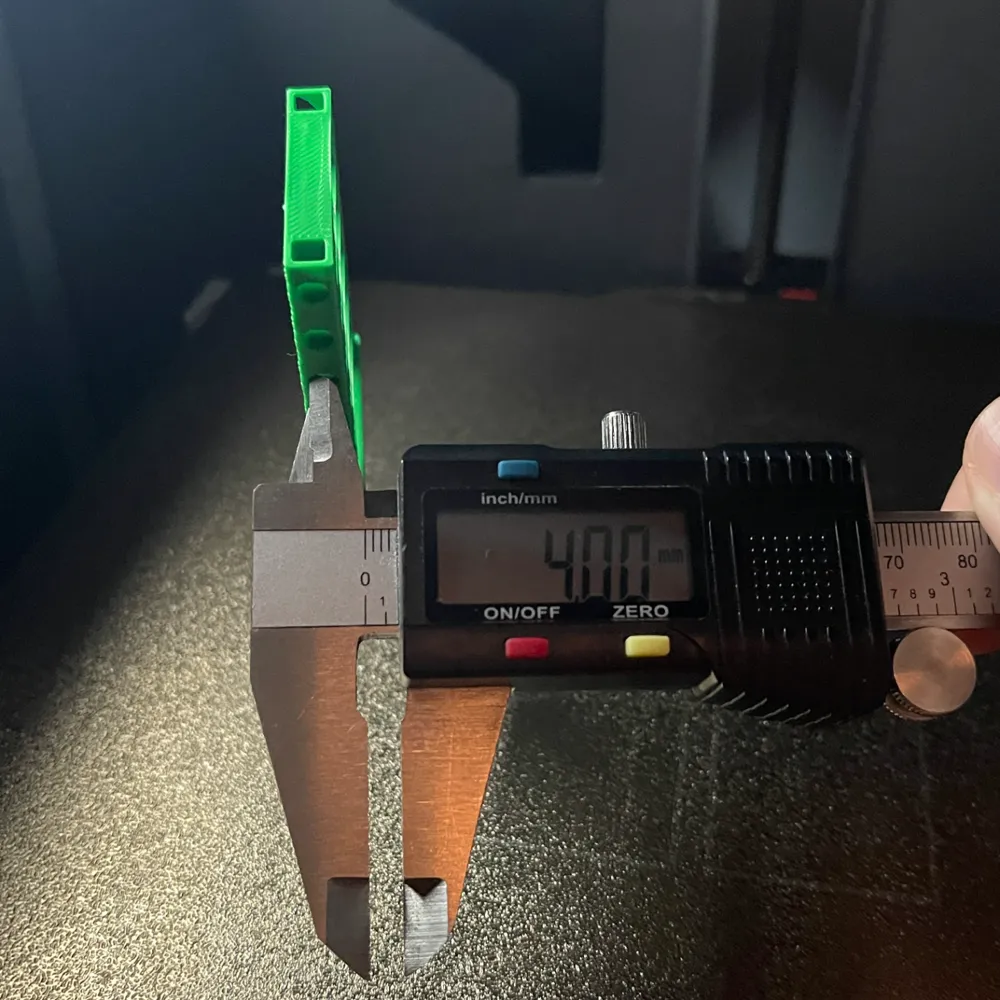
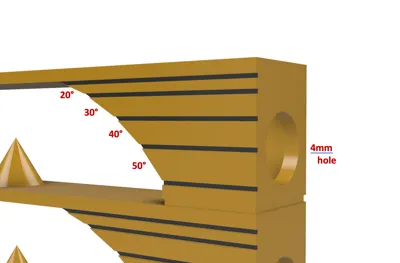
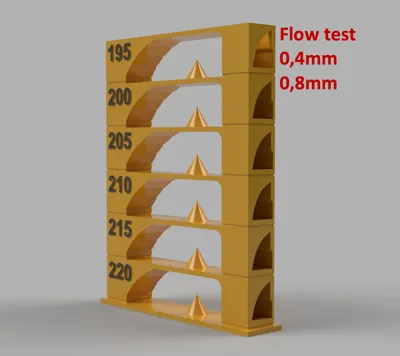
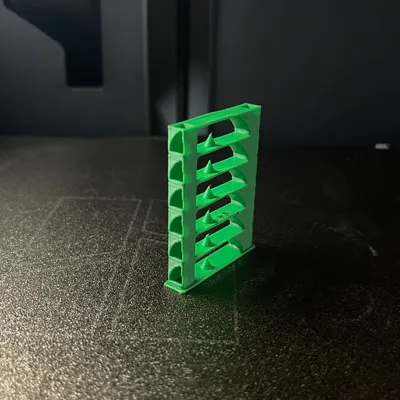
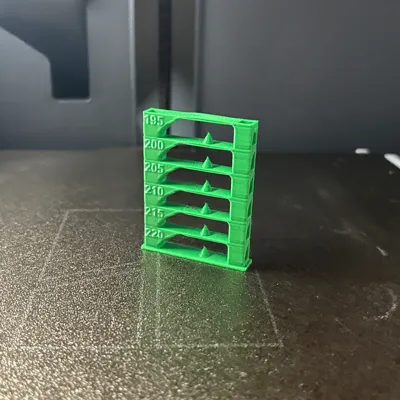
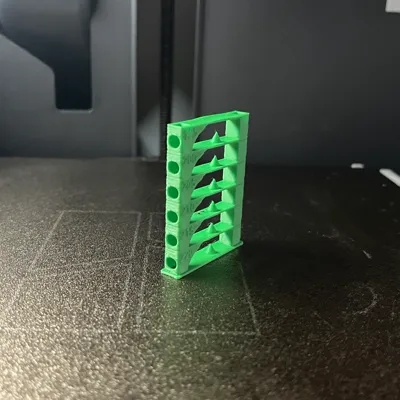
PLA temp tower 195 up to 220

Print Profile(1)

All
A1 mini
P1S
P1P
X1
X1 Carbon
X1E
A1
H2D
H2D Pro
H2S
P2S
H2C
X2D
A2L

Download STL/CAD files !
Designer
38 min
1 plate
4.6(340)

Open in Bambu Studio
Boost
1009
2931
403
203
23.2 k
5.1 k
Released 

Description

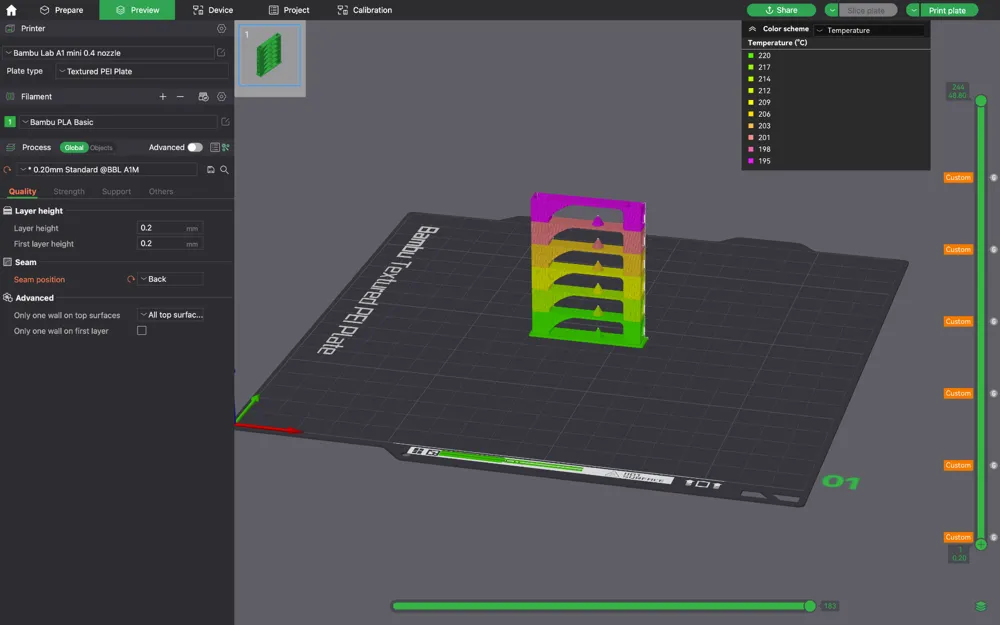
Download the "STL/CAD files" where you can find the temp tower with temperature adjustment !!! Only 38 min + time for calibrating. Makerworld does not support uploading M3F files with editing so for this reason I gave the file to the raw model files.. Enjoy ! ☺️🤌

Comment & Rating (403)

(0/1000)

For those always at 220... Click on Download STL from the website, not Bambu Studio. Open the .zip and yes, it's 3MF not STL but this is the 3MF you want. No, you don't want the 3MF directly, you want the one in the "STL" .zip download. Import it into a project, slice it and under Color Scheme, set it to temperature. You should see the varying temps AND you should see the "Custom" tags on the right. If no tags or a constant temp, it'll run at 220. Did you skip over any of those steps thinking you knew better ;) ?
98
Reply
Thank you. This should be how it's explained in the description. Note: the file preview shows the contents of the .ZIP file; you SHOULD see a .3mf file when you select STL/CAD files.
(Edited)
10
Reply
Why isn't this in the description...
5
Reply
Funny end 😂😁
1
Reply
There's no STL file to download anymore?
6
Reply
download that file in that window, it'll work
5
Reply
Boosted
Replying to @SirMannick :
Works just fine for me! :)
0
Reply
Print Profile
Download STL/CAD files !
worked great!
5
Reply
Super test result, everything proceeded as indicated, temperatures respected at each stage with the STL file!!! For my part, I will proceed to print my Ender+ filament at 225°c after the test Thank you
Show original
3
Reply
200 looks the best to me. no sag.
0
Reply
The STL file seems to be gone (no, it's not in the ZIP file either). And after slicing the 3MF and switching to temp view, I get a constant 220. Looks like whatever was here isn't here anymore. :(
8
Reply
HI, how can i download the Raw Model Files????
1
Reply
use the STL file that worked for me
2
Reply
Print Profile
Download STL/CAD files !
It worked after some temperature adjustments I needed to make in Bambu Studio. Useful! Thanks for sharing
Show original
0
Reply
Boosted
Your picture is NOT the print file you're commenting on, so where do the 3 stars come from...?
(Edited)
1
Reply
Print Profile
Download STL/CAD files !
Useful print to improve the new filament
Show original
1
Reply
Hello and thank you for this model Temperatures have been adjusted precisely Furthermore I was able to learn how to adapt it for other filaments myself Left Model with standard filament settings Right with adjusted flow
Show original
1
Reply
Boosted
Print Profile
Download STL/CAD files !
printed good on my P1S
1
Reply

License

This user content is licensed under a Standard Digital File License.

You shall not share, sub-license, sell, rent, host, transfer, or distribute in any way the digital or 3D printed versions of this object, nor any other derivative work of this object in its digital or physical format (including - but not limited to - remixes of this object, and hosting on other digital platforms). The objects may not be used without permission in any way whatsoever in which you charge money, or collect fees.