
LED Triangle Light Painting Tool


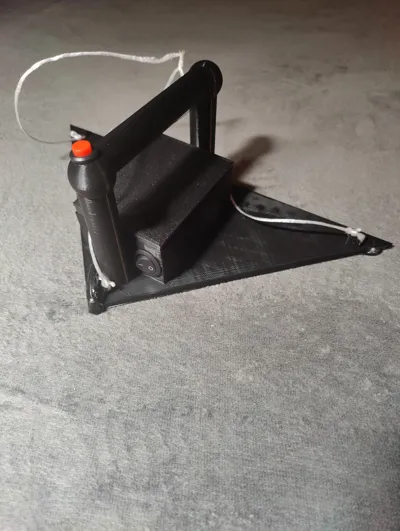


Print Profile(0)
Description
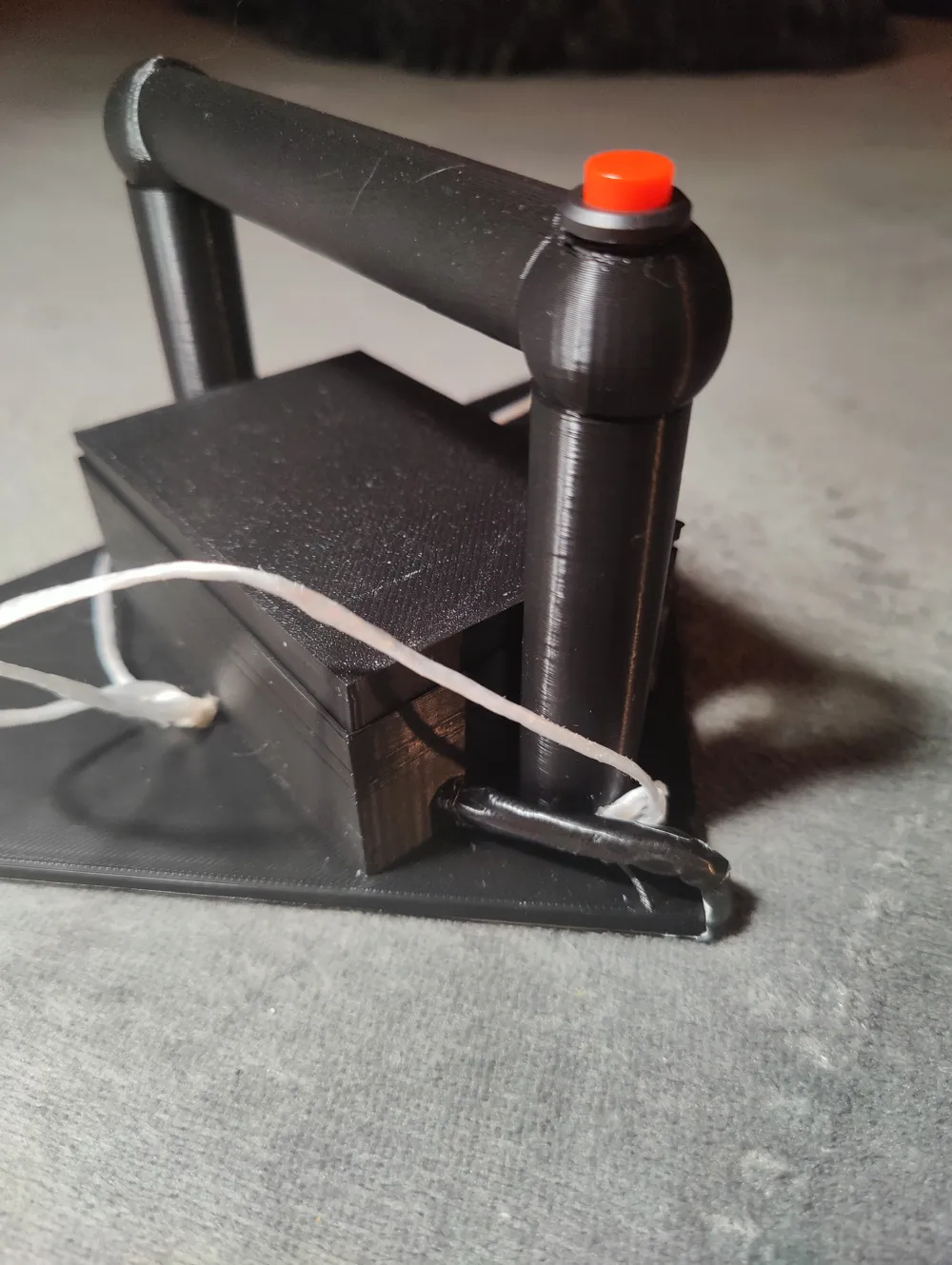
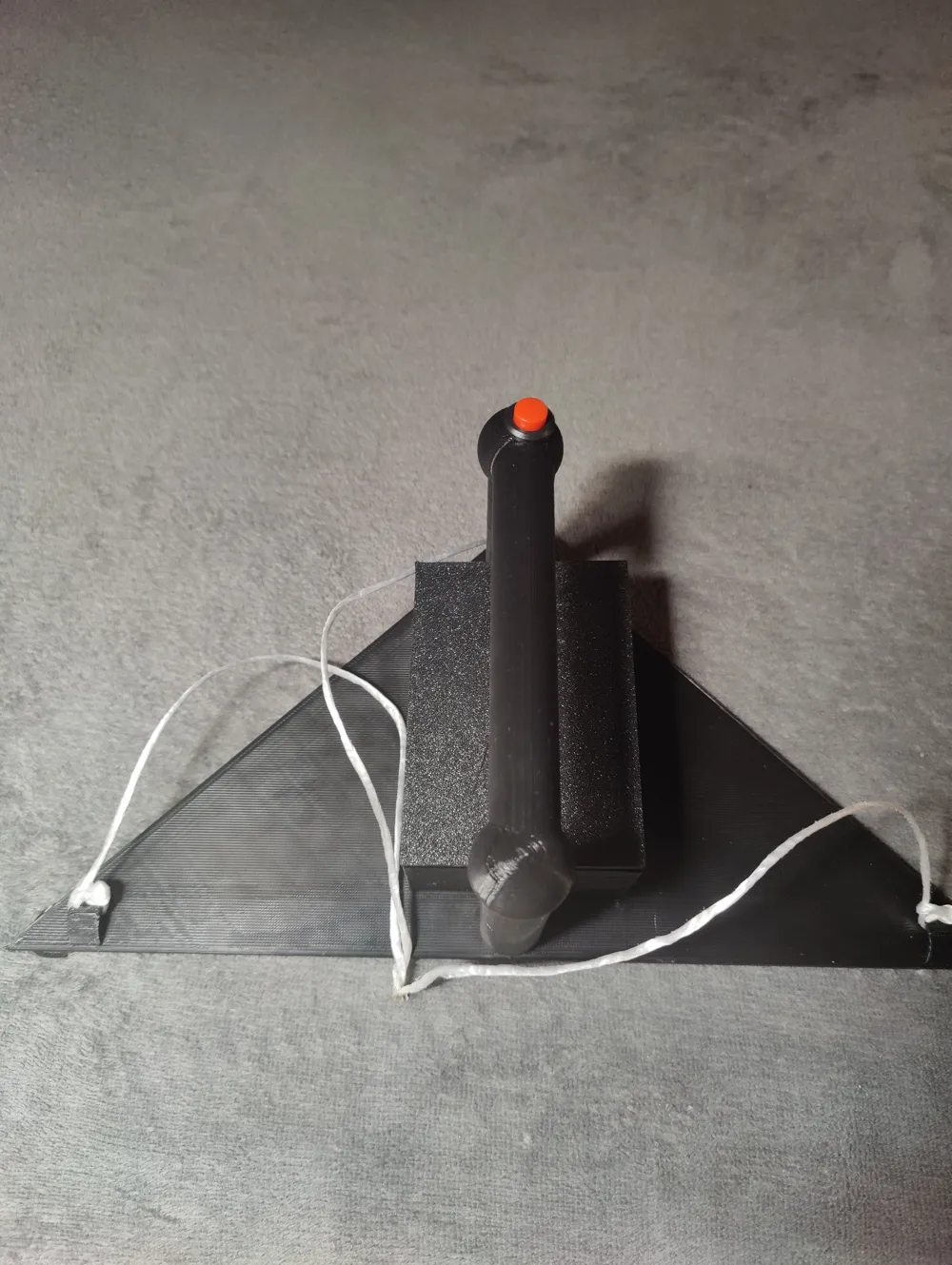
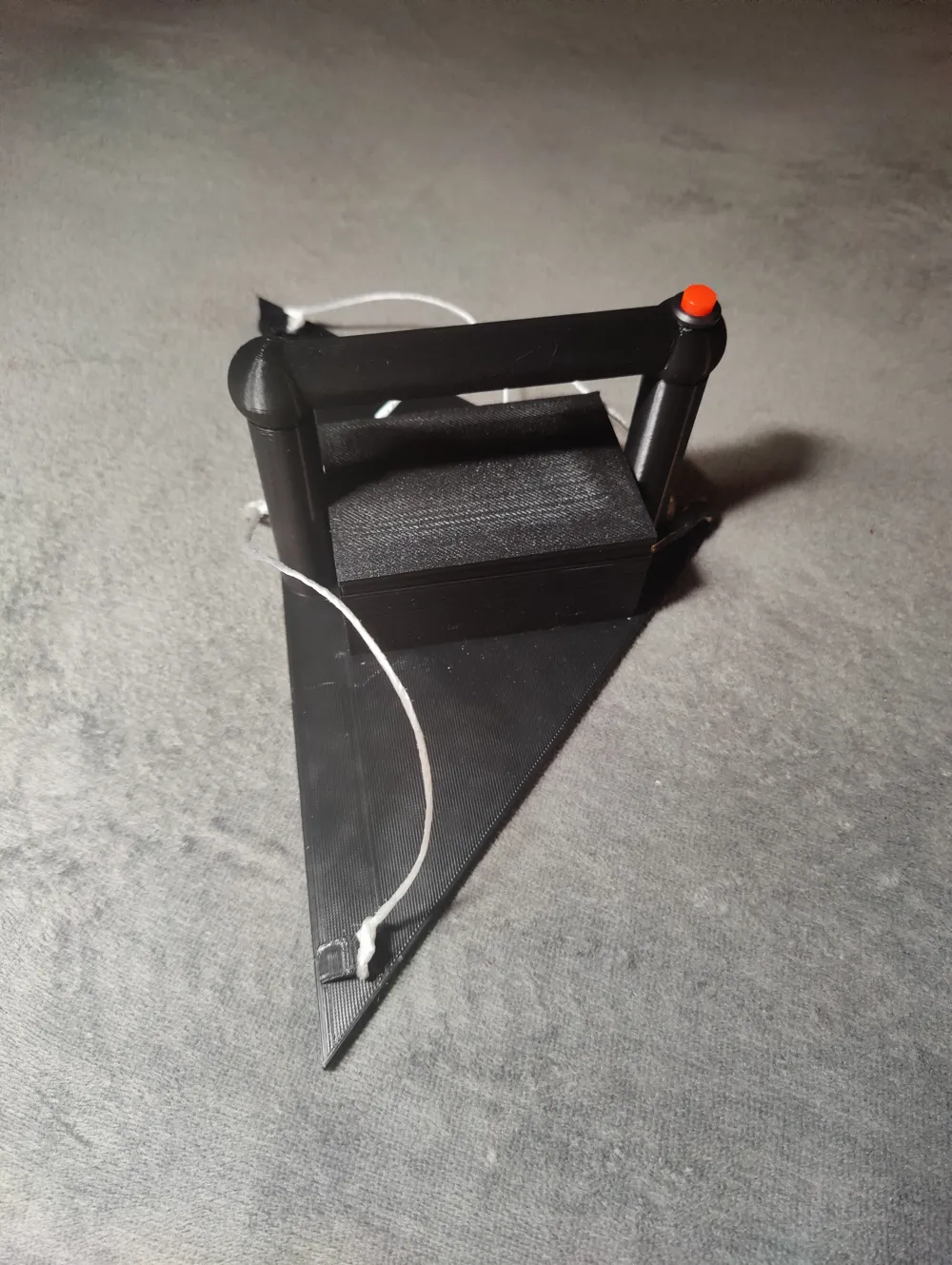
Guide to Constructing a Professional LED Triangle Light Painting Tool
Fundamental electronics knowledge is required for this guide
For this project's 3D printing, I recommend utilizing PLA filament. Optimize print quality by setting a 0.2 mm layer height and a 0.4 mm nozzle diameter. Adjust infill density, material, and support structures to suit your individual needs and preferences
Component List
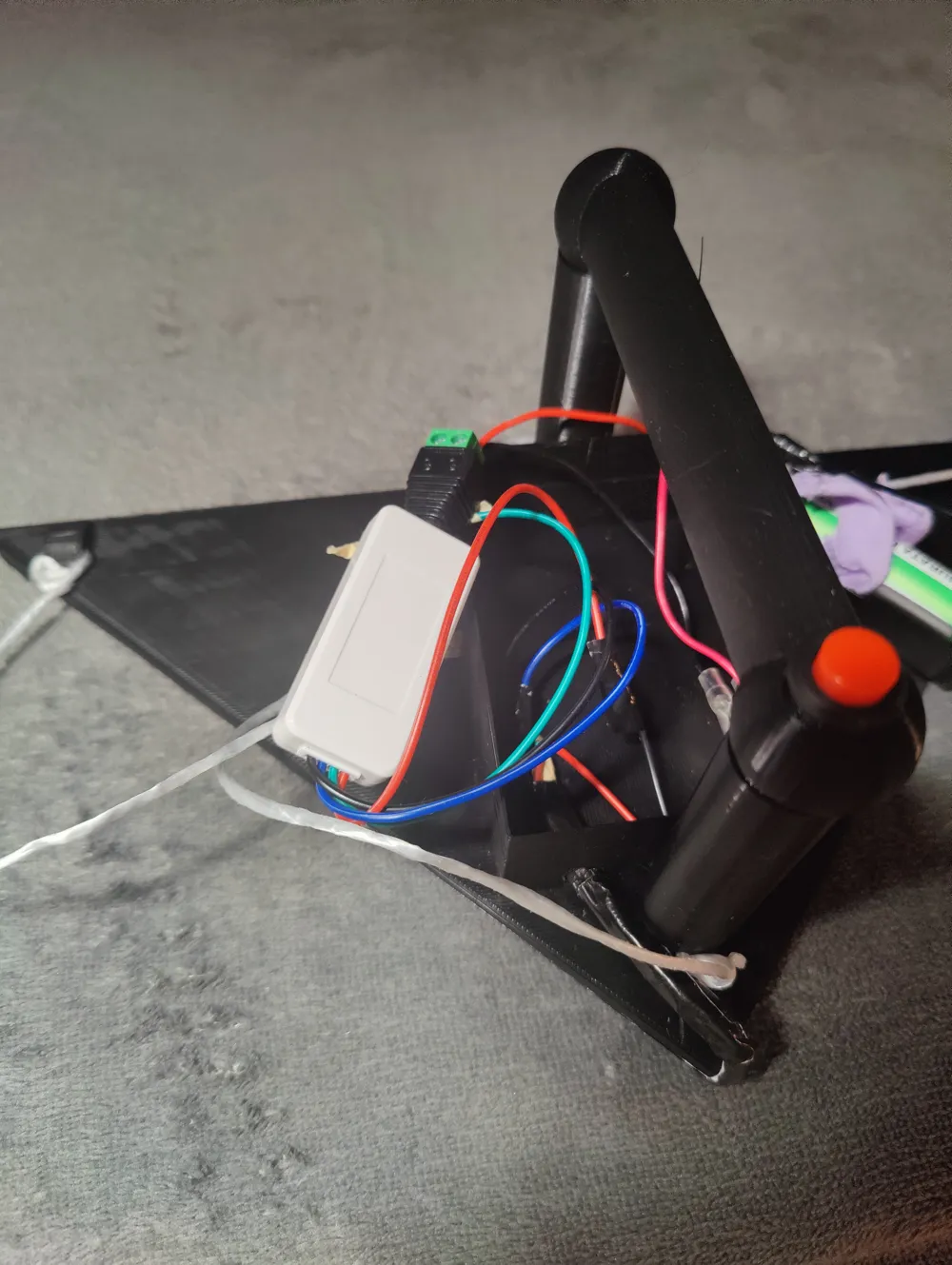
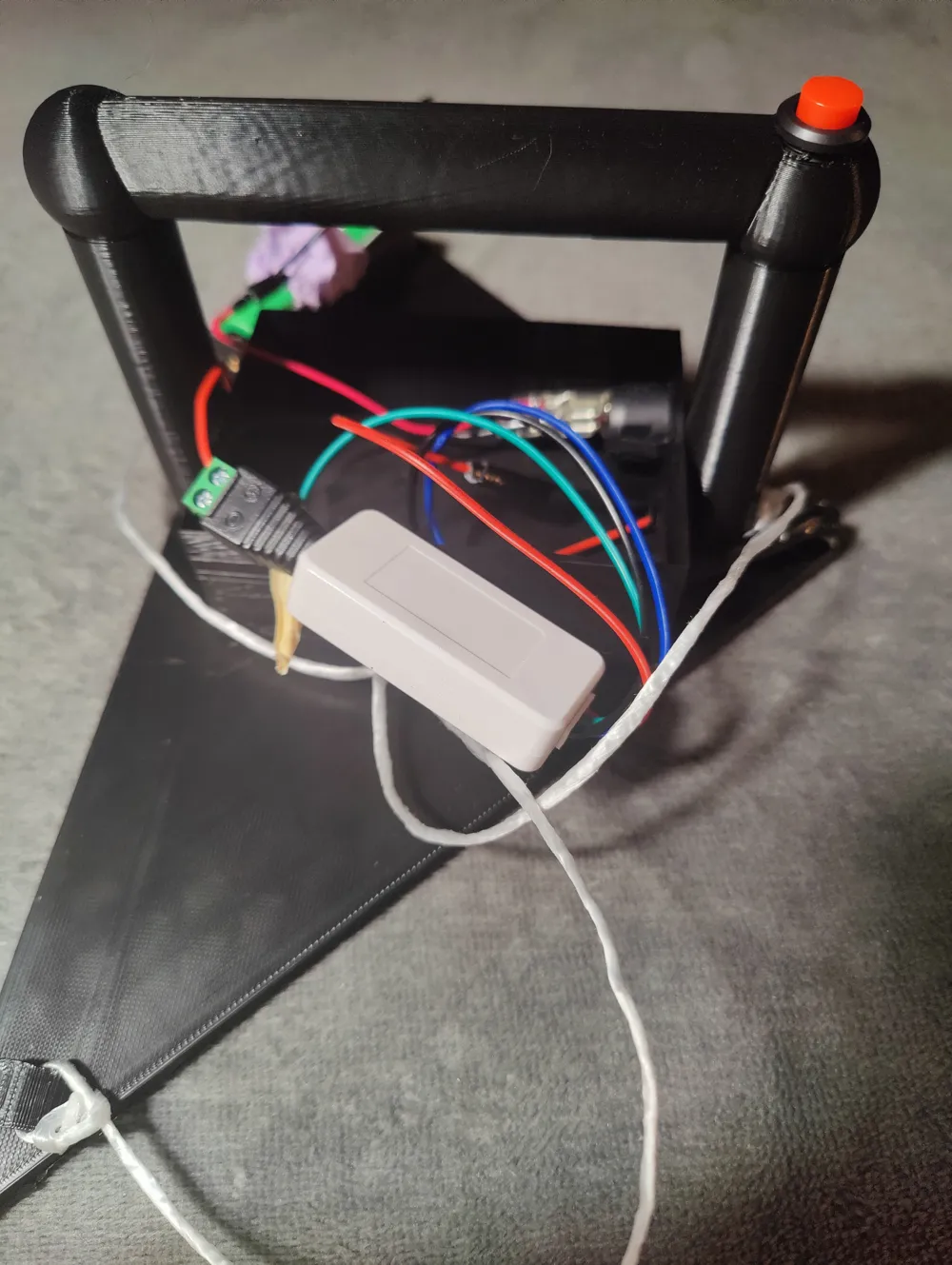
Assembling the internal electronics requires the following components:
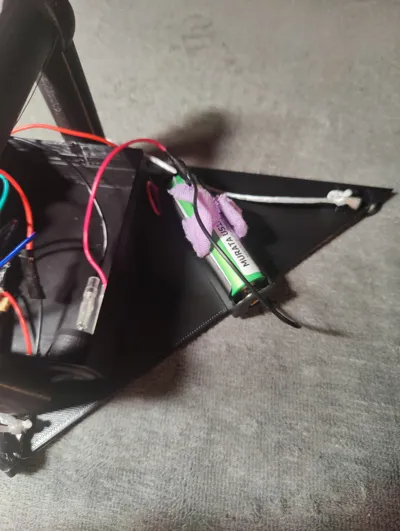
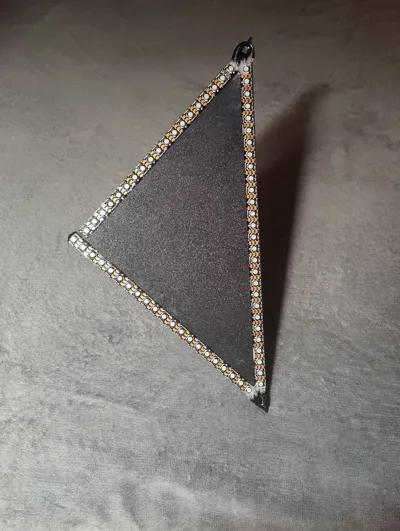
- WS2812B RGB addressable LED strip with 144 LEDs per meter
- SP110E LED Controller (Bluetooth-enabled, compatible with iOS/Android applications)
- Single 3.7V 18650 battery holder
- 18650 battery
- RUNCCI-YUN push button (12 mm)
- Toggle switch (with wire, 23 mm)
- DC plug (5.5 mm x 2.1 mm)
- Wires, soldering iron, and patience
Assembly Instructions
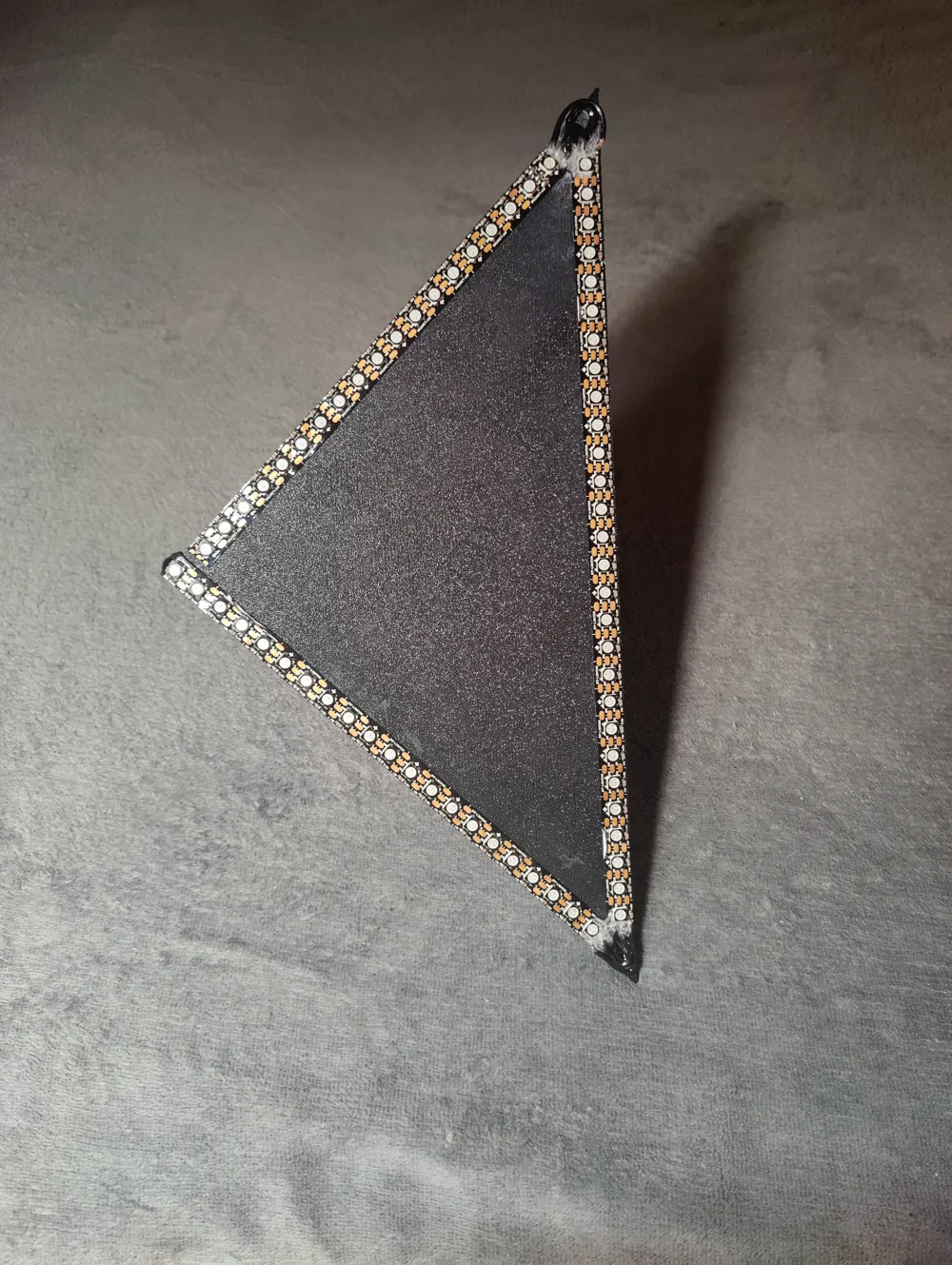
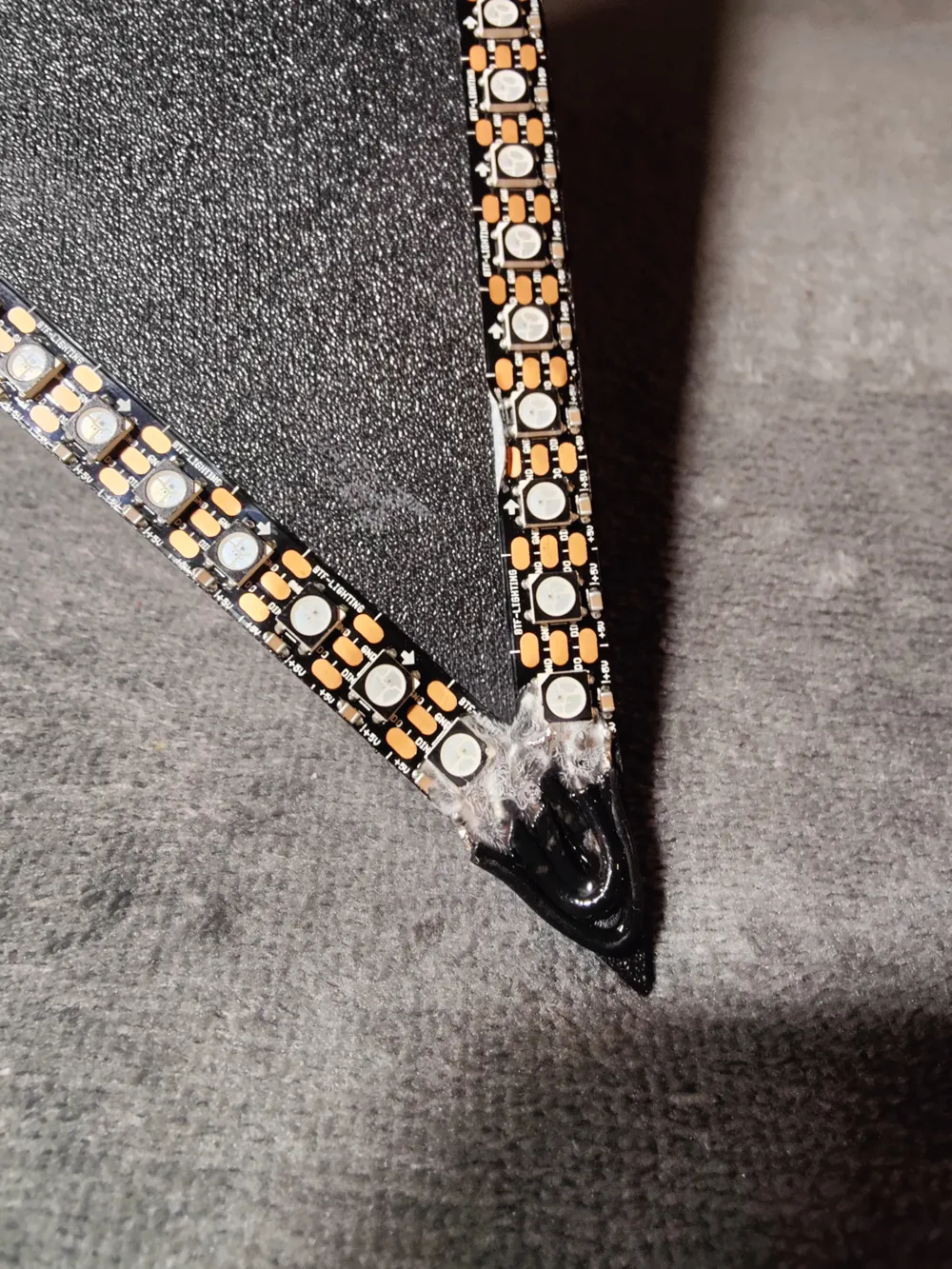
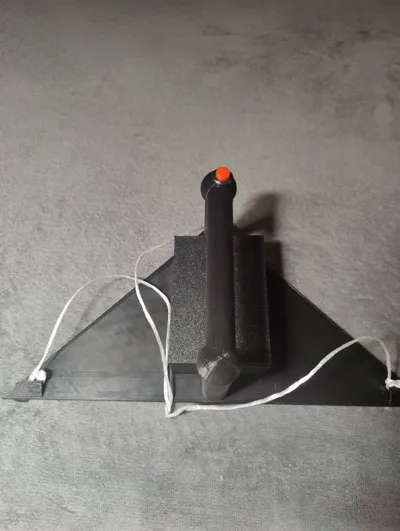
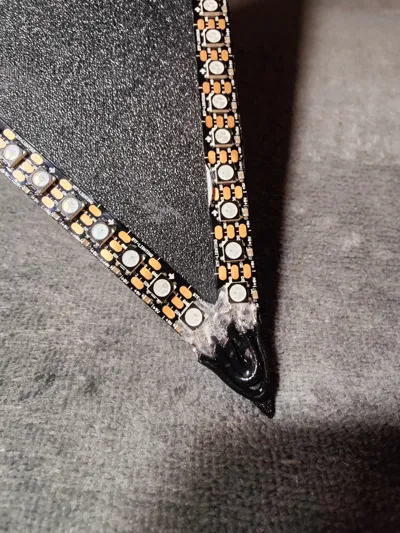
- LED Strip Installation: Affix the LED strip to the triangle's front. Ensure the strip is cut at the corners and secured along the edges. Observe the strip's directional arrows
- LED Strip Wiring: Solder small wires to the LED strip connectors to interconnect them
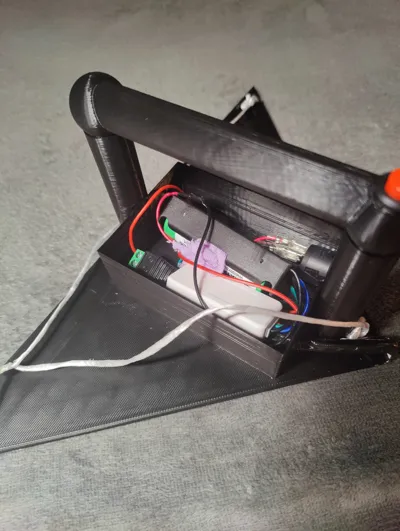
- Cable Routing: Route the LED's initial cable through the small hole into the tool's housing
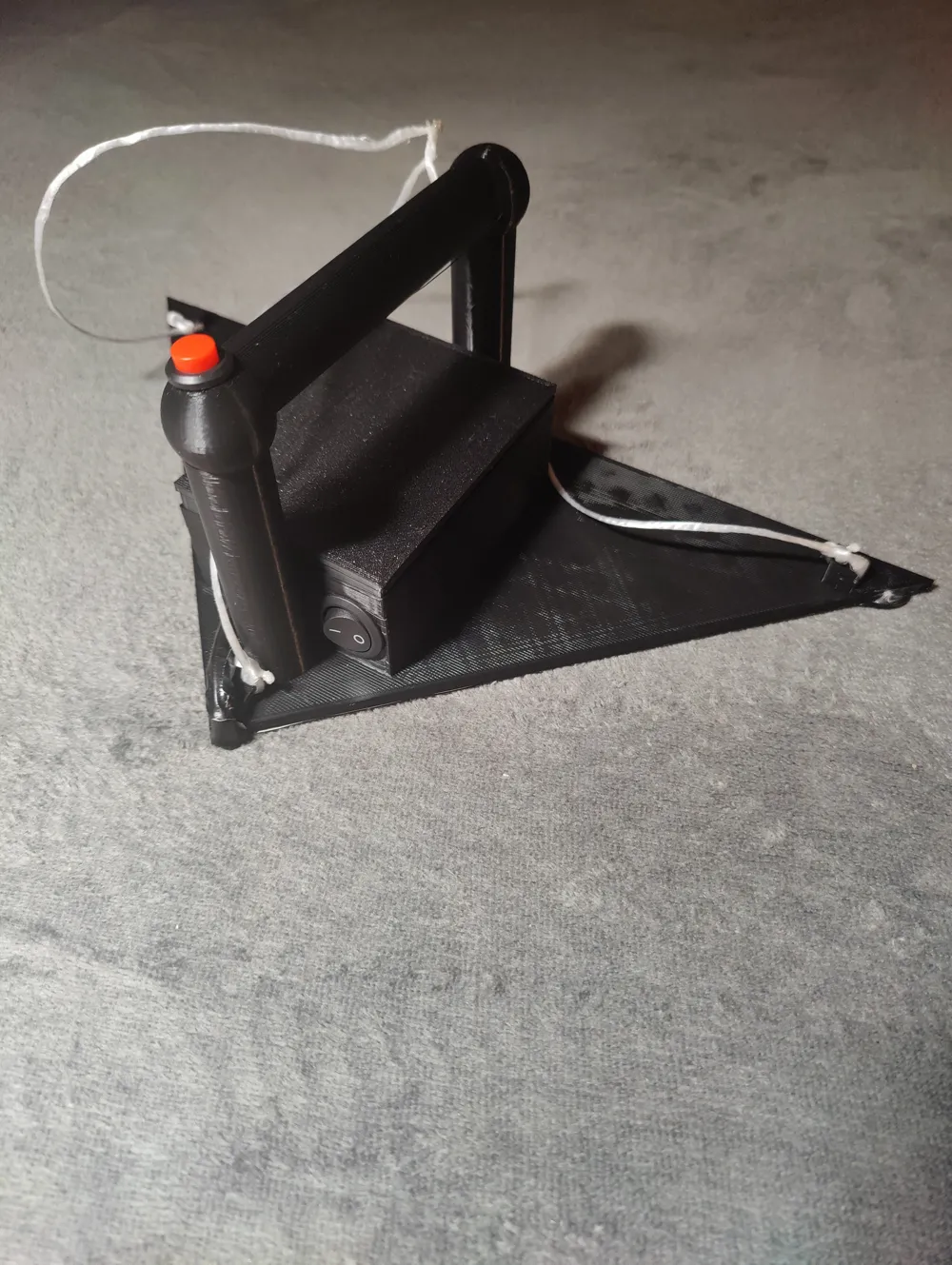
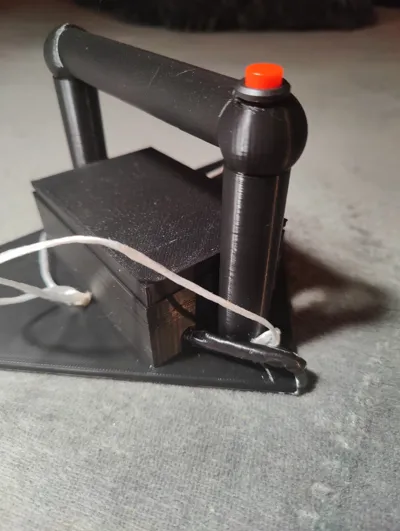
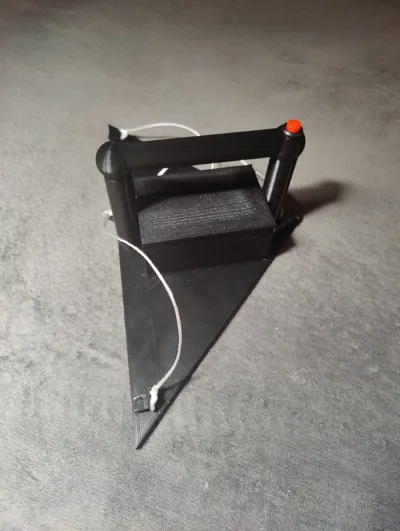
- On/Off Button Installation: Integrate the button atop the handle. Route the wires through the hollow handle into the housing
- Toggle Switch Installation: Position the toggle switch within the larger aperture
Circuit Configuration
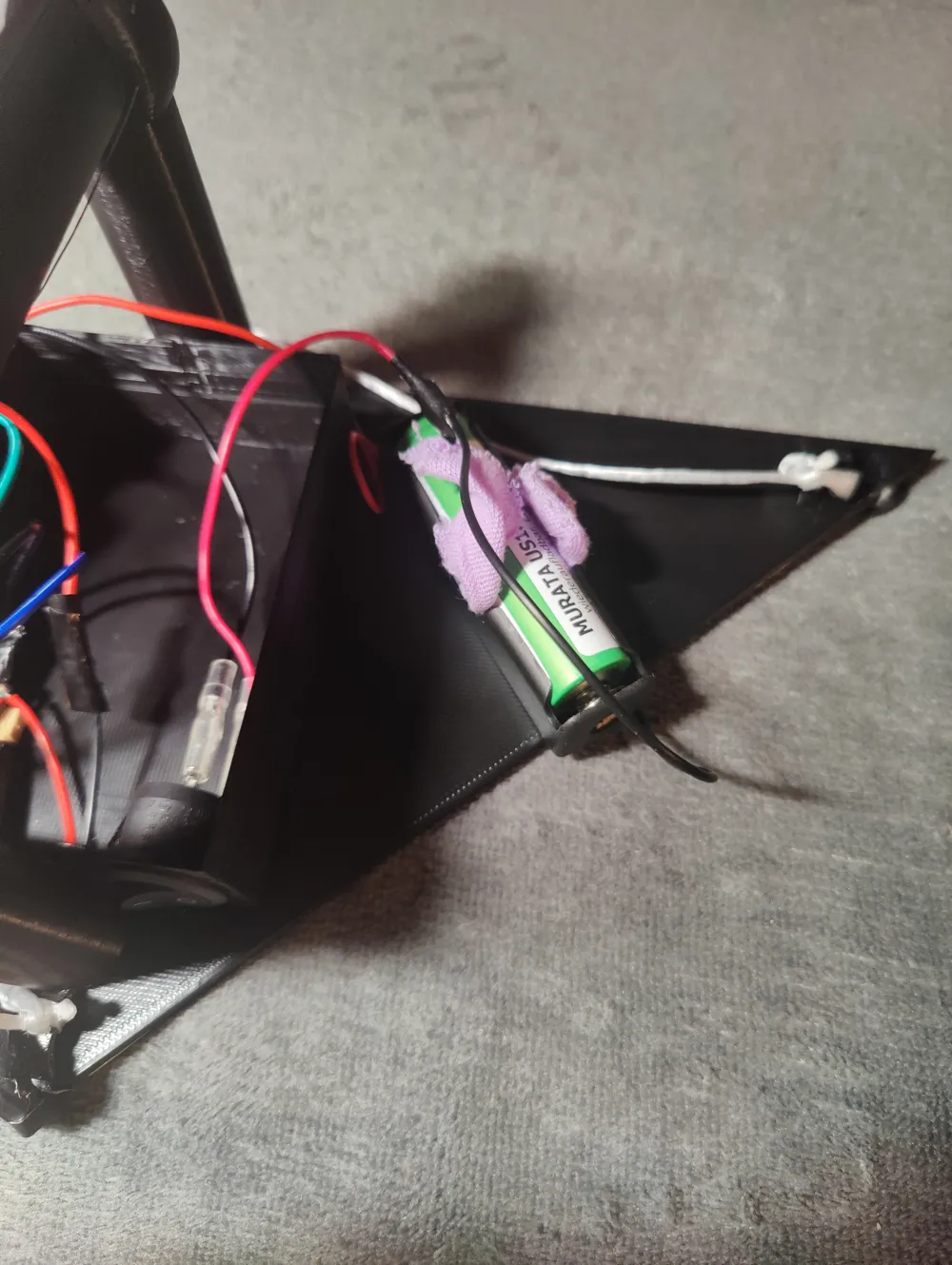
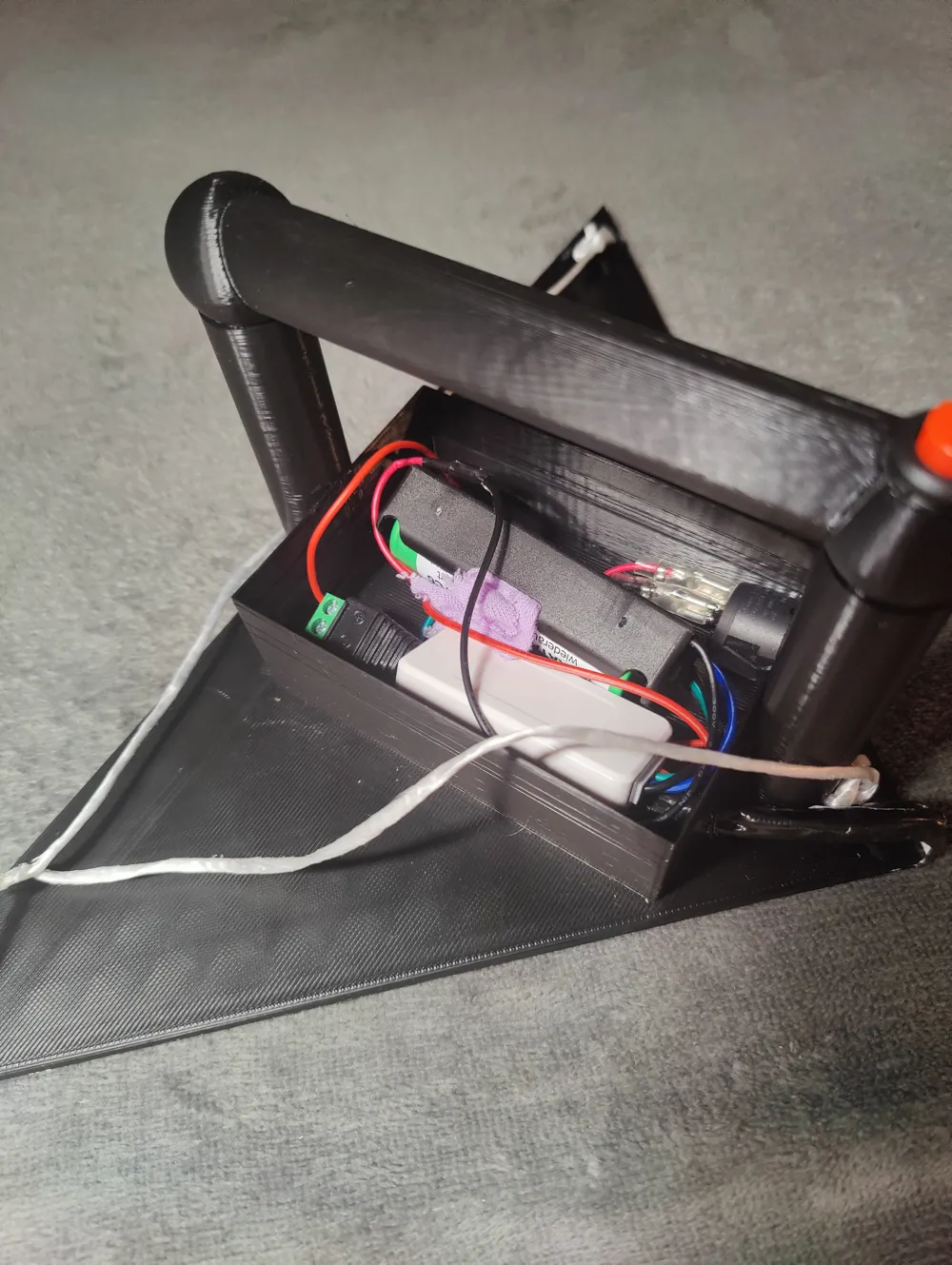
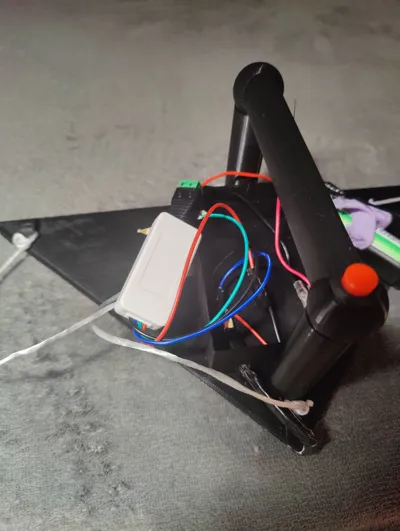
- First Circuit: Connect the battery holder to the toggle switch and the DC plug. This enables complete on/off switching and prevents battery drain
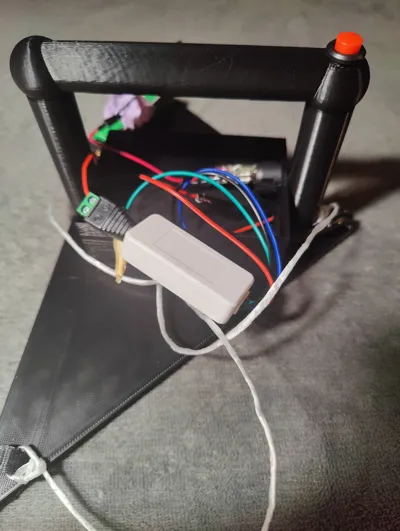
- Second Circuit: Connect the controller and LED cable by correctly joining the positive, negative, and data wires. Integrate the on/off button into the positive circuit for precise light painting control
- Third Circuit (Circuit Integration): Connect the DC plug to the controller
With all switches activated, your LED triangle light painting tool is operational. Control it via the app connected to the controller using Bluetooth
Best of luck and enjoy your light painting endeavors!
P.S.: The hooks can be utilized for spirography suspension
Complete!
---
Instructions for Building a Professional LED Triangle Light Painting Tool
Basic electronics knowledge is assumed for this guide
For 3D printing this project, I recommend using PLA filament. Optimize print quality by setting a 0.2 mm layer height and a 0.4 mm nozzle diameter. Please adjust infill density, material, and support structures according to your individual needs and preferences
Parts List
For assembling the electronic internals, you will need the following components:
- WS2812B RGB addressable LED strip with 144 LEDs per meter
- SP110E LED Controller (Bluetooth-enabled, compatible with iOS/Android apps)
- Single 3.7V 18650 battery holder
- 18650 battery
- RUNCCI-YUN push button (12 mm)
- Toggle switch (with wire, 23 mm)
- DC plug (5.5 mm x 2.1 mm)
- Wires, soldering iron, and patience
Assembly Instructions
- LED Strip Assembly: Adhere the LED strip to the triangle's front. Ensure the LED strip is cut at the corners and attached along the edges. Note the directional arrows on the strip
- Wiring the LED Strips: Solder small wires to the LED strip connectors to connect them
- Cable Routing: Feed the LED's initial cable through the small opening into the tool's casing
- Installation of the On/Off Button: Integrate the button into the upper handle area. Route the wires through the hollow handle into the casing
- Installation of the Toggle Switch: Place the toggle switch in the larger opening
Circuit Configuration
- First Circuit: Connect the battery holder to the toggle switch and the DC plug. This allows for complete tool on/off switching and prevents battery discharge
- Second Circuit: Connect the controller and the LED cable by correctly connecting the positive, negative, and data wires. Ensure the on/off button is integrated into the positive circuit for targeted light painting control
- Third Circuit (Circuit Connection): Connect the DC plug to the controller
Once all switches are activated, your LED triangle light painting tool is ready for use. Control it via the app connected to the controller using Bluetooth
Good luck and enjoy your light painting!
P.S.: The hooks can be used for hanging in spirography
Finished!
License



Comment & Rating (0)