Search models, users, collections, and posts

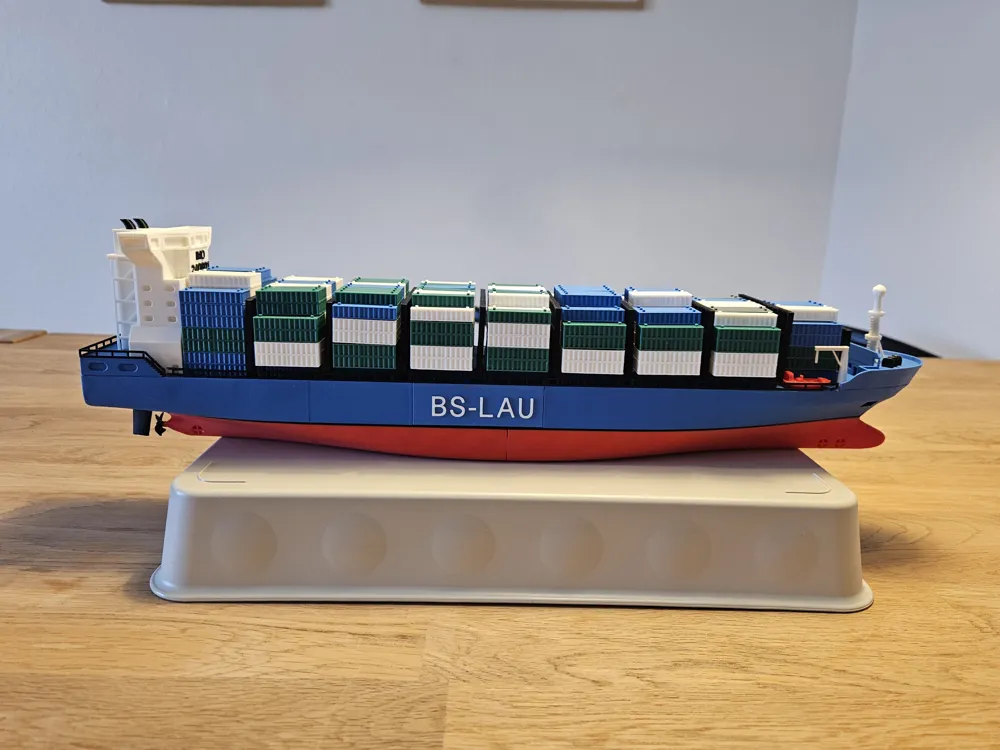
Container ship 1:400
IP Report
Print Profile(1)

0.2mm layer, 2 walls, 15% infill
Designer
11.5 h
16 plates
Open in Bambu Studio
Boost
244
565
11
15
571
82
Released
Description
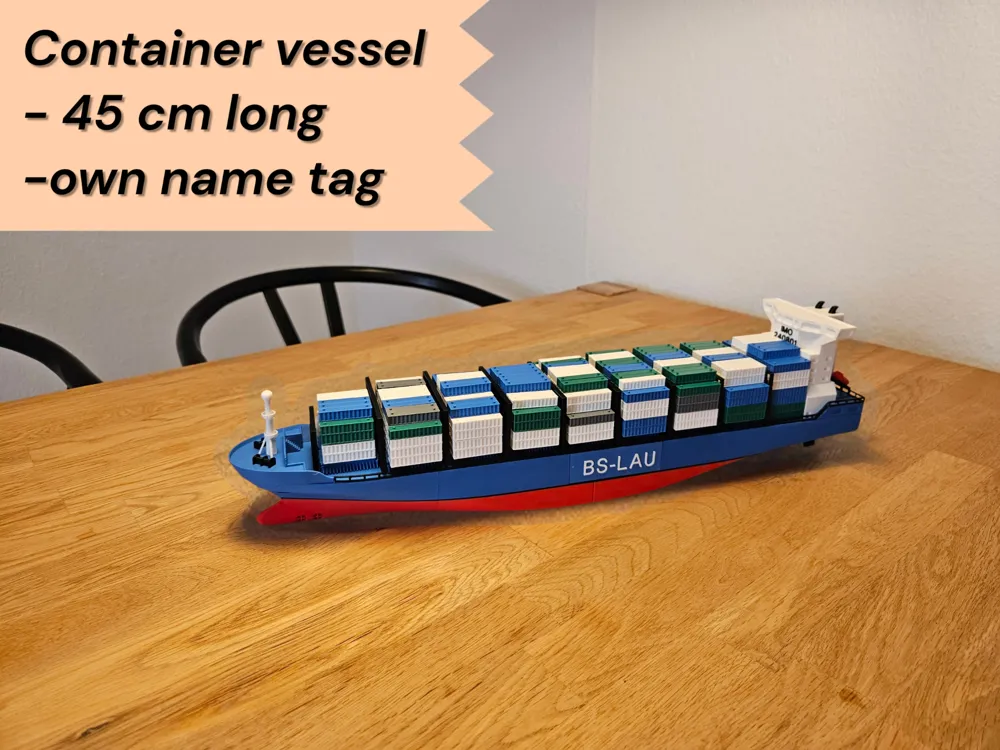
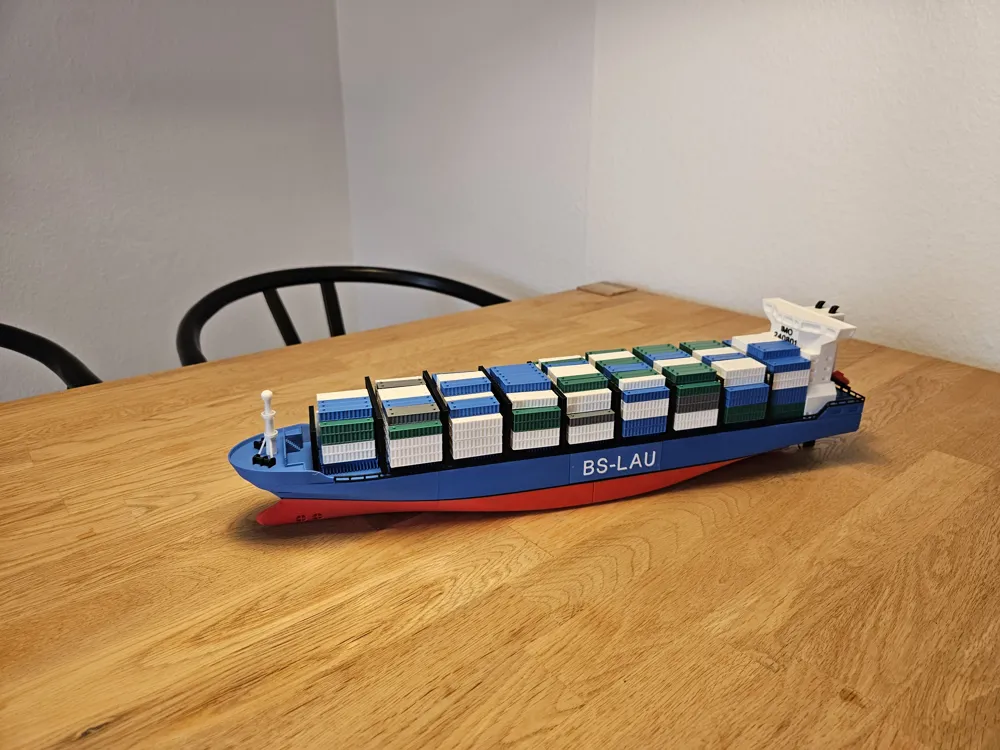
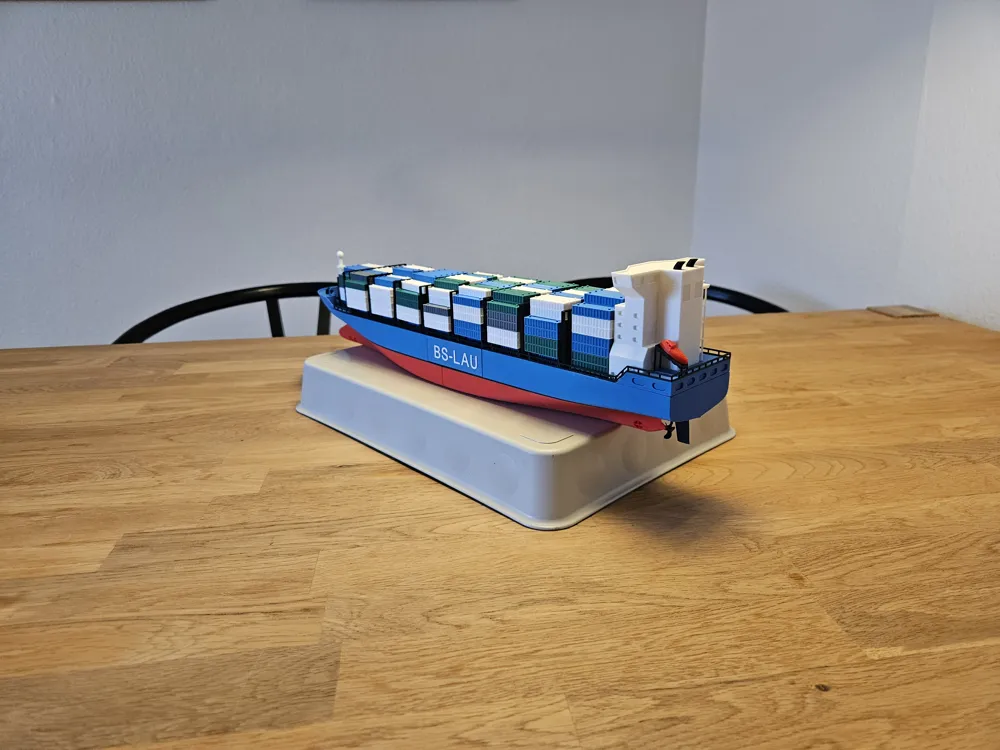
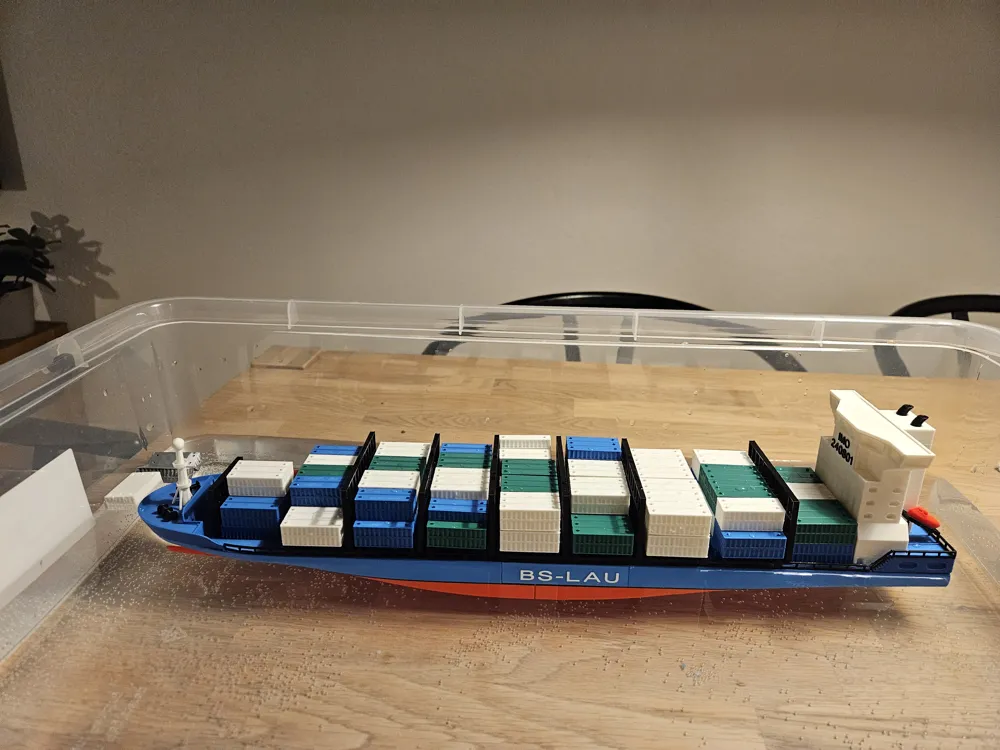
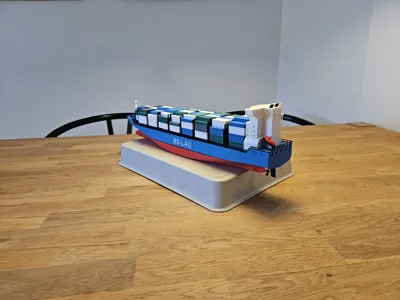
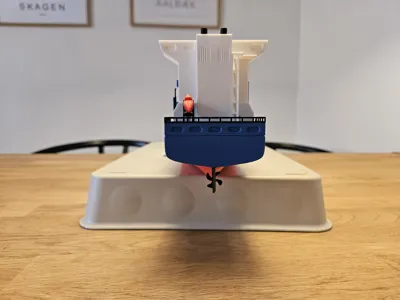
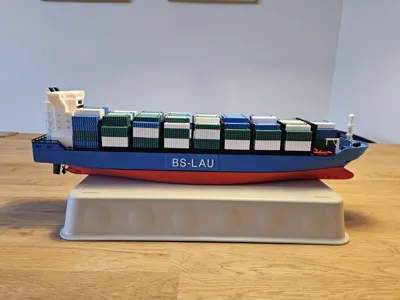
Realistic container ship printed in scale 1:400.
The original vessel has a length of 170 m and a beam of 28.2 m, with a capacity of approximately 1,800 TEU (900 FEU) in full scale.
The model hull length is 45 cm and is printed in two parts.
You can customize the name tag and IMO number on the accommodation block directly in Bambu Studio.
The model is designed with minimal color changes to keep printing simple and reliable.
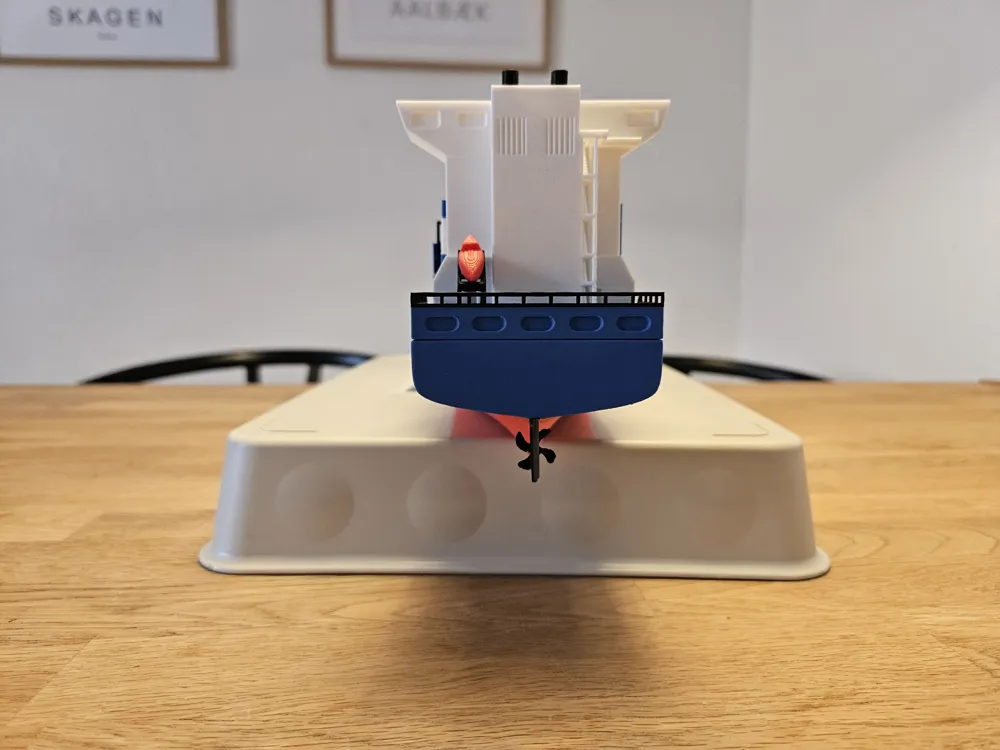
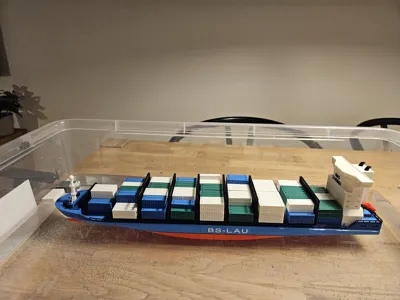
Can you beat my stability analysis?
– Take a look at the last picture
Hint: you need to place something heavy inside the cargo hold.
Before printing the hull, it is recommended to perform a support test and adjust the Top Z Distance to achieve the best surface quality.
How to print
Plates 1 & 2 – Hull
- Standard layer height 0.20 mm
- Normal supports
- Color note: the black line is 1 mm high and starts from the underside of the cut-out for the name tag
Plate 3
- Standard layer height 0.20 mm
- No supports
Plate 4 – Deck hatches
- Choose between a single hatch or two divided hatches (the divided version is the most realistic)
- Standard layer height 0.20 mm
- No supports
Plates 5 & 6
- Standard layer height 0.20 mm
- No supports
- Plate 6 (poop deck): color change for the railing
Plate 7
- Standard layer height 0.20 mm
- Organic supports (manual placement recommended)
- Color note: the underside of the stairs should match the color of the poop deck (plate 6)
Plate 8
- Standard layer height 0.20 mm
- No supports
Plates 9 & 10
- Standard layer height 0.20 mm
- No supports
- Custom name tag
Plates 11 & 12
- Standard layer height 0.20 mm
- No supports
Plates 13 – 16 – Small equipment
- Lower layer height recommended, but 0.20 mm is also possible
- Plates are split by color
- For best results, change the setting from
“Print by layer” → “Print by object”
(Others → Special Mode) - All supports should be placed manually
- The propeller requires normal supports
- All other parts should use organic supports
Boost Me (for free)
License

This user content is licensed under a
Creative Commons Public Domain


Comment & Rating (11)