Search models, users, collections, and posts

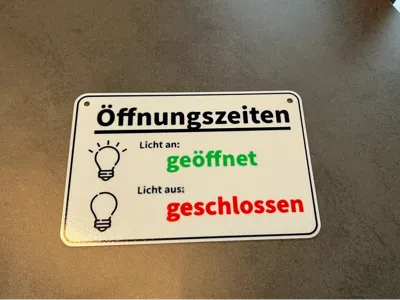
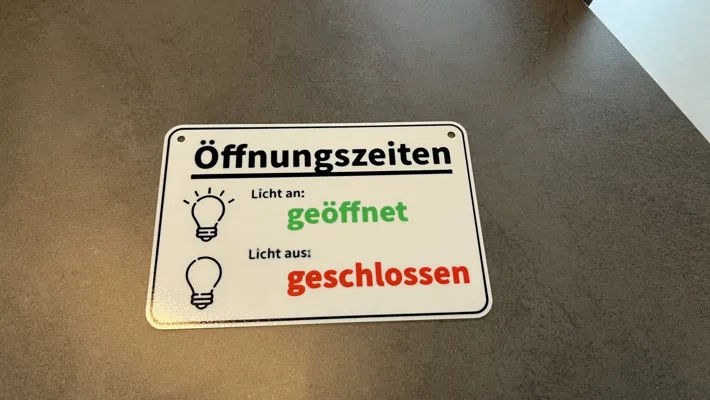
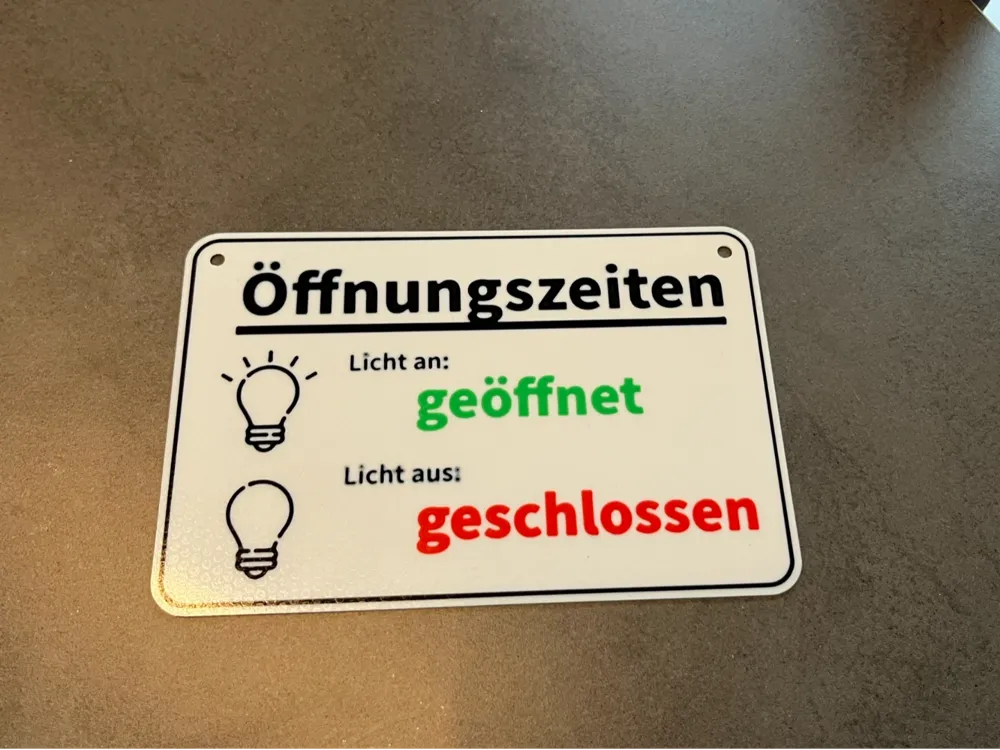
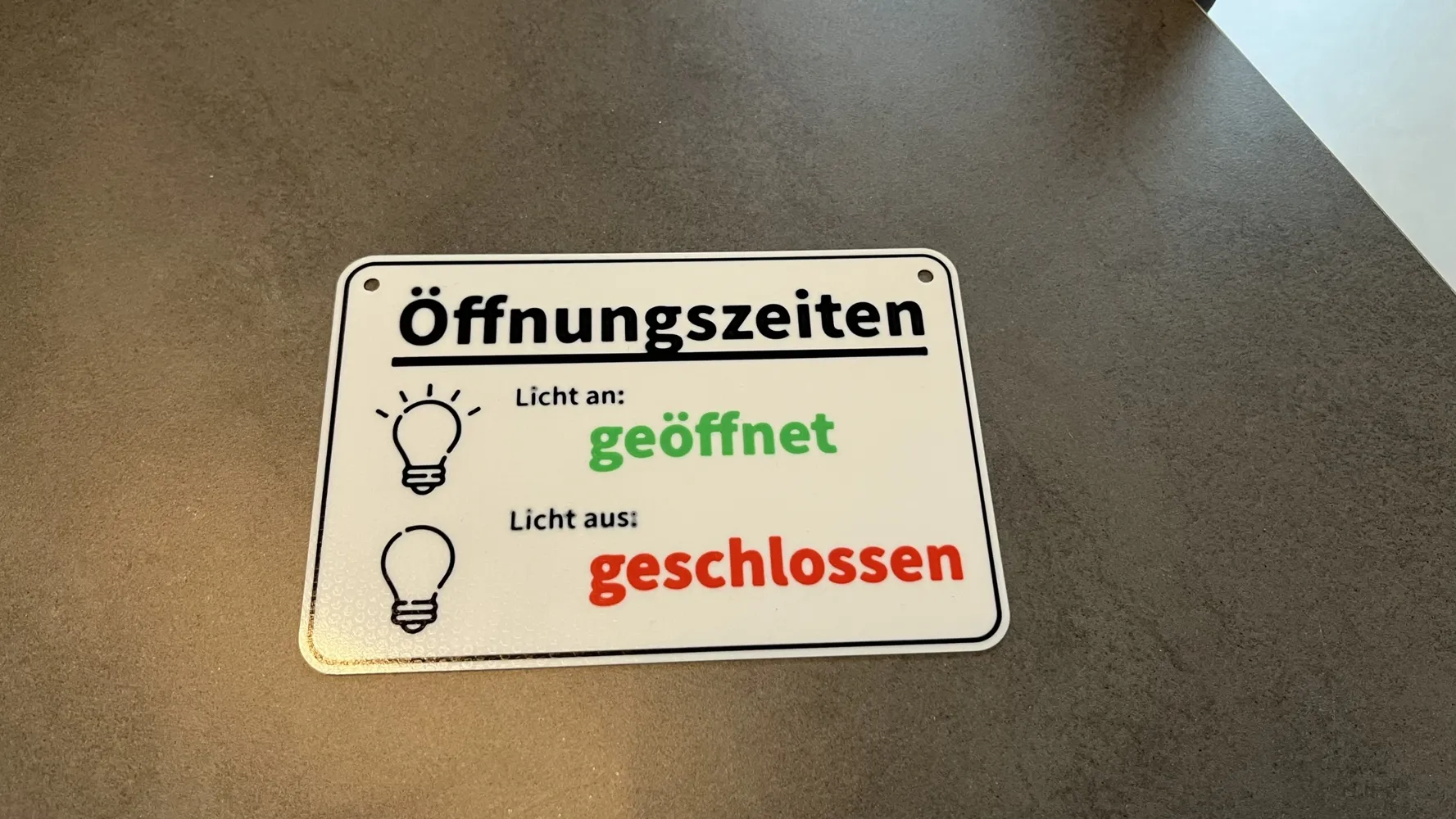
Funny Opening Hours Sign
This model is created by Make My Sign
Make Your Model

Print Profile(1)

All
A1 mini
A1
X1E
P1S
X1
X2D
H2D
X1 Carbon
P2S
H2D Pro
H2S
H2C
P1P
A2L

AMS 0.2mm layer, 2 walls, 15% infill
Designer
1.1 h
1 plate
5.0(1)

Open in Bambu Studio
Boost
18
48
6
0
23
9
Released 

Description

Content has been automatically translated.
Show original

Funny sign with opening hours.


Boost Me (for free)

If you like my designs, please boost me, I would be very happy.


Link to all my trophies and accessories:

https://makerworld.com/en/collections/6452699-my-trophies-and-accessories


Link to all my signs:

https://makerworld.com/en/collections/6452691-my-signs


Link to my other models:

https://makerworld.com/en/collections/24294223-my-other-3d-models

Comment & Rating (6)

(0/1000)

Unfortunately, an unusable file. You must upload an .stl file to add colors automatically. A .3mf file cannot be colored. Could not print the part
The designer has replied
Show original
0
Reply
Typically, no self-coloring is required; simply select the desired colors I will check later if anything went wrong and will update you then Greetings
(Edited)
Show original
0
Reply
Replying to @user_3597452557 :
I have just checked everything for you. The .3mf file is intact and provides all color information. In Bambu Studio, all colors are displayed directly and can then be assigned to the individual slots of the AMS during printing. When printing via the app, you also select the AMS color rolls you want for a specific color, so you can, for example, choose a different color instead of a white background or a different color instead of red lettering, etc. An .stl file, on the other hand, does not provide any color information, so direct printing would not be possible. So everything is fine and as it should be, nothing needs to be colored manually, and the .3mf file provides all the information that an .stl file offers plus other important additional information
Show original
0
Reply
Replying to @user_3597452557 :
I wanted to print it in PETG and assign the colors in my AMS to the component, but unfortunately that wasn't possible
Show original
0
Reply
Print Profile
AMS 0.2mm layer, 2 walls, 15% infill
Super 👍🏻
0
Reply
No more

License

This user content is licensed under a Standard Digital File License.

You shall not share, sub-license, sell, rent, host, transfer, or distribute in any way the digital or 3D printed versions of this object, nor any other derivative work of this object in its digital or physical format (including - but not limited to - remixes of this object, and hosting on other digital platforms). The objects may not be used without permission in any way whatsoever in which you charge money, or collect fees.