Frame ONLY print (only print if you want to replace your old one)
Designer
22 min
1 plate
5.0(3)
BIGGEST SIZE! Lid 22.5cm
4.7 h
1 plate
4.5(12)
Click to see more
Open in Bambu Studio
Boost
288
650
183
26
1.3 k
837
Released
Description
2023-10-02 Update!
I've updated the Lid frame & Complete Lid files thanks to the feedback. I know it's funny to do an update on a literal bin, but here we go I guess!
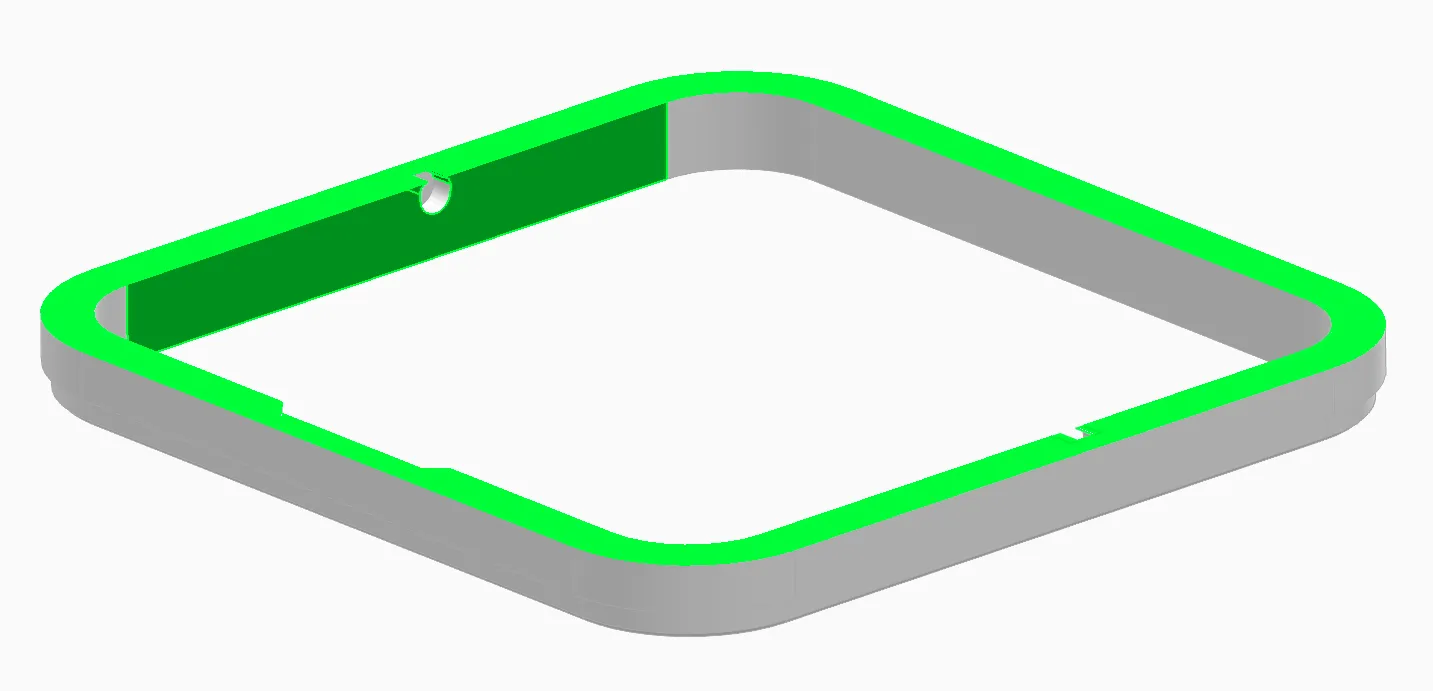
The update adds a small retainer radius for the trap door so it doesn't fall out by itself anymore. You can still “force remove” it, but if you clip it back it actually stays put now.
I've also increased the height of the inner wall so it sits more securely in the bin. Adds a tiny bit of material but it feels more roboust.
Important to note: You don't need to print out the whole complete Lid assembly again! If you already have the parts you just need the frame! I've added a profile just for that and replaced the lid assembly with R2. Old files are removed as of now.
Bin dimensions: 100x100x115 mm so it fits quite a bit of mess before needing to be emptied.
---
The Bin can be used by itself and should be printed in Vase mode. It's a solid model. I highly suggest using the following settings (if not the project files are used):
Line/wall width: 0.8 mm
First layer width: 0.8 mm
Bottom layers: at least 3
Layer height: 0.2 mm (text looks better with 0.16, otherwise doesn't matter much)
I uploaded the .3mf files with the settings. You can change the material etc… but it contains the 0.8 settings for thicker walls. You can print it fine with the default 0.4 Nozzle. Makes the Bin a lot more rigid but still print fast. I used Fillamentum's Crystal Clear PLA to print it with basically the generic PLA settings.
Print time: ~1h26m with 0.2 layers Material: 46 g
---
The Complete Lid consists of 2 parts. You can print them together at once and move the trapdoor a little to release them after printing. Or if you want to mix up the colors without AMS, I added them separately as well. Uploaded the .3mf file for this one too. Generally this part is not that picky for settings, but here's a few suggestions:
Print with the text facing the build plate
Bottom layers: 3-4
Top layers 2-3
Textured PEI plate for nice look
10% Grid infill at least so the lid has some weight to close itself, you can use combine infill option to save a little time
Print time: ~37m with 0.2 layers Material: 26 g
You can remove the trapdoor if it annoys you flapping around. The frame alone gives a nice touch too if you print in a different color than the base.





Comment & Rating (183)