
Wyze Cam V2 Corner Mount for 3D Printer Enclosures
Print Profile(1)

Description
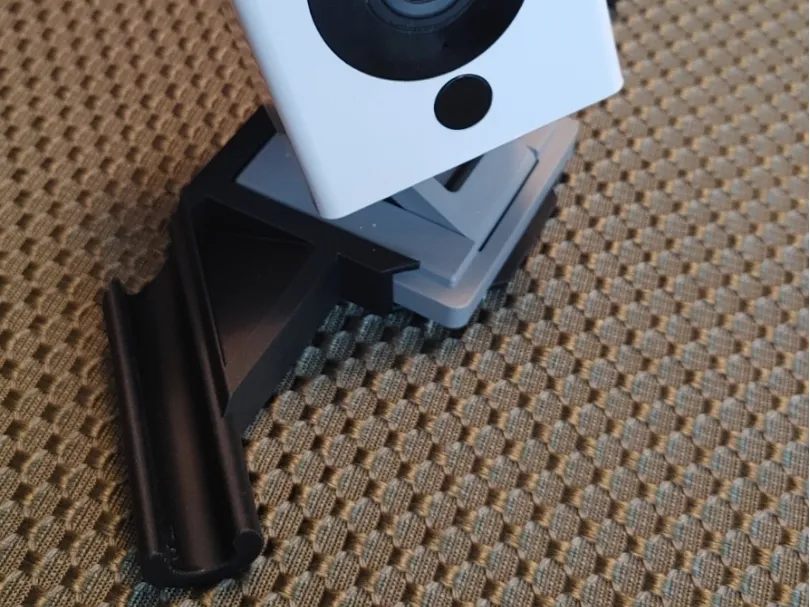
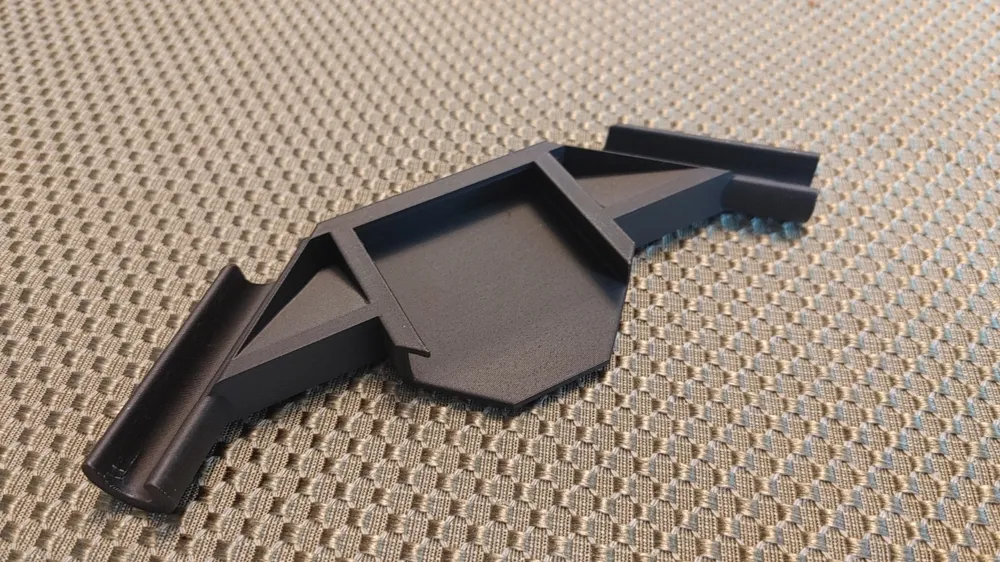
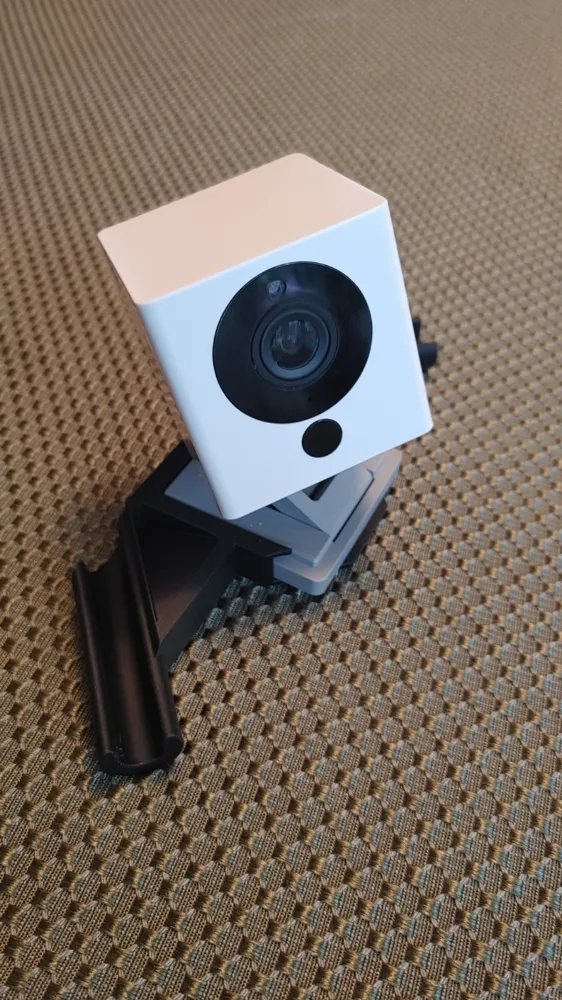
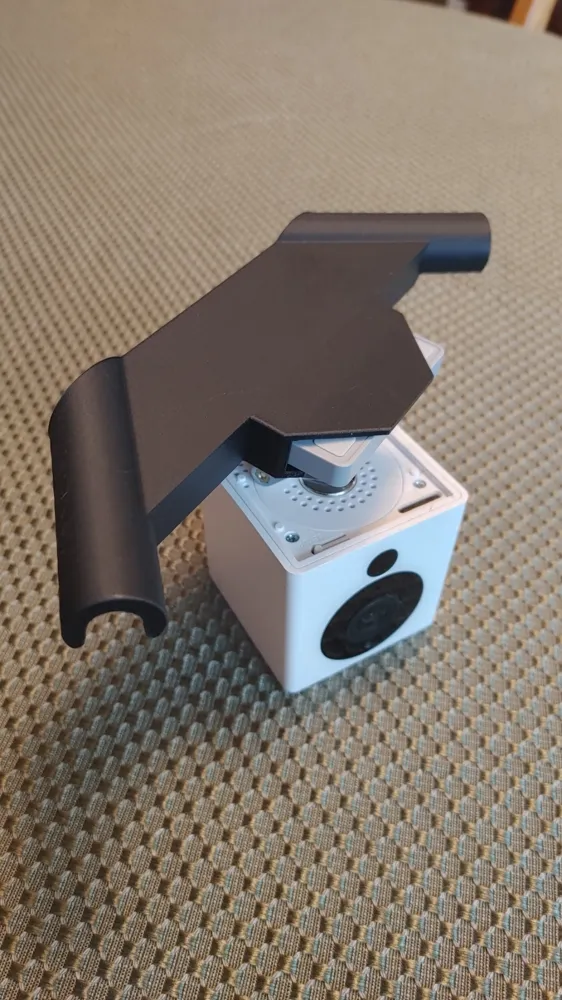
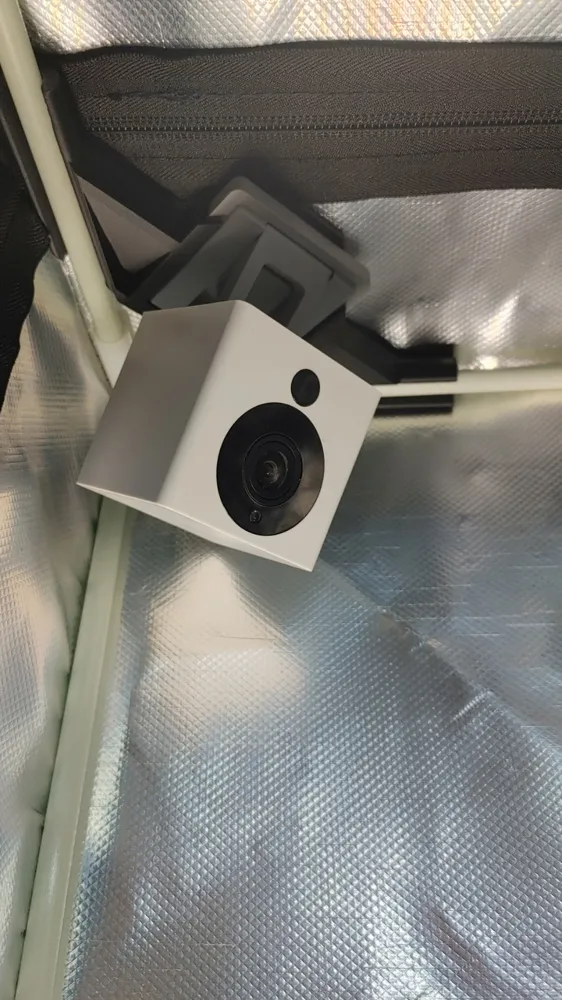
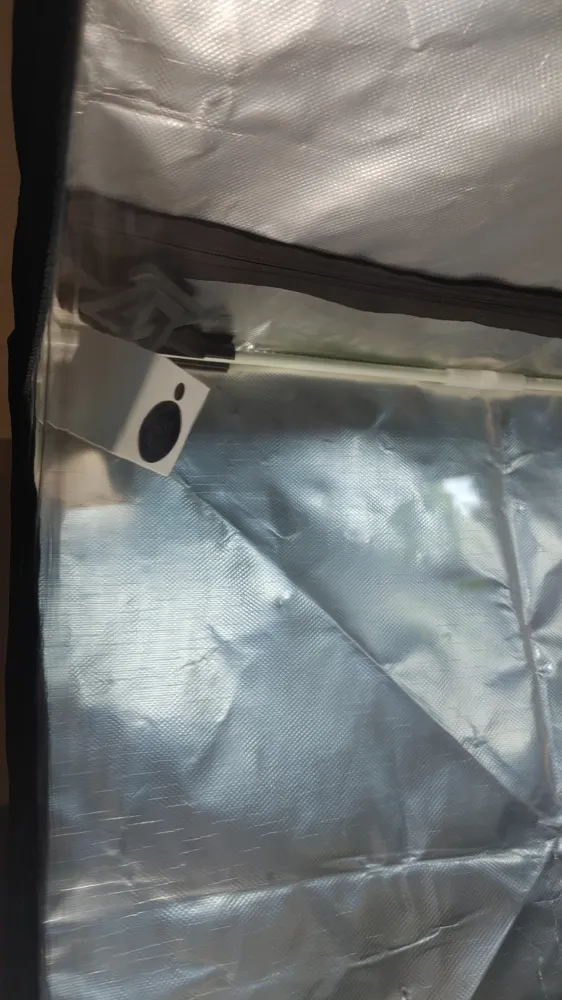
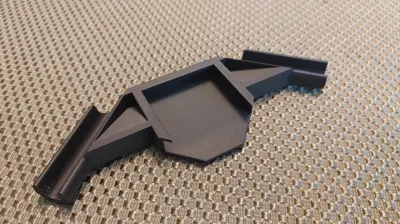
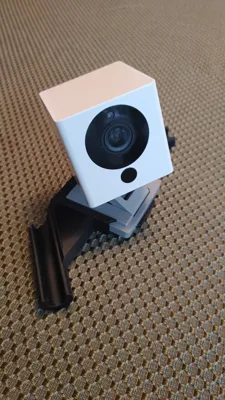
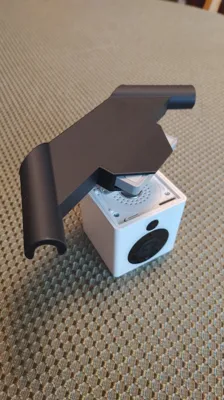
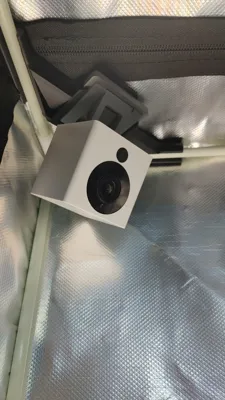
Elevate your 3D printing setup with this versatile Wyze Cam V2 corner mount, designed specifically for the Bambu Lab A1 and A1 Mini 3D Printer Enclosure but adaptable for most enclosure types. This sleek and sturdy 3D printable mount allows you to securely position your Wyze Cam V2 in any corner of your enclosure, providing optimal monitoring of your prints from any angle.
Key Features:
- Universal Compatibility: Tailored for the Bambu Lab A1 and A1 Mini enclosures but generic enough to fit most 3D printer enclosures with corner spaces.
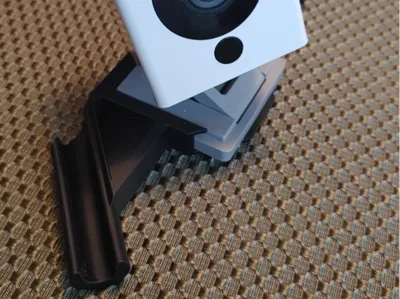
- Secure Fit: Custom-designed to snugly hold the Wyze Cam V2, ensuring stability during long print sessions.
- Flexible Positioning: Mounts easily in any enclosure corner, offering a clear view of your print bed.
- Easy Installation: Simple to print and install with minimal hardware (screws or adhesive recommended, not included).
How to Use:
- Print the mount using your preferred settings.
- Secure the Wyze Cam V2 into the mount’s slot.
- Attach the mount to your enclosure’s corner using screws, double-sided tape, or adhesive.
Adjust the camera angle for the perfect view of your print bed.
Why You’ll Love It:
This mount is a must-have for 3D printing enthusiasts looking to monitor their prints remotely with the Wyze Cam V2. Its minimalist design and universal fit make it a practical addition to any enclosure, helping you keep an eye on your projects with ease.
Files Included:
- 3MF file for the Wyze Cam V2 corner mount
Note: Ensure your enclosure has sufficient corner space for mounting. The Wyze Cam V2 and enclosure are not included.
Happy printing and monitoring! Share your makes and feedback on MakerWorld to help improve this design.
License



Comment & Rating (5)