
iPatch - IR Blocker for Apple TV 4K
Print Profile(3)


Description
Boost Me (for free)
Like my work? A BOOST would be greatly appreciated! Thank you!
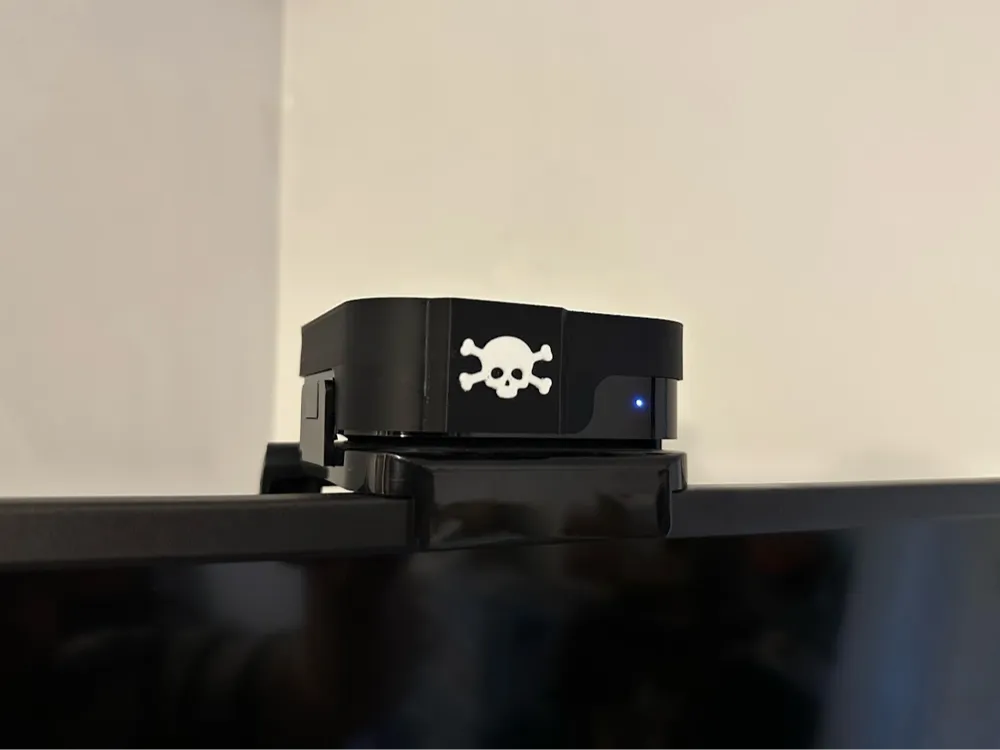
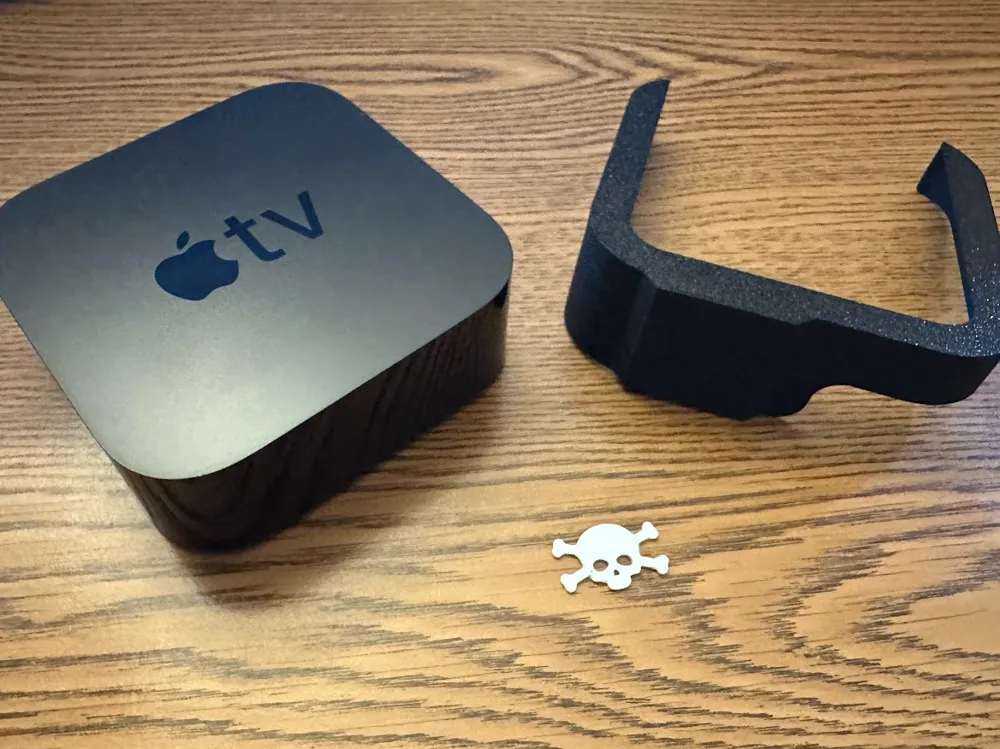
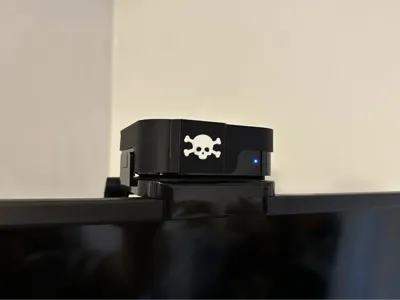
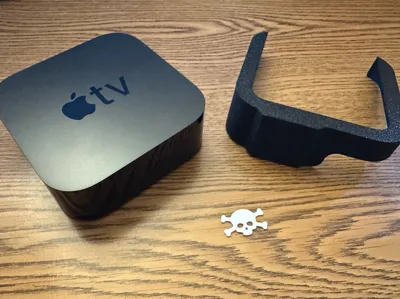
Introducing the “iPatch” for Apple TV!
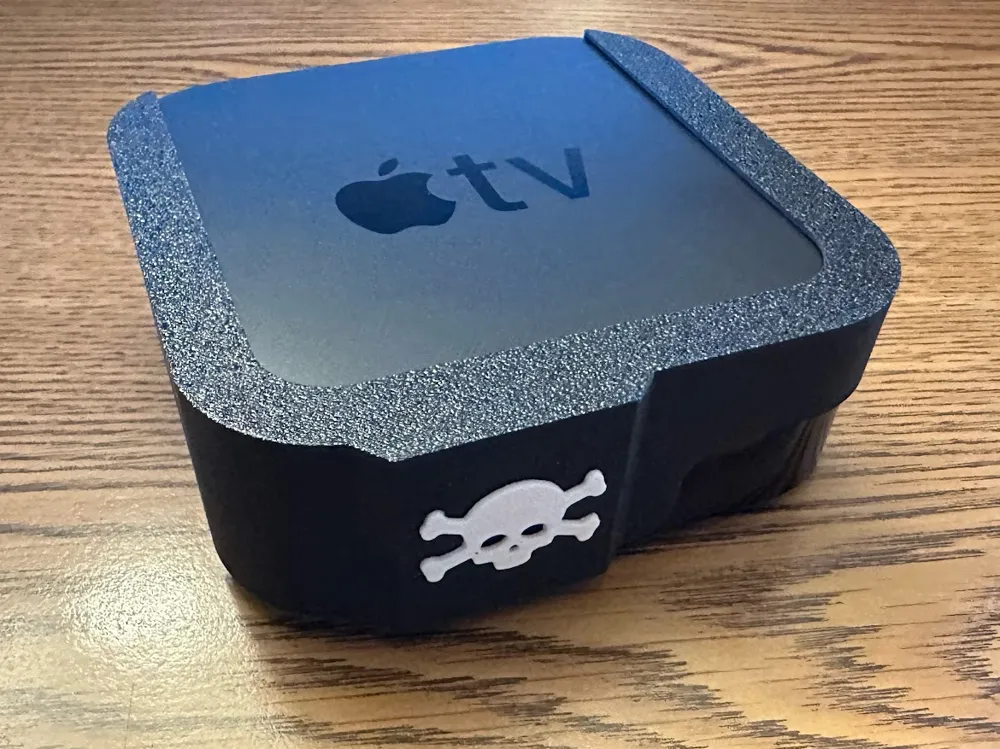
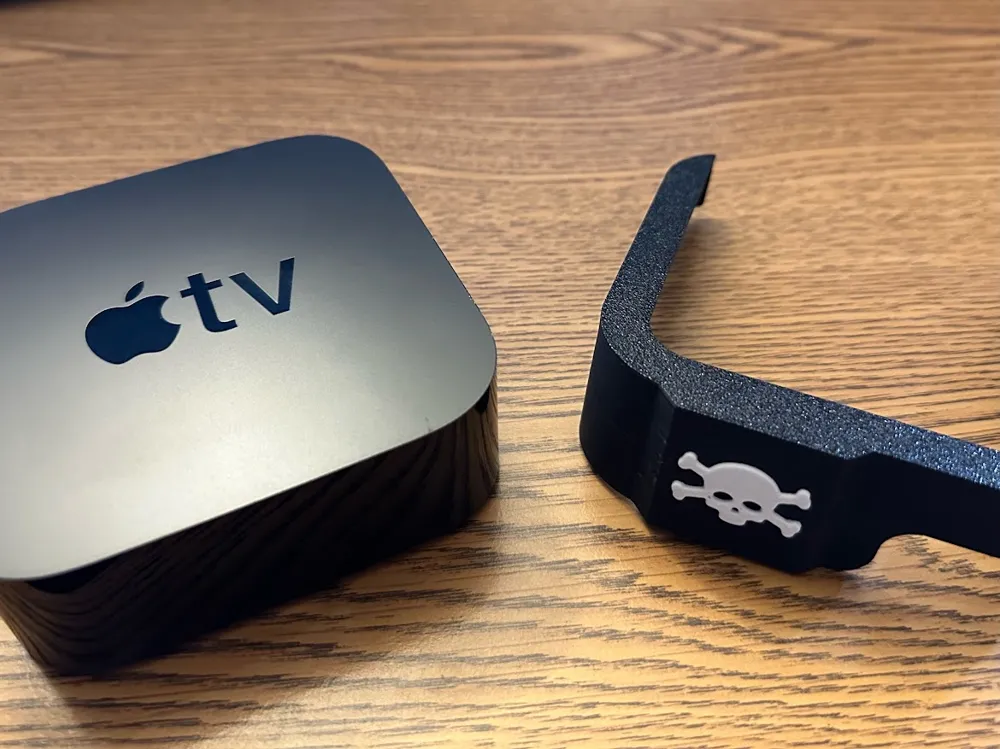
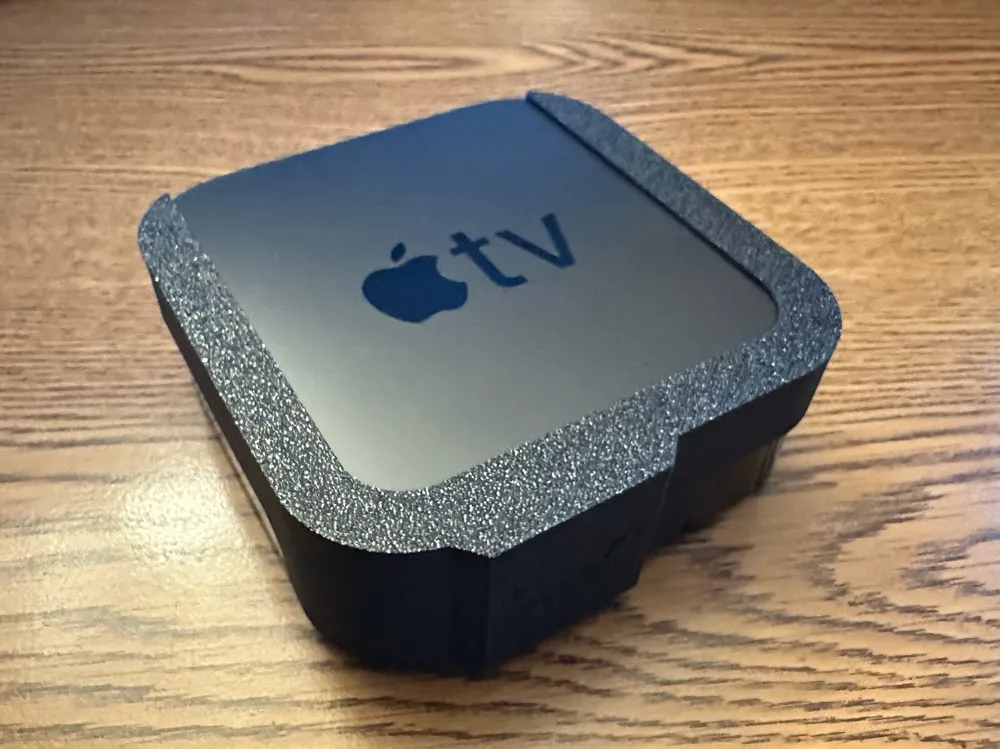
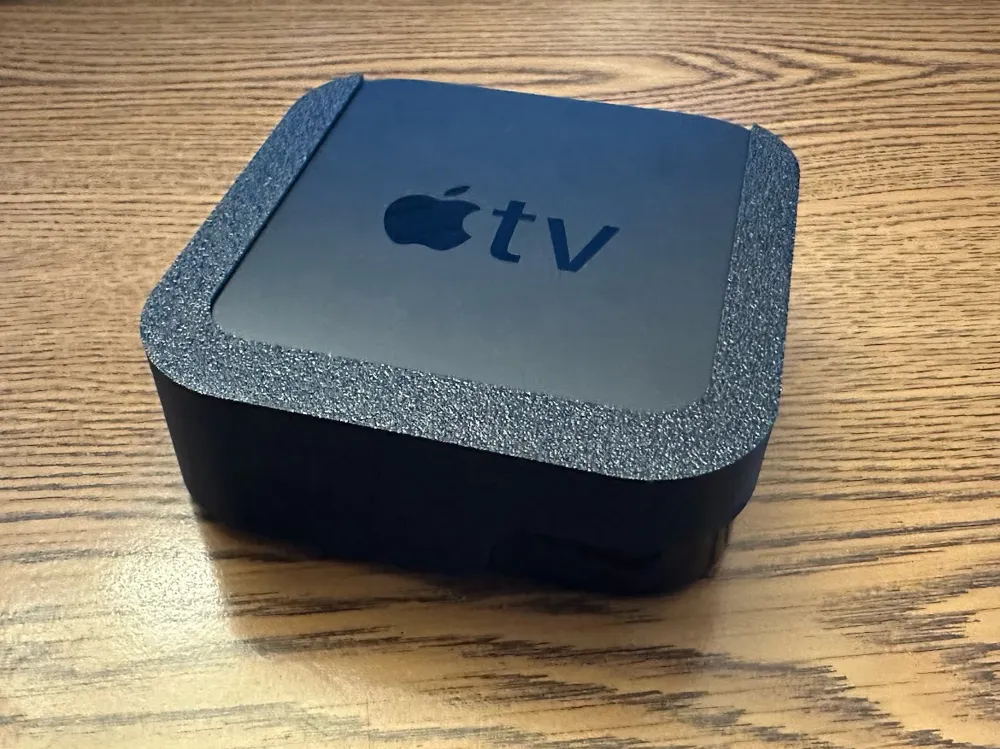
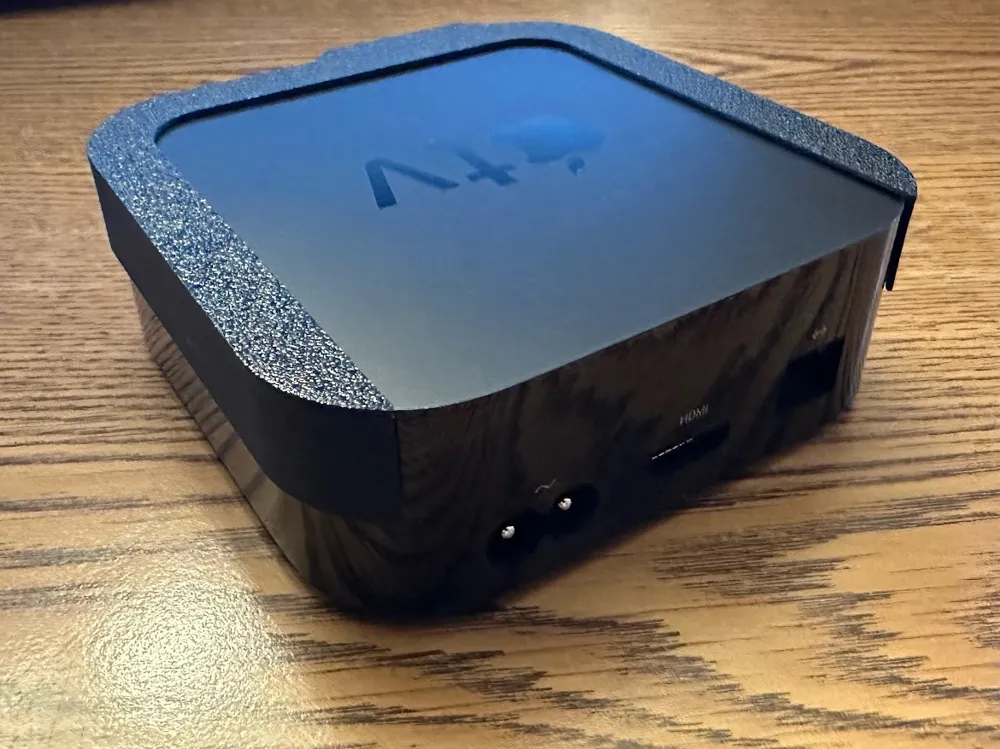
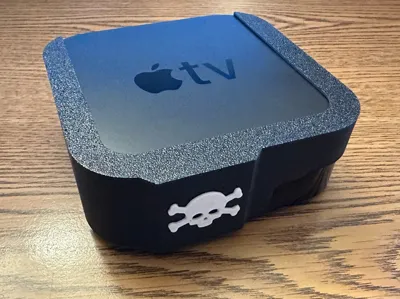
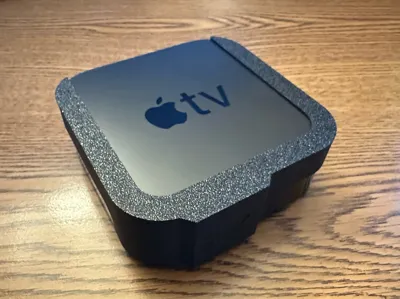
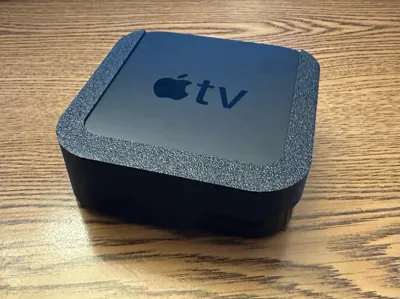
An easy-to-use snap-on solution for blocking IR reception on your Apple TV 4K (1st and 2nd gen, only).
Even if you don't care about IR, you can use this to give your Apple TV a little pirate flare, as if it be sailing the seven seas!
Why block IR? Every modern Apple TV model can work with IR-based remotes in addition to Bluetooth remotes, and this can cause problems when you are in an environment where multiple remotes may be used to control different devices.
For example, my kid in one room stopping or starting their video on their old Apple TV with their IR remote kept stopping and starting my video in another room on my Apple TV 4K. Yes, IR signals can bounce around off walls or ceilings to control a device in a different room.
After searching for a solution, the only work-around I've found so far had been to cover the IR sensor with electrical tape or put a box over the Apple TV!
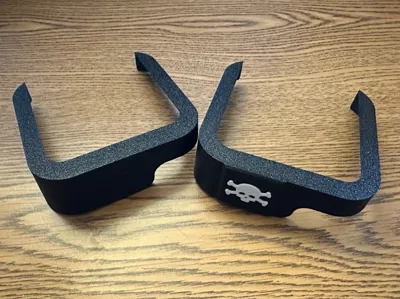
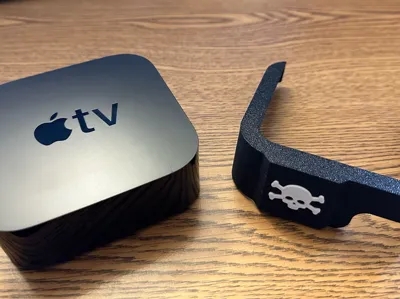
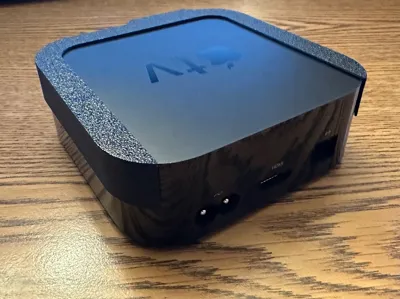
I've put together something that lets you easily place a fun “eye patch” on an Apple TV 4K, blocking its IR sensor and preventing unwanted remotes from controlling it. And yes, I call it the iPatch.
Notes:
- You need to print the iPatch with a DARK colored filament. Light colors (like white, orange, yellow, etc.) will NOT work, as they let too much infrared light pass right through them. Black is probably the best color to use. If in doubt, test the print by shining a flashlight through it. If you can see any light shining through, it won't work.
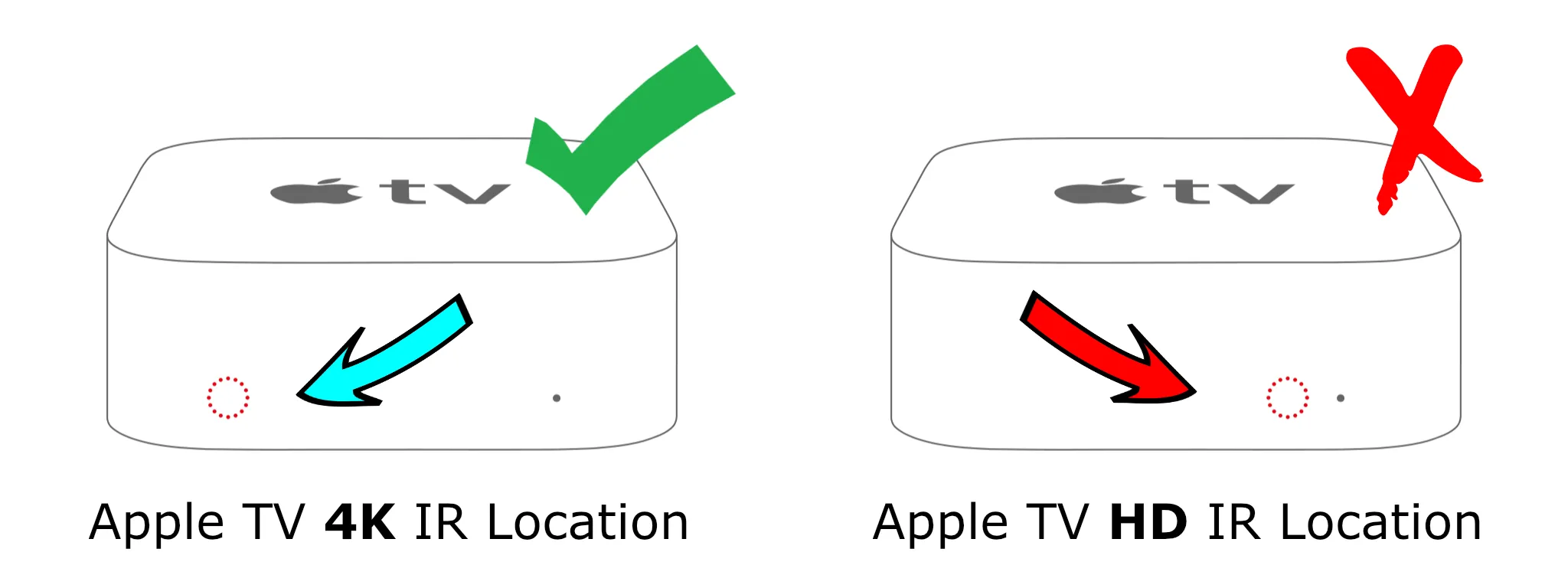
- The older Apple TV HD models have their IR sensor on the right side of the front, next to the status LED, and thus will not work with the iPatch. The iPatch is designed to block the IR sensor on the left side of the front, as it is on the Apple TV 4K. (Some designs were tested on the Apple TV HD, but I got poor results.)
- The newer Apple TV 4K “3rd-generation” (2022) is a little smaller than the older models. Its IR sensor is in a different location again, and seems to have a much wider view that I haven't had luck blocking.
This currently do NOT work for the 3rd-gen Apple TV 4K.
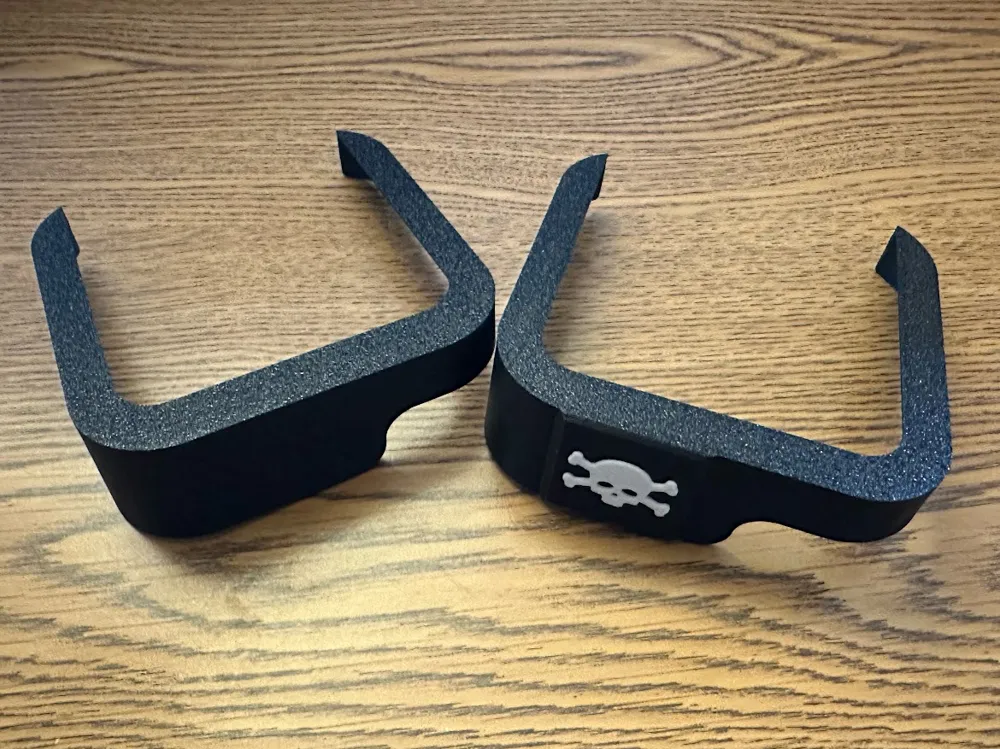
You can print just the iPatch by itself, or also print the skull & crossbones to add a bit of style. Just attach it with some glue.
A “clean” version of the model is also available.
iPatch Changelog:
2025-05-16, 1.1
- improved design with better fit and reduced filament usage
2025-05-14, 1.0
- initial release
- tested, (mostly) functional design
Created from scratch using FreeCAD.
License



Comment & Rating (4)