
openGrid - Self-Expanding Snap

Print Profile(3)

Description
2026-01-17 Update: openConnect is now the recommended connector option. MultiConnect screws are still available for compatibility.

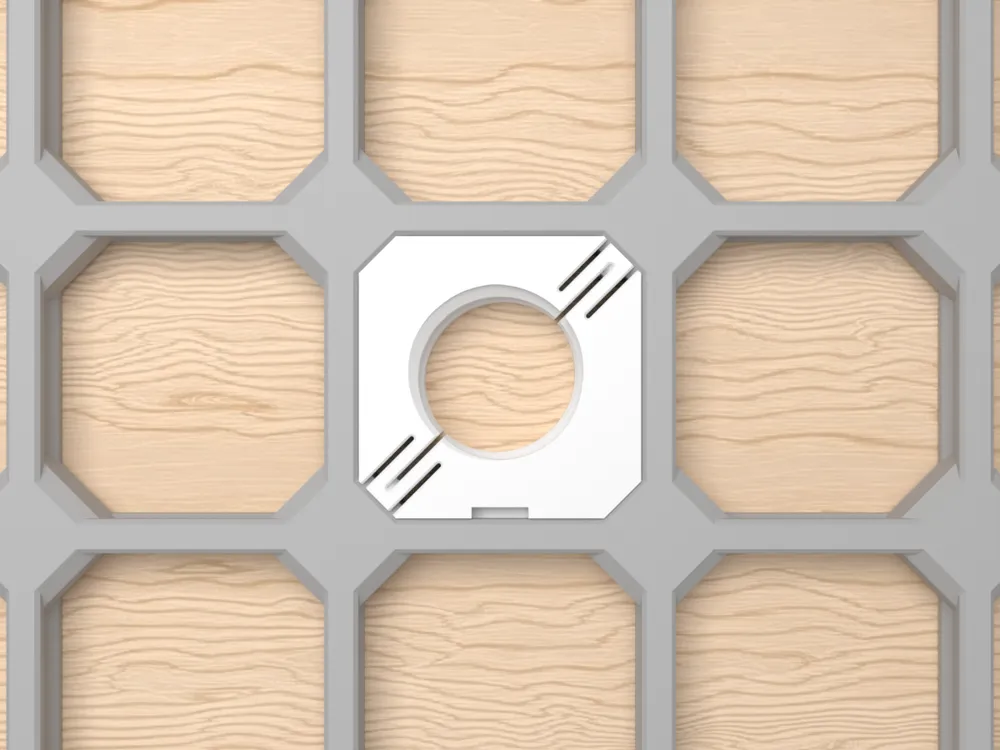
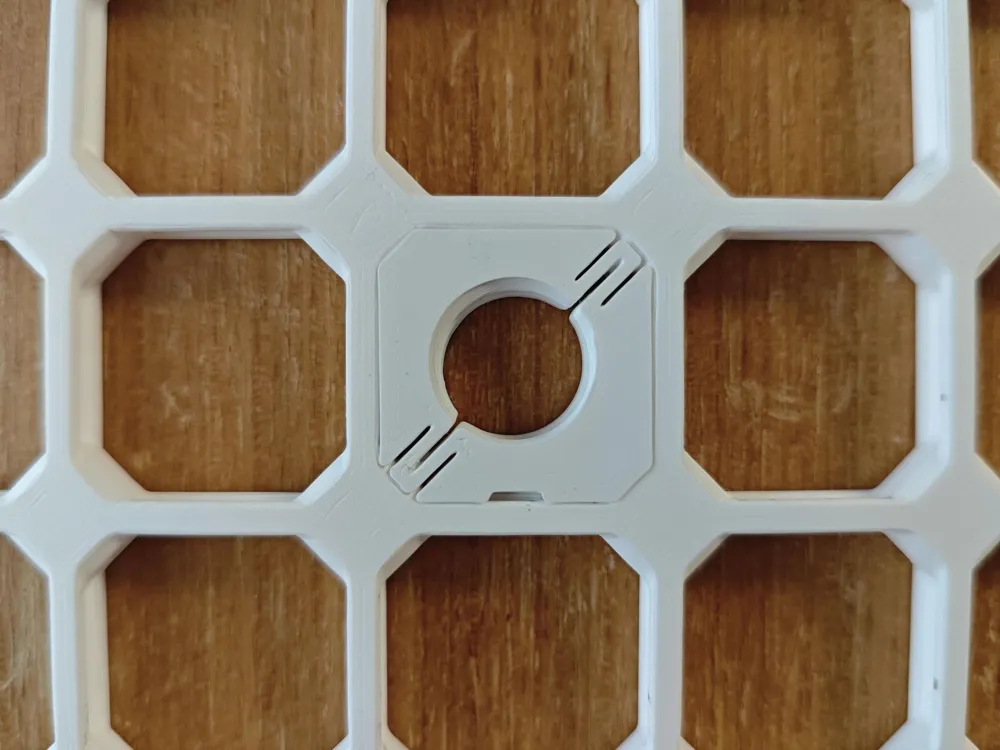
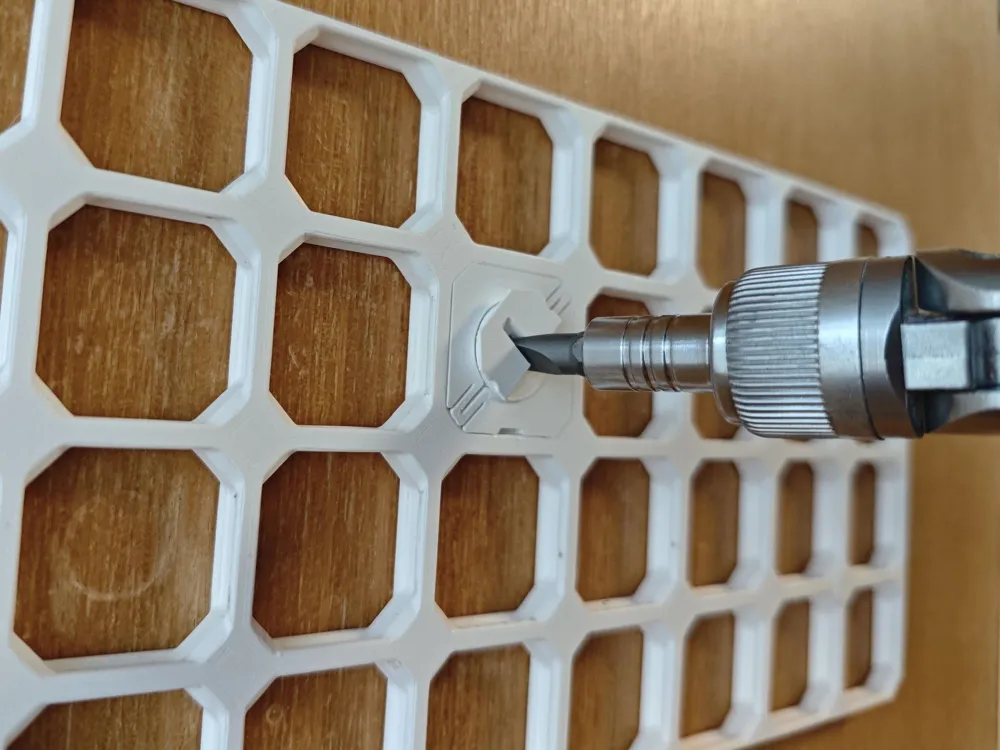
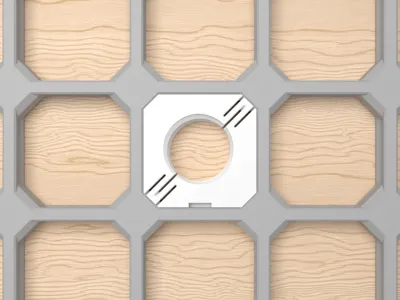
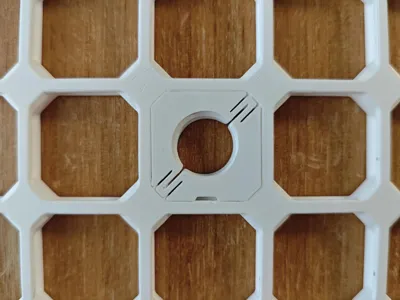
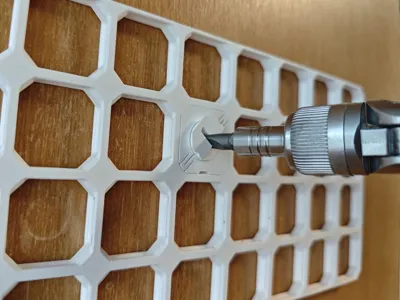
An open-source self-expanding snap for openGrid, available in Standard and Lite versions. It is based on David D's official openGrid snap, with a split spring mechanism that expands when the connector is tightened. This gives the snap a tighter hold in the board while still letting you tune the fit for different filaments.
The snaps and screws are provided as .3mf and .stl files, so in most cases there's no need to use the Customizer (opengrid_expanding_snap.scad). But if you find the default snaps to be too loose or too tight for your filament, you can use the Customizer to adjust the "expand_distance" parameters.
For community designers: feel free to include these snaps and screws in your print profiles when it makes your models easier to use.
(Optional) Customization guide:
- Choose "snap_thickness". Select "Standard" or "Lite", based on the openGrid board you are using. The current Lite snap is 4 mm thick, matching openGrid Lite boards.
- Choose "snap_body_shape". Use "Directional" for vertical wall-mounted boards, or "Symmetric" for horizontal boards, often used with Underware.
- Choose "generate_screw". I recommend an openConnect option for most cases, but MultiConnect is still available for compatibility.
- Tune the expansion distance. Adjust "expand_distance_standard" or "expand_distance_lite" if the snap is too loose or too tight with your filament. Increase the value for a tighter hold, or decrease it if the snap is difficult to install.
- Set miscellaneous options:
- "uninstall_notch_width" - adjust the small notch that makes the snap easier to remove, or set it to 0 to disable it.
- "add_snap_expansion_distance_text" - add the expansion distance to the snap, which is useful when testing different settings.
The model is open-source under the CC-BY 4.0 license. Like all the OpenSCAD models I've designed for openGrid, it can be found in this GitHub repository. Feel free to use the code; feedback and suggestions are welcome.
2025-11-22 Update: Threads now have a blunt start by default, which should help prevent cross-threading and overtightening. Blunt threads have a decorative "lock" symbol at the bottom. If you prefer the earlier version, change "threads_type" to "Basic" in the customizer.
2025-09-04 Update: Added an uninstall notch at the bottom. The default thread offset angle now matches David's original snaps.
2025-08-08 Major Revision: Recreated the model in OpenSCAD, added support for openGrid Standard, revamped screw thread generation, increased Lite snap thickness from 3.4 mm to 4 mm, and improved the spring geometry.





Comment & Rating (142)