
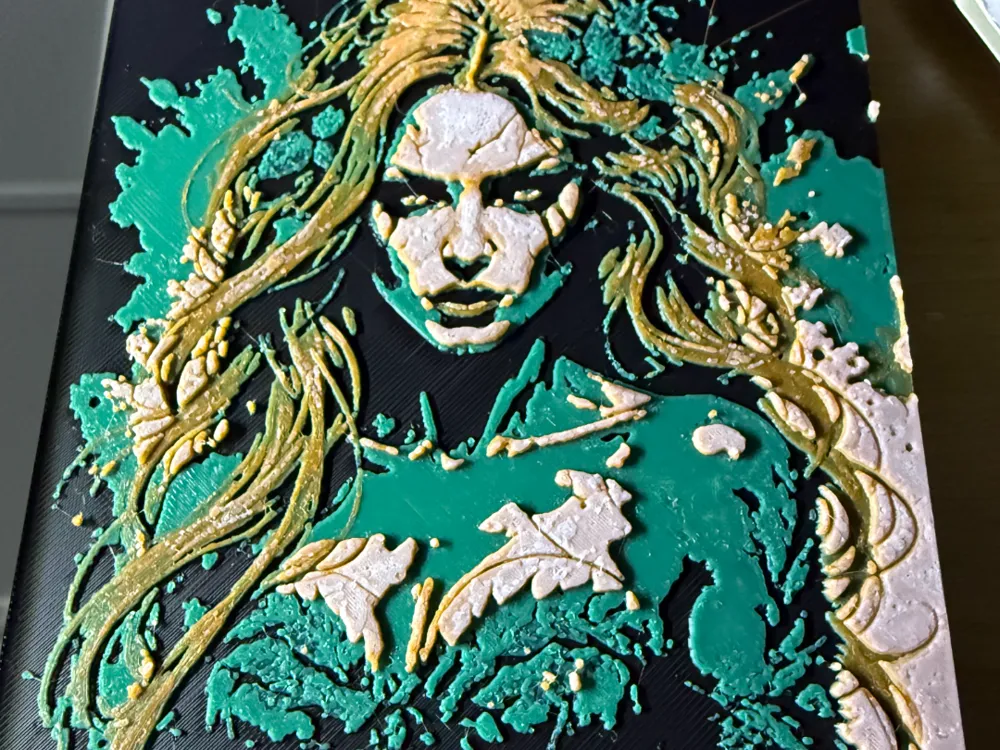
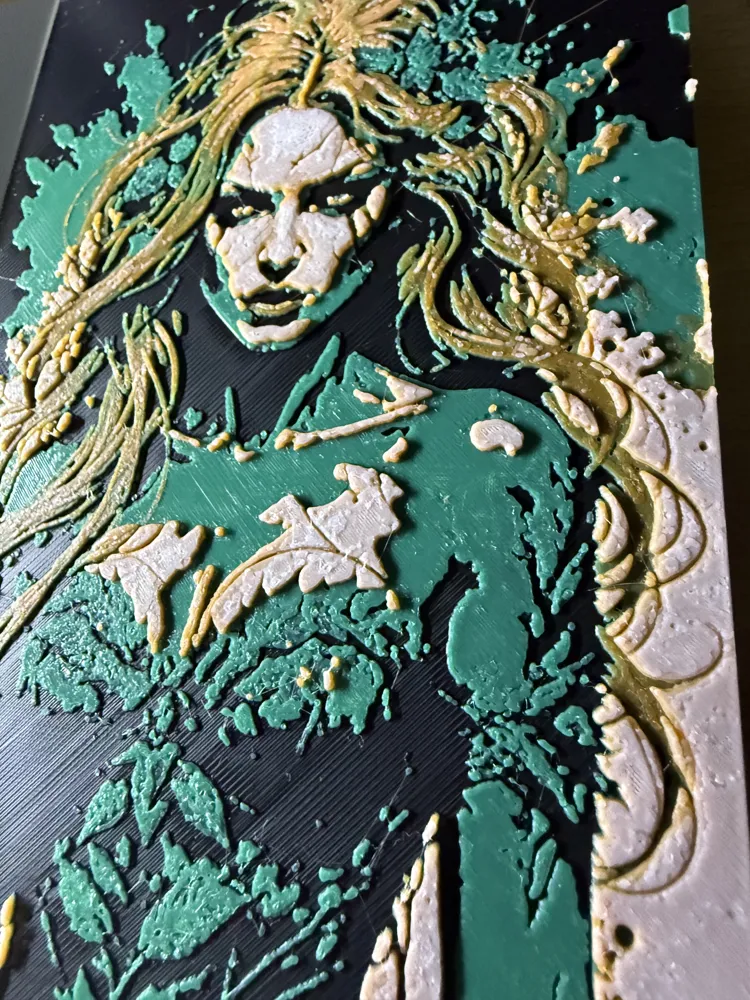
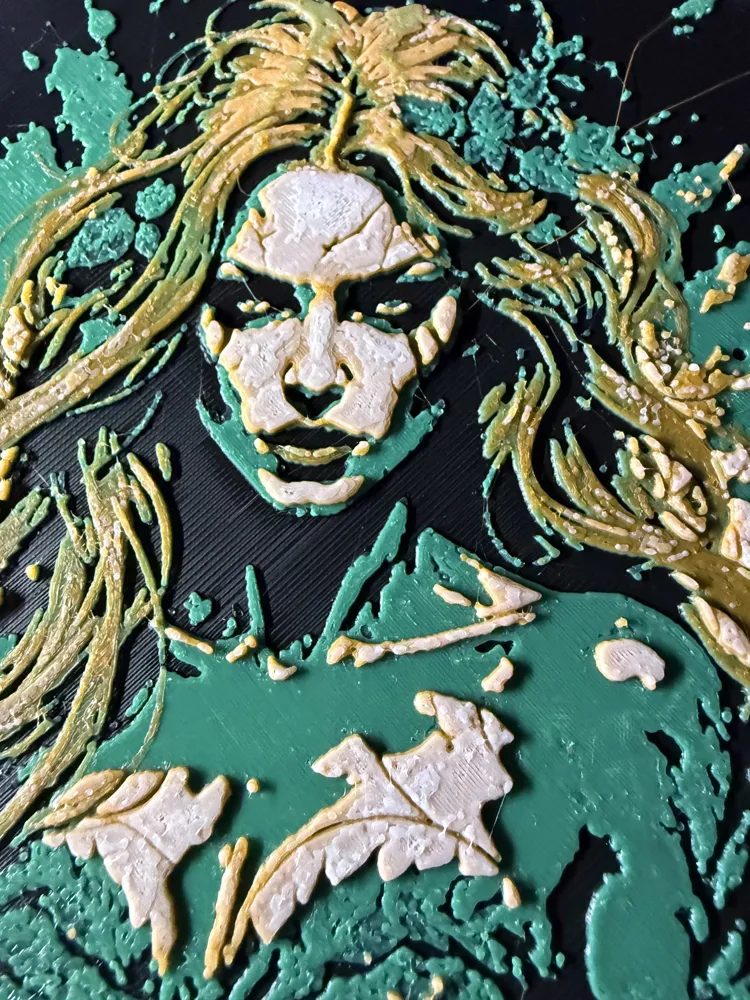
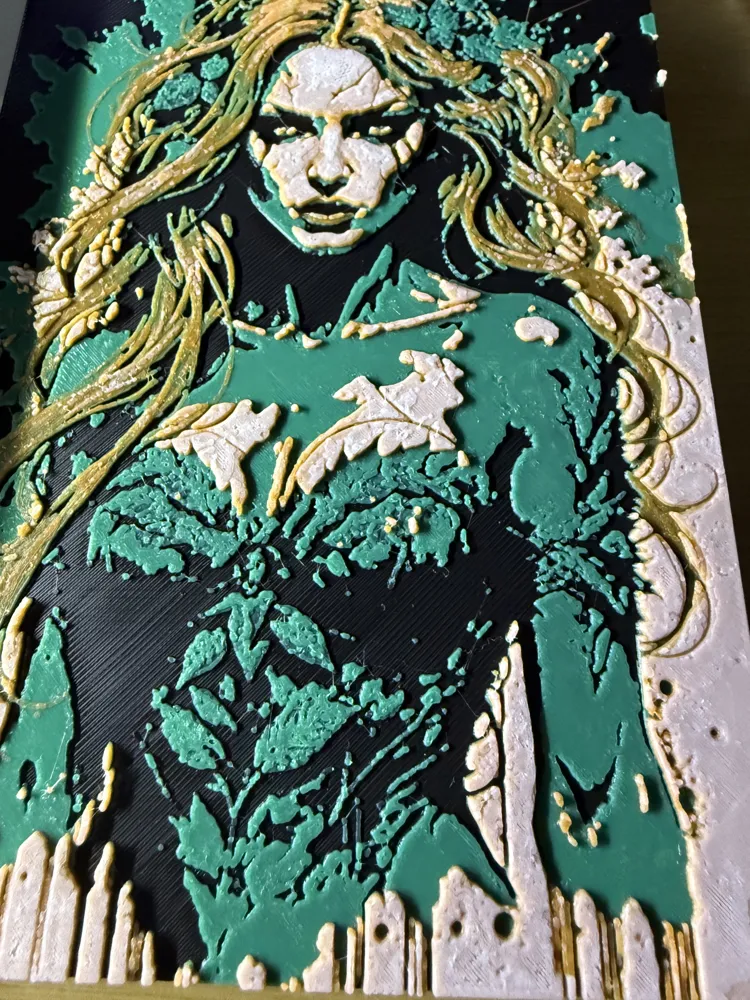
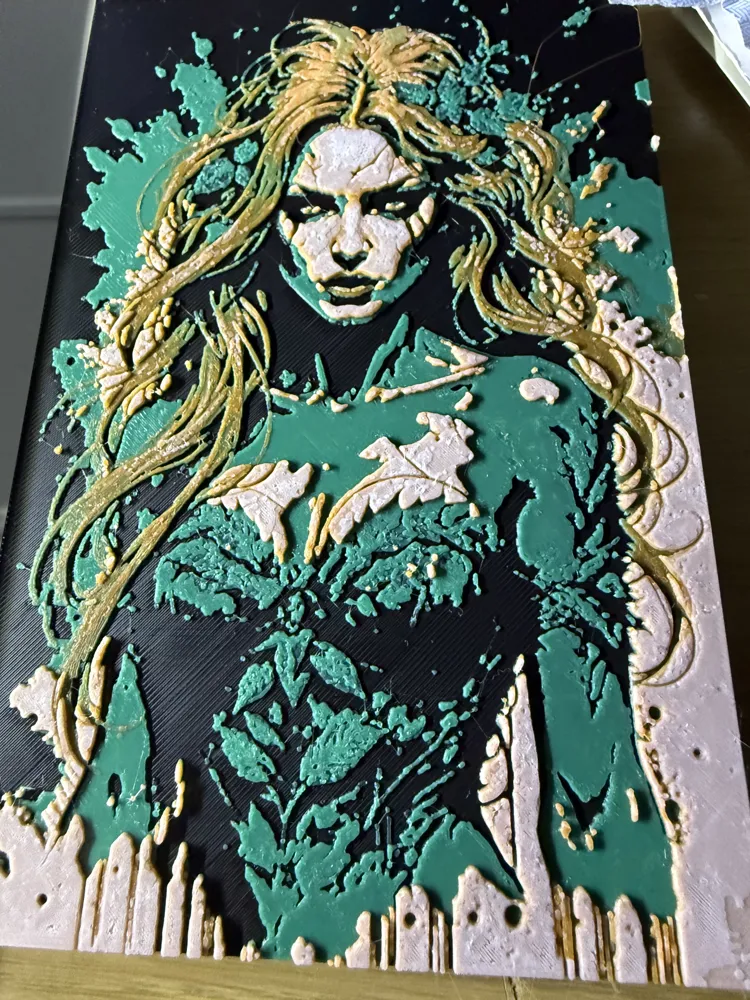
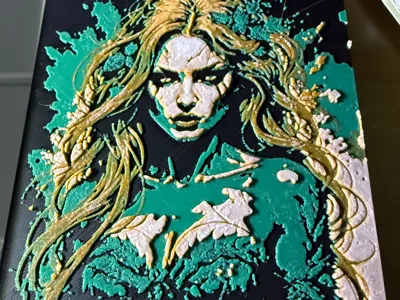
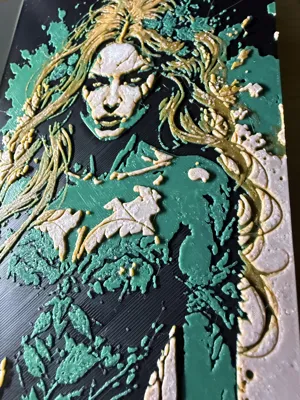
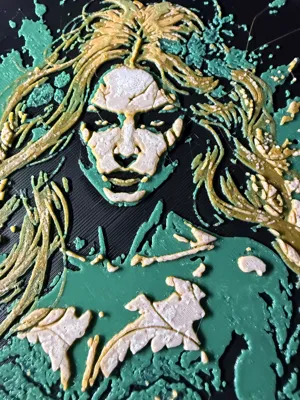
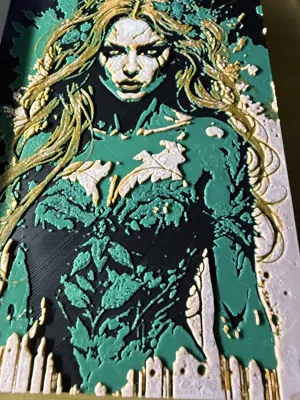
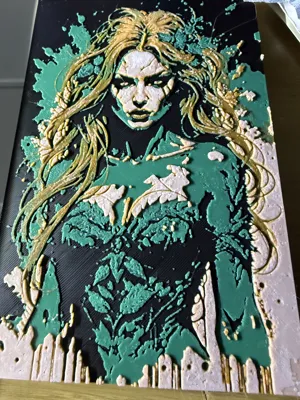
marvel character "poisoned ivy "
Print Profile(1)

Description
Thankyou for taking the time to view my models , i am retired and learning to design models , which also helps my computer skills, so feedback is welcomed , so please take a few seconds more to follow , like, collect, download or print ,I would like to thank everyone for their appreciation of my work as it has enabled me to update my printer to an X2Dcombo which is very good , and is user-friendly , not used all the features yet or tried different filaments ,but looking forward to finding a challenging model to give it a go . so points now will go to get a 2nd AMS for auxiliary nozzle
this hue forge was an attempt to colour match the image to the print , not mastered this quite yet but getting there ,so if you print and change the layer heights or colours please post your results in ratings , i would love to see if you manage to get a better match so i can use that to improve in future models and i can update this one with additional print profile
i used jayo filament for green ,black and white , the orange was a sunlu
this is the setting the hue forge generated , but i changed some in slicer and took it from 6 colours to 4 , i am giving you both to try original on the left , mine on the right
Project: poisoned ivy.jpg
Print at 100% infill with a layer height of 0.08mm with a base layer of 0.16mm
The Model is 133.33x200mm in size
You may print at higher layer heights below the Min Depth of 0.48mm
The Max Depth is 2.2mm and the Actual Depth is 2.2mm
Filaments Used: Filaments Used:
PLA PolyLite Black Transmission Distance: 0.3 sunlu orange
PLA BambuLab Basic BambuLab Green Transmission Distance: 2 jayo white
PLA BambuLab Basic Yellow Transmission Distance: 6 jayo green
PLA BambuLab Basic Red Transmission Distance: 4 jayo black
PLA BambuLab Basic Orange Transmission Distance: 7
PLA PolyLite White Transmission Distance: 5
This print uses 6 unique filaments
Swap Instructions: my print instructions
Start with Black
At layer #8 (0.72mm) swap to BambuLab Green at layer #8(0.72mm) swap to green
At layer #11 (0.96mm) swap to Yellow at layer #13(1.12) swap to orange
At layer #12 (1.04mm) swap to Red at layer #16(1.36) swap to white
At layer #18 (1.52mm) swap to Orange at layer #18(1.52) swap to orange
At layer #19 (1.6mm) swap to BambuLab Green at layer #19(1.60) swap to green
At layer #21 (1.76mm) swap to Red at layer #20(1.84) swap to white for the rest
At layer #23 (1.92mm) swap to White for the rest.
my the print gods be with you , enjoy your day
not for commercial use , personal only
Boost Me (for free)
all boosts are appreciated as it encourages me to design things i think would interest others , and i would like to thank you all for helping me achieve my aim to order a new printer ,i chose theX2D ,and its brillant , I've done two coloured prints ,and multi coloured prints (5 colours ) and the waste reduction is amazing , is it quicker? i would say it is , but it has so many new things to try out like printing supports in different f filament type , and new filaments like abs .
License

You shall not share, sub-license, sell, rent, host, transfer, or distribute in any way the digital or 3D printed versions of this object, nor any other derivative work of this object in its digital or physical format (including - but not limited to - remixes of this object, and hosting on other digital platforms). The objects may not be used without permission in any way whatsoever in which you charge money, or collect fees.


Comment & Rating (1)