Search models, users, collections, and posts

Print Profile(1)

0.12mm layer, 2 walls, 30% infill
Designer
44 min
1 plate
Open in Bambu Studio
Boost
404
1337
38
19
1 k
578
Released
Description
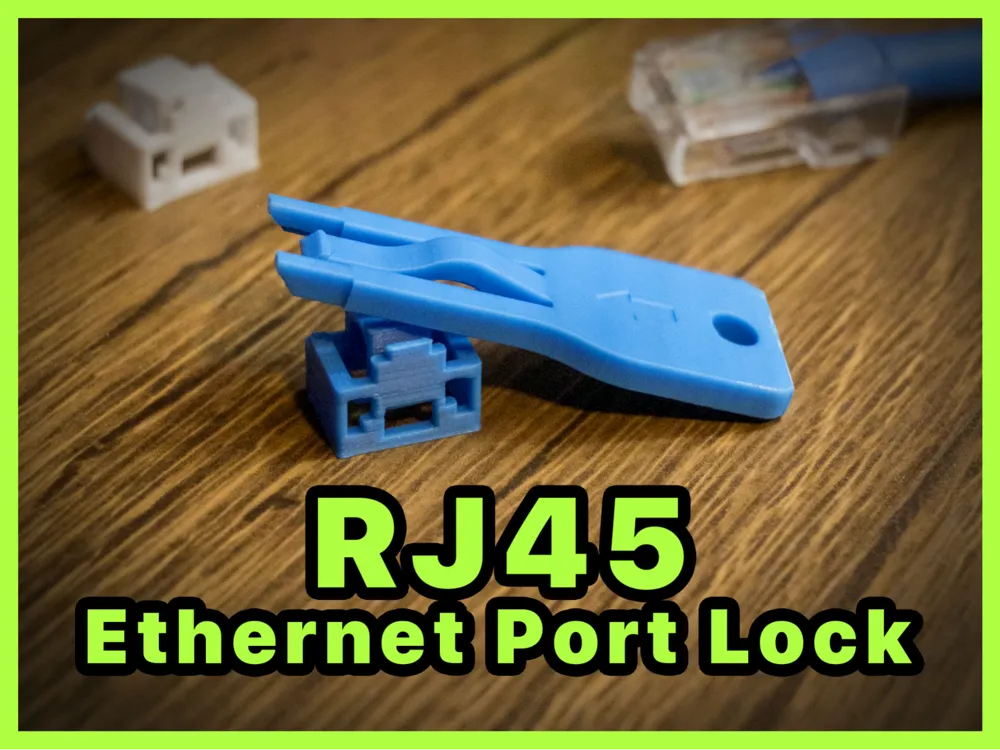
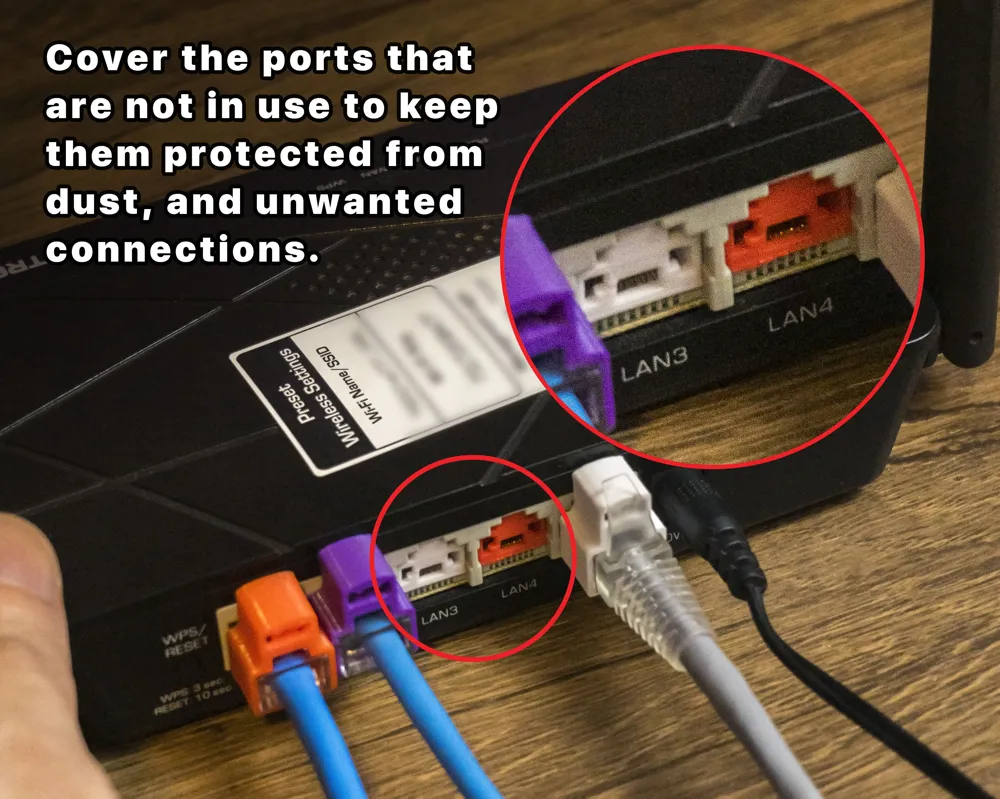
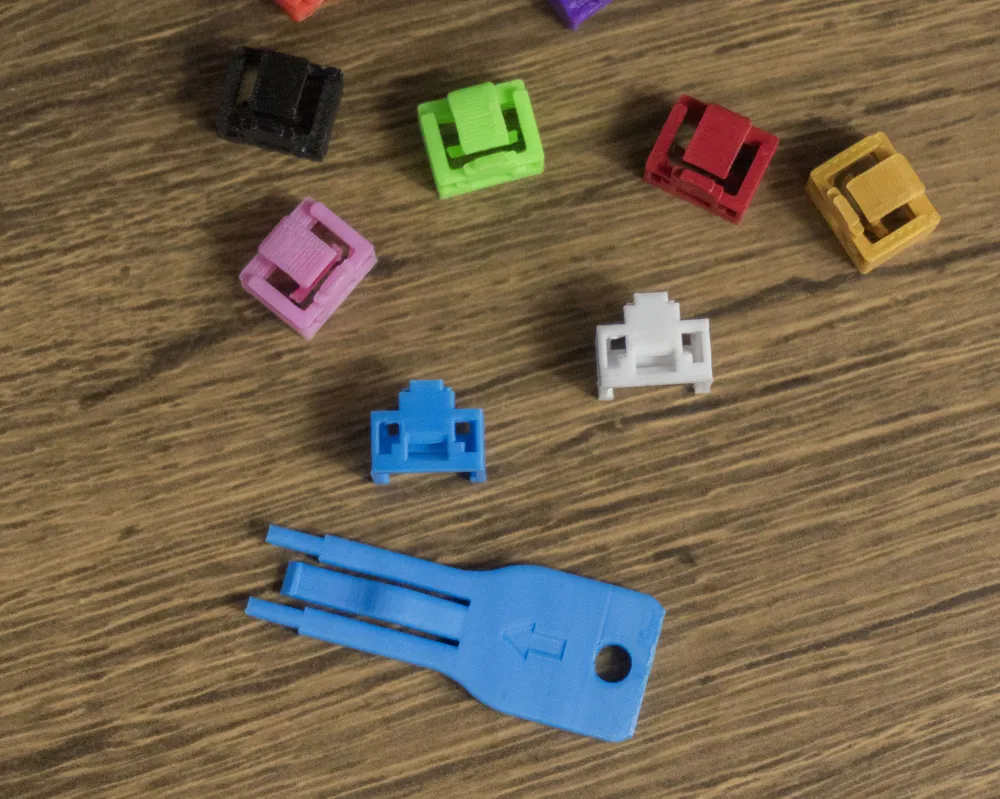
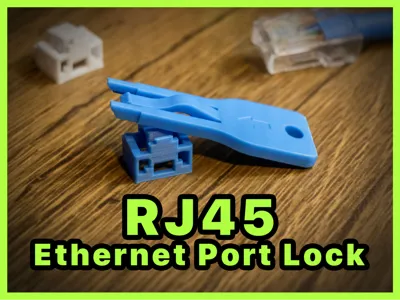
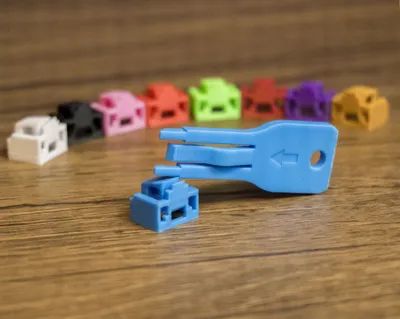
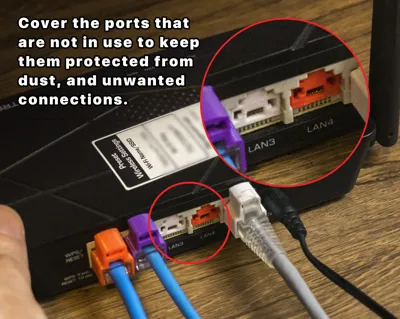
Blocks Ethernet ports, helping protect against dust and unwanted connections.
Instructions for Use:
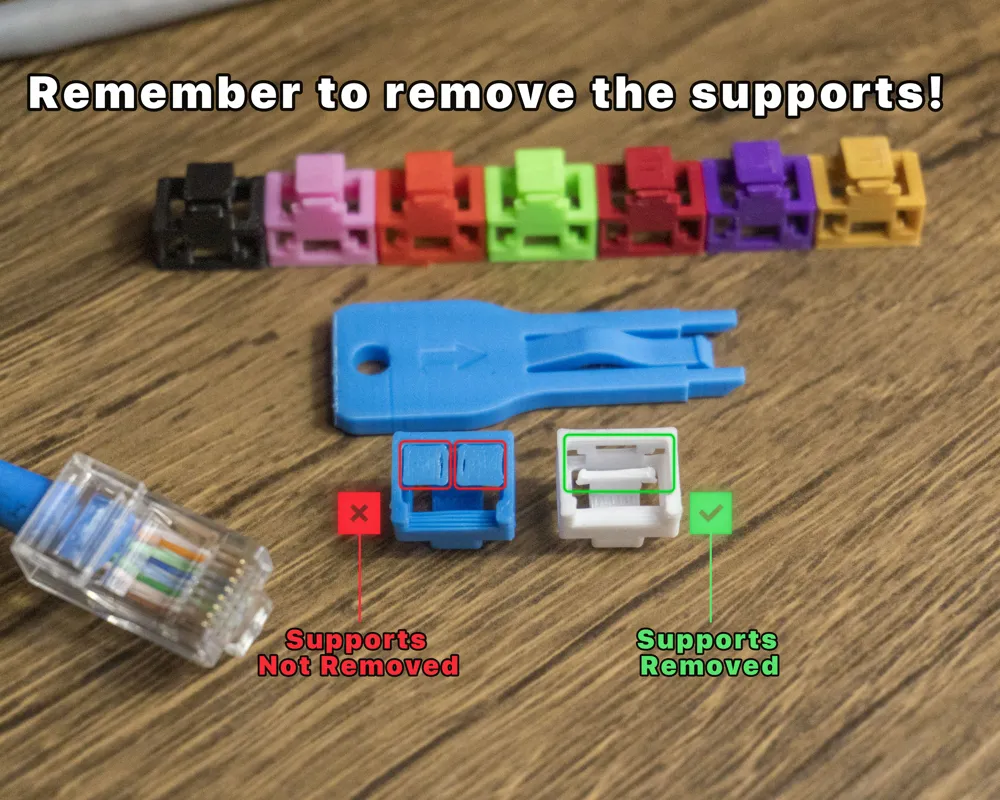
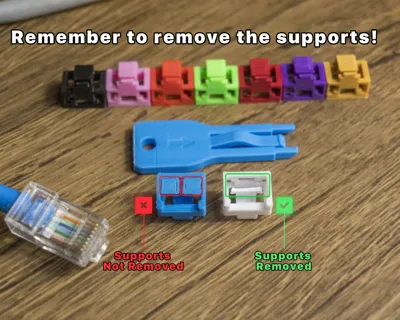
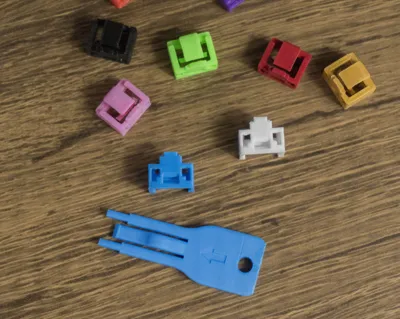
- Remove the support structures from the lock before inserting it.
- Insert the lock as shown in the image.
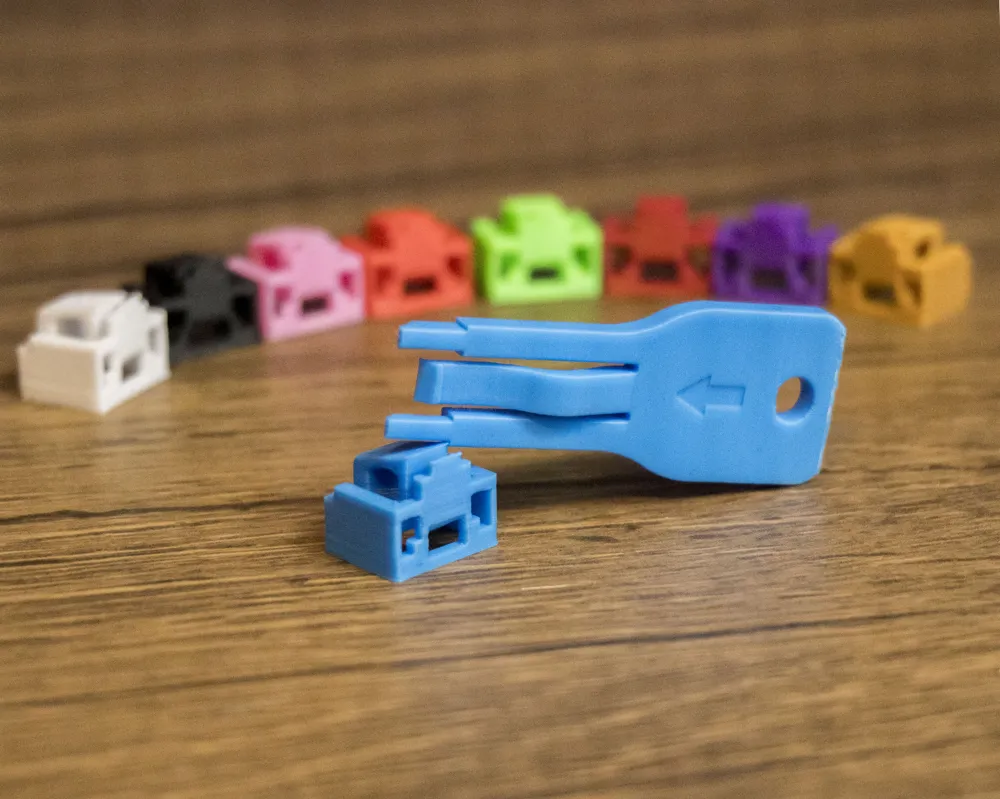
- To remove it, insert the key with the arrow side facing up.
- Pull the key — the lock should come out attached to it.
- Press the center 'leg' of the key and pull the lock out to detach it from the key.
Link to the instruction video: https://youtube.com/shorts/u5iyly-evBg?si=4e_C09tYA9vKi4i7
Recommendations:
To prevent warping due to high device temperatures, it is recommended to print the part using PETG. PETG also offers greater flexibility, which helps prevent cracking or breaking when inserting the key and triggering the release mechanism.
If you only have access to PLA, we suggest testing the key insertion and removal in the lock before using it on any actual device.
Print Settings:
Layer height: 0.12 mm
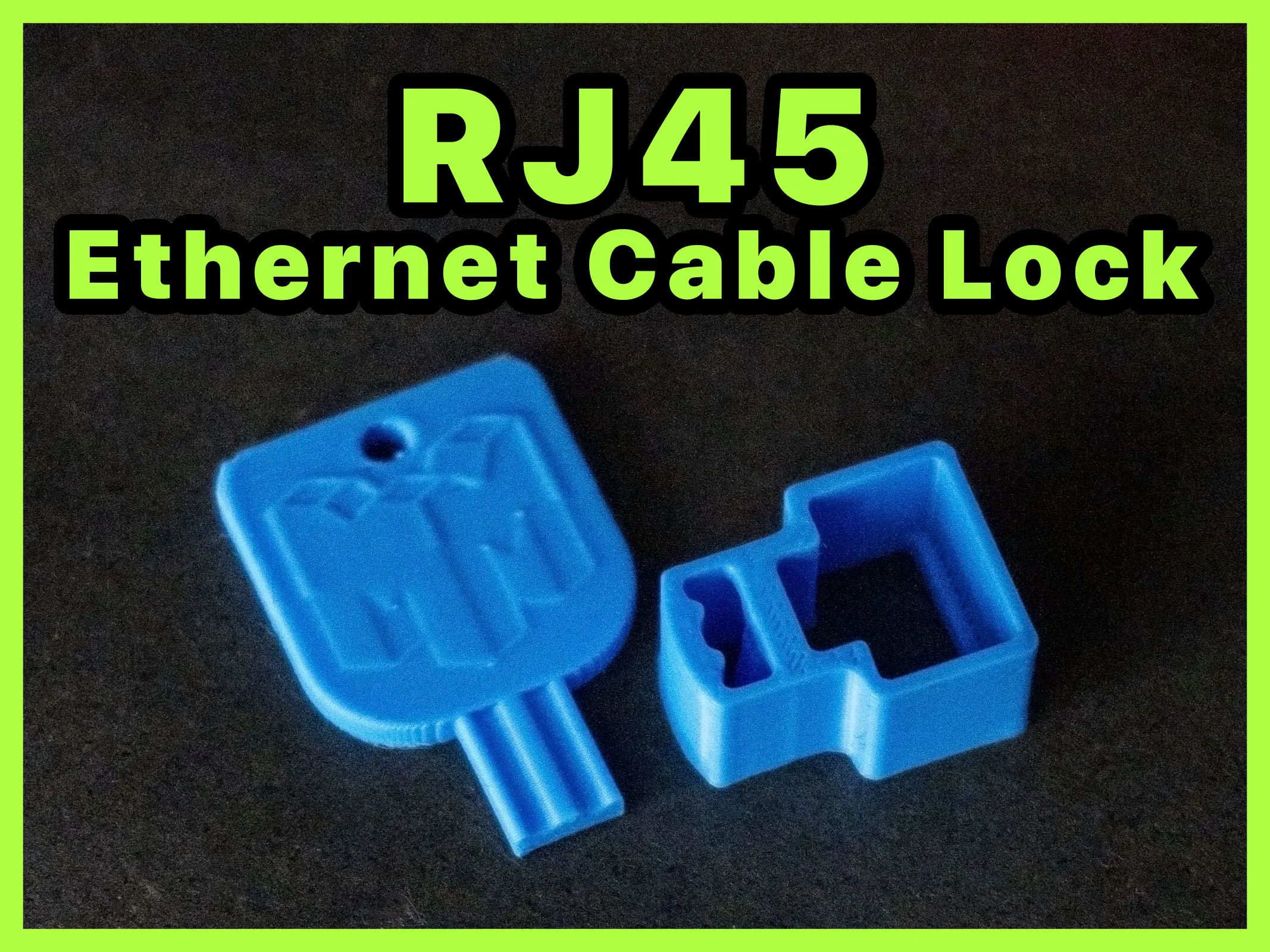
We also have the RJ45 Ethernet Cable Lock available here.
Boost Me (for free)
If this product was helpful to you, leave a like and, if possible, a boost. We appreciate your support!🚀
License

This user content is licensed under a Standard Digital File License.
You shall not share, sub-license, sell, rent, host, transfer, or distribute in any way the digital or 3D printed versions of this object, nor any other derivative work of this object in its digital or physical format (including - but not limited to - remixes of this object, and hosting on other digital platforms). The objects may not be used without permission in any way whatsoever in which you charge money, or collect fees.


Comment & Rating (38)