
Windows Volume Mixer
Print Profile(1)

Bill of Materials




Description
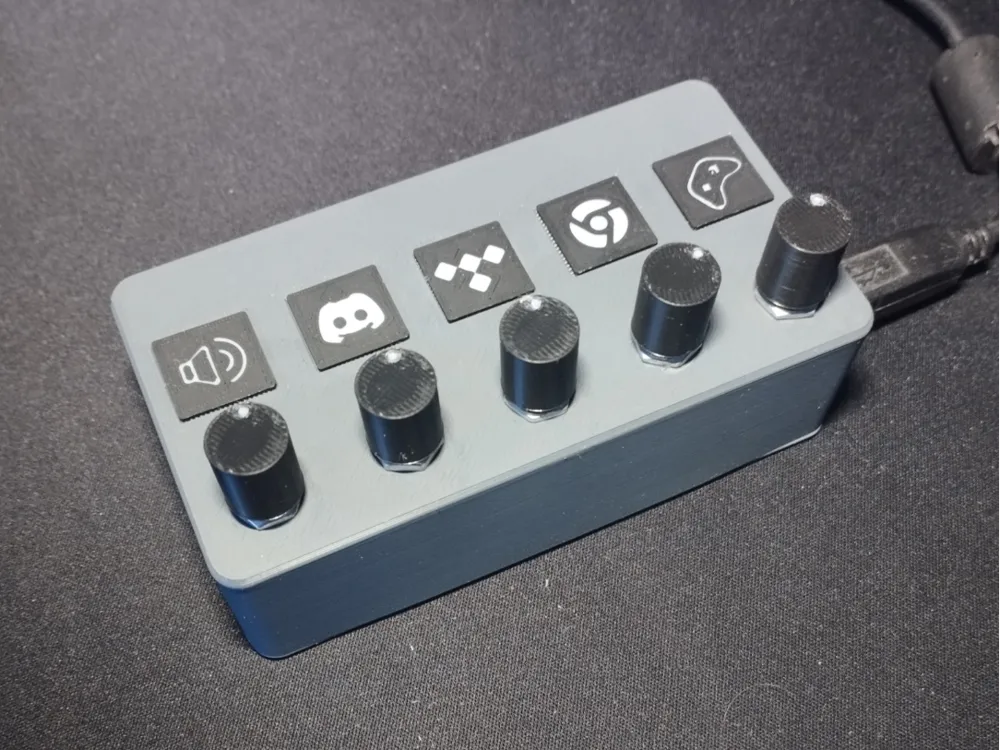
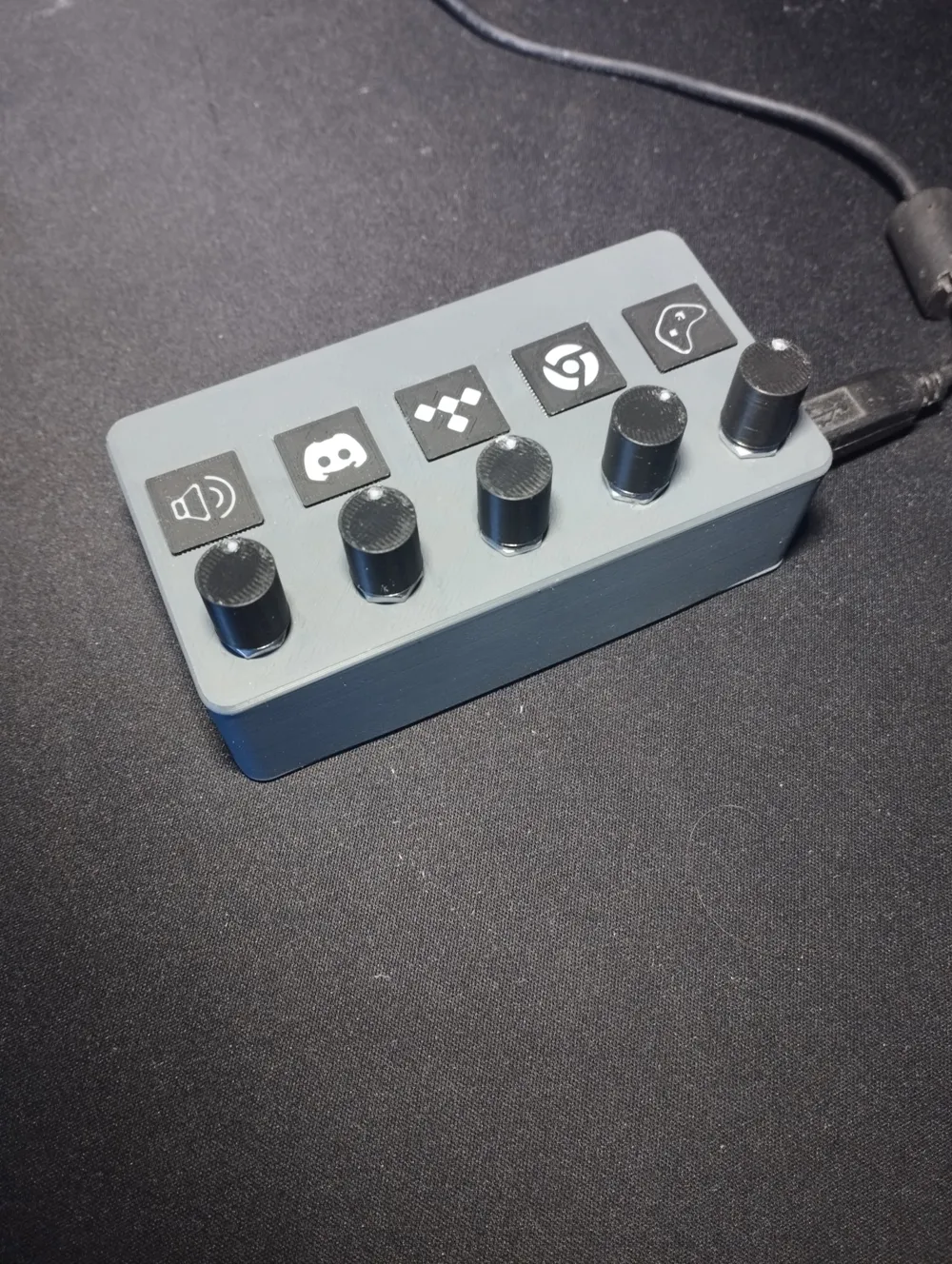
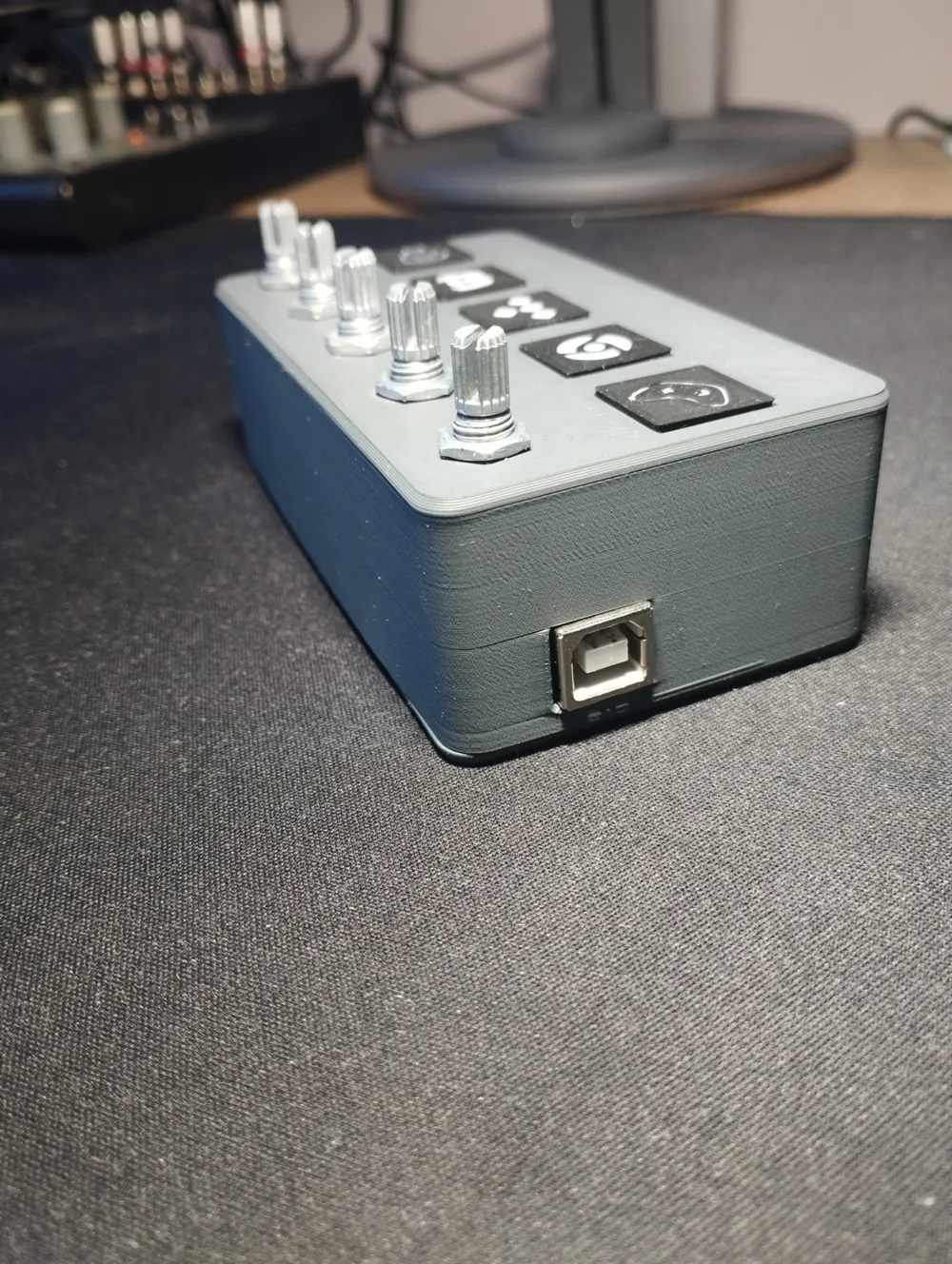
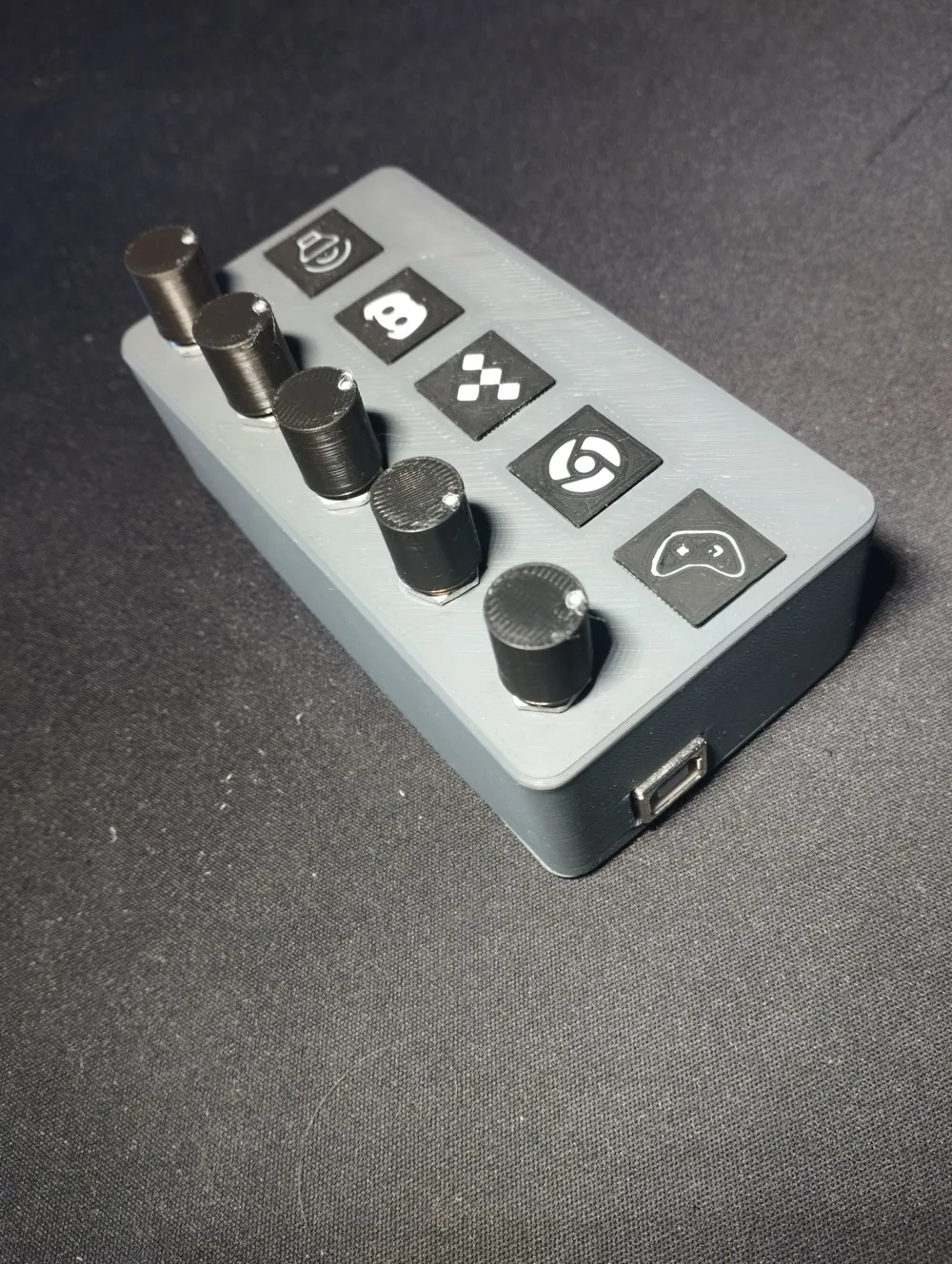
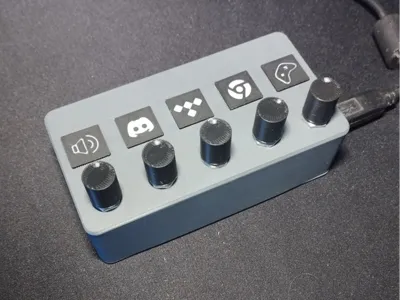
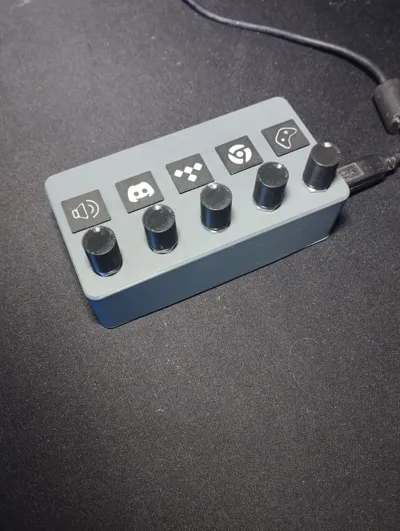
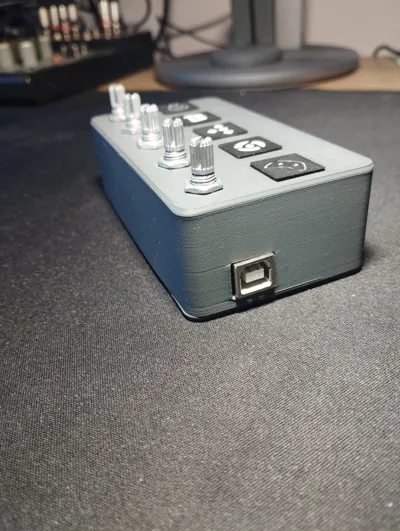
Simple volume mixer for windows applications.
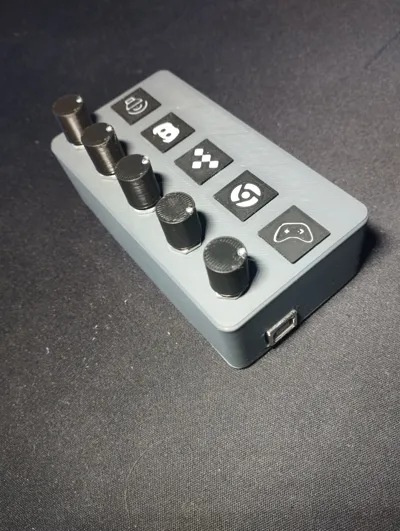
It's annoying to always switch tabs to change volume of applications, so I made an external controller. Uses ArduinoUNO and potentiometers to control system volume mixer.
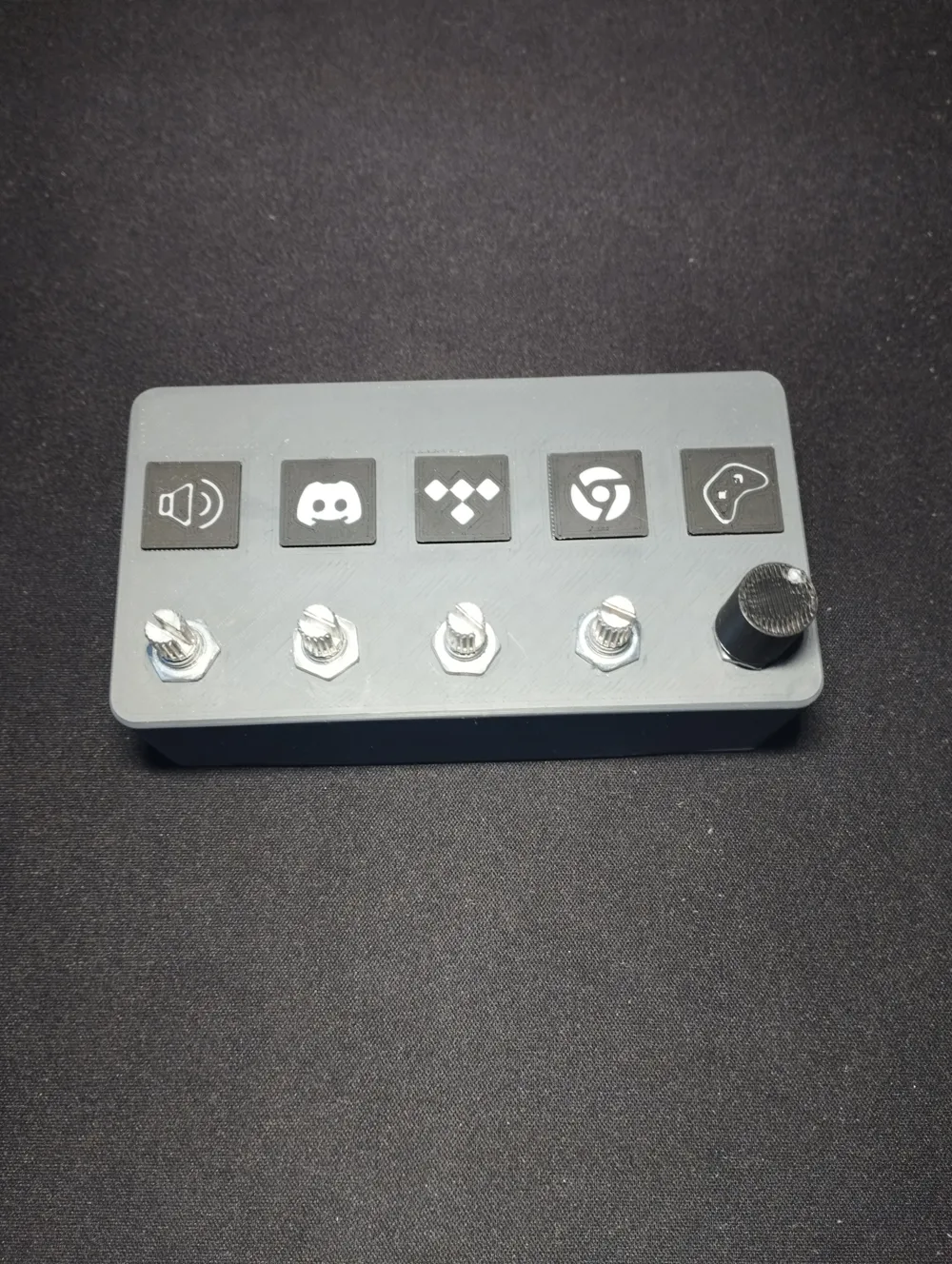
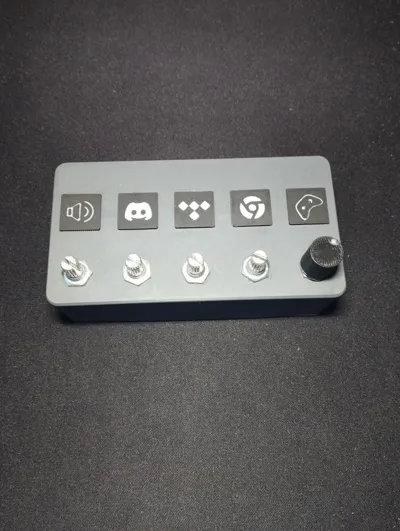
The app plates are swapable so feel free to design your own! Each is 15x15x1mm.
You can change applications controlled by each potentiometer in apps.py file. All instructions are descriped in README.MD
Link to the repository on github:
https://github.com/jurektopola/Volume-Mixer
Feel free to design your own app plates! Each plate is 15x15x1mm
Assembly guide:
- print 3D parts
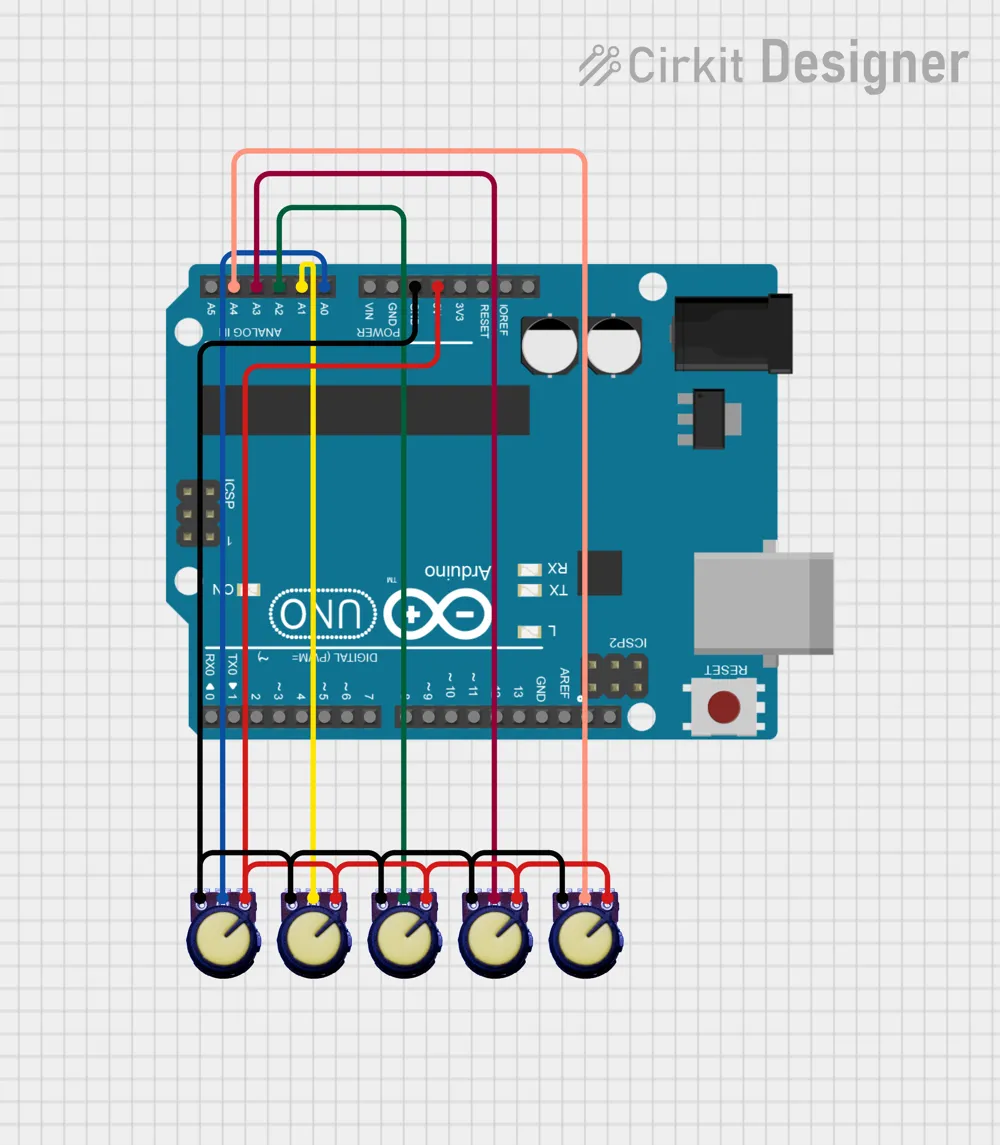
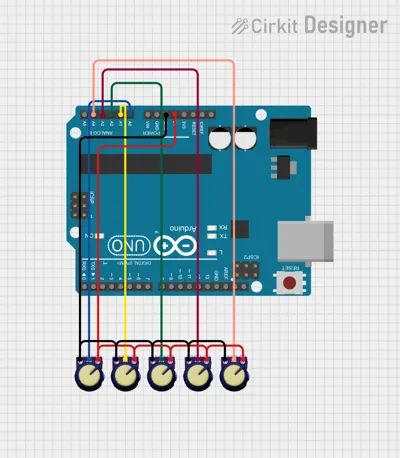
- solder the circuit as shown in image
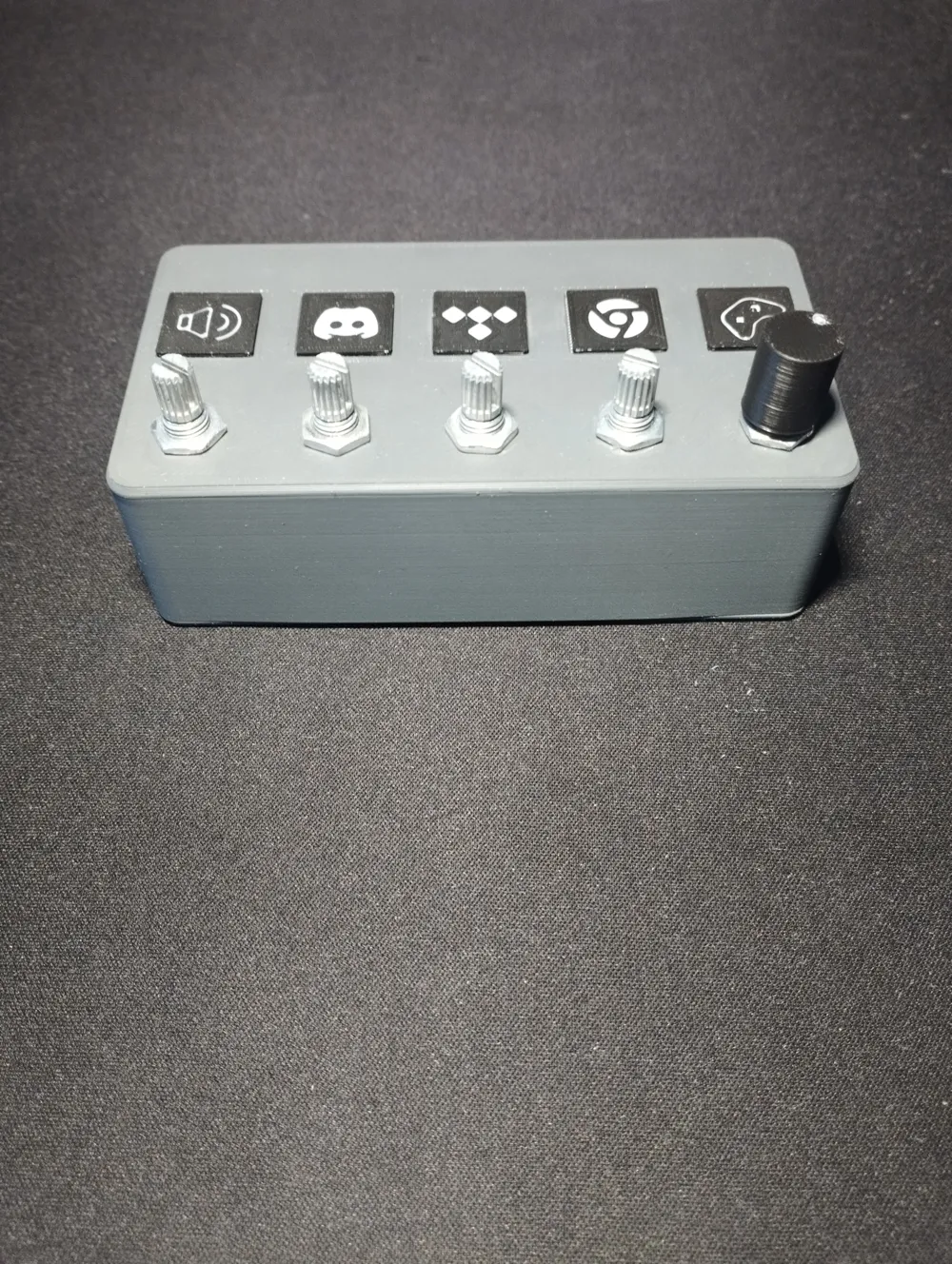
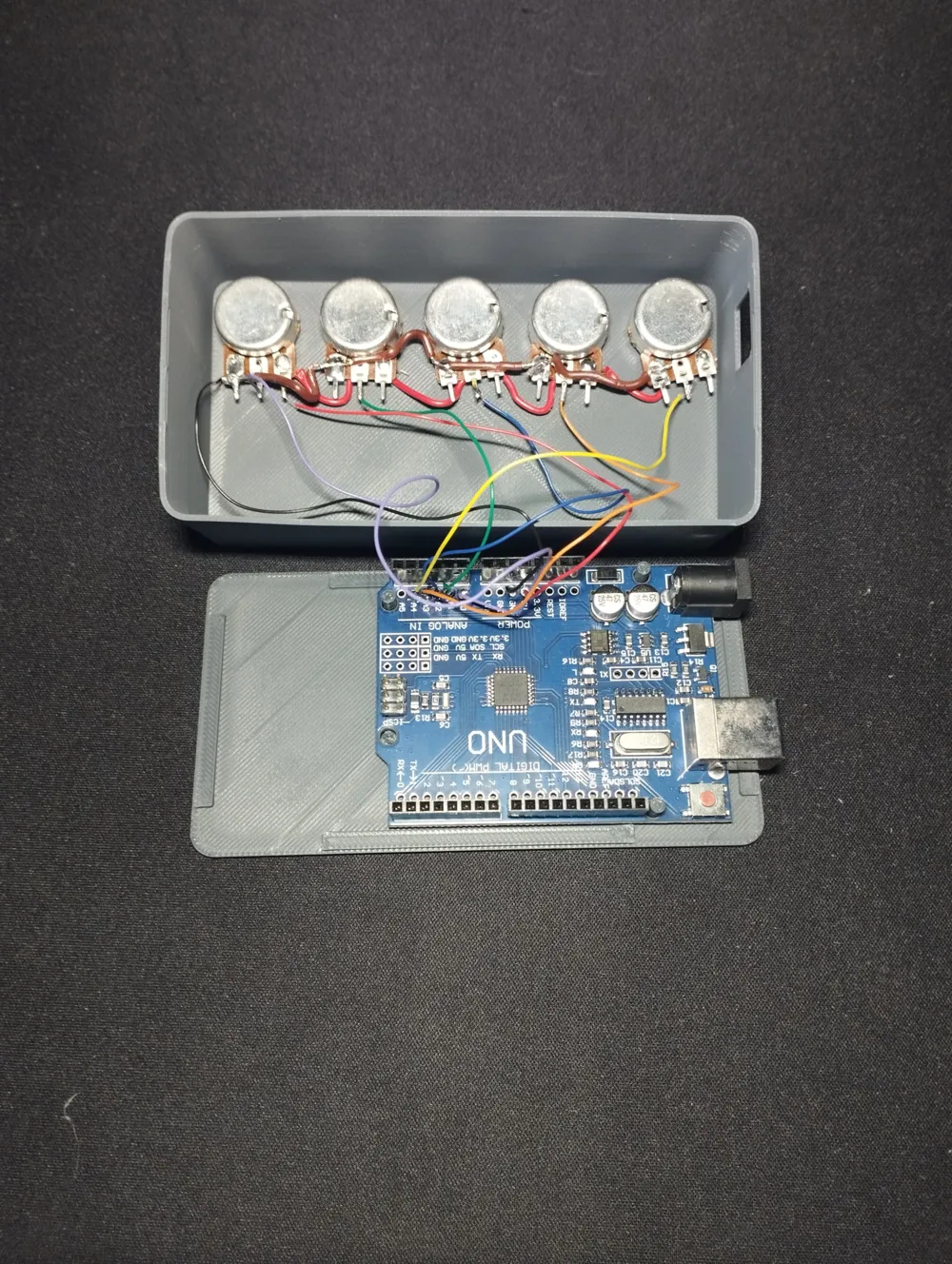
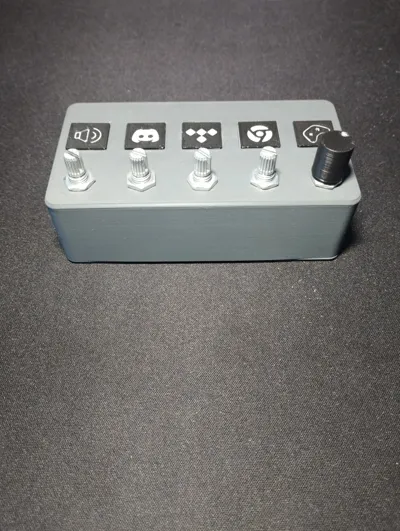
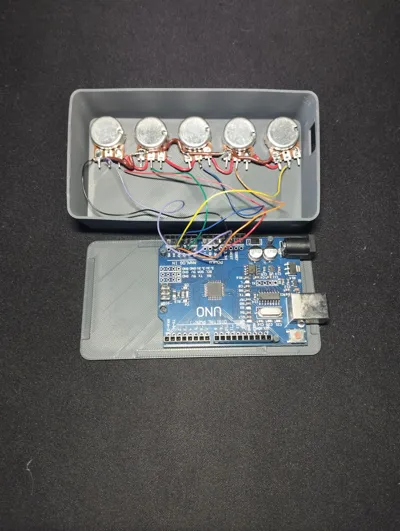
- screw down potentiometers to 3D printed cover
- put Arduino on bottom part
- combine bottom with cover. You may need to use little force to do it
- connect to PC. Install and upload code to board. Please read README.MD
License

You may create derivative works based on this object, provided that all such derivative works are published exclusively on the MakerWorld platform and include proper attribution to the original creator. You may not share, upload, host, distribute, or publish this object—or any derivative work of this object—on any other digital platform, marketplace, or distribution channel. Commercial use of this object and any derivative works is strictly prohibited. This includes, but is not limited to, selling, renting, sublicensing, or using the object in any context in which you receive monetary compensation or other financial benefits.


Comment & Rating (6)