
Print Profile(1)
Description
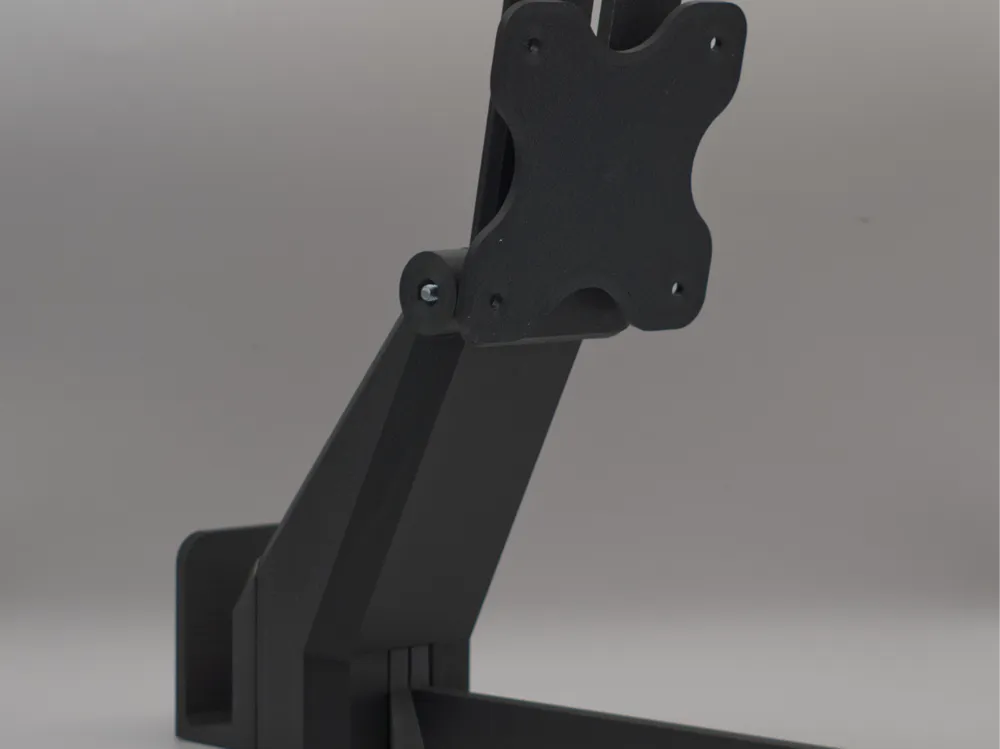
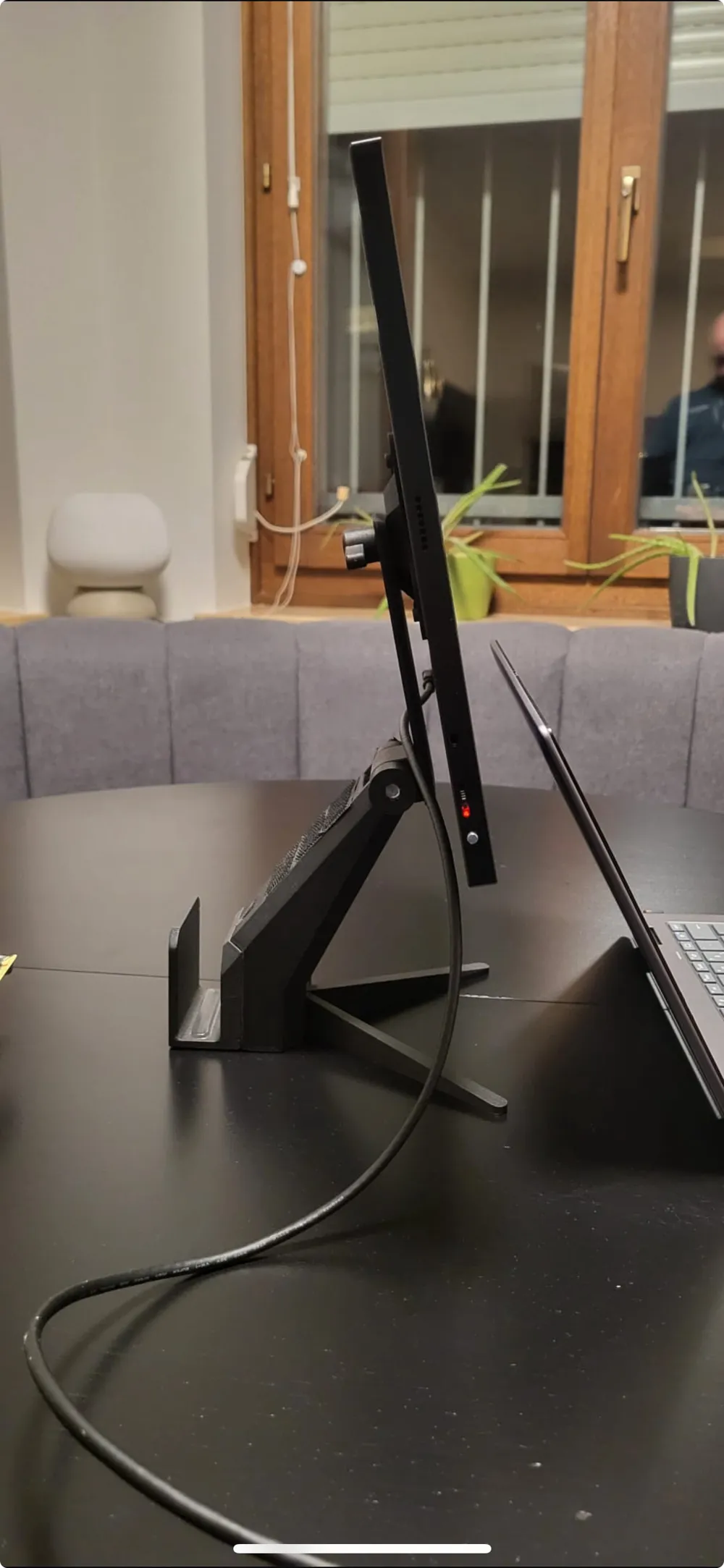
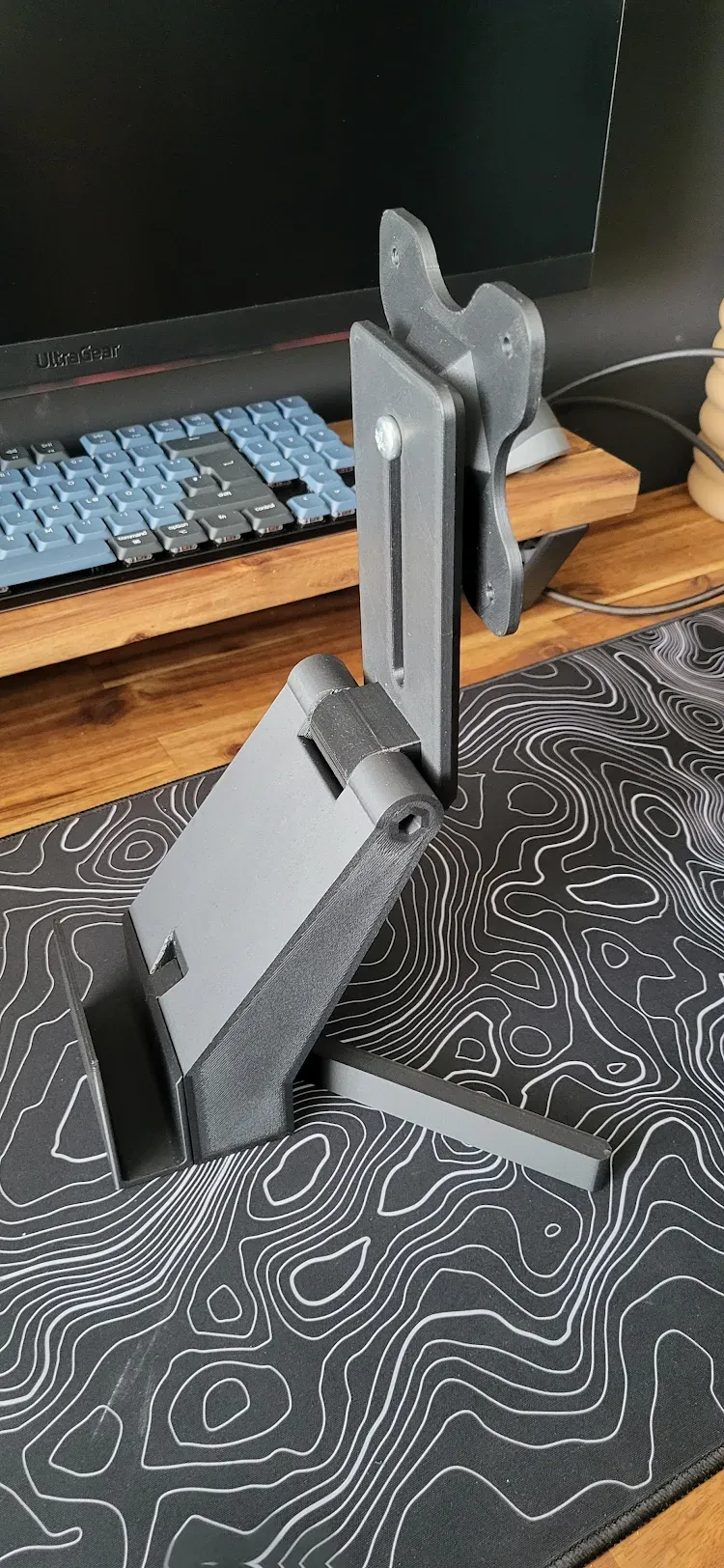
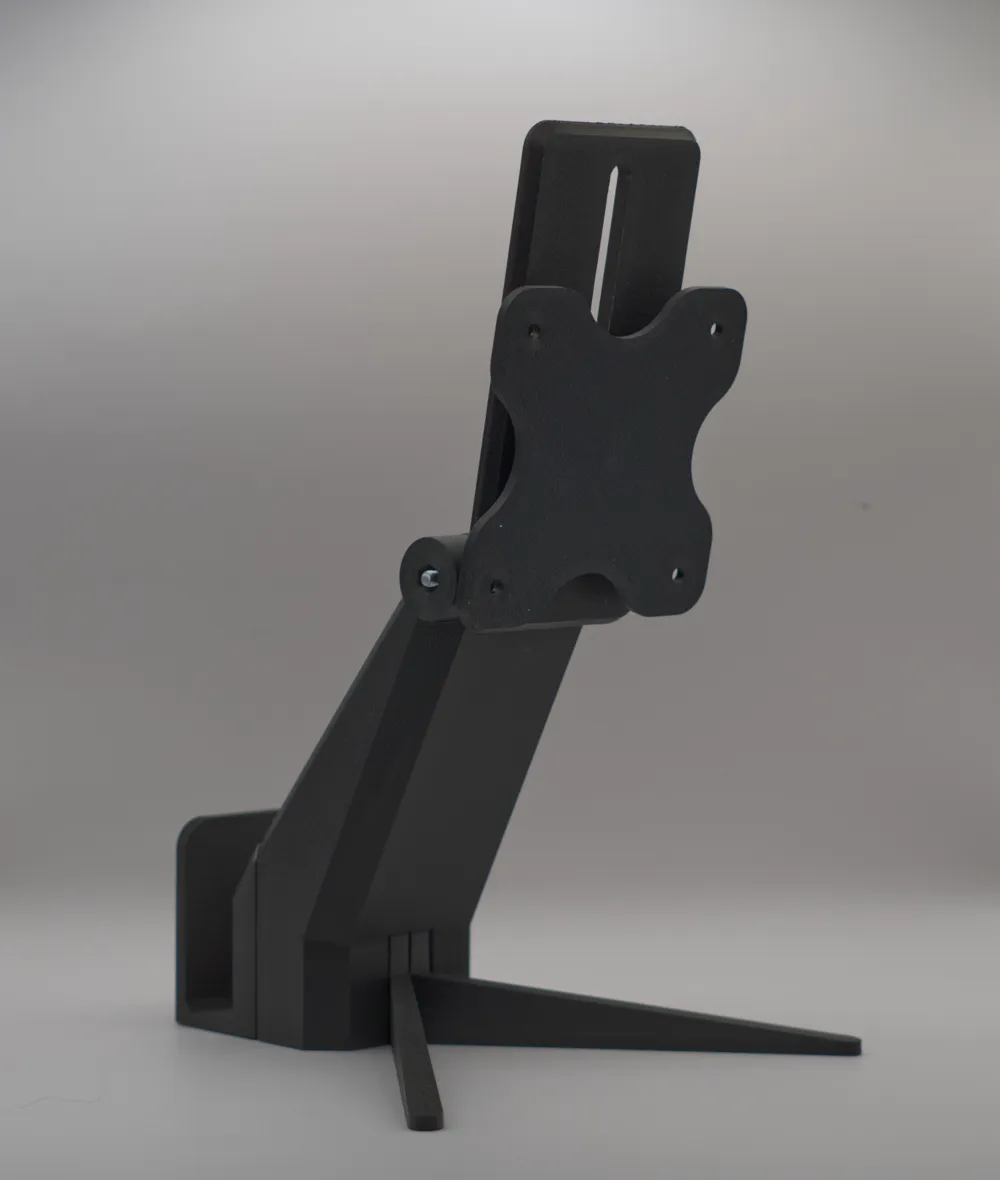
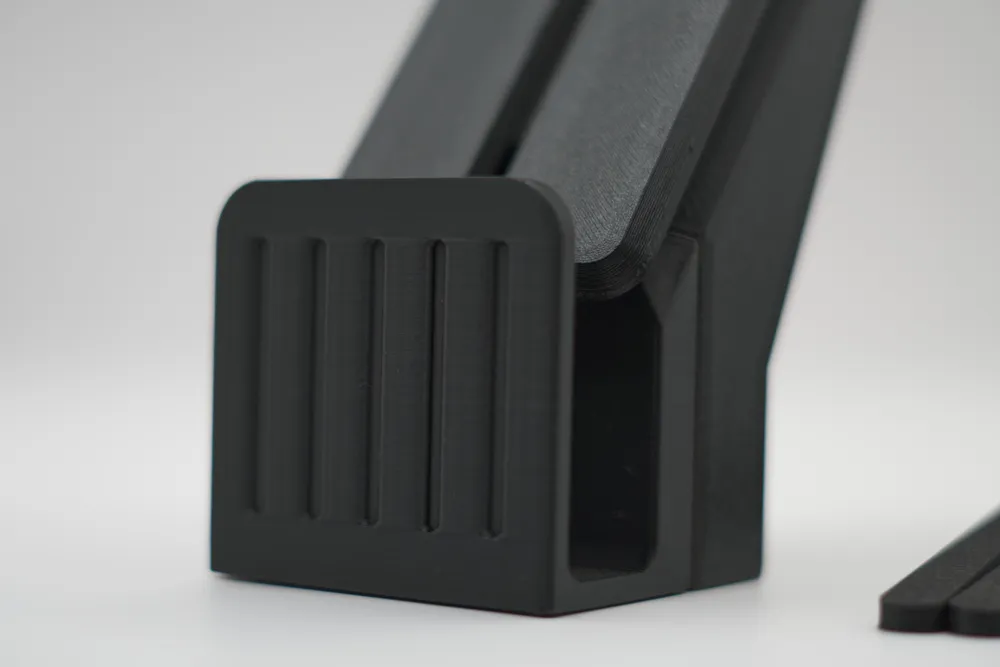
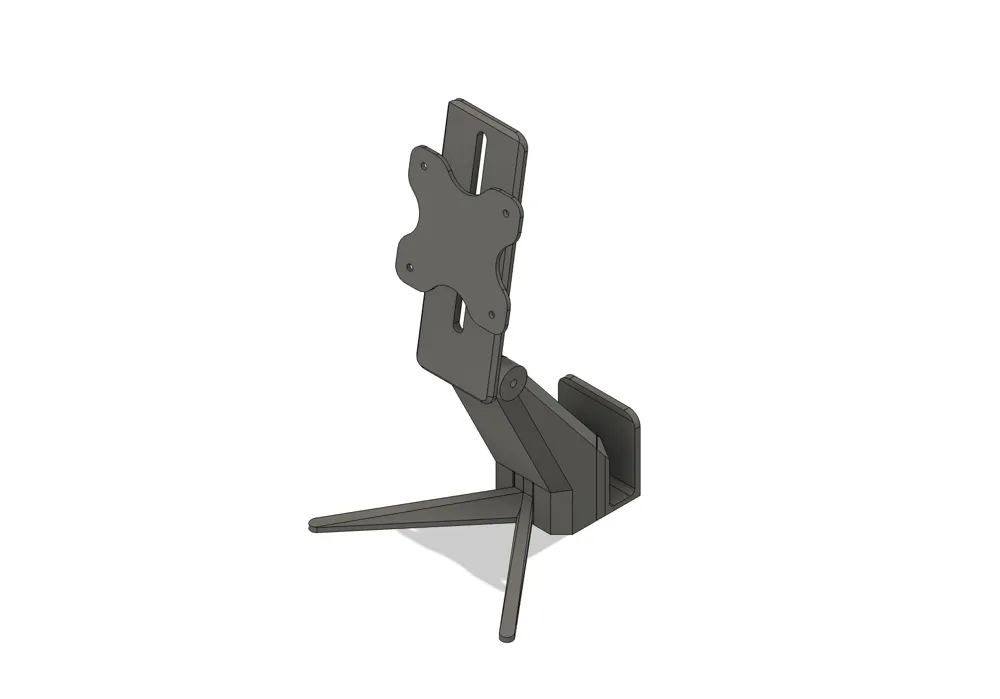
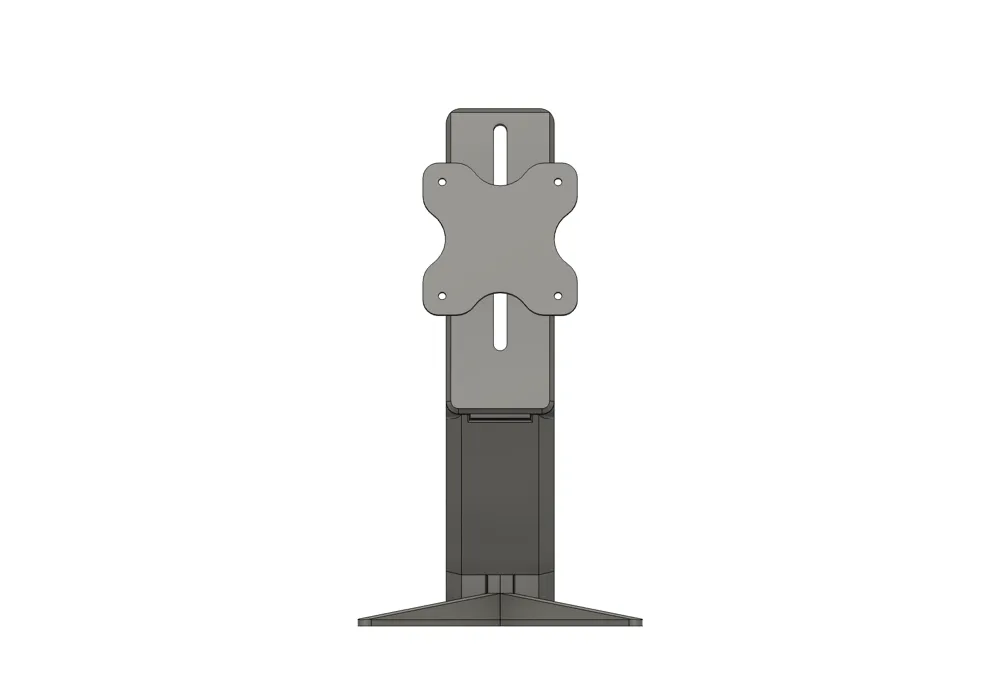
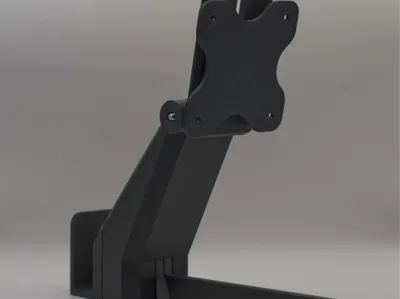
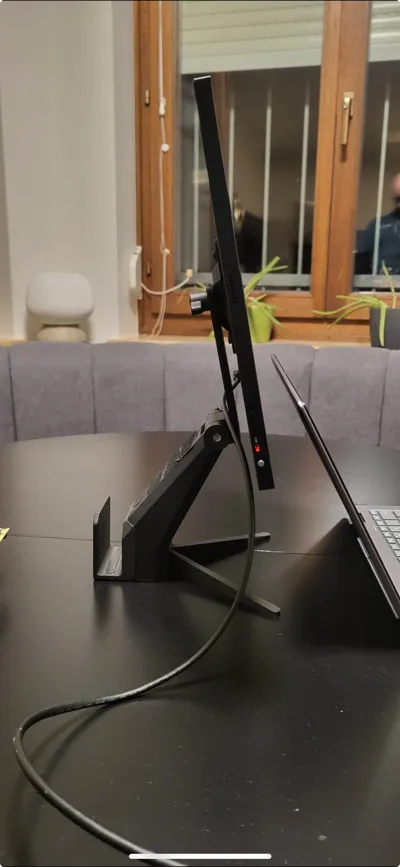
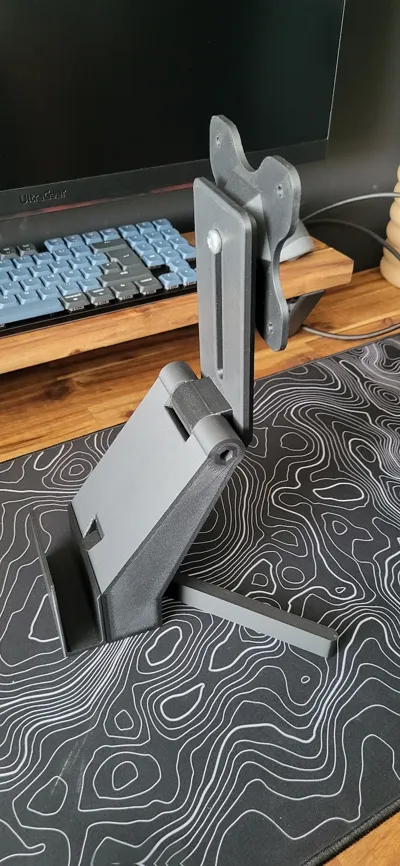
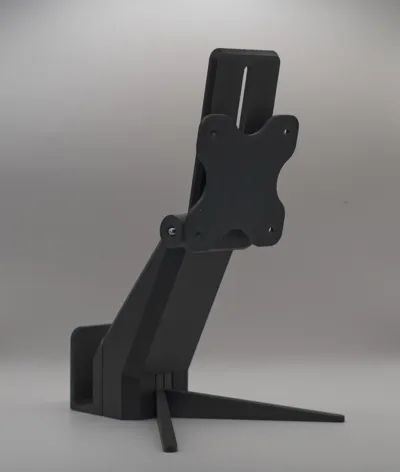
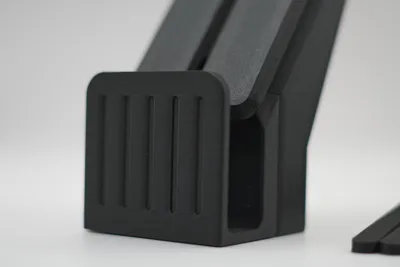
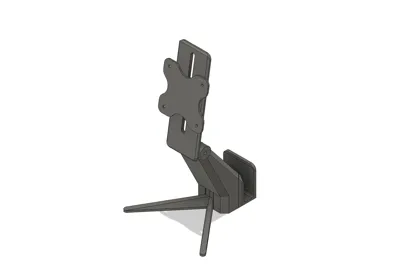
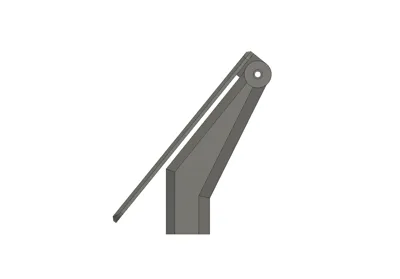
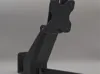
This portable stand combines a VESA-compatible monitor mount with a rear laptop slot, creating a compact and adjustable workstation. Simply mount your portable display to the VESA plate, slide your laptop into the rear dock, and you're ready to work anywhere. The weight of the laptop in addition to the legs will hold everything together. The stand is fully modular: both the stabilizing legs and the laptop holder are slot-mounted for easy assembly and transport. The height adjustment can be folded down so you don't need a lot of room for the whole thing.
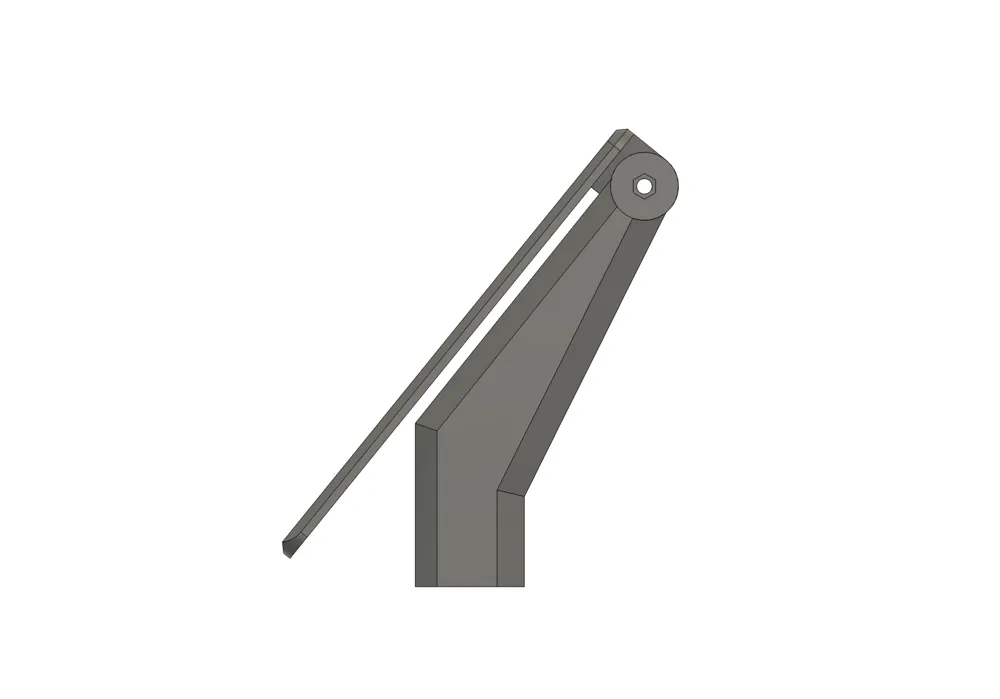
The angled design and two stabilizing legs ensure a secure setup (Please be careful, the laptop is a crucial part, otherwise the monitor will be too heavy). The adjustable height and tilt offer ergonomic comfort. Ideal for digital nomads, remote workers, or tech enthusiasts looking to boost their productivity with minimal gear.
Key Features:
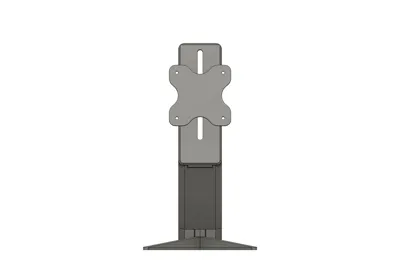
- Fits standard VESA 75x75 monitors
- Stepped-in rear laptop slot (up to 23 mm thickness)
- Modular design: legs and laptop holder are easily slotted in
- Adjustable monitor tilt using a screw + nut system
- Lightweight and portable – ideal for travel setups
- Tool-free assembly and compact transport
- Optimized for FDM 3D printing with no support
Assembly:
- Laptop Stand will slide into the main body
- Legs will slide into the main body
- The print profile adds a pause for the VESA mount to add an M8 nut - you will need a 10-12mm long thumb M8 screw knob (or something similar to tighten the VESA to the height-adjustment part)
- The height-adjustment part is connected to the main body with a 70mm long thumb M5 screw knob (or simliar) and an M5 nut which locks in place
Disassembly:
- Slide out the legs
- Slide out the laptop stand
- Unscrew the M5 screw - keep the VESA on your monitor
- Loosen up the M8 screw - fold height-adjustment part to main body
License



Comment & Rating (0)