Search models, users, collections, and posts

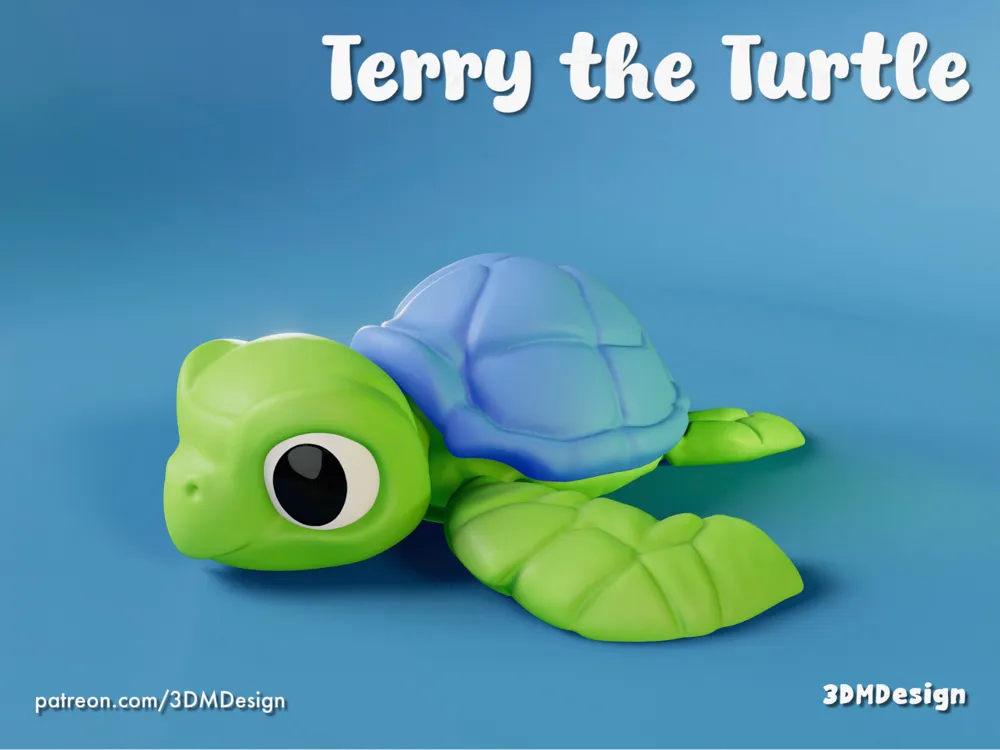
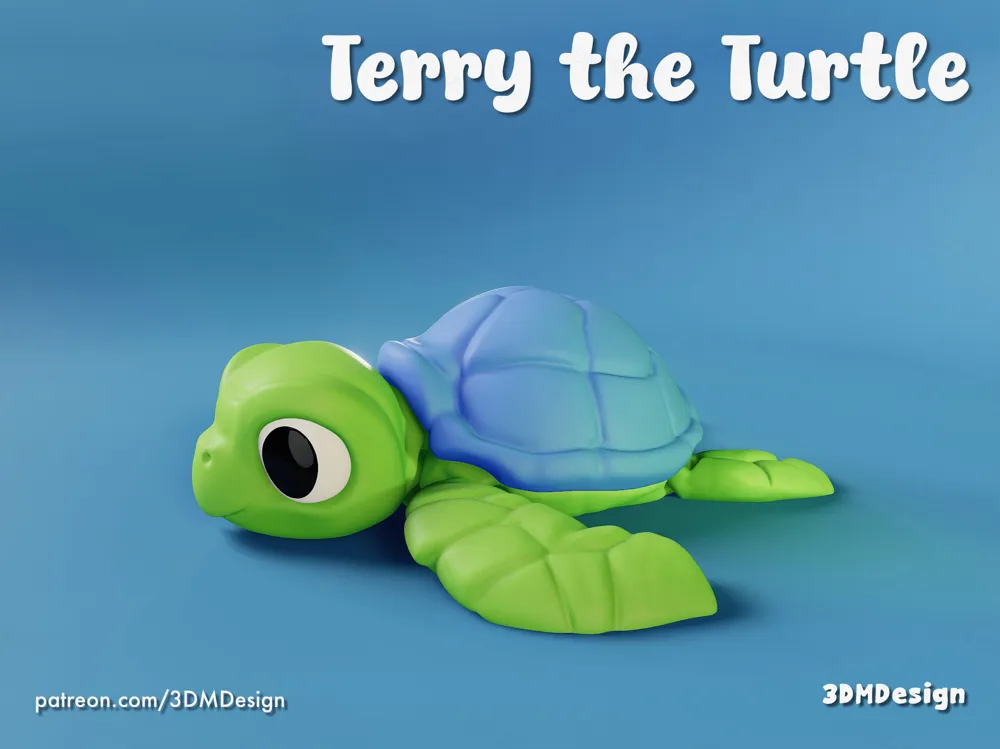
Terry’s Bubble Trouble
Print Profile(3)

All
P1S
A1
P1P
X1E
H2D
A1 mini
X1
X1 Carbon
H2D Pro
H2S
P2S
H2C
X2D
A2L

[Print In Place] 0.2mm layer, 2 walls, 10% infill
[Print In Place] 0.2mm layer, 2 walls, 10% infill
Designer
12.6 h
3 plates
5.0(148)

[Separated Objects] 0.2mm layer, 2 walls, 10% infill
[Separated Objects] 0.2mm layer, 2 walls, 10% infill
Designer
2 h
1 plate
4.9(344)

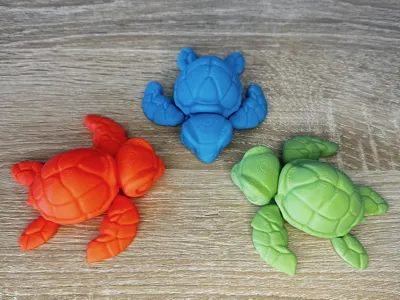
smaller                         and cuter ;)
smaller and cuter ;)
40 min
1 plate
4.8(96)

Open in Bambu Studio
Boost
3744
8722
646
395
7.5 k
4.6 k
Released 

Bill of Materials

Bambu Filaments
Select all
Mistletoe Green (10502) / Refill / 1kg
Bright Green (10503) / Refill / 1kg
Black (10101) / Refill / 1kg
Jade White (10100) / Refill / 1kg

Description

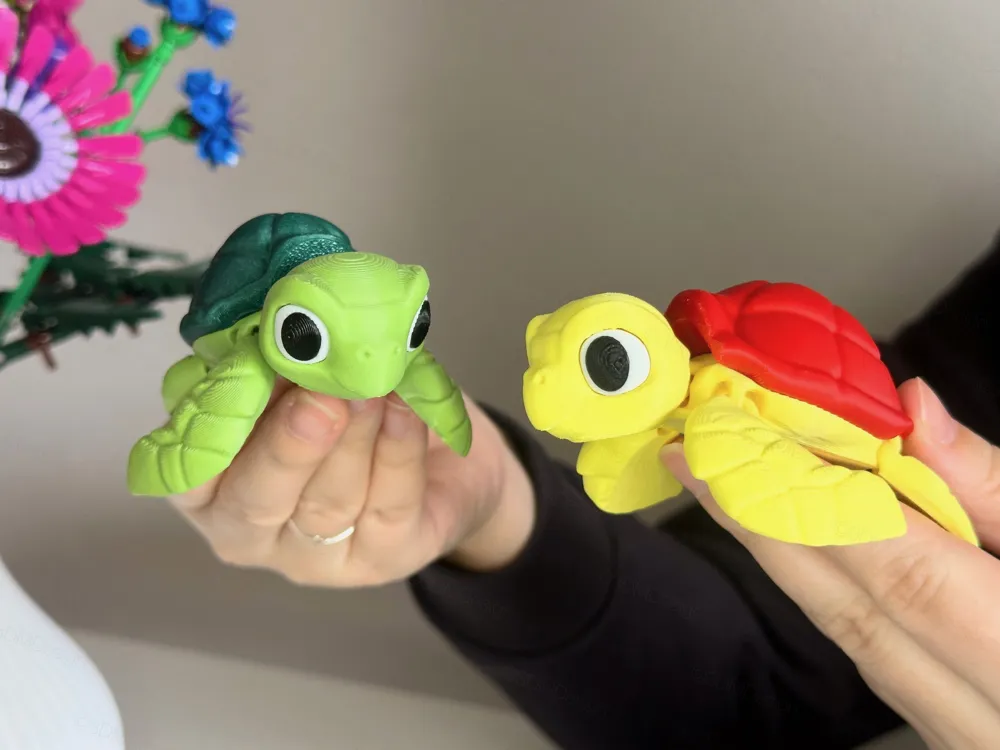
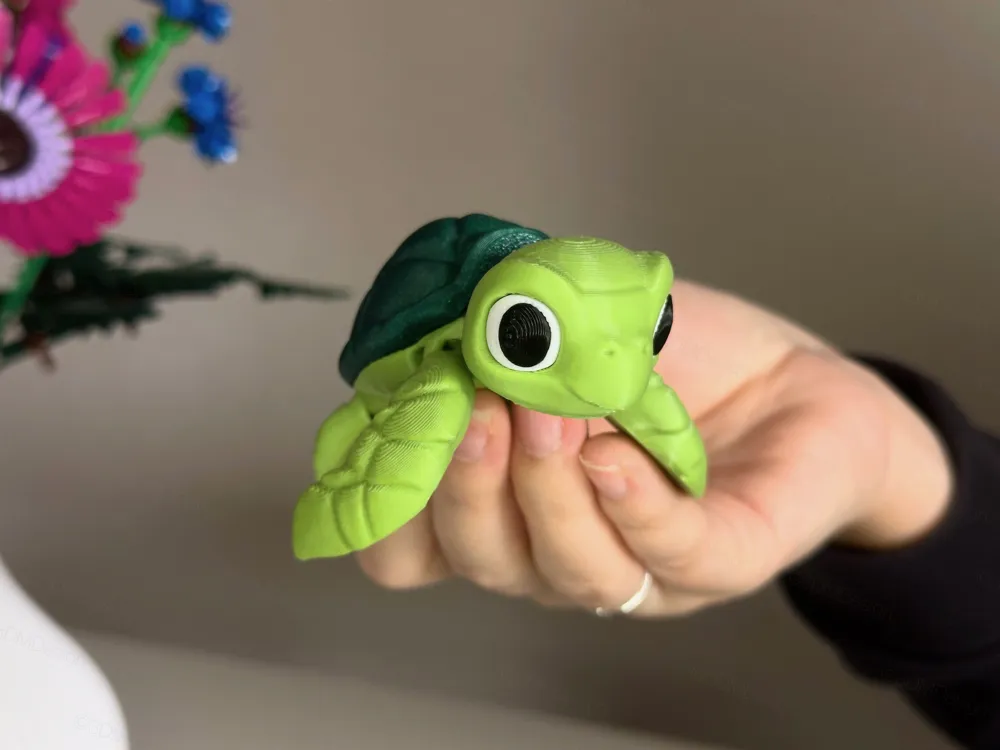
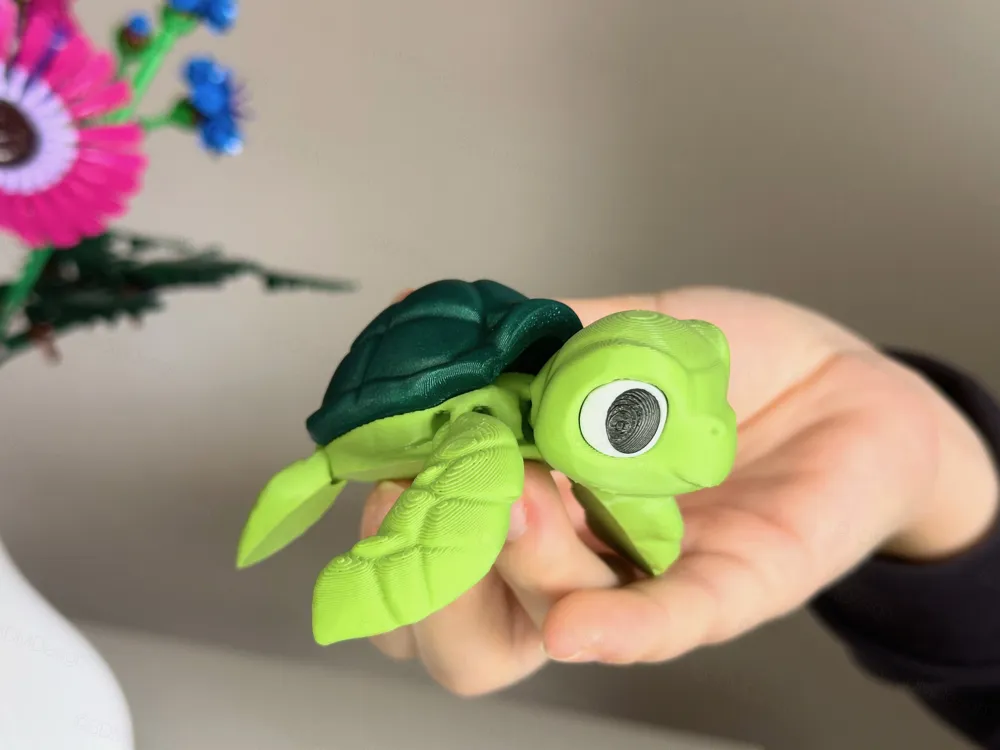
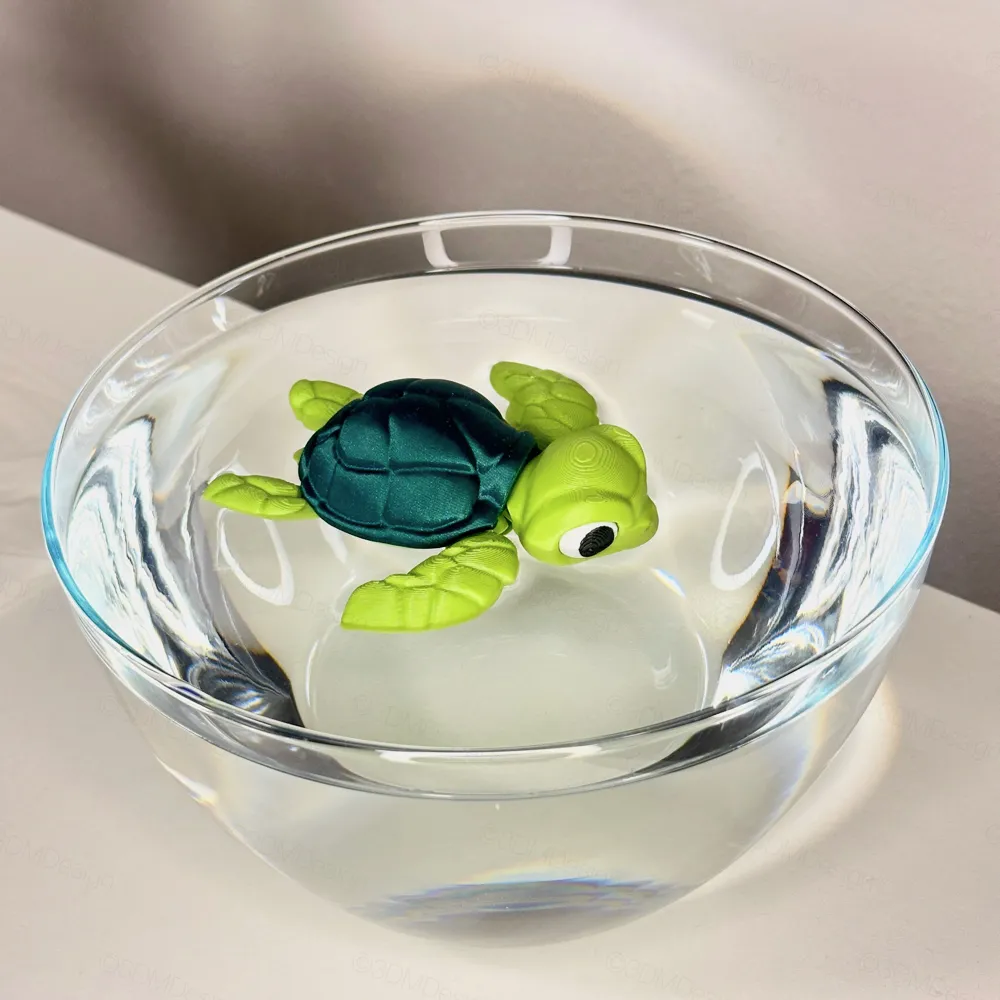
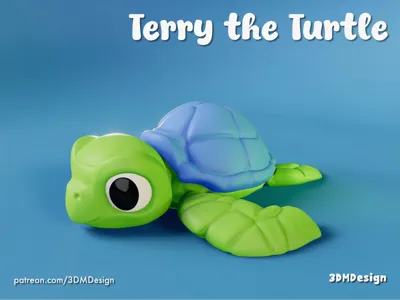
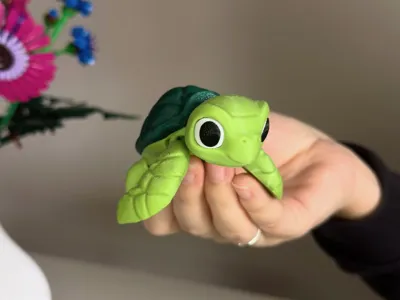
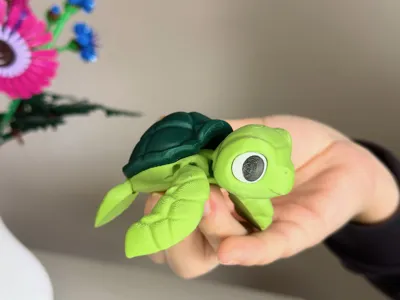
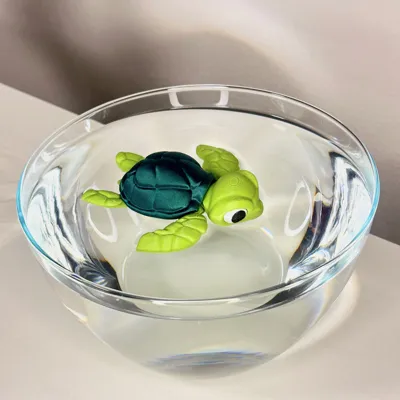
One day, Terry the Turtle discovered bubbles floating up from the sand. “Treasure?!” he thought excitedly. 🐢✨


He dove down, only to realize it was just a crab blowing bubbles for fun 🦀💭. Disappointed but determined, Terry joined in and accidentally created the biggest bubble ever. It lifted him right off the ocean floor!


“Help!” Terry shouted as he floated to the surface. The crab just waved and said, “See ya, balloon boy!”


Terry’s still not sure if he’s an explorer or an accidental bubble artist, but hey, at least he got a free ride. 🌊🎈


For a multicolor printing profile, check out my Patreon.

Enjoying my free models? Join my Patreon and unlock even more:

Commercial license – sell my models legally!
Exclusive models you won’t find anywhere else
Early access to new designs before anyone else
And most importantly – support my work so I can create even more awesome models!

Support my work and get exclusive perks! 💙

https://patreon.com/3DMDesign

Boost Me (for free)

If you like my 3D models, I’d really appreciate it if you could support me with a Boost. 💖

Comment & Rating (646)

(0/1000)

Print Profile
[Print In Place] 0.2mm layer, 2 walls, 10% infill
Thank you, for my wife’s third grade class.
3
Reply
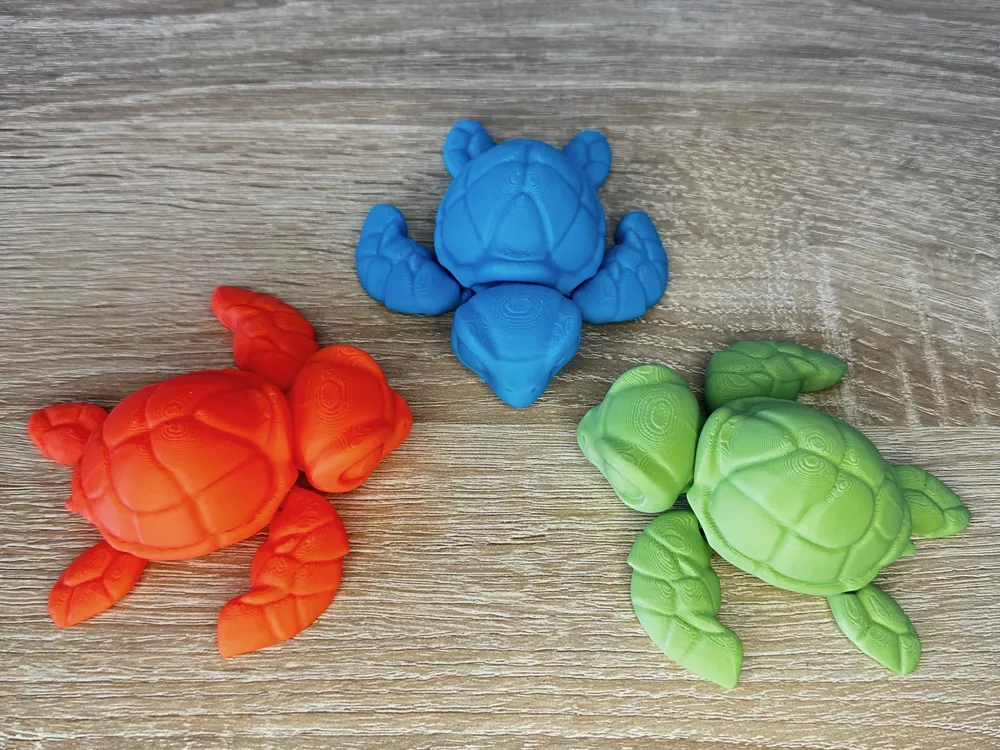
Printed at 0.2mm layer height in separate pieces on my H2D and glued together. Thanks so much for labeling the eye pieces to make assembly super easy!! I love it.
The designer has replied
0
Reply
😍
1
Reply
How do you separate the pieces to print separately???
0
Reply
Replying to @user_4045890780 :
In Bambu Studio, Scroll down to Special Mode, Print Sequence. Select by object. You will need to select similar colors and then Merge them. Also recommend that you right click on the build plate and then select Arrange. I will be printing a batch in the next week or so and this is the process I will use. Good luck!
0
Reply
Print Profile
[Separated Objects] 0.2mm layer, 2 walls, 10% infill
Turned out adorable. Thank you!
1
Reply
Print Profile
[Print In Place] 0.2mm layer, 2 walls, 10% infill
very satisfied 🐢
Show original
1
Reply
Boosted
Print Profile
[Print In Place] 0.2mm layer, 2 walls, 10% infill
So adorable! It printed wonderfully. Only had to select the colors from my phone and hit print. 10/10 Great model and print profile
1
Reply
Print Profile
[Separated Objects] 0.2mm layer, 2 walls, 10% infill
love it
1
Reply
Boosted
Print Profile
[Separated Objects] 0.2mm layer, 2 walls, 10% infill
Very good model! Printing without AMS. Bambu A1, Sunlu PLA+
1
Reply
Print Profile
[Separated Objects] 0.2mm layer, 2 walls, 10% infill
so cute, thanks
1
Reply
Print Profile
[Separated Objects] 0.2mm layer, 2 walls, 10% infill
love it
(Edited)
1
Reply
Print Profile
[Separated Objects] 0.2mm layer, 2 walls, 10% infill
love it thank you
(Edited)
1
Reply

License

This user content is licensed under a Standard Digital File License.

You shall not share, sub-license, sell, rent, host, transfer, or distribute in any way the digital or 3D printed versions of this object, nor any other derivative work of this object in its digital or physical format (including - but not limited to - remixes of this object, and hosting on other digital platforms). The objects may not be used without permission in any way whatsoever in which you charge money, or collect fees.