
Dual AMS PRO 2 Riser System

Print Profile(2)
Description
Boost Me (for free)
If you appreciate the time and effort I have put into designing this then please share your boost. Thank you for downloading and printing my system.
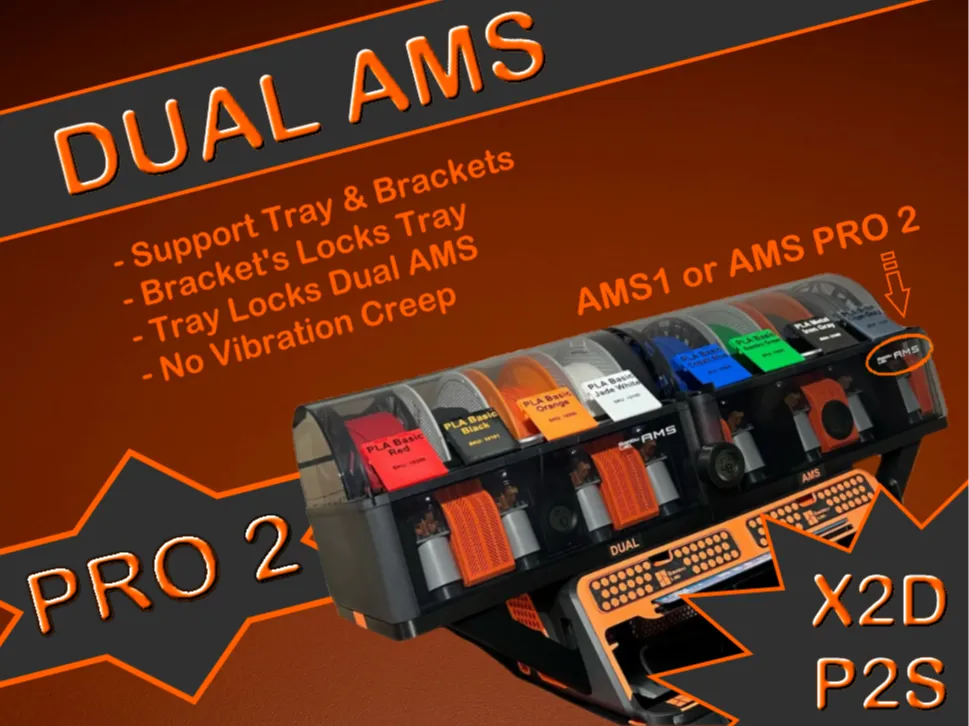
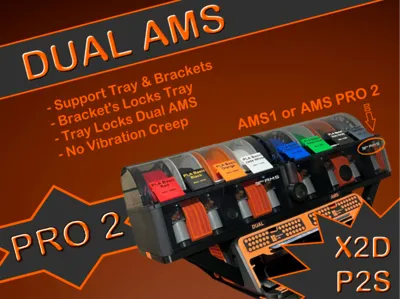
This DUAL AMS system is for the X2D and P2S printers only.
_______________________________________________
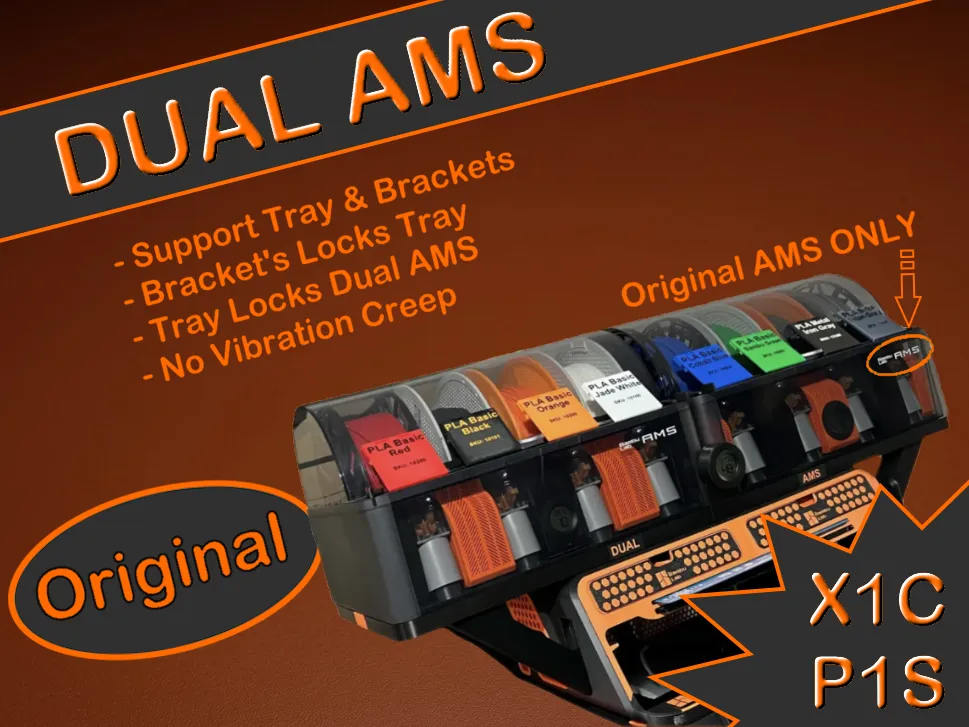
For the X1C and P1S use this model
_______________________________________________
PLEASE ENSURE YOU SELECT THE CORRECT PROFILE FOR THE RISER
1: For AMS Riser V3 for P2S by maCyo42 use the first print profile labelled accordingly.
2: For BLV AMS Riser V4 by @benlevi use the second print profile labelled accordingly.
_______________________________________________
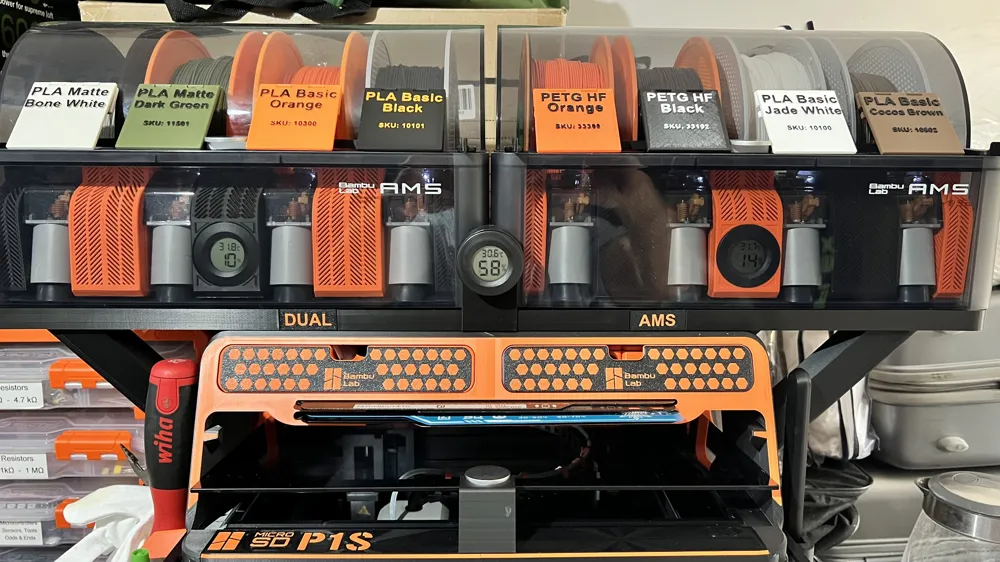
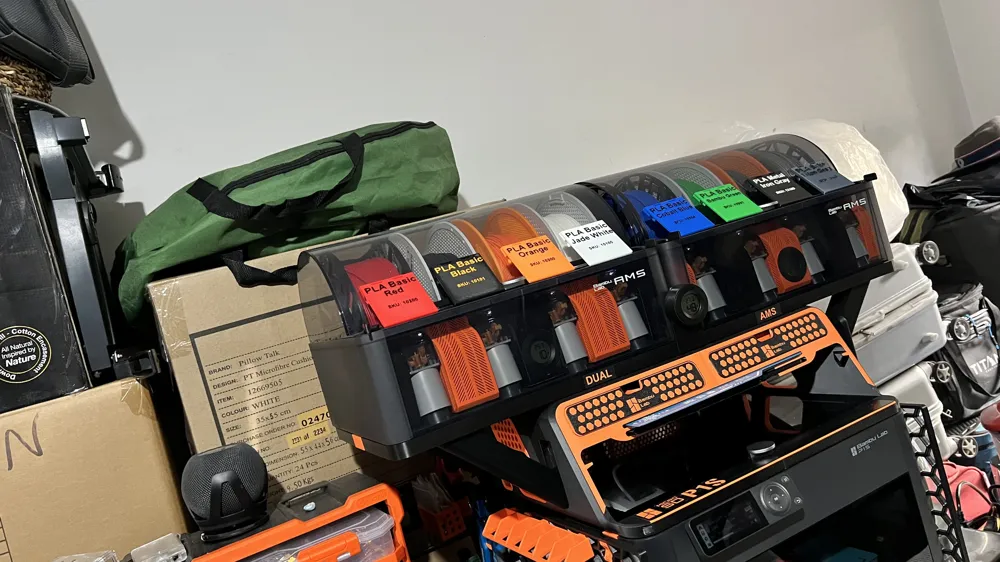
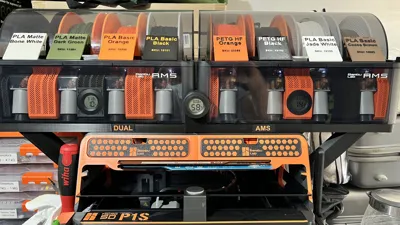
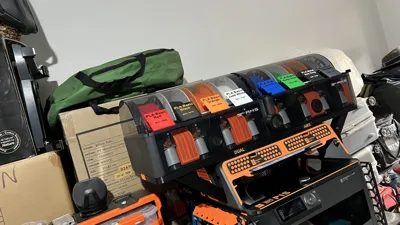
This Dual AMS System can accommodate both the original AMS and the AMS PRO 2 (if you have one of each) or even if you have x2 AMS PRO 2‘s (lucky you!).
I wanted to mount my two AMS above the riser due to workspace limitations and the solutions available on Makerworld had their issues such as not securing the AMS's which were prone to vibration creep & danger of actually falling off!
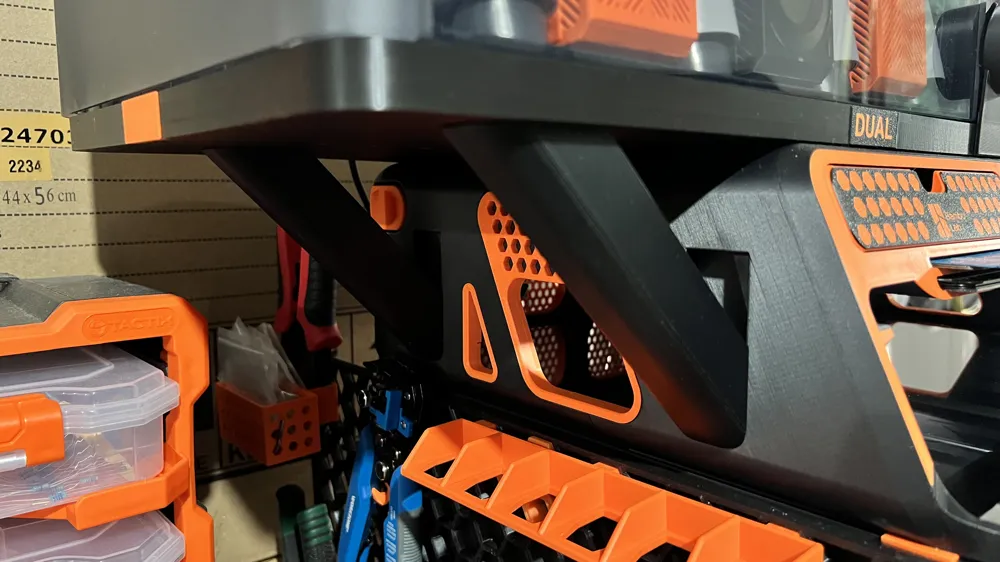
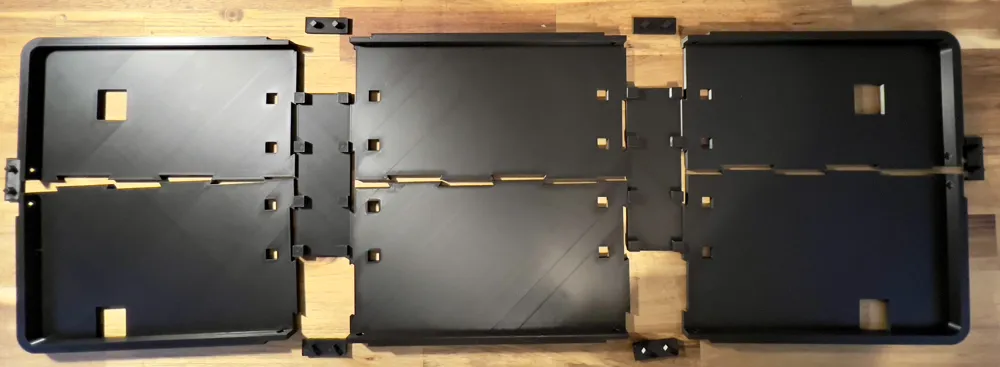
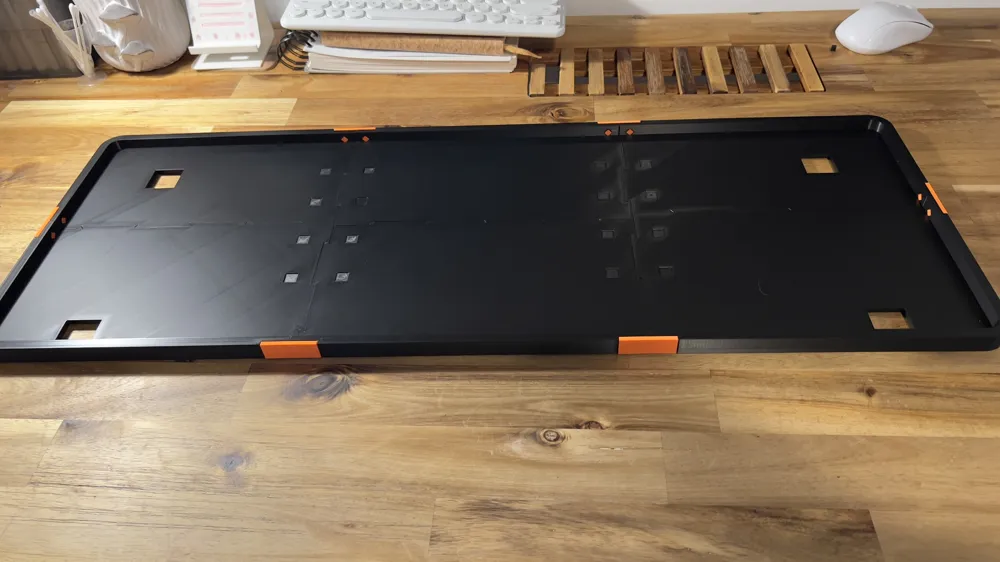
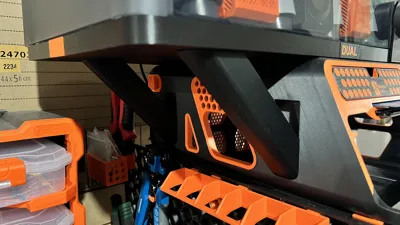
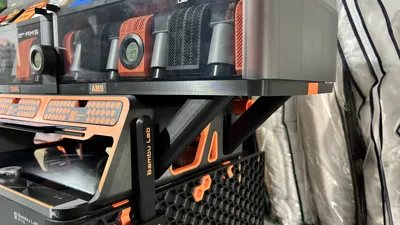
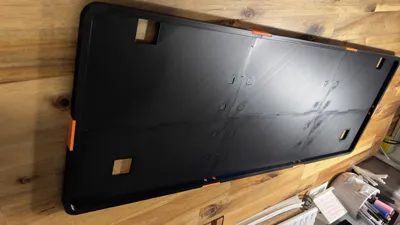
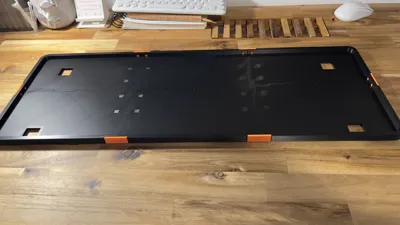
This solution creates a tray that the two AMS sit within and so cannot fall off. The tray has square holes which nestle snuggly onto the top of each bracket (I decided against using 3 brackets to allow for a spool holder due to my concerns over structural stability - if you choose to omit the rear left bracket so as to mount a spool holder, I take no responsibility if the tray warps / breaks). With the tray secured snuggly onto the tops of the brackets the tray cannot move and therefore neither do your AMS's.
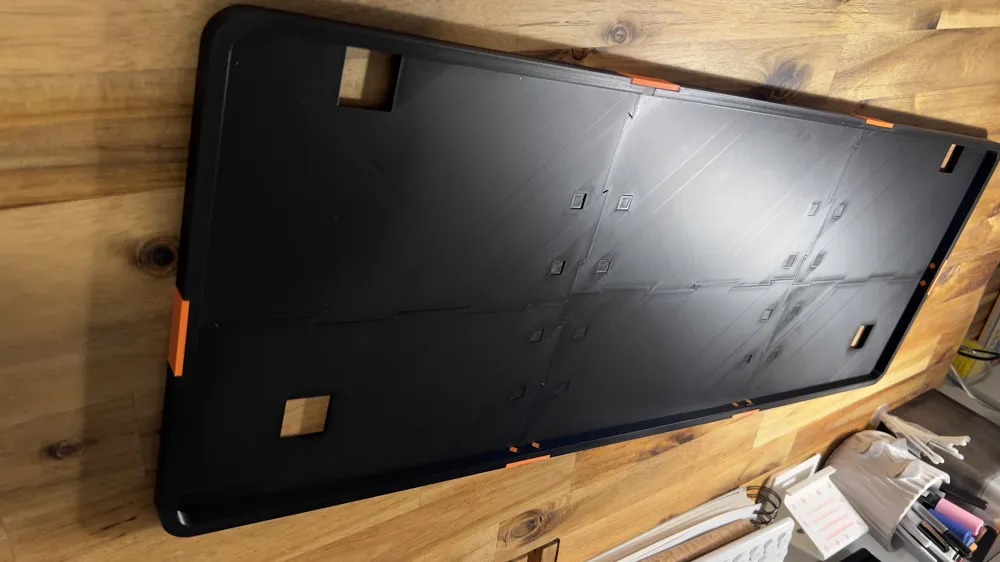
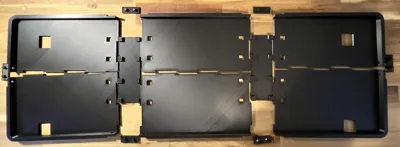
The tray is composed of 6 pieces (rear left, rear middle, rear right, front left, front middle and front right) which interlock with dovetail joints. These are quite snug (0.1mm allowance) which you can glue if you choose but this isn't necessary as these joints are not what holds this together. There are two plates each with 8 pegs which lock all the tray pieces together. Apply a little superglue (I used Gorilla Gel as it's easier to work with) at the base/edge of each peg then press the tray pieces onto these. These two plates are designed to accommodate the 2.5mm dip from the Risers top edge so that the tray's weight (and of course that of the 2 AMS's) is spread over the brackets, the Riser's edge lip and the Riser's main body (the central part of the top of the riser which is 2.5mm below the rim of the Riser).
Finally, both to help secure all tray pieces together and also for aesthetics there are 6 clips which attach to the outside edge of the tray pieces. You can print these clips in whatever colour matches the theme of your setup (black n orange for me) or simply keep same colour as the tray & brackets. There are two clips with text on each “DUAL” and “AMS”. You can of course change these by changing the ‘Process’ settings in Bambu Studio from ‘global’ to ‘objects’, clicking on plate 8 with the two clips which will select the plate on the settings pane for you to alter. Right click on “AMS” or “DUAL” and select ‘edit text’.
PLATE 7 REQUIRES SUPPORTS
If you use my profile (recommended) you need change nothing, however if you choose to use your own print profile ensure supports “normal(auto)” is ticked for plate 7 only.
__________________________________________________________________________________
BED ADHESION PROBLEMS OR DIFFICULTIES WITH FITTING PIECES TOGETHER
A few community members report 1: bed adhesion problems or 2: having to file down the edges of the clips to fit and 3: Issue with the brackets not fitting with the BLV AMS Riser V4 by @benlevi
These issues are resolved if you follow usual best practice for FDM printing.
1: Bed adhesion is improved by adequately cleaning your build plate with simple soap and water. This will resolve most issues and is all that is needed for this print.
(When printing with materials that shrink e.g. ABS, PA6 then addition of glue to the build plate and warming the chamber prior to print solves that issue.)
2: Adequately dry your filament either in a dedicated drier or in the chamber of your printer (see Bambu Wiki). Moist filament causes poor print quality and reduced accuracy. This tray uses tight tolerances - 0.1mm so needs dry filament.
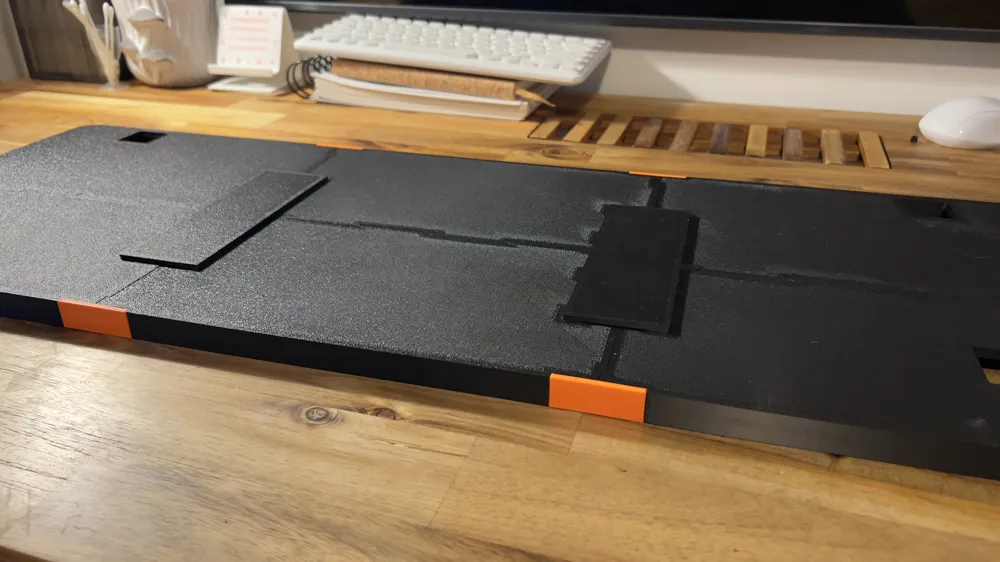
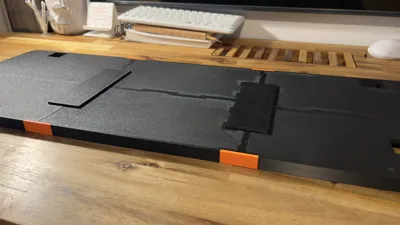
3: Please ensure that you have installed the Modular Panels correctly - see photo. If the brackets are not fitting into the tray you have installed the panels incorrectly.
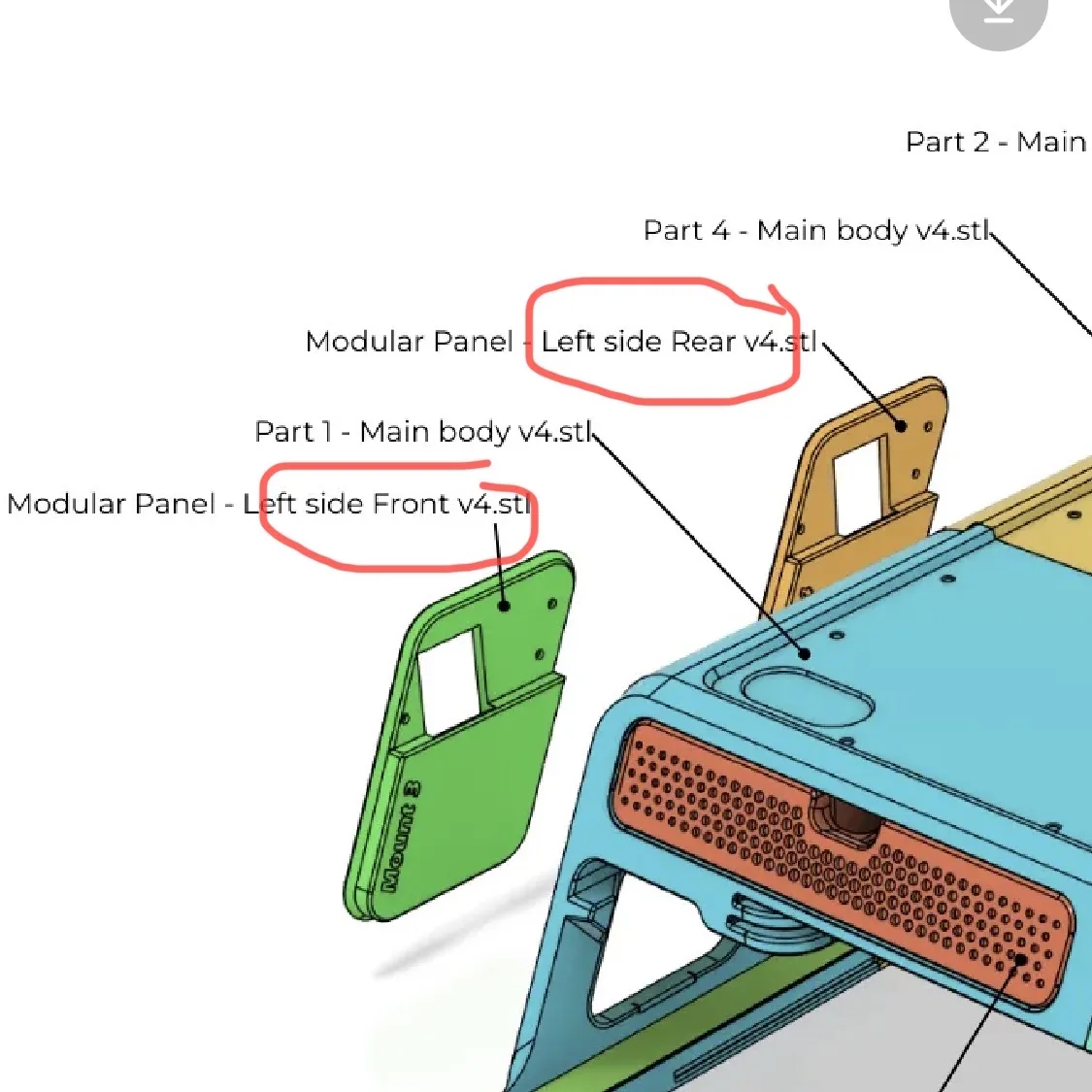
The above recommendations are not simply petty requests by me for this print, they are good practice guidelines for every community member to follow to ensure good quality prints without unnecessary failures.
__________________________________________________________________________________
My print profile has been carefully tweaked for best balance between strength and filament use. The Filament profile “Tuned PLA Basic” reduces the chamber fan to reduce the risk of warping when printing large objects so please use this profile.
A BIG thank you to the many community members that have provided such amazing feedback, questions, suggestions etc. which have helped to improve this system and motivate me for more projects 🙏🙏🙏🙏
Happy printing and please post your photos. We love to see your setup 👍
My other models:
-

-

-
-

-
-
-
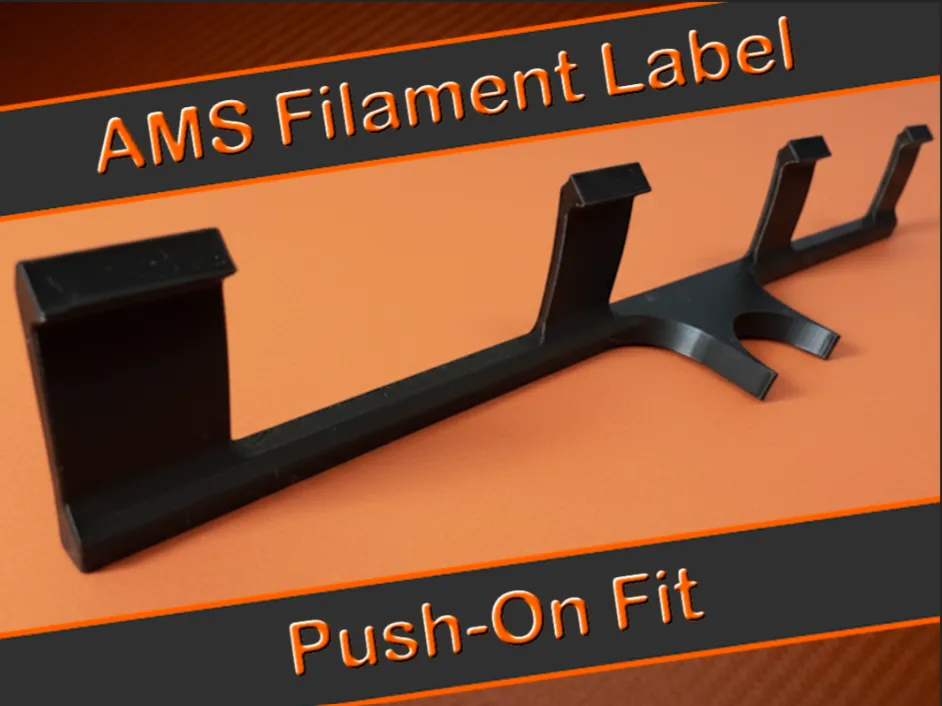
-
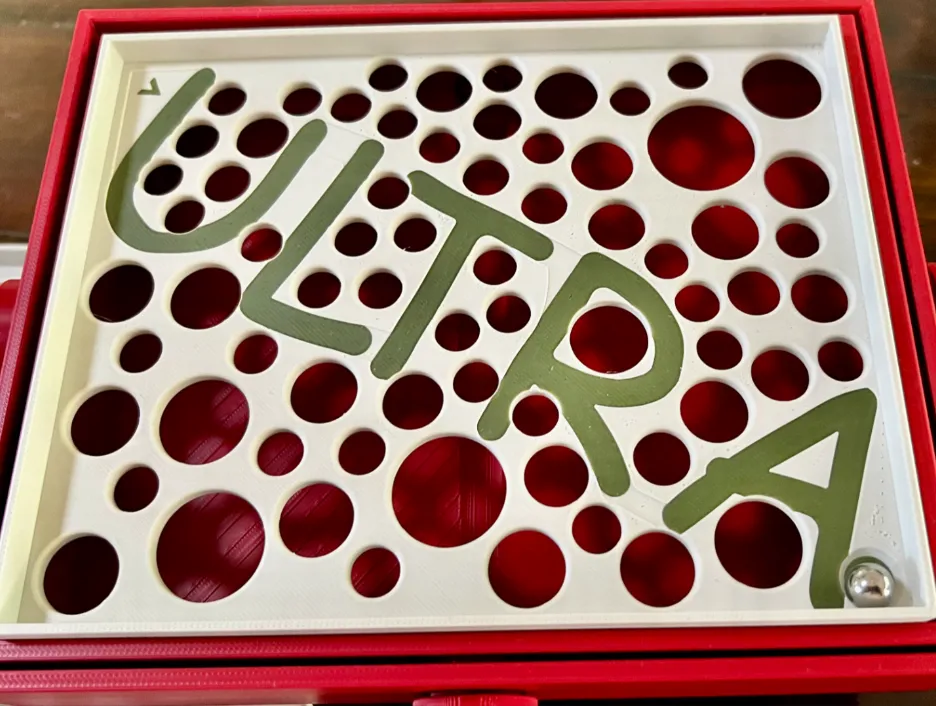
-
License

You shall not share, sub-license, sell, rent, host, transfer, or distribute in any way the digital or 3D printed versions of this object, nor any other derivative work of this object in its digital or physical format (including - but not limited to - remixes of this object, and hosting on other digital platforms). The objects may not be used without permission in any way whatsoever in which you charge money, or collect fees.


Comment & Rating (613)