Search models, users, collections, and posts

LGX Shortcut Copperhead mesh fix
IP Report
Print Profile(1)

0.2mm layer, 2 walls, 15% infill
Designer
18 min
1 plate
Open in Bambu Studio
Boost
2
0
0
0
1
0
Released
Description


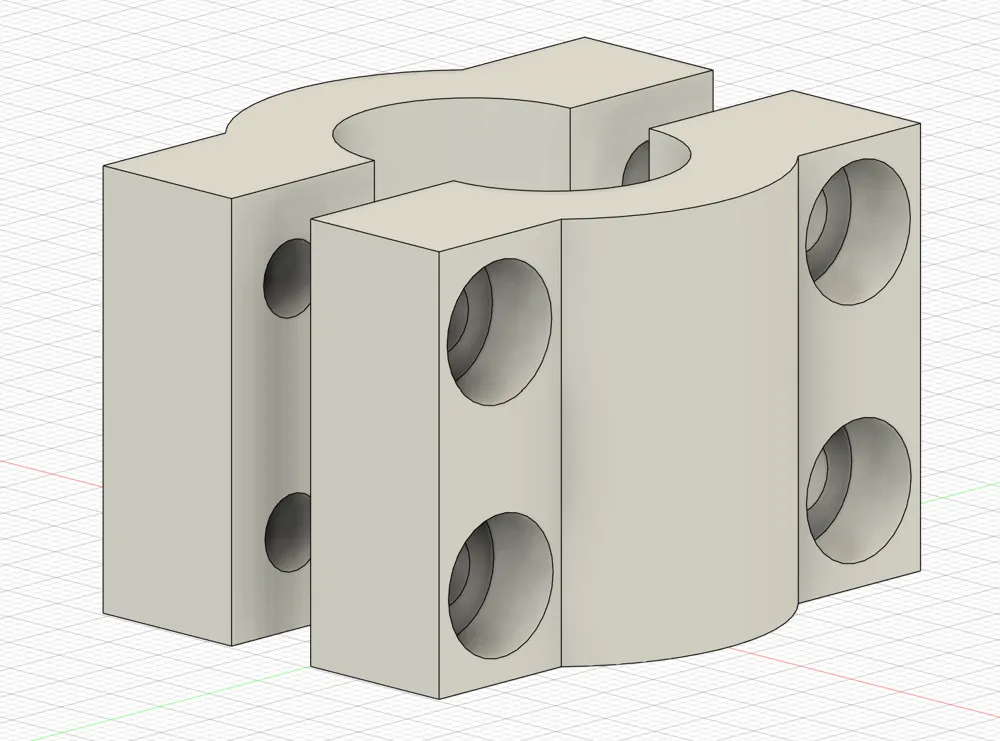
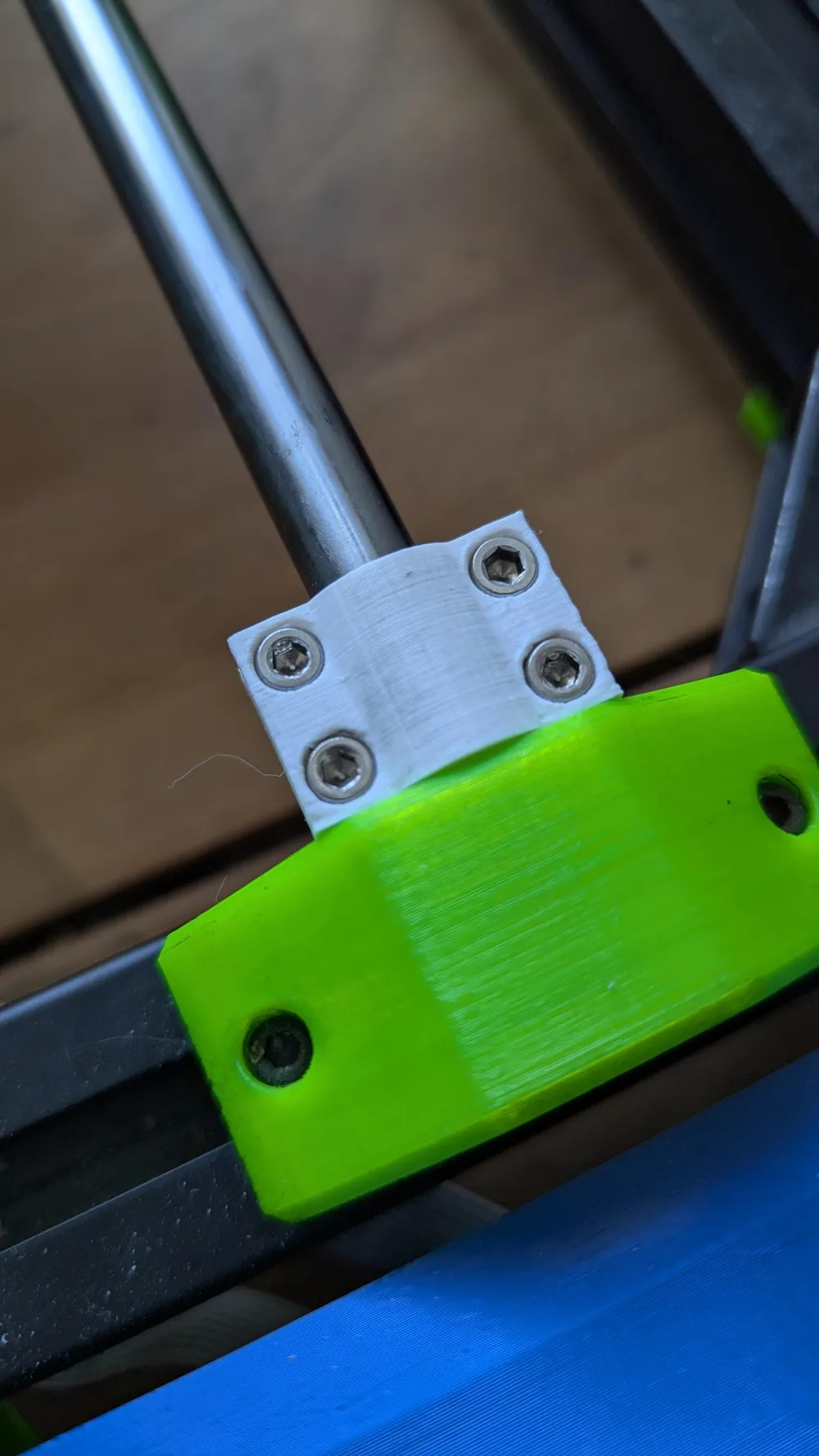
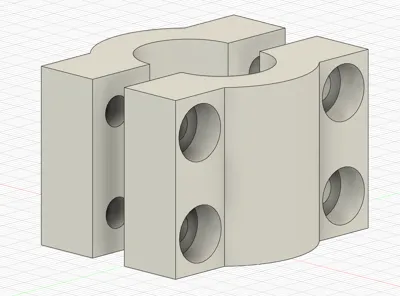
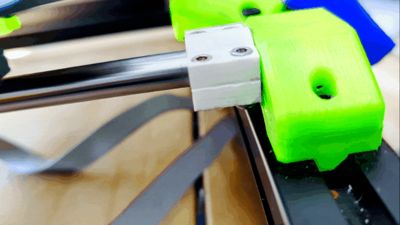
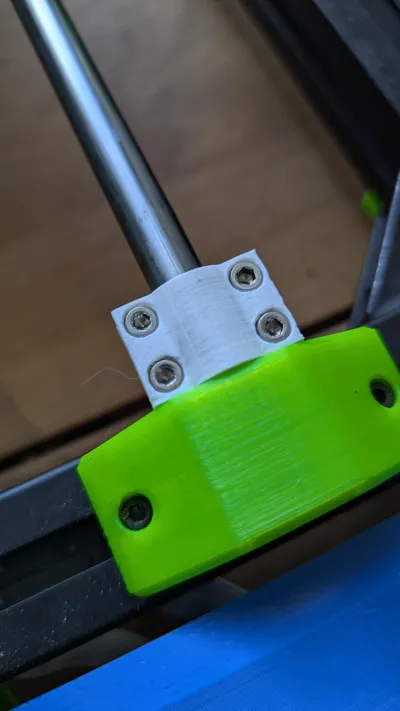
This model is aimed to fix the issue with the Fan shroud of the LGX Shortcut Copperhead for Mk3S upgrade hitting the bed heater connectors when meshing, resulting in a Z crash. You WILL loose about 20cm of Y print volume using this mod.
!!!YOU NEED TO RUN THESE STEPS IN ORDER FOR THE MOD TO WORK!!!

Install the mod and make sure it's screwed in place tight.
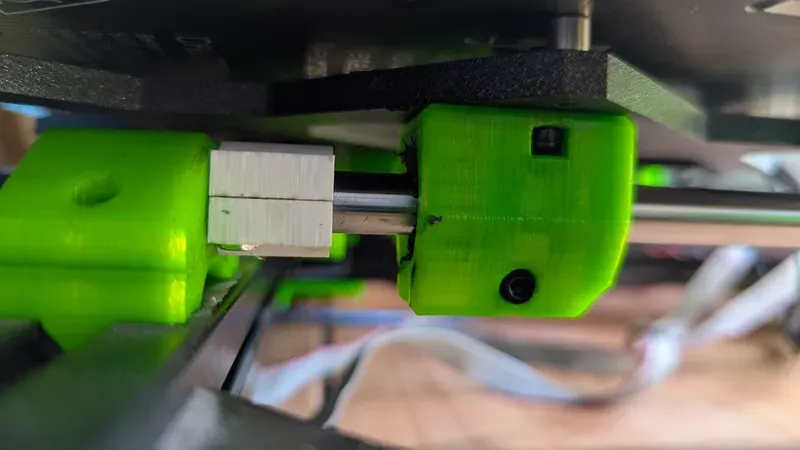
note:
on my machine, the right end stop if further back, which is why it's intended to be mounted on the left rail.
it will likely work on the right rail too if the end stop triggers the same way.
On your printer, navigate to settings → linear corr. → set Y to 30.
In your slicer, navigate to your machine settings → set print volume → reduce the Y area by ~20cm.
Happy printing! 🎉
License

This user content is licensed under a
Creative Commons Attribution-Noncommercial-Share Alike


Comment & Rating (0)