Search models, users, collections, and posts

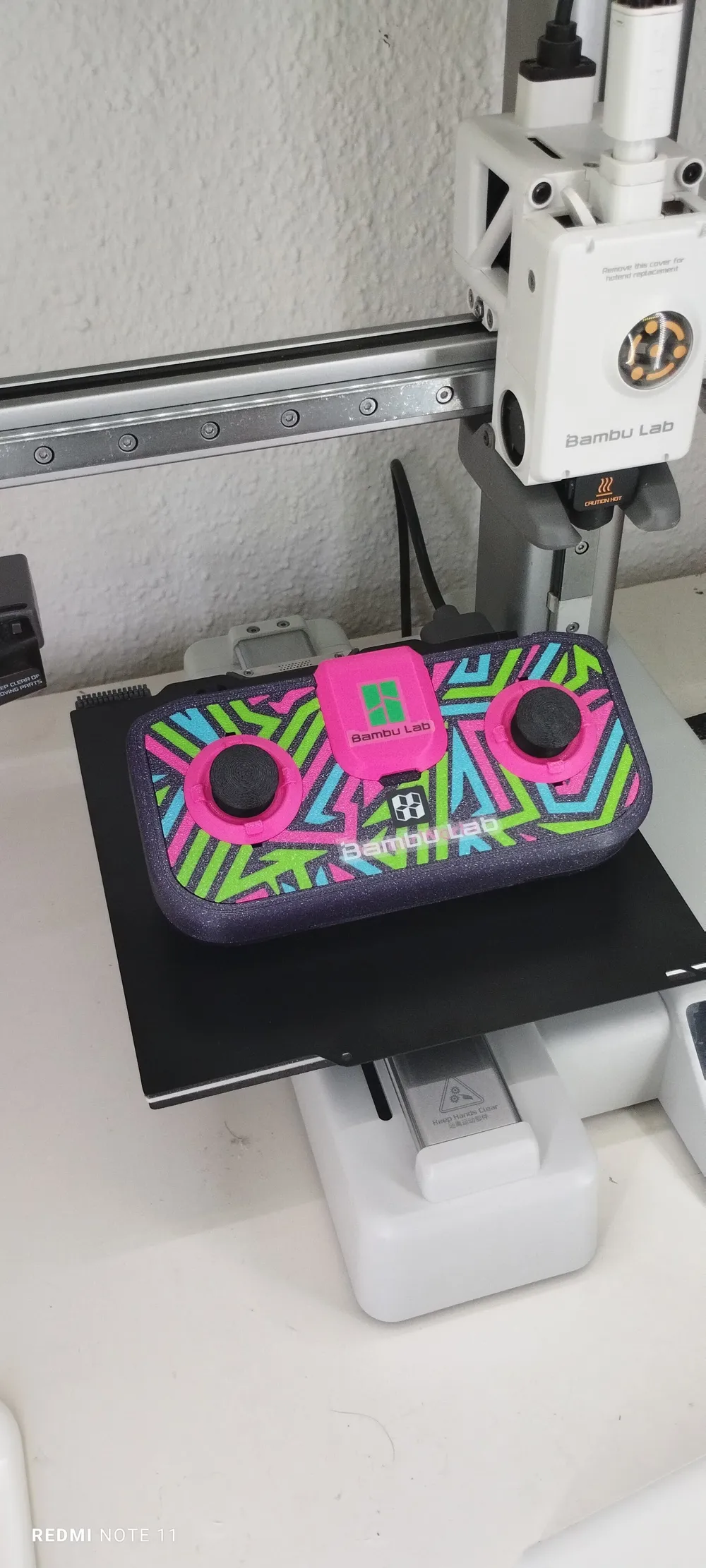
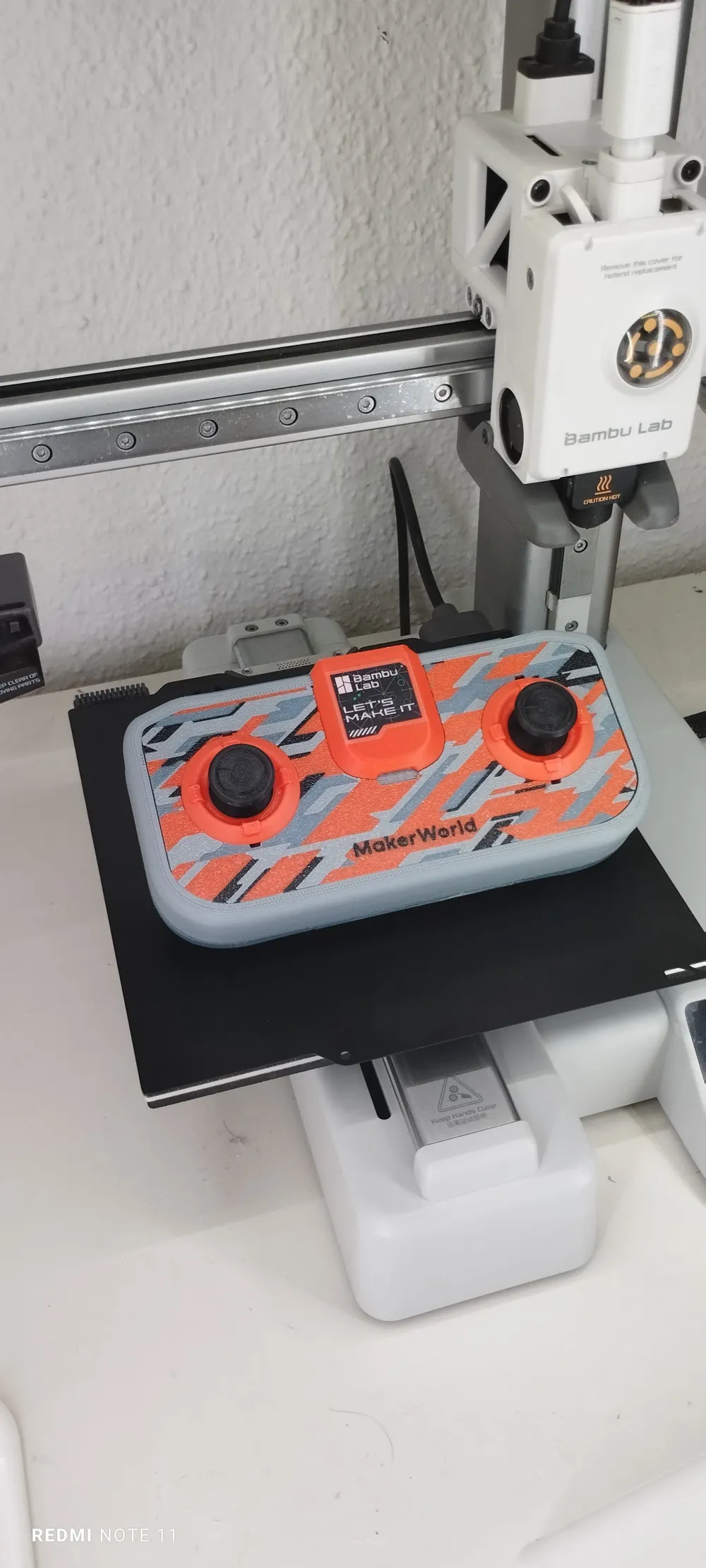
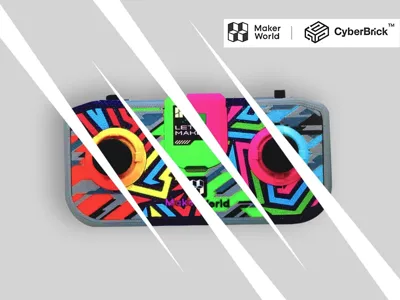
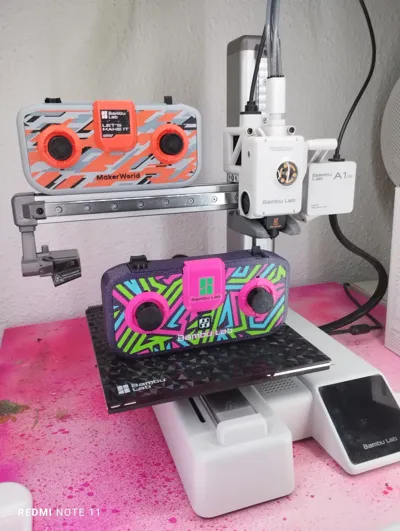
CyberBrick Customizable Remote
Remixed by
IP Report
This model is created by Image to Keychain
Make Your Model

Print Profile(4)

All
A1 mini
H2D
P1P
P1S
X1E
X1 Carbon
A1
X1
H2D Pro
H2S
P2S
H2C
X2D
A2L

0.2mm layer, 2 walls, 15% infill
Designer
11.7 h
5 plates
5.0(92)

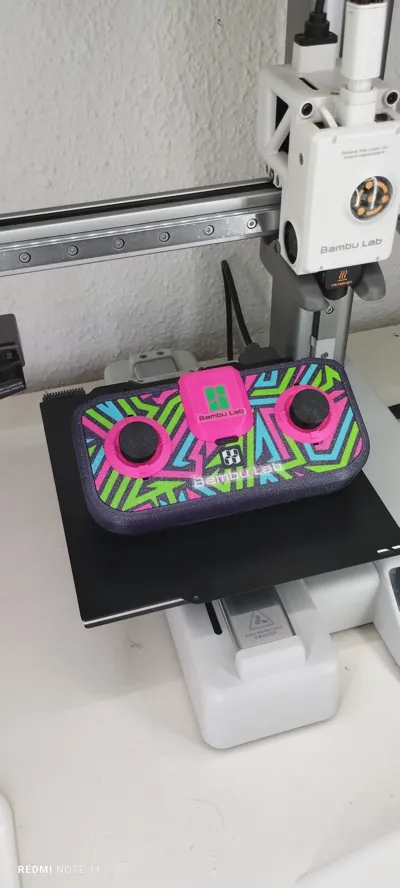
COOL SWIRLY PATTERN! CHECK IT OUT! 0.2mm layer, 15% infill
2.7 h
1 plate
4.8(6)

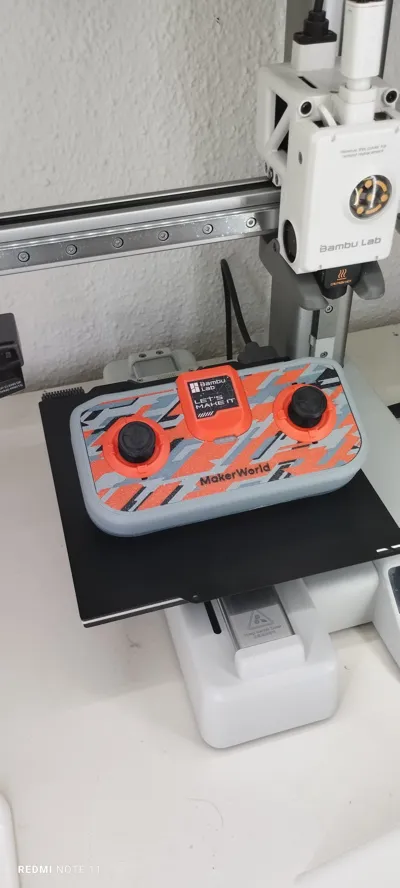
Camo Pattern - 0.2mm layer, 2 walls, 15% infill
2.3 h
1 plate
5.0(5)

Digital camo - 0.2mm layer, 2 walls, 15% infill
2.5 h
1 plate
5.0(2)

Open in Bambu Studio
Boost
528
1219
166
142
1.6 k
685
Released 

Bill of Materials

Maker's Supply Kits and Parts
Select all
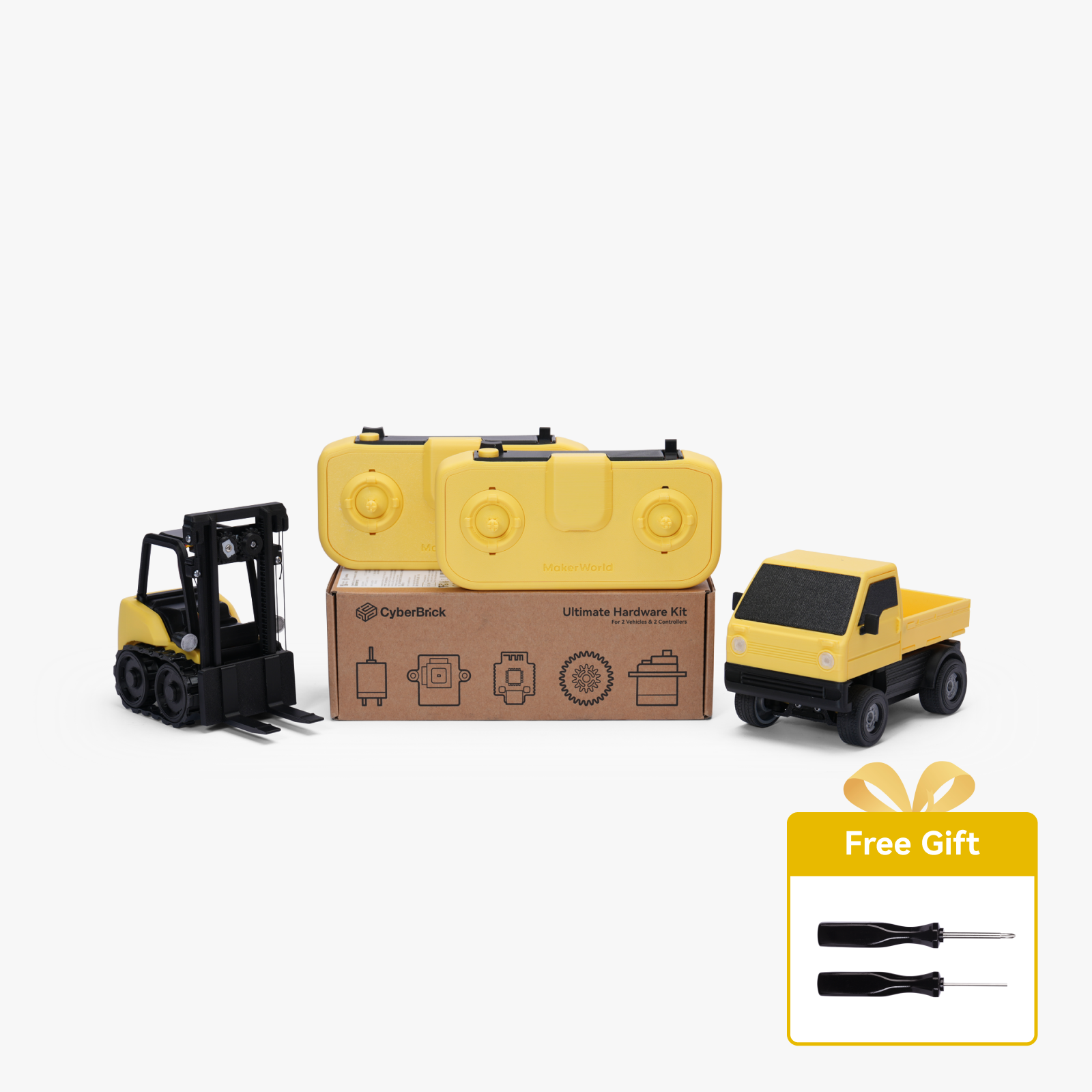
Ultimate Hardware Kit - ZK003 (2 Vehicles 2 Remotes)
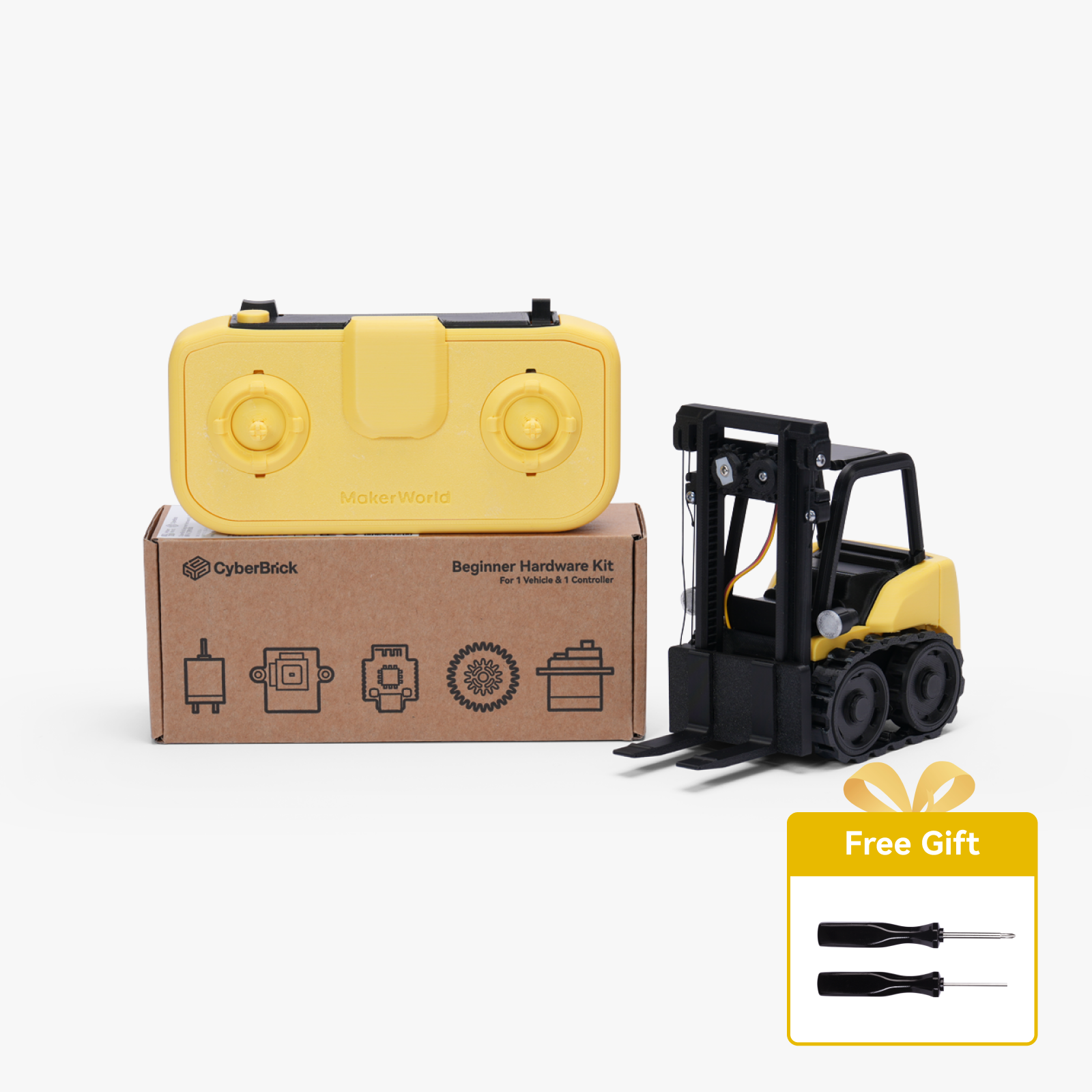
Beginner Hardware Kit - ZK004 (1 Vehicle 1 Remote)
Bambu Filaments
Select all
Red (10200) / Refill / 1kg
Gray (10103) / Refill / 1kg
Bambu Green (10501) / Refill / 1kg
Yellow (10400) / Refill / 1kg
Orange (10300) / Refill / 1kg
Pink (10203) / Refill / 1kg

Description

Boost Me (for free)

FOR MORE AWSOME MODELS

BUY ALL THE REQUIRED ELECTRONICS BELOW !
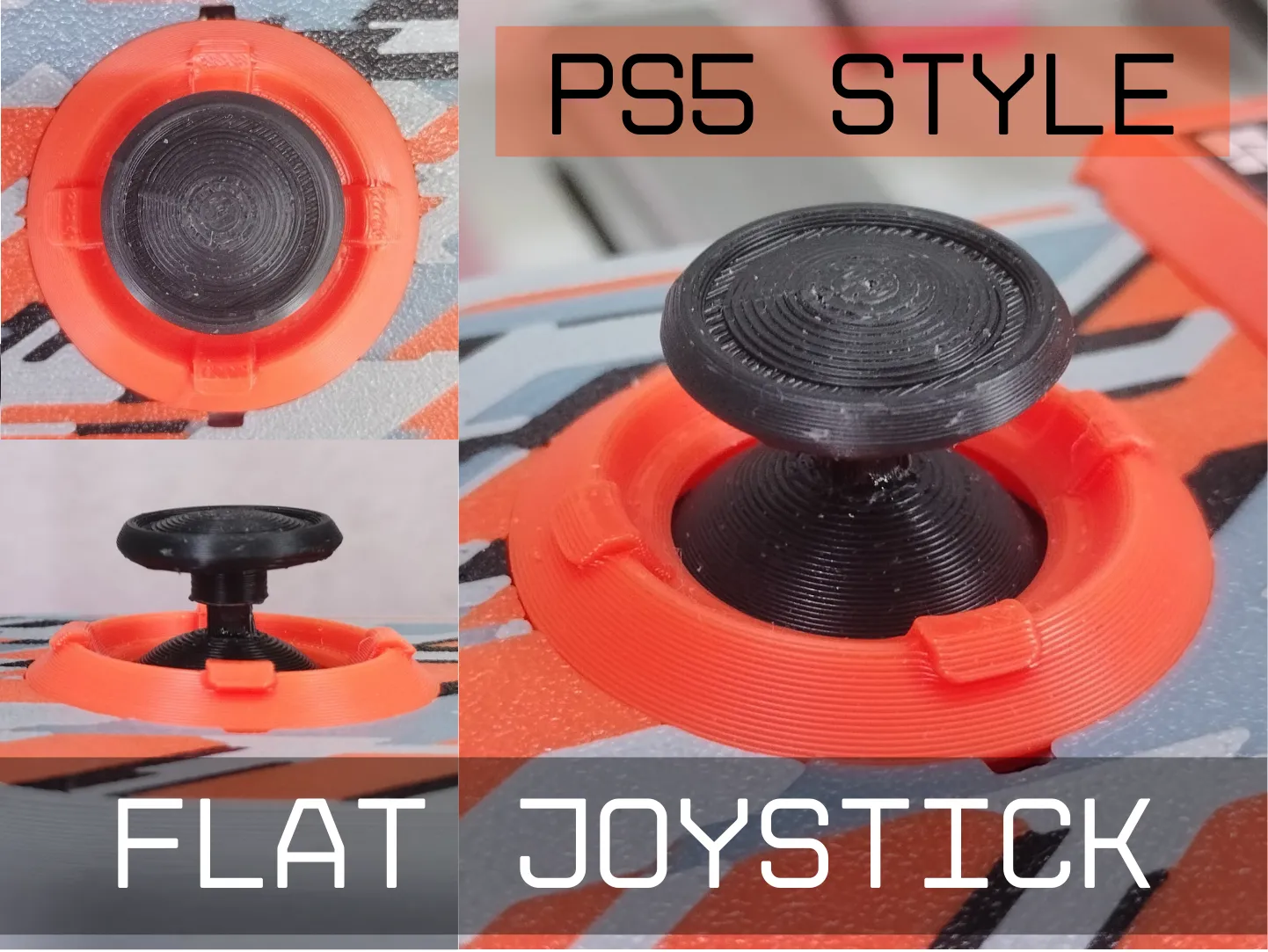


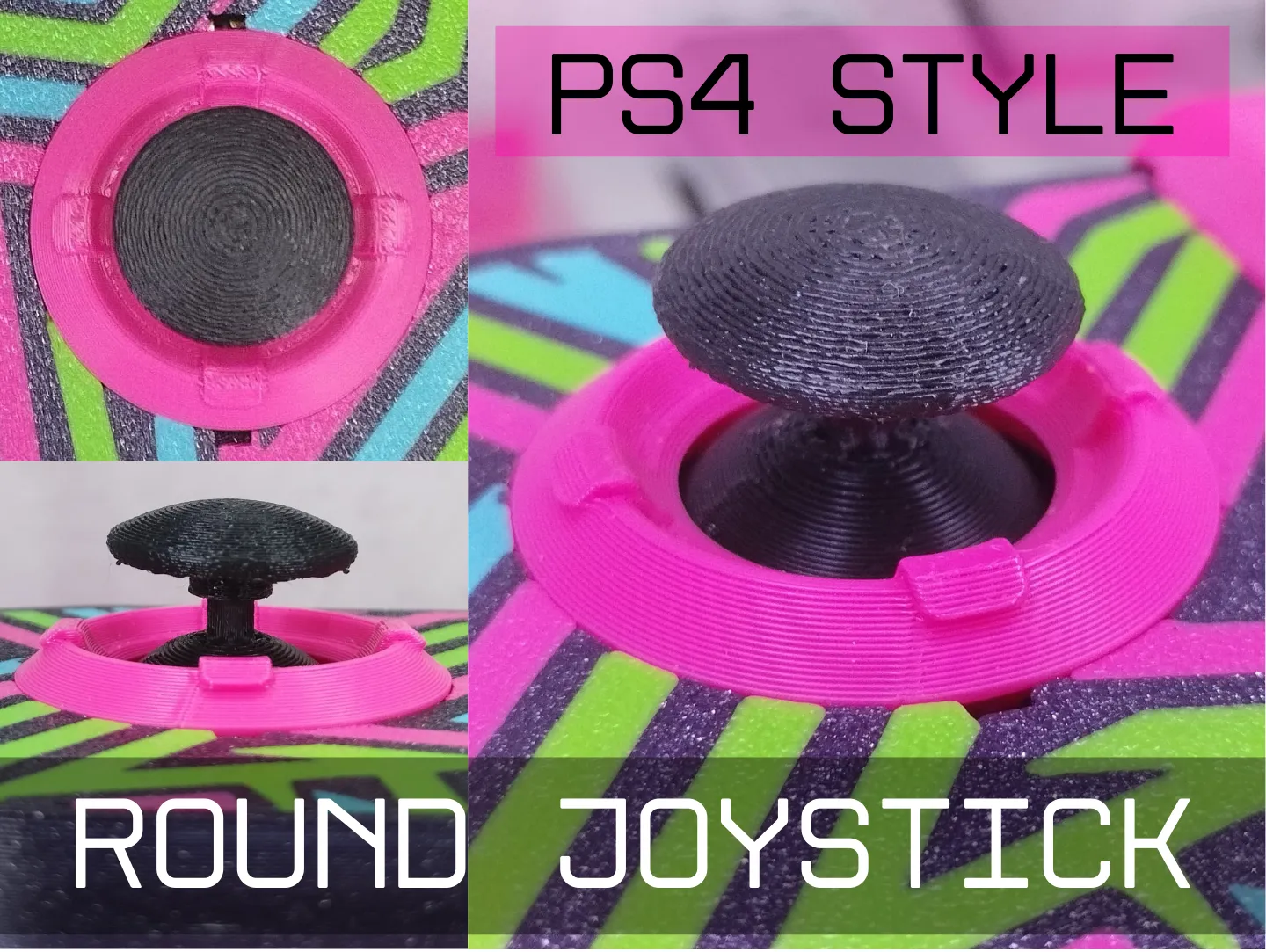
https://makerworld.com/en/models/1403703-cyberbrick-flat-joystick-for-remote-controller#profileId-1456195
https://makerworld.com/en/models/1403696-cyberbrick-round-joystick-for-a-remote-controller#profileId-1456189
Making Steps:
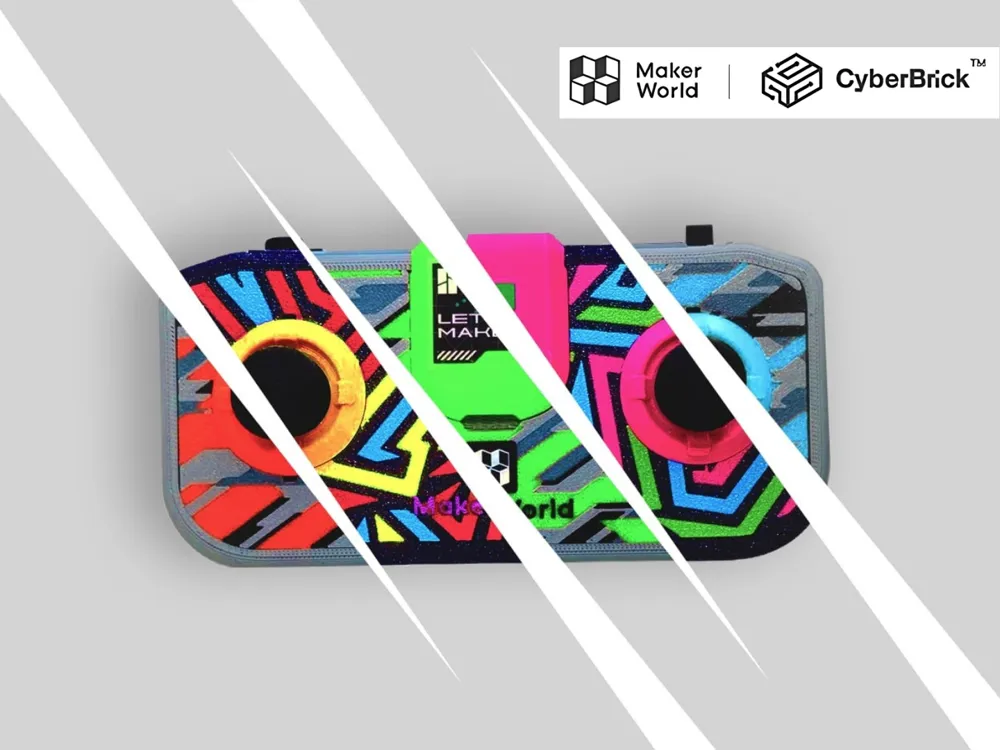
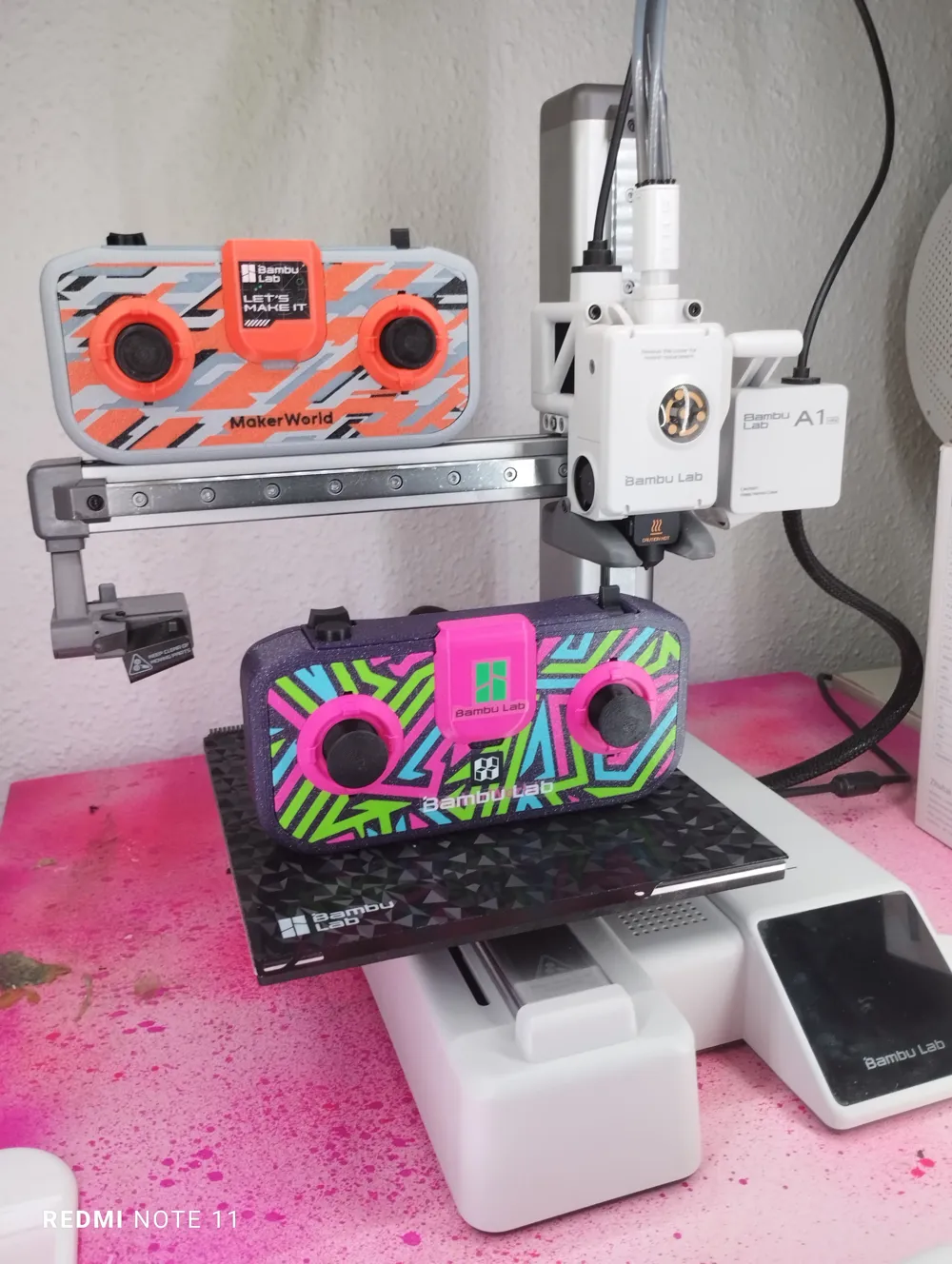
Upload your own image to customize your personal Cyberbrick remote
1- Just make a 1mm thickness image using the Image to Keychain tool in MakerLab with both faces on
2- delete the white generic cube under the controller model (that i put there to make the model uploadable to maker world)
3- Resize your image to roughly the controller's size
4- Make sure the image is on the bed surface facing the right way

5- Merge the image with the controller's assembly (make sure the negative body overlaps the image correctly and is groupped with the image)
6- Slice, Print & Congratulations!

CyberBrick Files (2)

FAQ
Official RC Framework
FRACTURE
Start from empty

Comment & Rating (166)

(0/1000)