Search models, users, collections, and posts


Print Profile(1)

0.2mm layer, 2 walls, 15% infill
Designer
1.7 h
2 plates
Open in Bambu Studio
Boost
50
145
6
3
88
49
Released
Description
Boost Me (for free)
You like the model? Consider using your boost tokens to support me for free! (or check out my Patreon for commercial seller licensing)
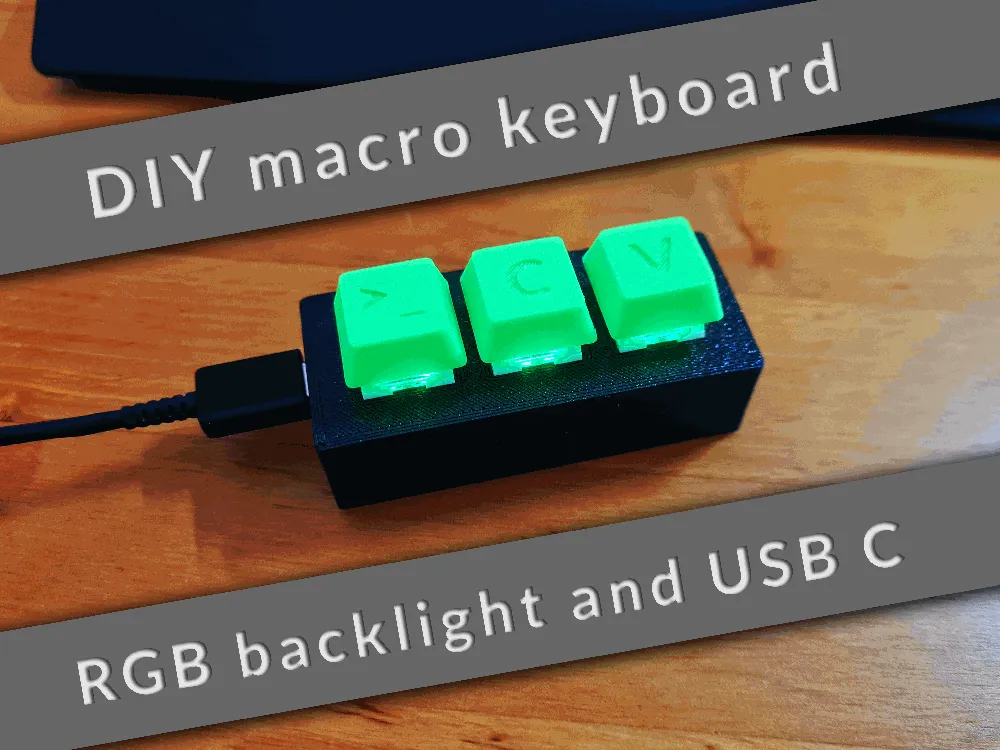
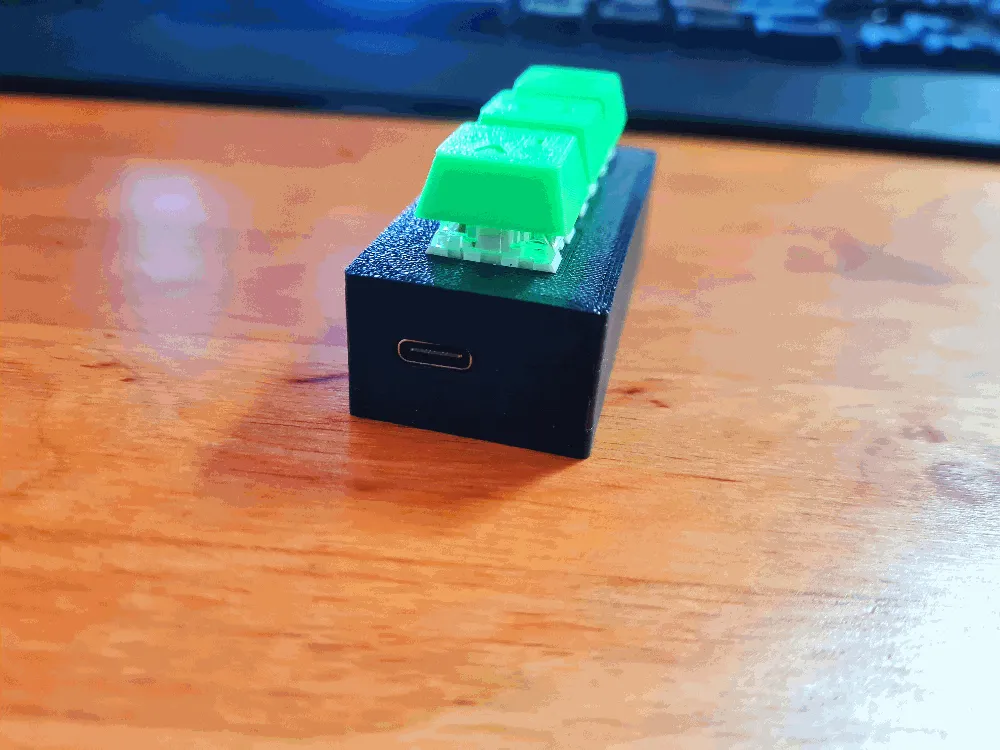
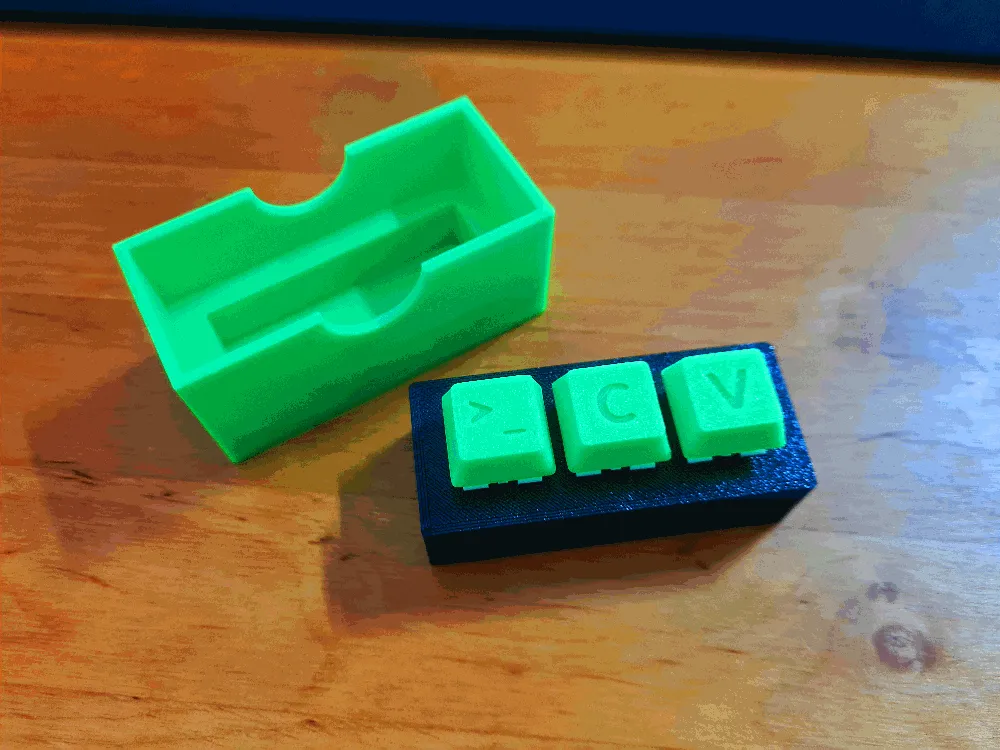
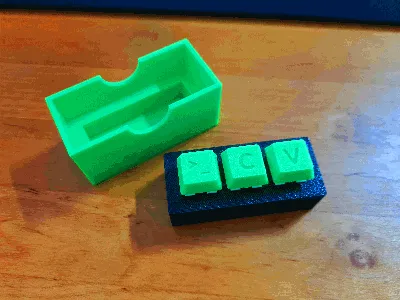
A customizable DIY macro keyboard with RGB backlight and USB C, which uses cherry mx keys.
Features
- RGB backlight
- Fully customizable
- Compatible with all cherry mx keycaps
- USB C
- Simple assembly
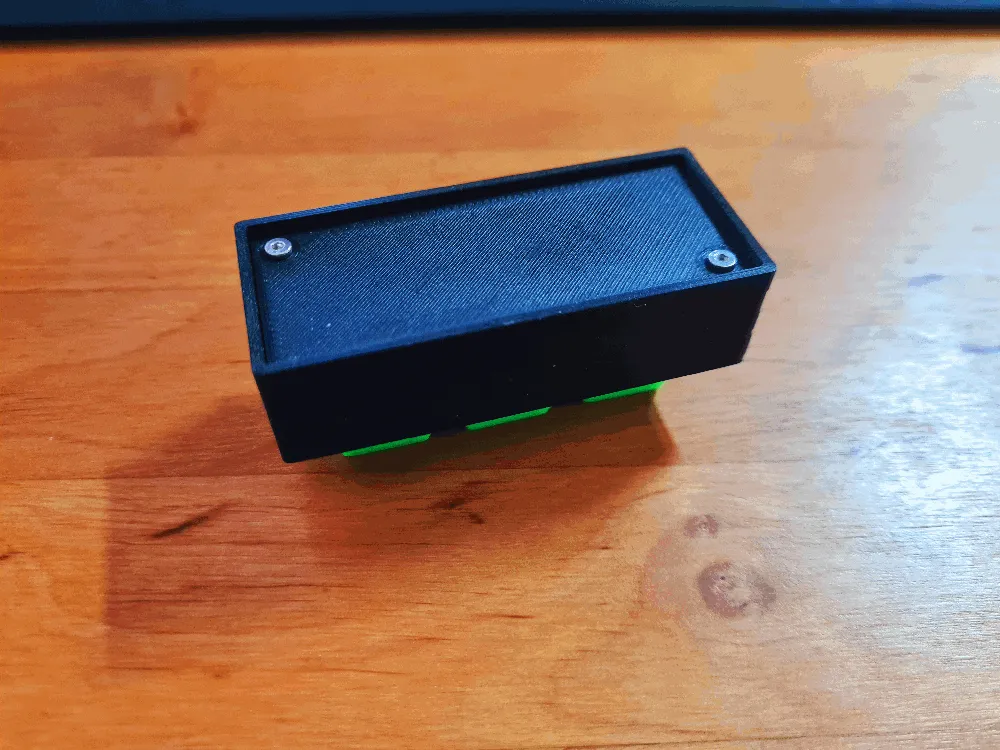
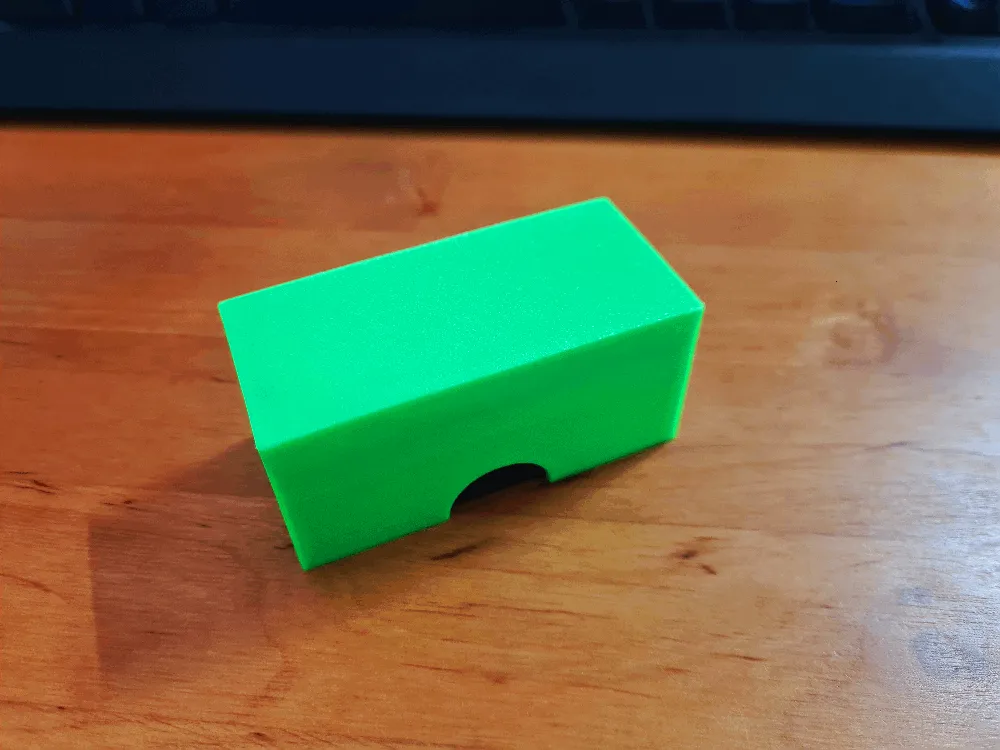
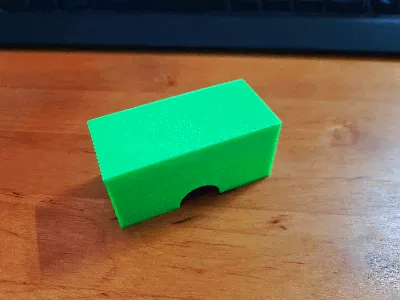
- Cover for transport included
- No supports needed
Recommended print settings
- Layer Height: 0.2mm
- No supports needed
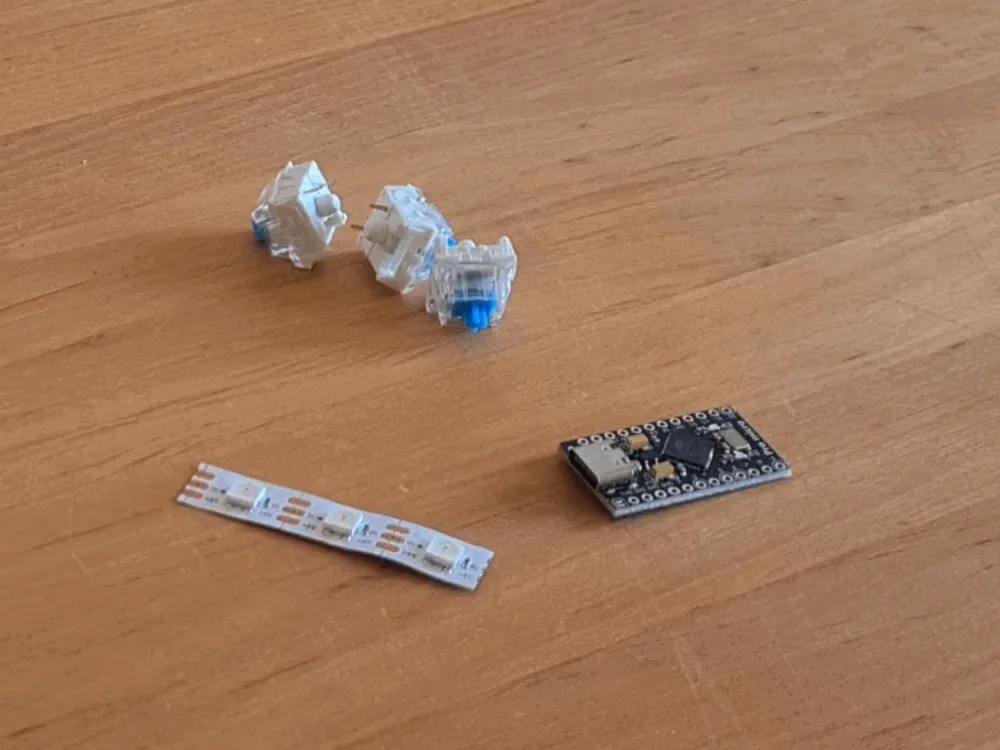
Electronics needed (affiliate links)
- 3 Cherry MX Keys: https://amzn.to/3QNLtqB
- Arduino Pro Micro: https://amzn.to/3SNcPQa
- A piece of a 60 LEDs/m WS2812B strip: https://amzn.to/3G846AA
- 2 M2x8 screws: https://amzn.to/3R4Z5PE
Assembly
- YouTube videos (German):
- Part 1/2: https://youtu.be/Fa7JCWy3rmU
- Part 2/2: https://youtu.be/vJzH9g780mw
- Insert buttons into the case
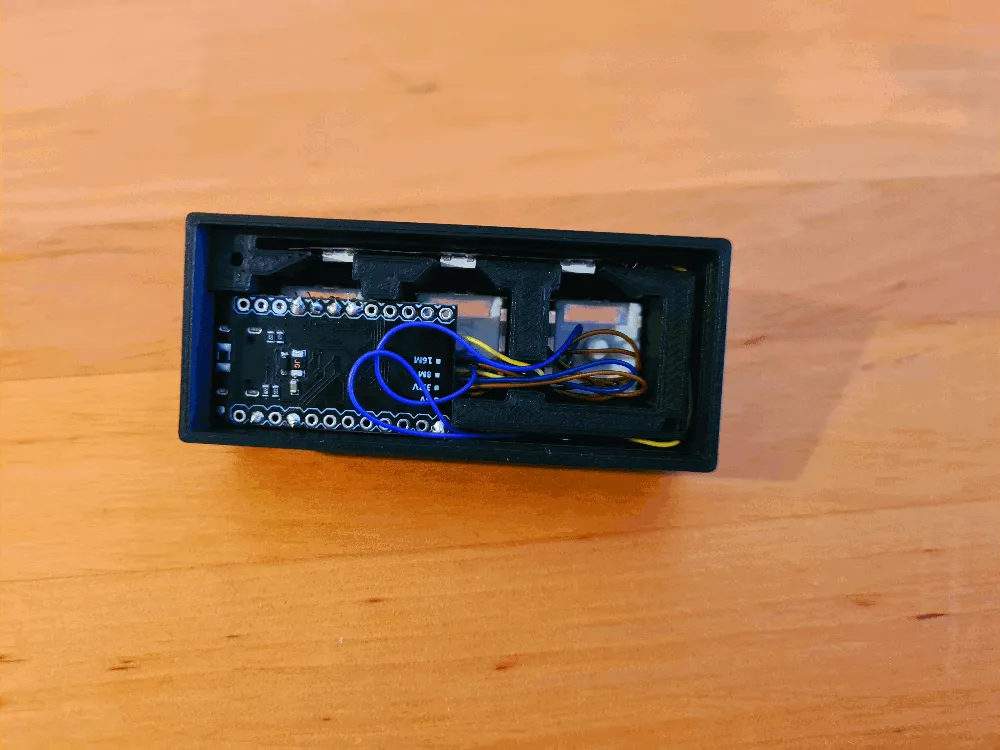
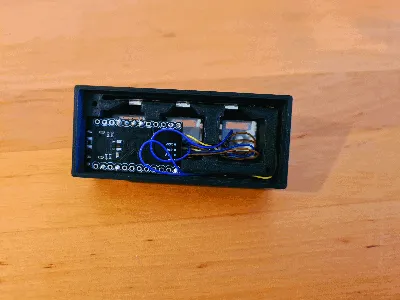
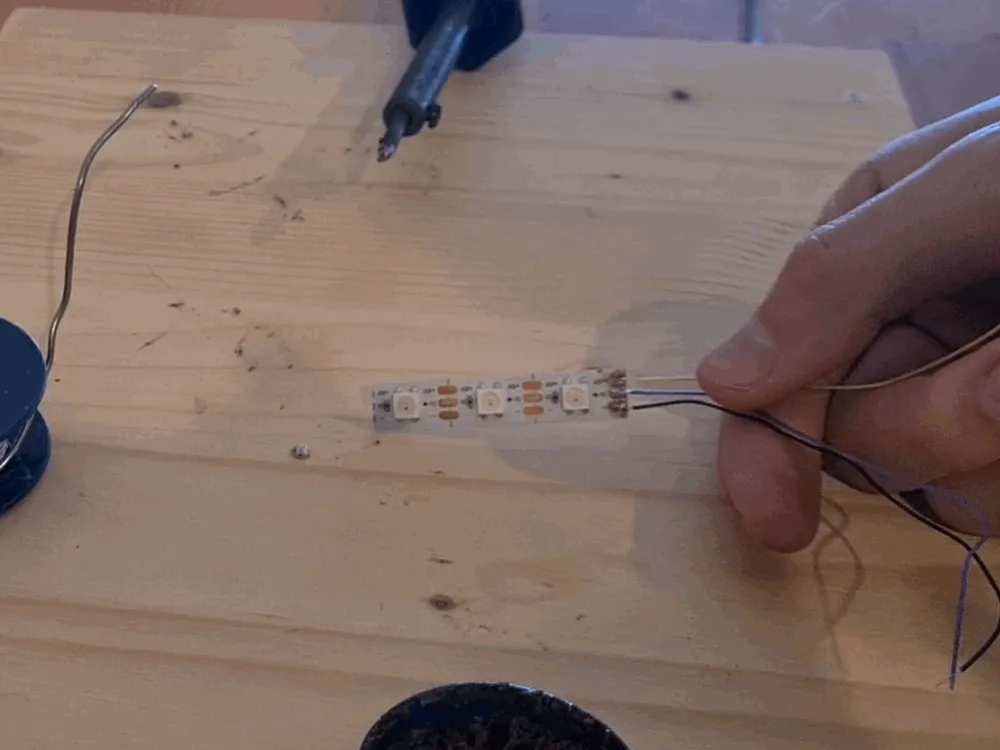
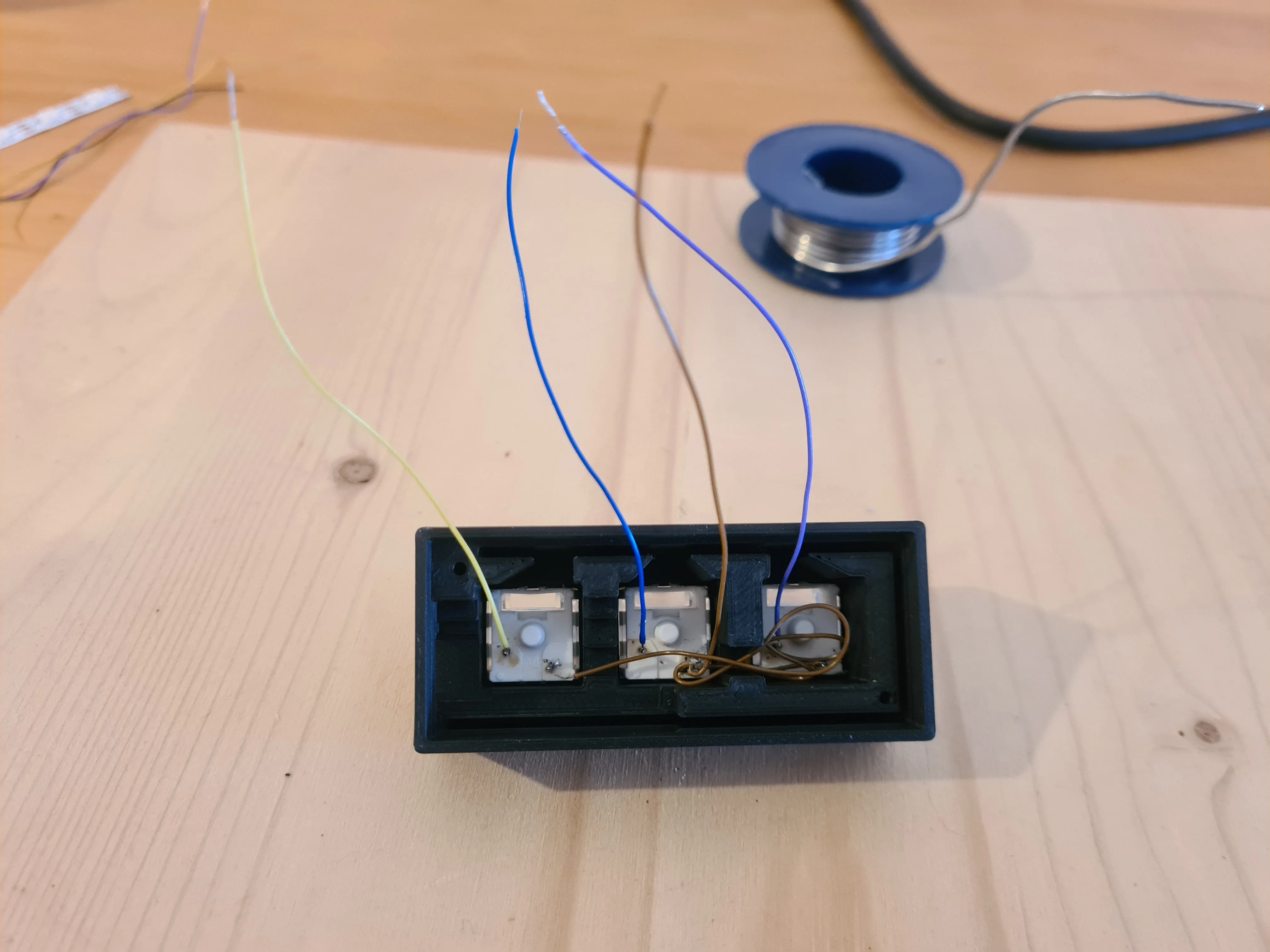
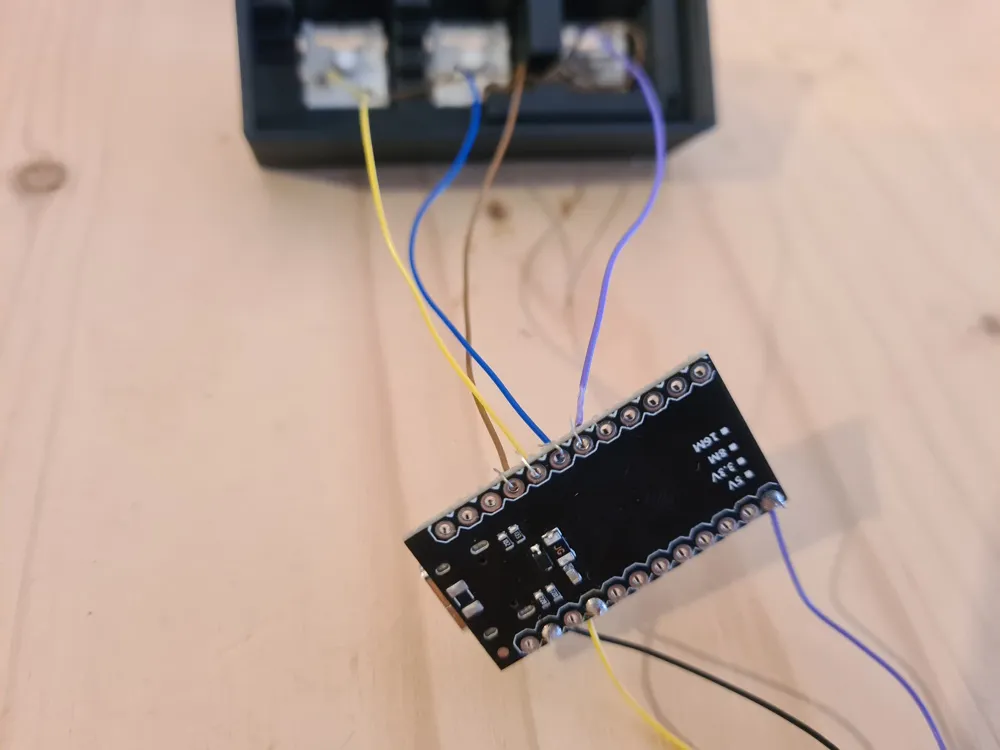
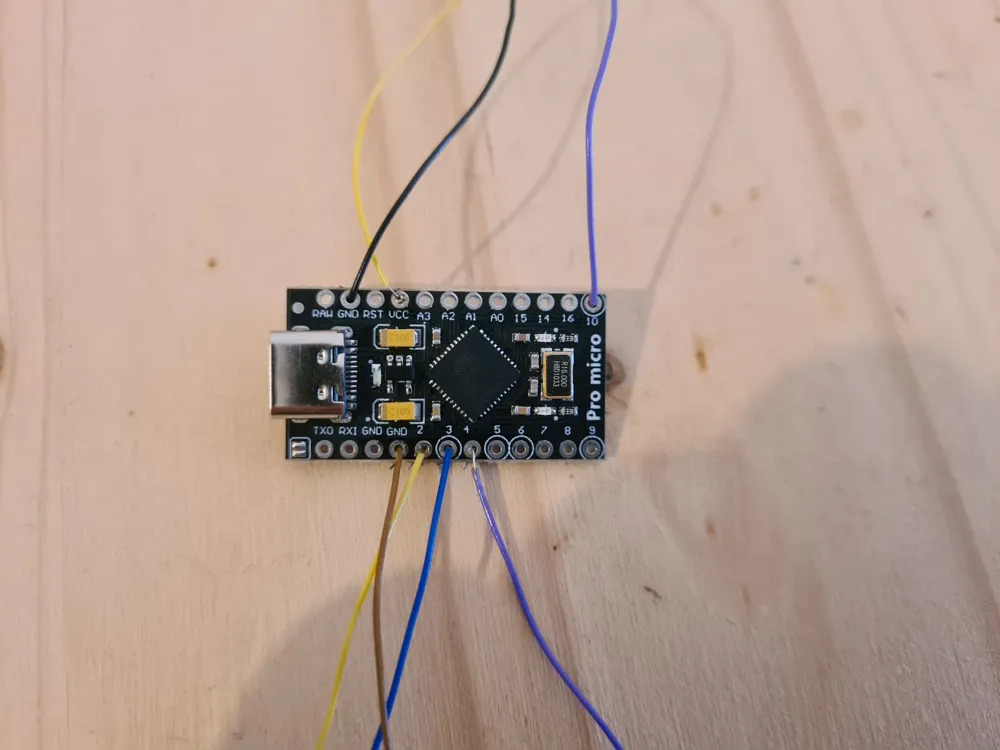
- Solder the electronics together (images of wiring are at the bottom)
- Fit the electronics into the case
- Add the PCB holder print between PCB and lid
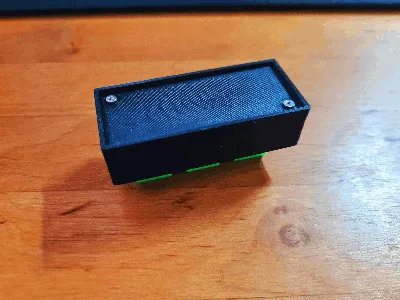
- Screw the lid onto the case
- Get the Arduino code from GitHub: https://github.com/Molodos/DIYMacroKeyboard
- Edit the code if you want to customize it
- Connect the Keyboard to your computer and use the Arduino IDE to upload the code to the Keyboard
- Add keycaps (use the provided ones, create your own using the plain keycap or the blender source or use any other cherry mx compatible keycaps)
- Have fun with your new macro keyboard!
Images of the wiring
You want to sell physical copies of my models?
Check out my attractive commercial seller licensing via a membership over on Patreon!
License

This user content is licensed under a
Creative Commons Attribution-Noncommercial-Share Alike


Comment & Rating (6)