Search models, users, collections, and posts

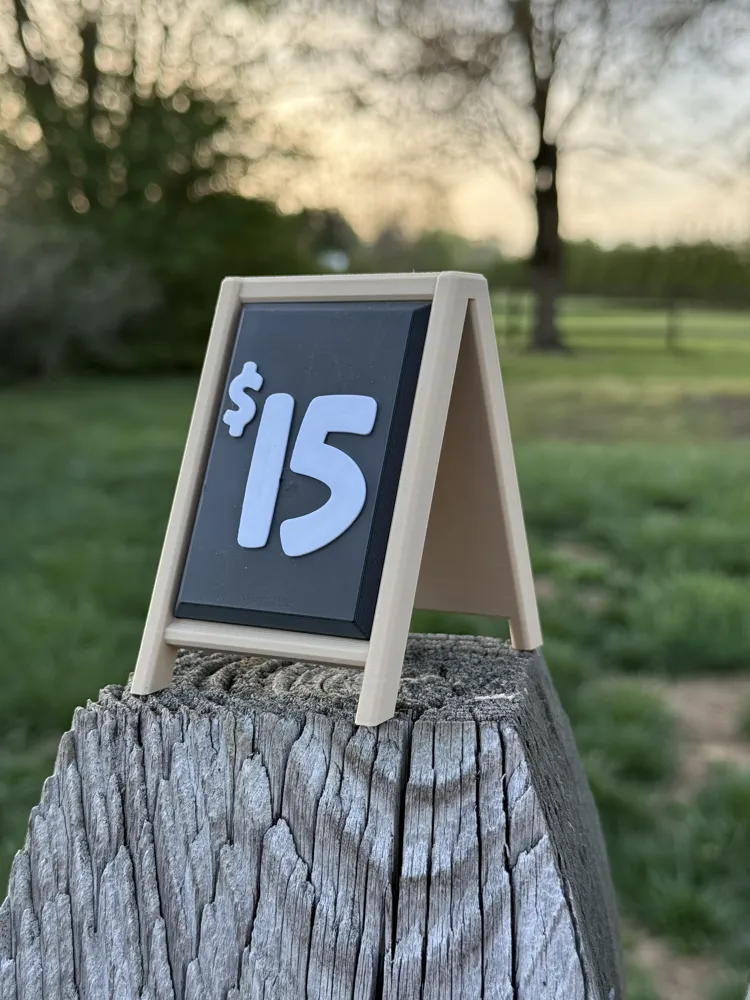
Mini A-Frame sign with replaceable magnetic insert
IP Report

Print Profile(2)

All
X1 Carbon
A1
A1 mini
P1P
X1E
P1S
H2D
X1
H2D Pro
H2S
P2S
H2C
X2D
A2L

0.2mm layer, 2 walls, 15% infill
Designer
1.8 h
2 plates
4.9(15)

1x, 2x and 3x Wide versions
Designer
7.6 h
6 plates
5.0(3)

Open in Bambu Studio
Boost
418
1304
60
25
389
210
Released 

Bill of Materials

Maker's Supply Kits and Parts
Select all
D6x3 mm Round Magnet (20PCS) - CA007

Description

Boost Me (for free)

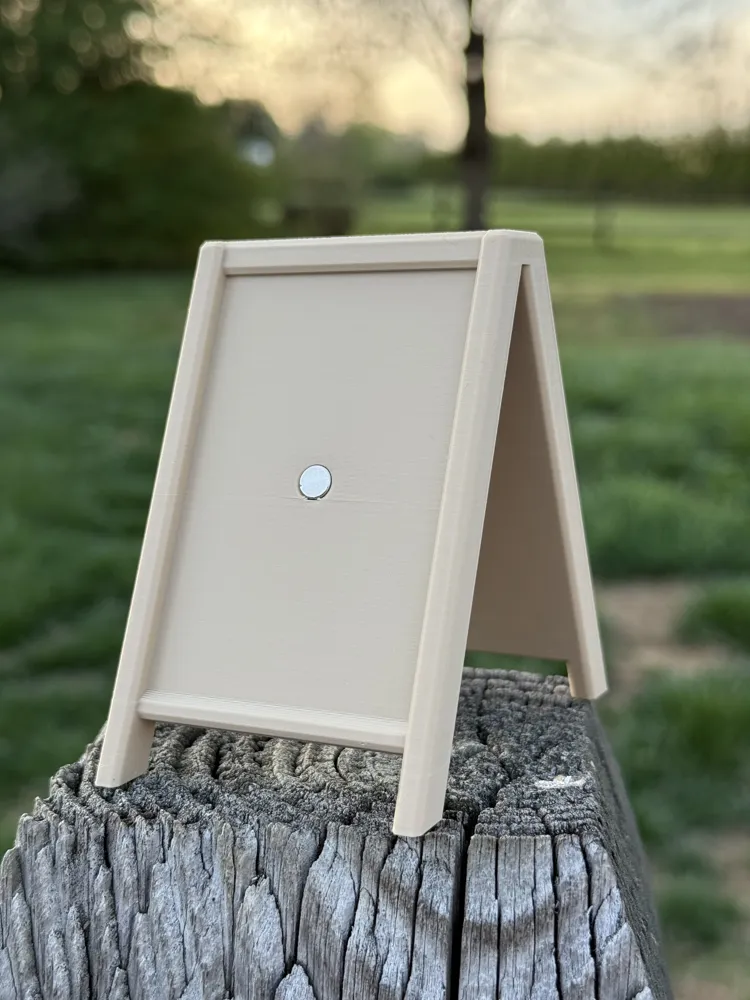
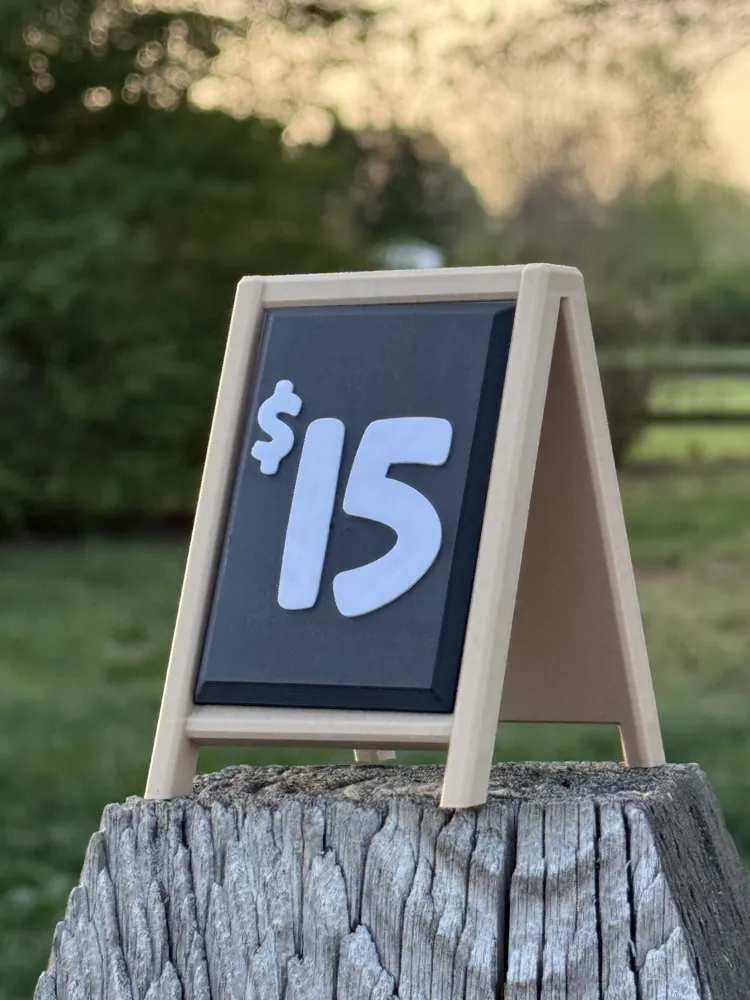
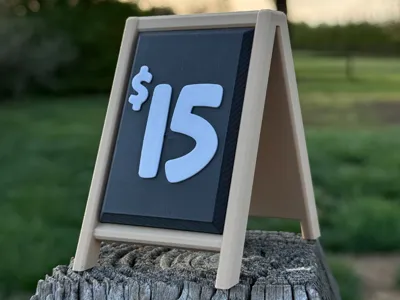
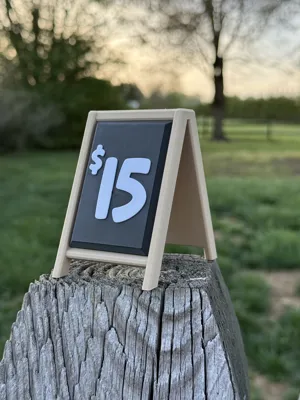
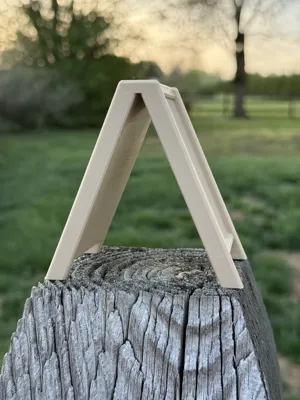
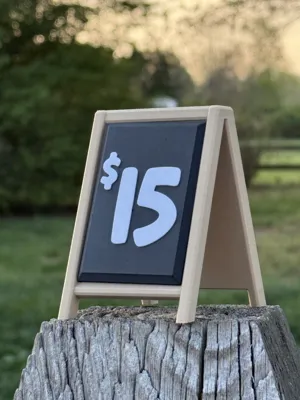
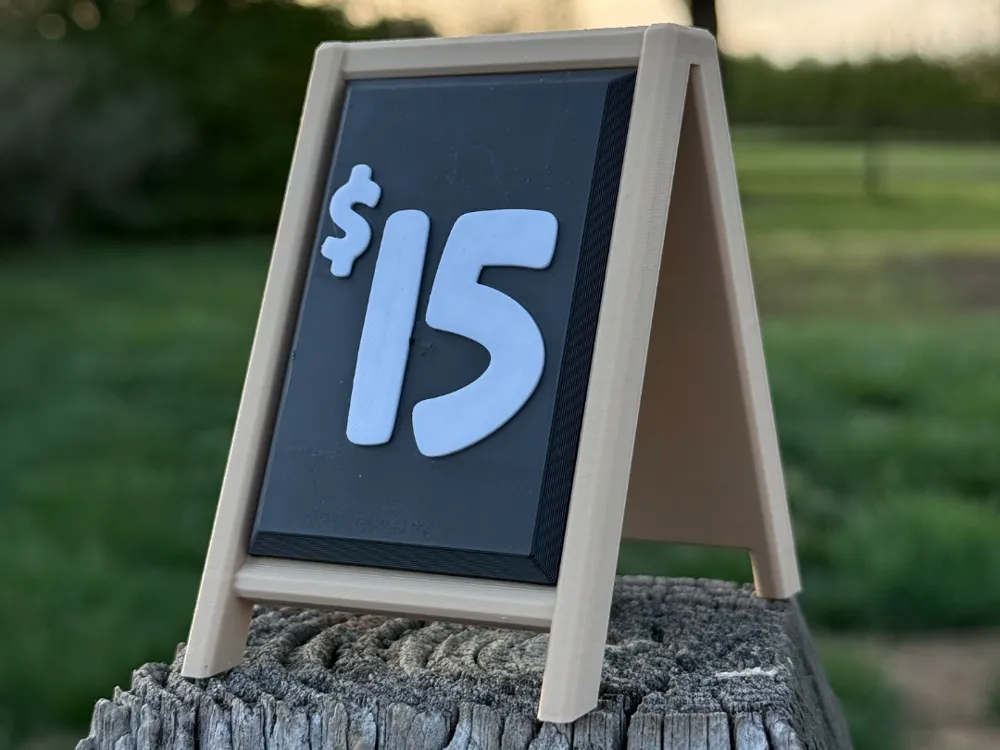
Mini A-Frame Sign with Swappable Inserts – Customizable & Magnetized!

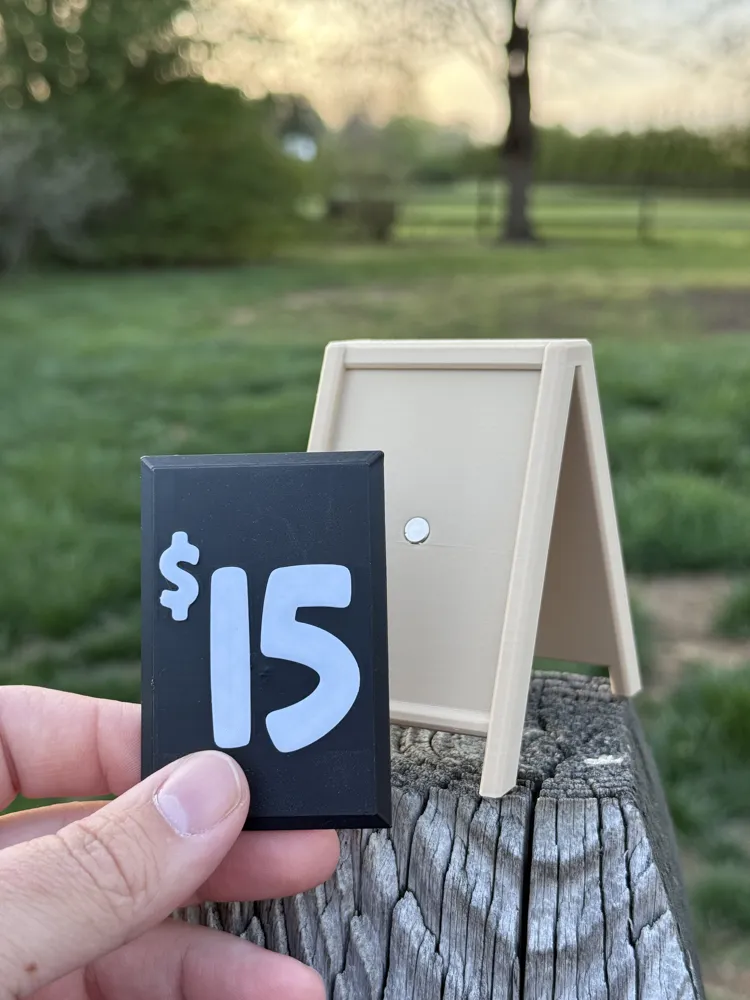
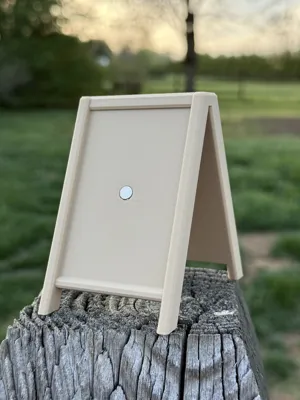
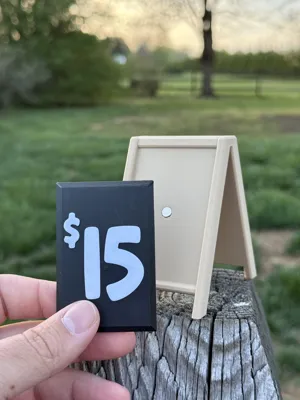
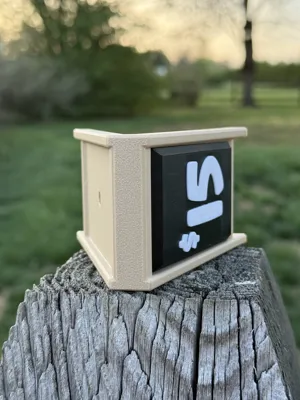
This 3D modeled mini A-frame sign is perfect for makers, crafters, and tabletop decorators! Designed with functionality and personalization in mind, this model features removable, double-sided inserts that snap securely into place using 6mm x 3mm magnets.

Each insert can be easily customized in Bambu Studio with your own text or graphics — no AMS system required for multicolor designs! The insert seen in the photo was printed in a single color and then finished with contrasting top layers for visual pop, making it ideal for showcasing prices, labels, or mini messages.

Features:

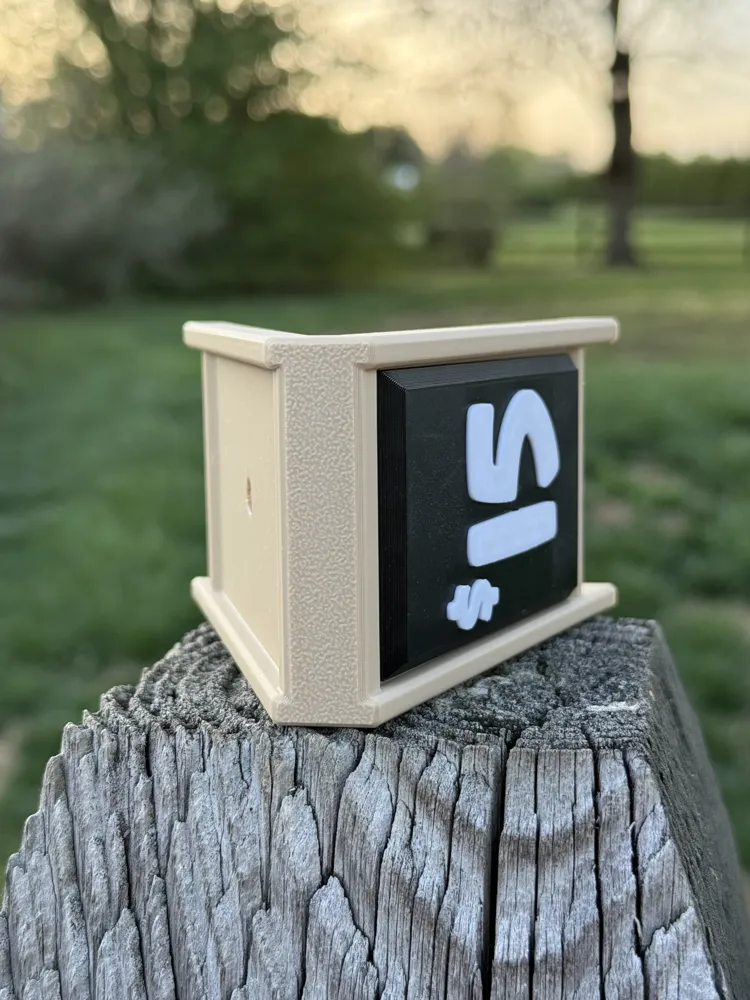
  • Double-sided A-frame stand
  • Swappable inserts with magnetic retention (6mm x 3mm magnets)
  • Customizable text or design using Bambu Studio's text tool
  • Multicolor look without requiring AMS
  • Great for small shops, displays, dollhouses, or dioramas

Make it yours with a custom label and start showing off your prints with personality!

Comment & Rating (60)

(0/1000)

made a huge version, added NFC tags and extra magnets
The designer has replied
designer
2
Reply
that is sick!!! I love it, thank your the photo!
1
Reply
how did you get it that size?
0
Reply
Replying to @kskreations :
i just resized for h2s size and did some math to know that the new size would fit one of the magnets i already have.
0
Reply
Print Profile
0.2mm layer, 2 walls, 15% infill
these are awesome!
The profile uploader has replied
profile
1
Reply
Thank you so much! I love the picture!!
0
Reply
Print Profile
0.2mm layer, 2 walls, 15% infill
The profile uploader has replied
profile
1
Reply
thank you!!
0
Reply
please, I don't know exactly how to label it yet
(Edited)
Show original
profile
1
Reply
Replying to @user_3000489328 :
you can add text to the plaque in the slicer
(Edited)
1
Reply
How do you customize? I am on my computer on bambu and still cant see a button
The designer has replied
designer
1
Reply
In the Slicer, click on the blank insert on the build plate labeled "BLANK INSERT" and then click the "text shape" button (next to the paint bucket) to add your text.
0
Reply
I can’t find anything that says slicer .. is that an app? is there a way to upload generic profiles like a $5, $10 $15 for people who want to print but can’t figure this out?
0
Reply
Print Profile
0.2mm layer, 2 walls, 15% infill
Easy signs for my wife’s farmers market stand! Easy to modify and text (when Bambu studio doesn’t mess it up).
(Edited)
The profile uploader has replied
profile
1
Reply
Thank you so much! Im glad you're finding them useful!
0
Reply
How did you customize? I am on my computer and cant see how to do that.
0
Reply
These are great! The only thing I can think of to make em better is if they folded flat for storage.
The designer has replied
designer
1
Reply
Thank you! that is a solid idea! If i get more confident with print in place hinges i might try to tackle that!
0
Reply
Print Profile
1x, 2x and 3x Wide versions
perfect prints for my kids market table
The profile uploader has replied
profile
1
Reply
that’s awesome! thank you for the commet!
0
Reply
Hi, is there a file for the wide version? Would love to make a little sign for my table.
The designer has replied
designer
1
Reply
Yes it should be in the .3mf file!
0
Reply
we've got some rambunctious kids at our booths/stores. do the magnets hold ok?
The designer has replied
designer
1
Reply
they do for me! although they aren’t designed or intended to be played with so you may want to use glue and keep an eye on them
0
Reply
How do I write on the board
The designer has replied
Show original
designer
1
Reply
you can add text in the slicer!
0
Reply

License

This user content is licensed under a Standard Digital File License.

You shall not share, sub-license, sell, rent, host, transfer, or distribute in any way the digital or 3D printed versions of this object, nor any other derivative work of this object in its digital or physical format (including - but not limited to - remixes of this object, and hosting on other digital platforms). The objects may not be used without permission in any way whatsoever in which you charge money, or collect fees.