
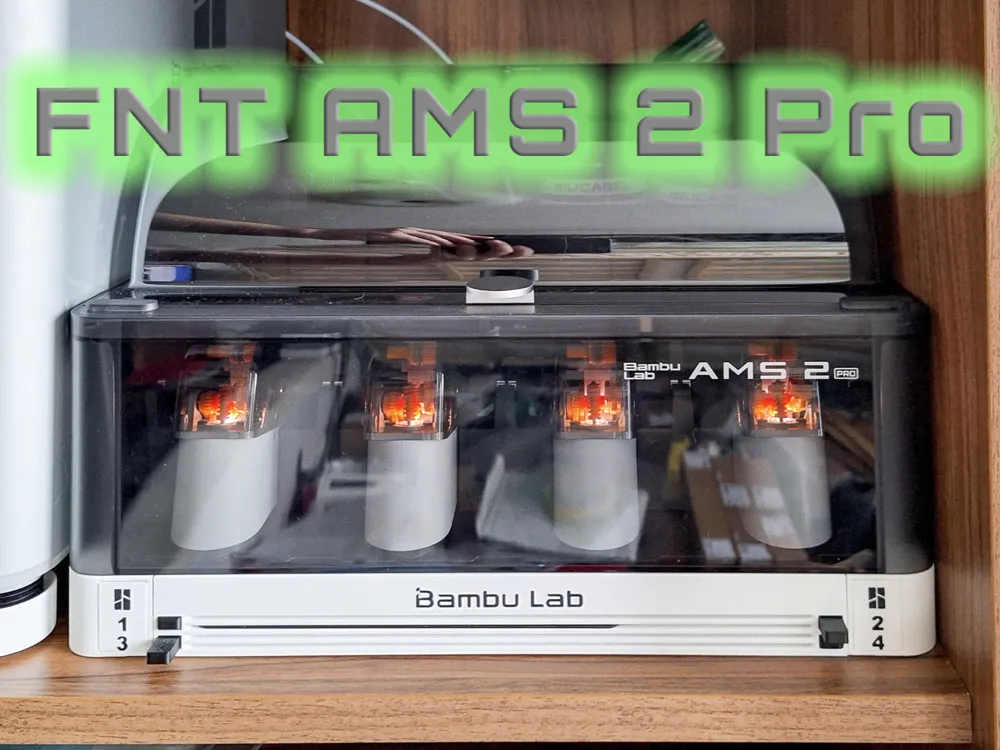
FNT AMS2 Pro X1C/P2S buildplate holder
Print Profile(5)


Bill of Materials





Description
MODEL OVERVIEW
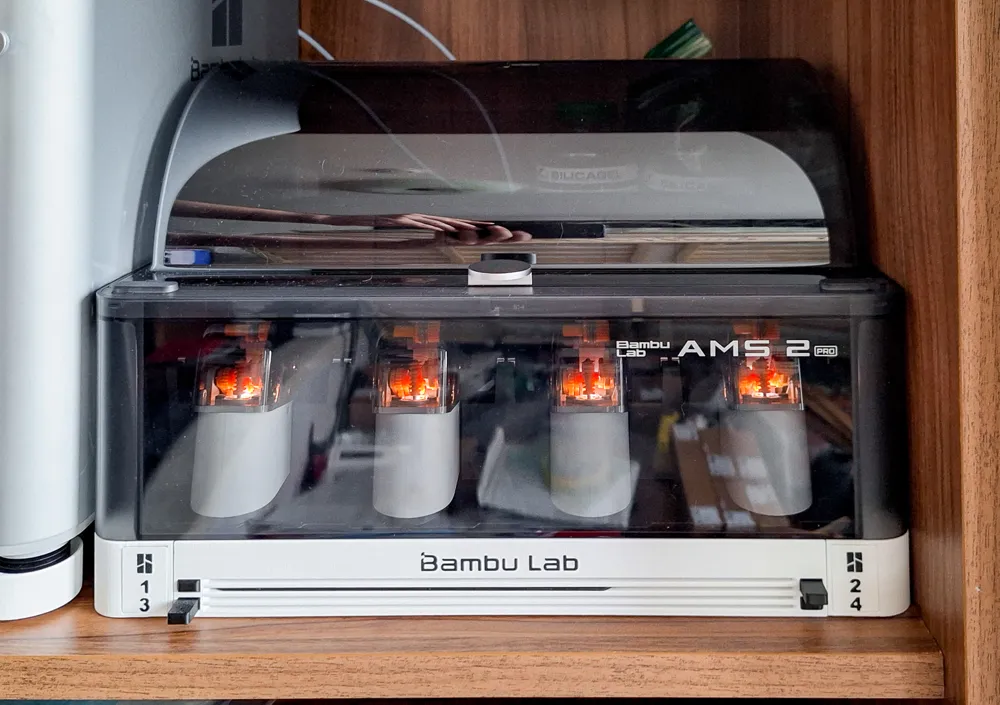
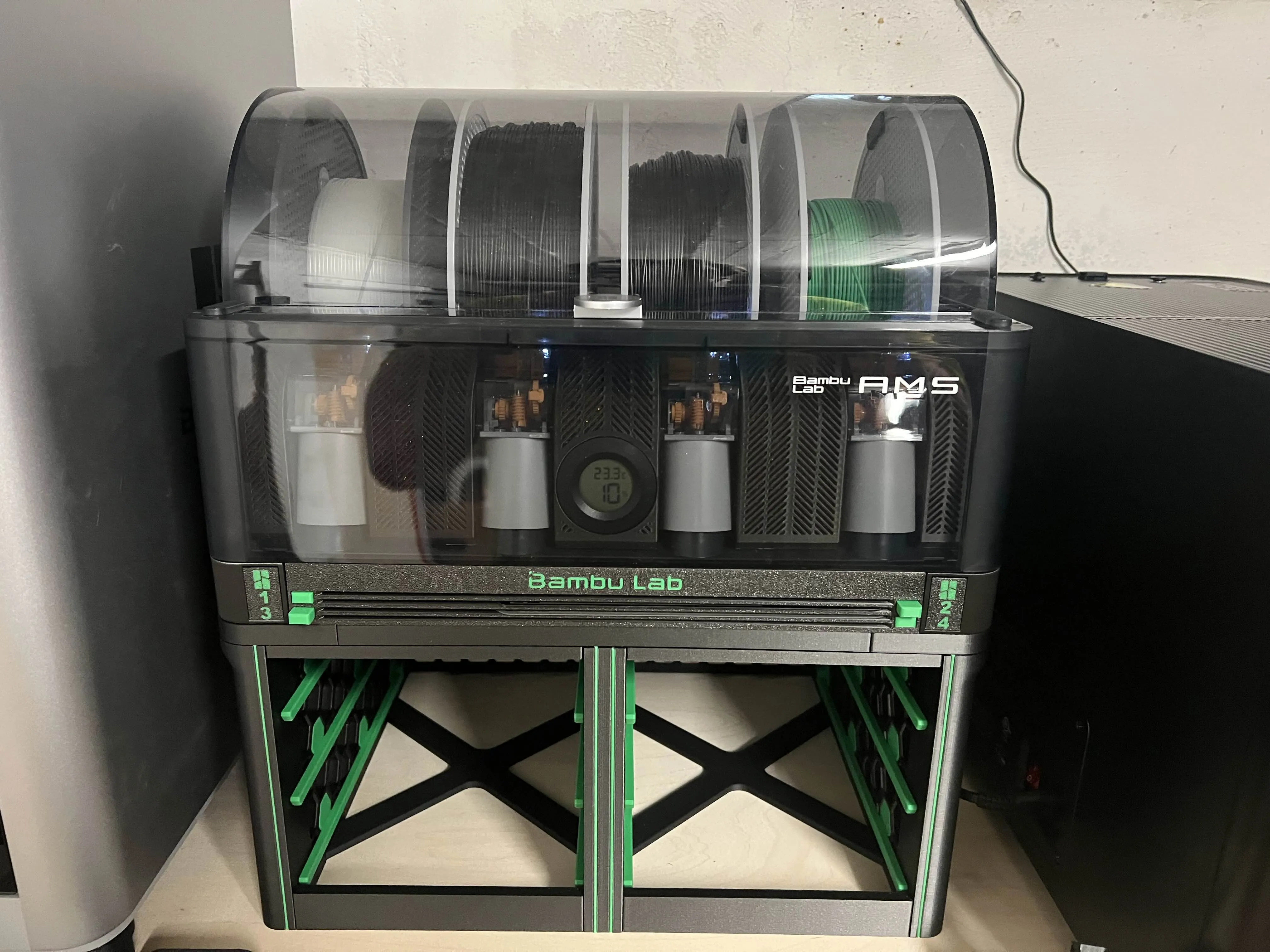
TYPE: Buildplate holder for X2D as AMS 2 Pro stand
Capacity: 4, 6, 8 buildplates
USE: fully compatible with all Bambulab 256*256mm printers and plates
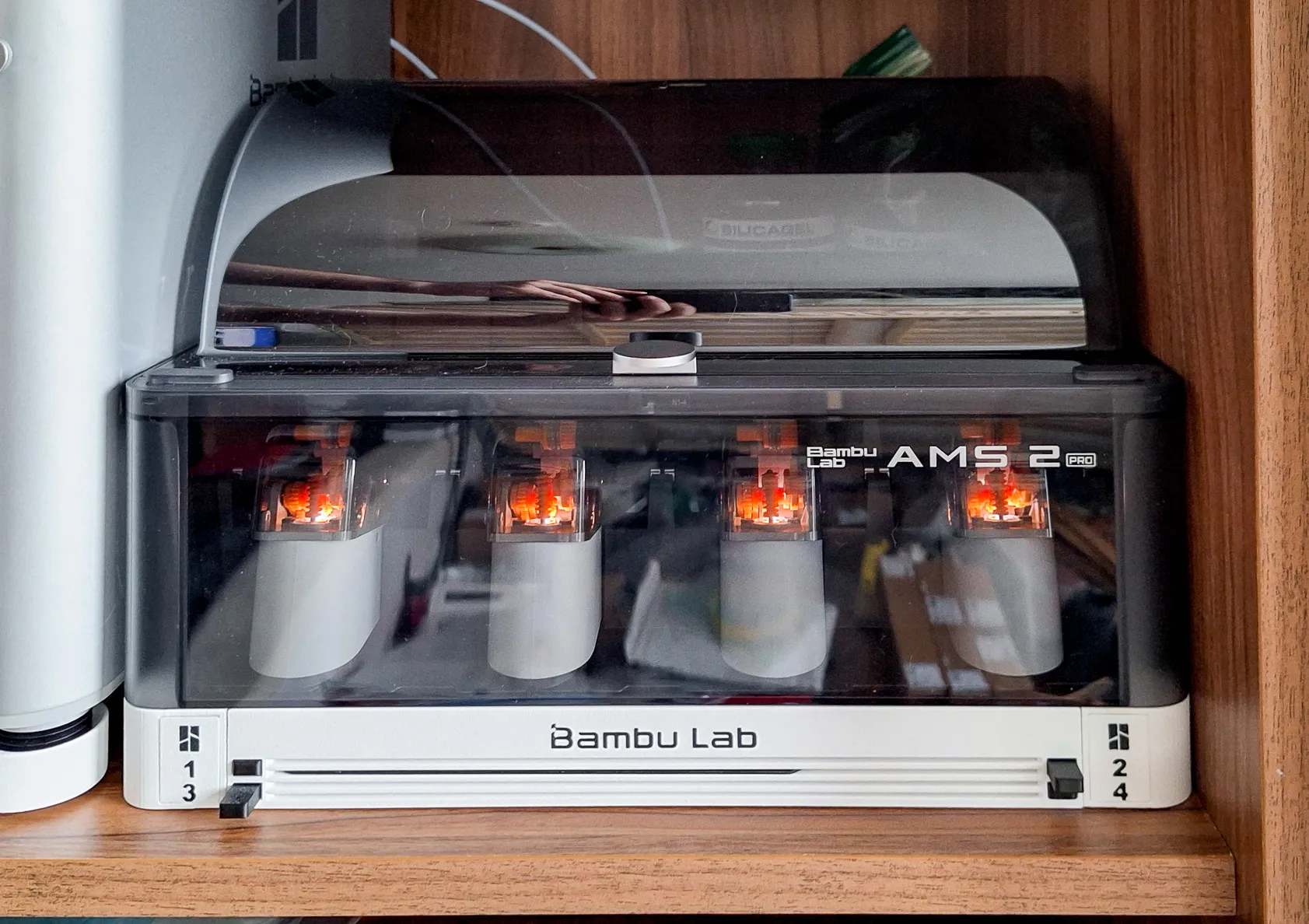
Installation: Under the AMS 2 Pro only - The model is not compatible with AMS (Original Version of AMS
Buildplate compatibility: Bambulab buildplates 256*256mm thick up to 1.7mm. Not compatible with Vision Encoder for X2D
Printer Compatibility: Printable on all printers minimum size printing volume 256*256mm. An enclosed printer is not required, but it is recommended.
Warning: The model is not compatible with AMS (Original Version of AMS)
The model does not accommodate other plate sizes. Does not work with plates: A1 Mini, H2S, H2D, H2C, Vision Encoder
Q/A:
Q: Can I use this model with my older AMS (AMS / Original AMS, AMS MK1)?
A: No, AMS and AMS 2 Pro are almost the same, but have slightly different dimensions. Use the specialized FNT model for your printer and AMS combination to achieve the best results.
Q: Will I also need some parts that cannot be printed?
A: No, the latest version of the model and print profiles include PINs and locking pins, so no screws are needed and the model is still very sturdy. It is still possible to use M4 screws, Neodymium magnets for stacking, or rubber feet for better stability.
Q: I already have a printed AMS 2 Pro model for my X1C. Can I store the Vision Encoder in it?
A: With great care, yes. However, the Vision Encoder has a small pad glued to the back on the bottom, which can be a problem when inserting and removing. Damage may occur. Use this model instead, or print a Vision Encoder compatible stack.
Q: Can I use 0.6/0.8mm nozzles?
A: The model has not been tested with 0.6 and 0.8 mm nozzles. Printing with nozzles larger than 0.4 mm may cause dimensional and tolerance changes and the model may not function properly.
I RECOMMEND PRINTING TOGETHER WITH THE MODEL
Feets flexible X1C, P1 style
FNT stand for plates holder 5-25mm - If you want to place the FNT buildplate holder on your printer, I recommend printing the 25mm version so that the plates can be pulled out and do not interfere with the display.
ALTERNATIVE MODELS for 256*256mm buildplates (X1C / P1S / P2S / X2D / A1)
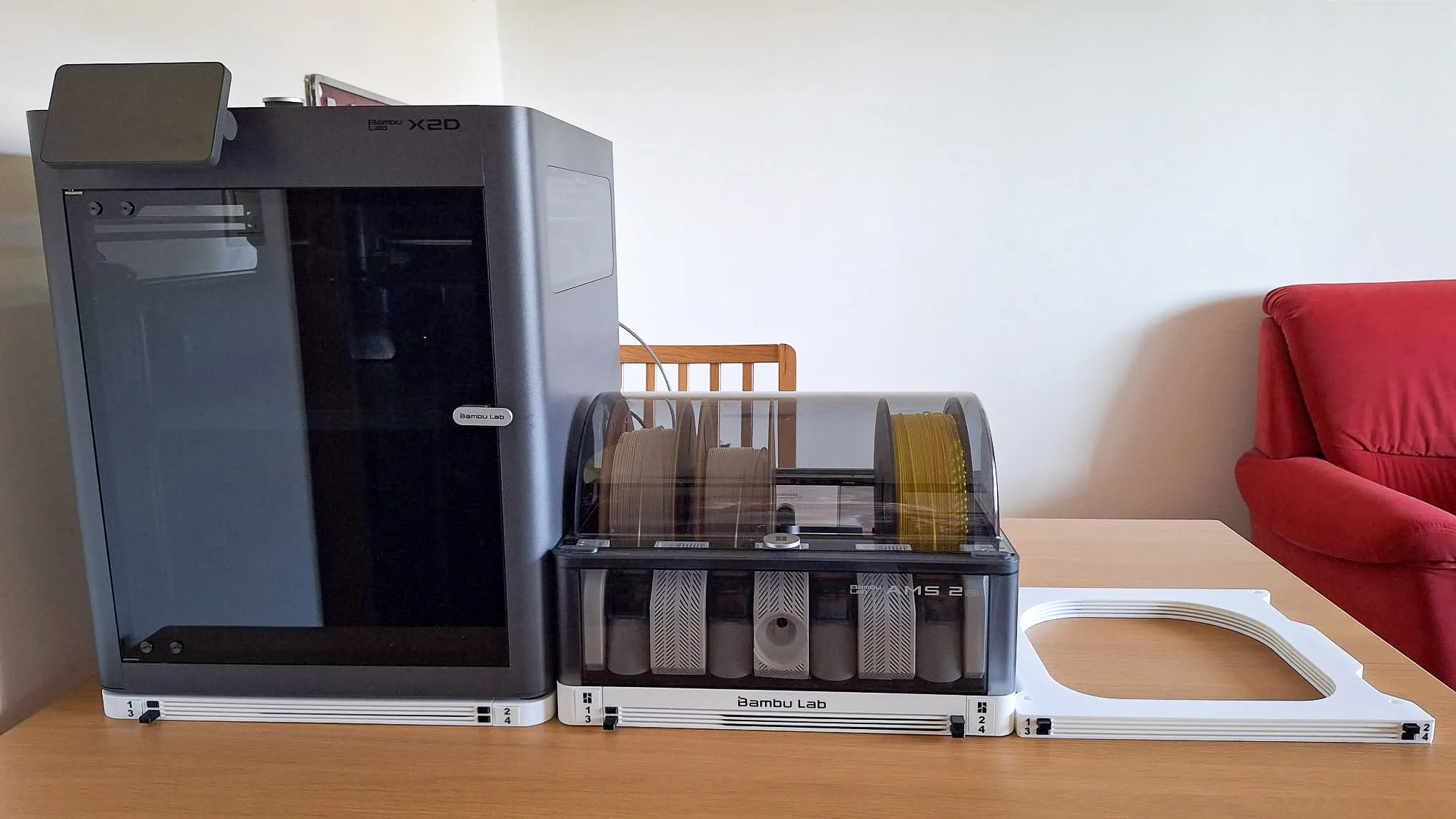
FNT X2D/P2S BASE buildplate holder or FNT X1C/P1S BASE Anti-Vibration holder
FNT AMS X1C/P2S buildplate holder
FNT X1 Simple buildplate holder
Boost Me (for free)
Boost Me (for free)
I design these models just for fun in my spare time — because I enjoy making useful things for the community.
If this model made your day a little easier, a Boost is like giving my printer a cup of coffee ☕ so it can keep working on new ideas.
Your support helps me earn filament (and occasionally even a printer) to keep creating more models for everyone.
Thank you for your support — it really means a lot! 🙌
Read before printing, please
The FNT buildplate holder family has grown quite large, and with many versions available it can sometimes be difficult to find the exact one you need.
To make things easier, I prepared an overview page where all models are clearly organized by printer type, installation method, and use case. This helps you quickly find the version that fits your setup best.
Before printing, I recommend taking a quick look at the overview — another version might suit your needs even better. Link is here.
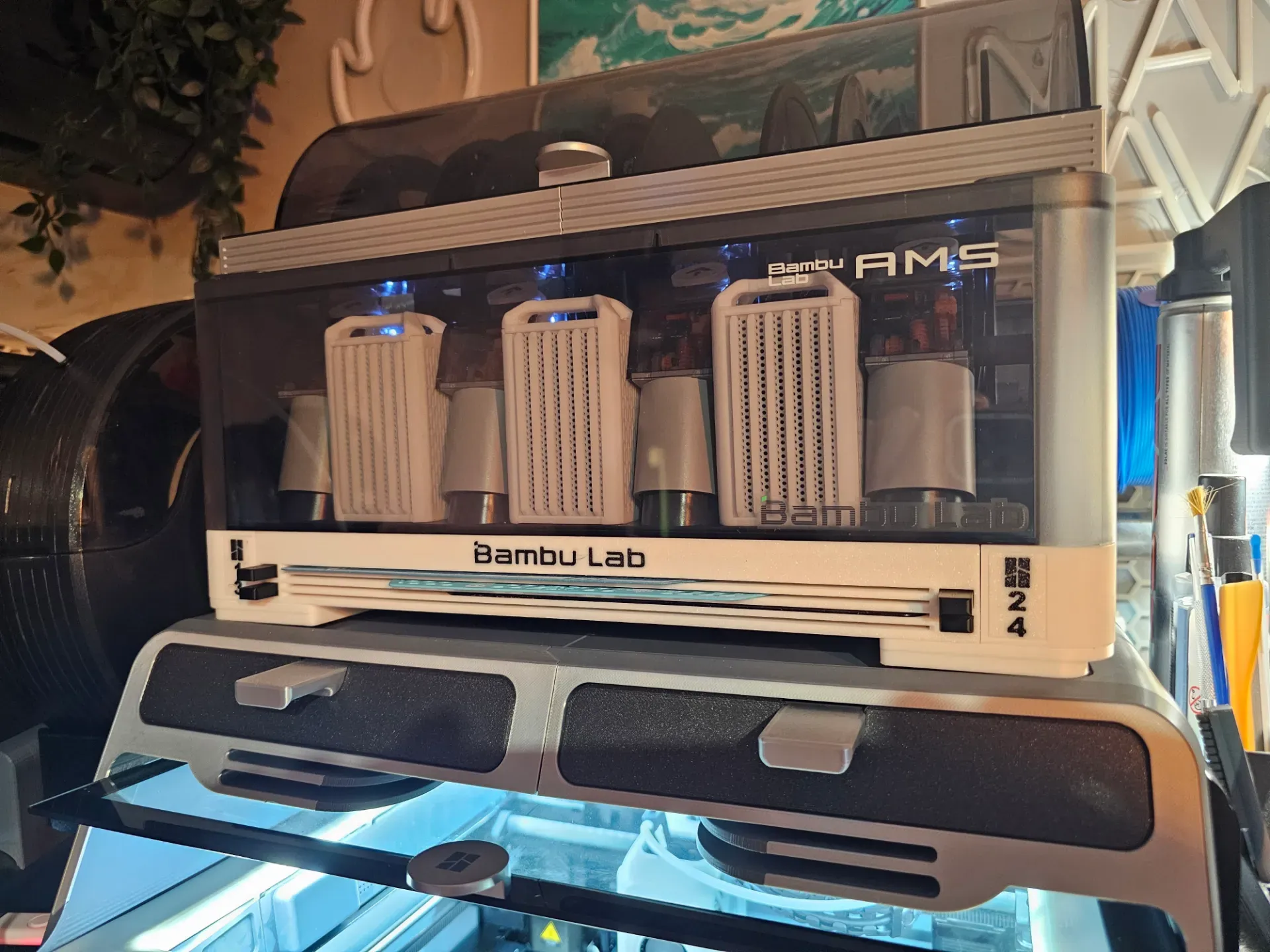
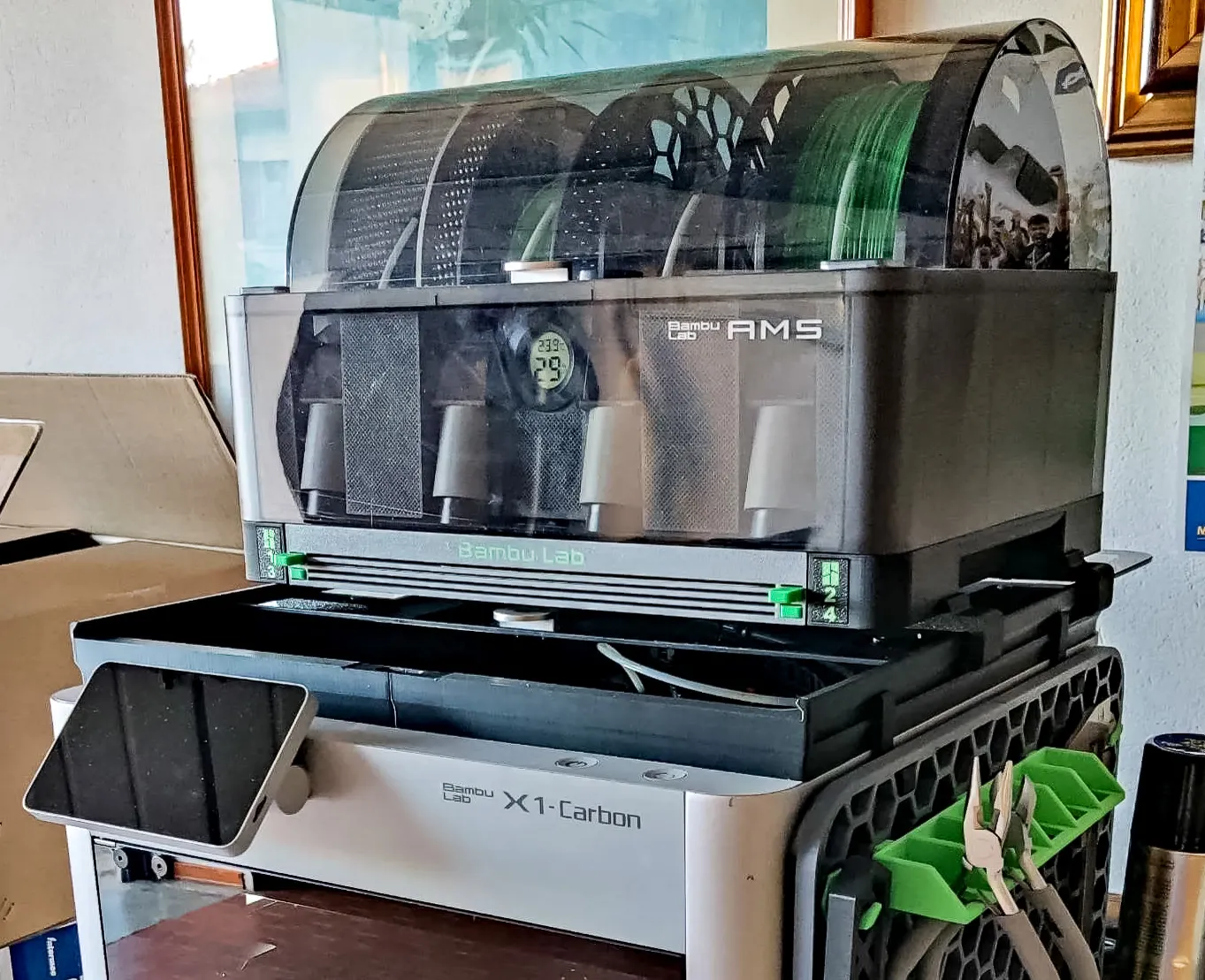
FNT AMS Holder Versions - This is WHITE AMS 2 Pro version
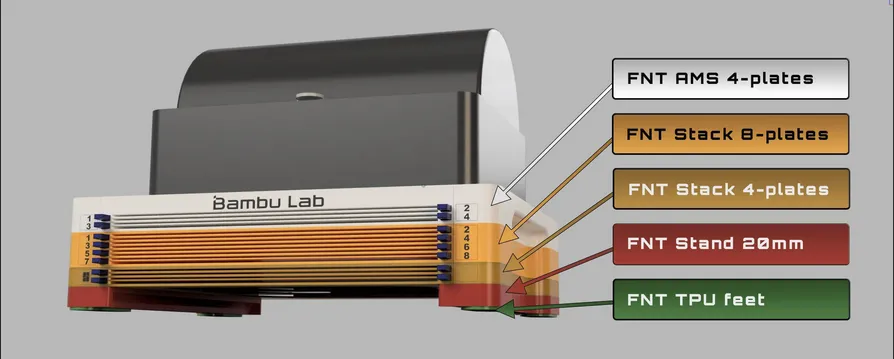
FNT AMS2 Pro X1C/P1S/P2S buildplate holder with button
Boost Me (for free)
Please support my work if you like the model. Boosts invests in purchasing material for prototype models. Thank you. :-)
Holder Versions
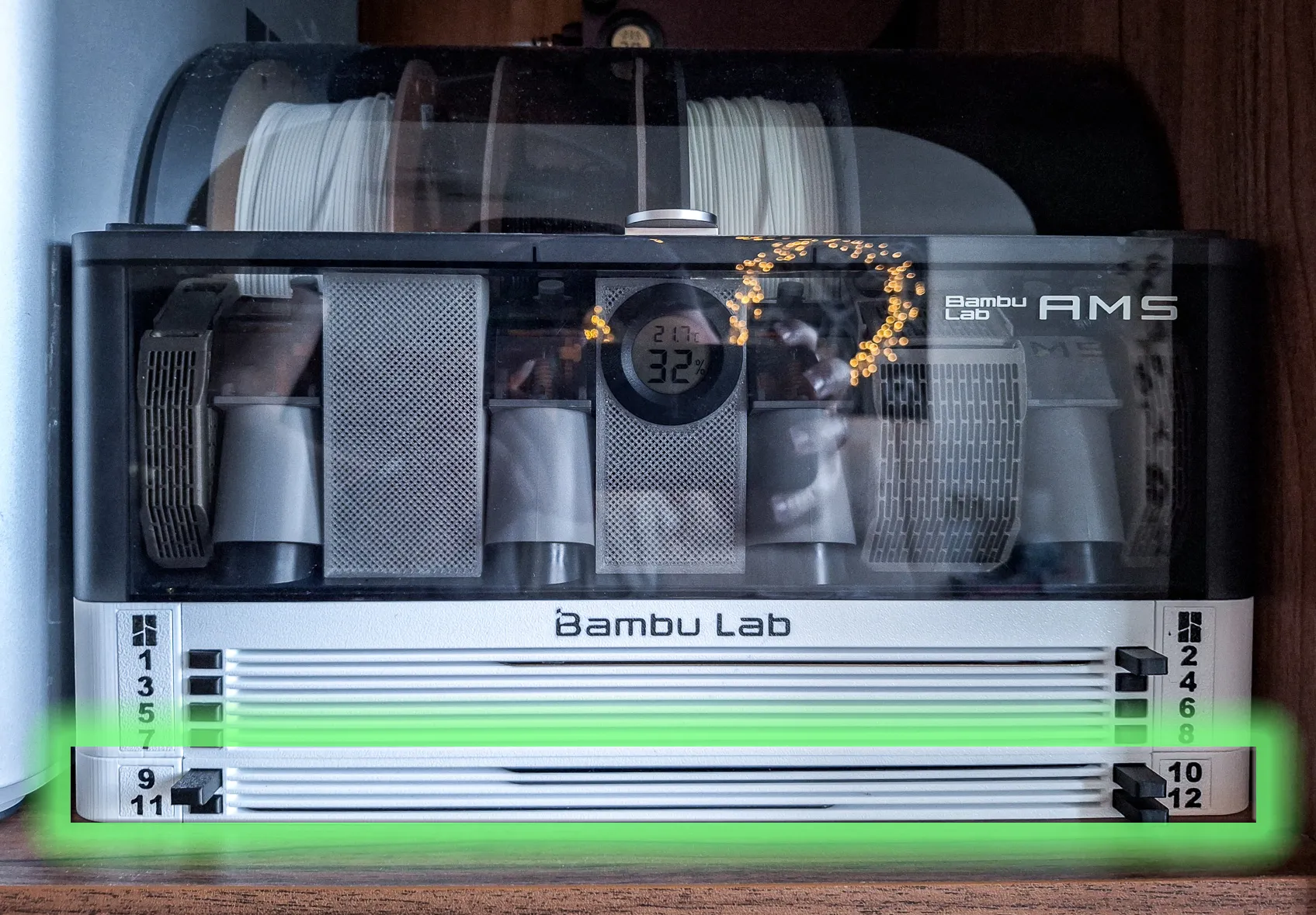 FNT plates holder for X1 A1 Standalone / Stackable 4 or 8 plates | 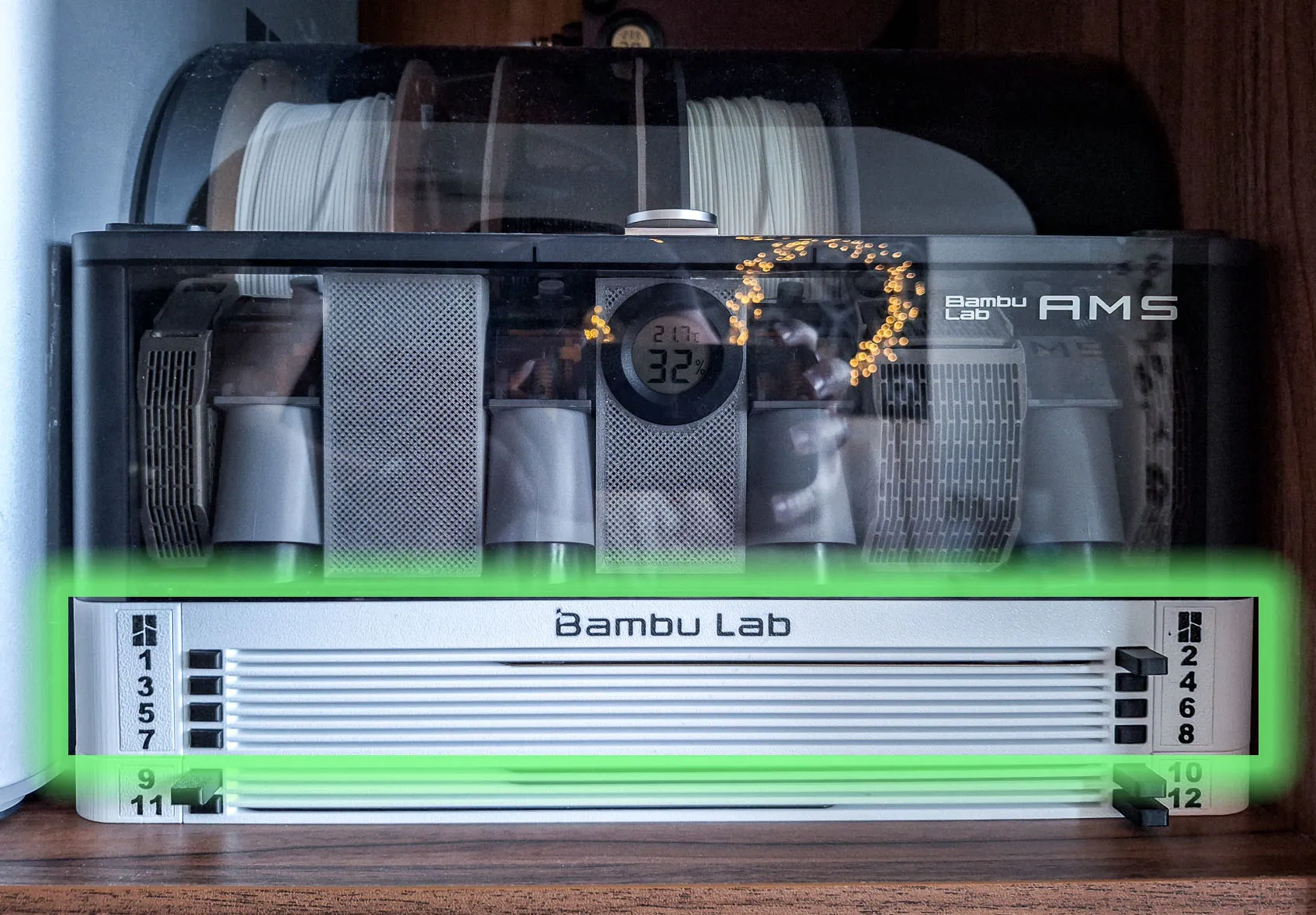 FNT AMS plates holder for X1 P1 plates button SLIM - 4, 6 or 8 plates (this page) | 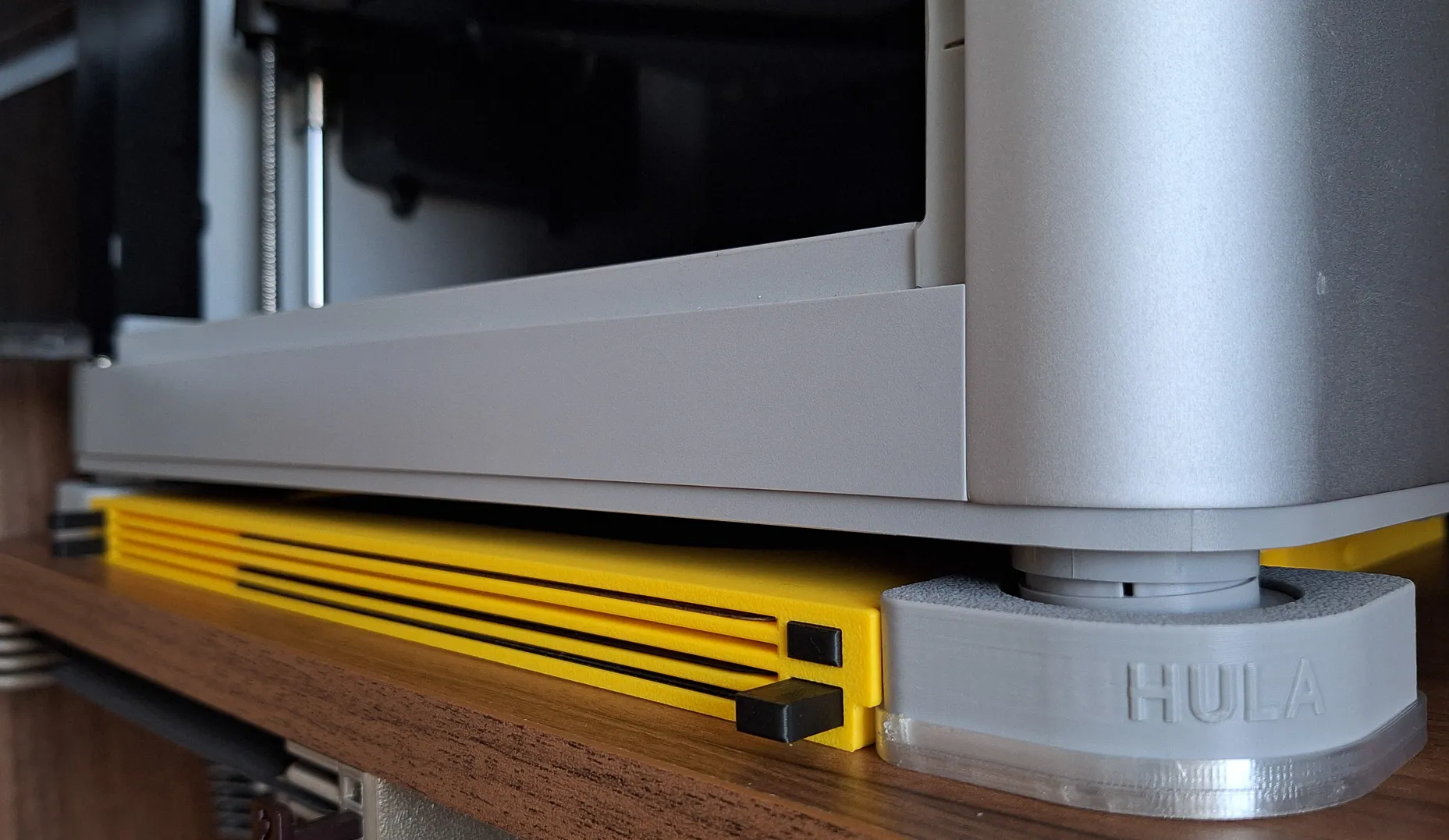 |
Adapters
 |  |  |
Accessories
FNT AMS2 Pro plates holder for X1 P1 with button
The stack version does not have the upper part where the BambuLab text is and therefore AMS cannot be inserted on it. However, it can be placed under the AMS holder by simply placing it or attaching it with a magnet or screwing it. The stack version is also more suitable for placement under a shelf because it takes up less space. You can place another one under Stack and create the version you need. Stack / Standalone version will be available soon.
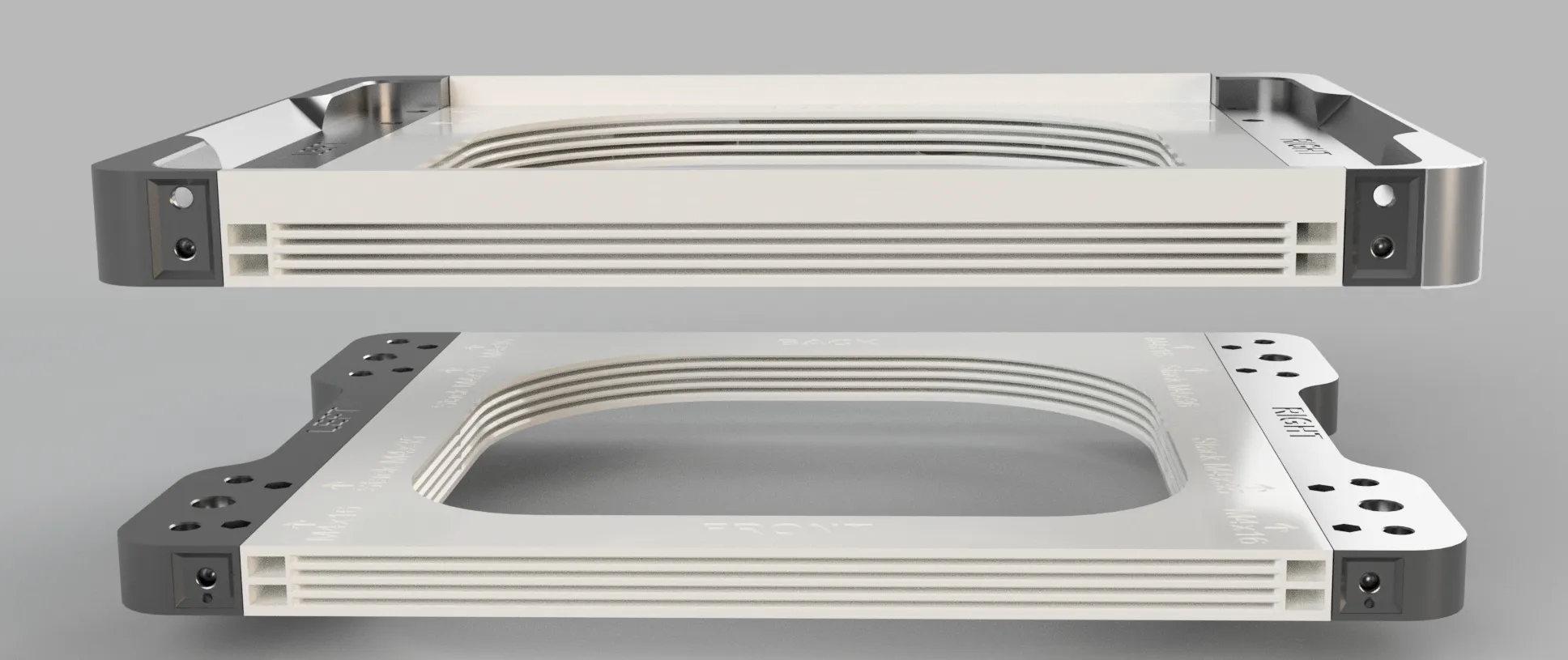
This series will include models:
- holder as a stand for X1/P1 AMS 2 Pro (this one)
- HULA for X1 / P1
- Version for easy shelf mounting Standalone / Stack version


Introduction
I have many build plates for both Prusa and Bambu printers and very limited space for storage. So I decided to create plates holder with eject button for easy insertion and removal.
Inserting and removing build plates goes very smoothly. There is no danger of the printing surface getting dirty from greasy fingers :-)

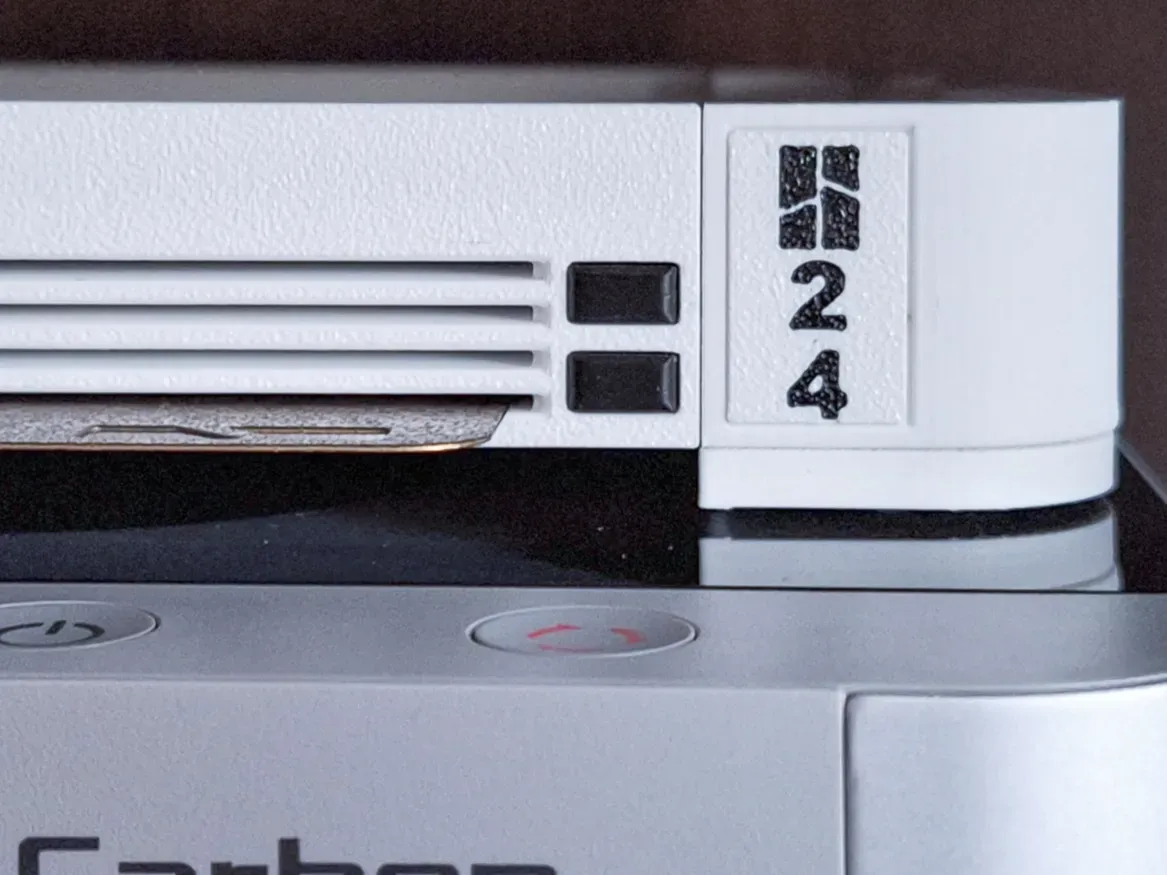
By pressing the button, the build plate ejects approximately 3 cm. By inserting the build plate, the button will pop out easily.
Vertical placement/sticking to the side of the printer also works great.

Build Plates holder for AMS 2 Pro X1 P1 with button SLIM
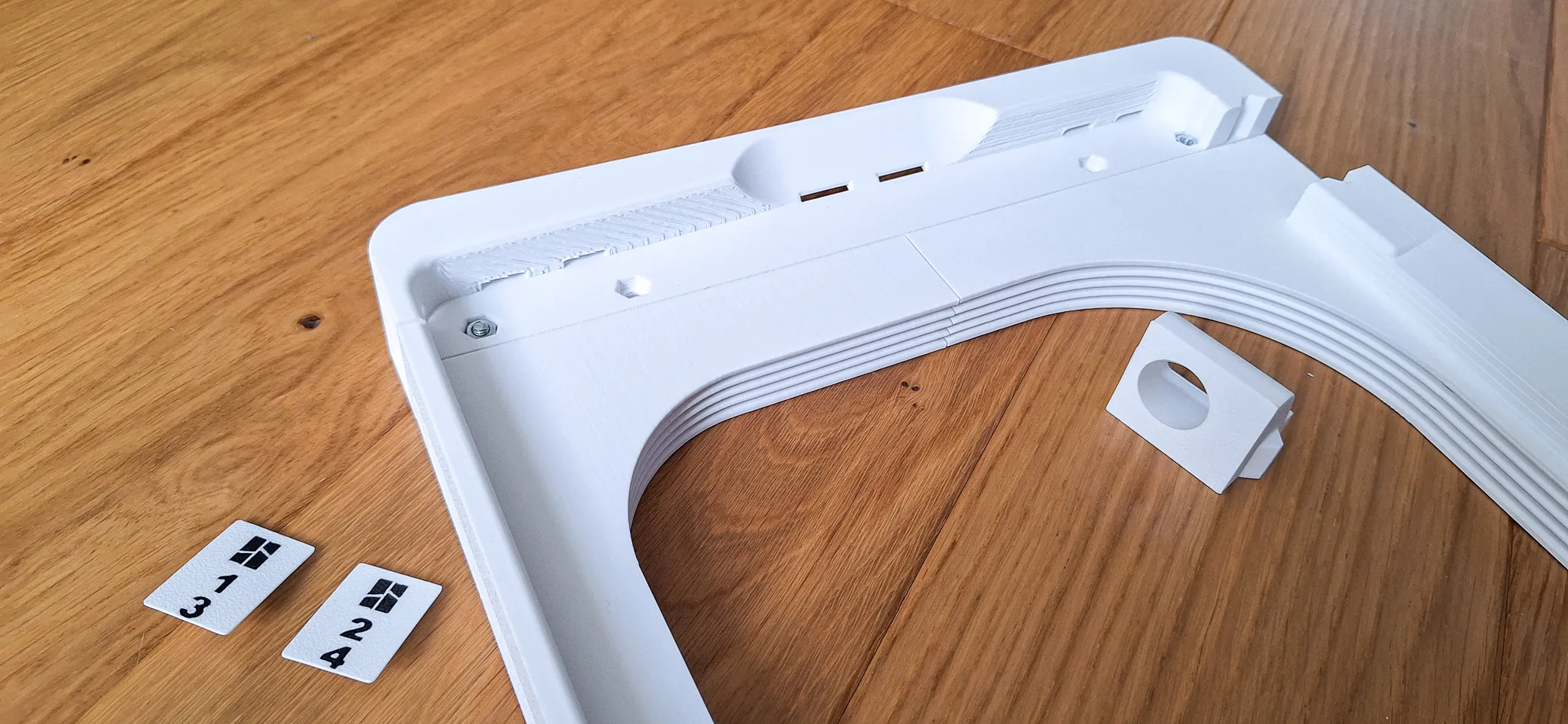
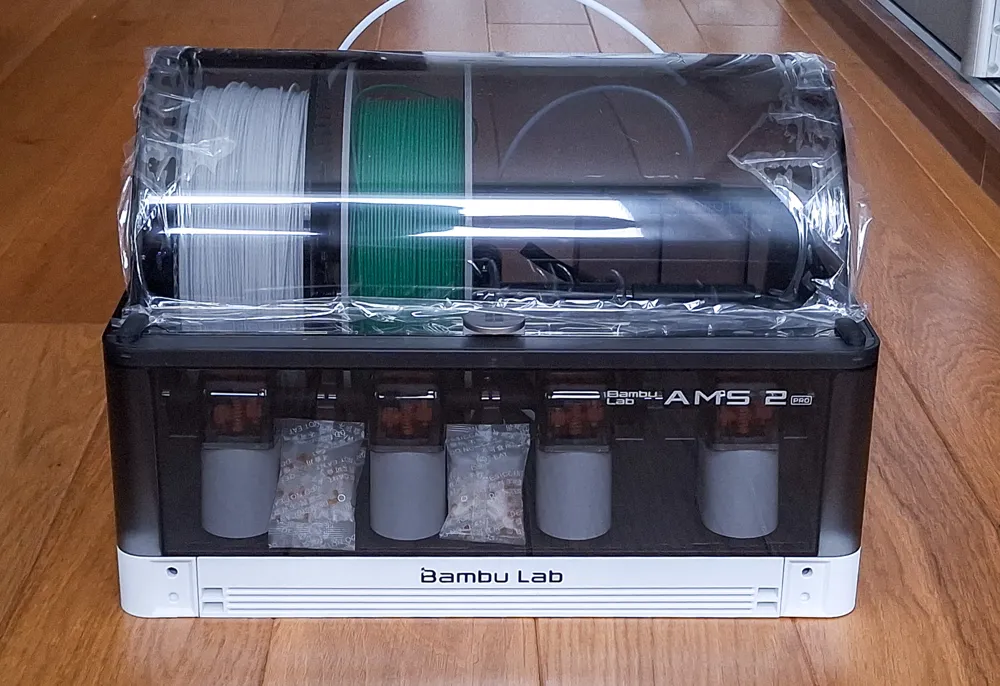
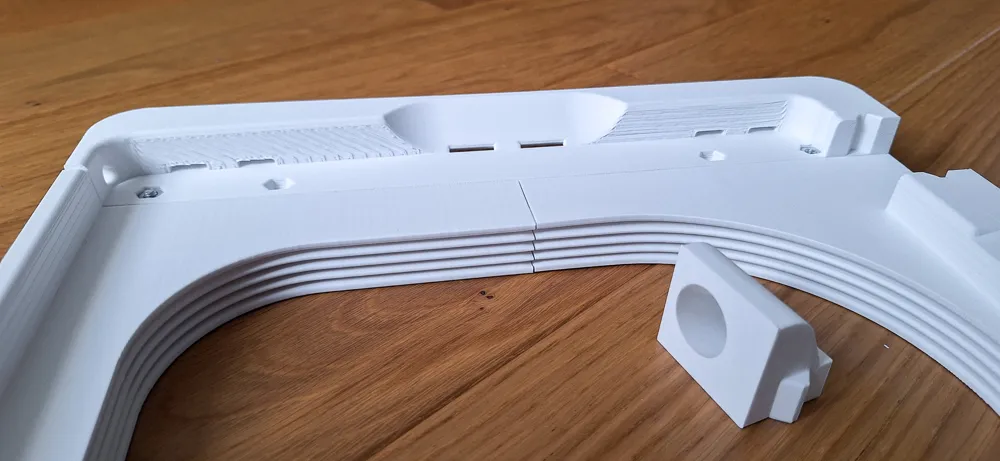

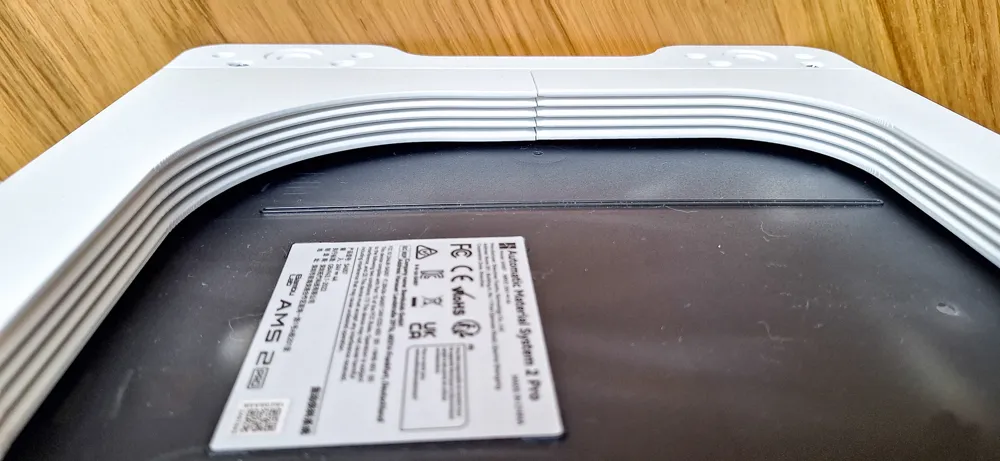
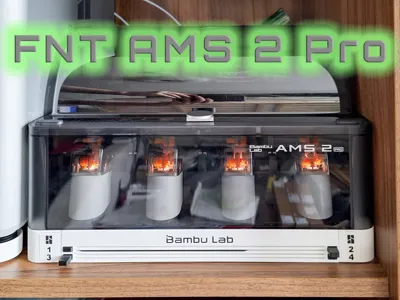
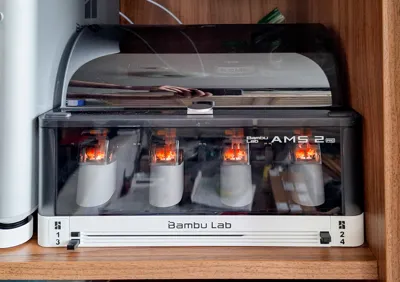
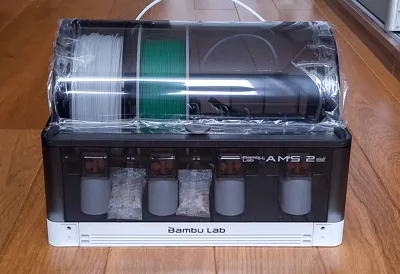
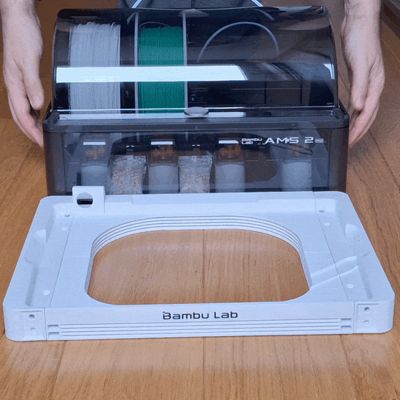
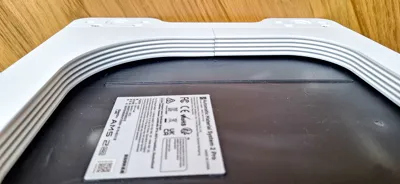

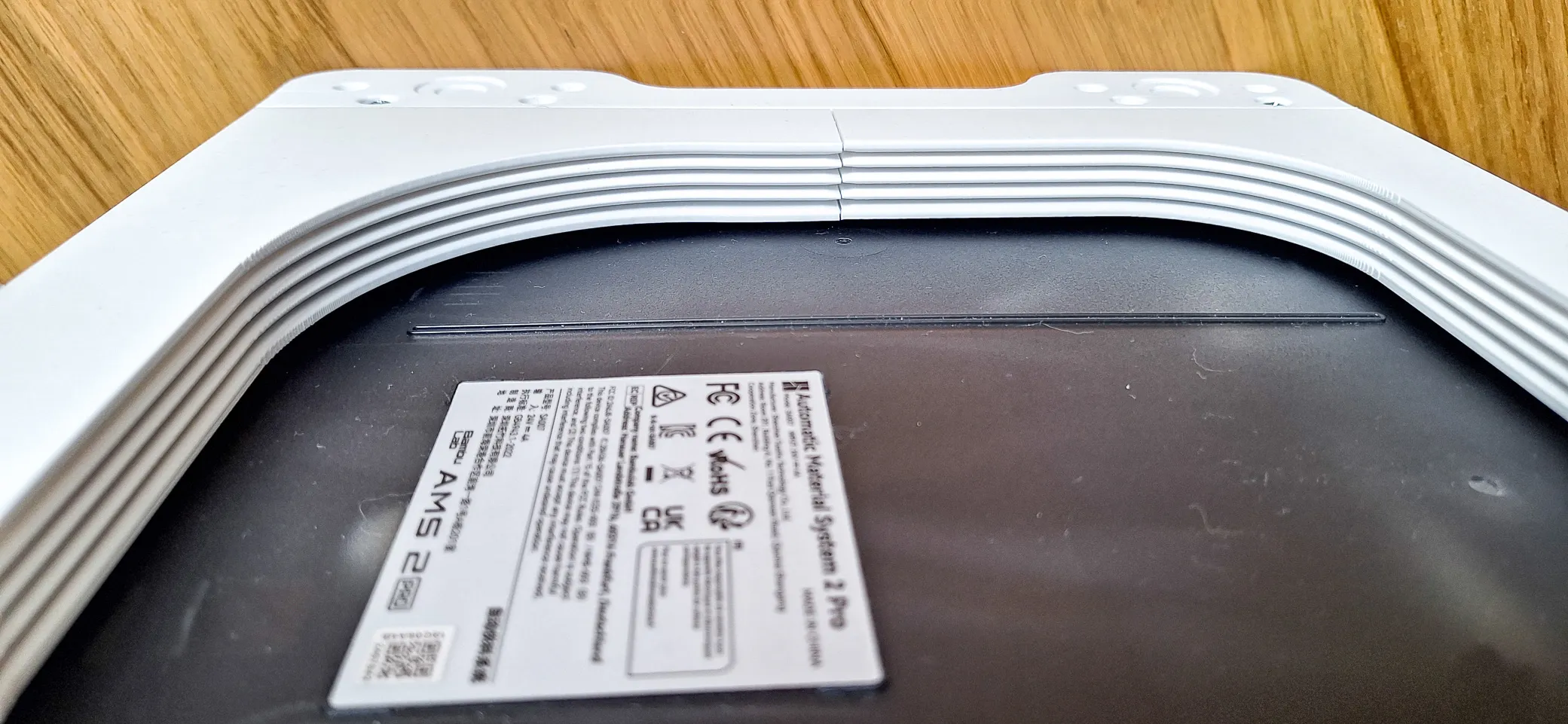

This version of the holder is specially designed for use as a stand for AMS 2 Pro. It's actually very simple - just place the AMS 2 Pro on the assembled holder and you're done.
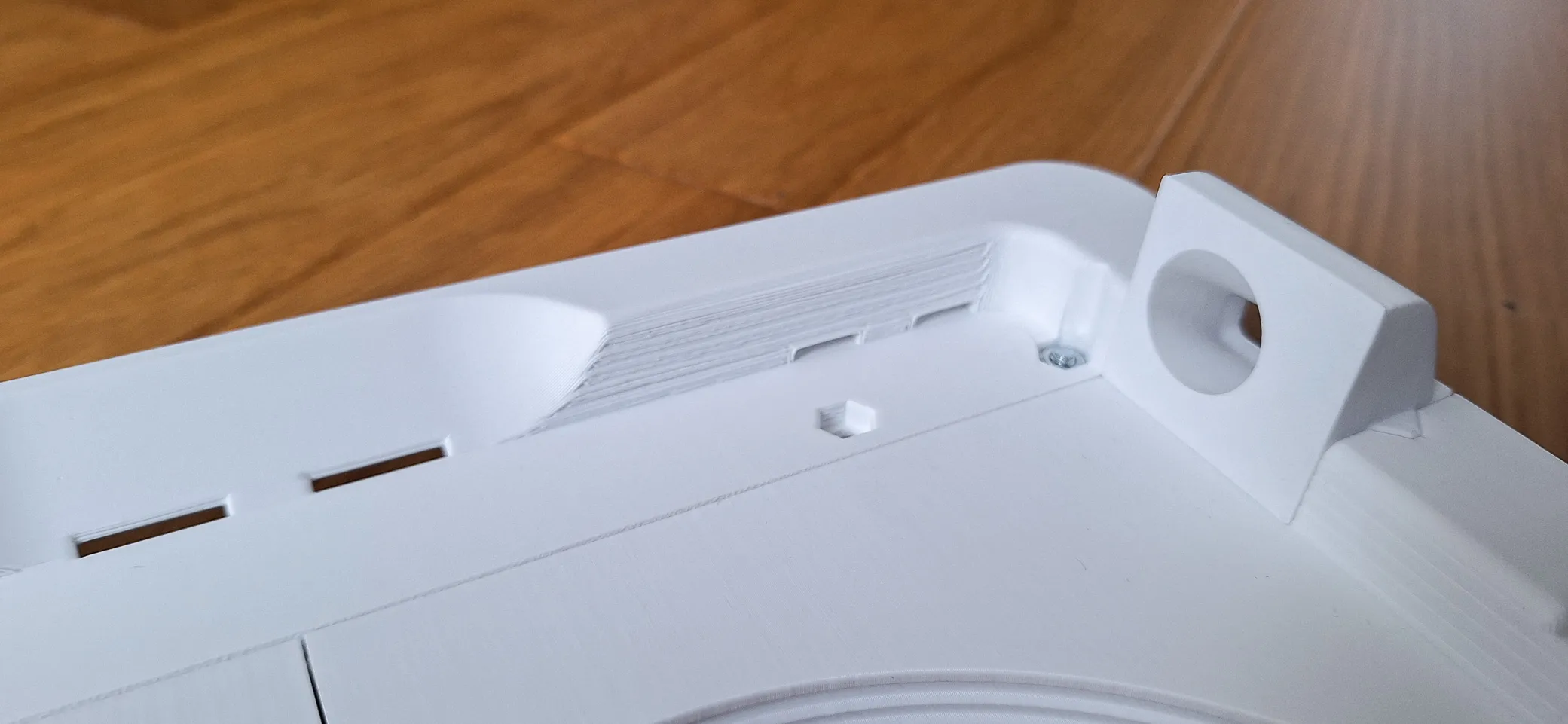
What non-printing parts will you need?
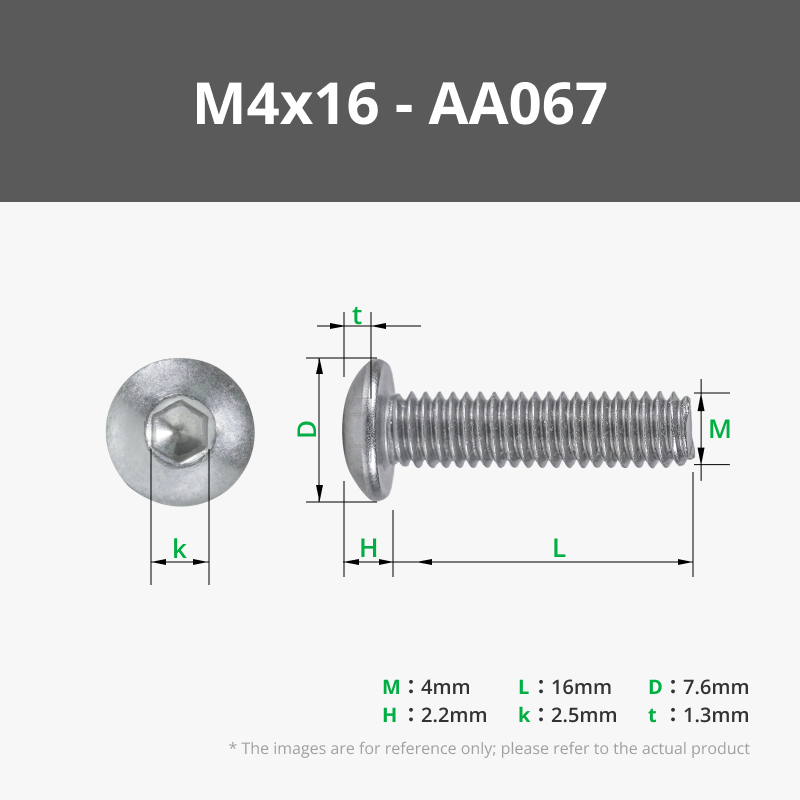
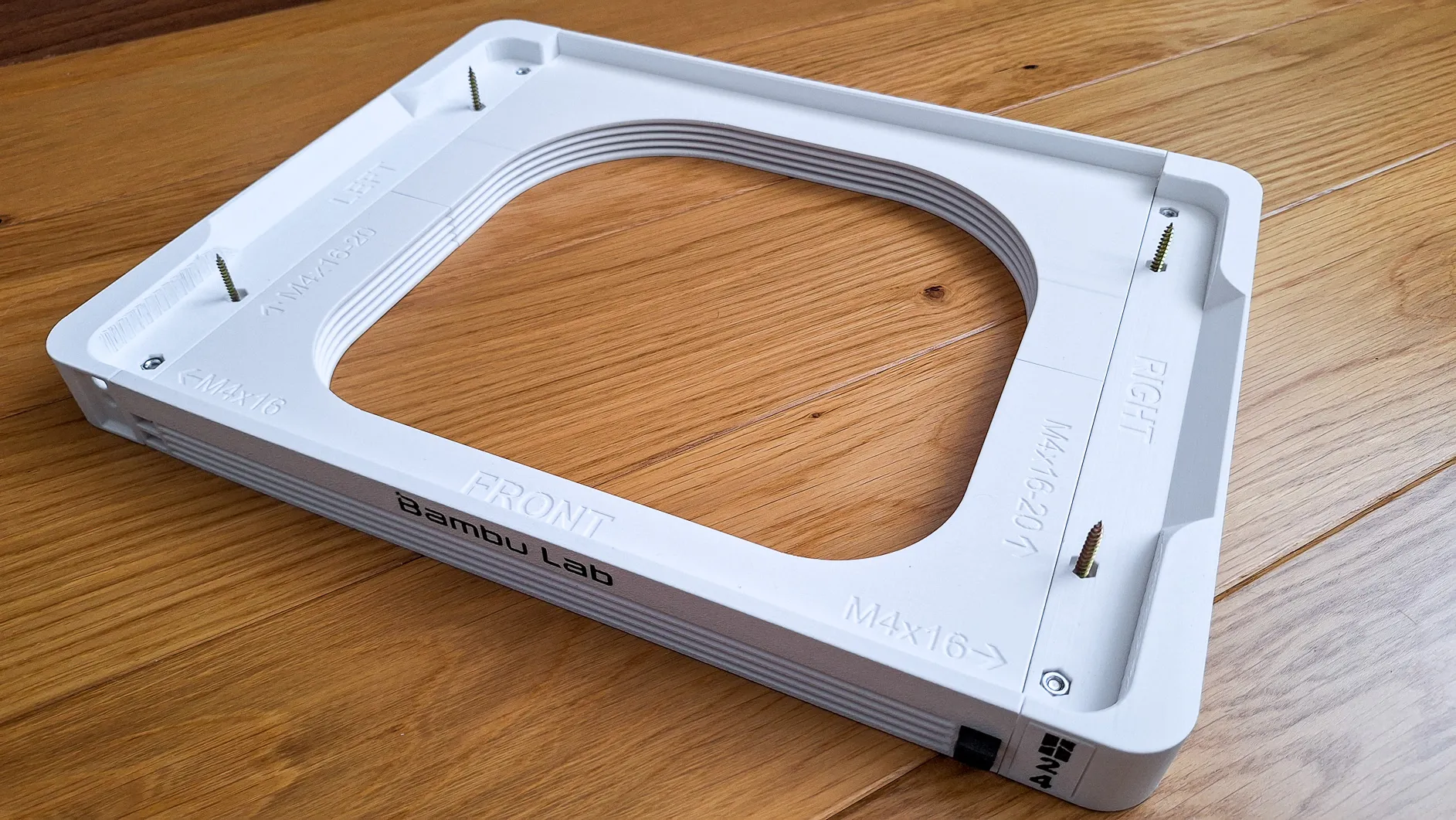
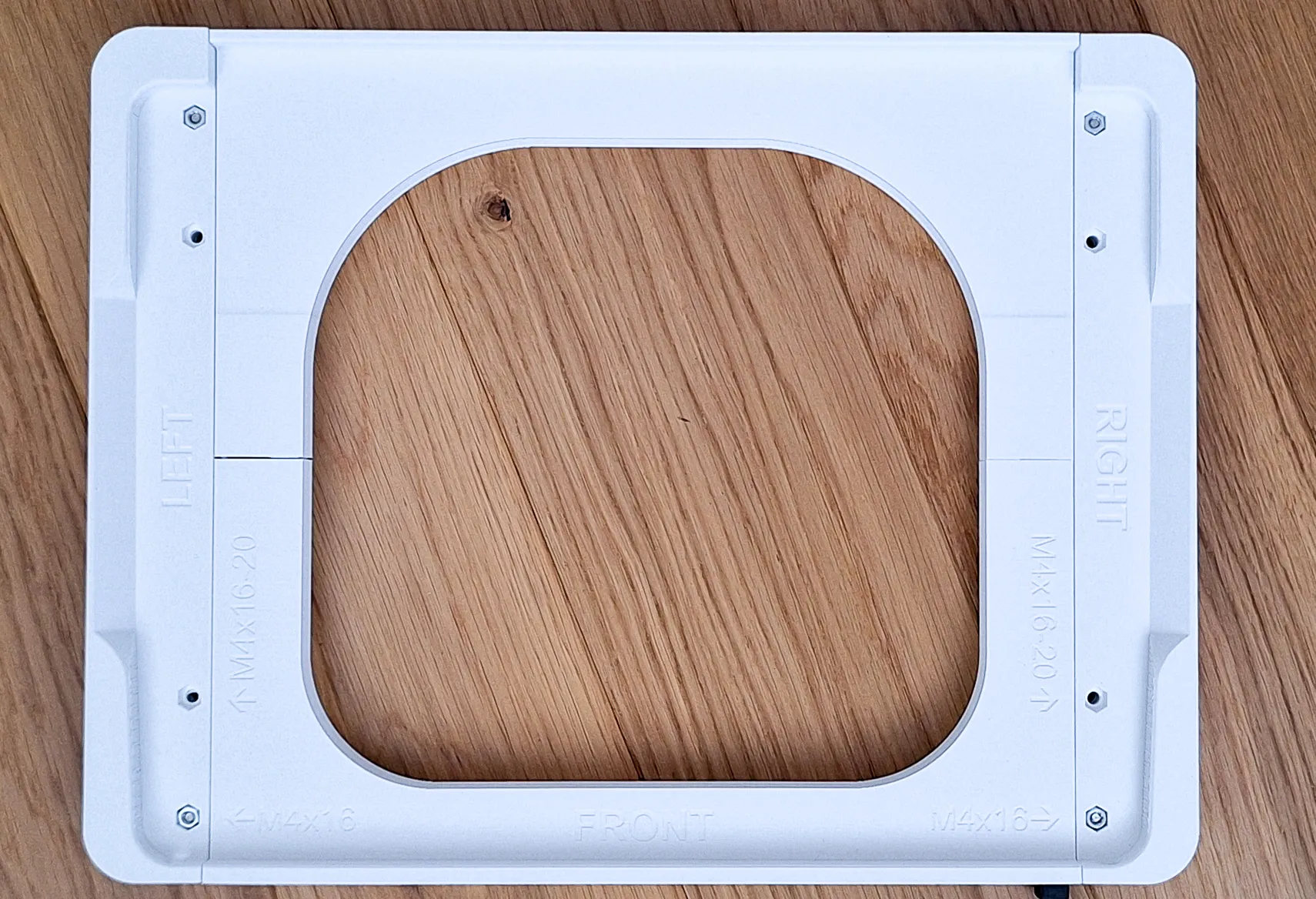
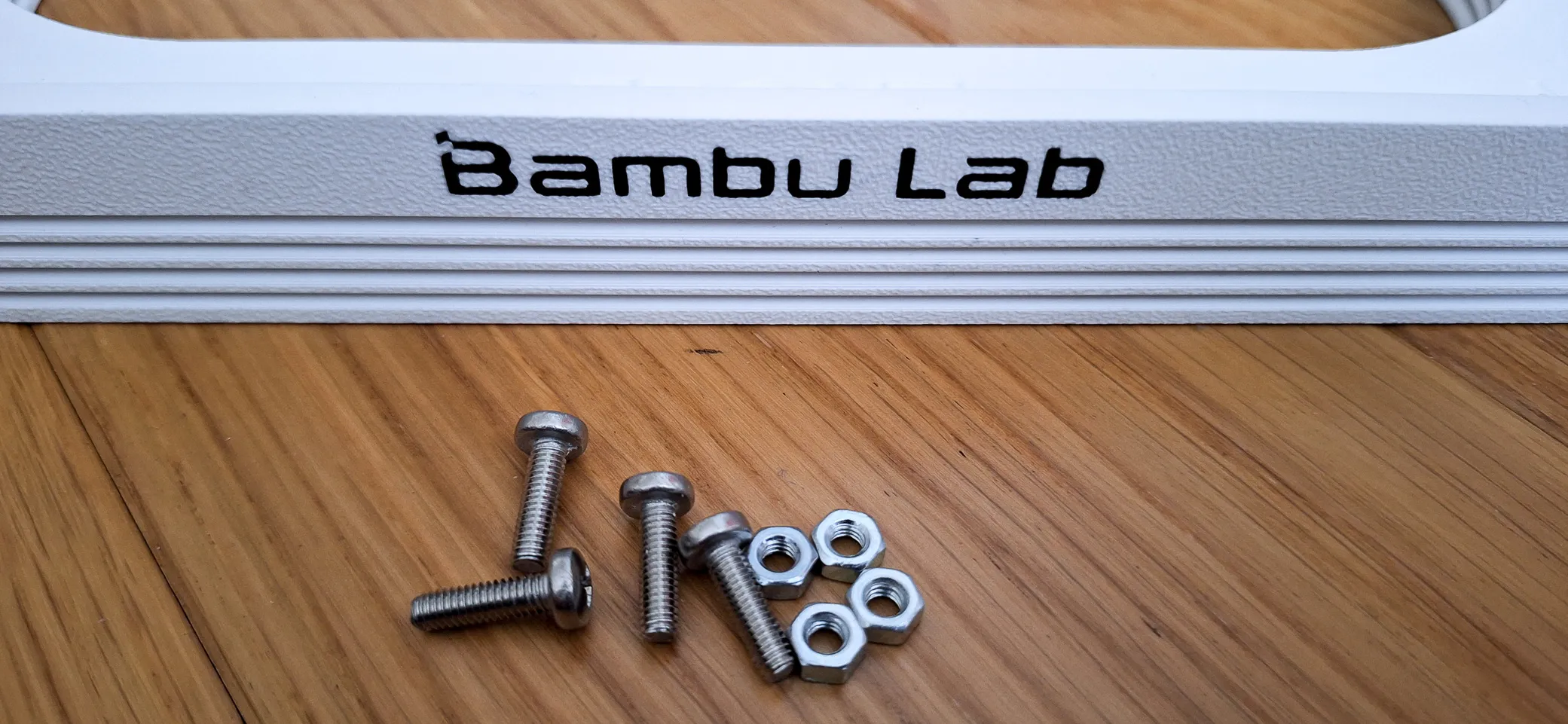
- 4 or 8 pieces of M4 nuts
- 4 or 8 pieces of screws type DIN7985 or simmilar
- M4x16 (4-plates)
- M4x25(6-plates)
- M4x30 (8-plates)
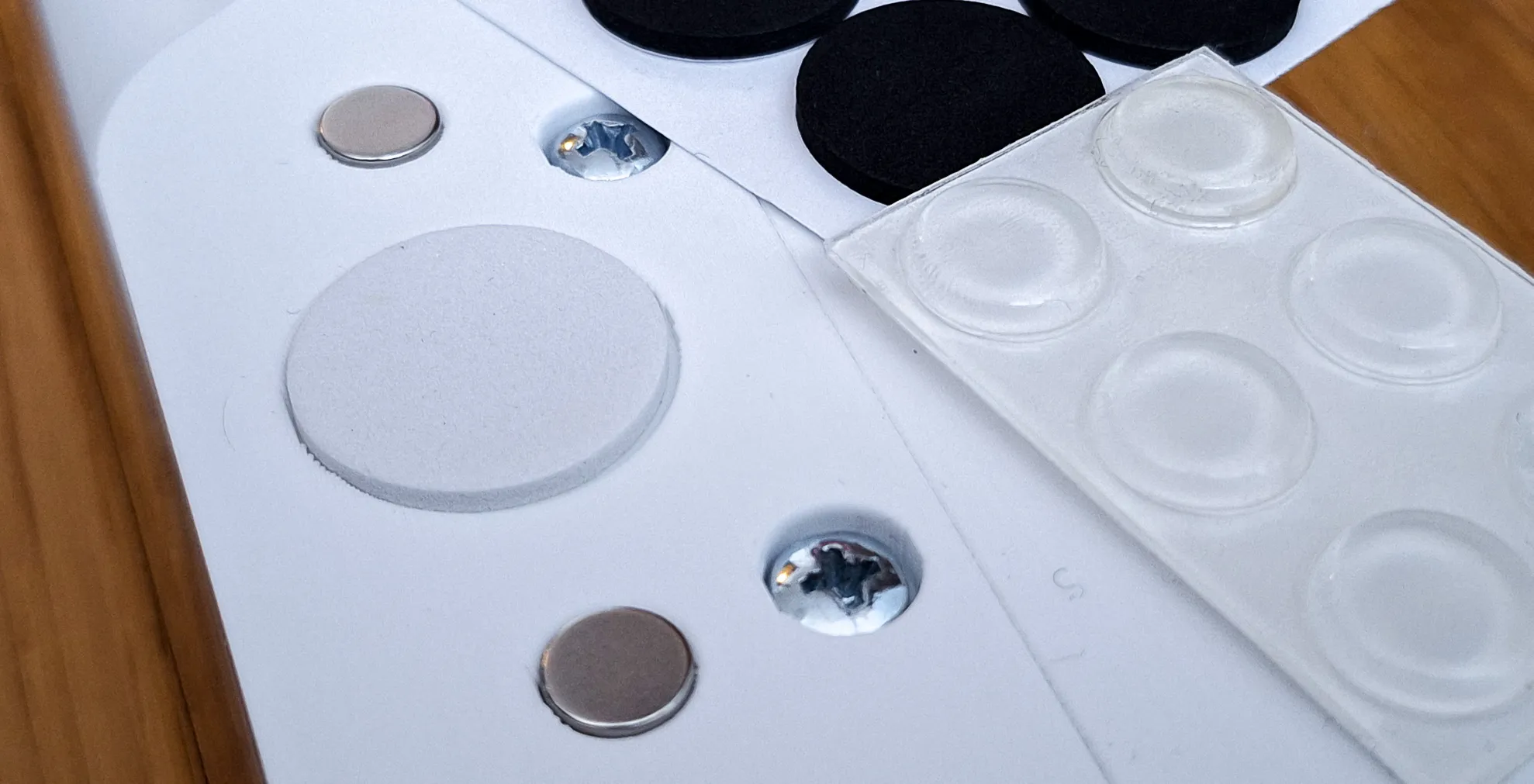
- I recommend 4 pieces of non-slip pads.
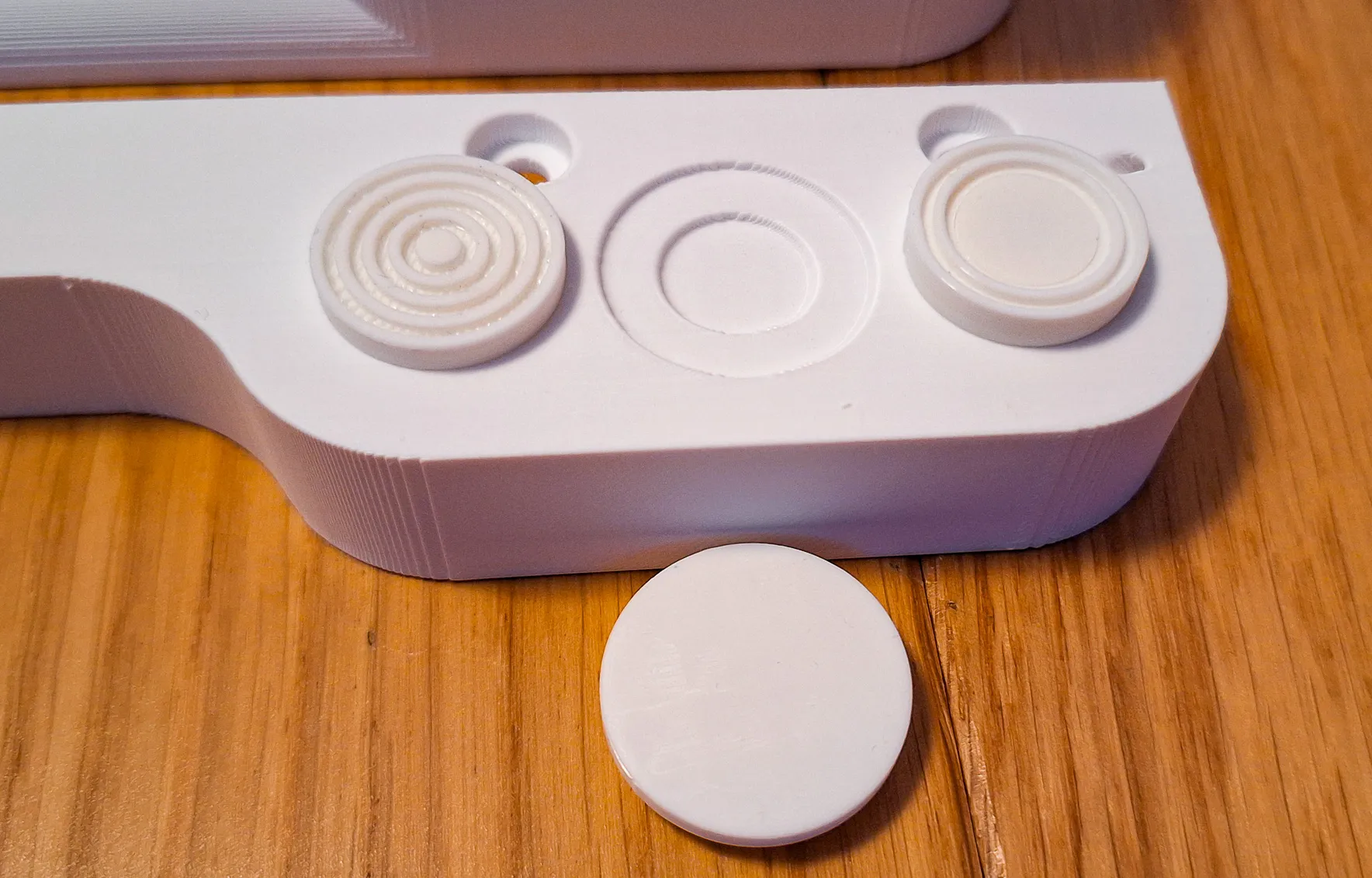
- Silicone - round up to 12x3.5 mm
- Foam/rubber - round up to 22x2.5 mm
The holder contains several interesting solutions:
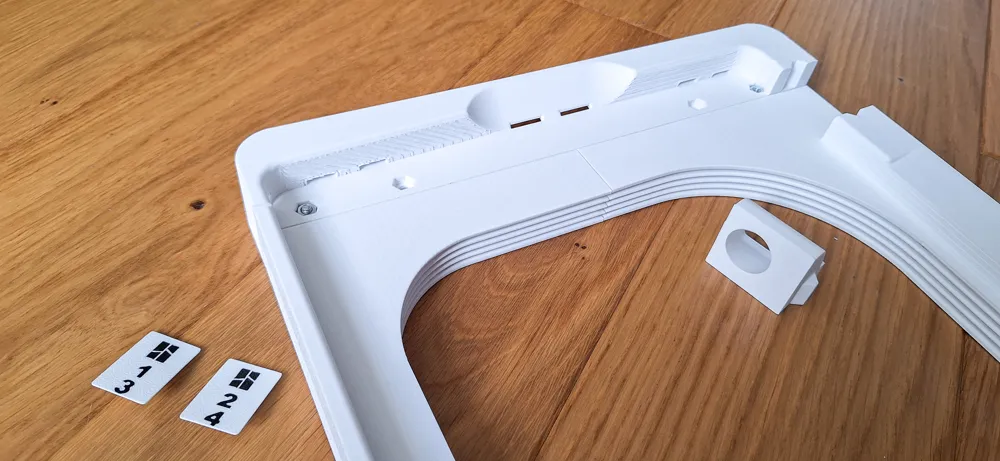
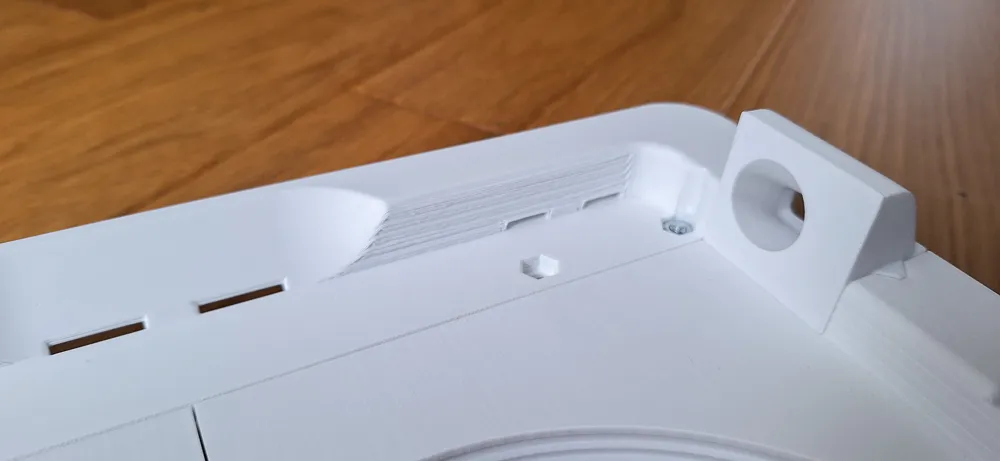
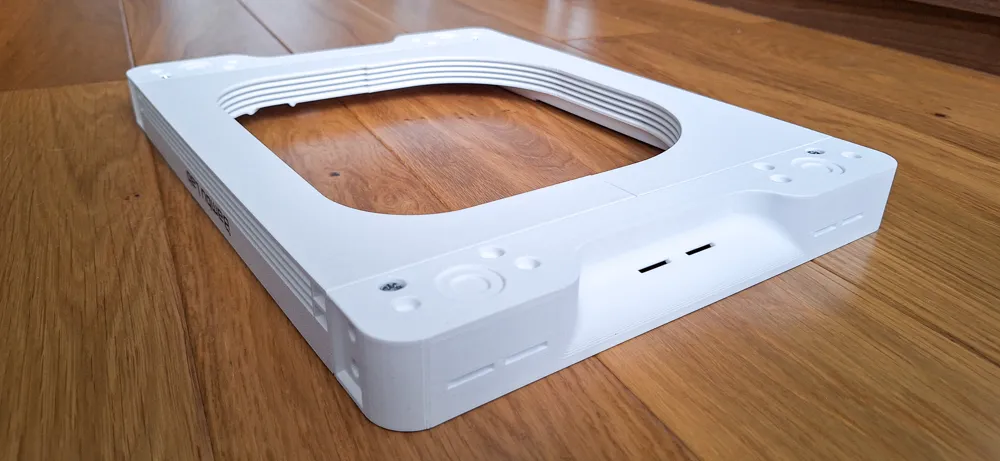
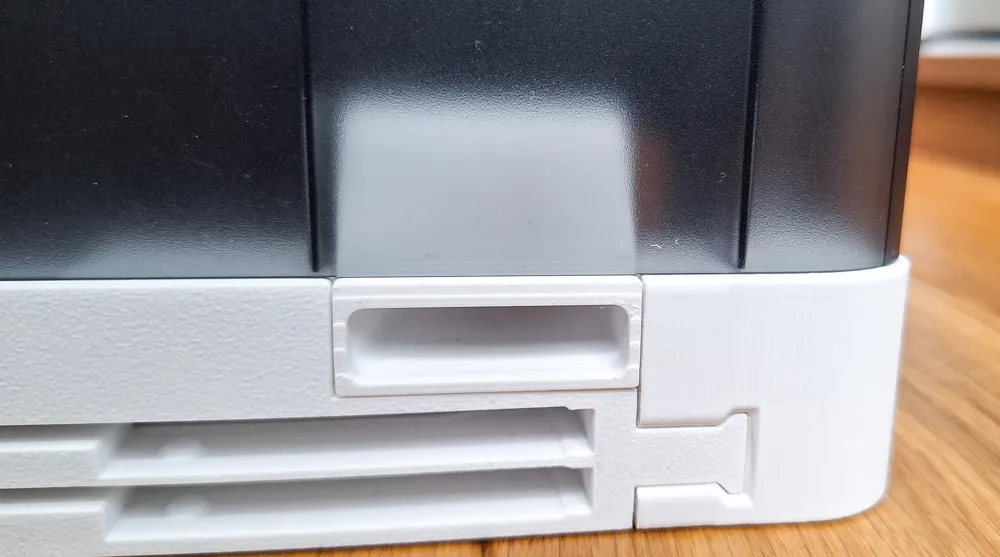
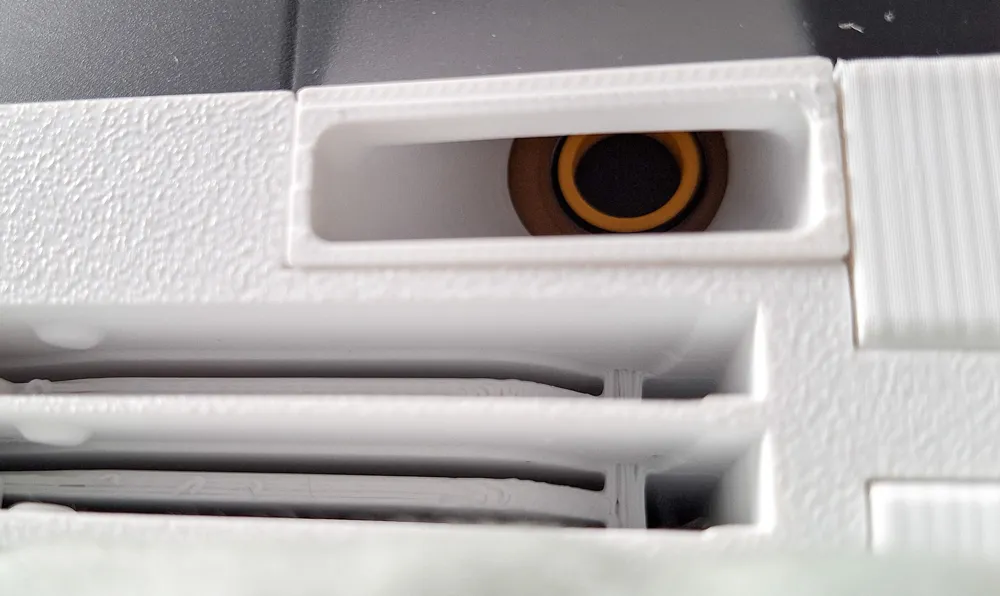
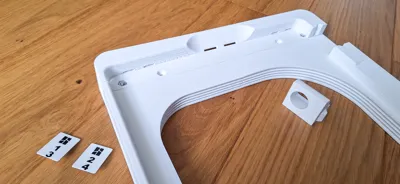
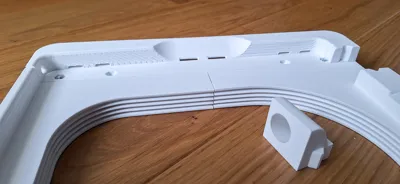
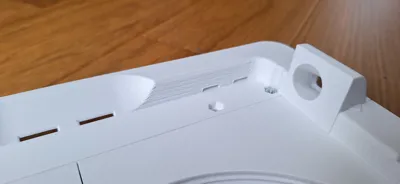
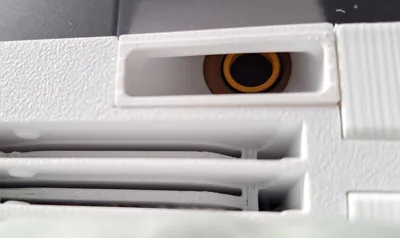
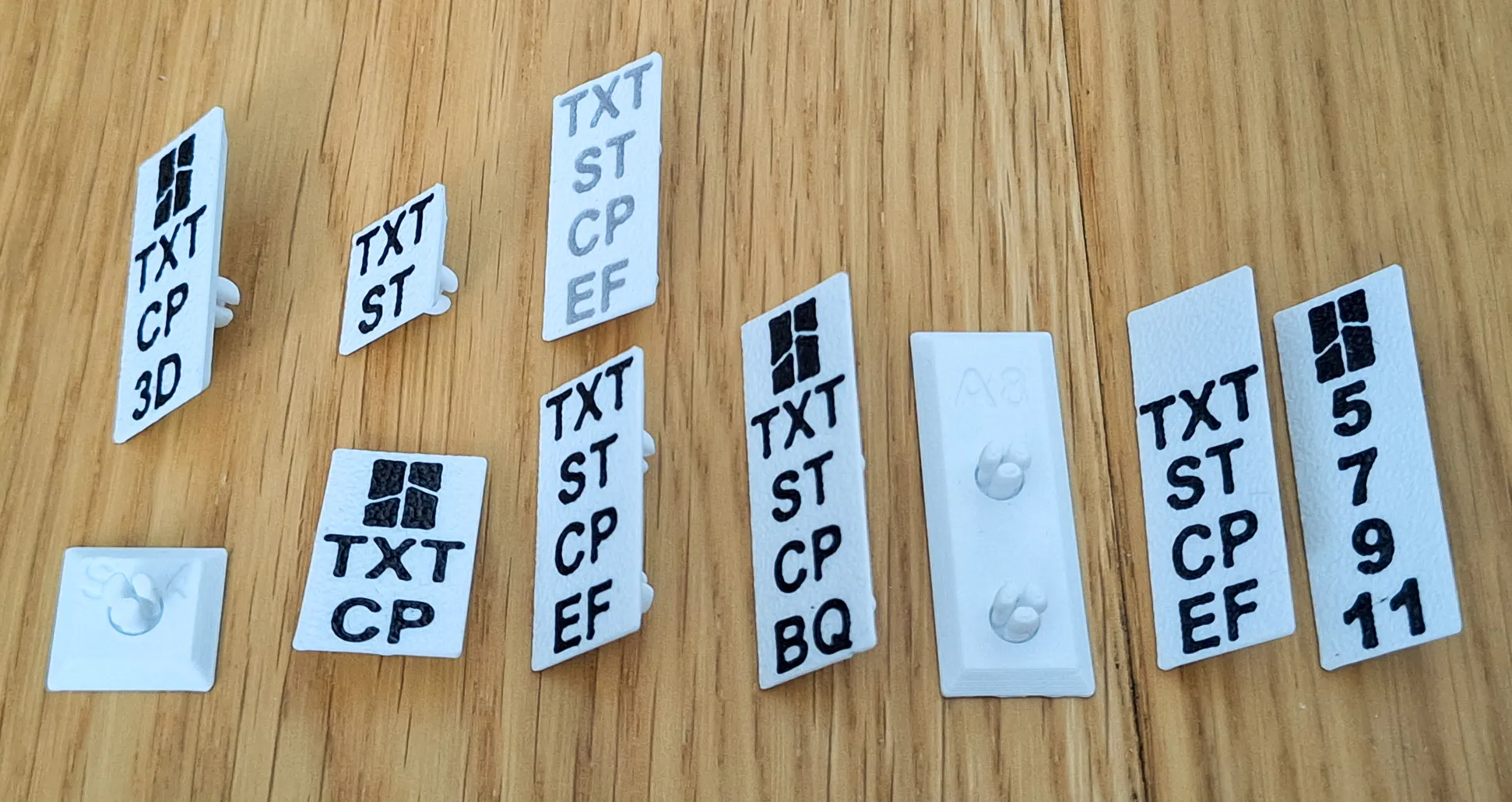
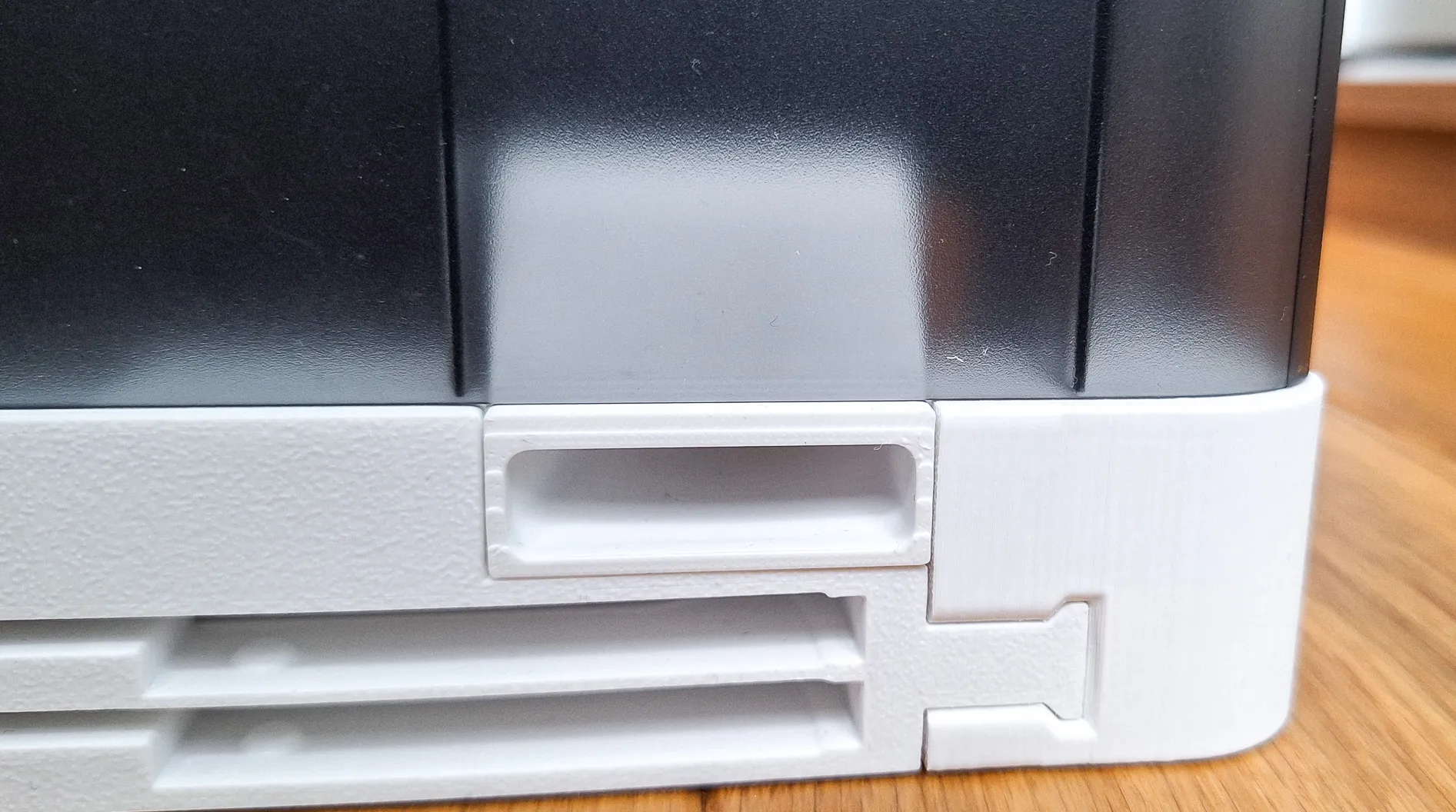
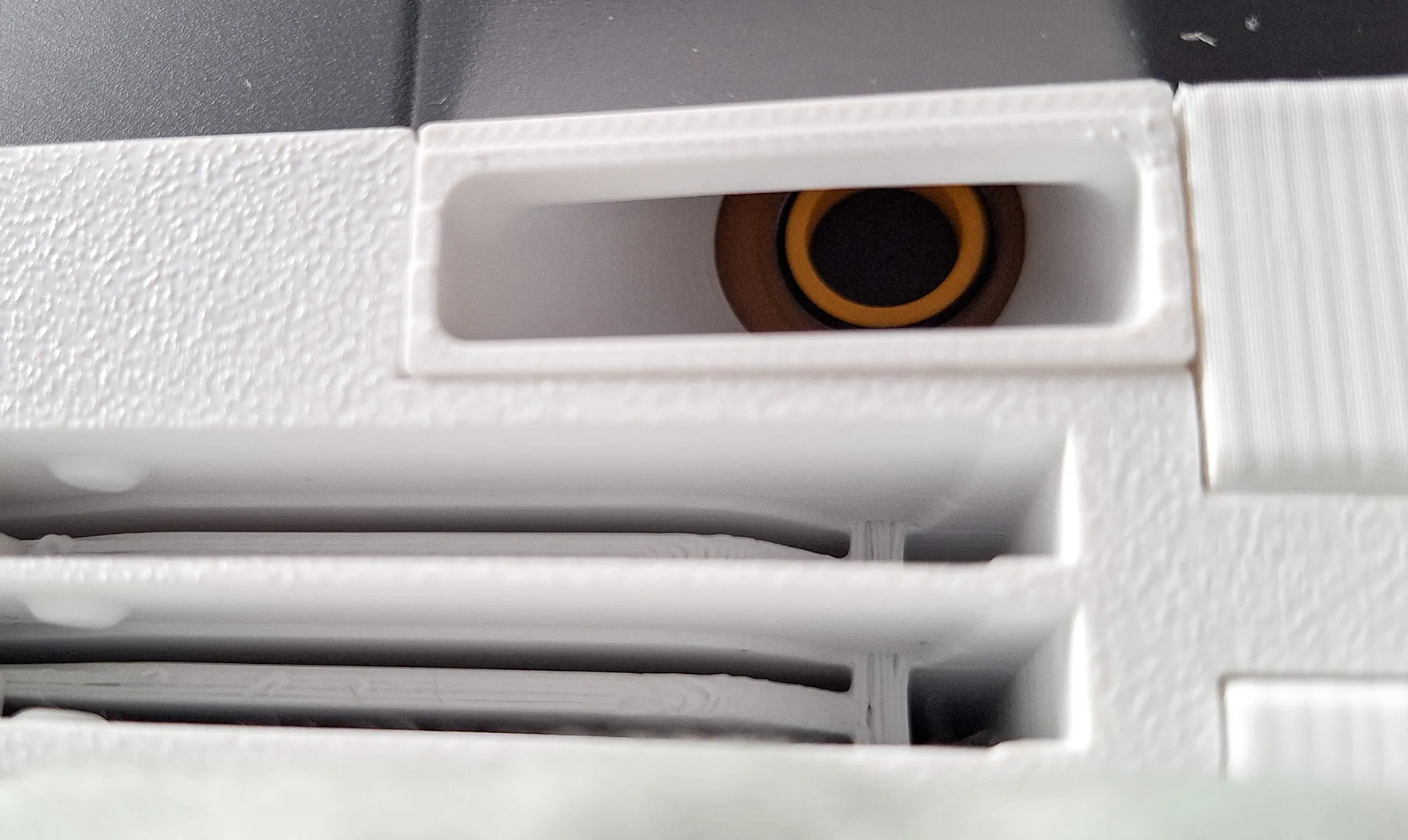
- Interchangeable labels on the sides. A simple click inserts the label, a hole on the other side allows it to be removed. A template is included , so you can customize the image or text - file LogoPlate.step
- If you don't want it as a stand for AMS, but you would like to attach it to the underside of a table or shelf, just use the free holes and attach it to the board with screws.
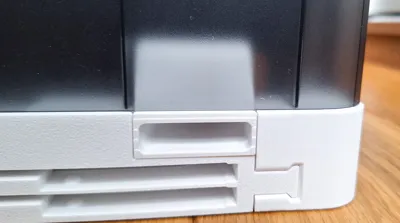
- Side handles for easy carrying
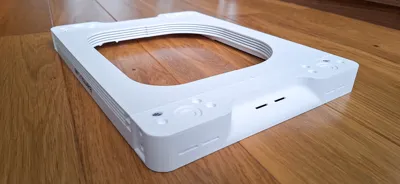
- 4x Holes on the bottom for placing anti-slip pads
- 8x Holes for neodym round magnets 8x3 mm
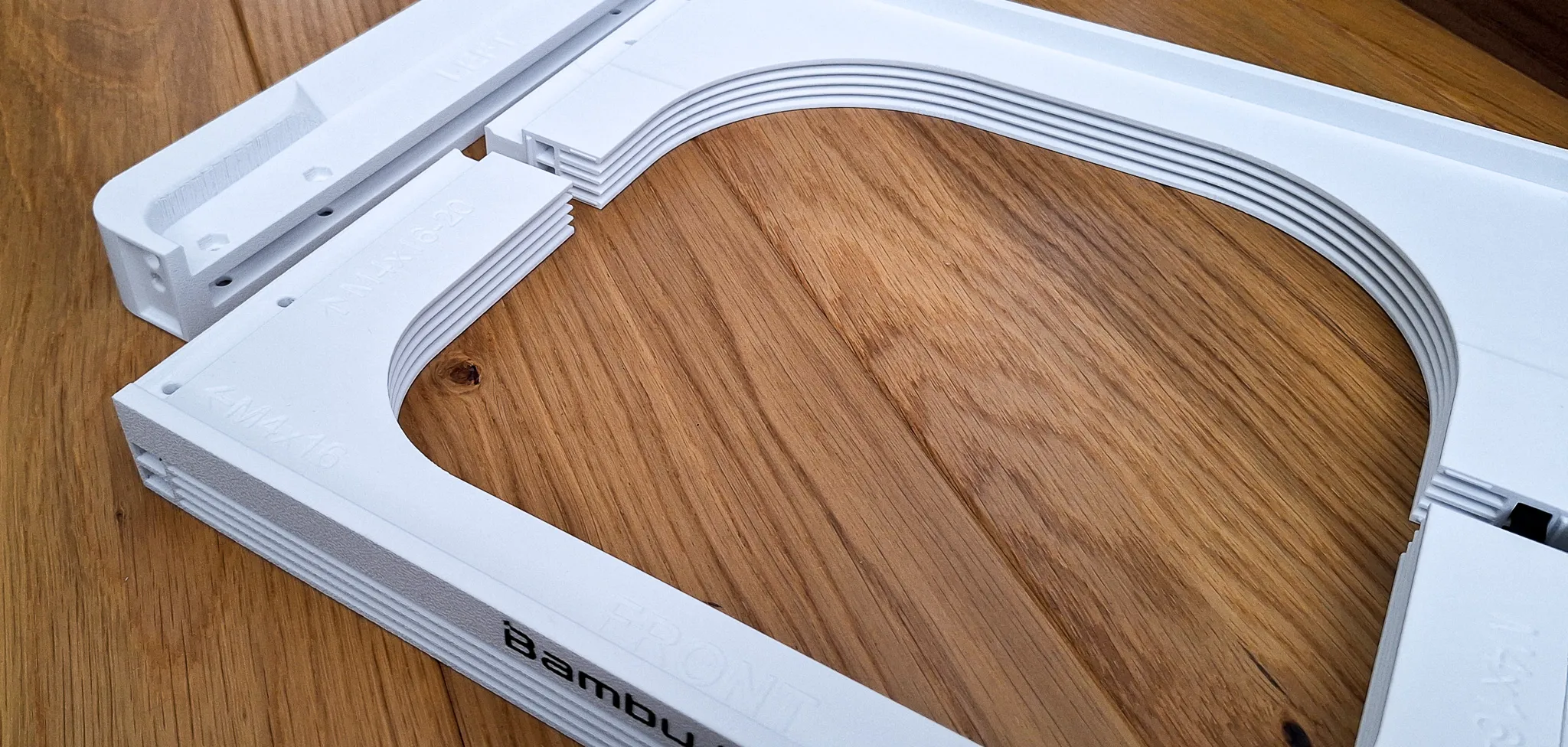
WARNING: If you plan to use the stand with the AMS on top of the printer, make sure to use some form of non-slip rubber feet. The glass can be dusty and if the printer dances with the heavy AMS and the feet slipping, an accident can occur. Do not leave the printer unattended until you are sure the AMS is not moving.
Printing instructions
- Please use the included print profile. It is tuned and tested for optimal results
- Print only on closed printers such as X1C and P1S
- Before starting printing, make sure the build plate is clean and degreased. If necessary, use 3DLac.
- Use only good quality filament to avoid problems with peeling/non-functional buttons due to poorly printed surfaces. Bambu PLA Basic is OK
- Do not increase the speed or change the height of the layer
- layer 0.2mm, supports: yes, use Brim
- I use Textured Pad 60°C and PLA. I have no problems printing on X1C.
- When I used SuperTack and the recommended 45°C, the model peeled off
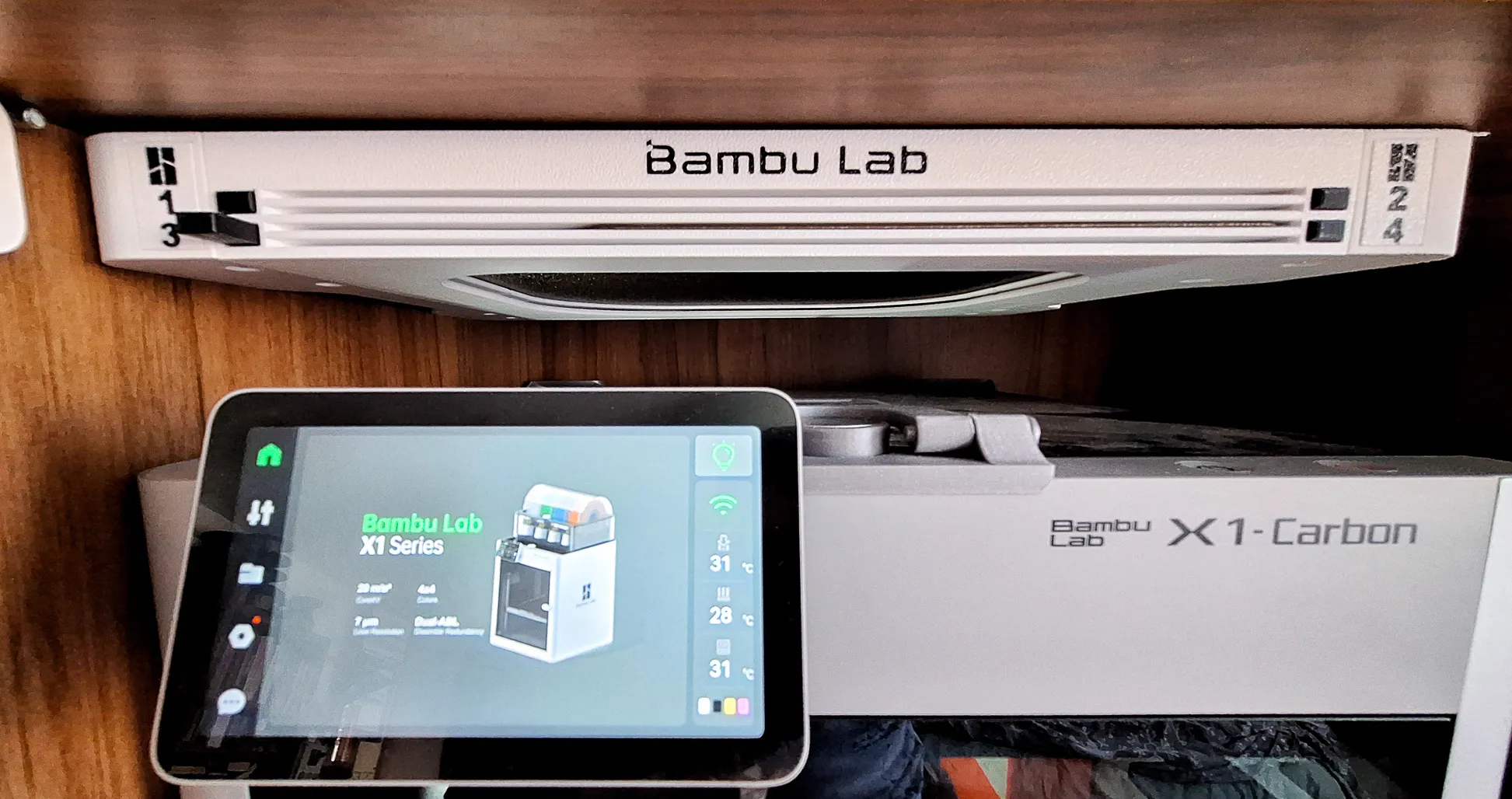
Assembly:
- Print Holder body (Front, Back and Left+Right), buttons and arms of selected version


- Slide Left+Right parts to the Front and Back parts
- Insert minimum 4 pcs of M4 nuts into the hols in the corners
- Use M4x16 type DIN7985 or simmilar for fixing the holder body
- Insert button to the holder. Slide in / out several times to clean slot and button bar from printing imperfections
- Rotate Holder body


- Align the button and arm teeth according to the picture. Push the arm into the holder firmly. First attach the upper arms (1 and 2), then the lower arms (3 and 4).
- Test whether the button and arm move easily
- Install labels
- Install the holder under your AMS
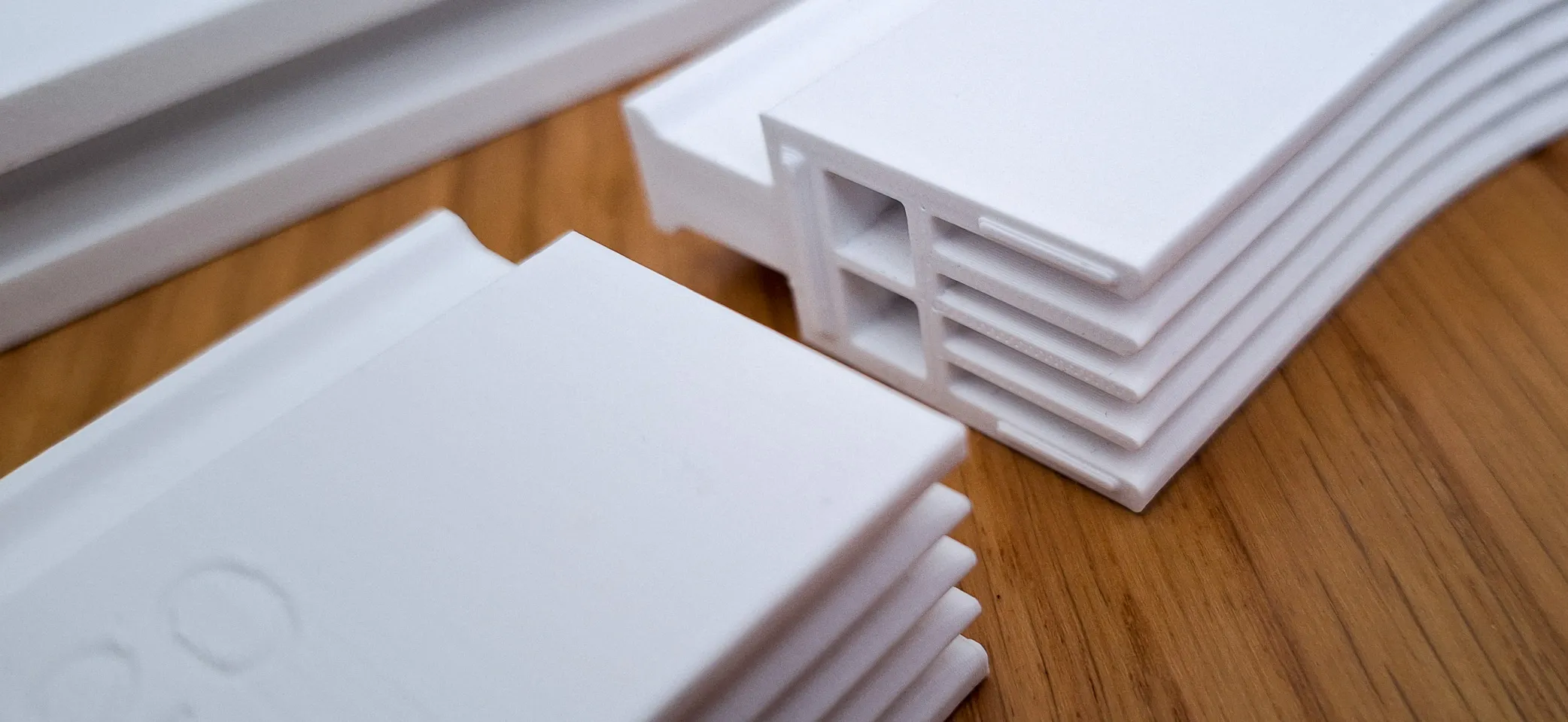
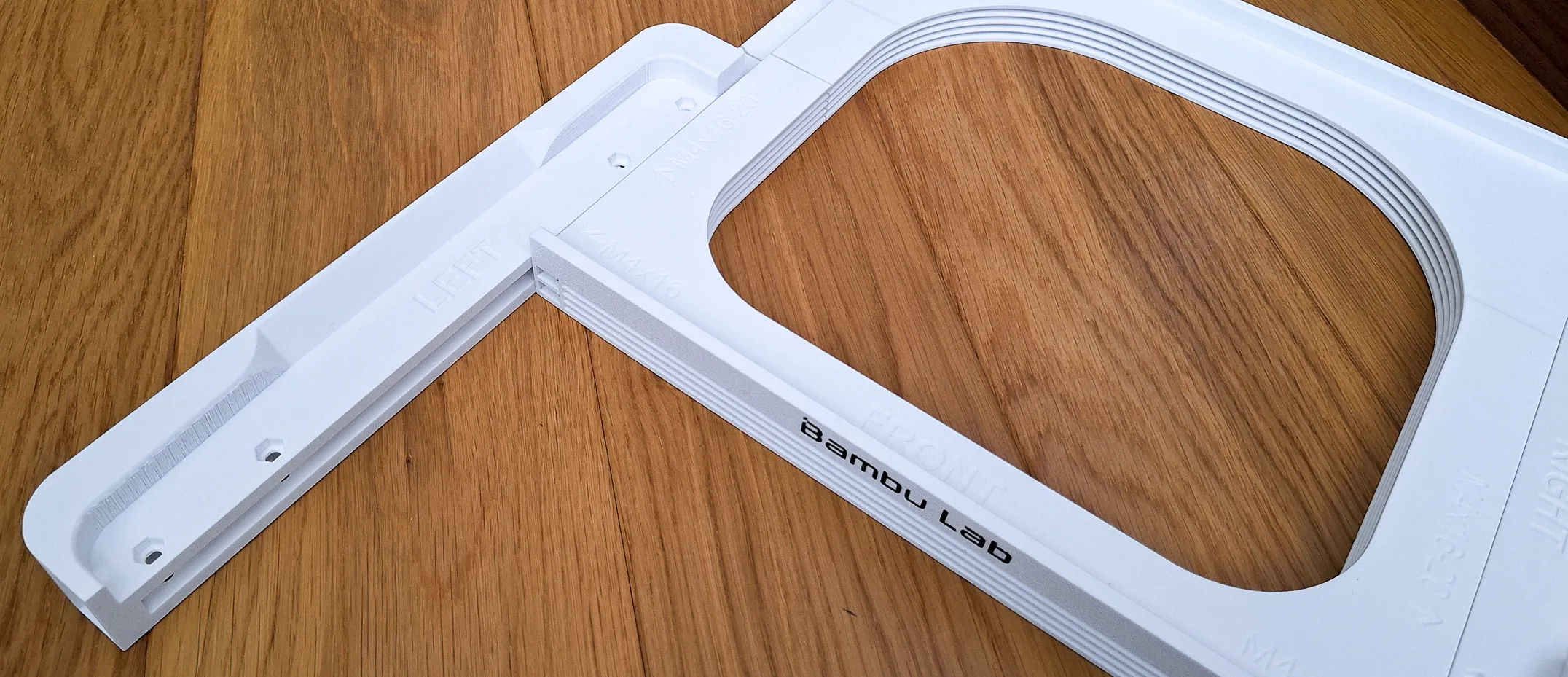

An emergency button / arm removal procedure

If for any reason the arm or button needs to be removed, I am adding an emergency removal procedure. The removal should not damage the body of the holder, but the button and arm will likely be damaged.
Happy printing!
This remix is based on

License



Comment & Rating (314)