
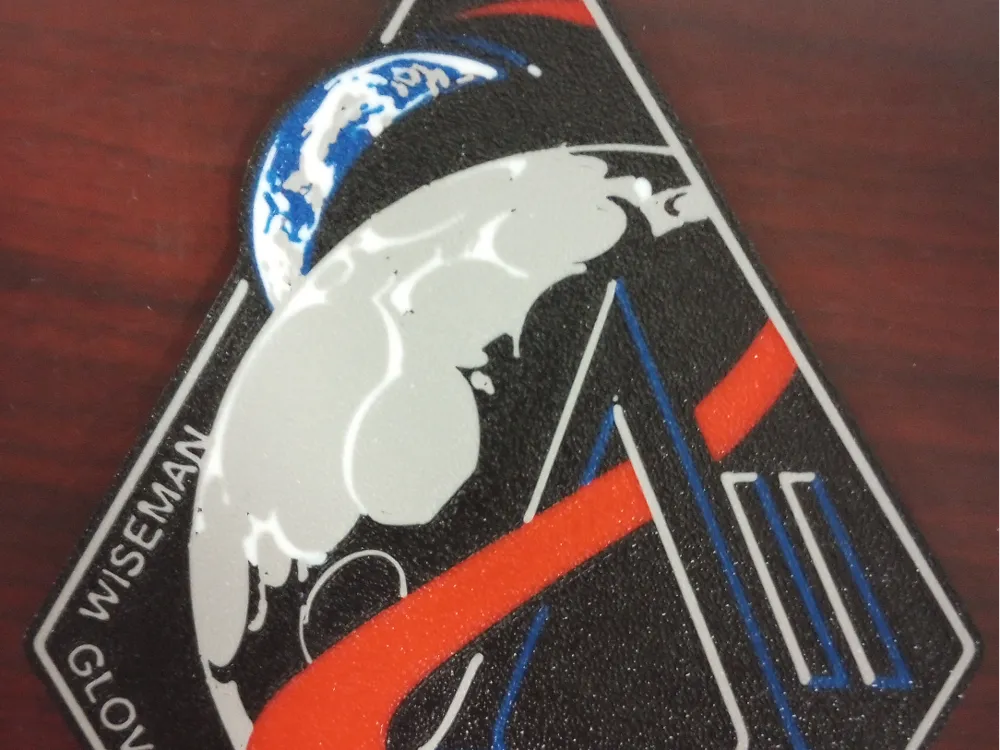
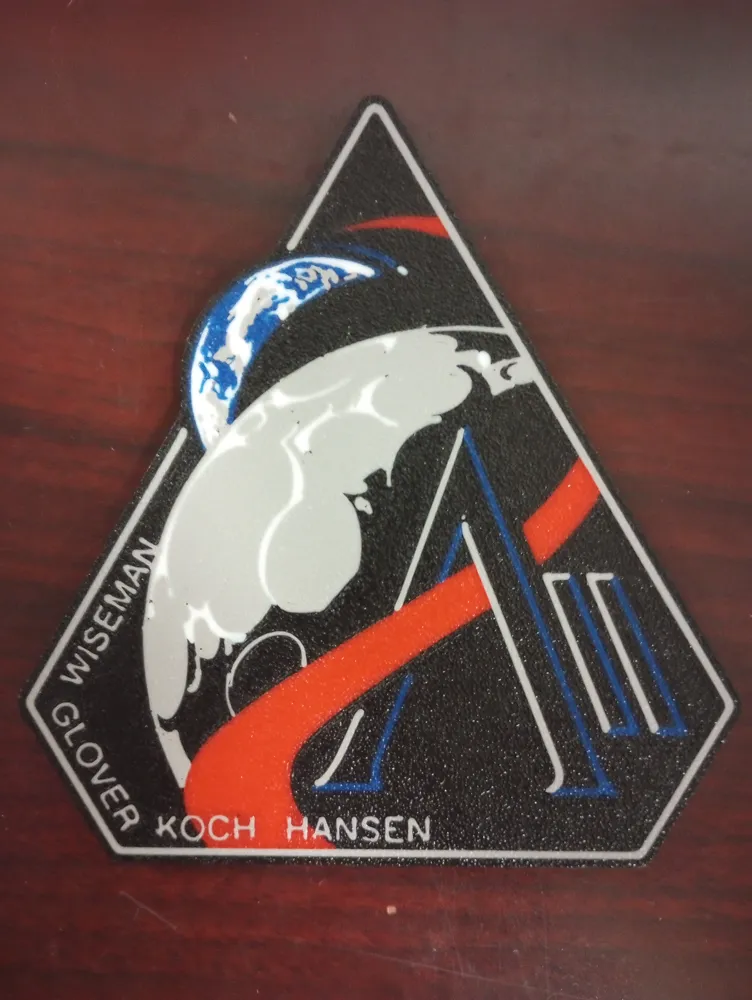
Artemis ll Mission patch
Print Profile(1)

Description
Artemis ll mission patch. Can be printed on a single ams or ams lite, but you will need to swap out filament colors during the first two layers of printing.
This model requires 5 colors, Grey, Blue, White, Black, and Red. To print with 5 colors on my A1 with an AMS lite I load Grey, Blue, White, Black. You must swap out colors for the first 4 layers. When Grey is done printing, you swap Red into that slot on the AMS. When the Red is done printing and it will end the first layer and start the second you swap in Blue. When Blue is done you swap back in Red. This is set up on the Customize Current Plate icon to the right of the plate in Studio. I have been able to print up to 12 colors using this method. A little tedious but gets it done. I am looking into the hueforge for the future.
License



Comment & Rating (16)