
LED Strip Tasklight
Print Profile(2)


Bill of Materials

Description
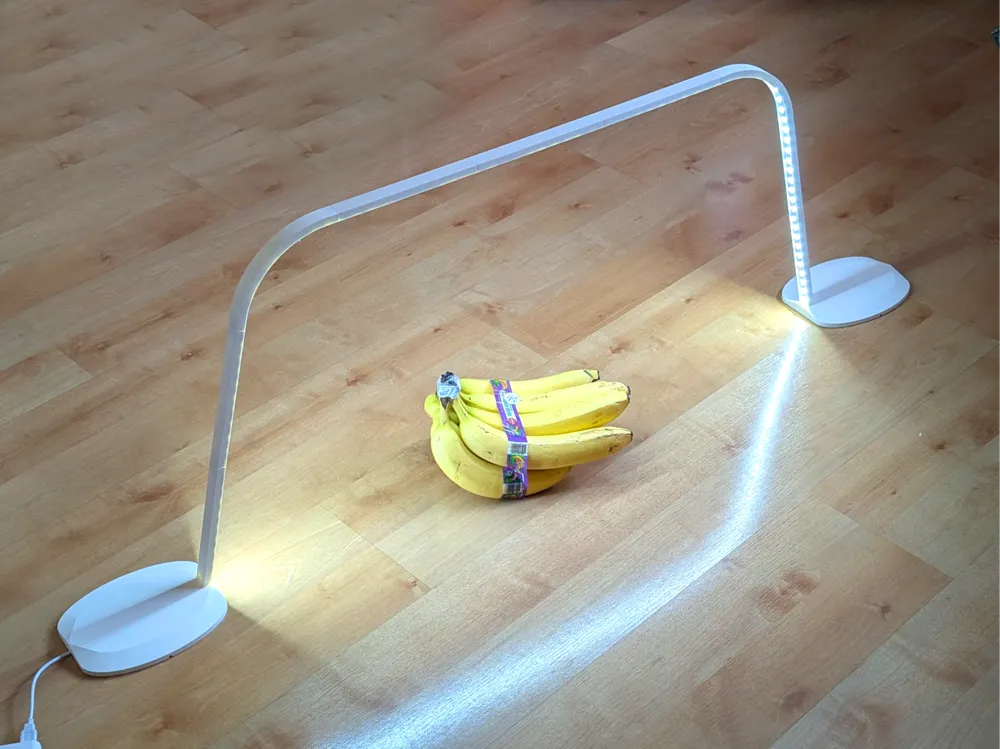
This is a large, modular tasklight for 6500k white led strip light.
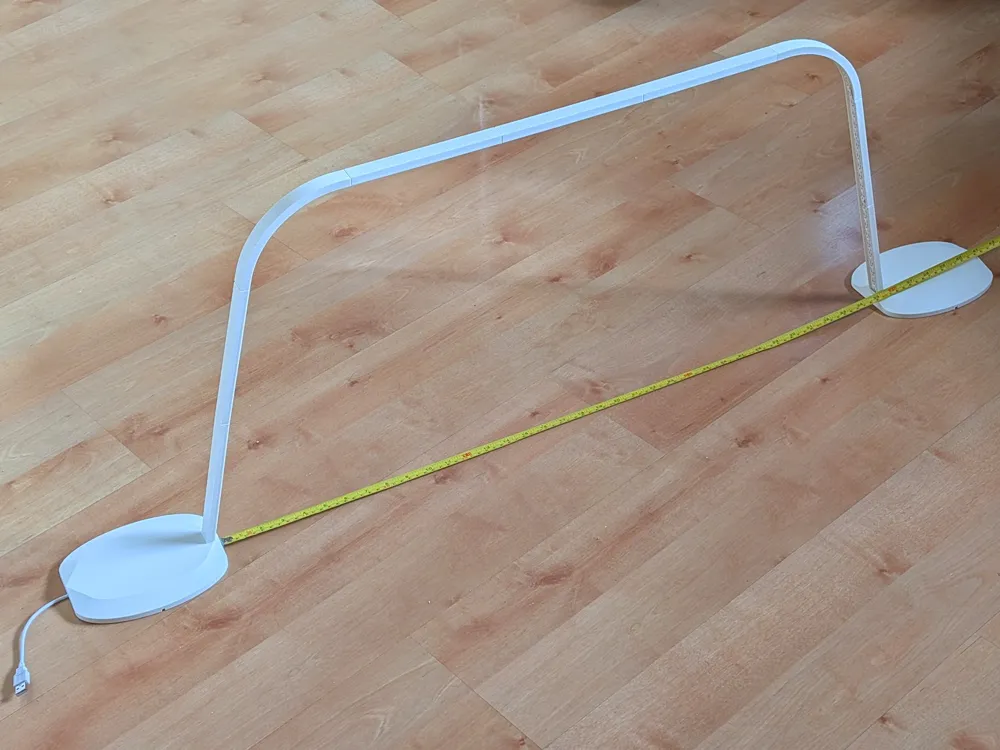
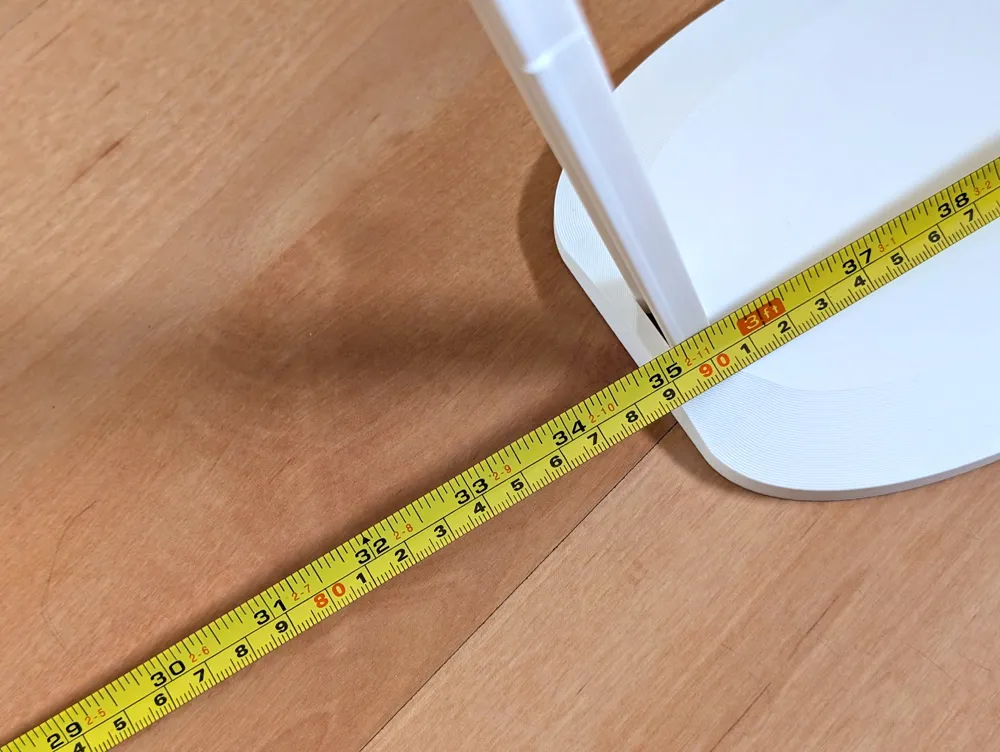
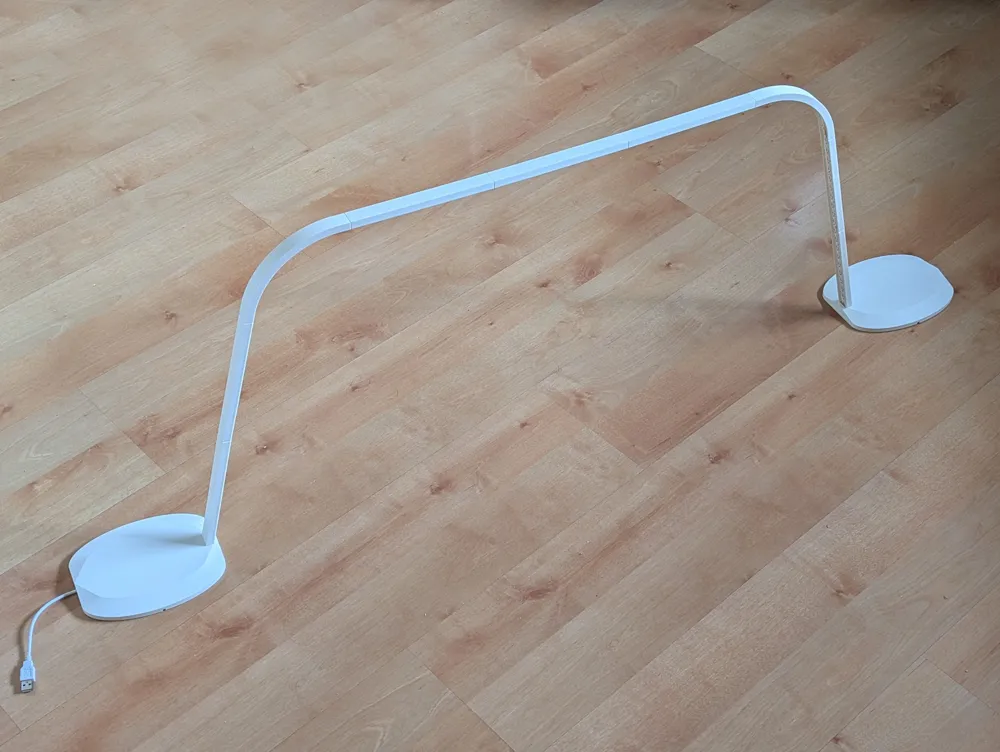
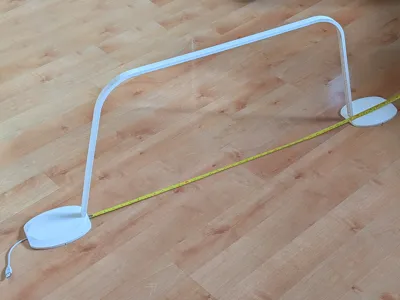
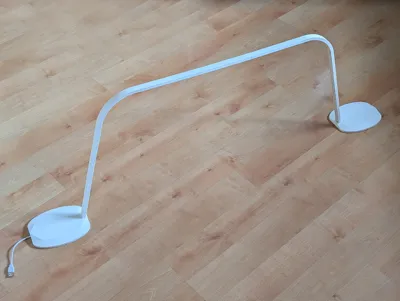
The components of this light are modular. If all the parts are used, as shown in the picture, it will use about 120cm of the 500cm from 1 LED strip.
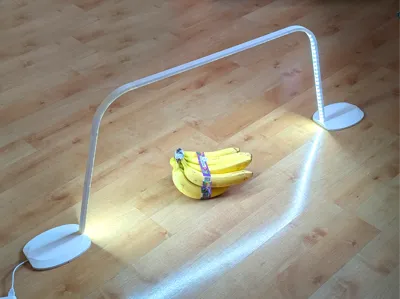
The arch design virtually eliminates shadows on the object you are illuminating.
To assemble
- Remove the print supports from the bottom of the bases. They should peel off easily using your hands.
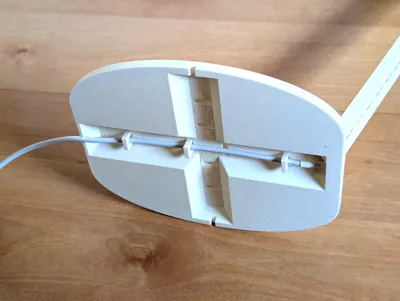
- Assemble the rails using the small rectangular connector pieces in your preferred configuration.
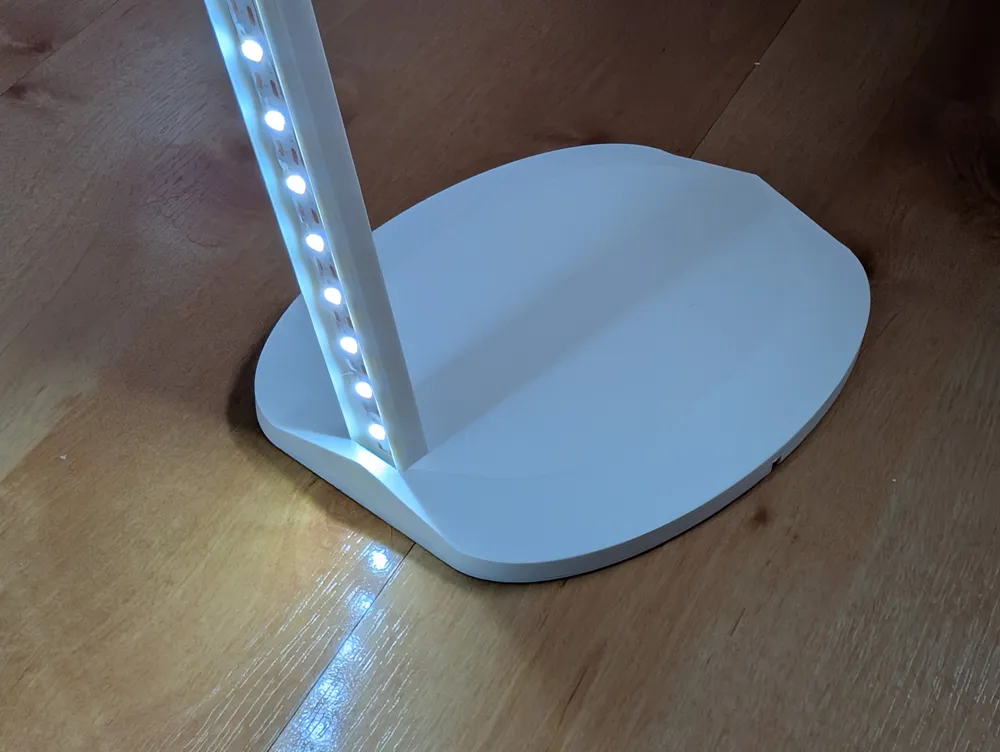
- The back of the LED strip is double-sided tape. Peels the (blue?) backing and stick the led strip to the assembled rail.
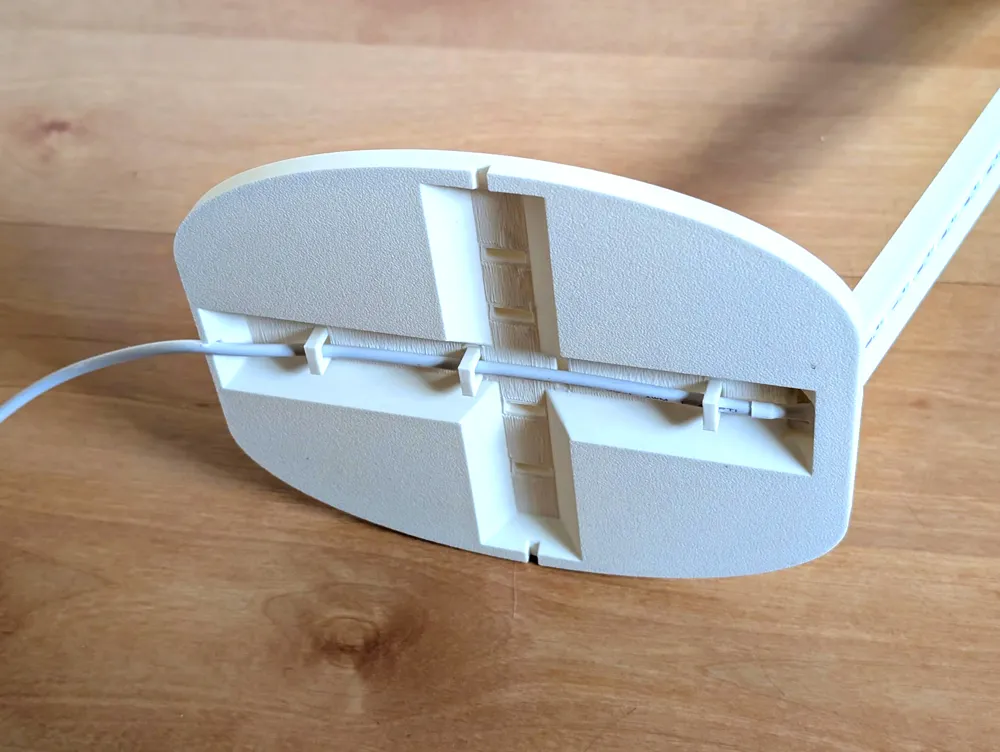
- Pass the USB connector through the hole in the base and attach the rail to the base.
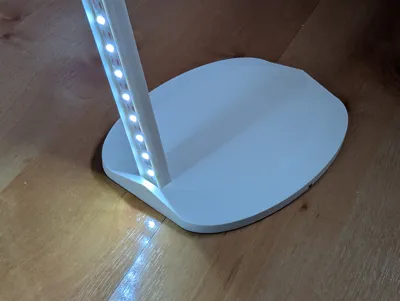
- Push the U shaped connectors to guide the cable around the base, exiting at one of the 3 viable positions.
- Once you are sure about this configuration, cut the LED strip at the opposite end of the rail at the nearest cut mark.
Click here and scroll down on the page to find the picture illustrating cut marks along the strip.
- Slide the free end of the rail into the other base piece.
Note
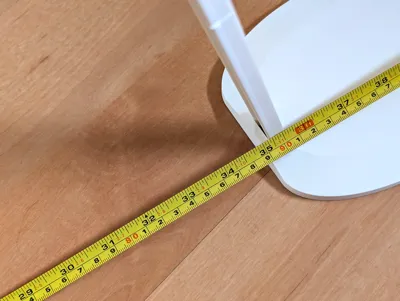
The profile includes enough parts to create a light that is 4 feet wide and over 2 feet tall. I recommend keeping your hubris in check and not going beyond this size. Although this is not required by this project, the unused portion of the LED strip, can be purposed for more lamps or other projects by attaching a new USB quick connector, sold here: https://us.store.bambulab.com/products/usb-a-to-2-pin-8mm-solderless-quick-connector-for-white-led
Please remember to rate your prints!
Profile ratings are not only important for other users but also serve as valuable feedback for designers!
Click here to see my other models
Boost Me (for free)
If you like this model, please boost! It's free to you, but it's a meaningful way to support me and my designs.
General 3d Printing Tips
- Make sure your printing plate is clean! Oils from your skin can cause adhesion issues for your prints. Regularly wash your print plate with a detergent like Dawn, and avoid touching the surface when removing prints from the bed.
- If it's an option on your printer, always level the bed before each print. If you have to perform this manually, do so after every few prints. It takes a bit of time and patience, but it's a fair trade for reliable results.
- Ensure bed and nozzle temperatures are within the expected range for the material you're printing. Temperatures that are too high or too low can negatively affect the print, causing warping, malformed layers, or adhesion issues.
- Reduce your printing speed. Slower speeds are especially important for overhangs, as they give the material more time to cool as it's deposited.
Membership
Click here to obtain a commercial license to sell physical prints of my 3D models.
License

You shall not share, sub-license, sell, rent, host, transfer, or distribute in any way the digital or 3D printed versions of this object, nor any other derivative work of this object in its digital or physical format (including - but not limited to - remixes of this object, and hosting on other digital platforms). The objects may not be used without permission in any way whatsoever in which you charge money, or collect fees.


Comment & Rating (10)