
H2D Generic Plate QR/ArUco Tag
Print Profile(2)


Description
UPDATE: 14JUN25
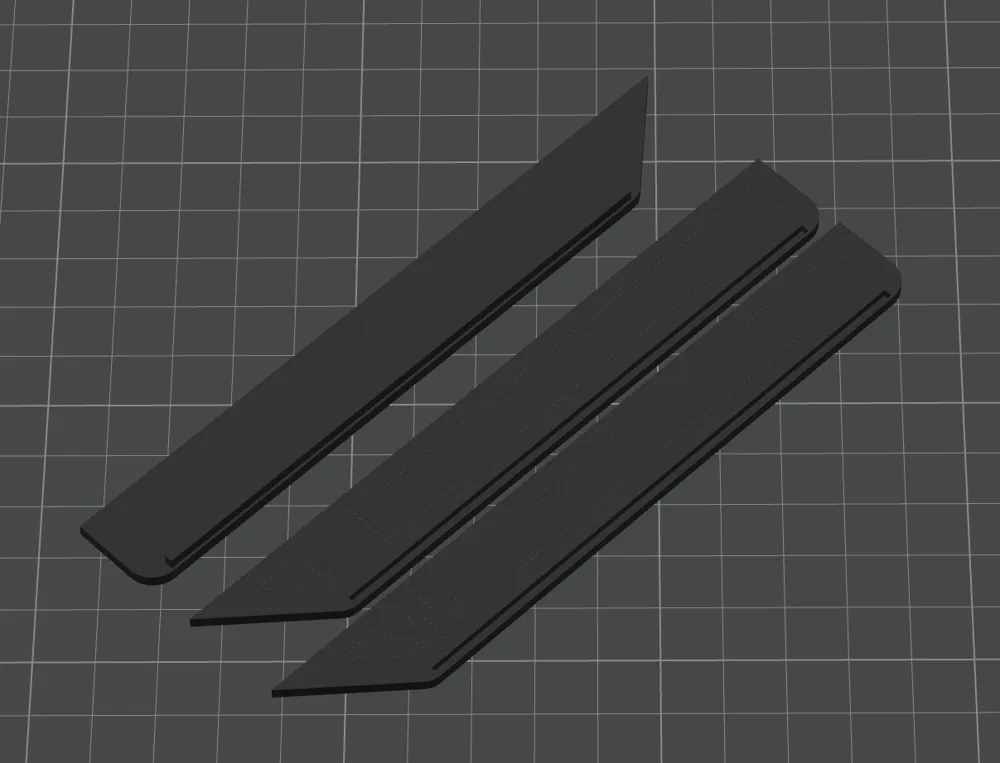
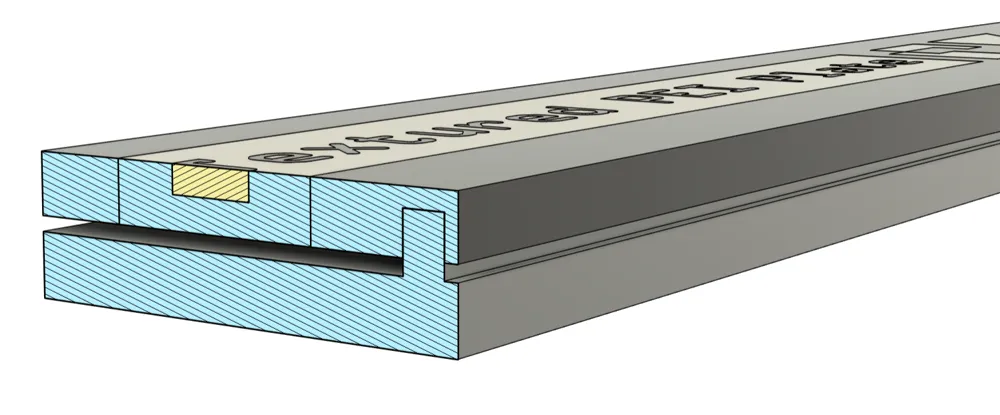
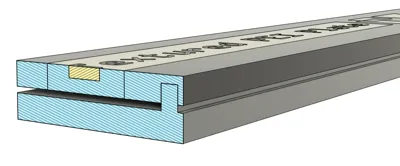
Version 2 Released as an option with Slip Tabs instead of a Snap Base.

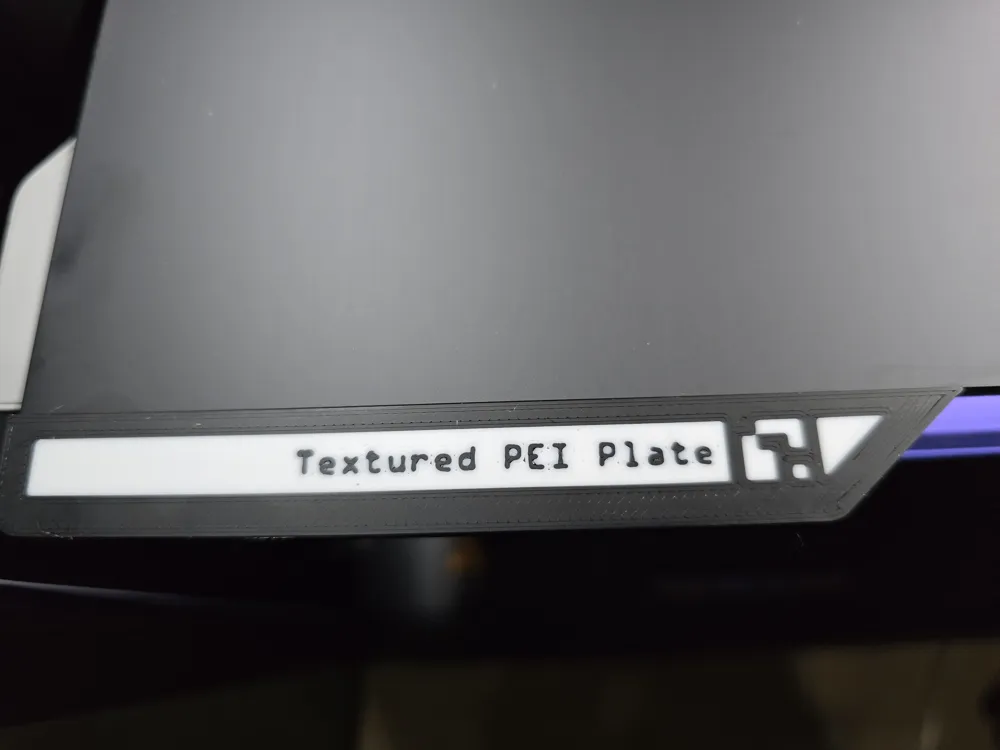
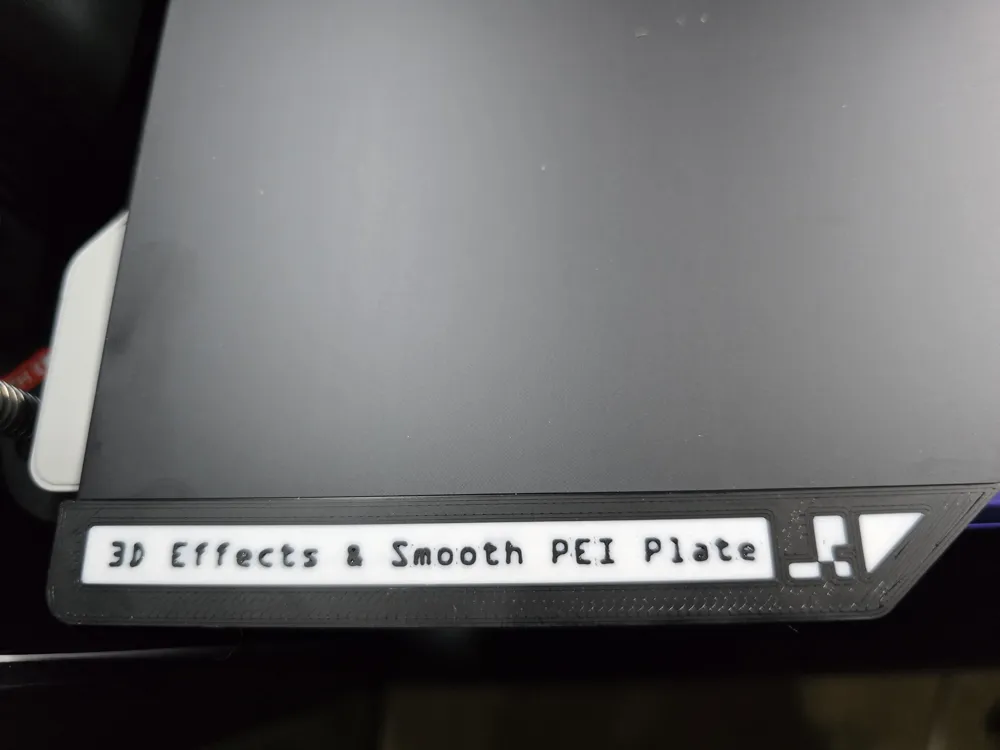
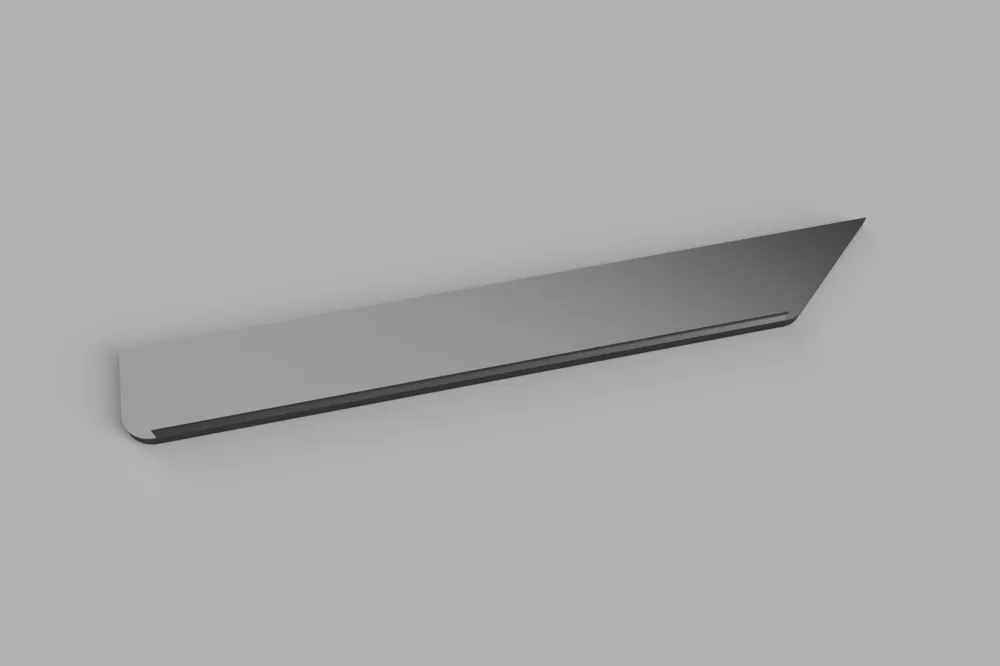
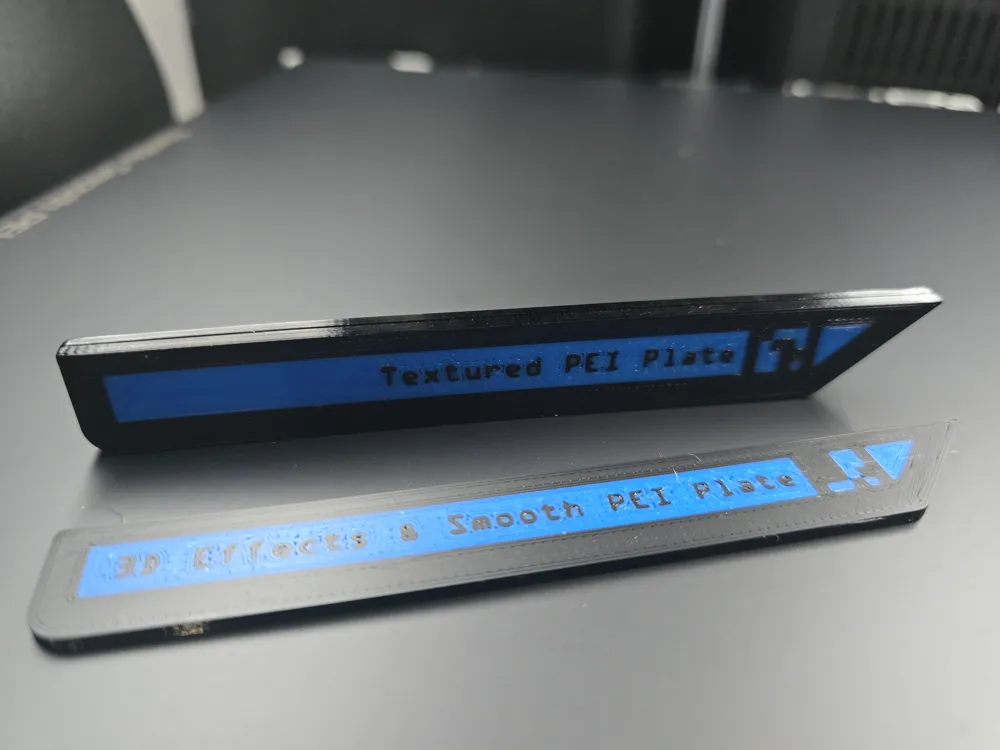
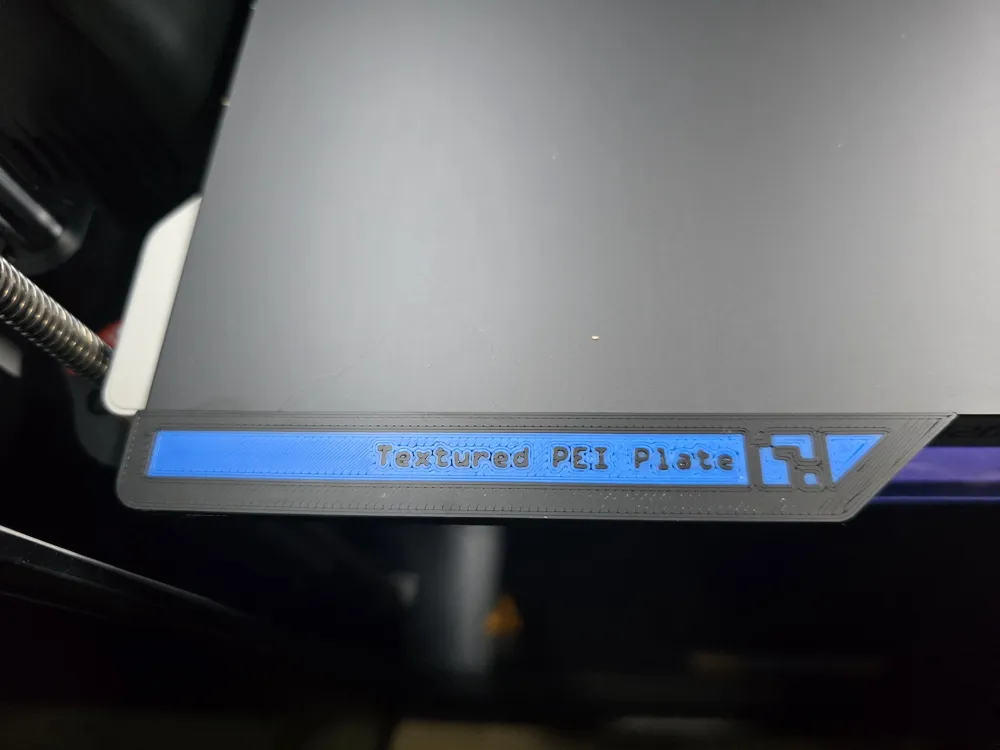
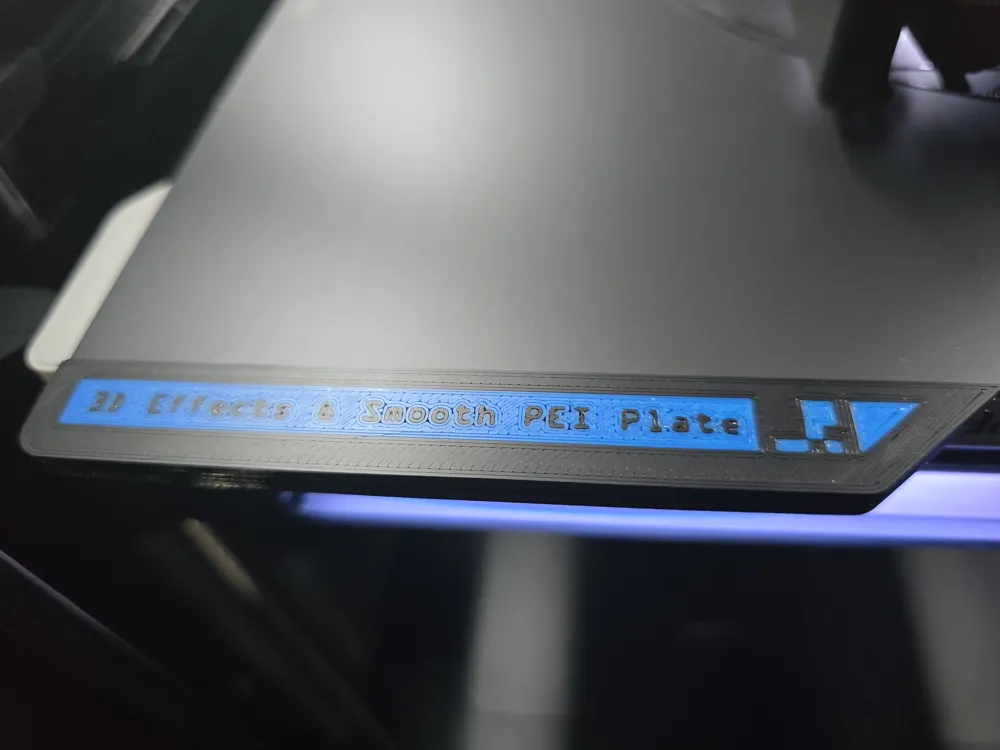
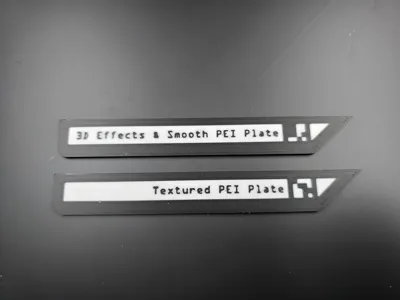

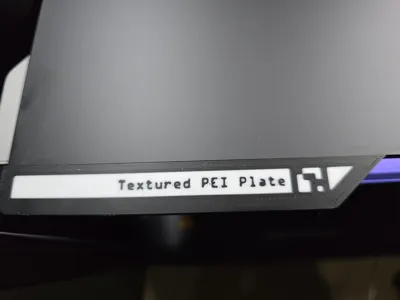
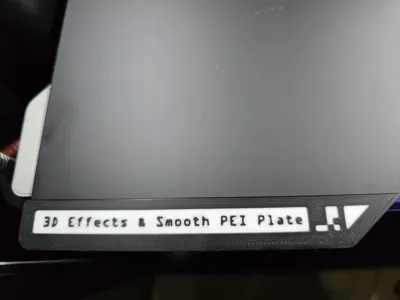
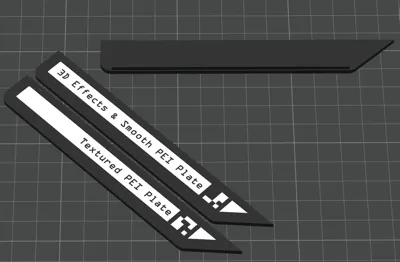
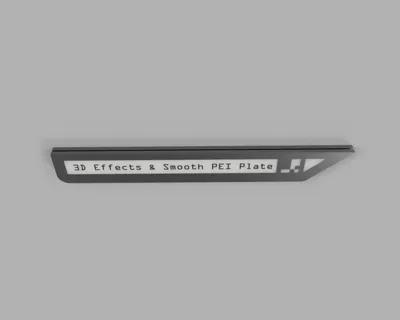
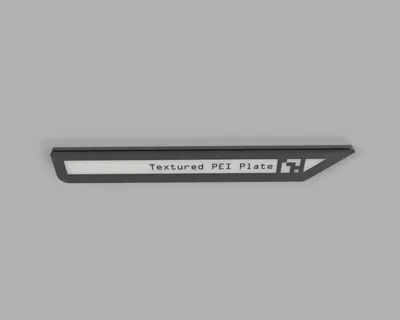
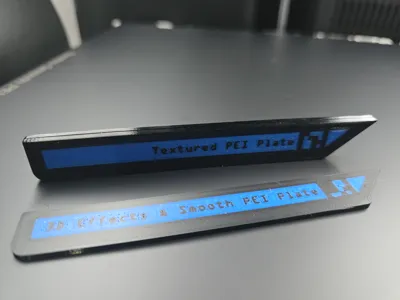
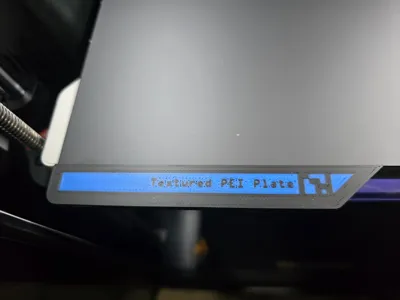
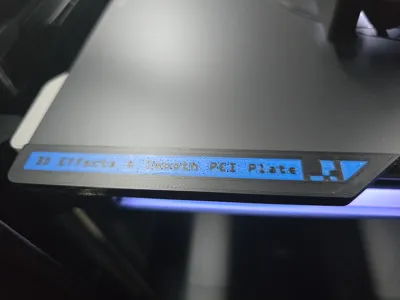
Tags that will slide onto the build plate to bypass warning if there is no QR/ArUco code detected. All Bambu OEM build plates associate either a smooth or textured with the printing profile, most generic ones do not have the QR/ArUco code.
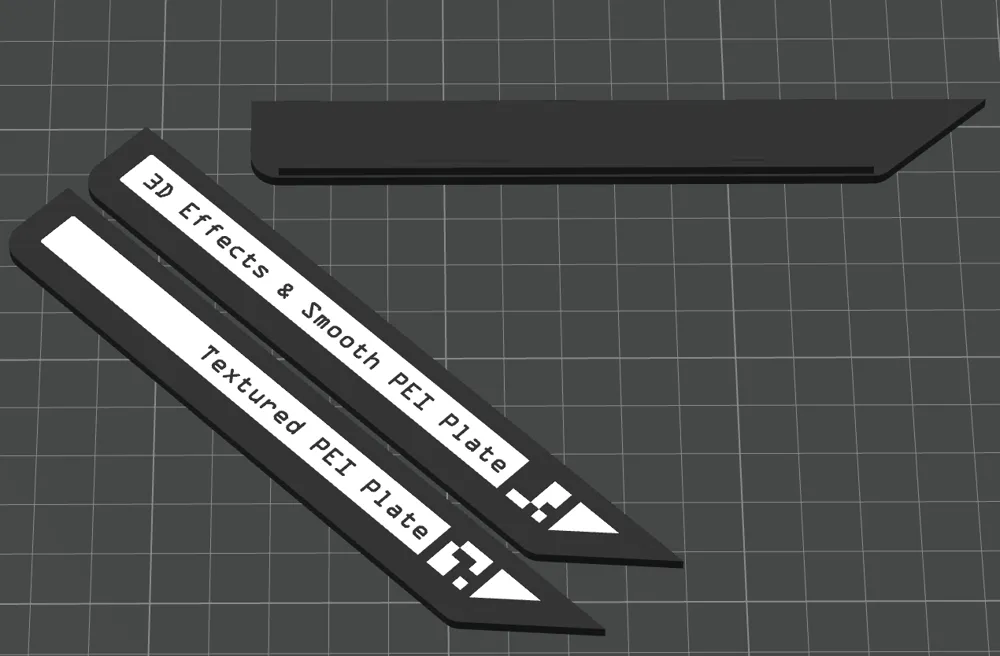
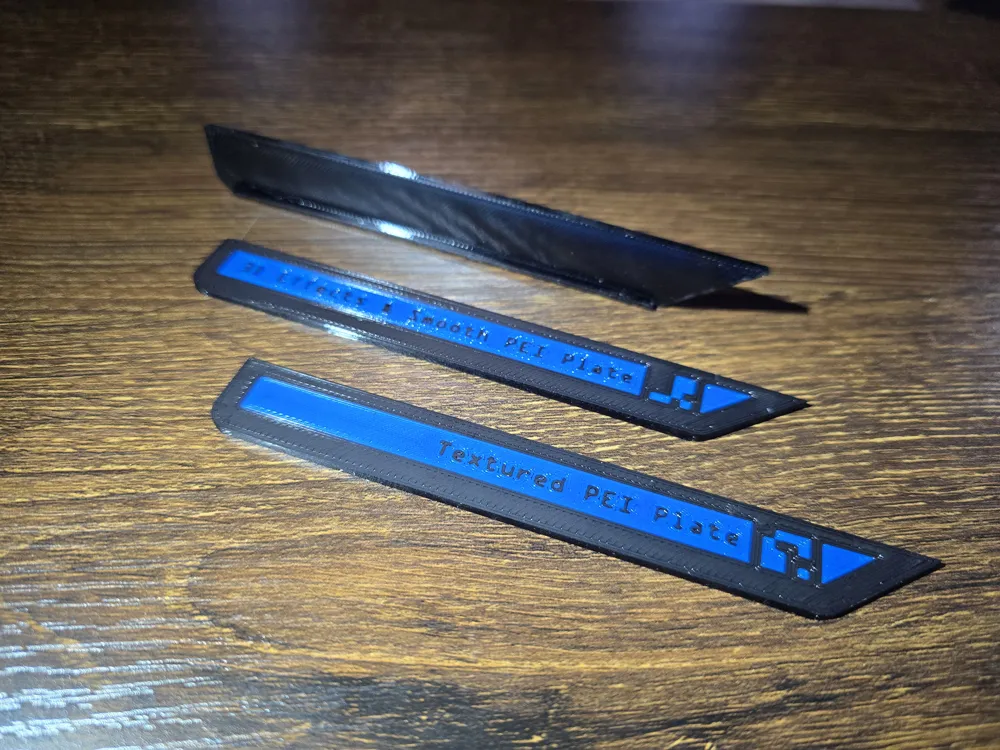
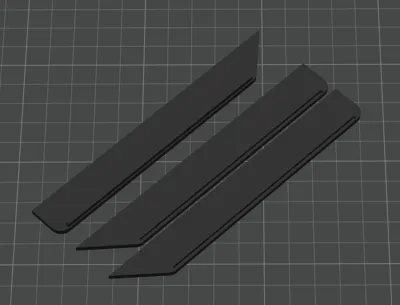
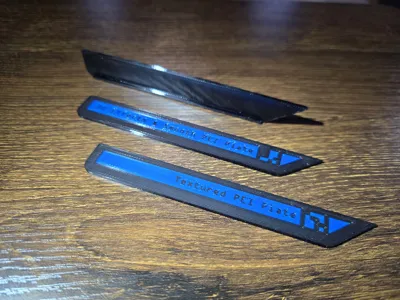
There are 3 parts to this.
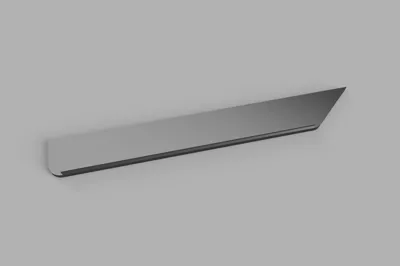
- Bottom tag
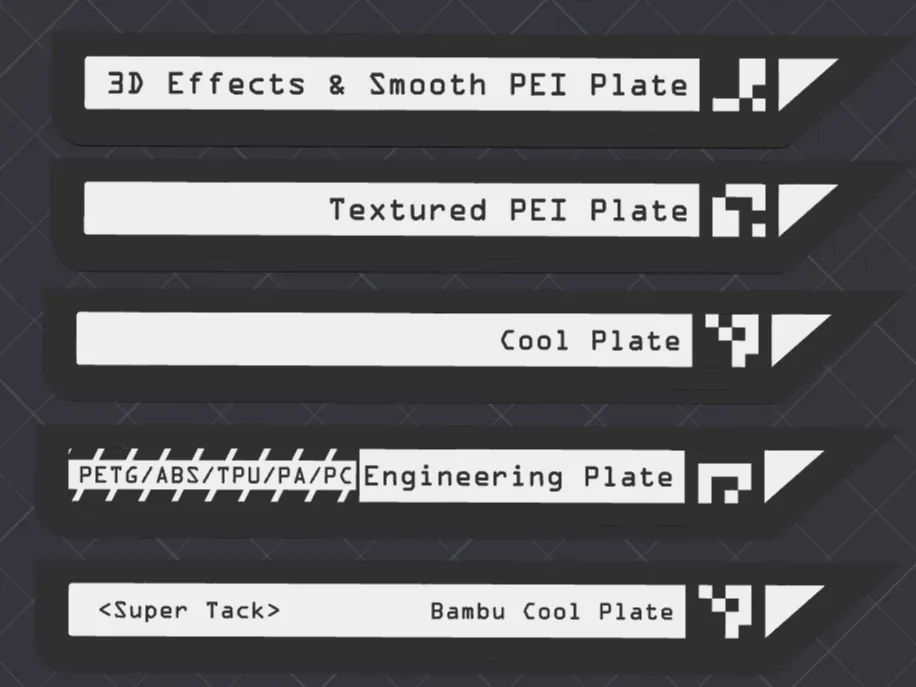
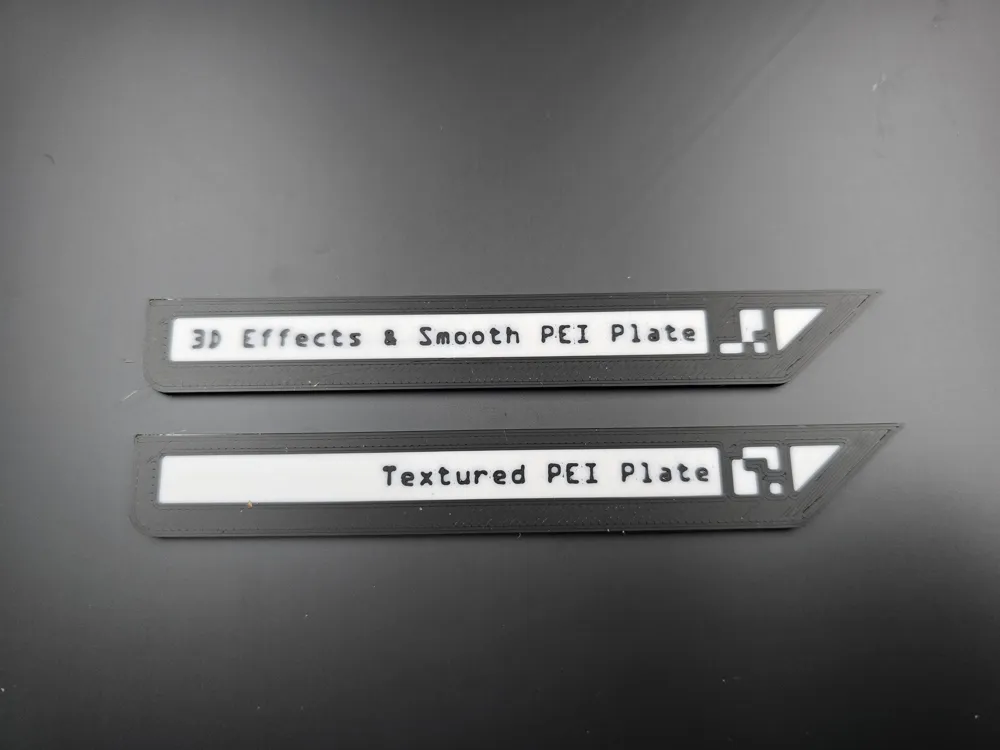
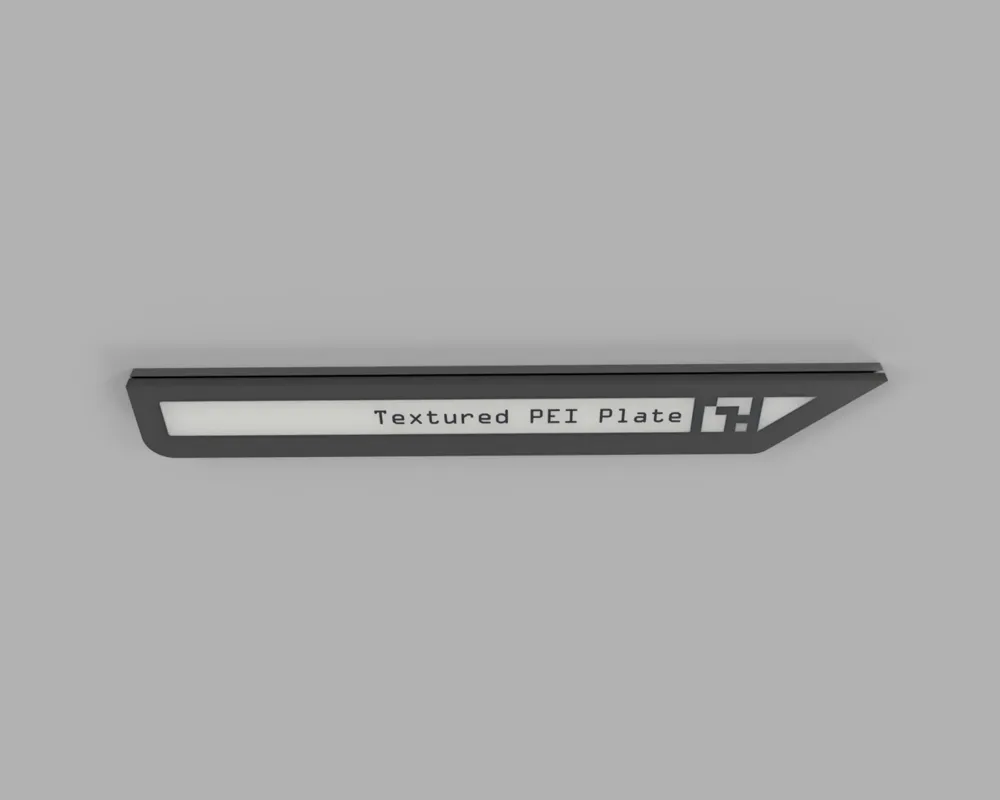
- Top tag - Textured PEI QR
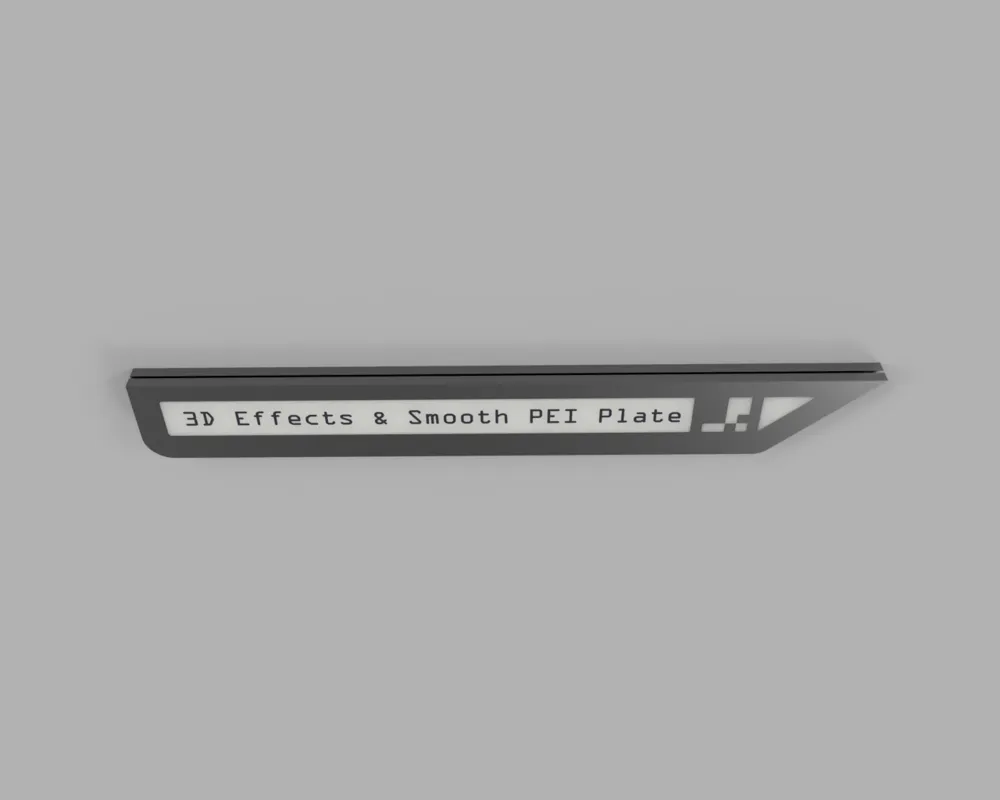
- Top tag - 3D Effects & Smooth PEI (Smooth PEI and 3D Plates are generally a smooth surface and share the same QR/ArUco code so assigned to one tag to save on material and print time)
Each of the top tags can snap into the bottom tag, if you would like to have a bottom for each just clone the bottom part.
Would recommended to print with a filament that is suitable to sustain higher temperatures over print duration such as; ASA, ABS, CF, PETG.
UPDATE:
03JUN25
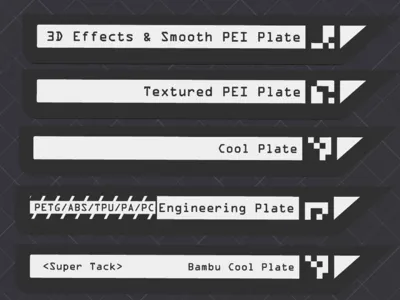
Added 3 Additional Tags since there are more plates now becoming available for the H2D. At the moment the Studio doesn't show support for these but once they are added they can be used. If there are any changes to the QR/ArUco I will update accordingly.
New Profile added with “All” Tags.
Added Tags x3:
- Top Tag - Cool Plate
- Top Tag - Engineering Plate
- Top Tag - Bambu Cool Plate - Super Tack
License

You shall not share, sub-license, sell, rent, host, transfer, or distribute in any way the digital or 3D printed versions of this object, nor any other derivative work of this object in its digital or physical format (including - but not limited to - remixes of this object, and hosting on other digital platforms). The objects may not be used without permission in any way whatsoever in which you charge money, or collect fees.


Comment & Rating (77)