
A1 Mini Dual Spool Handle quick filament swaps v2
Print Profile(5)




Bill of Materials


Description
Boost Me (for free)
Enjoy my design? Boost Me to support my work! Thanks & happy printing! 😊🎉
Tutorial: How to Manually Swap Color During a Print down in description
📝 Description:
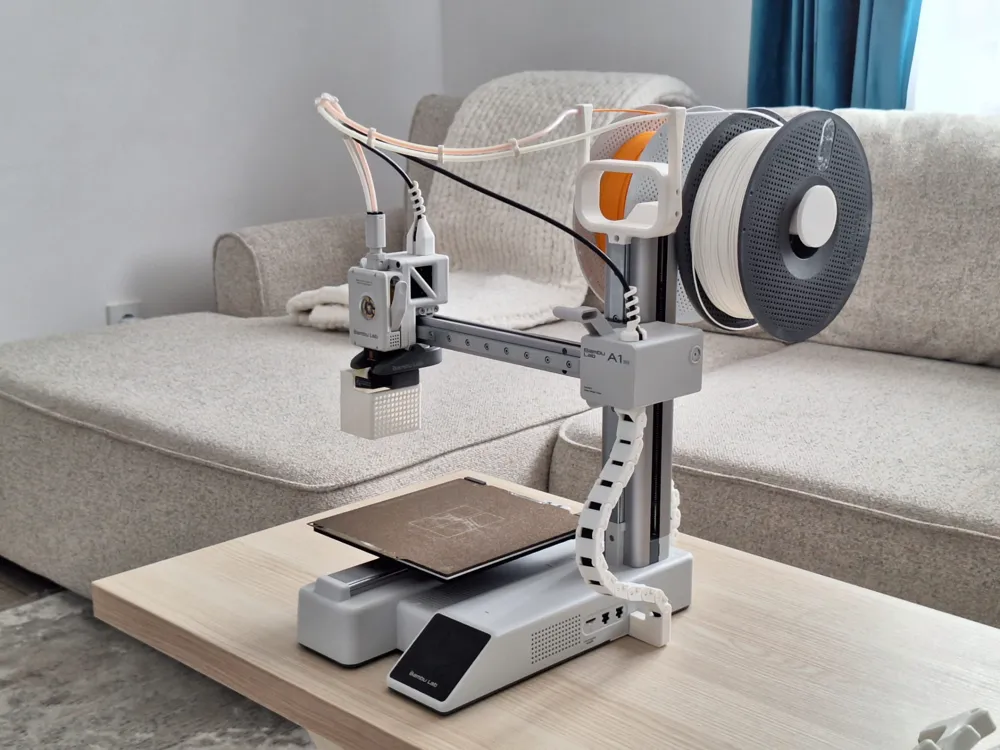
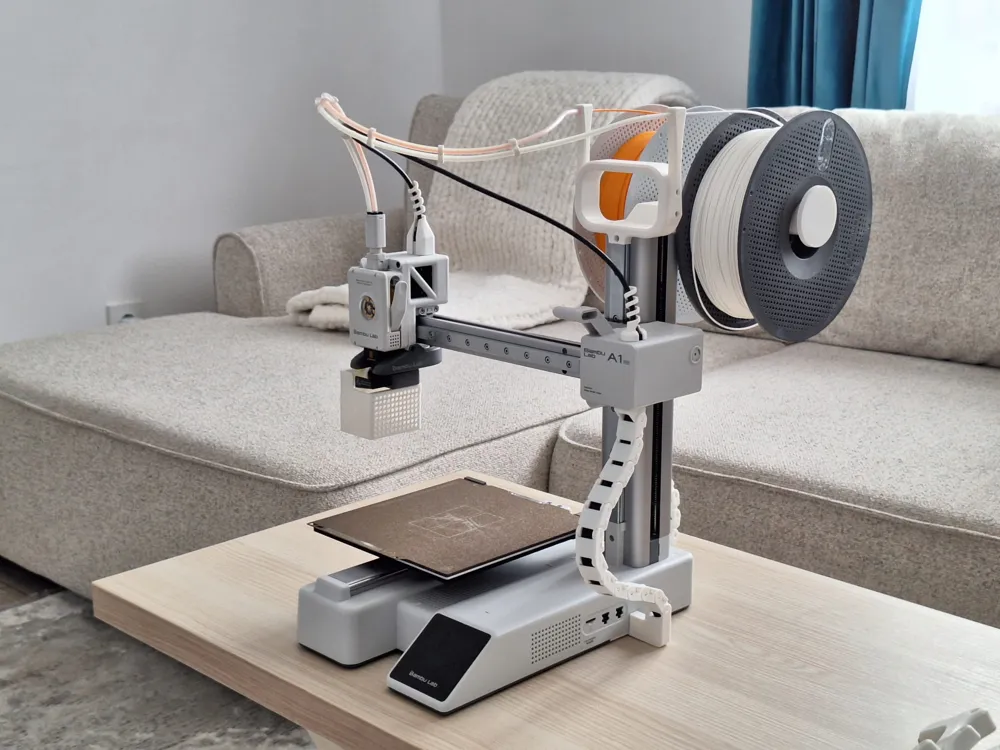
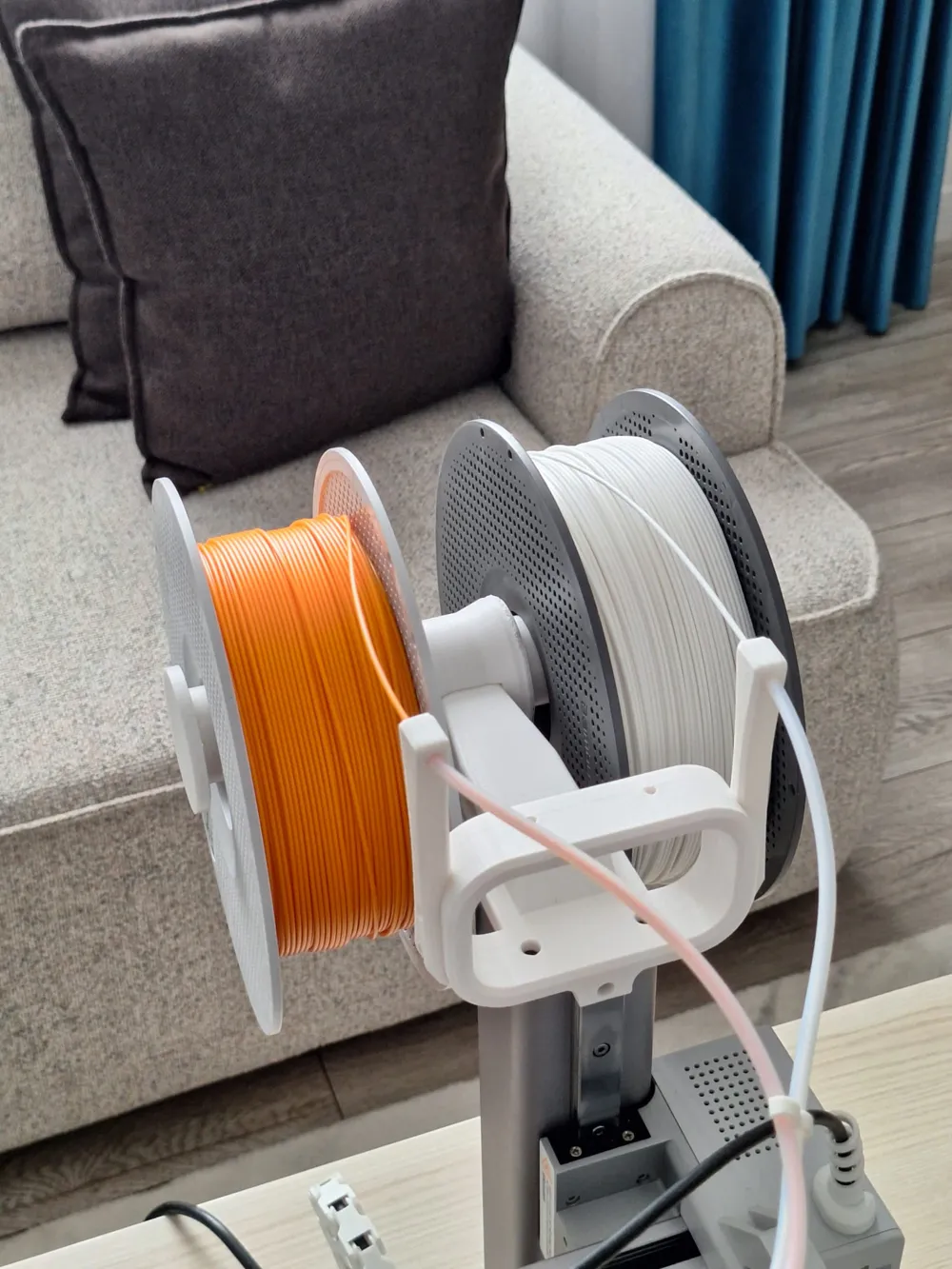
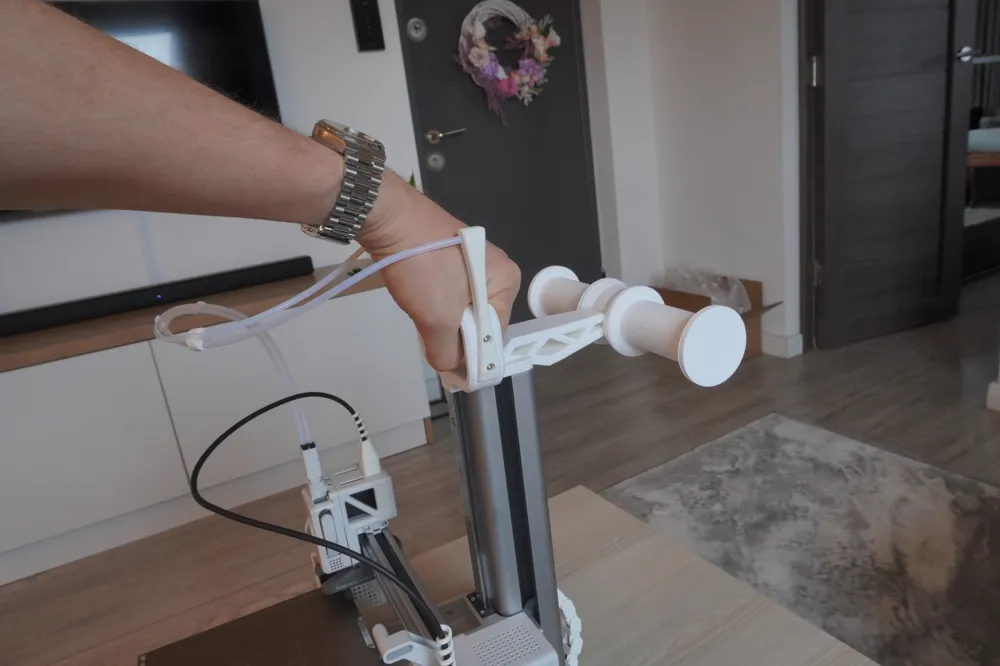
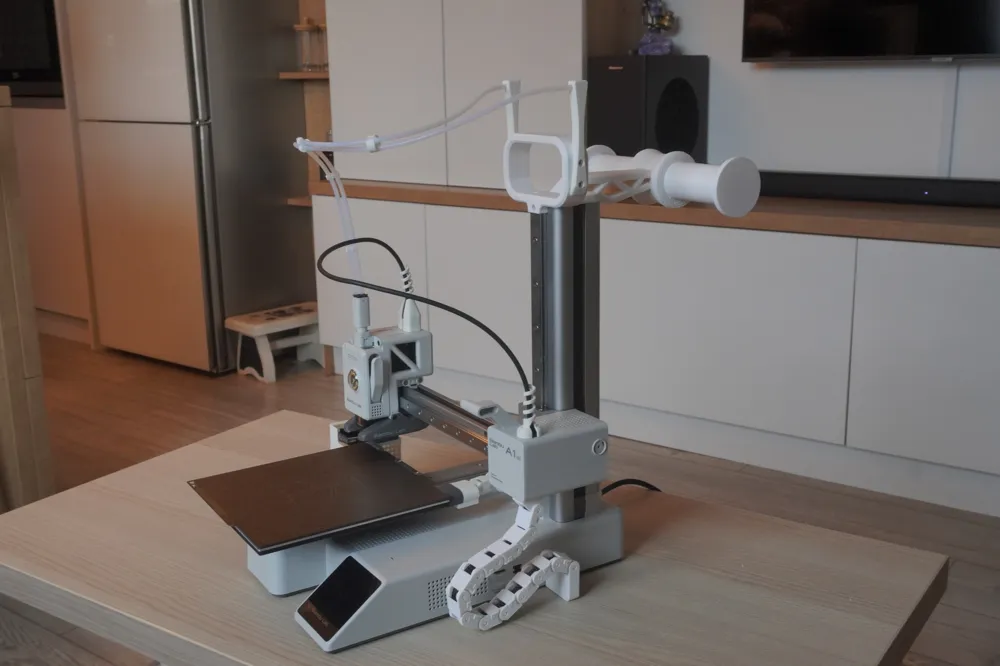
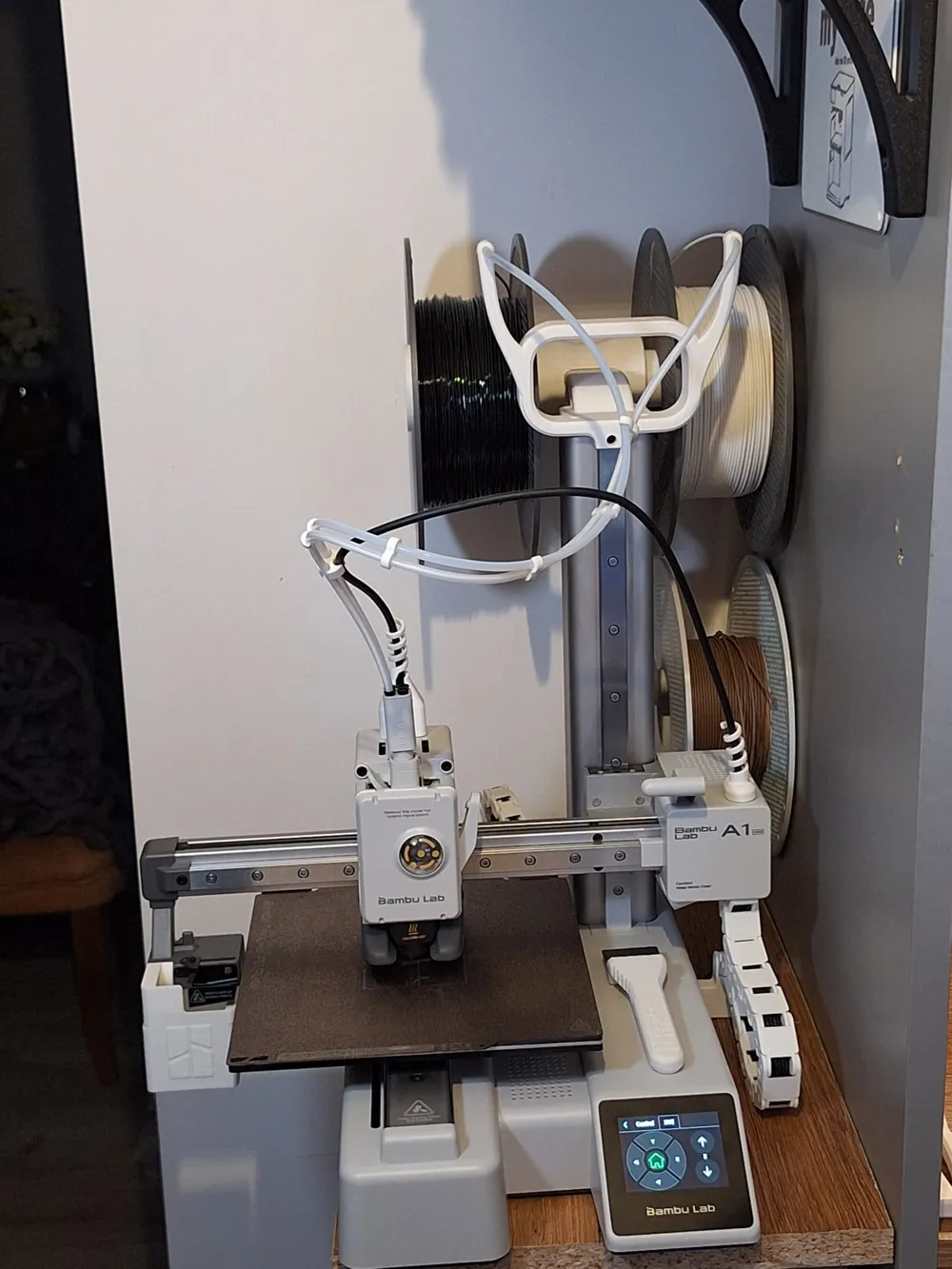
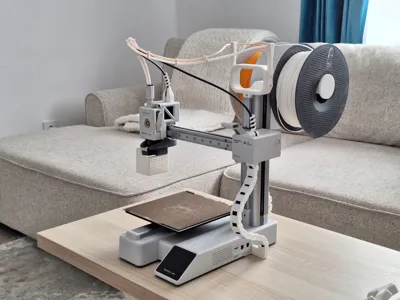
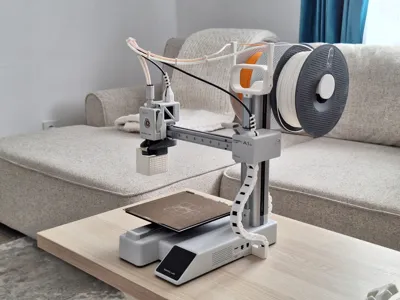
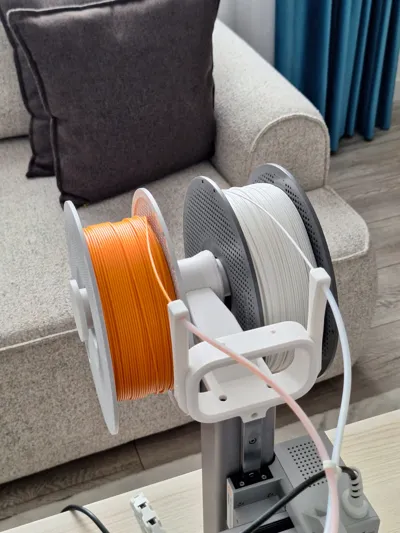
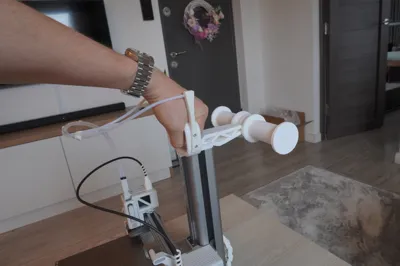
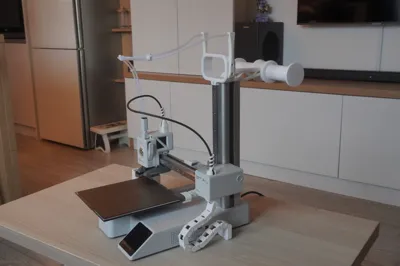
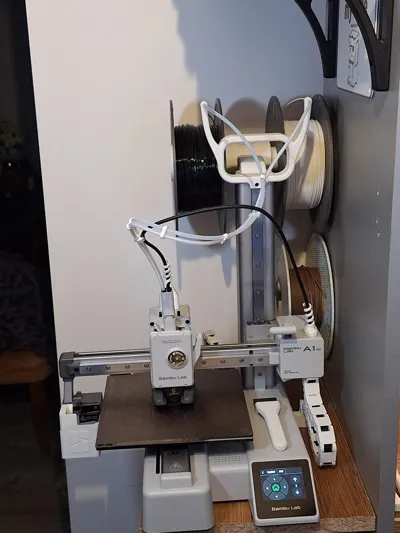
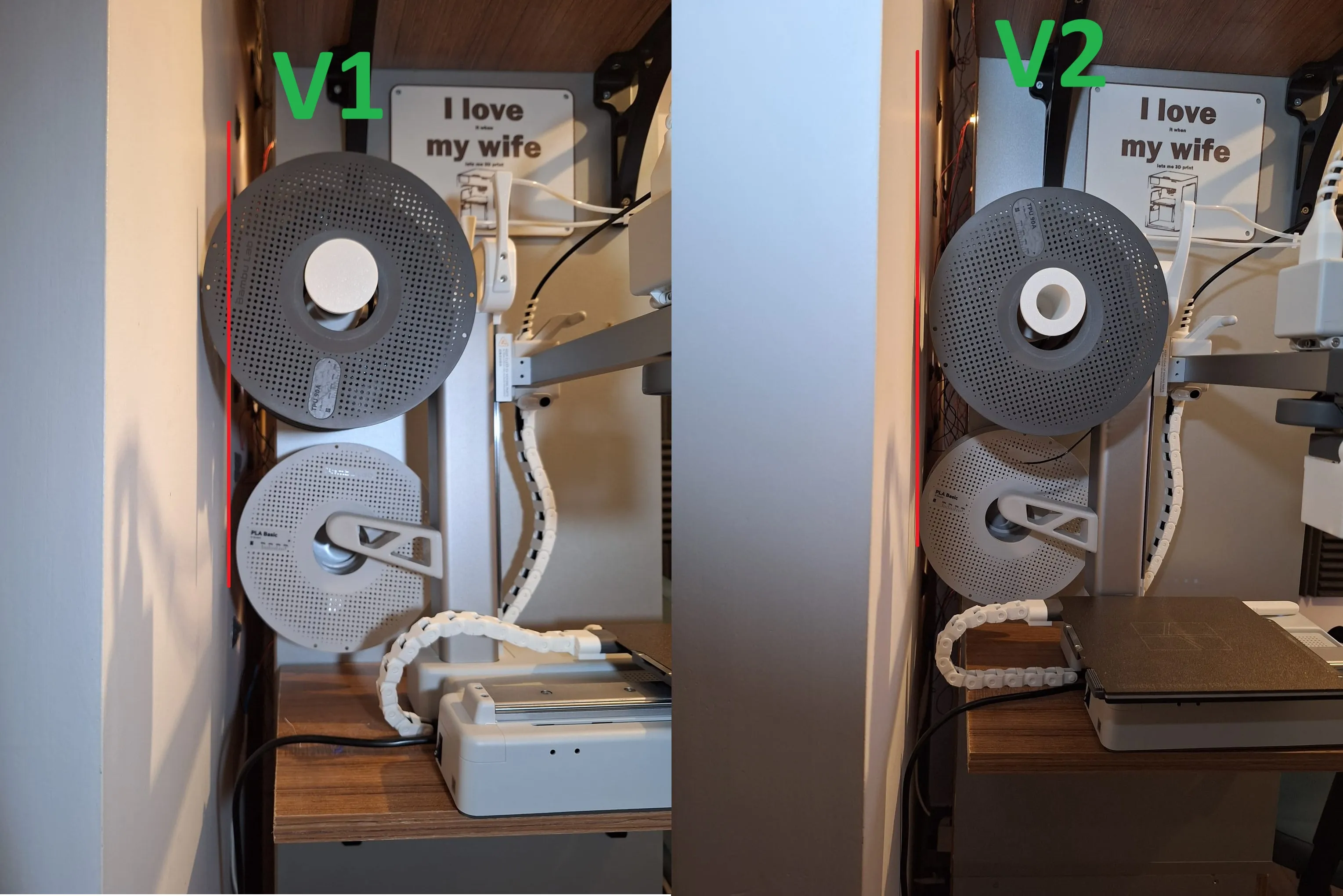
Upgrade your Bambu Lab A1 Mini with GripNSpool – a sleek, functional handle with dual spool holders and a built-in PTFE tube guide, designed for convenience and clean filament management
The original holder can stay in the same place. I removed it because I didn’t like the look of it. You can keep it if you want to have3 holders on the printer.
- Ergonomic top handle for easy carrying
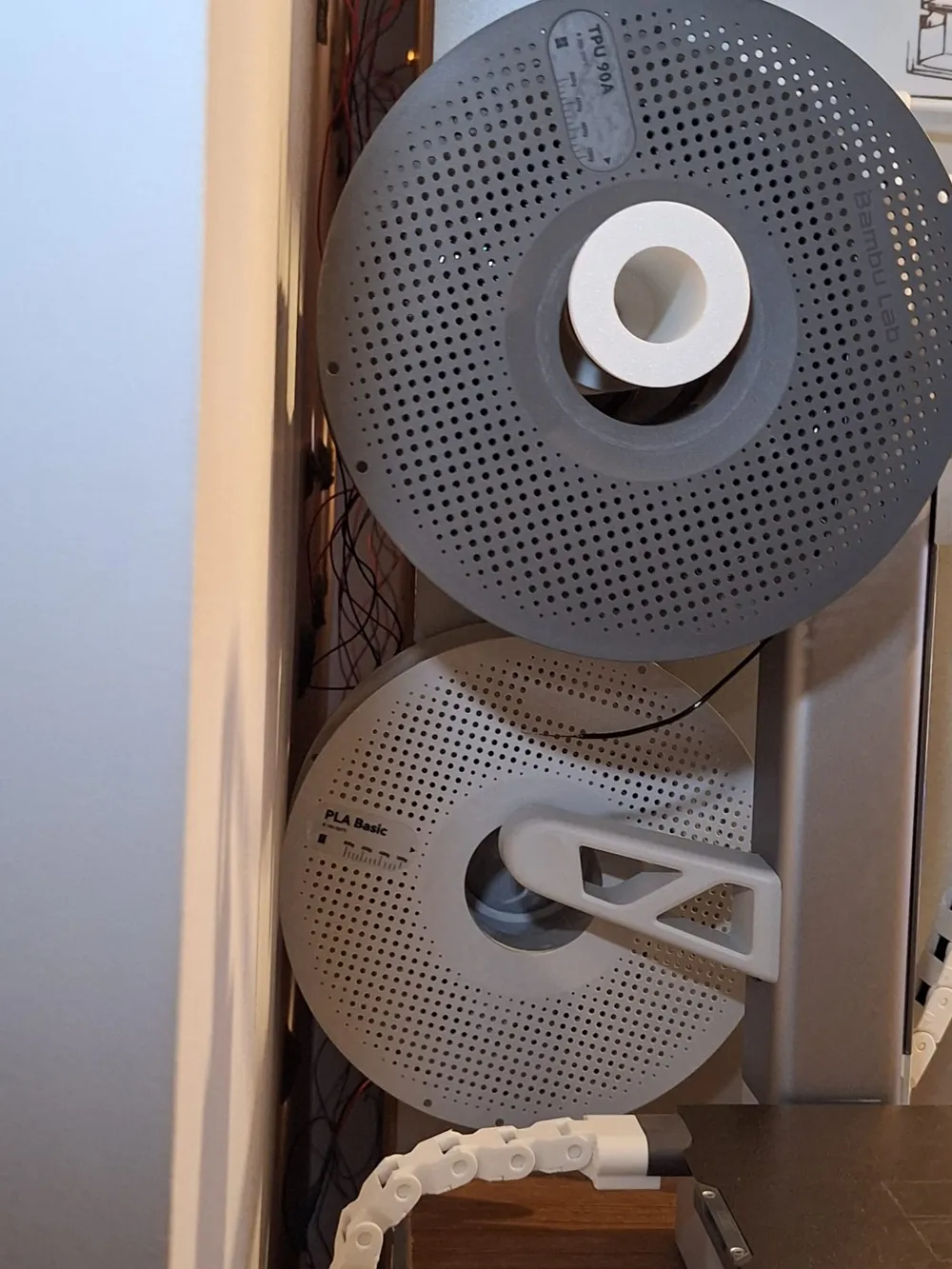
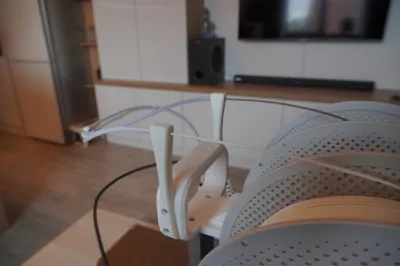
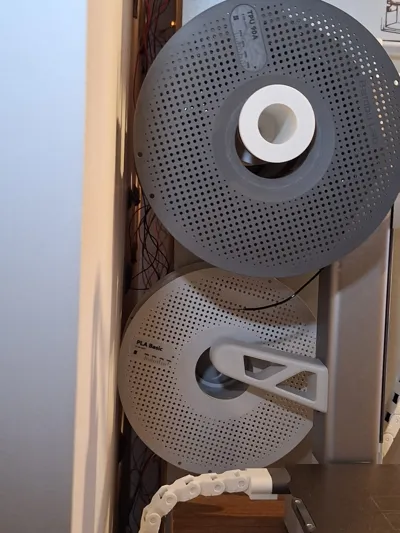
- Supports two standard filament spools (Bambu, eSun, etc.)
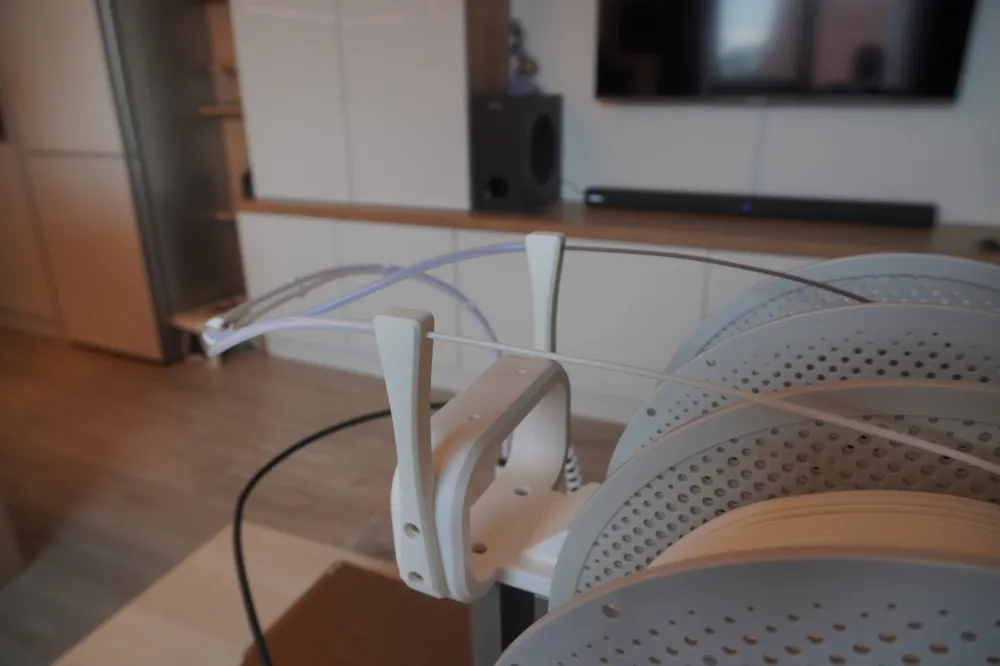
- Integrated push-fit PTFE tube holder – just insert the tube directly into the handle, no clips or screws
- Perfect for simple dual-color prints where you only need to swap filament for a few layers (like multicolor text or logos)
- Thanks to the A1 Mini's 50mm filament retraction, it's super easy to pull the filament from the back of the handle and push in the next color – smooth and quick swaps without needing AMS
- Clean setup using existing mounting points on the printer
Requires 2x M4 screws (user-supplied) to secure the spool holders
use some glue if you dont have M4 scews or you wanna to permanently attach the spool holders to the handle for added stability
GripNSpool is the perfect lightweight mod for makers who want better portability, easier filament swaps, and a dual-color-ready setup without AMS.
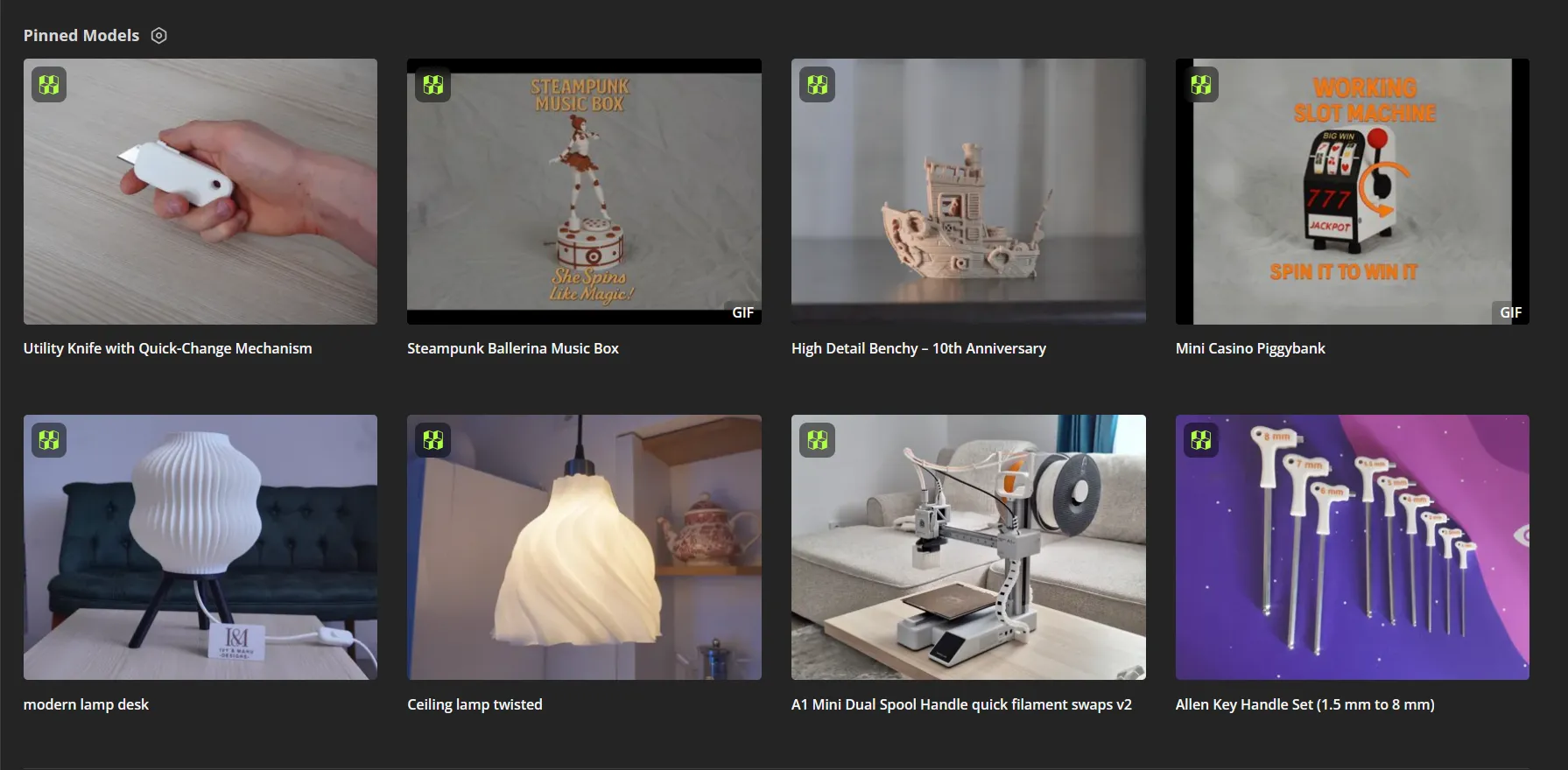
My other work ;
Tutorial:
Open Your Model in Bambu Studio
- Slice your model as usual.
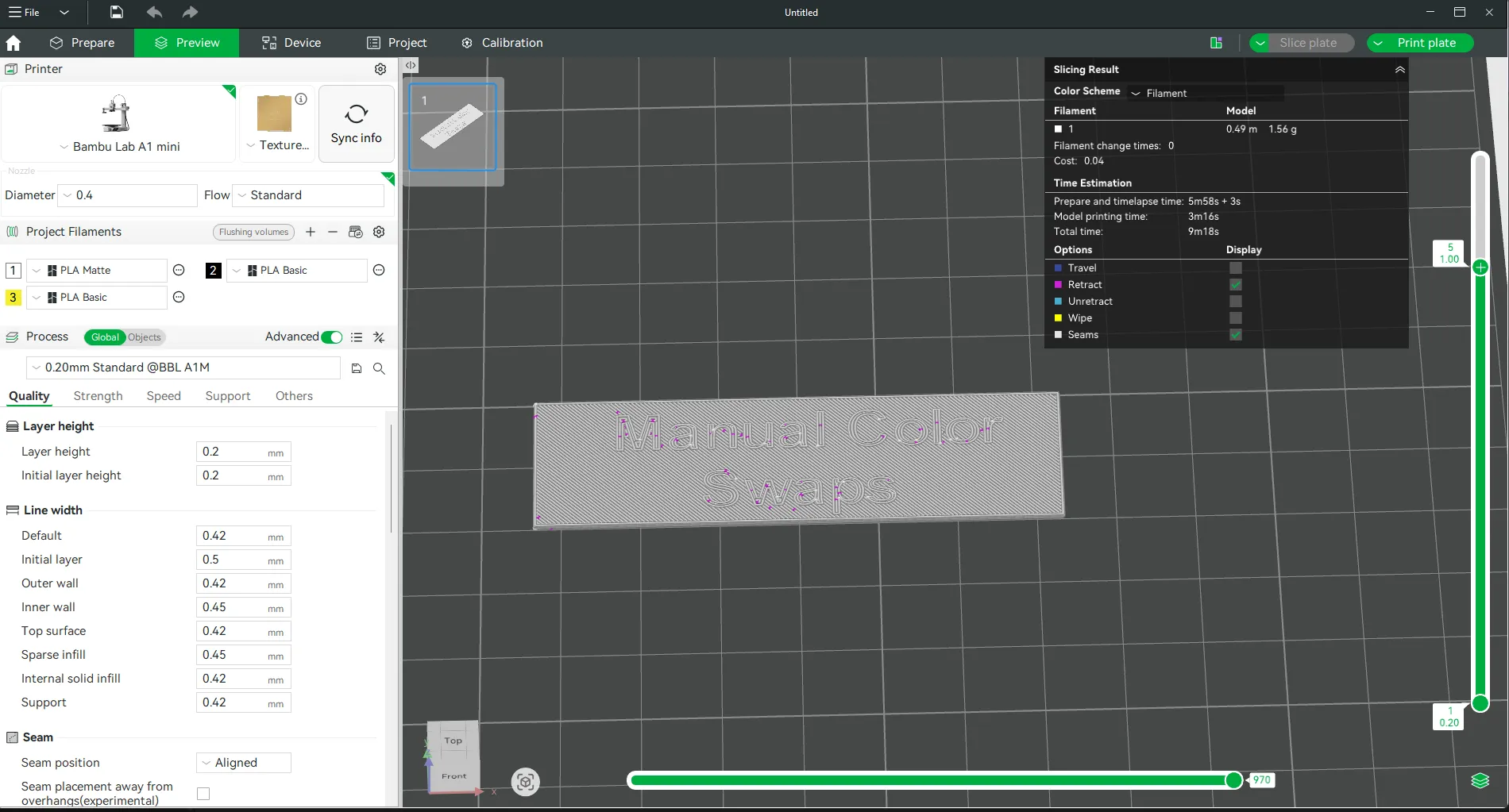
- Find the Swap Layer
- In the Preview tab, slide the layer slider until you reach the exact layer where you want the color change to start.
- Note the layer number.
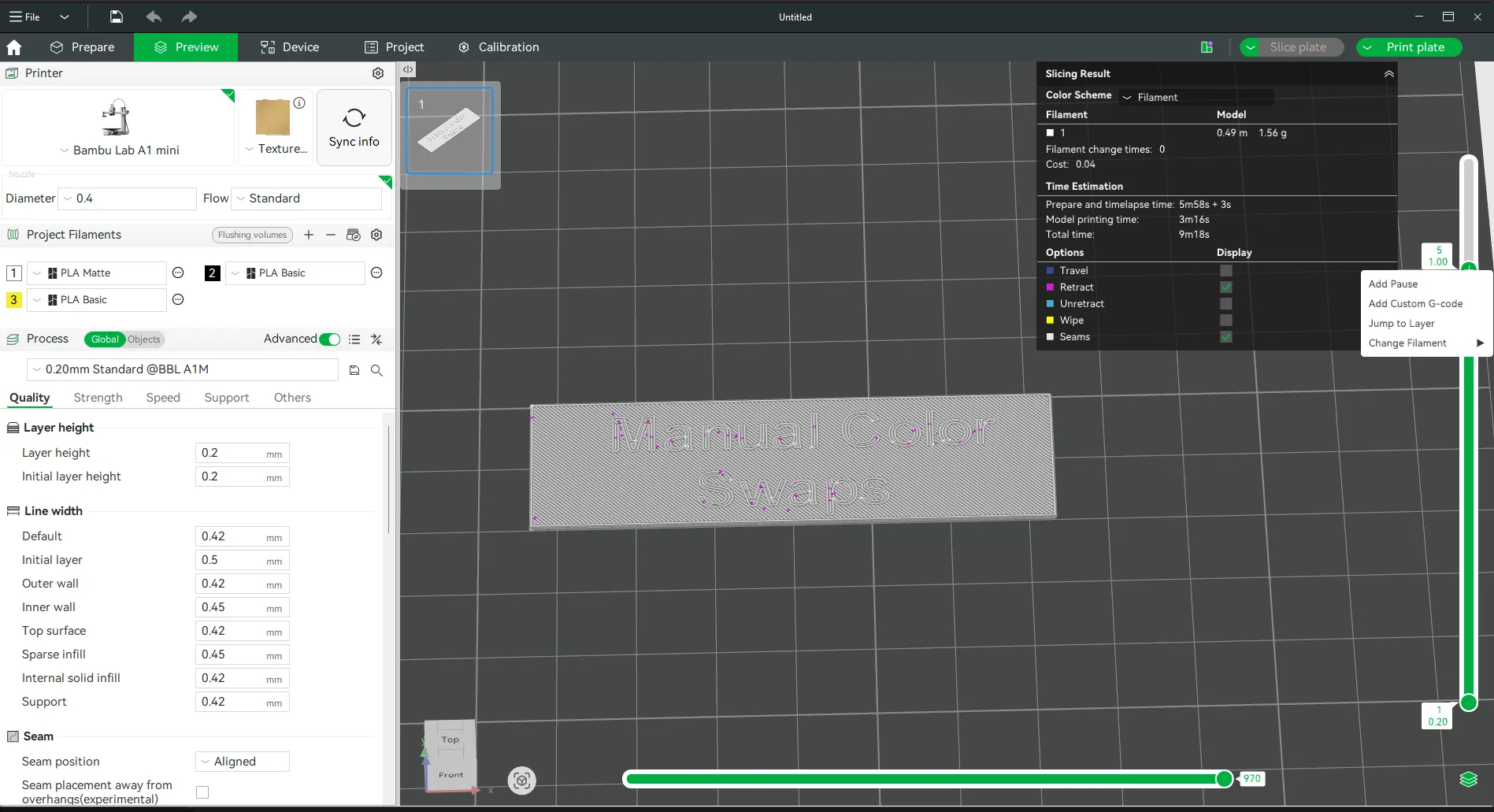
Add a Pause (Color Change)
- Right-click on the layer bar → Add Pause at Layer (or “Add Filament Change”).
A marker will appear in the G-code.
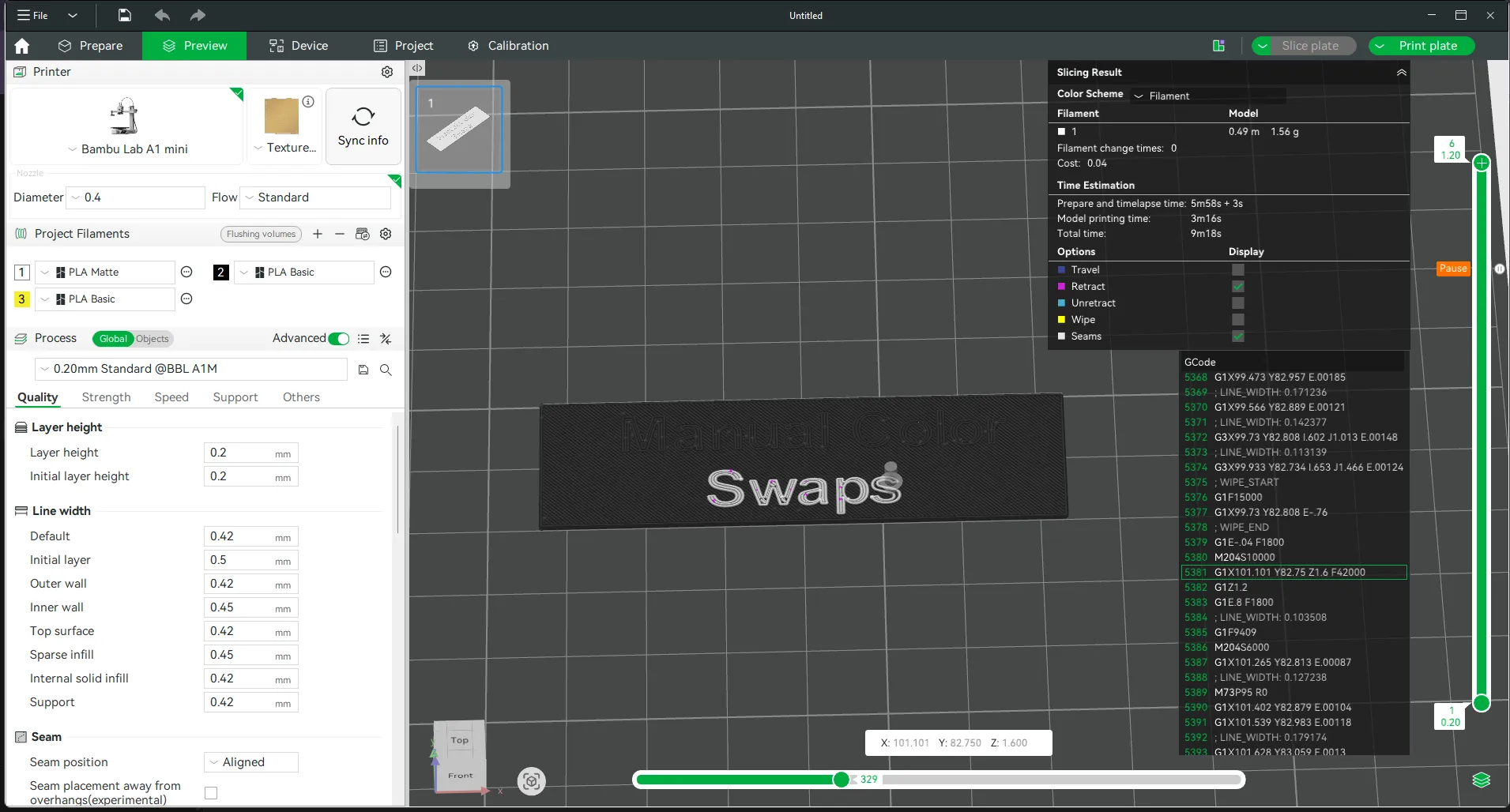
Note: You can check the bar below in the slicer preview to see the exact path of the printer.
This helps you be 100% sure that it will start printing with the new color after the pause.
Slice and Send/Save
During Printing
- The printer will automatically pause when it reaches that layer.
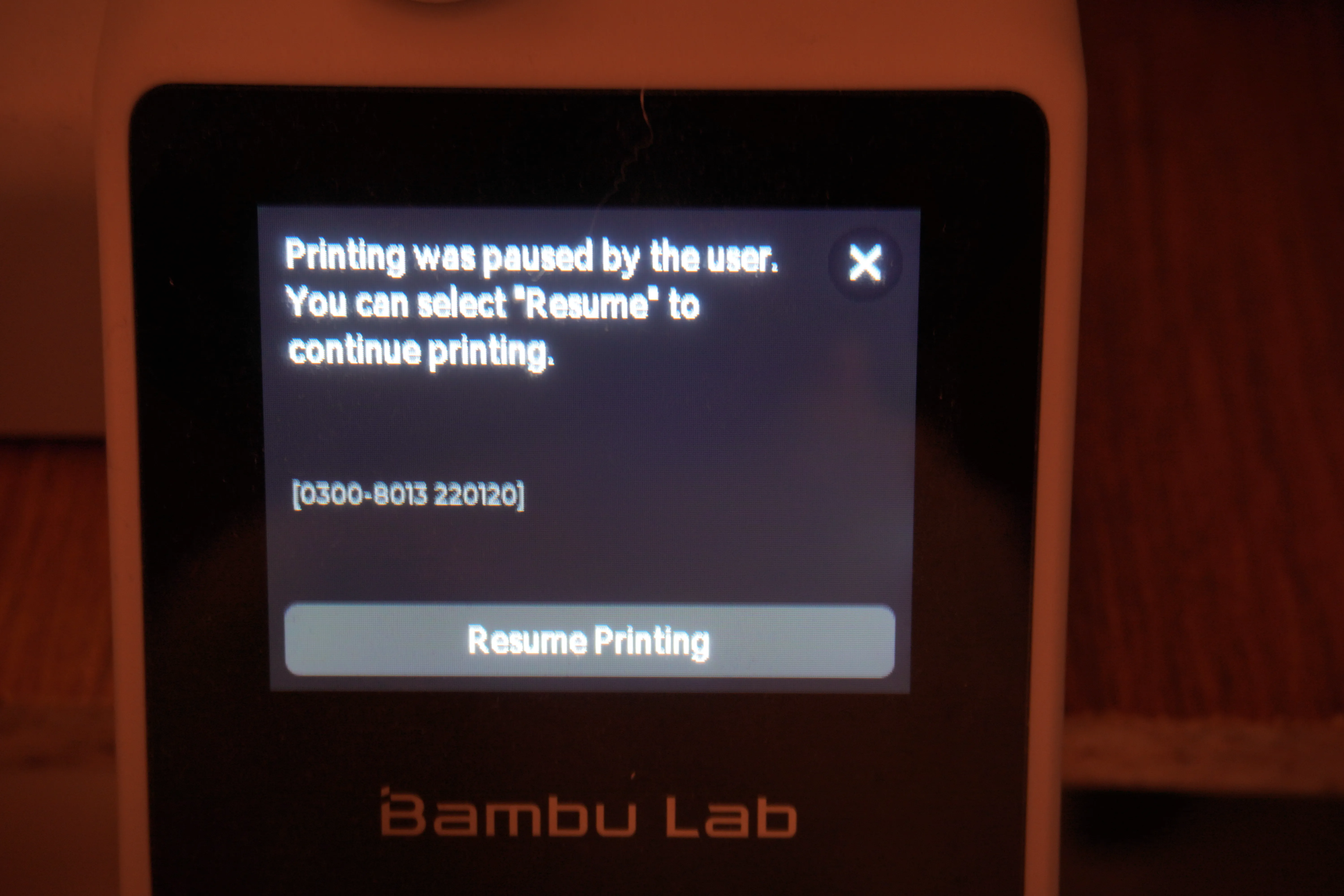
- On the screen, tap Unload Filament, insert the new color
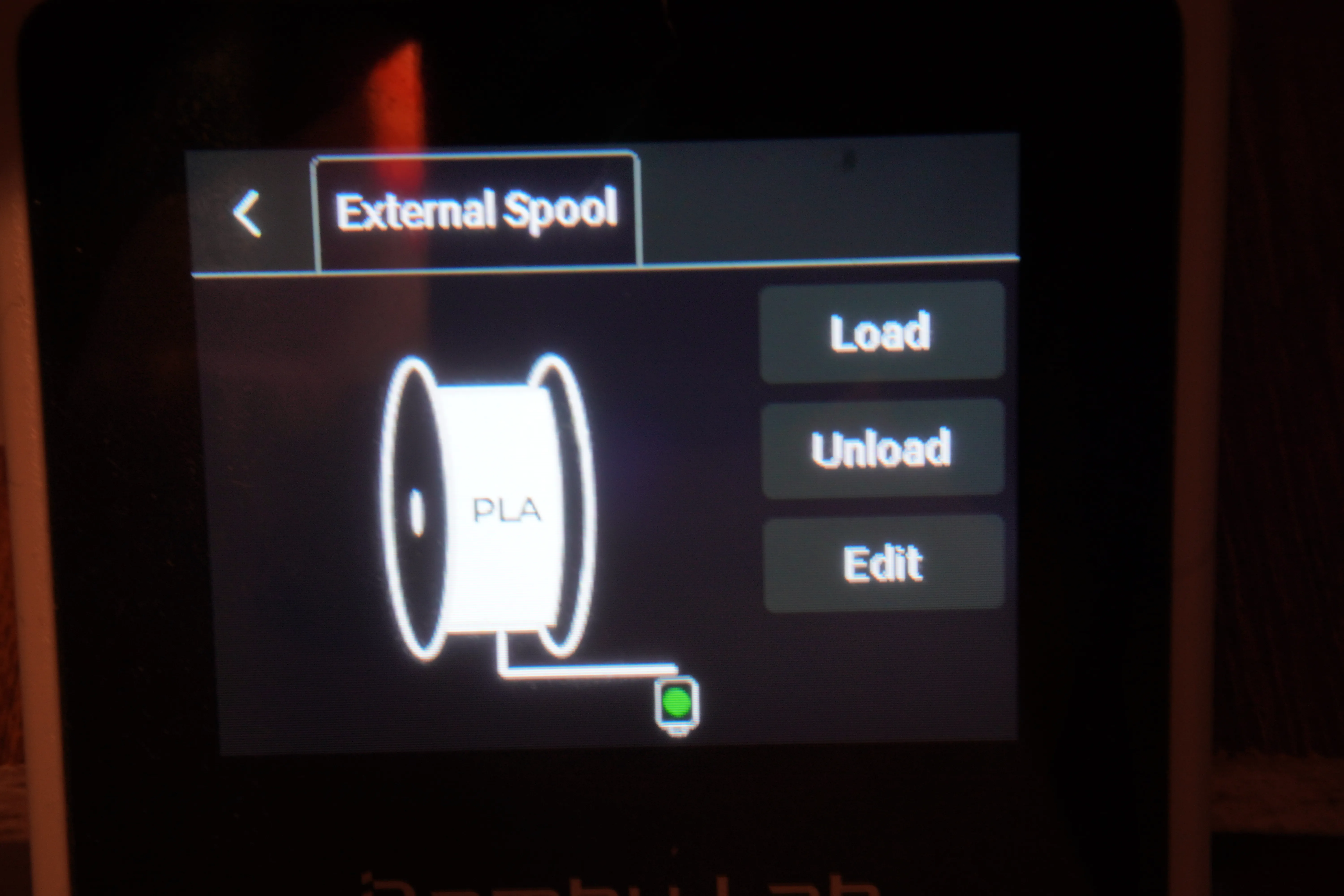
pull the old filamnt about 4-5 cm
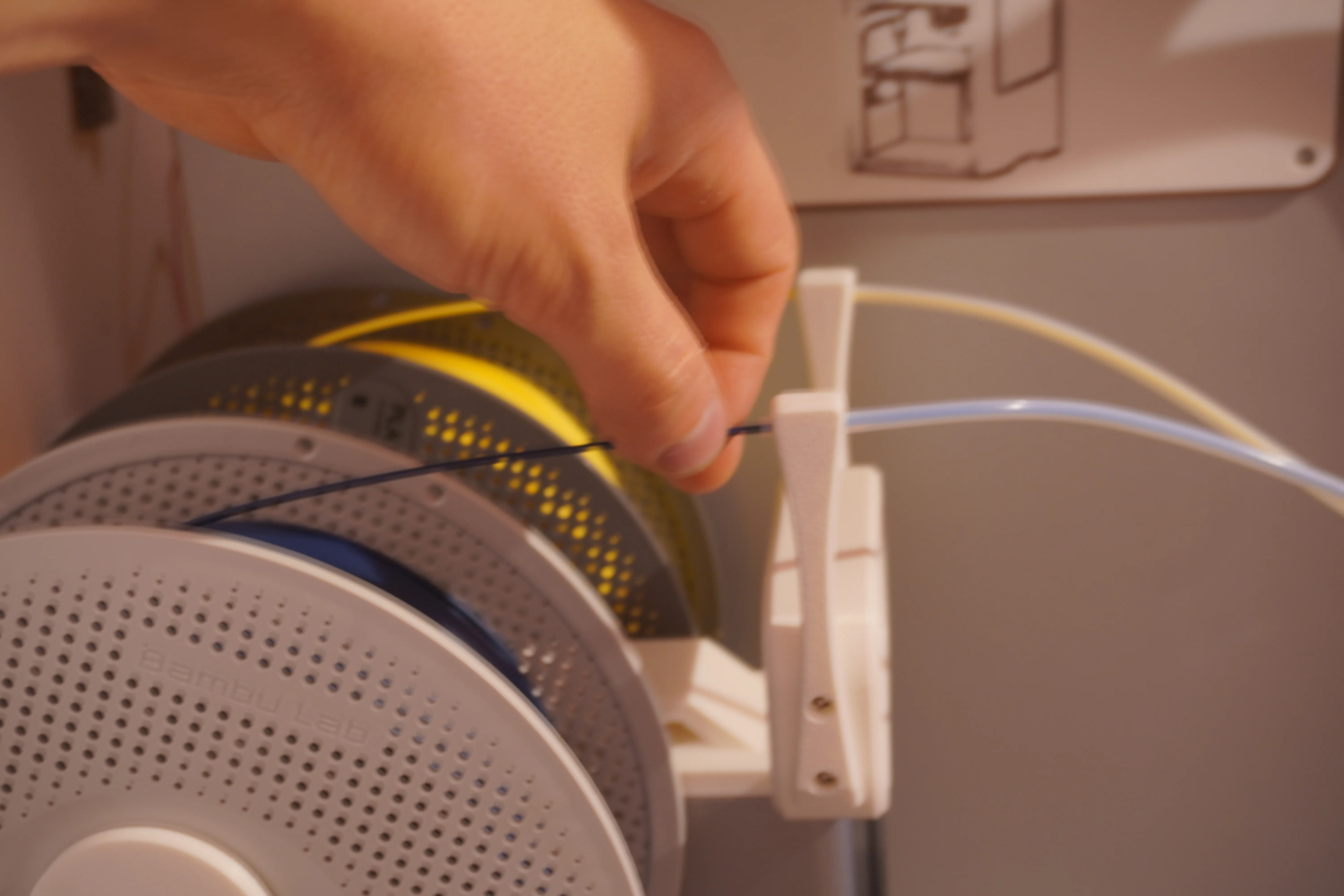
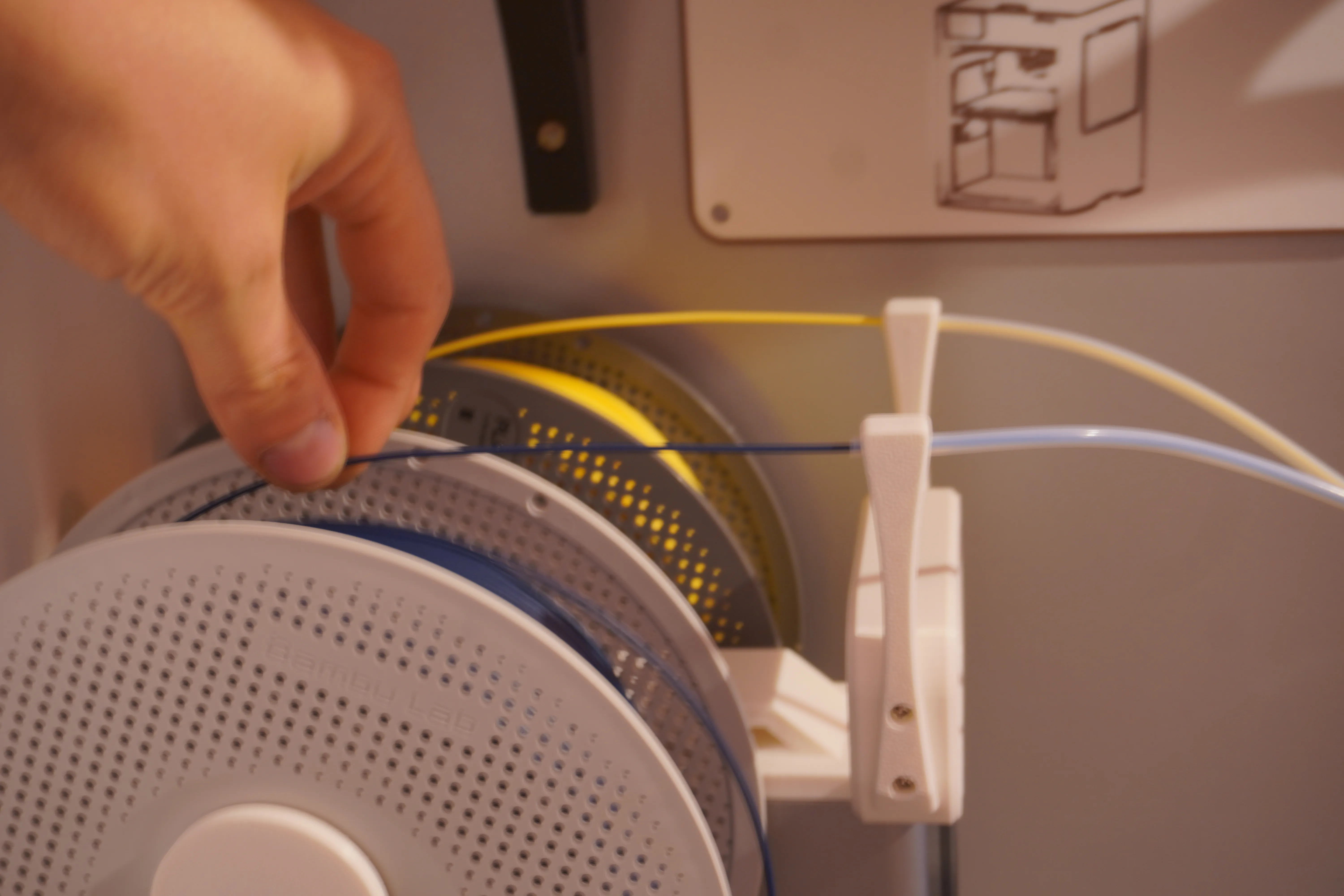
Loud the new color
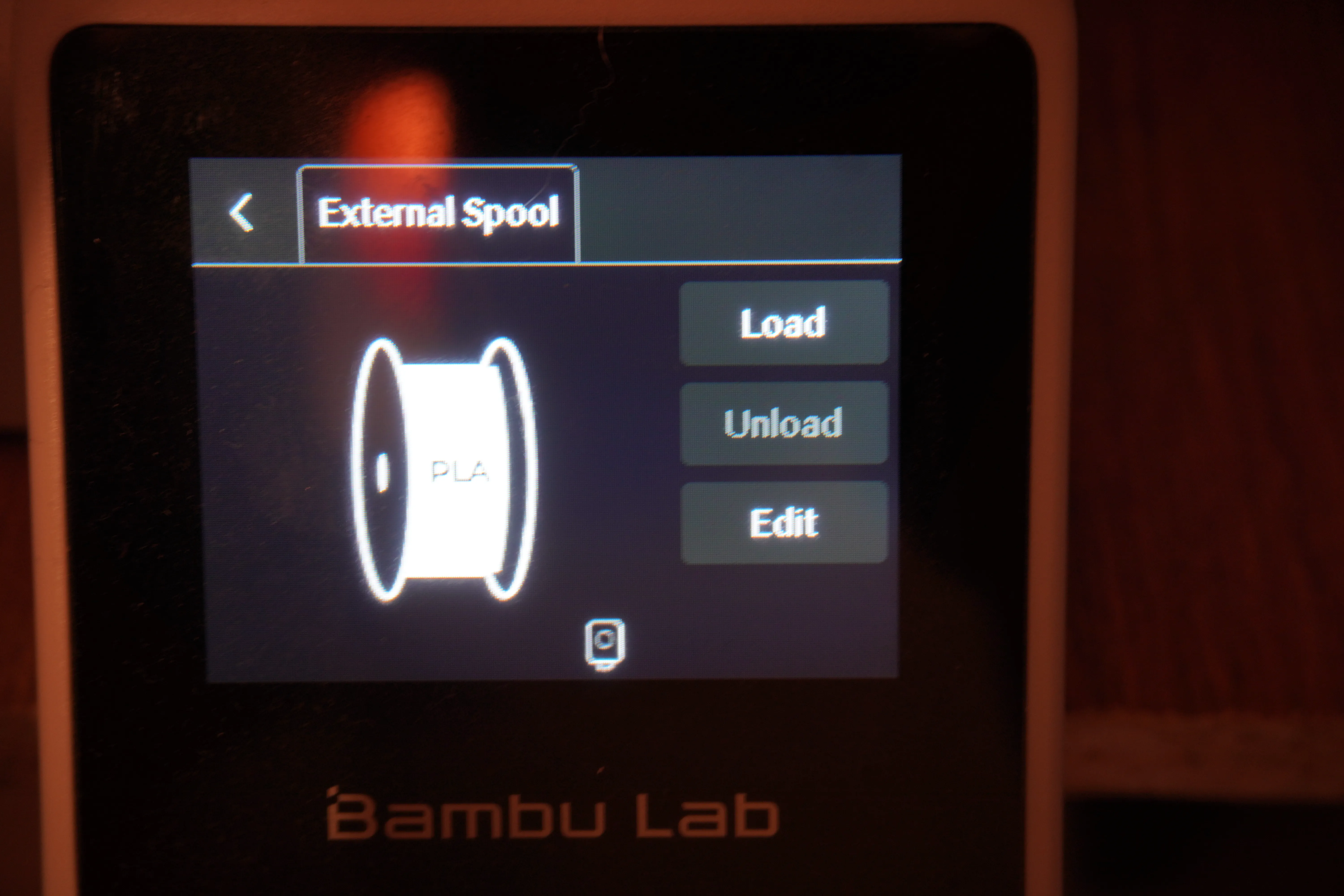
you can pus the new color from second holder
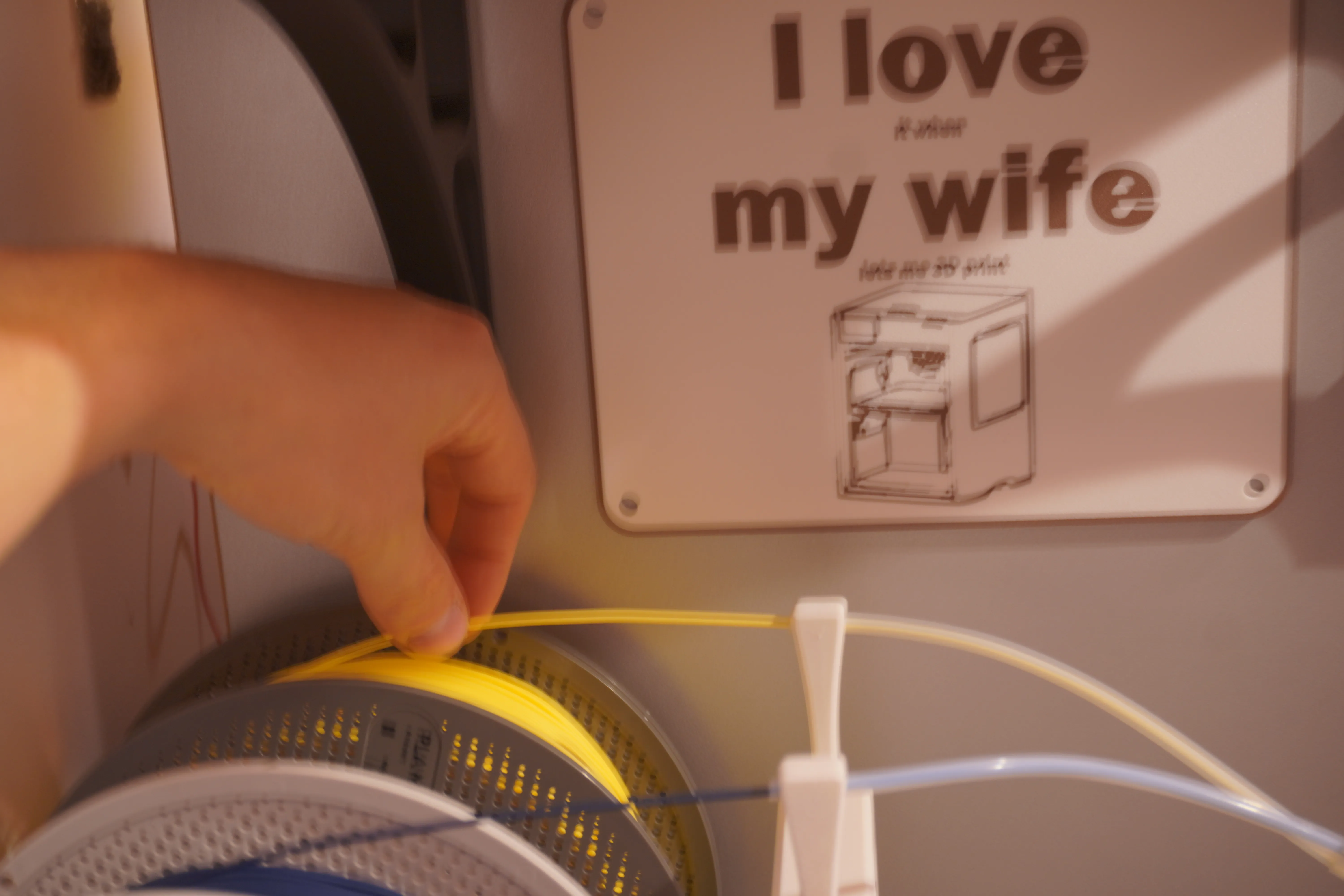
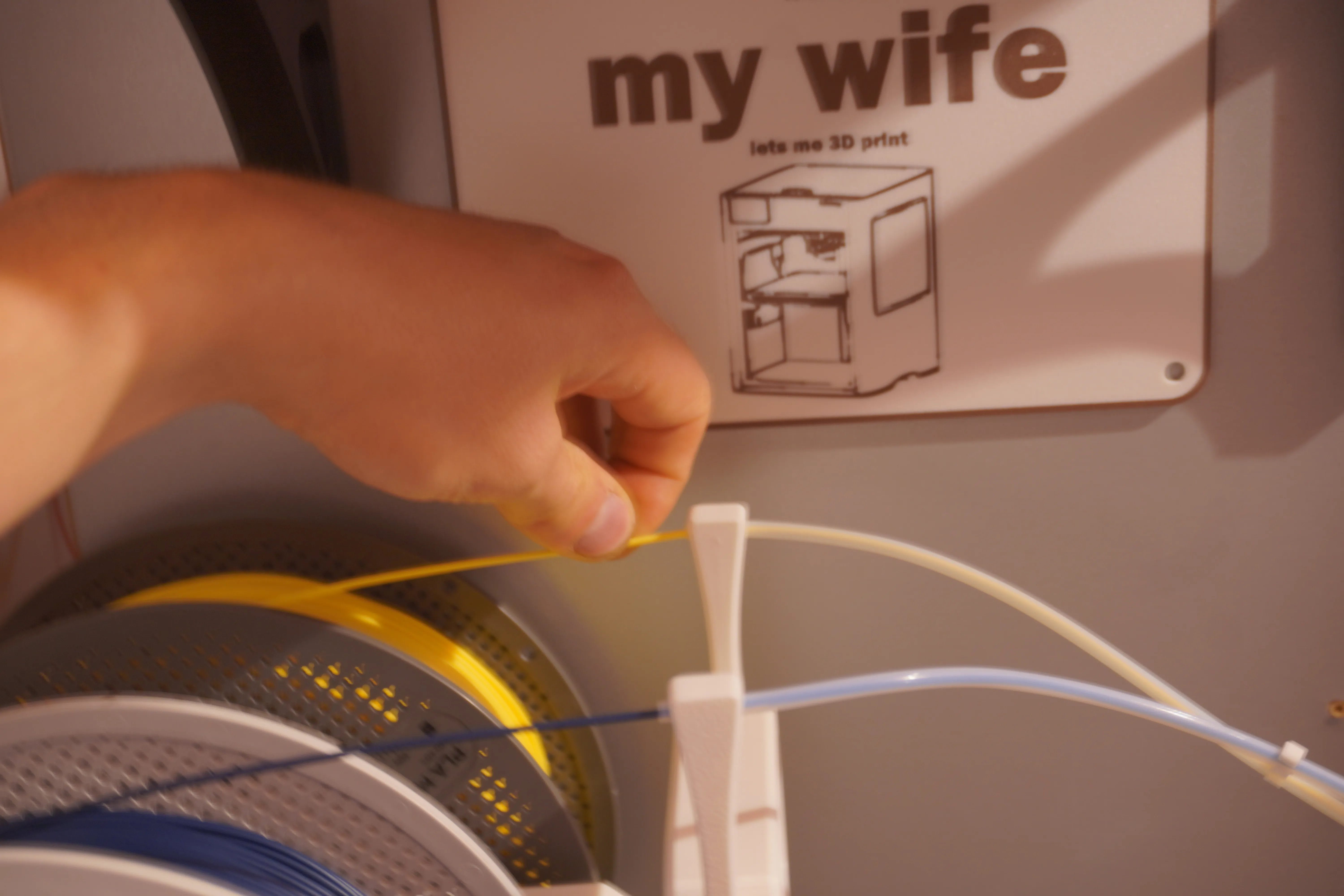
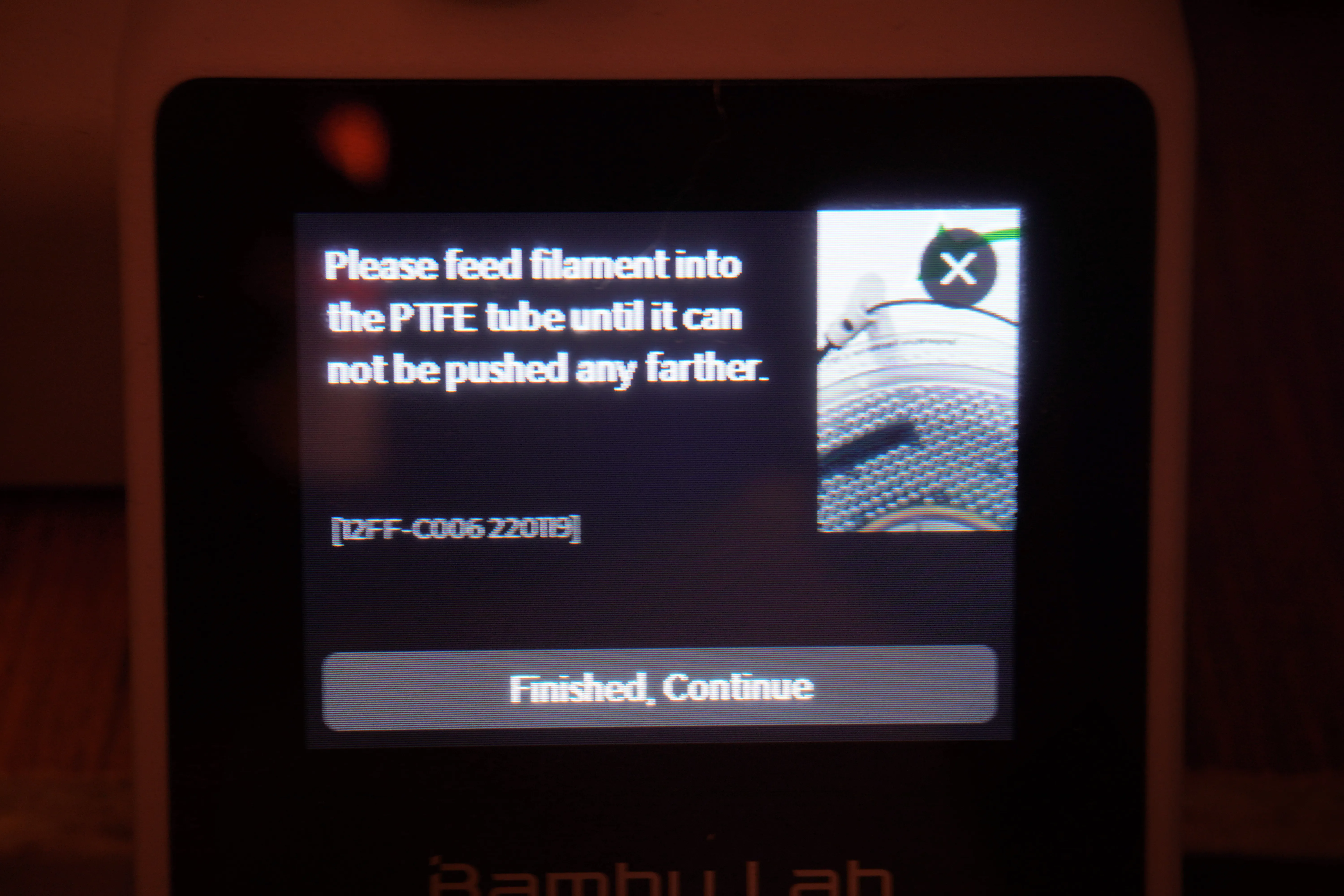
and you only need to push about 4-5 cm
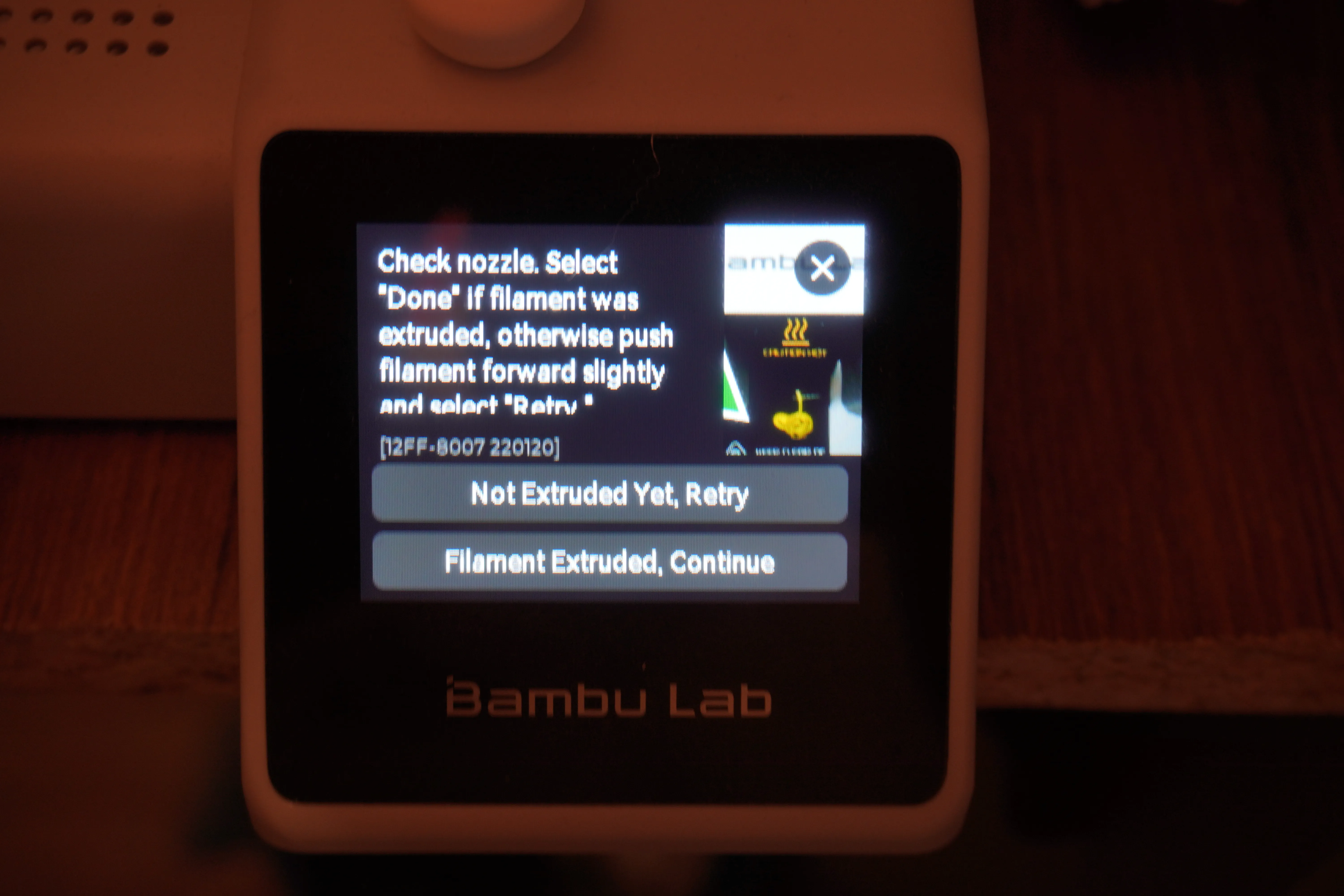
after it purge the new filament pres continue to finish the print
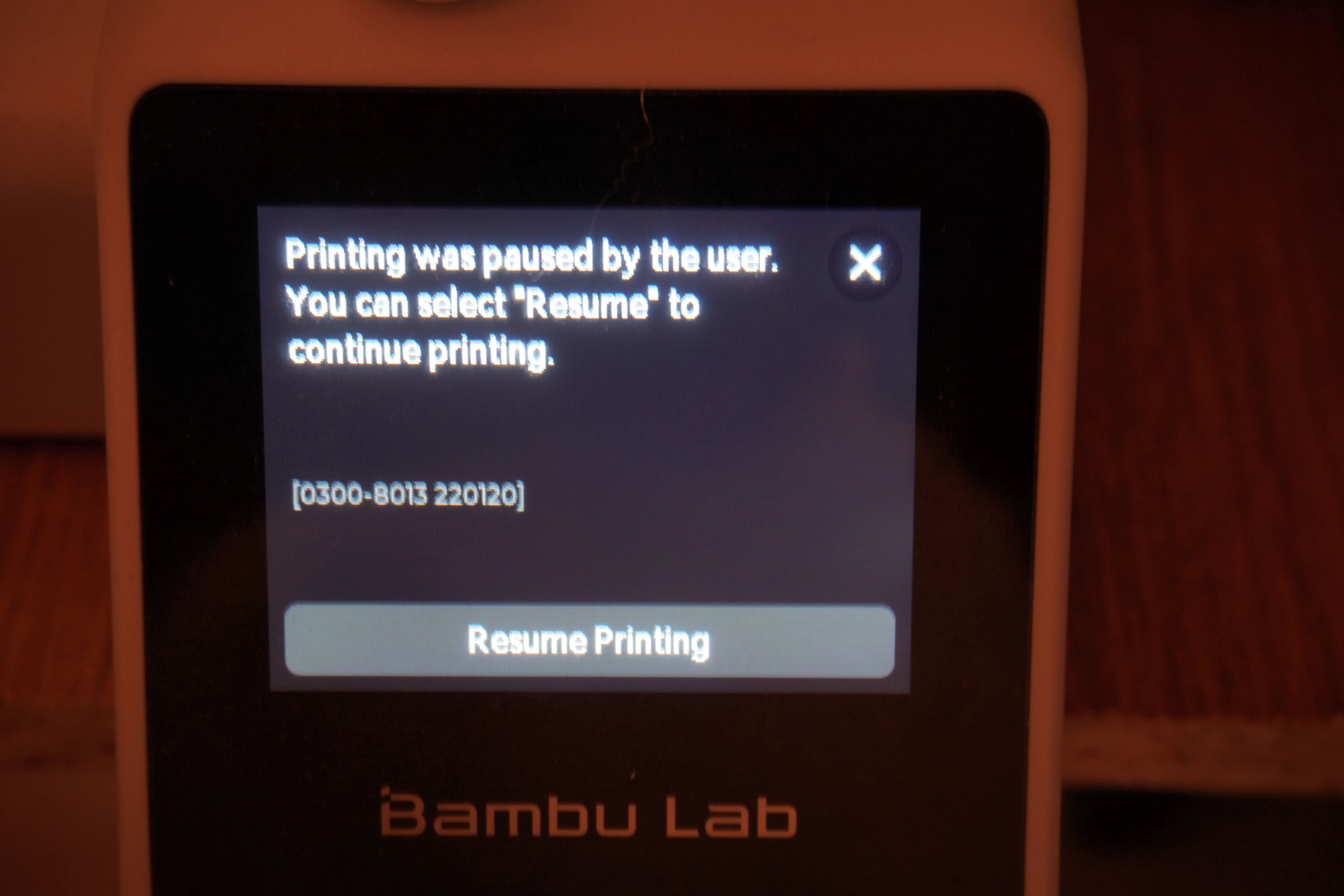
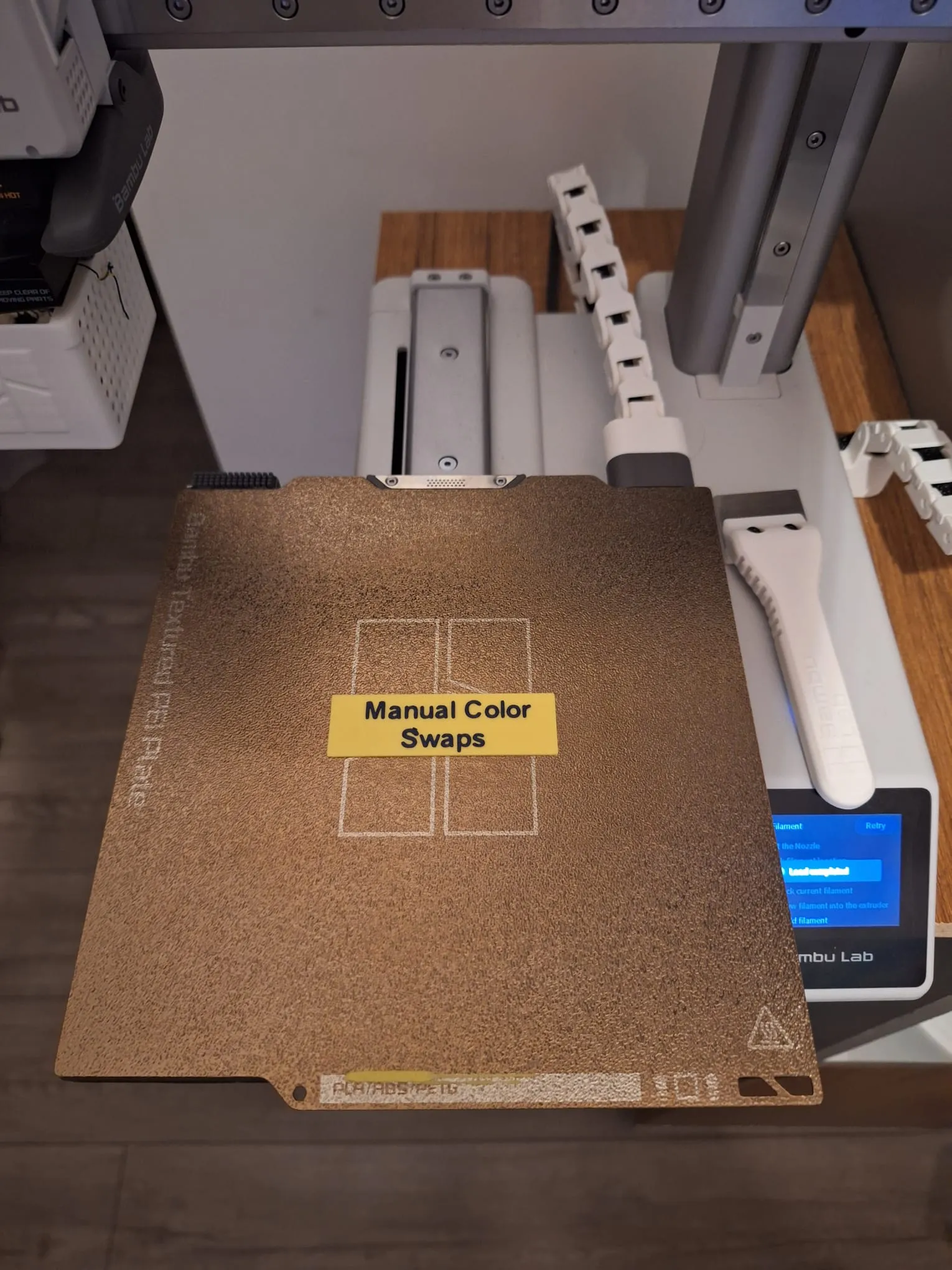
and is done . you manual swap the filament
License

You shall not share, sub-license, sell, rent, host, transfer, or distribute in any way the digital or 3D printed versions of this object, nor any other derivative work of this object in its digital or physical format (including - but not limited to - remixes of this object, and hosting on other digital platforms). The objects may not be used without permission in any way whatsoever in which you charge money, or collect fees.


Comment & Rating (677)