Search models, users, collections, and posts

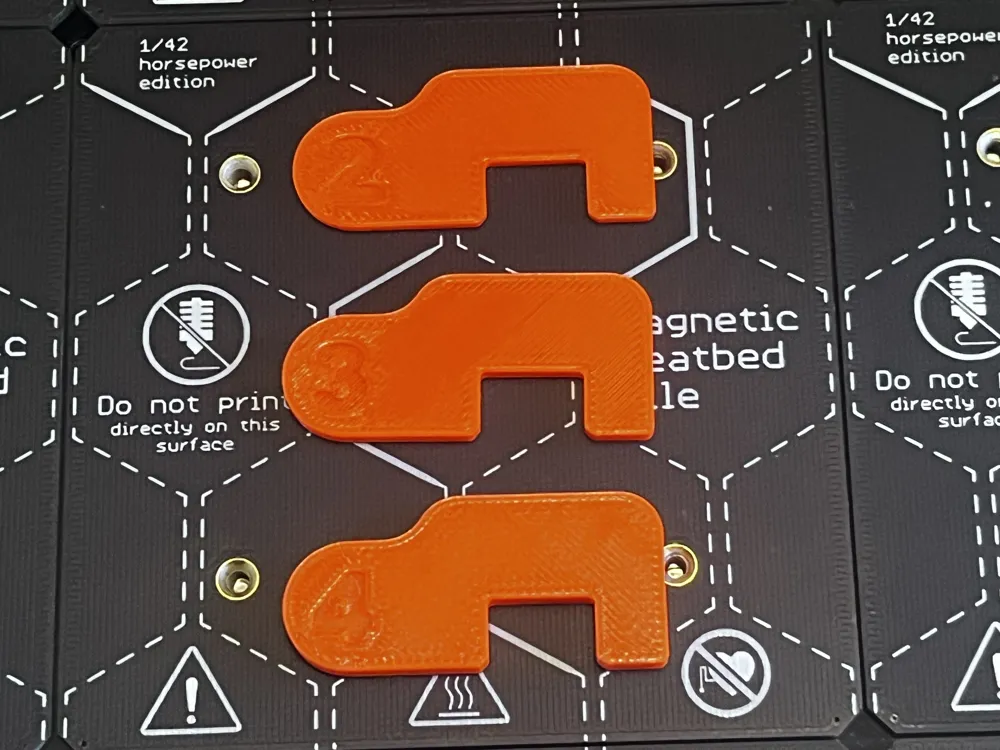
Prusa XL Belt Tension Alignment Calibration Tool
IP Report
Print Profile(0)
Add the first print profile to earn points
Boost
3
2
0
0
6
1
Released
Description
Hello XL printers,
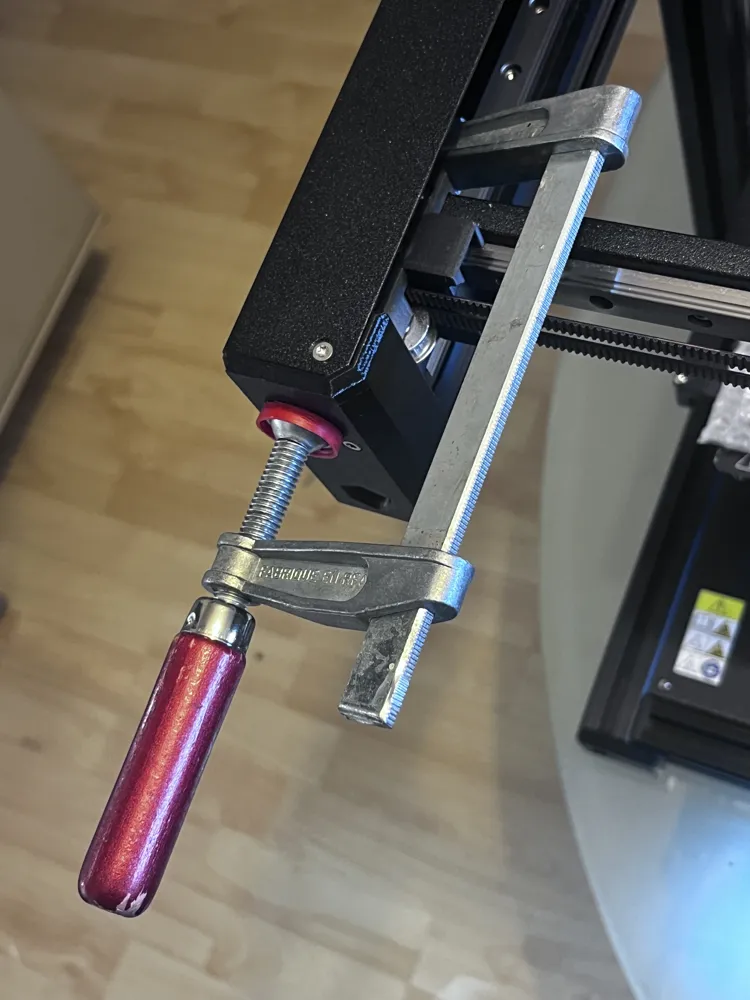
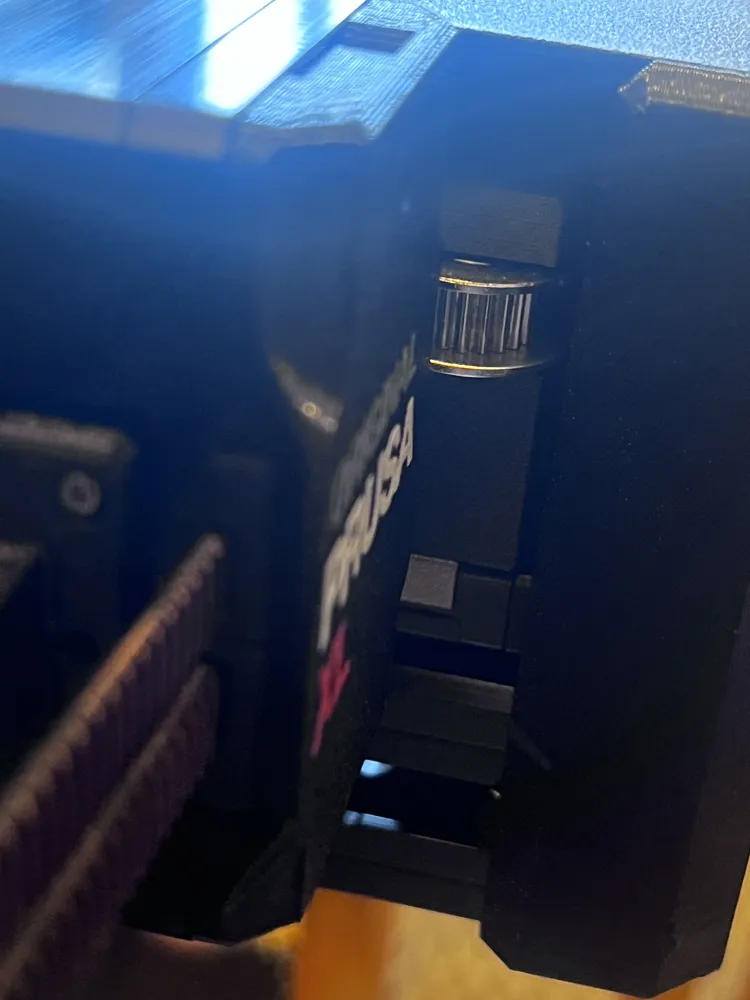
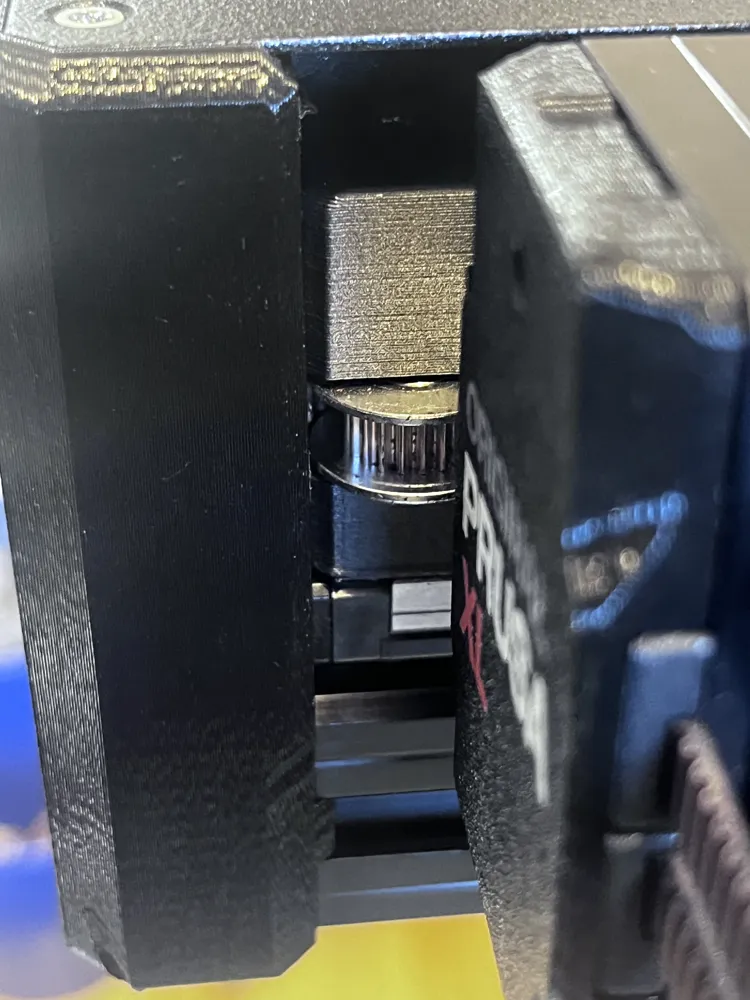
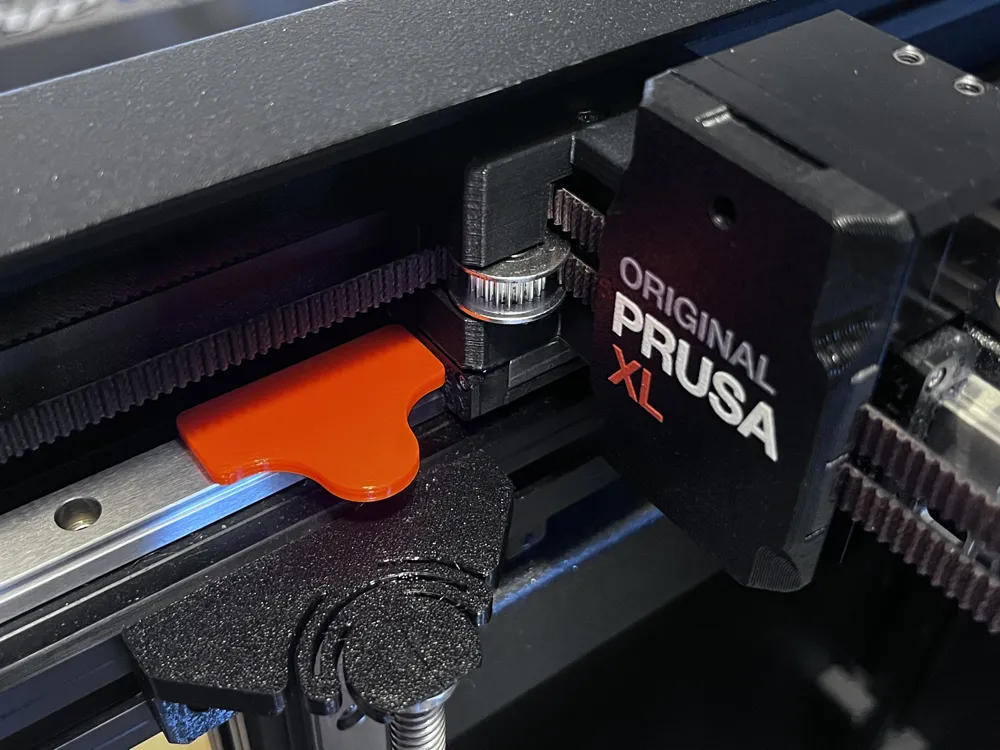
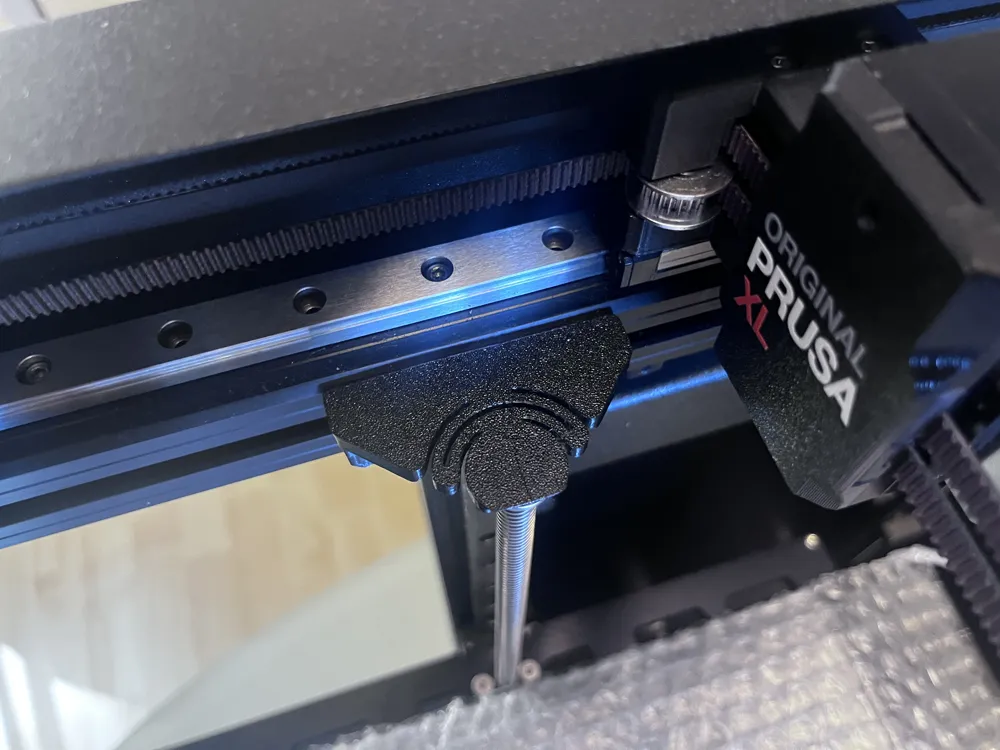
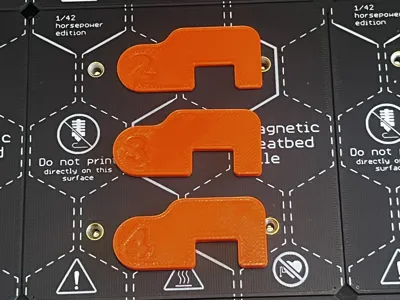
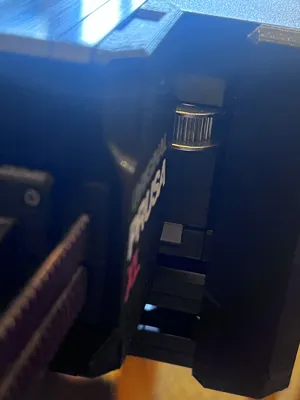
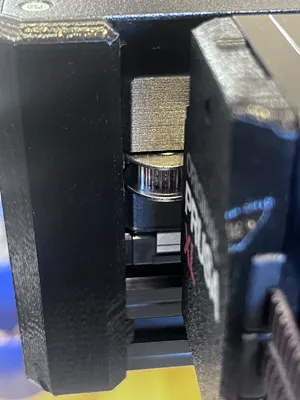
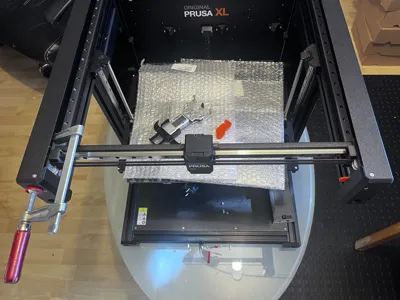
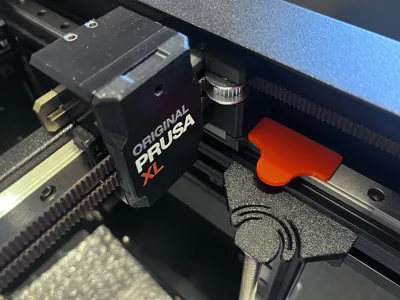
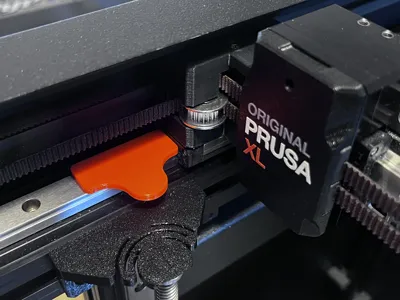
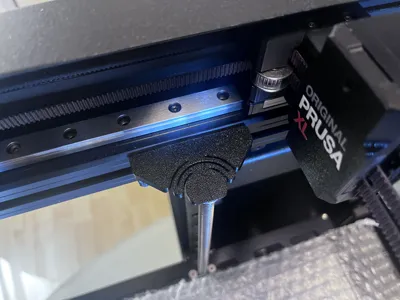
I was one of the first to receive a Prusa XL Multitool printer. From the start, I had problems tightening the belt equally on both sides and still aligned parallel so that there is no gap on either side.
Since I've spent a lot of time researching the problem, I know many people have this problem. So I tried a lot of things and have finally found a working solution!
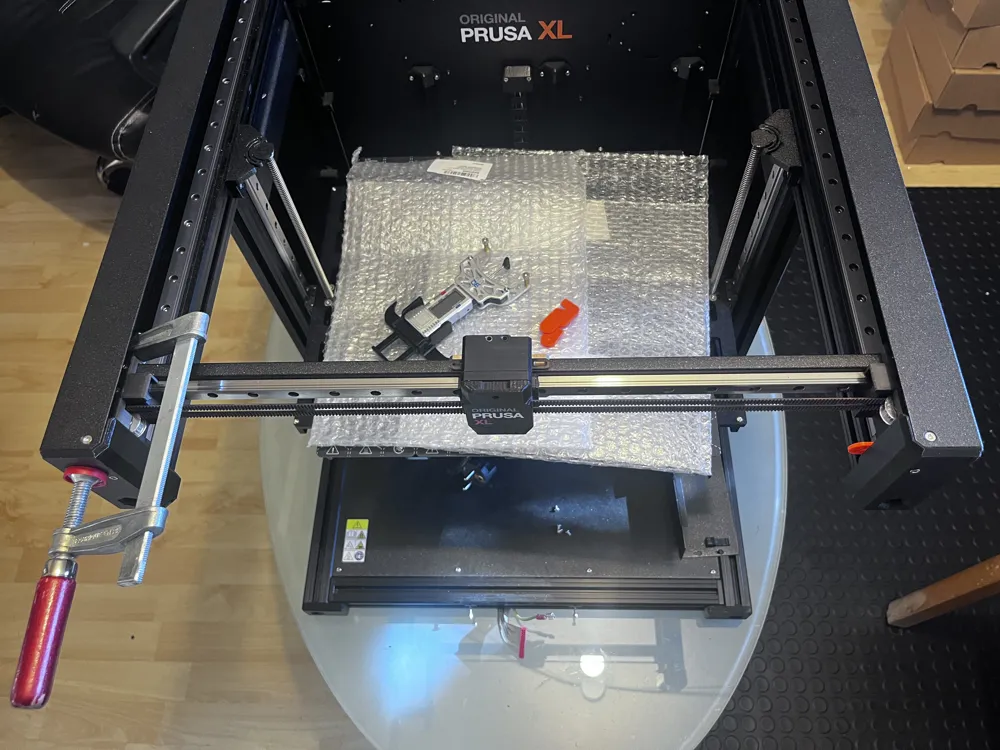
Here you find the full guide:
https://investegate.de/prusa-xl-belt-tension-alignment-calibration-guide
Quick Guide Overview:
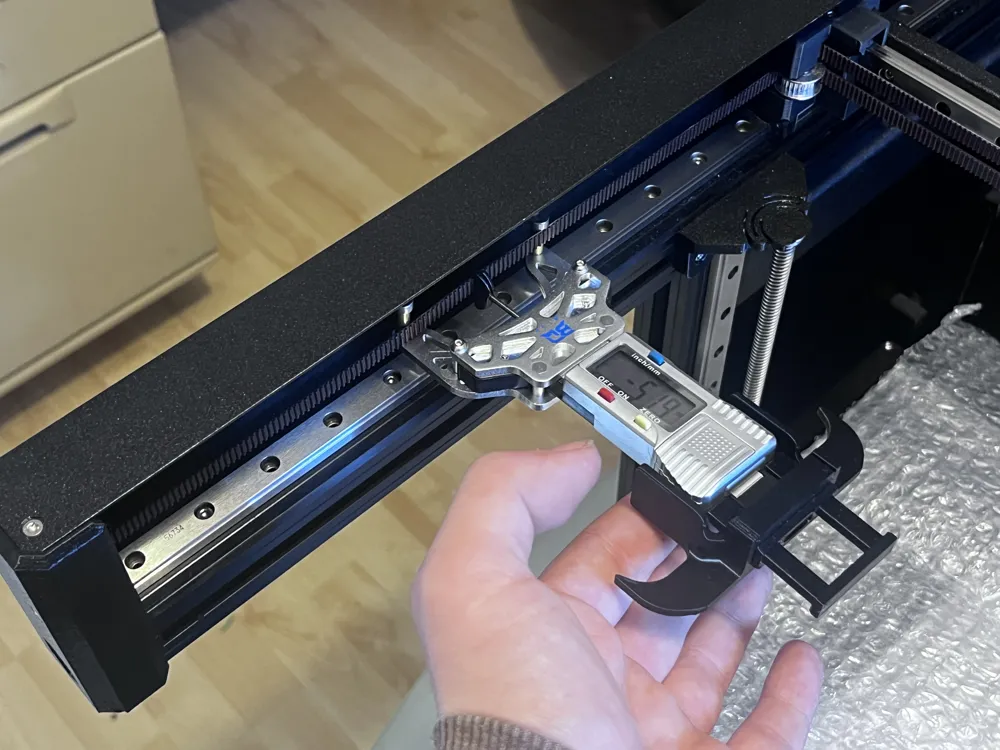
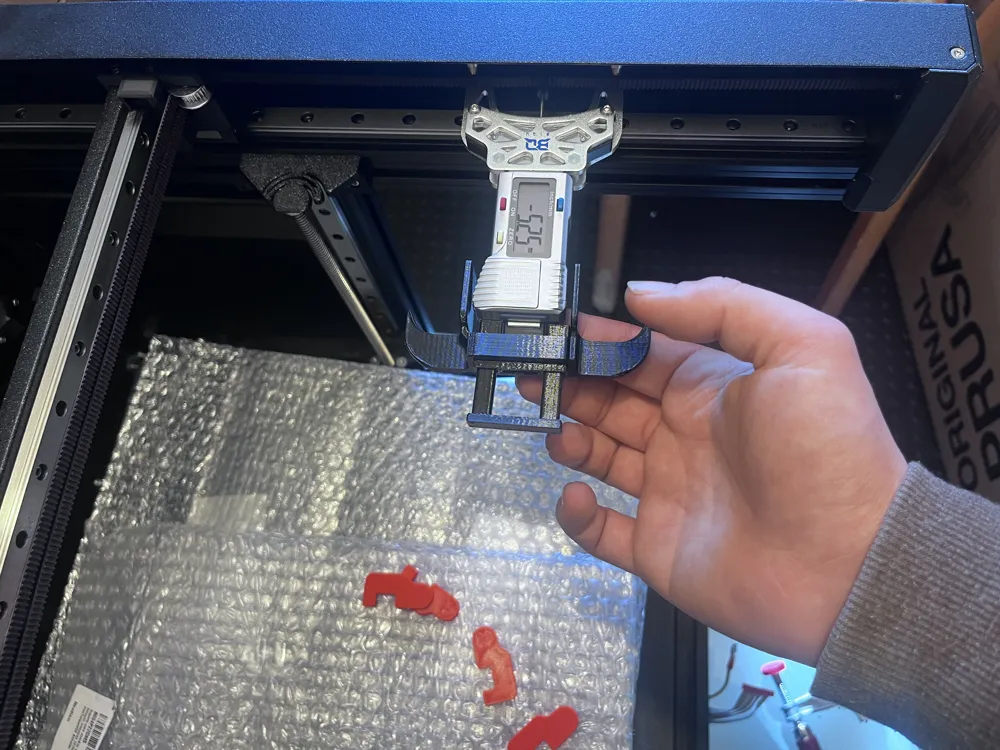
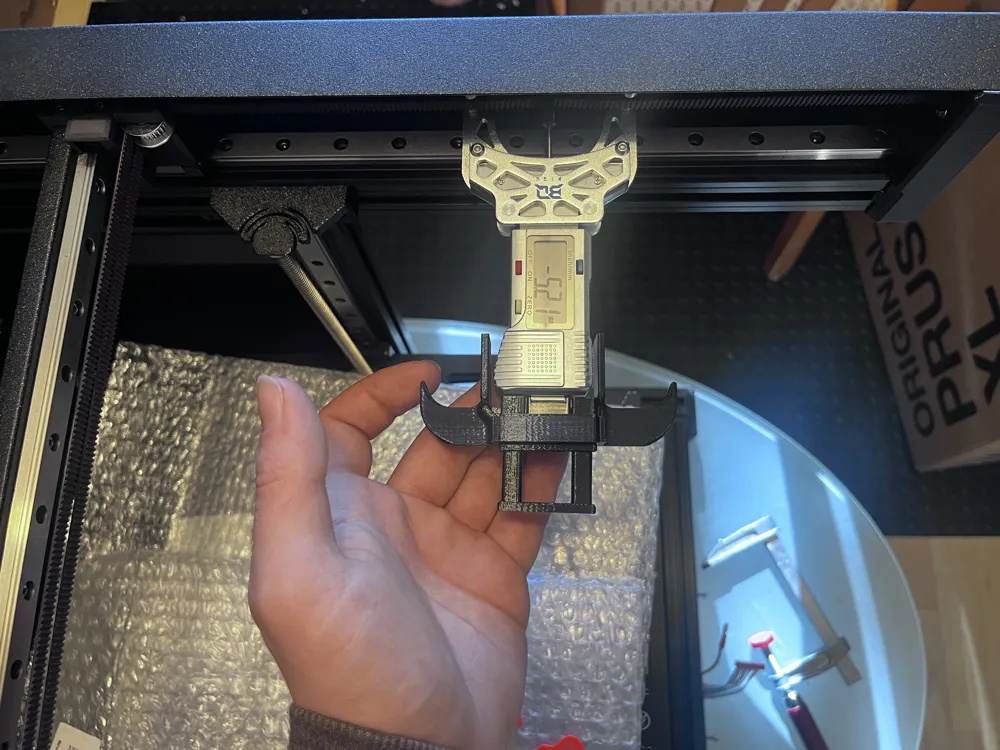
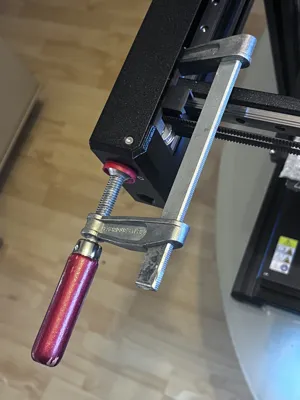
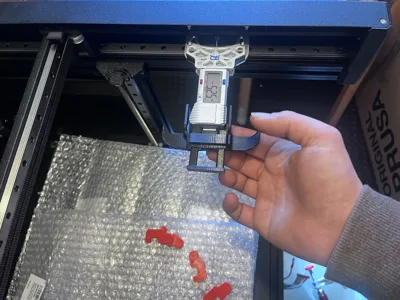
- After each adjustment, the entire carriage must be rotated 1-2 times completely back and forth and completely left to right and back to the belt to evenly distribute the tension across the entire belt. Only then measure again. (Video)
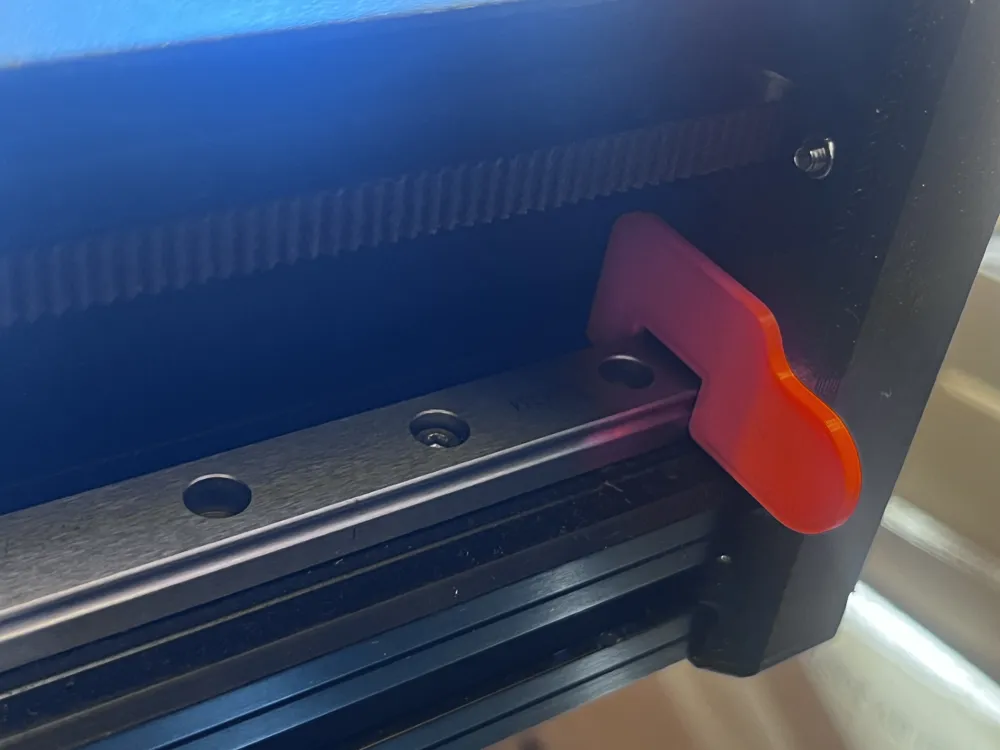
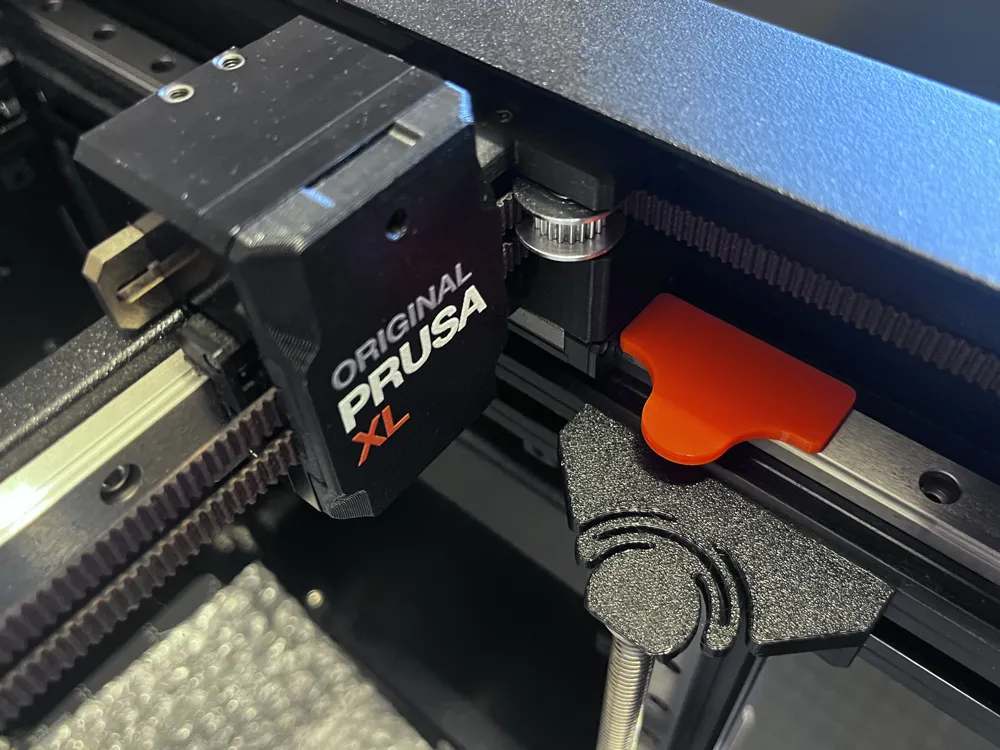
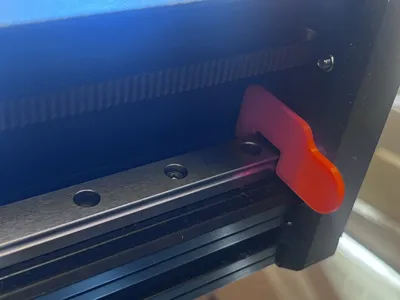
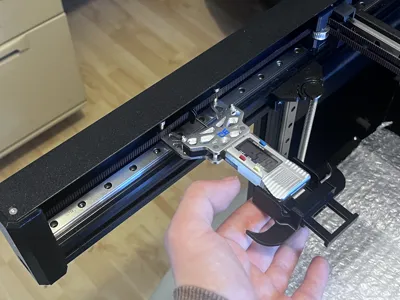
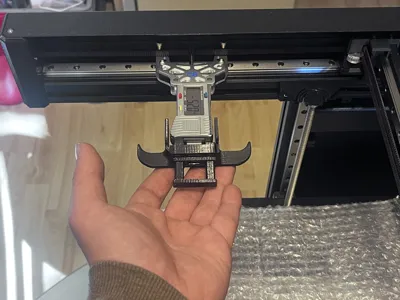
- The adjustment position is always in the very center of the front.
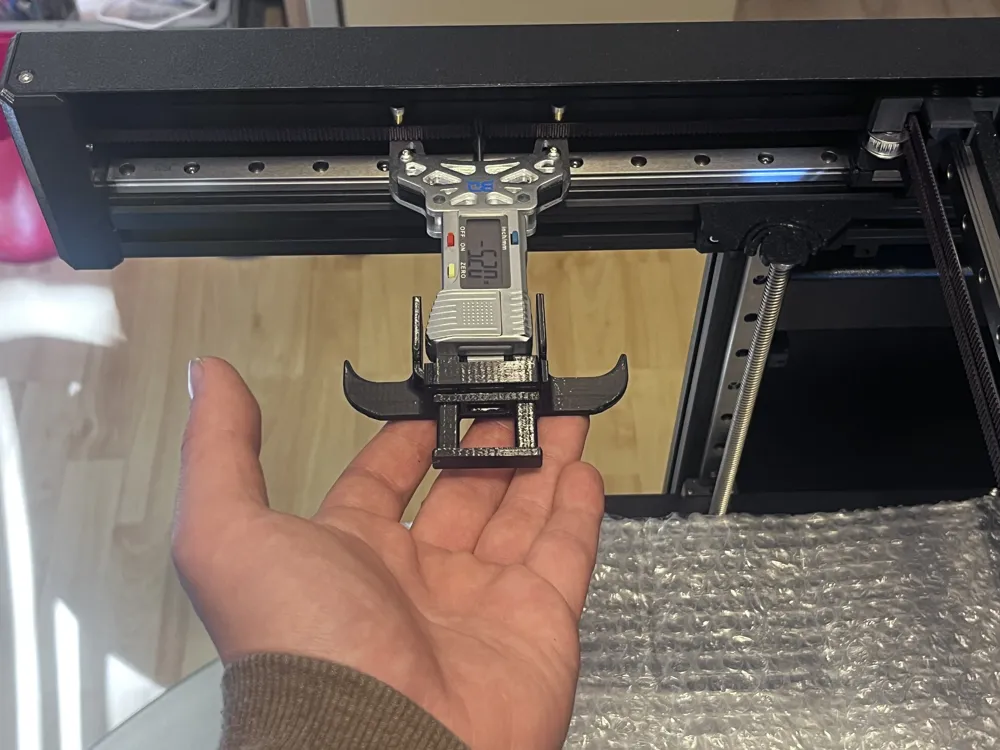
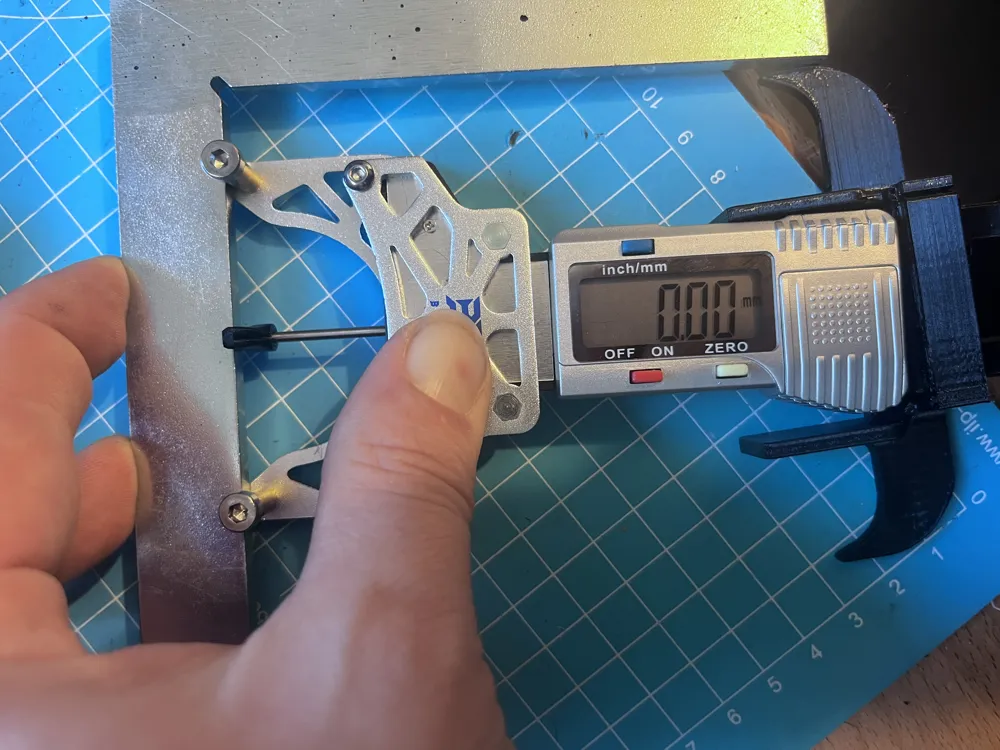
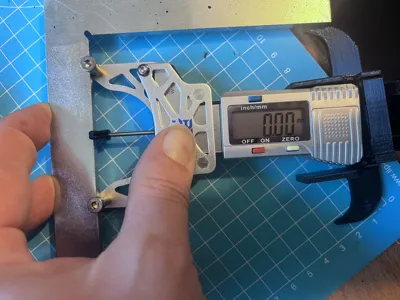
- The measurement position is as shown in the Prusa Video.
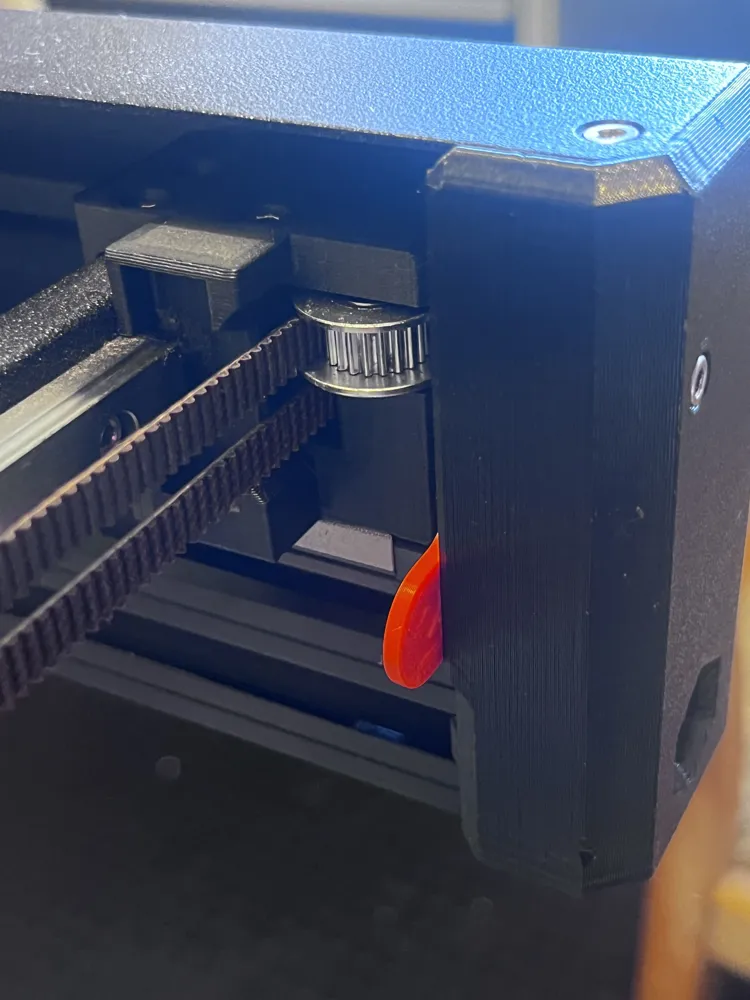
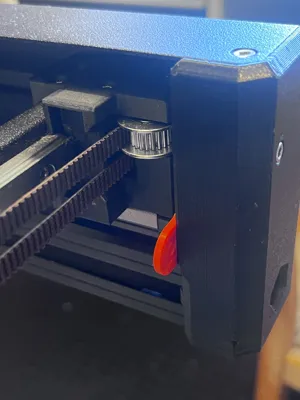
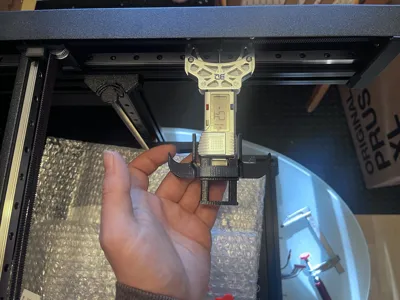
- The alignment check position is in the front left and right.
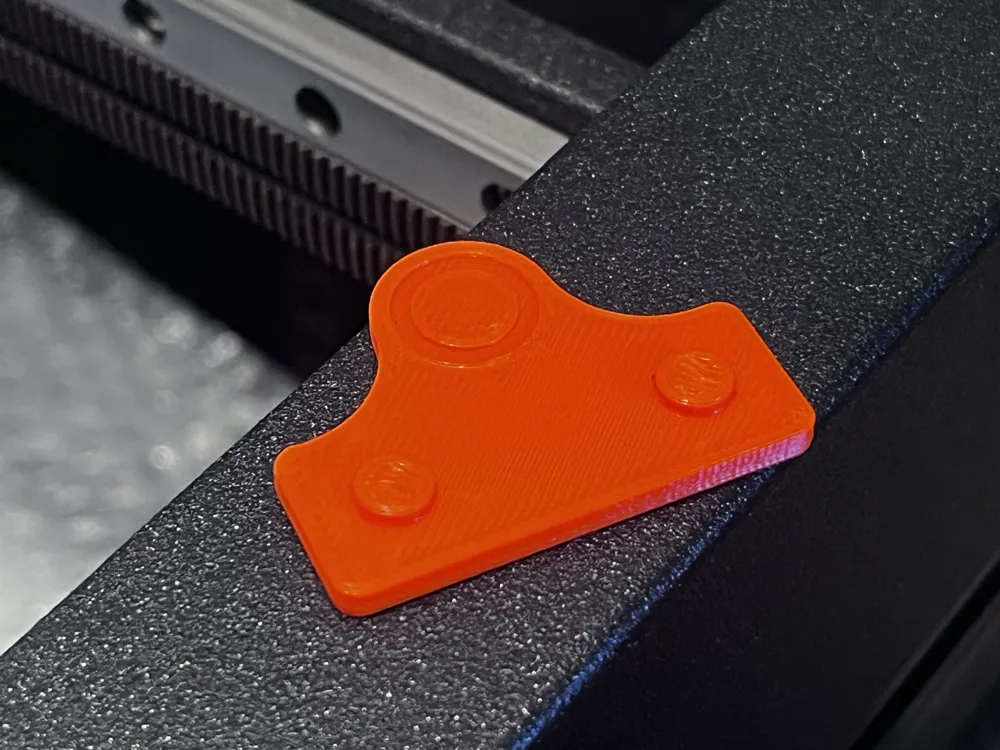
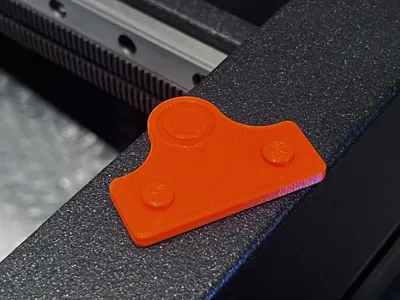
- If there is a gap on the left, the spacer should be right.
- If there is a gap on the right, the spacer should be left.
- Always alternate between a maximum of 0.5 to 1 turns per side and a maximum of 2 full turns per adjustment procedure.

prusa
tool
plate
space
mod
calibration
measure
balance
belt
spacer
gauge
belttensioner
xl
tension
fix
2025
corexy
gap
gaps
balancer
alignment
measurement
measurementtool
alignmenttool
measurementdevice
Biqu
prusaxl
alignmentgauge
tensioning
calibrationtool
belttension
measurementgauge
gapgauge
prusaxlmate
alignmentguide
tensioners
belttensionmeter
tensionbelt
prusaxlupgrade
tensiometer
prusaxl5t
prusaxltools
prusaxlcalibration
belttensiongauge
coreone
tensioningsystem
biqubelter
alignmentplate
belter
prusaxlcalibtration
License

This user content is licensed under a
Creative Commons Attribution-Noncommercial-Share Alike


Comment & Rating (0)