
First Layer Test Collection (49 points/9 points/255x256)
Print Profile(4)


Description
Boost Me (for free)
Cheer me on
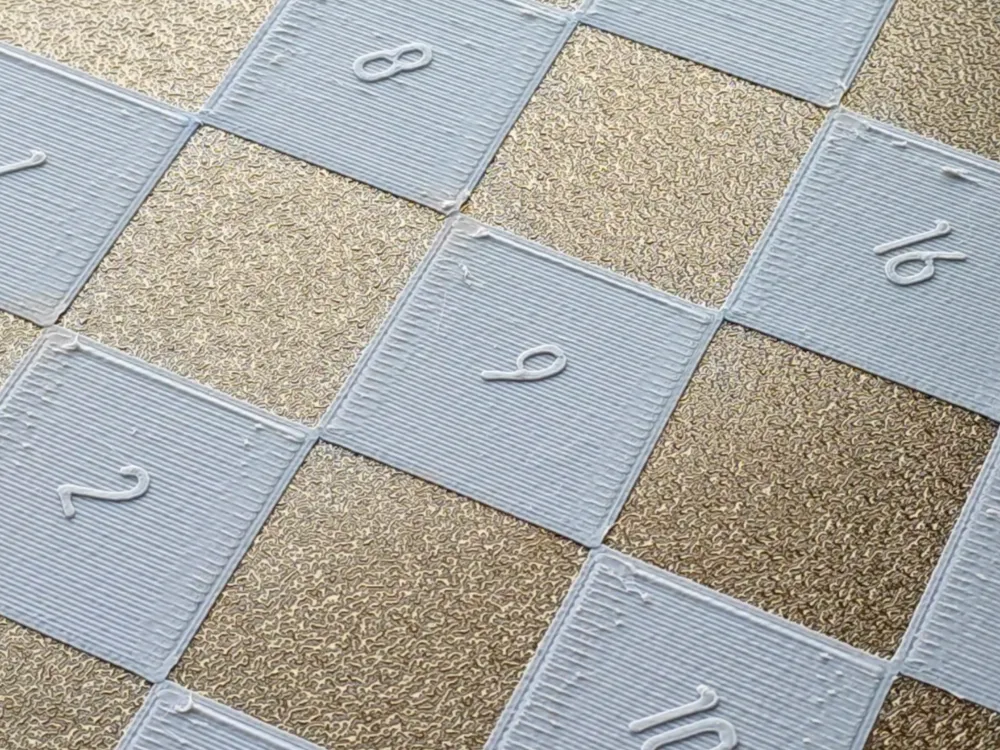
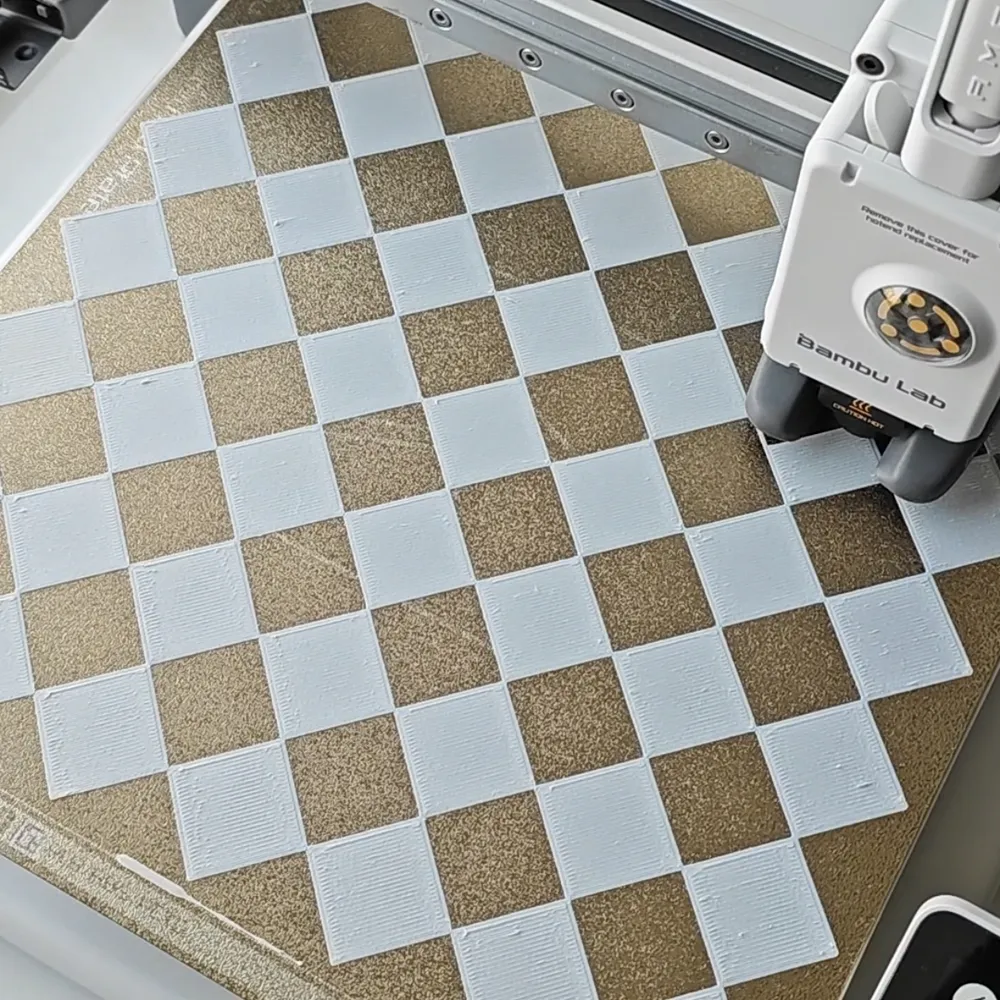
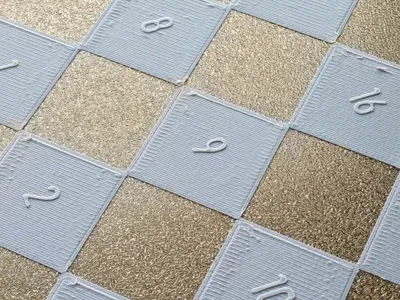
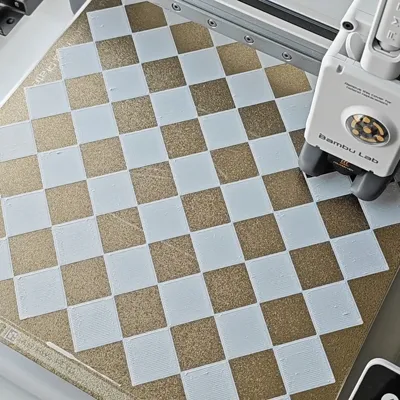
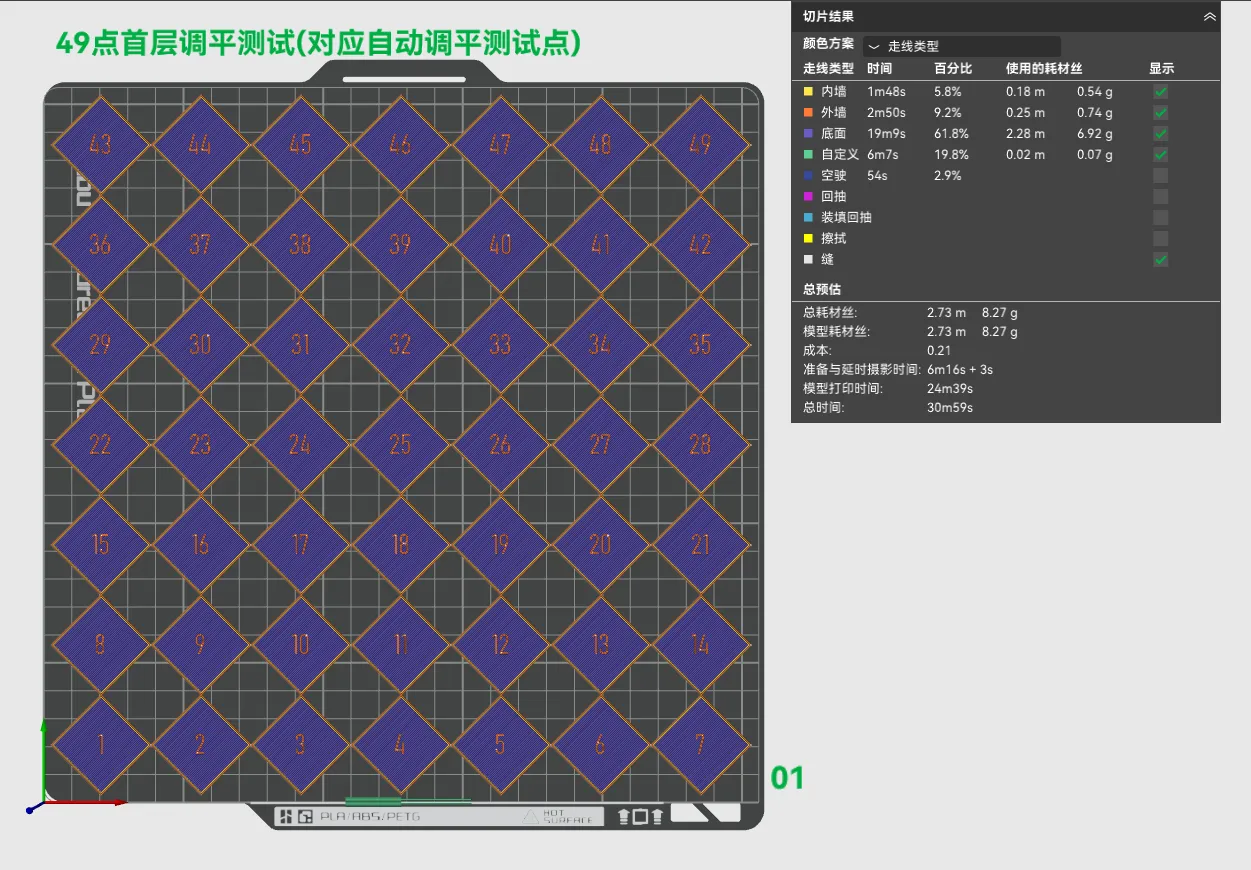
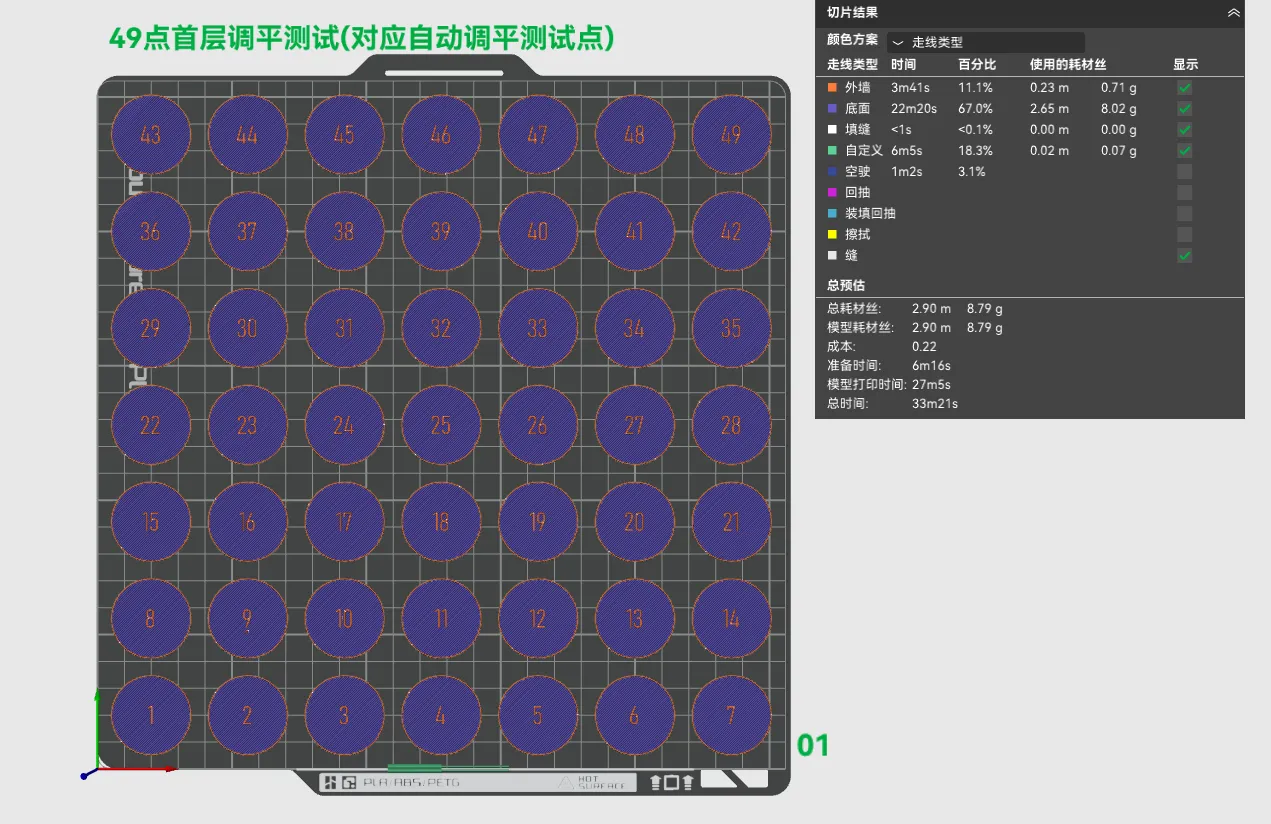
A1 automatic bed leveling utilizes a 7x7 grid, acquiring planar data from 49 points to achieve leveling. Following this principle, I created a 49-point first-layer test model. Weighing 9 grams, it printed in 33 and a half minutes.
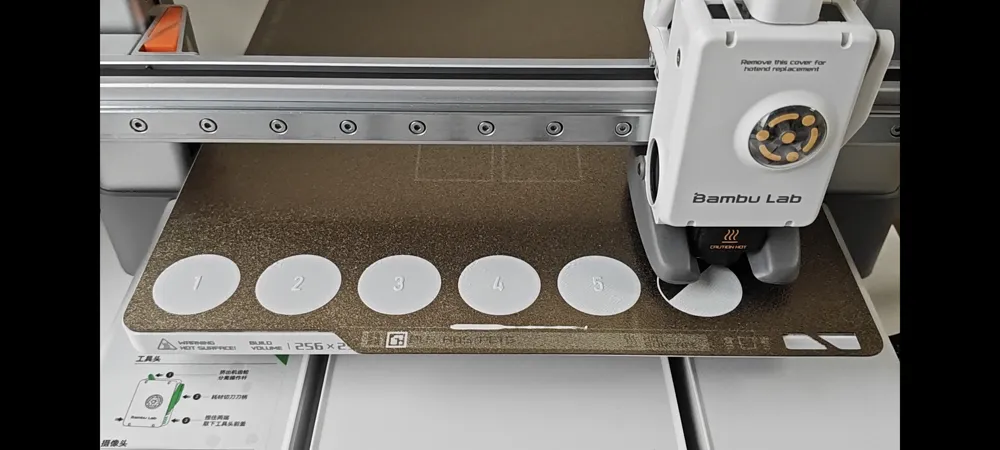
Based on the test results, you can adjust the base layer flow rate quickly by printing individual small pieces or efficiently find the optimal flow rate by editing multiple pieces within the object with varying flow rates.
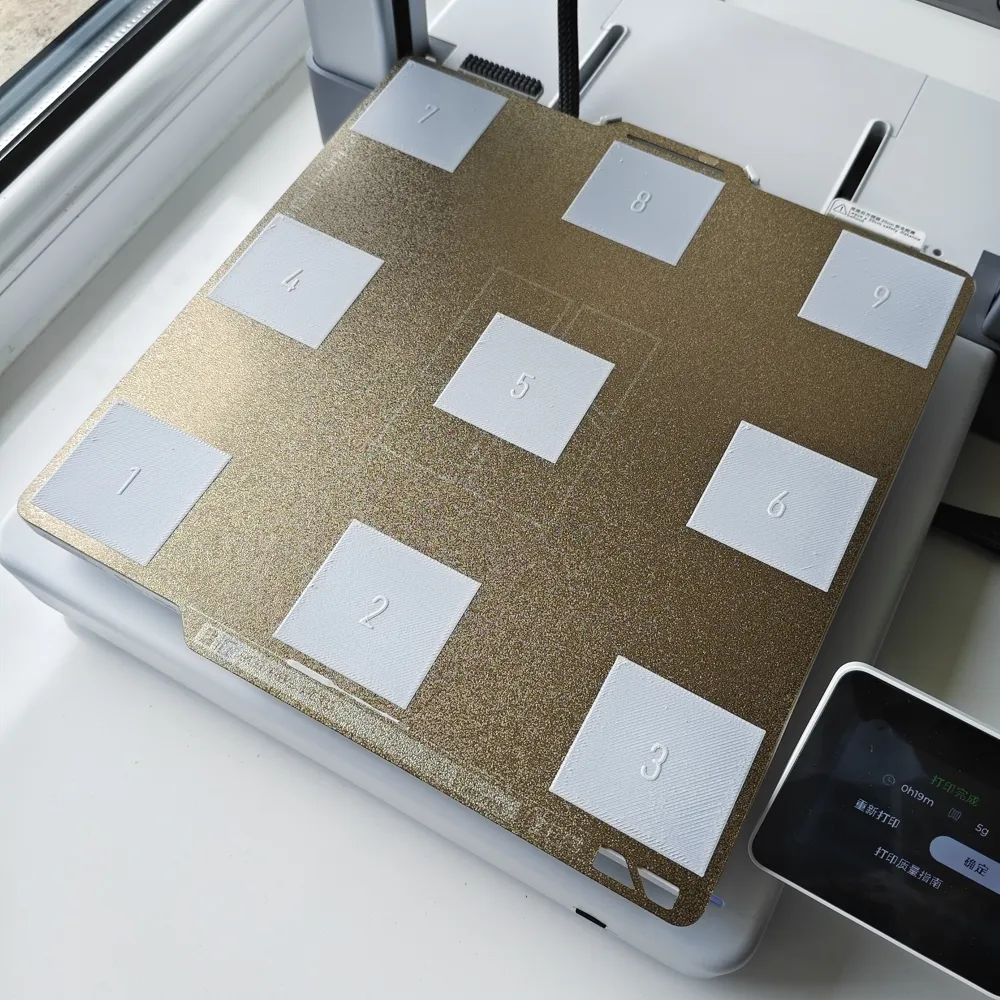
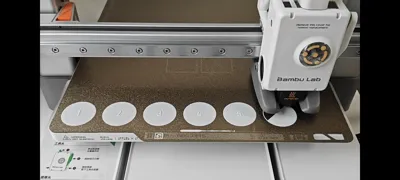
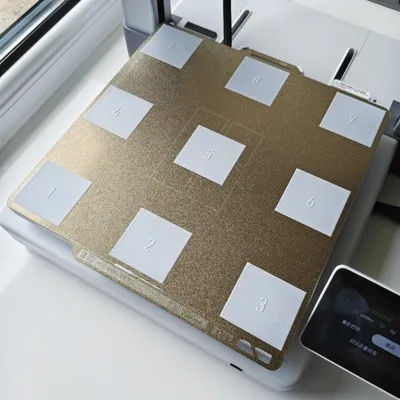
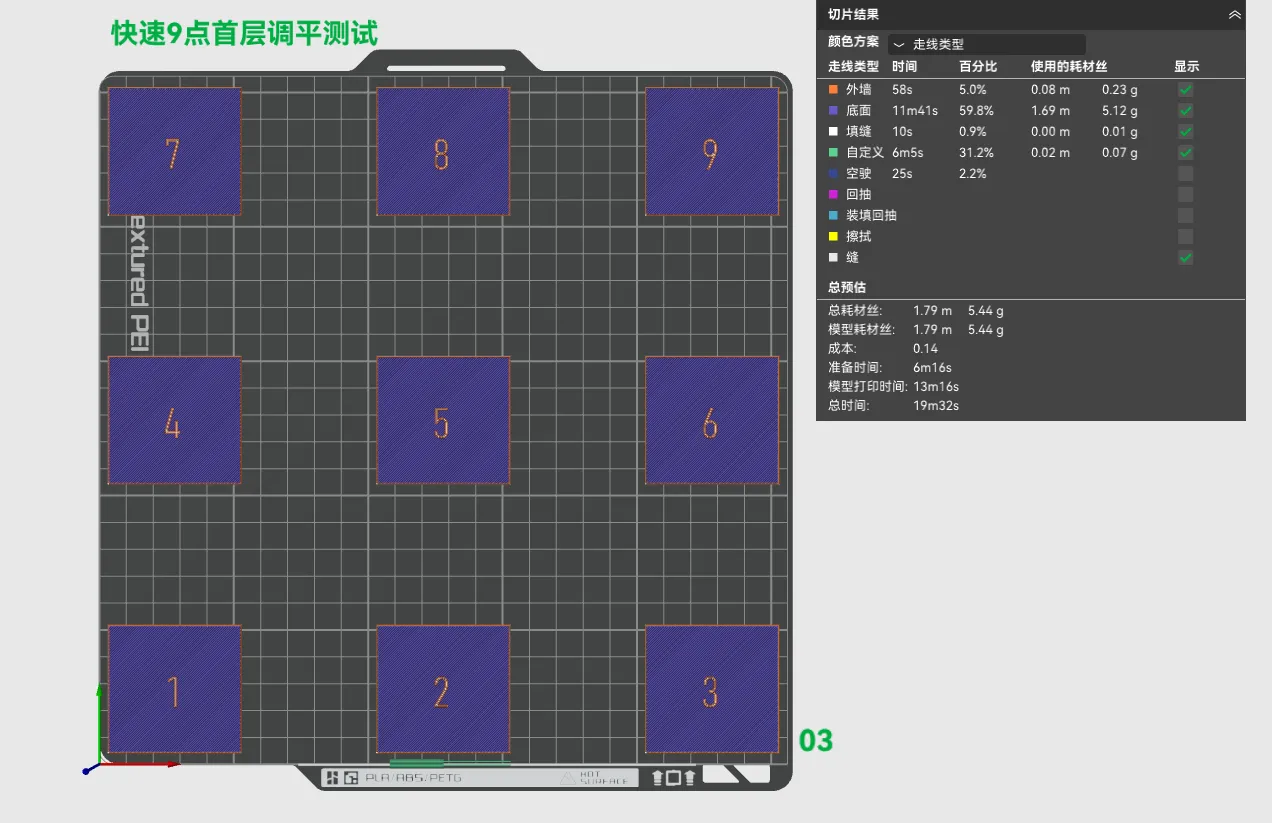
Manual leveling uses only three screws to control the bed, so I also created a 9-point first-layer leveling model. This test model is, of course, more economical in terms of material and time. 5.5 grams, 19 and a half minutes.
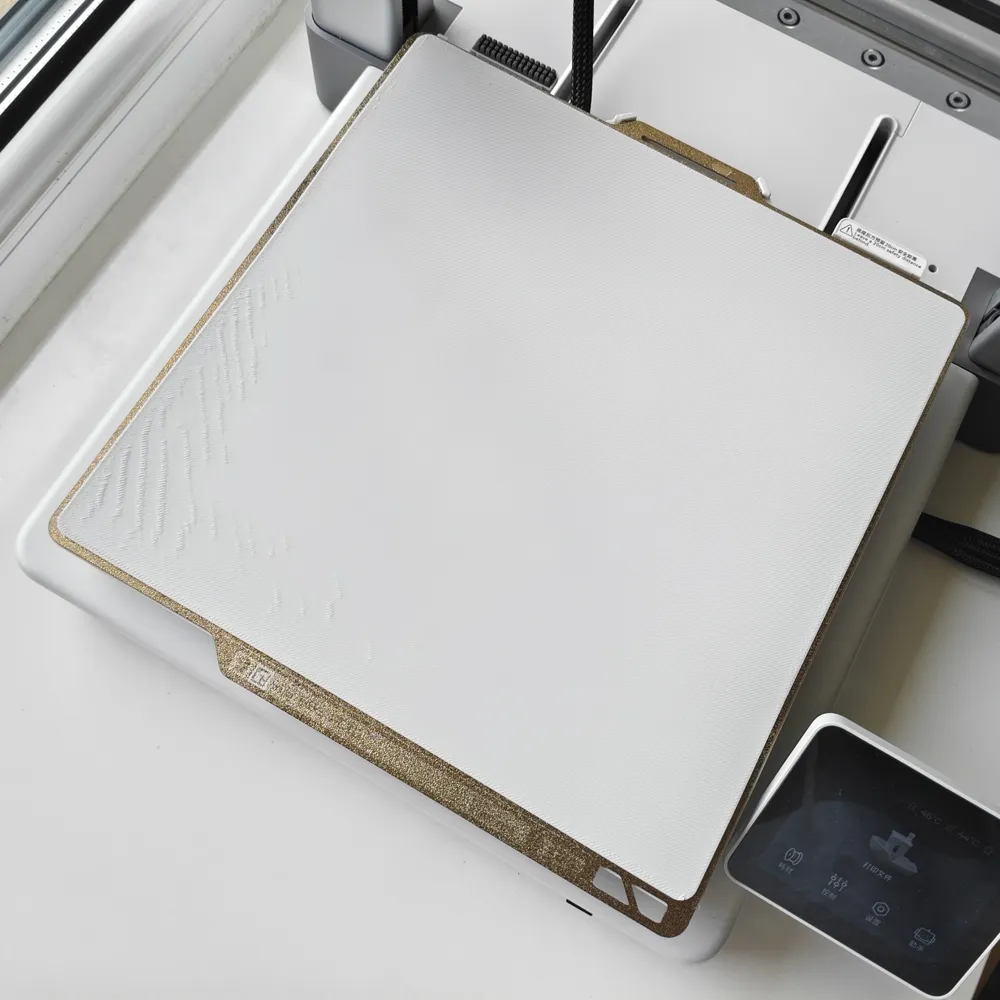
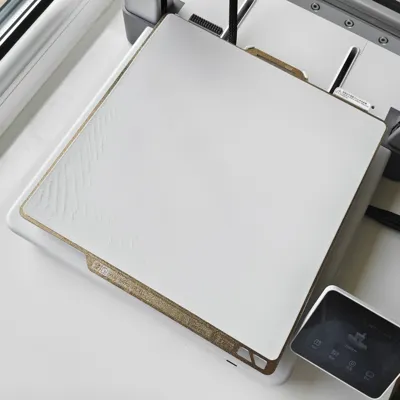
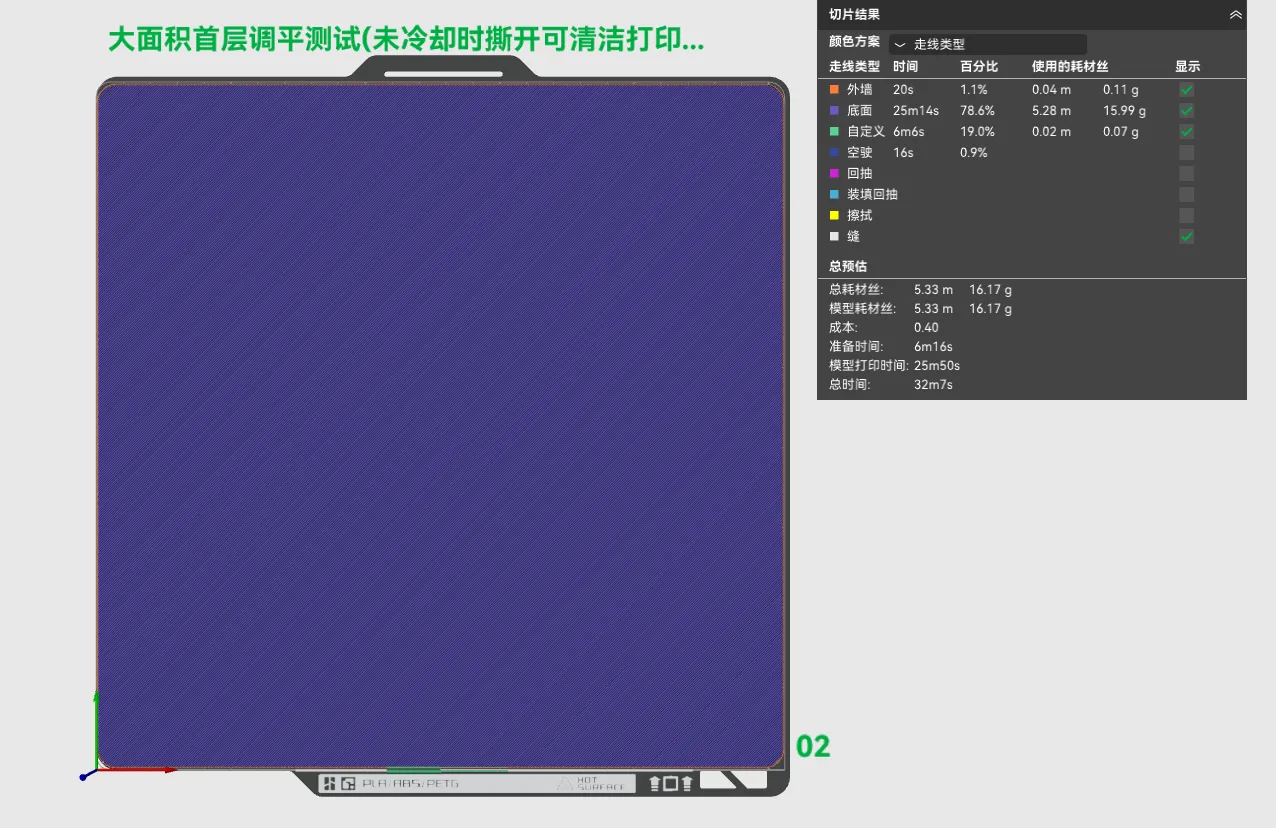
If the goal is simply to clean the print bed with adhesive remover, this large-area 255x256 model is most suitable. 16 grams, 32 minutes.
Boost Me (for free)
Cheer me on
Note: If unsatisfactory printing occurs, consider addressing the issue from these two aspects
A1 series first layer print quality issues and solutions - First layer too low | Bambu Lab Wiki
A1 Manual Bed Leveling | Bambu Lab Wiki
It is recommended to clean the print bed with dish soap before printing
Note the remarks in the print profile for different machine models
License



Comment & Rating (2)