
Macintosh Classic Floppy Drive BlueSCSIv2 Mount
Print Profile(1)

Description
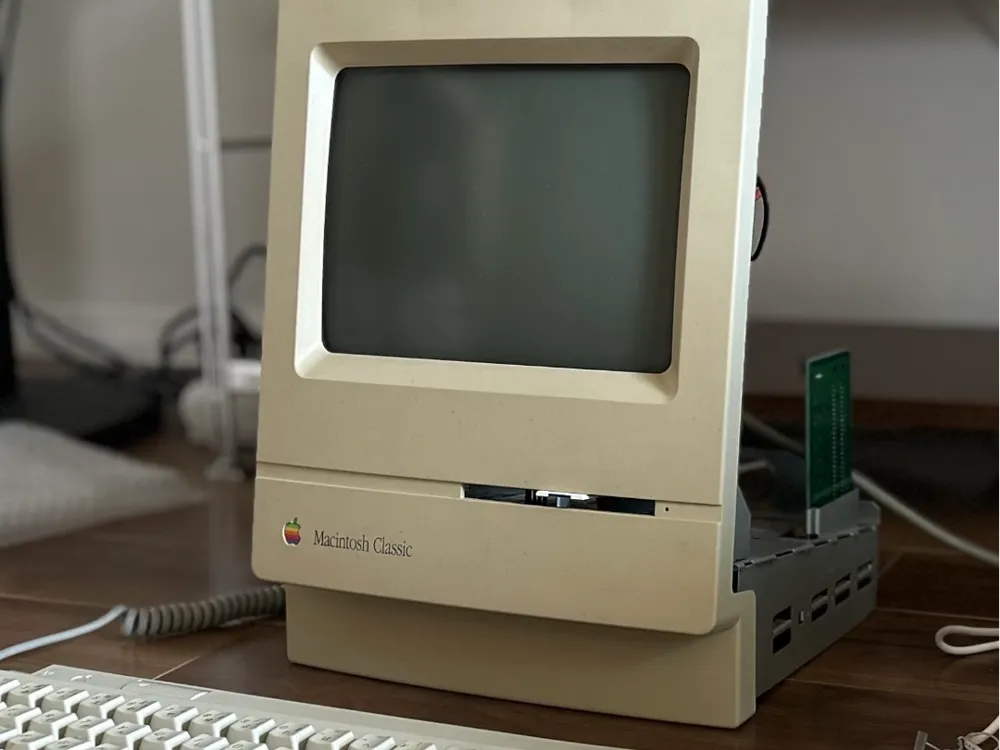
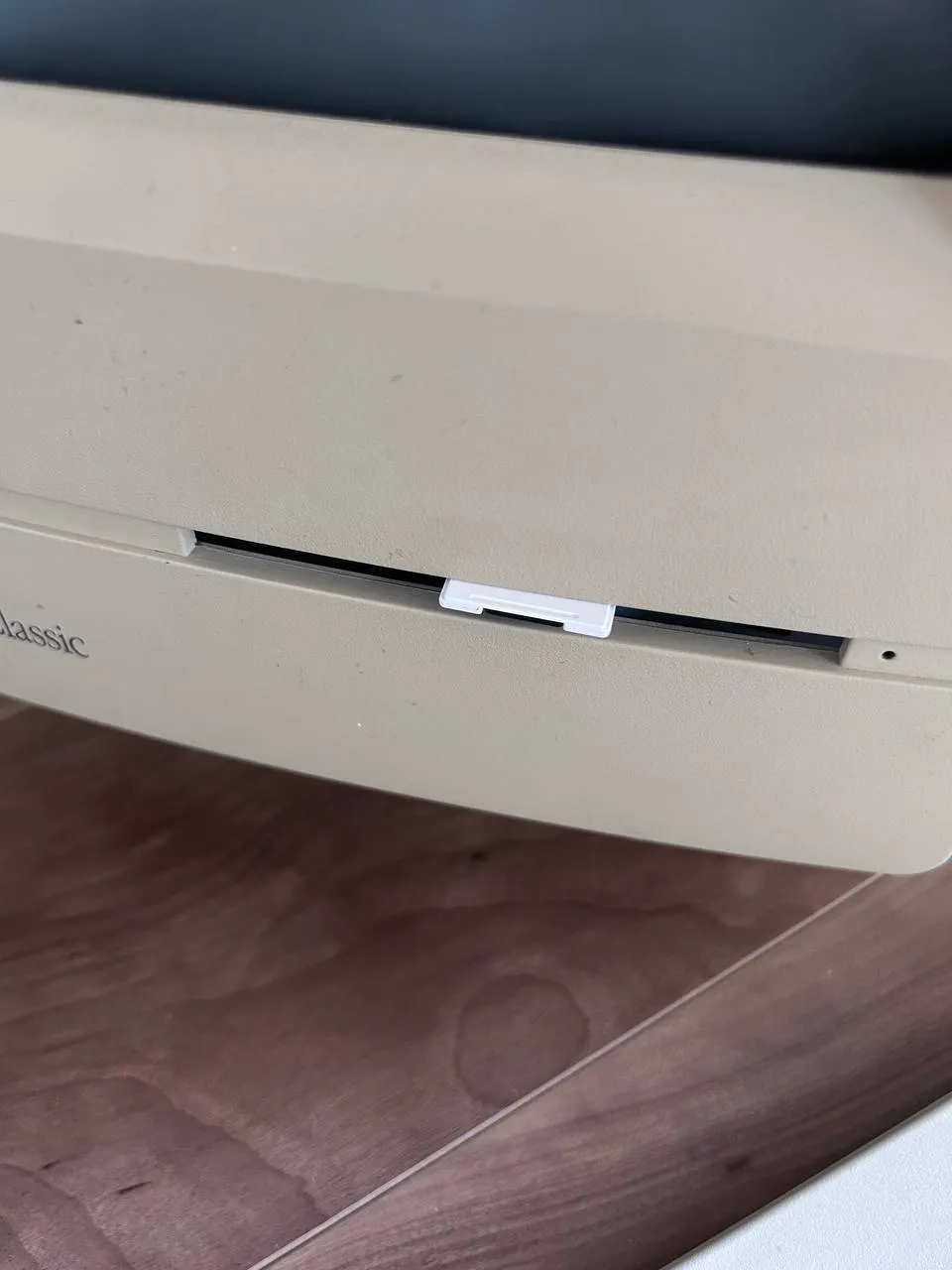
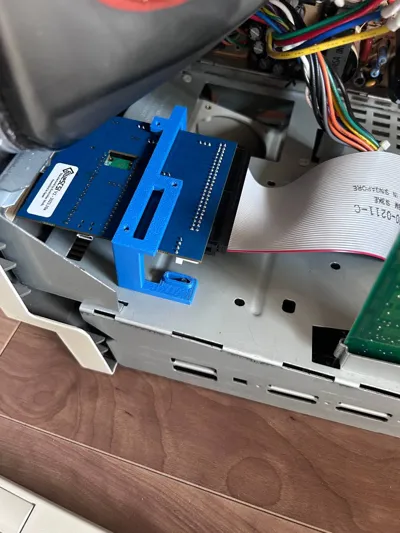
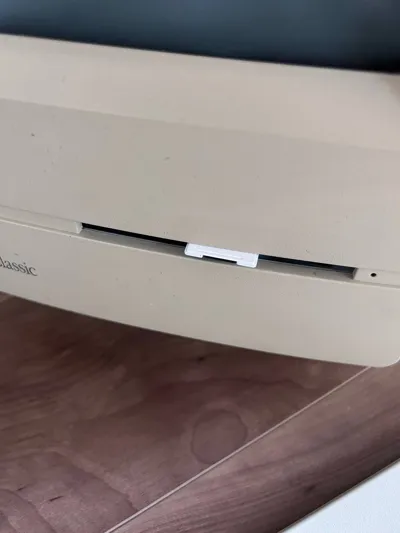
This past week I attempted to repair a Macintosh Classic, replacing damaged capacitors and batteries on the logic board and analog board. Since the hard drive and floppy drive were unusable, I used a BlueSCSI drive. However, changing the SD card inside the case was inconvenient, so I created this bracket to replace the original hard drive and floppy drive, allowing direct SD card insertion and removal from the floppy drive port.
Suitable for BlueSCSI v2 version 2023.10a
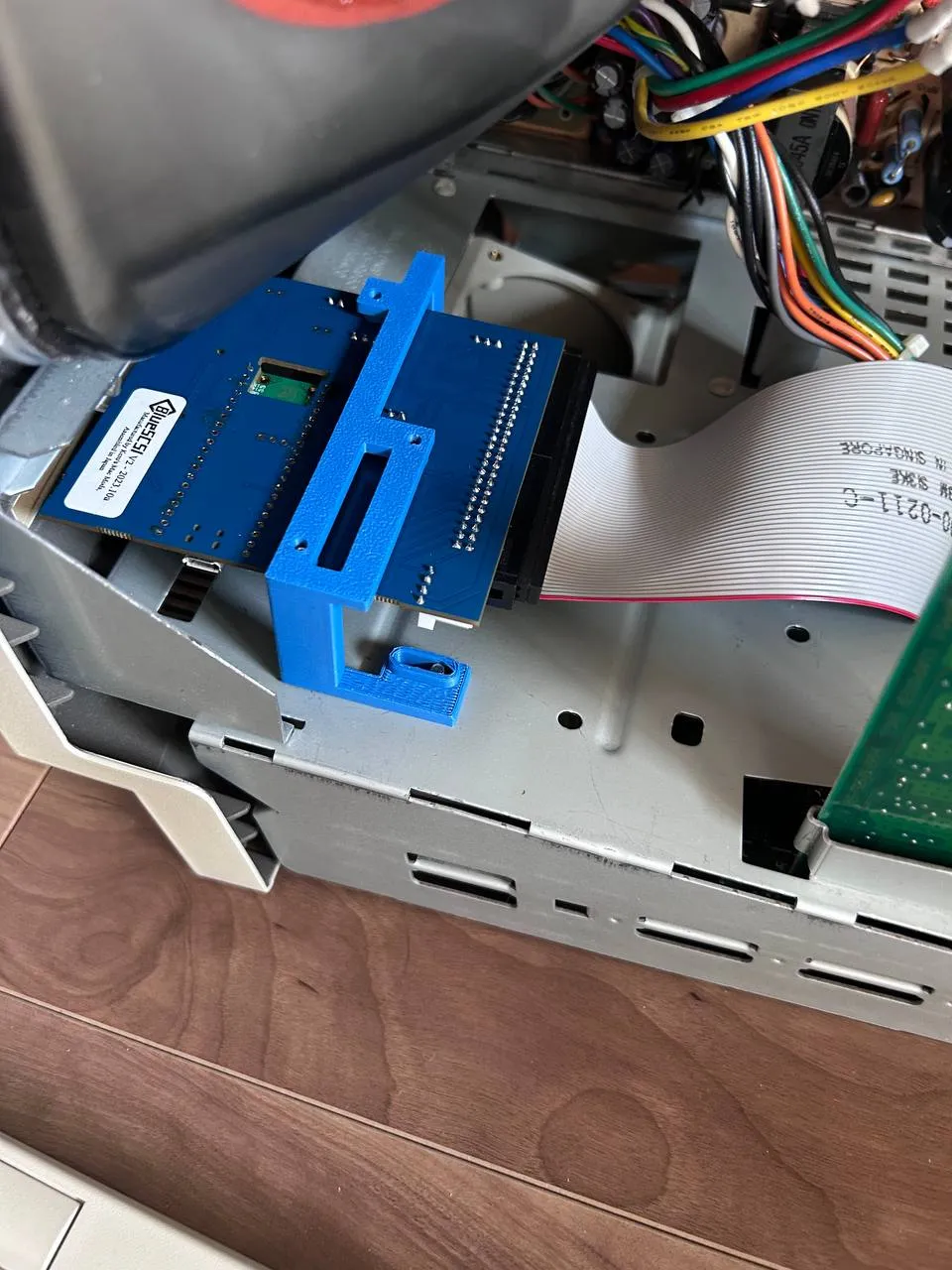
Completely remove the Macintosh Classic's metal floppy drive and hard drive bracket. Then, secure the BlueSCSI using three M3 screws, and inversely mount it to the foremost row of floppy drive bracket holes on the bottom of the Macintosh Classic.
To adjust the SD card position, add shims between the BlueSCSI and the bracket, or between the bracket and the bottom of the Macintosh Classic to raise or lower the SD card.
License



Comment & Rating (0)