Search models, users, collections, and posts

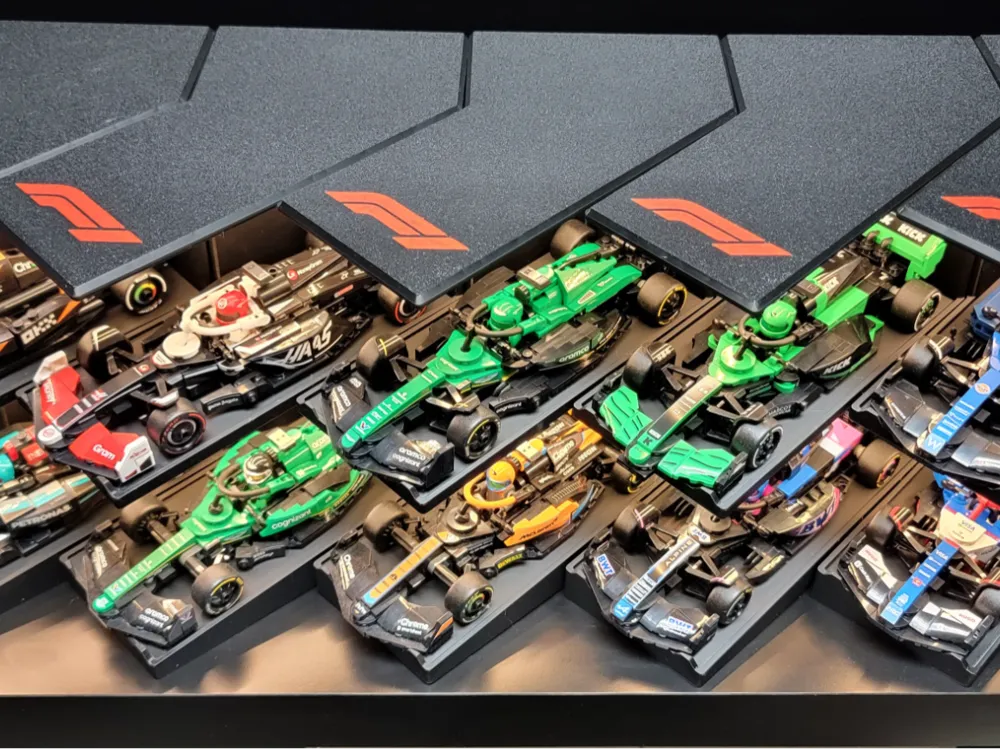
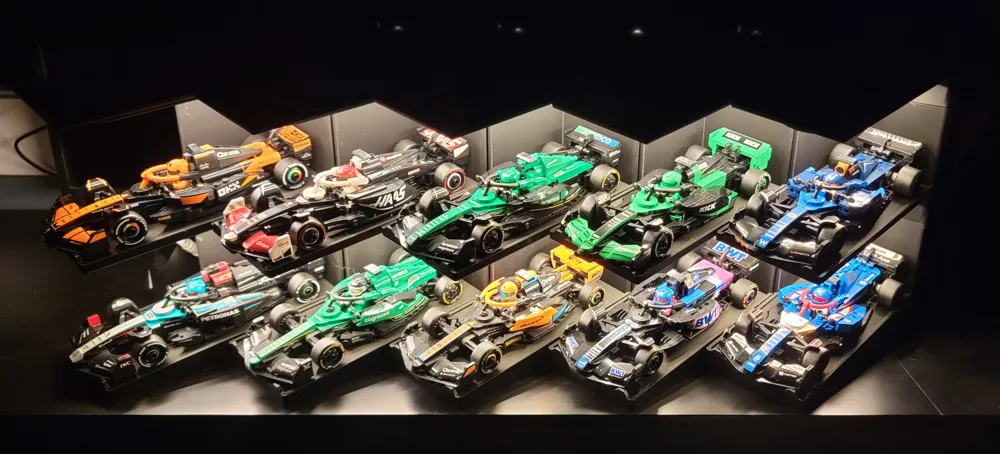
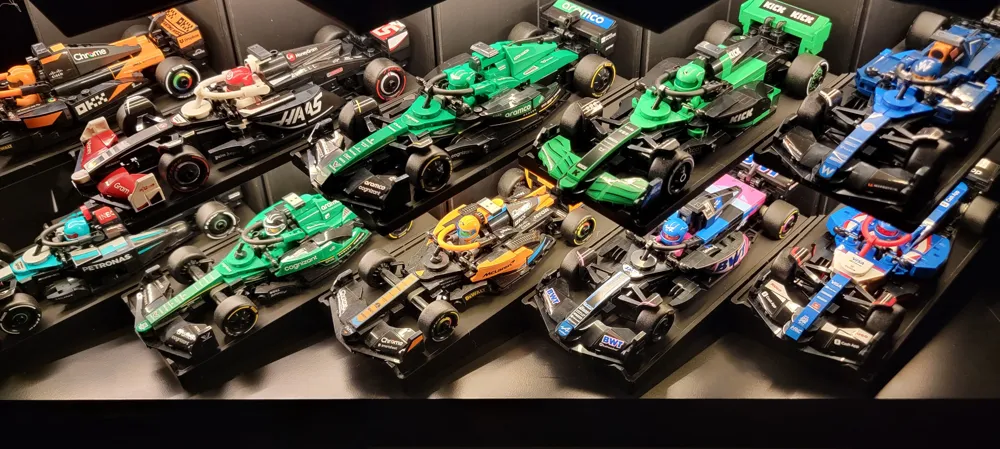
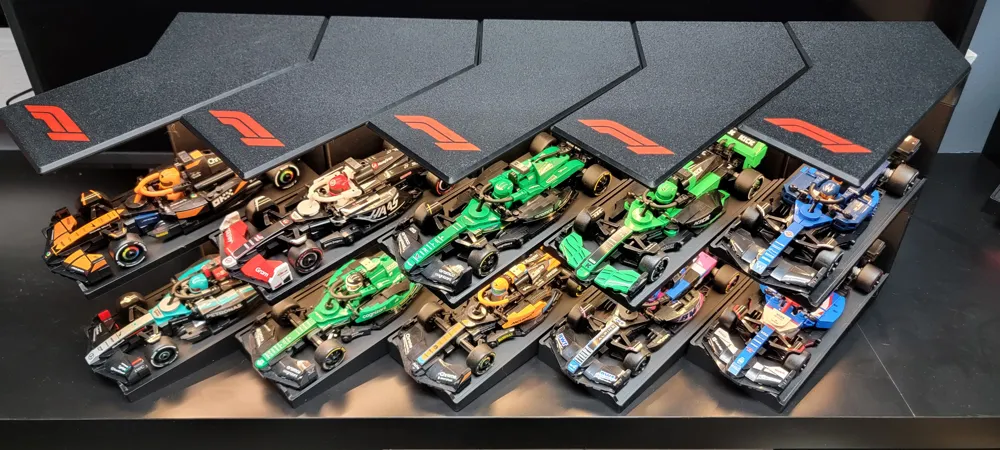
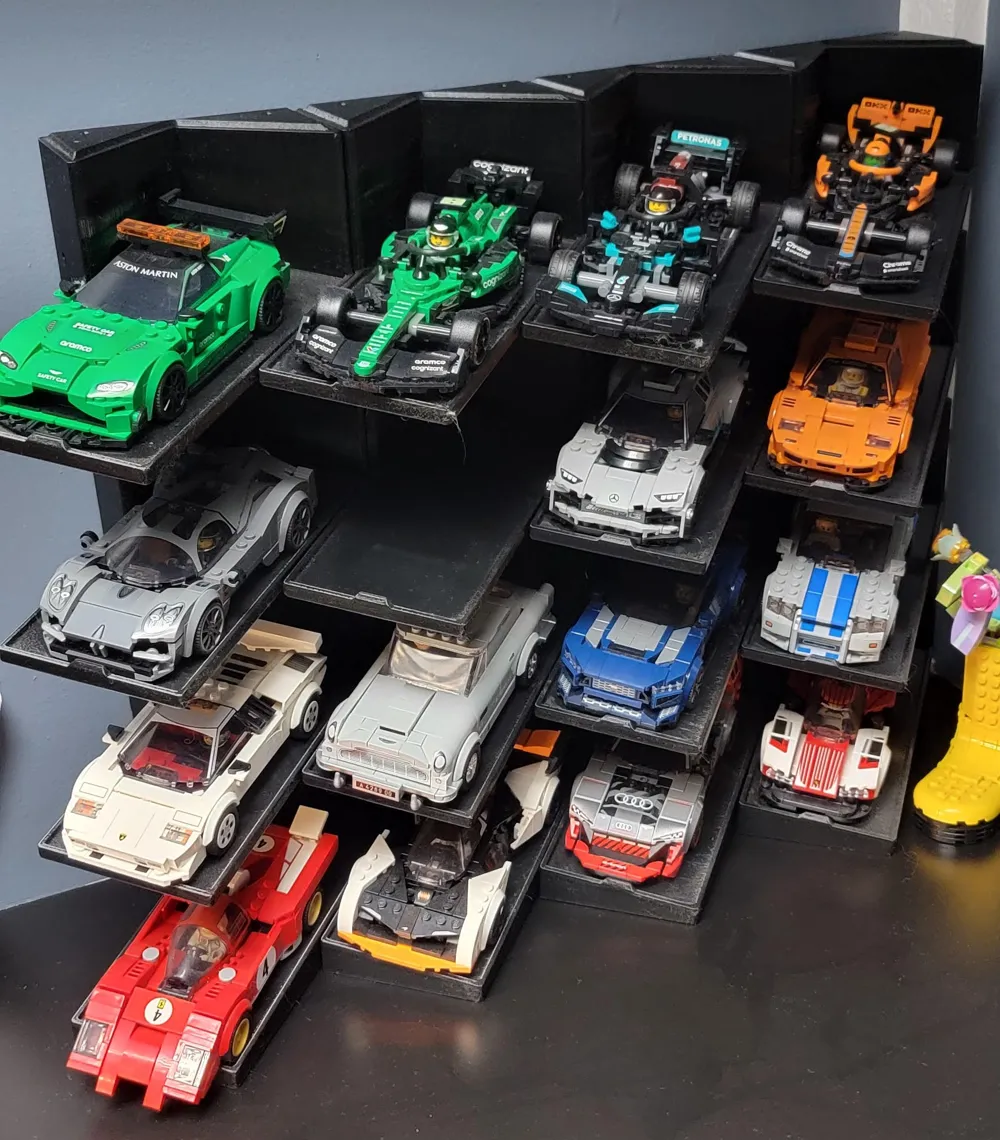
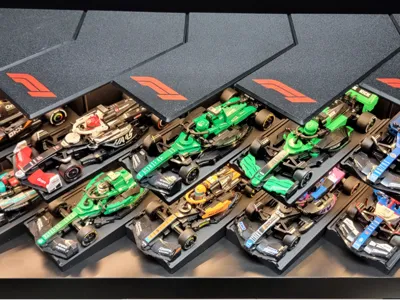
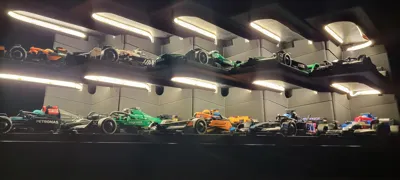
Speed Champions Display
IP Report
Print Profile(1)

0.2mm layer, 2 walls, 8% infill
Designer
11.9 h
4 plates
Open in Bambu Studio
Boost
285
794
20
19
451
118
Released
Bill of Materials
Maker's Supply Kits and Parts
Select all




Description
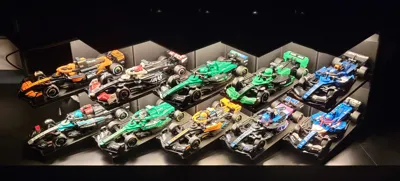
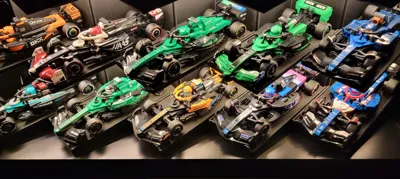
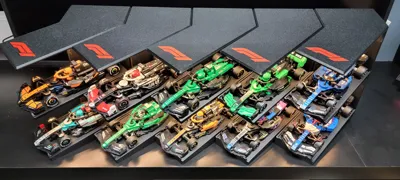
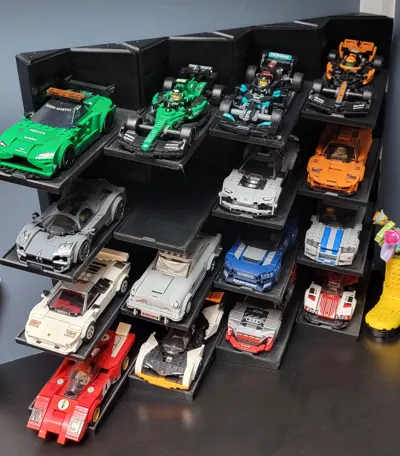
Display for the your Speed Champions Collection.
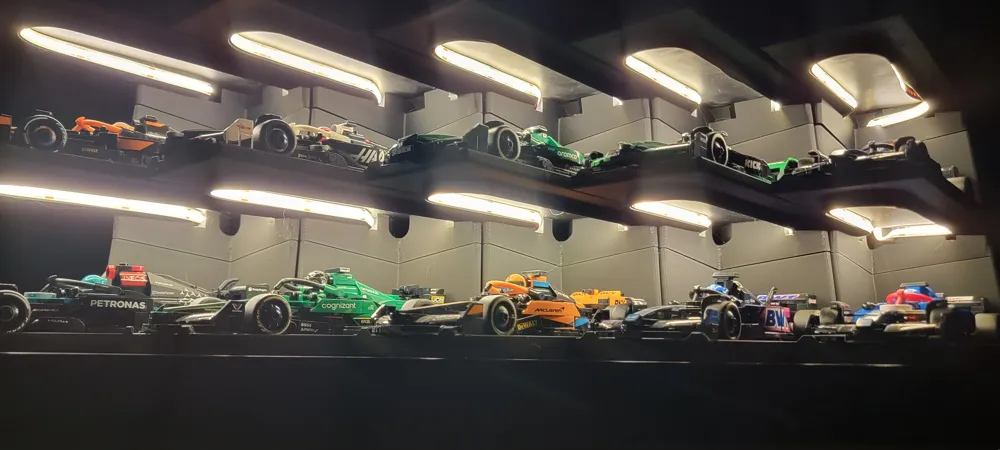
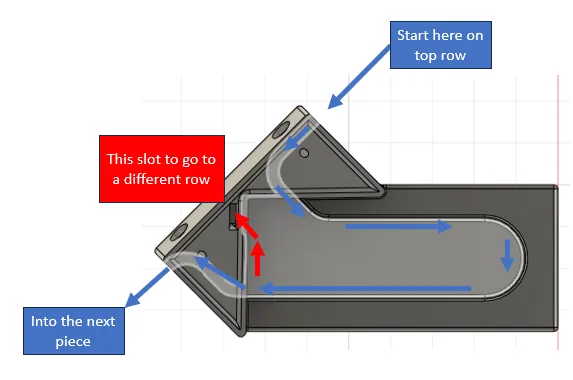
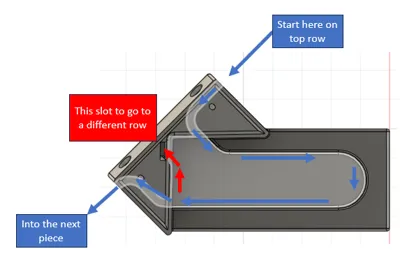
There is a raceway for the light to travel through.
I used this light strip: https://amzn.to/4jYZq1R Af link. I would imagine the maker supply one would work just as well. I would definitely recommend using the COB style ones because it dissipates light better.
And these screws: https://amzn.to/44PGOgn Af Link
5 sections use about ~7.5-8 feet of LED
Instructions:
- Start by printing the sections you want.
- Grab the very TOP row and very LEFT display.
- Then, without removing the sticky backing, run the LED strip through the race track.
- When you have the correct amount of light strip in your display, pull enough sticky backing to stick in that display only.
- Stick light to raceway
- Grab the next section and pull all the way through.
- Screw together the two sections using a 2" wood or drywall screw.
- Repeat steps 4, 5, 6, and 7 until your modular display is complete.
Have fun and happy printing!
License

This user content is licensed under a
Creative Commons Attribution-Noncommercial


Comment & Rating (20)