
Desktop Fan | Rechargeable
Print Profile(1)

Description
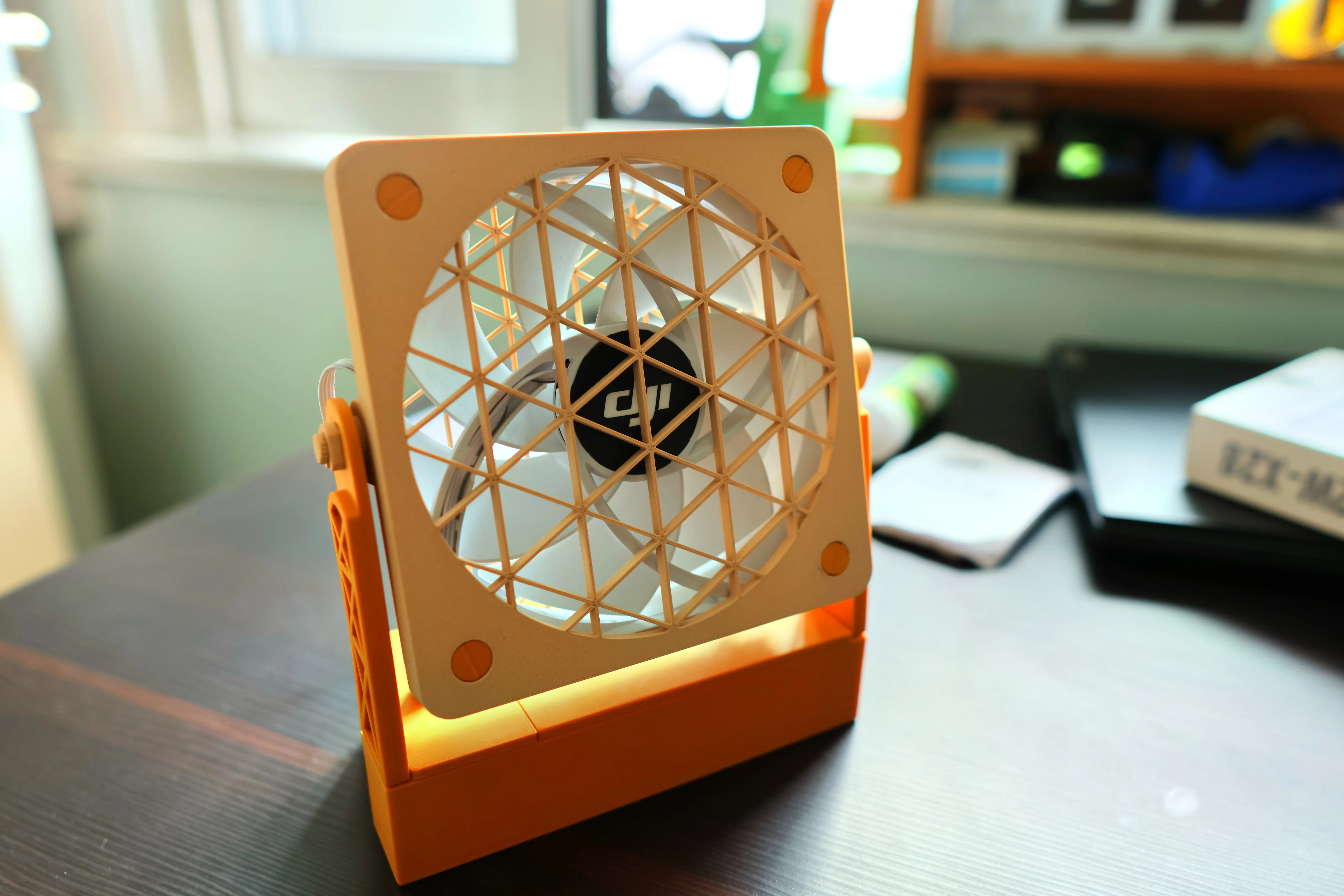
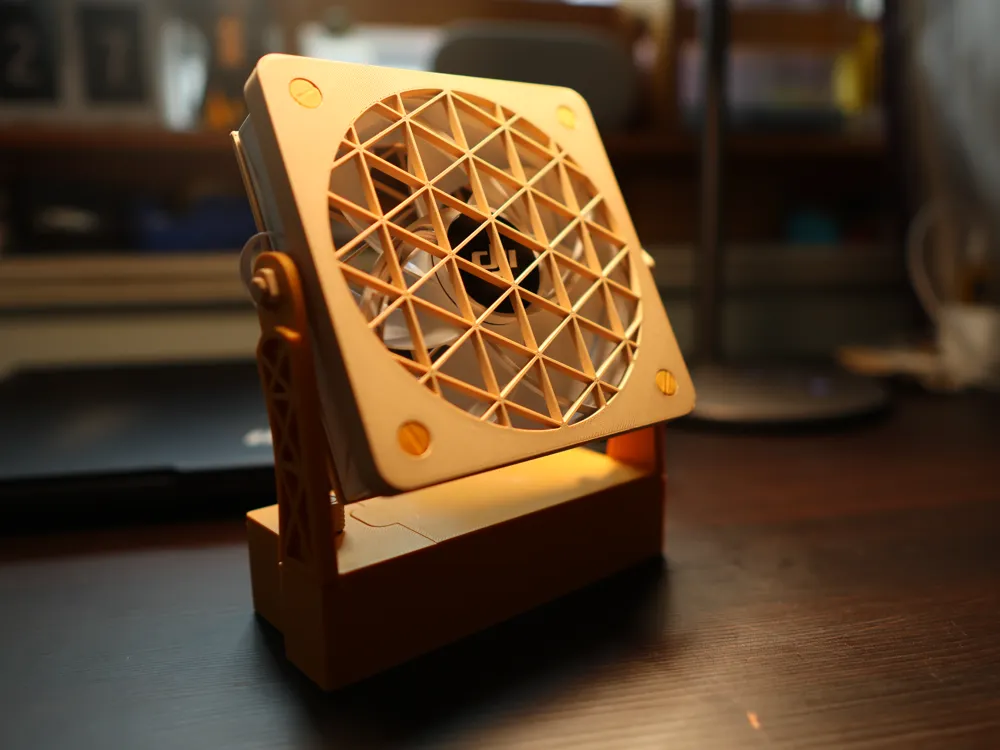
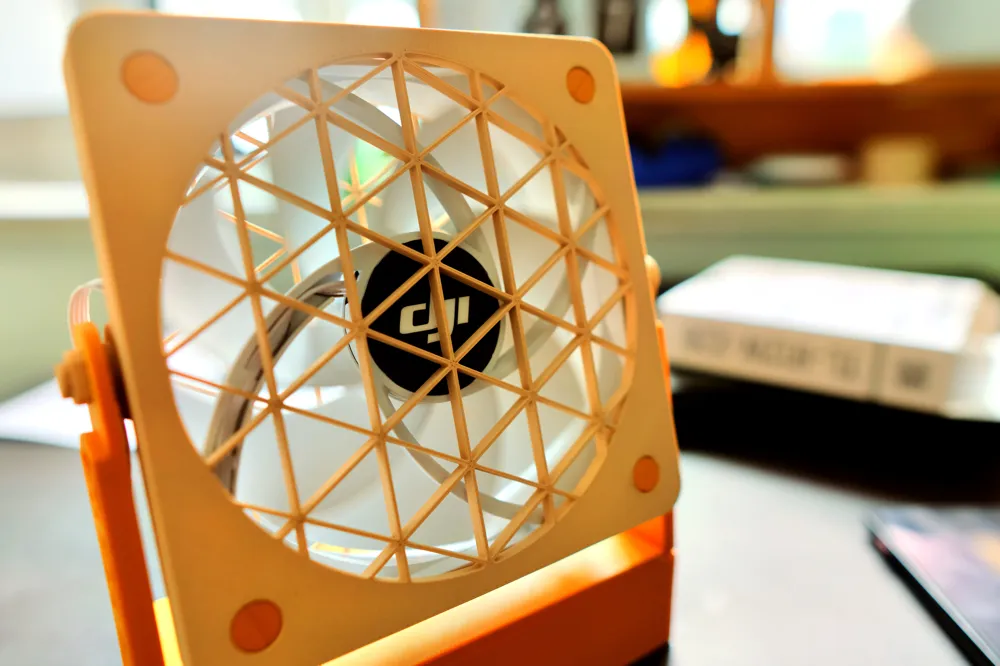

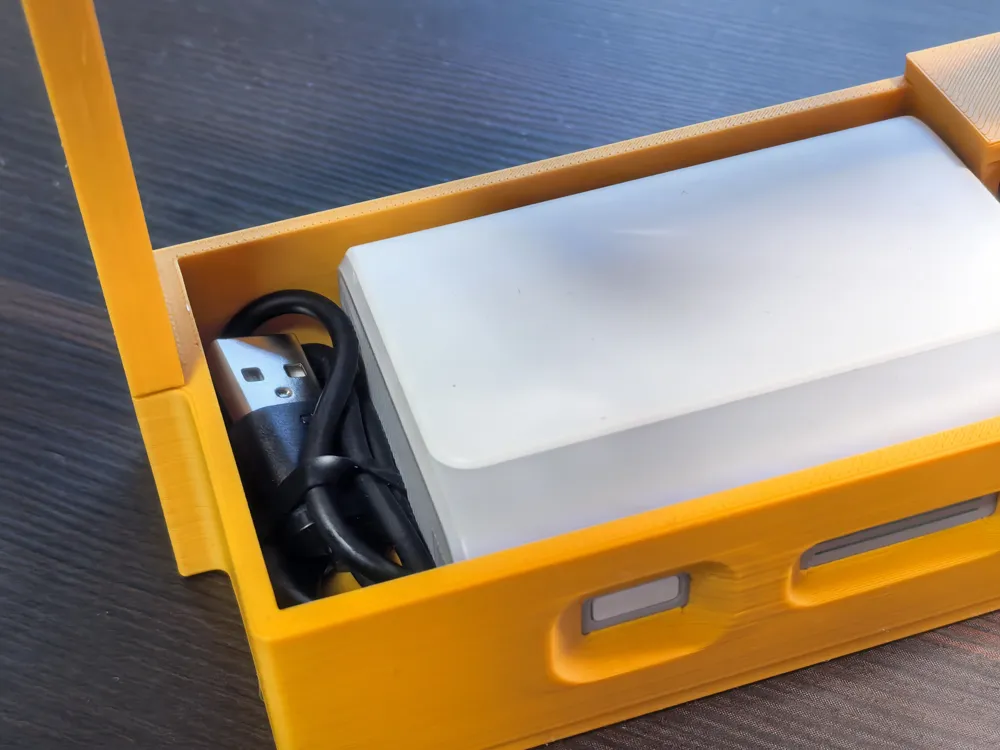
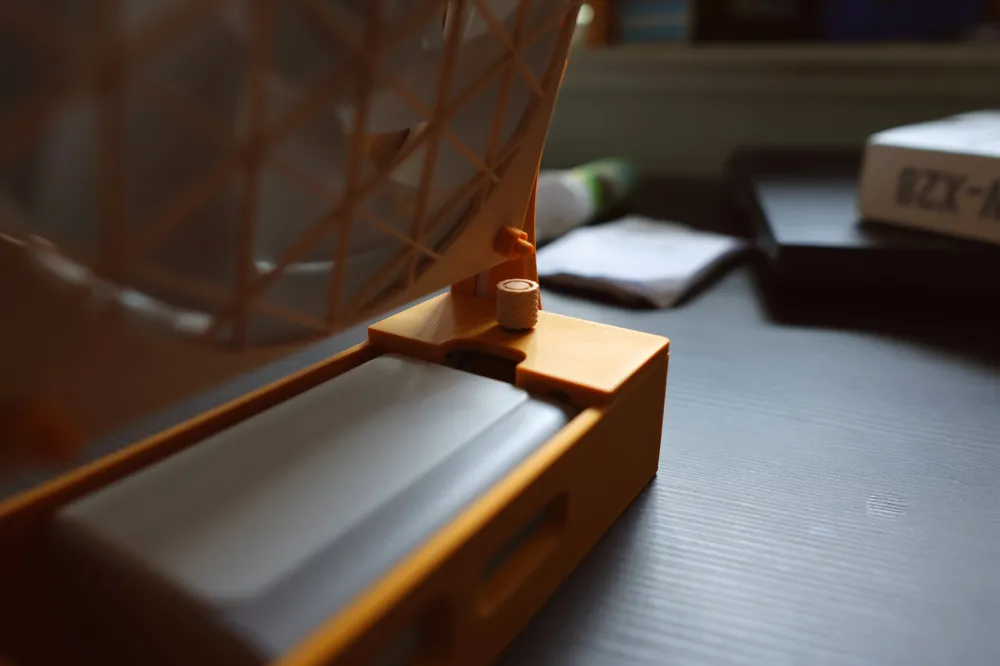
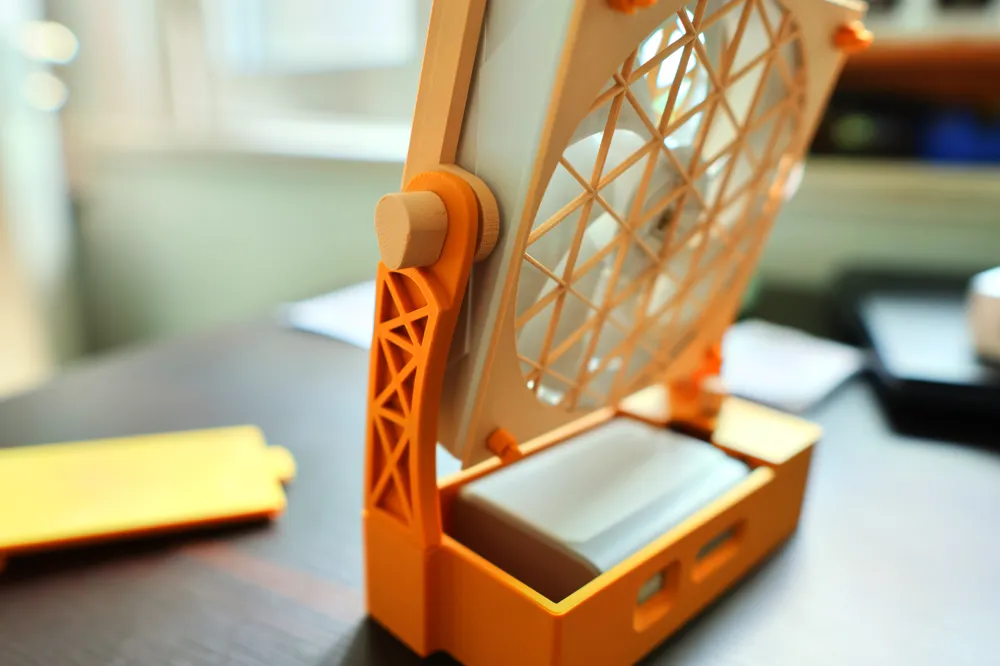
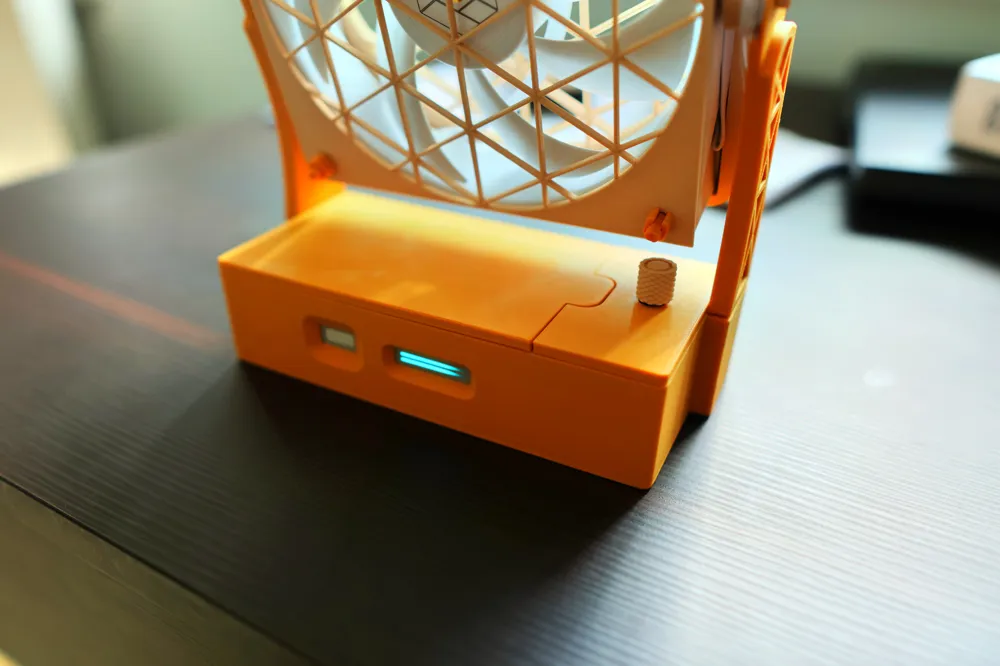
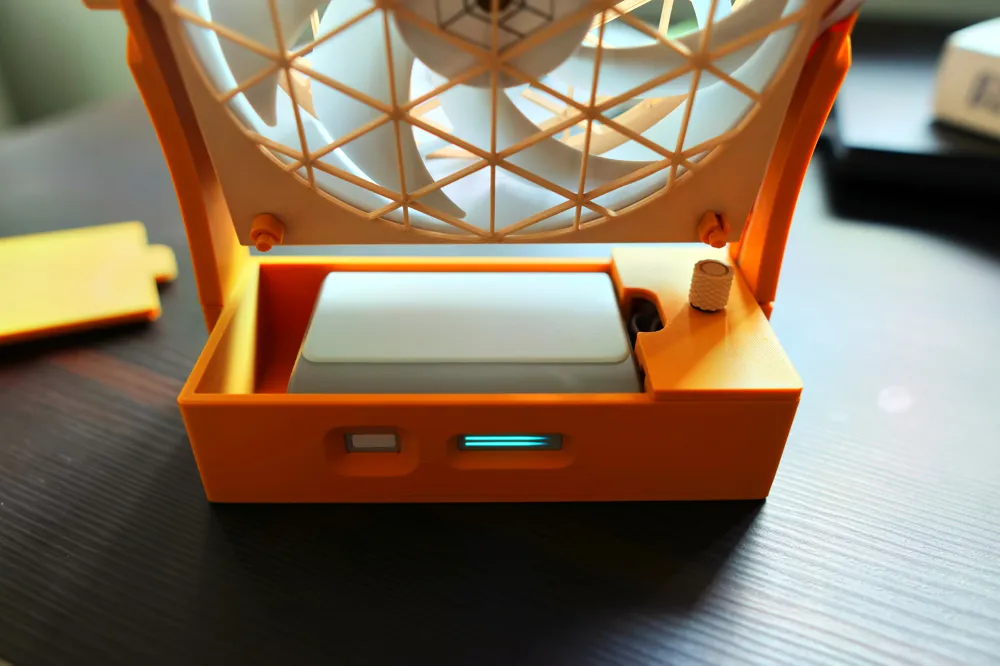
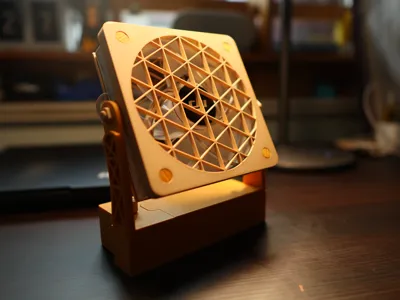
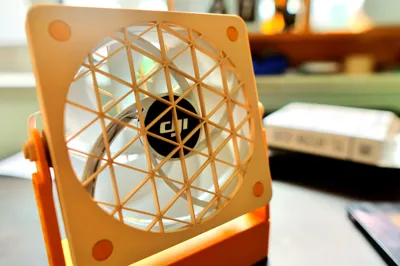
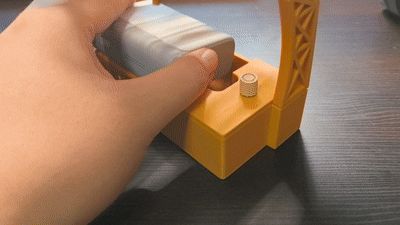
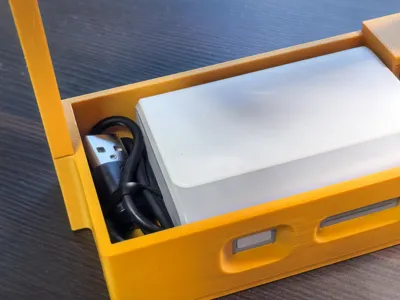
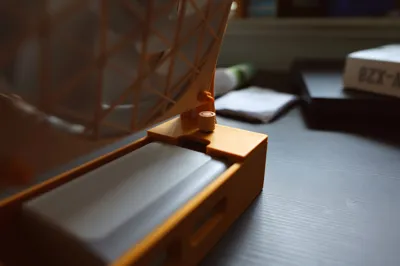
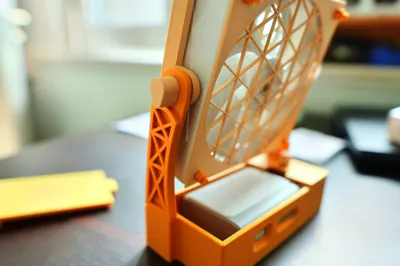
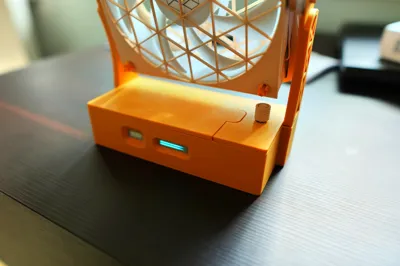
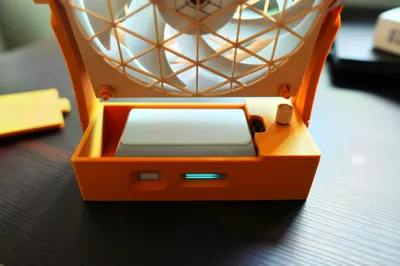
This is a convenient portable desk fan featuring a modular battery design. It boasts a sleek aesthetic, extended battery life (approximately 17.6 hours on medium* ), stepless speed control**, and the ability to power external devices. The deepened front panel ribs enhance airflow, ensuring whisper-quiet operation and powerful airflow. The battery is easily replaceable, ensuring uninterrupted use. Charging is also convenient; simply remove the credit-card-sized battery for charging and portability. The integrated battery can be easily carried separately during winter months. The battery compartment also provides storage for a cable to power other devices.
While the production cost is relatively high, its extensive functionality ensures it remains a valuable asset.
Example Scenarios
Whether attending classes or studying late at night, the fan can be readily deployed at school without disruptive noise.*** When devices such as pens run out of power, it can simultaneously charge them. Its 10000mAh high-capacity battery is sufficient for all-day use. When the battery depletes, simply elegantly remove it, carry it home in your pocket for recharging; its compact size makes it highly portable.
Materials:
①120mm desktop fan/ranging from $20 to $100 (this project currently supports 15mm, 25mm, 28mm, and 30mm thicknesses) 【Fan specifications: Recommended airflow 80CFM, minimum 60CFM; Recommended air pressure 2.5mm H₂O, minimum 1.5mm H₂O】
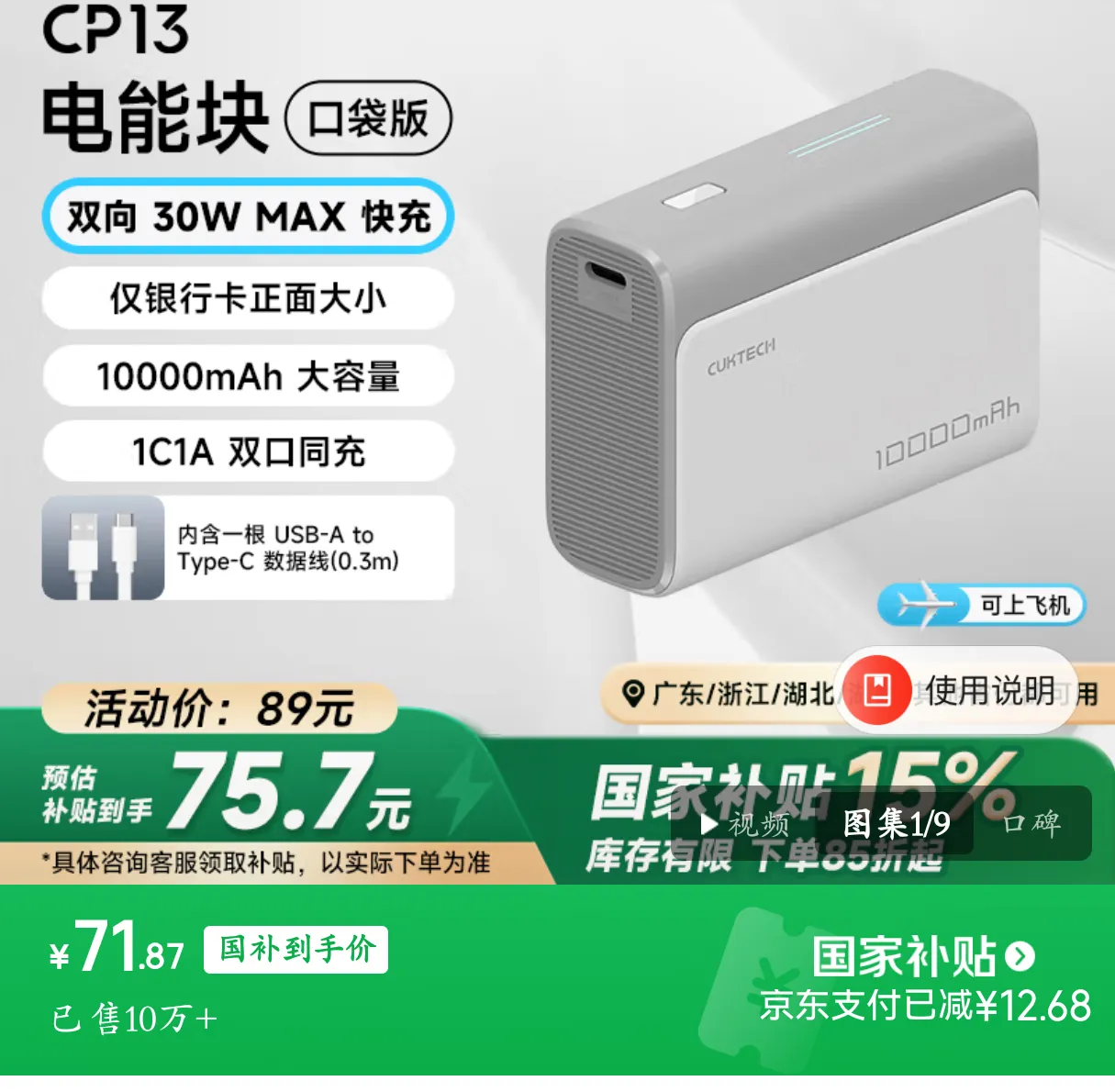
②CooTek CP13 power bank/approximately $70 after government subsidies and discounts
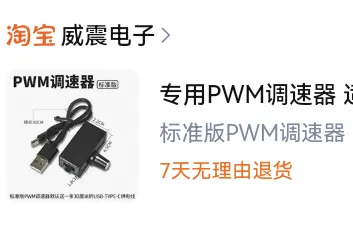
③PWM speed controller/$15 (ensure you purchase the model specified by the retailer; otherwise, the mounting holes may be incompatible)
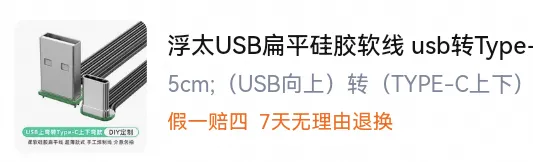
④5cm flat silicone cable with angled connector/$8
Installation Steps
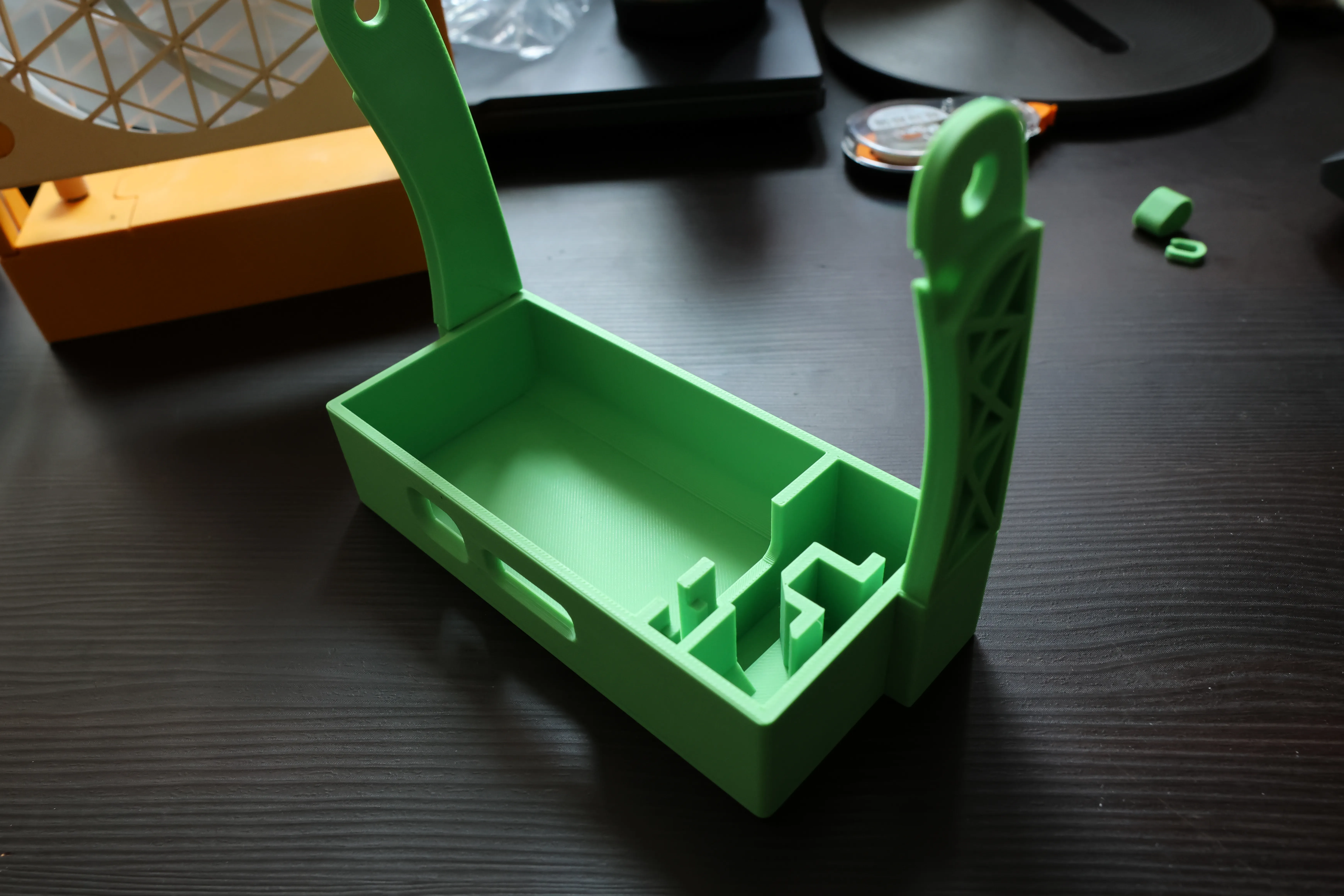
1. Install the left and right brackets onto the base battery compartment (they may be slightly tight; identify left and right and firmly press them in place)
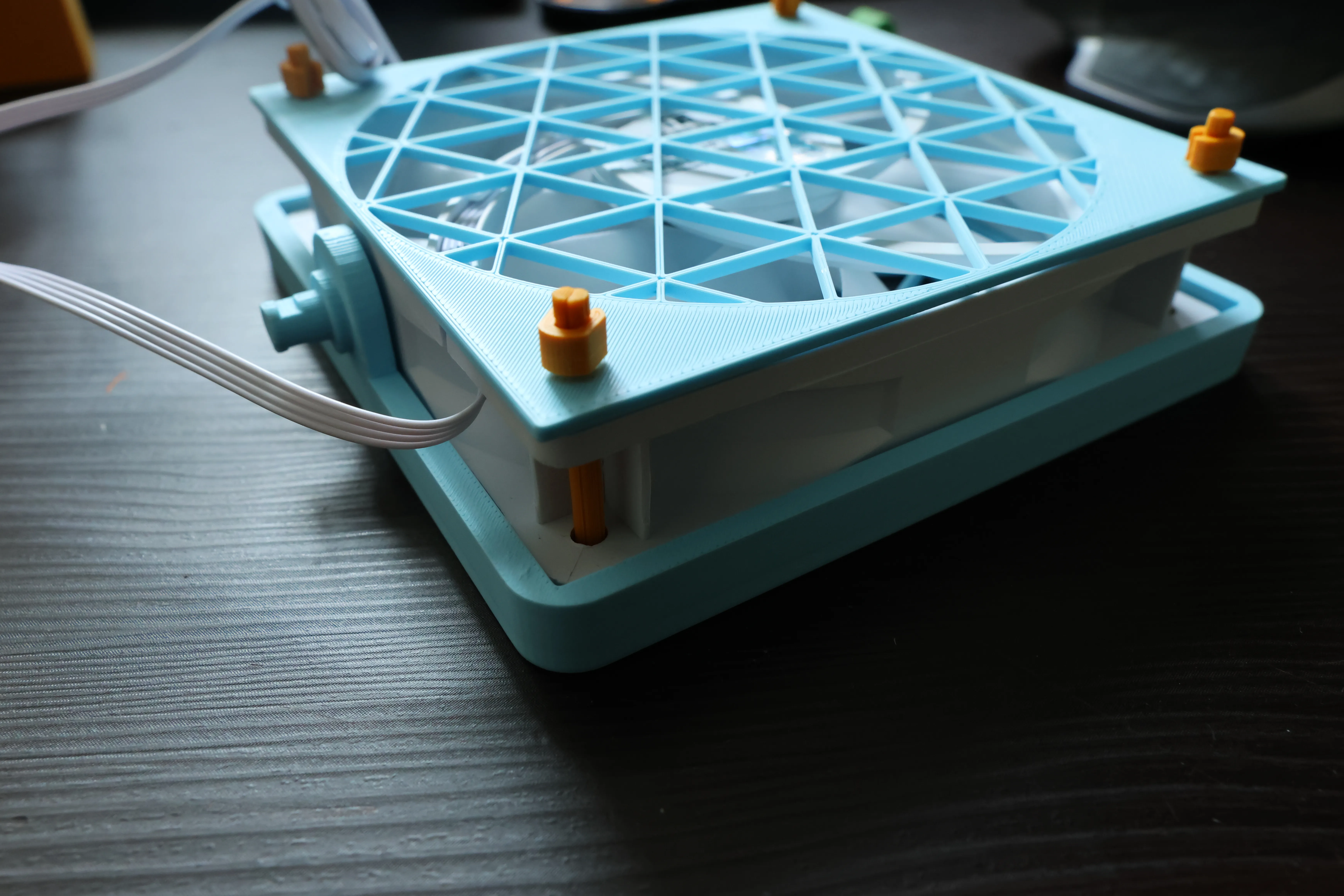
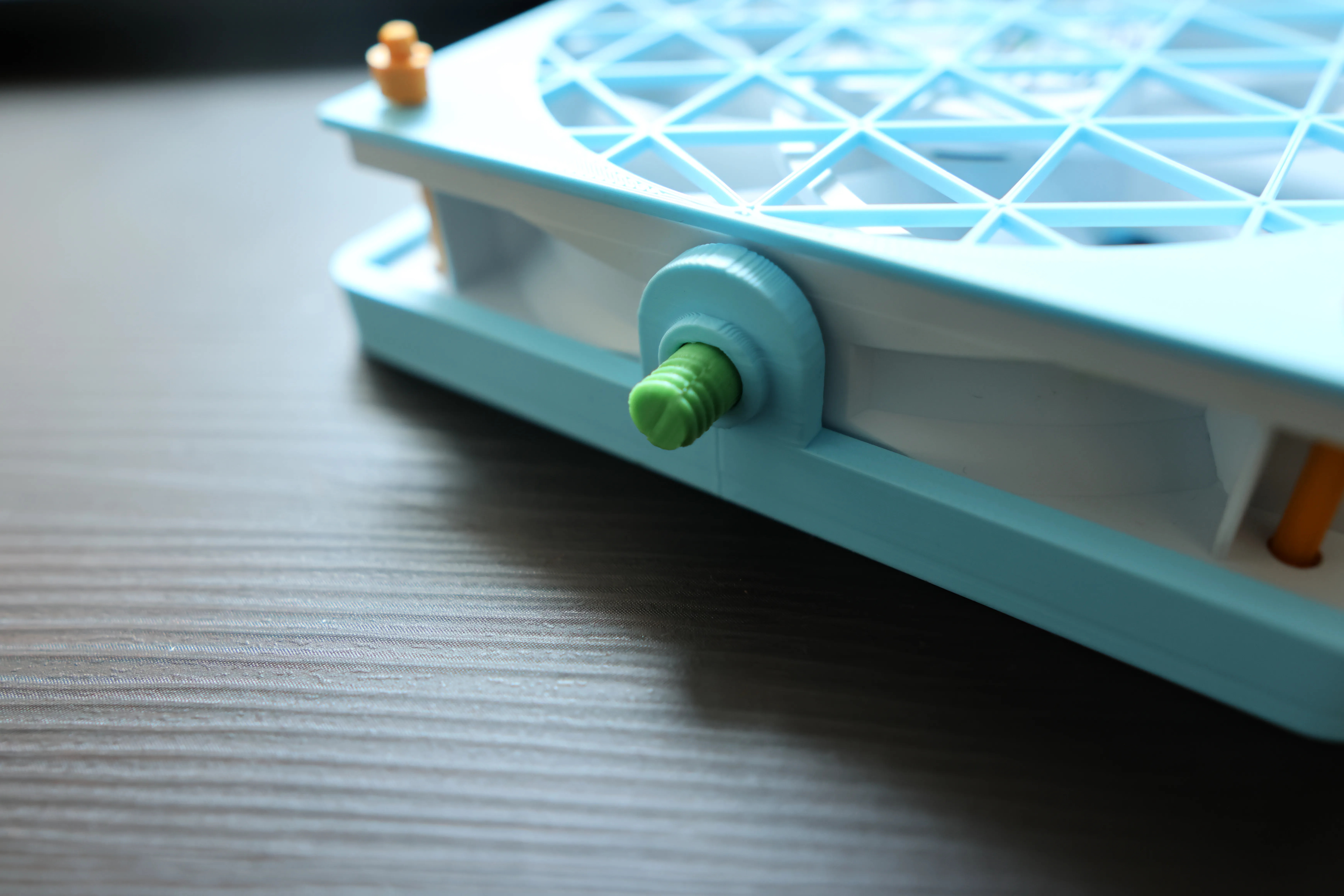
2. Install the locking nut onto the front grill, then attach the front and rear grills to the fan, adjusting the power cable position. Insert the retaining pin; the two halves combine to form a single piece (horizontal splitting utilizes high-strength xy-axis orientation), securing the back with U-shaped clips.
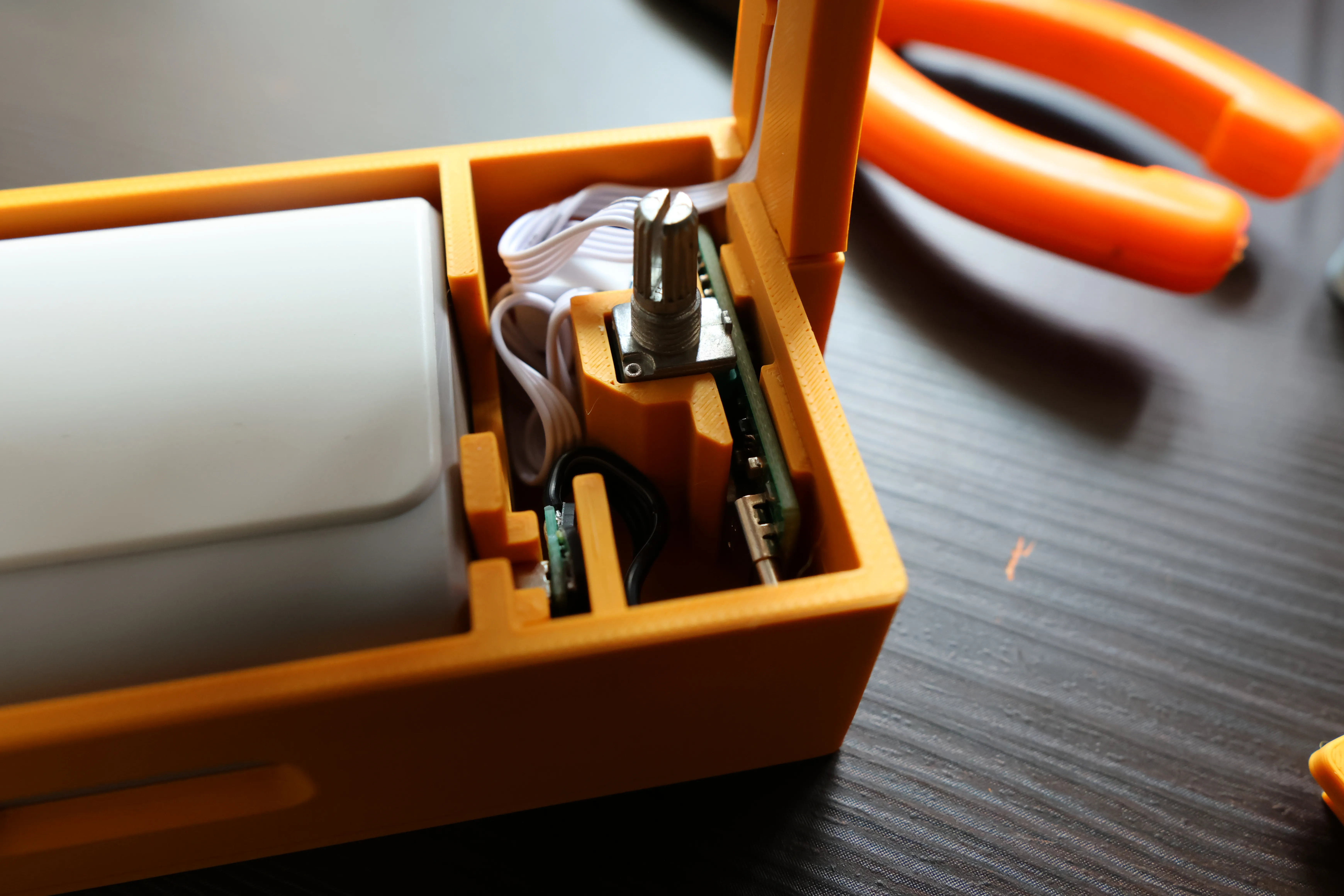
3. Disassemble the purchased PWM speed controller, remove the control board, connect one end to the Type-C port, carefully bend the other end (4-pin connector) to approximately 90°, connect the 4-pin connector, remove the parallel connector of the fan to another fan, organize the cables, and install them in the correct position. Ensure the USB-A connector is pressed down firmly. Test whether the power bank can smoothly slide in when laid flat. Refer to step 6 for battery installation.
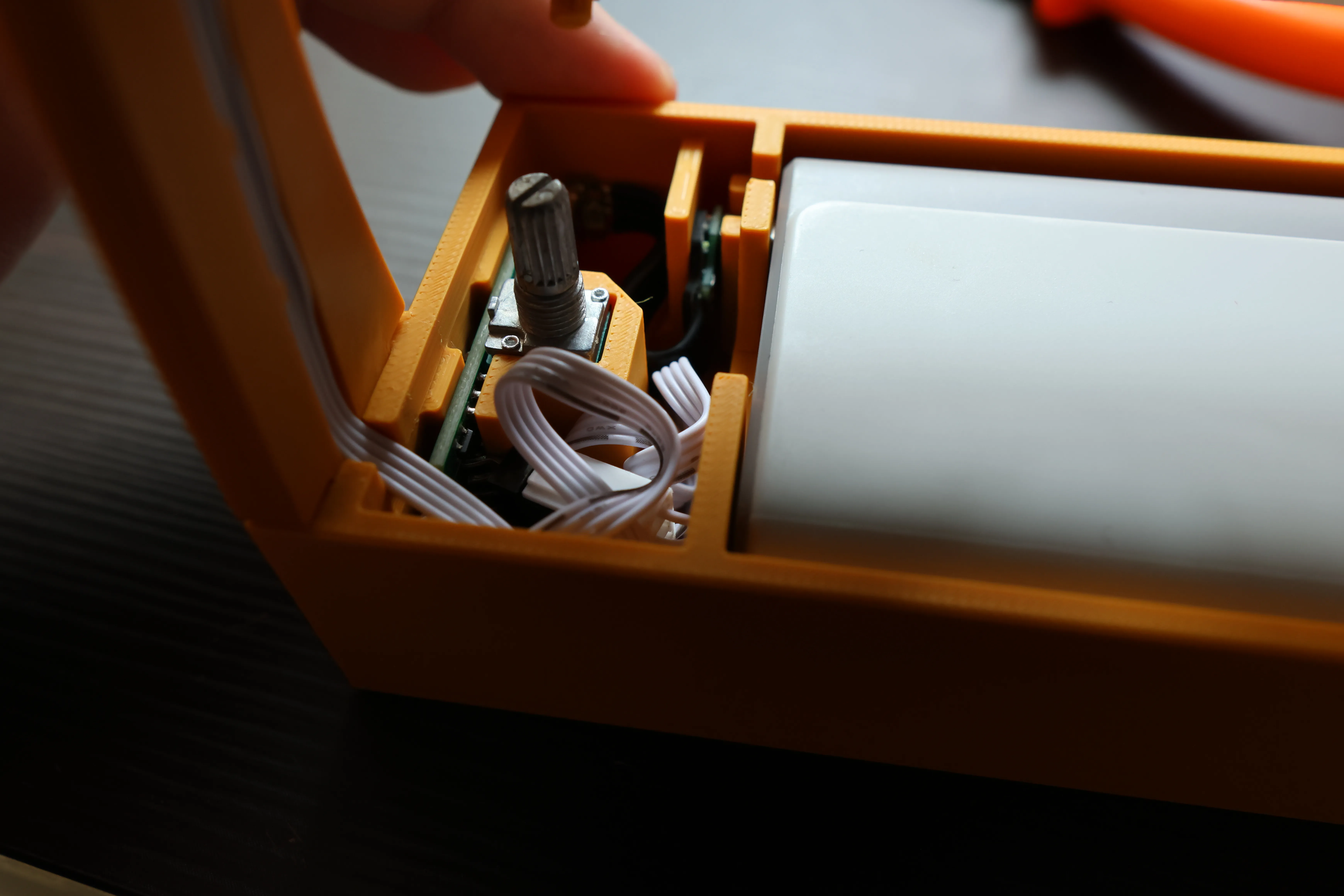
4. Install the fan onto the bracket, securing one end with a U-shaped clip and the other with a knob to achieve the desired damping. Organize the cables into the cable management channels.
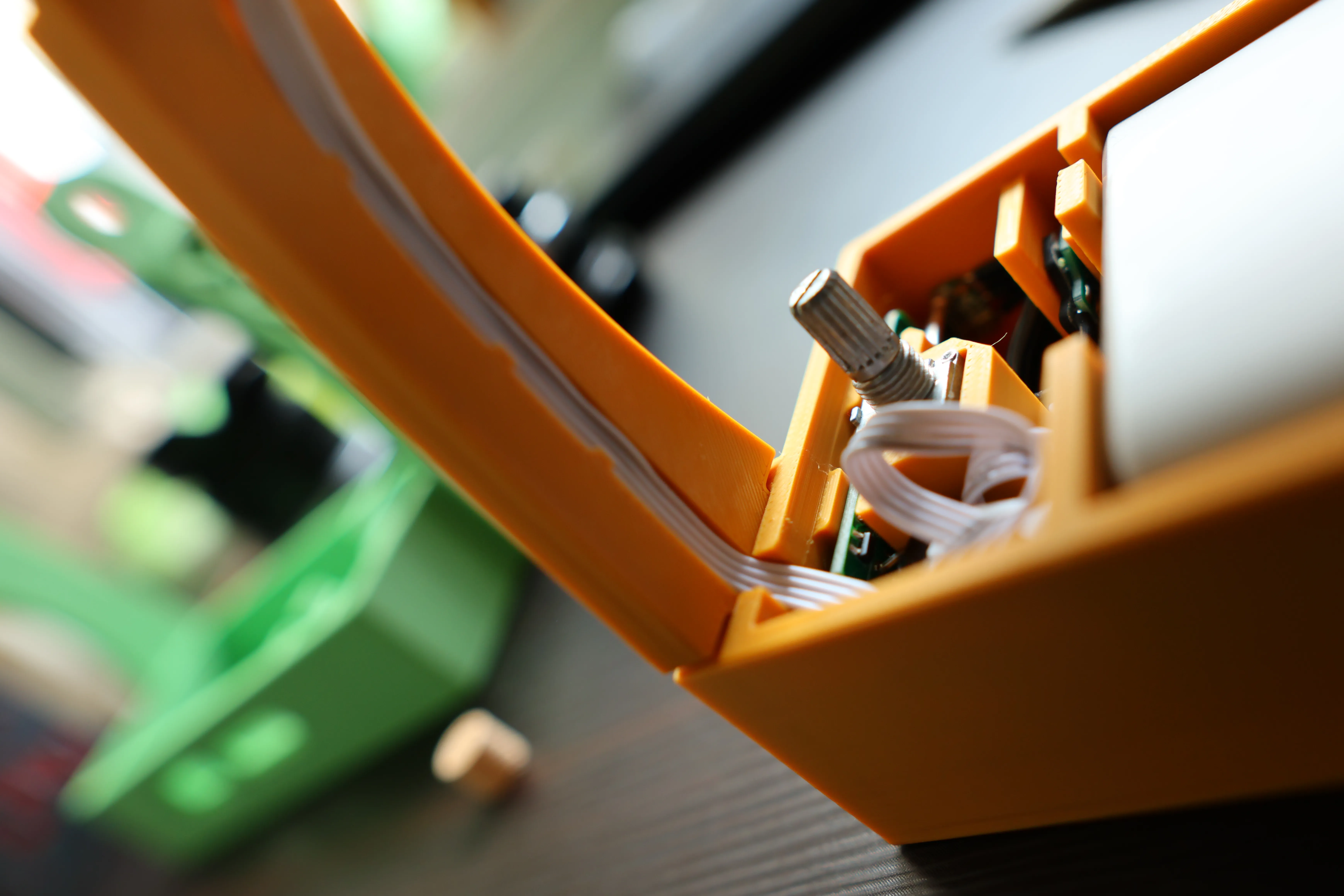
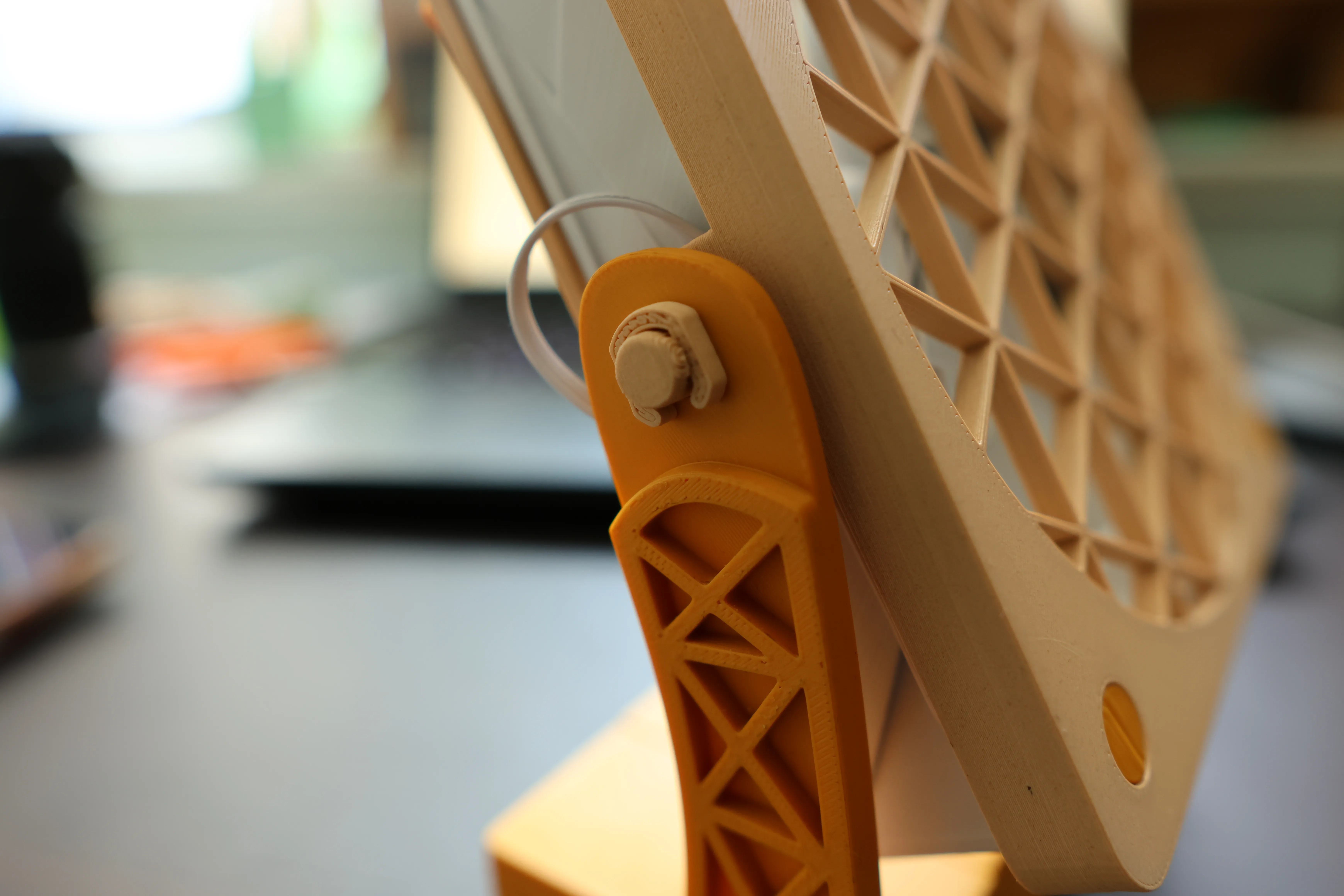
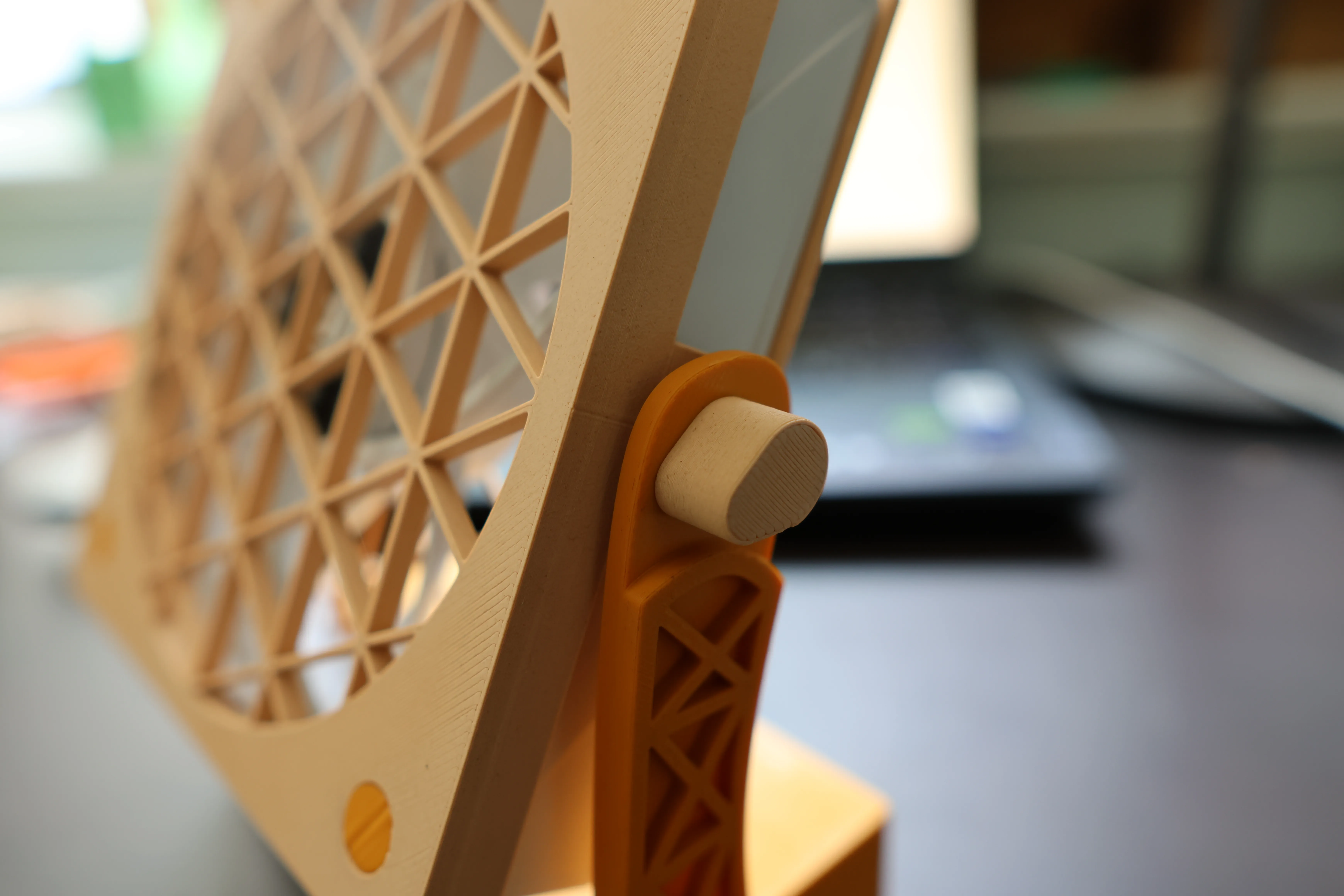
5. Install the main control compartment cover and the adjustment knob.
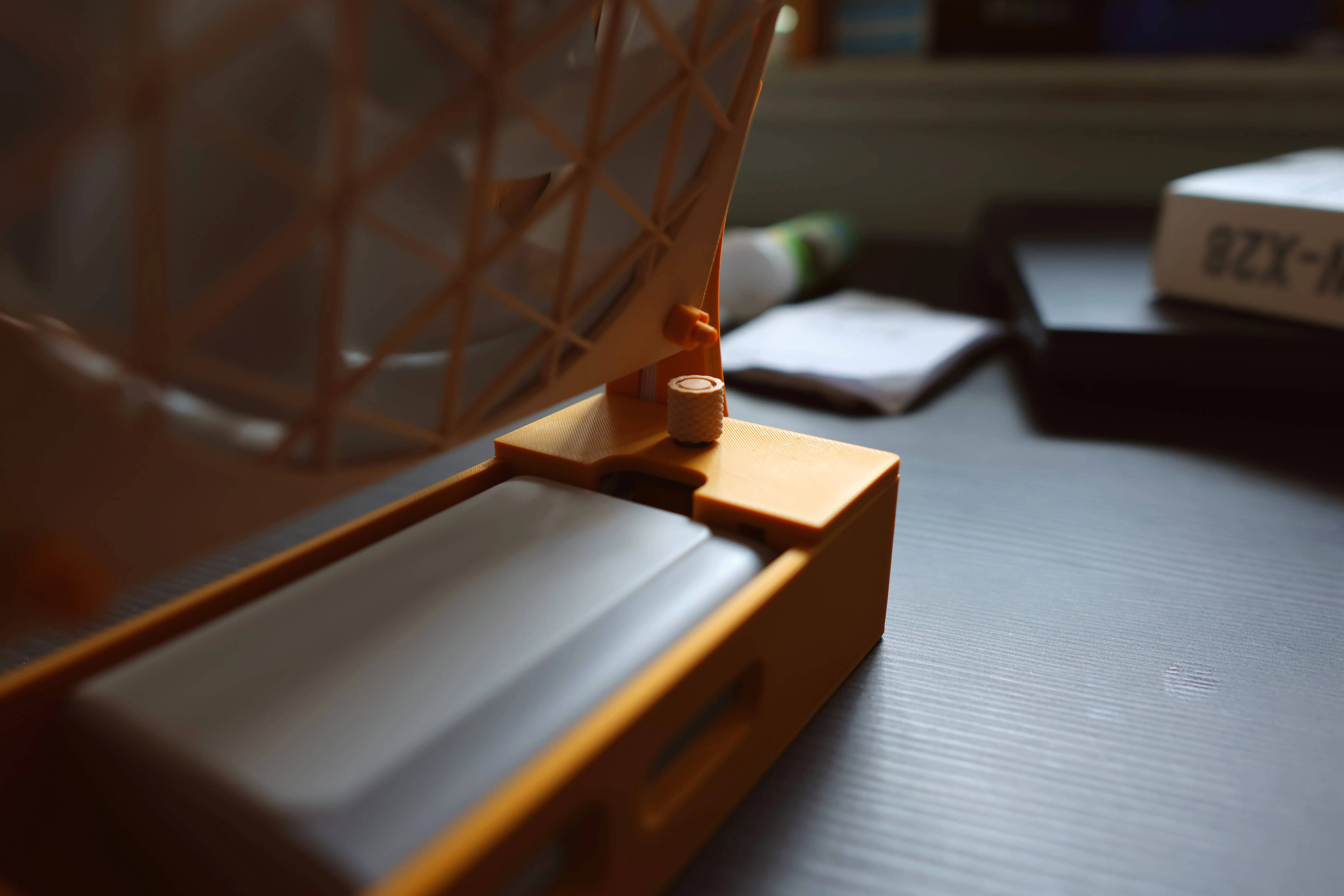
6. Insert the battery vertically, slide it into the connector, and attach the battery cover.
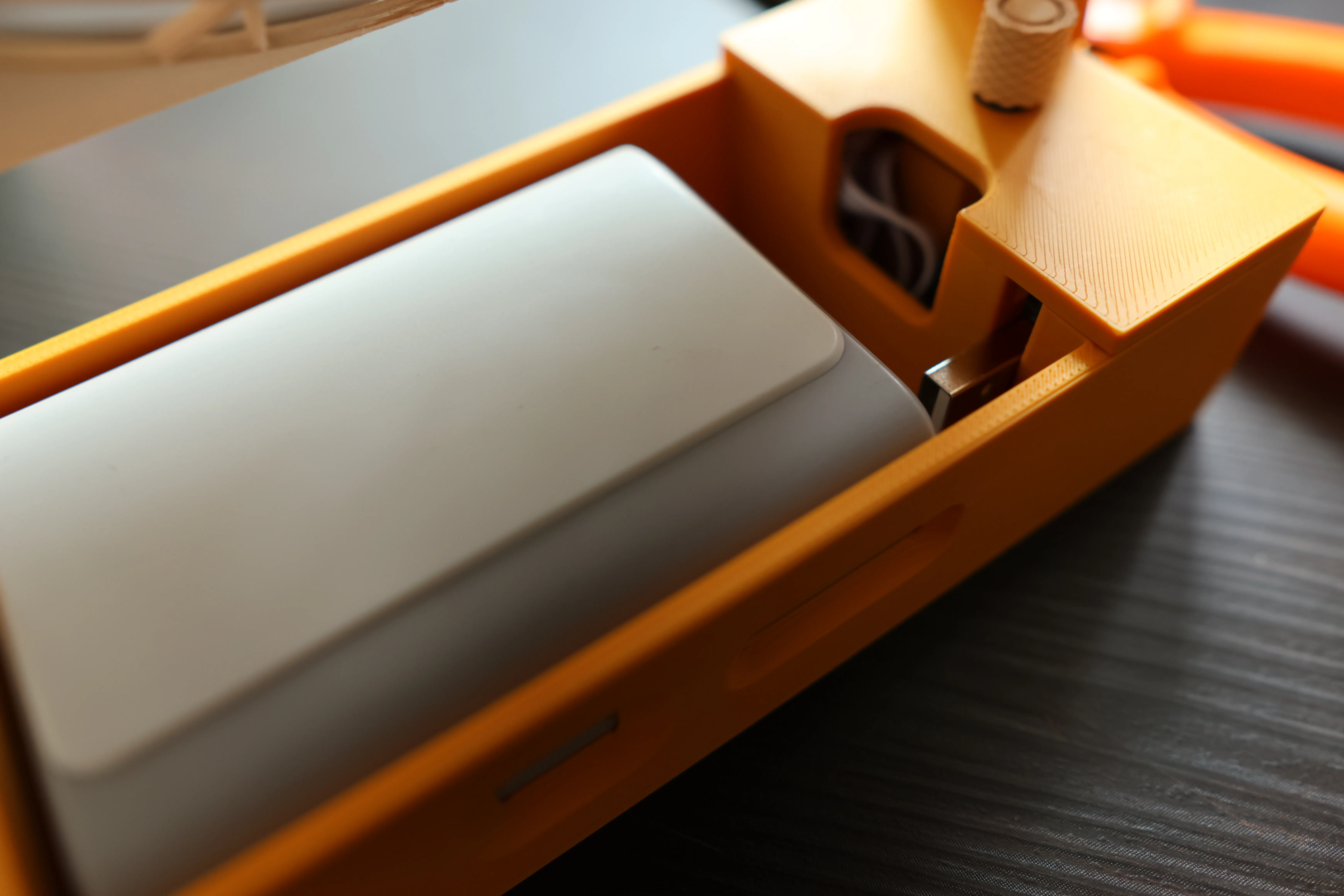

7. Installation complete. To use, press the power bank button to activate, as the power bank automatically enters sleep mode after prolonged inactivity. For gentle airflow, double-click to activate low-current mode for optimal comfort. (Remember to press again after use; otherwise, the power bank will not enter sleep mode and will continue to consume power.)
*Calculated based on CooTek's official battery energy of 35.3Wh, assuming 2W consumption.
**The measured power range of the Lian Li H12 X28 fan is 1.3W~2.8W; activate the power bank's low-power mode at lower power settings.
***Test conditions: High school classroom during class and self-study periods, using the Lian Li H12 X28 fan.
Note: The H12 fan may have a somewhat high-pitched sound. You can listen to other fans on Bilibili.
License

You shall not share, sub-license, sell, rent, host, transfer, or distribute in any way the digital or 3D printed versions of this object, nor any other derivative work of this object in its digital or physical format (including - but not limited to - remixes of this object, and hosting on other digital platforms). The objects may not be used without permission in any way whatsoever in which you charge money, or collect fees.


Comment & Rating (0)