
Dangle Swirl Filigree Earrings
Print Profile(1)

Description
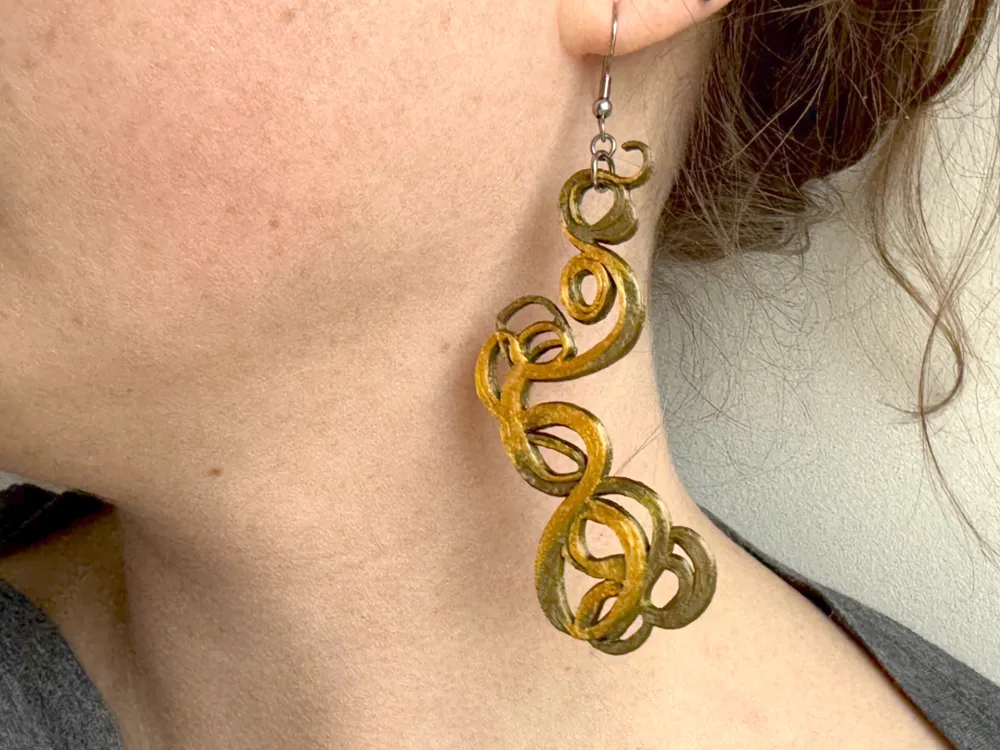
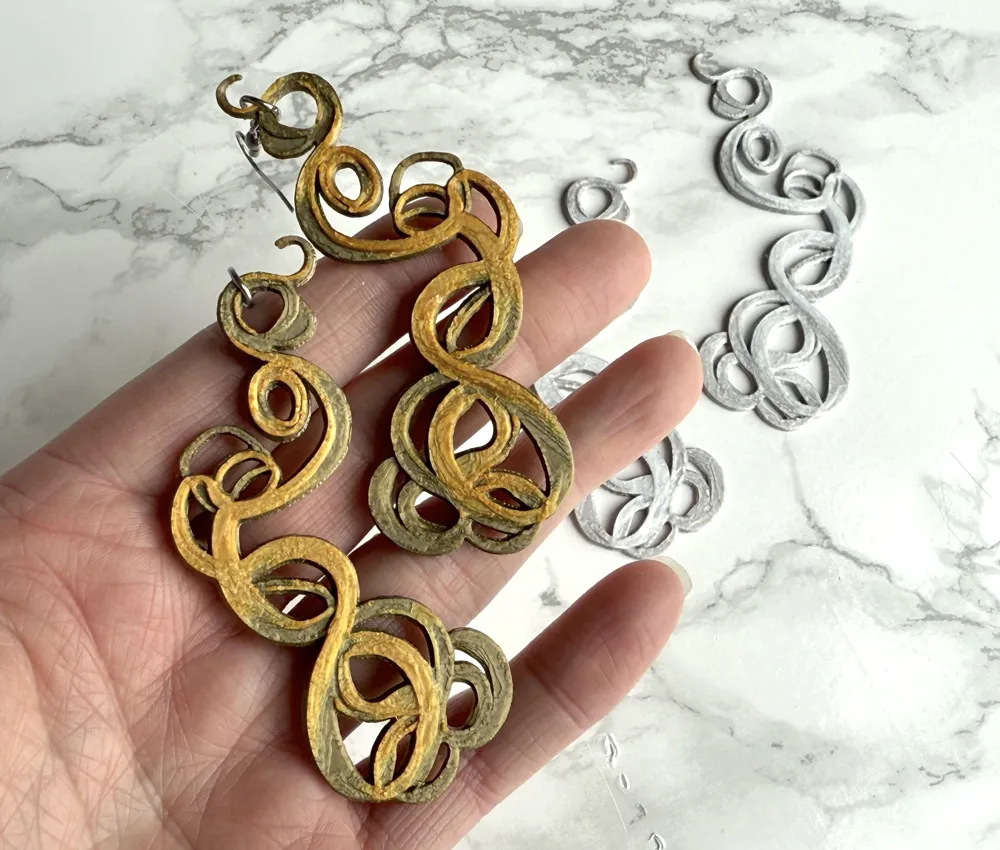
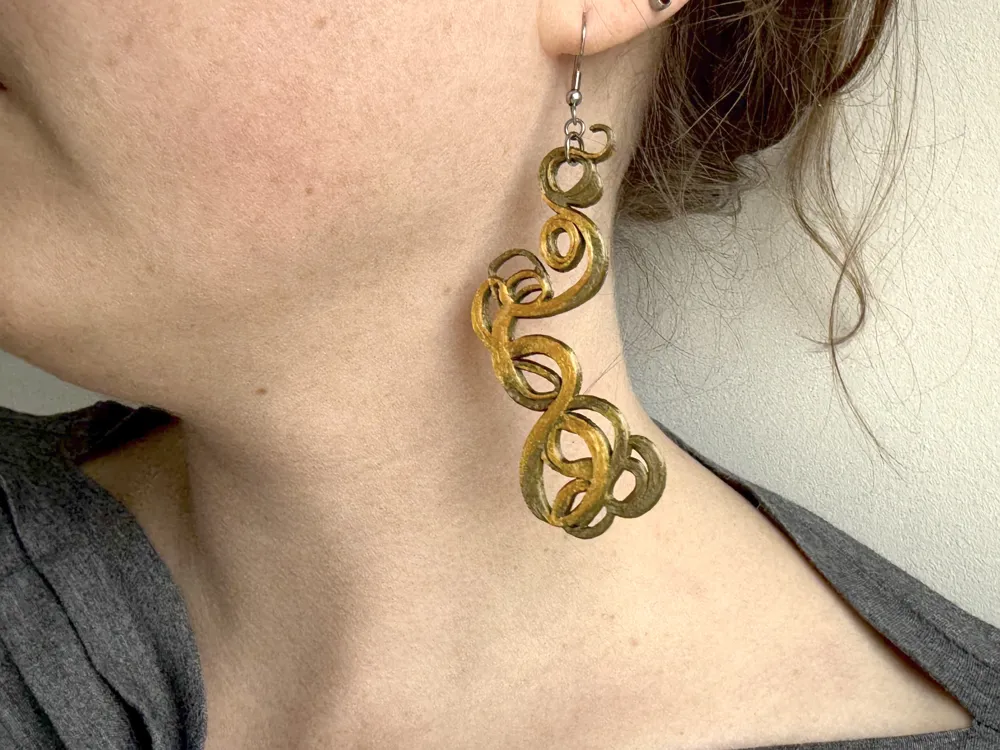
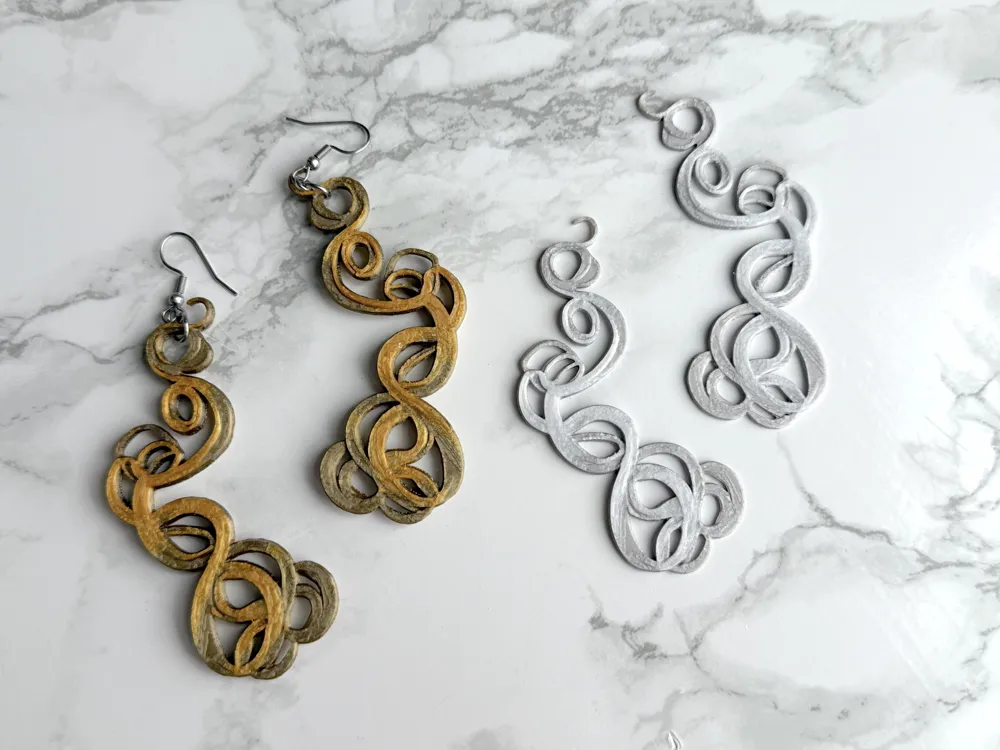
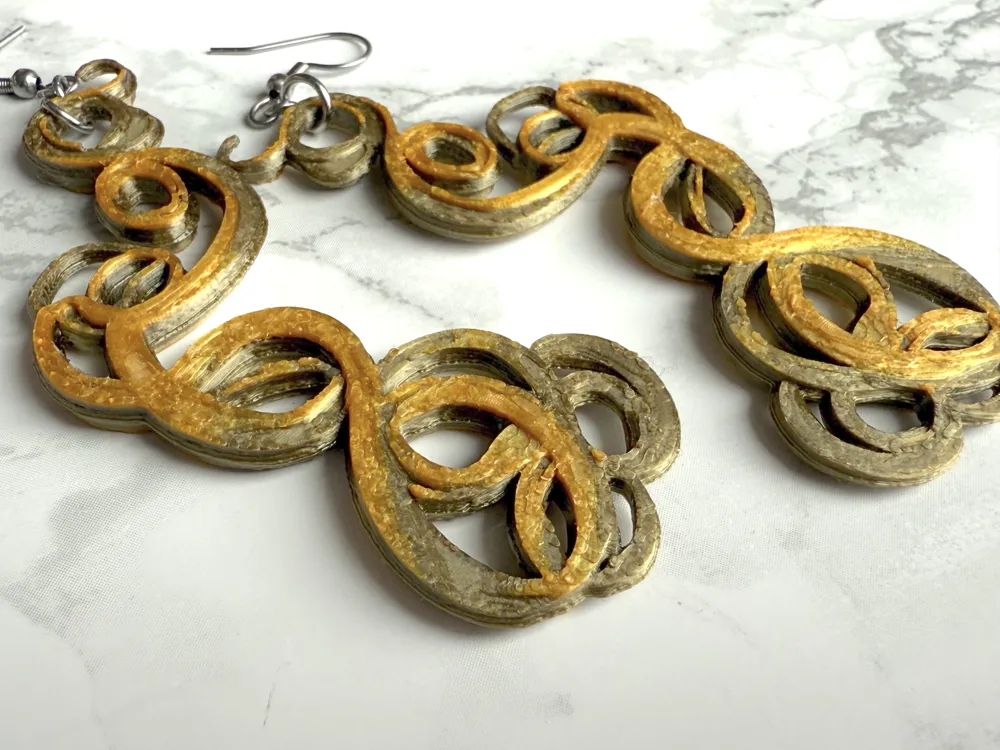
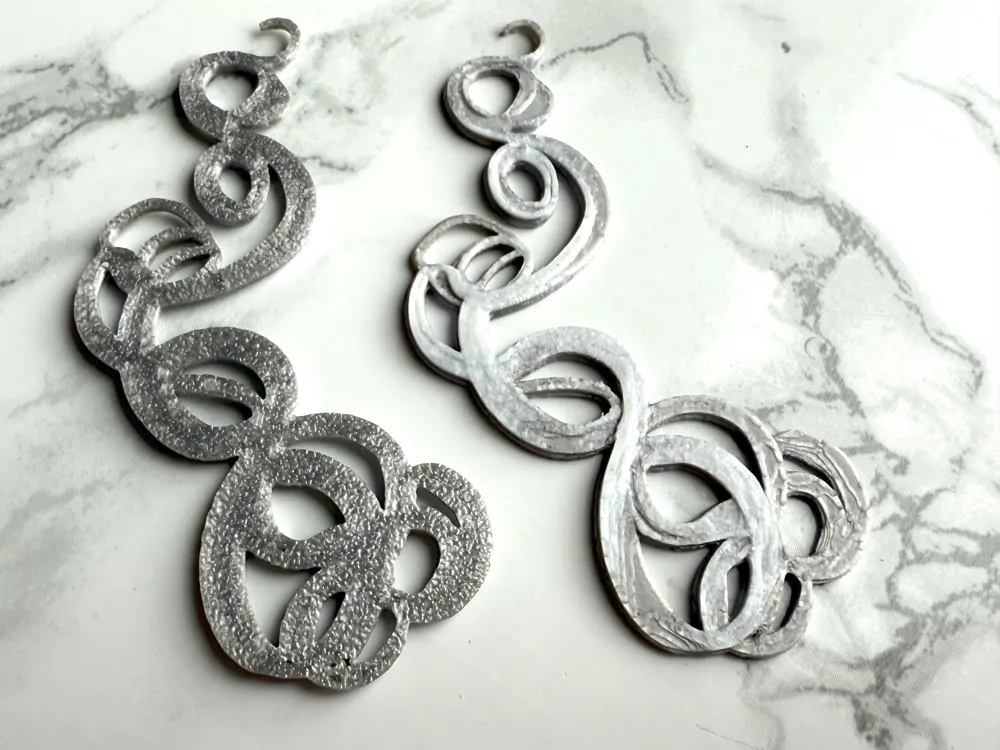
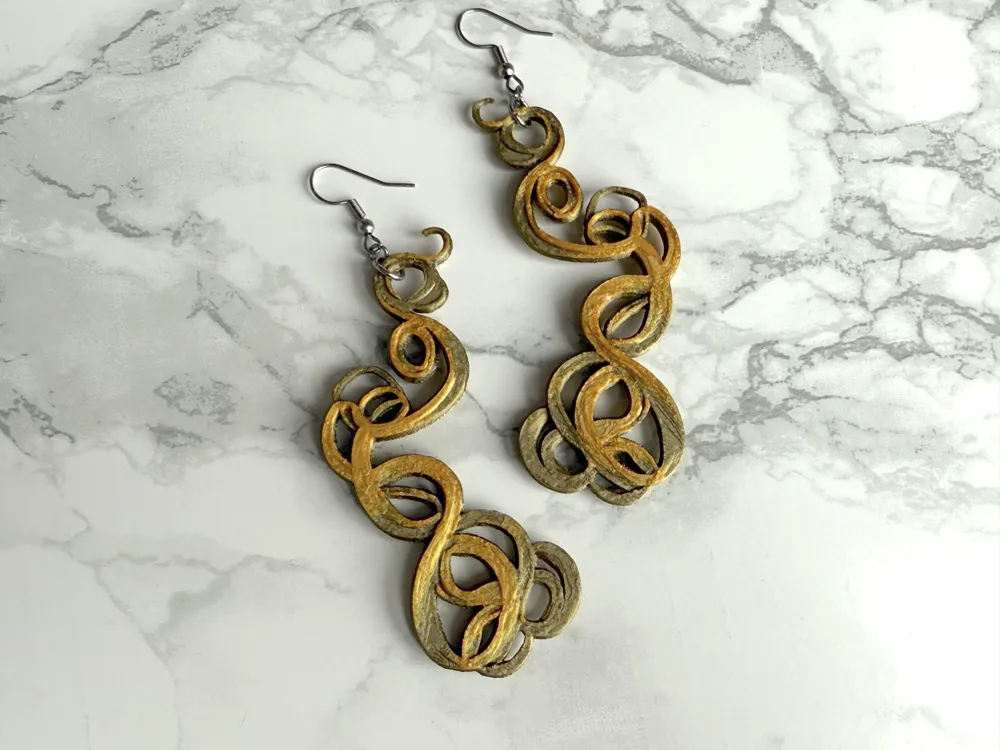
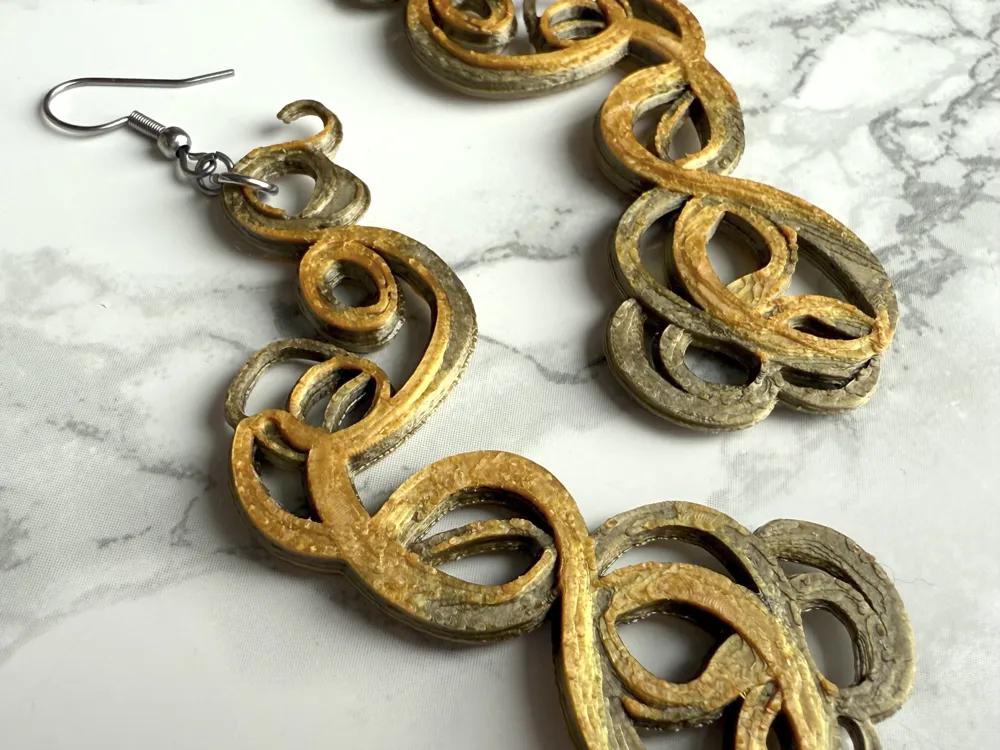
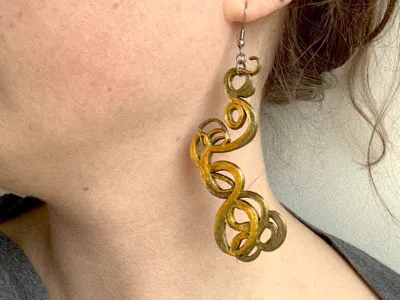
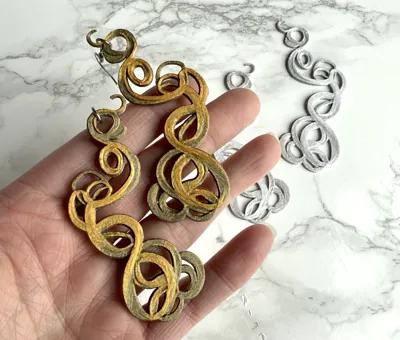
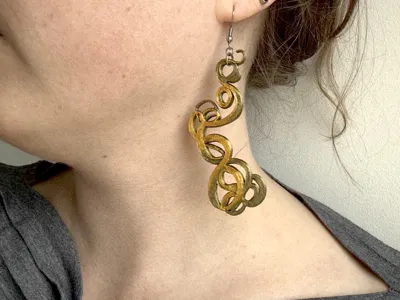
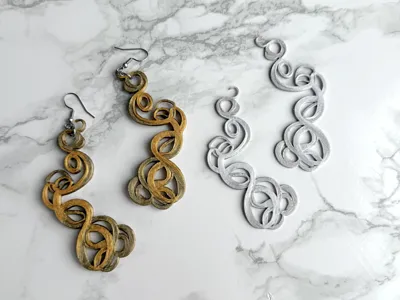
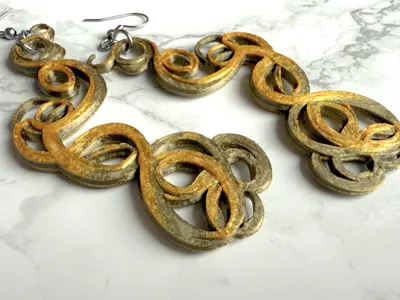
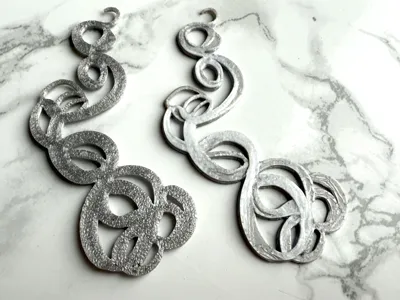
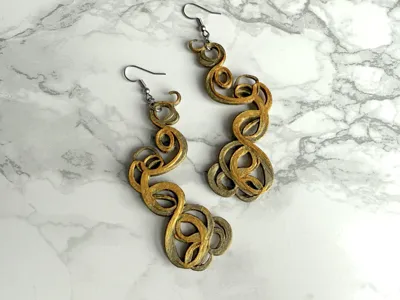
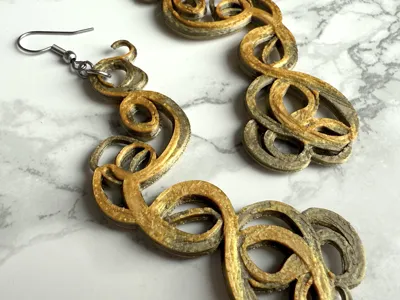
I used Craiyon to generate an image of a swirly filigree (to use with Hueforge) to use as part of a cake topper a couple years ago and recently I thought that filigree would look nice as a earrings! Recently I decided to give it a try and was very happy with the results. I decided to stick with just two colors on the earring but I think that looks nice. I also have two versions, one that is meant to be printed and used as is and another that you glue back to back to make it same front and back. It's really a matter of preference. The files are almost exactly the same except the one that is meant to be used as is should have a bit more thicker of a base to help with bending.
Normally I would add loops or holes for jump rings on earrings, but I felt the top small swirl worked great on it's own so I used that!
Printed with .08mm settings with ironing on all top layers.
Glue back to back color changes:
Start with main color (Antique Gold)
Change to Silky Gold at layer 16.
Use as is color changes:
Start with main color (Antique Gold)
Change to Silky Gold at layer 19.
License

You shall not share, sub-license, sell, rent, host, transfer, or distribute in any way the digital or 3D printed versions of this object, nor any other derivative work of this object in its digital or physical format (including - but not limited to - remixes of this object, and hosting on other digital platforms). The objects may not be used without permission in any way whatsoever in which you charge money, or collect fees.


Comment & Rating (2)