
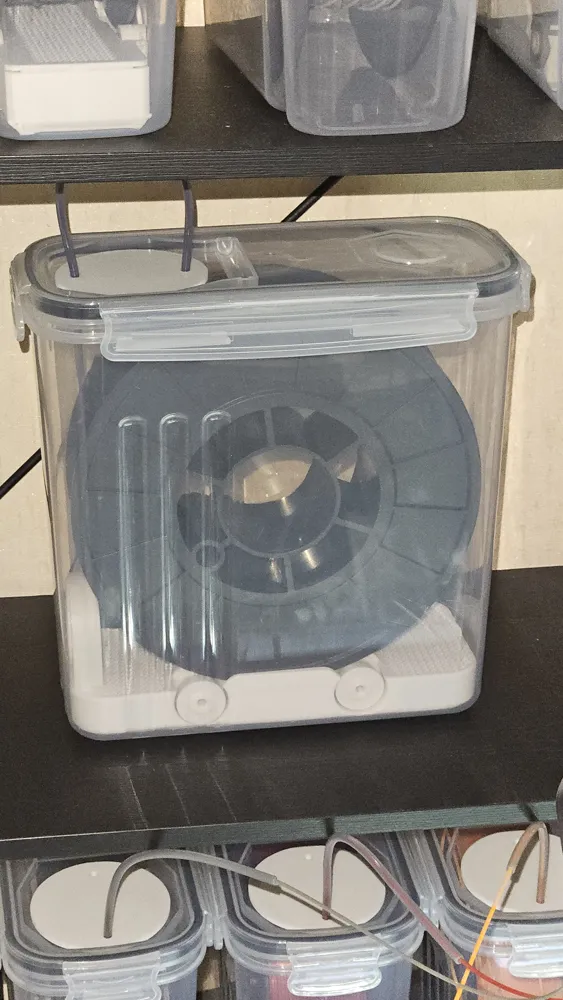
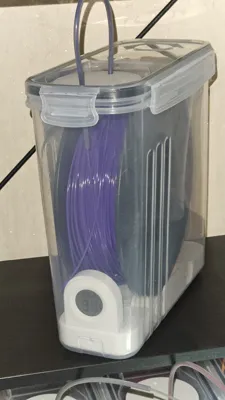
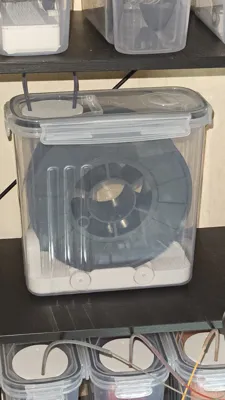
Filament Dry Box – 4L Amazon Cereal Container
Print Profile(3)


Description
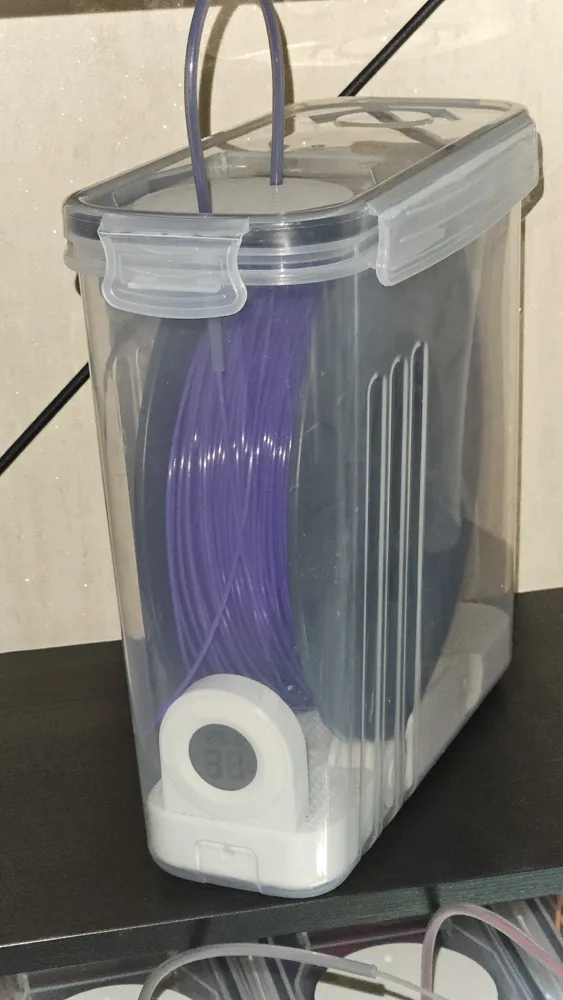
Note: This model is designed to fit the following Amazon container
A version adapted for this AliExpress container is also available here
Description:
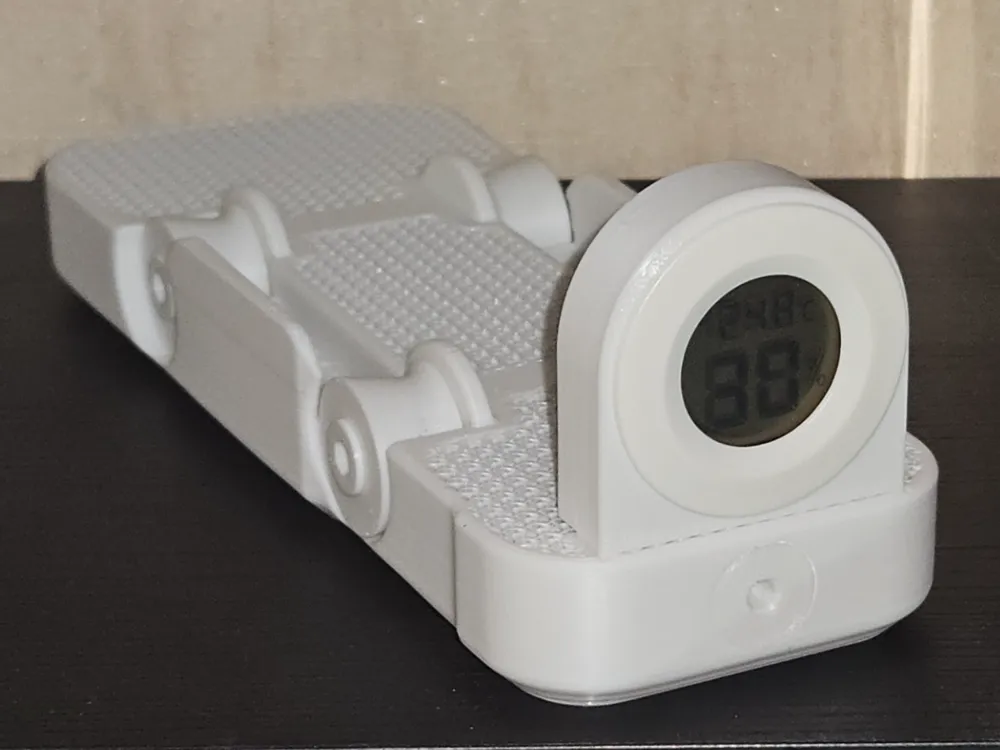
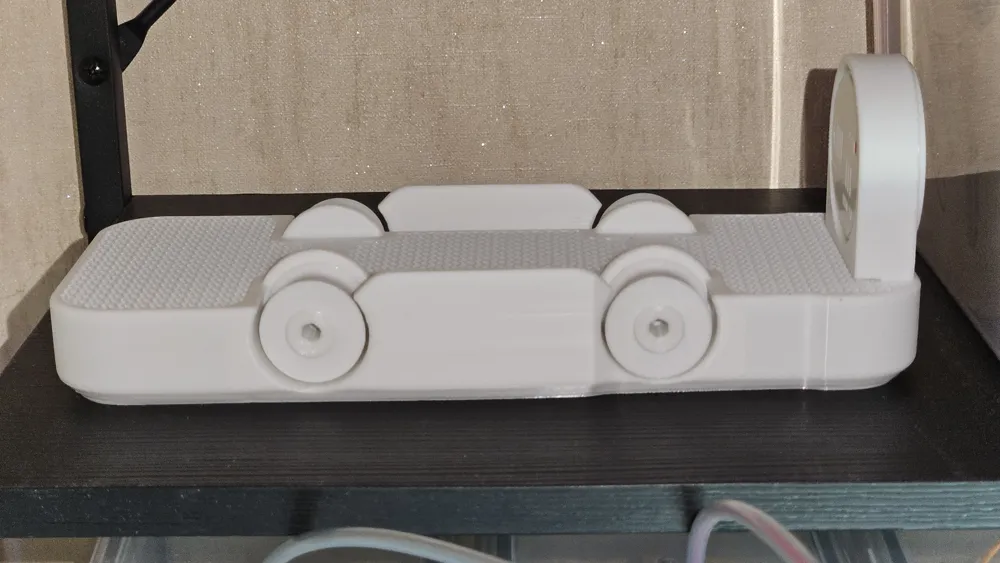
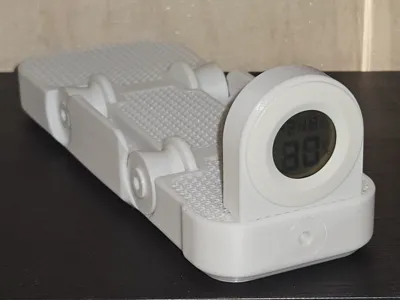
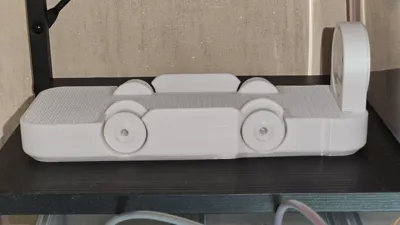
This 3D-printed base converts a common 4-liter cereal container into a practical filament dry box. The model is designed as a single-piece structure with an integrated desiccant chamber and refill port, similar to a sealed bottle. No screws, bearings, or glue are needed—only a 4 mm hex key for the final assembly.
After trying several existing designs, I found that none quite met my expectations. So I created a custom solution focused on simplicity, functionality, and efficient material usage.
Features:
- Designed for 200 mm filament spools with widths between 45 mm and 69 mm.
- Precise container fit to keep the spool centered and stable during unwinding.
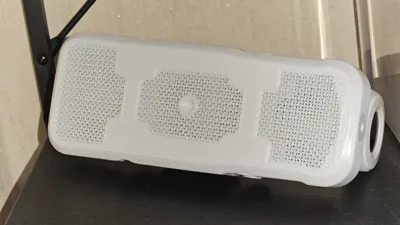
- Single-piece, non-opening body: The internal silica gel compartment is permanently enclosed during the print to prevent spills or accidental opening.
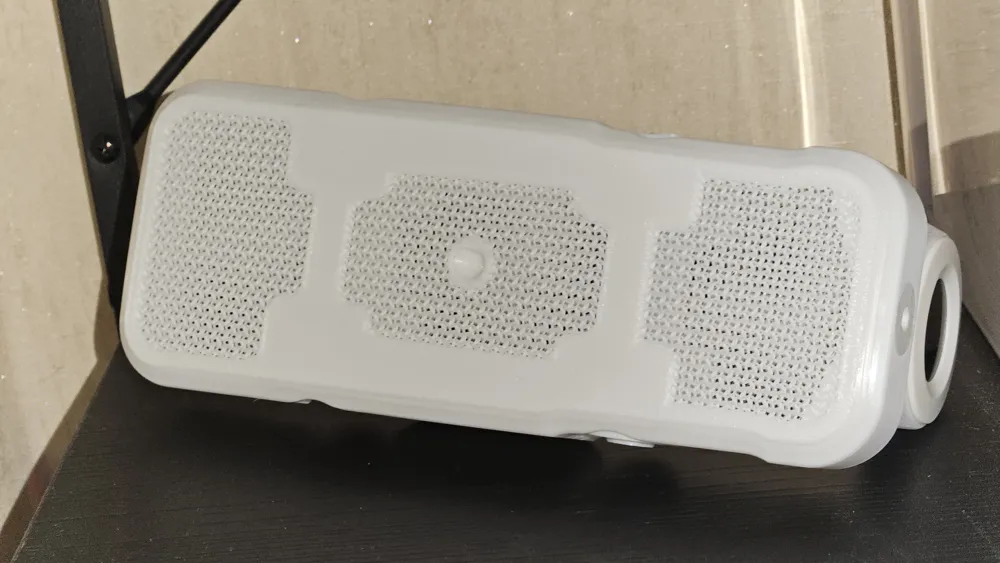
- Ventilated structure using gyroid infill for airflow and desiccant efficiency, while reducing material usage.
- Supports optional hygrometer installation.
- Funnel for easily adding or replacing silica gel.
- Holds up to ~150 g of desiccant depending on print settings.
- Low filament consumption: ~100 g with gyroid infill.
- No support required: Fully optimized for support-free FDM printing.
Two-step print process:
- Print the internal ceiling plate first.
- Start printing the base. The printer will automatically pause at the correct layer.
- Insert the printed ceiling plate into the paused print and resume. The print continues, permanently enclosing the internal chamber.
This is my first original 3D model, so I'm happy to hear your feedback or constructive criticism to improve!
License

You shall not share, sub-license, sell, rent, host, transfer, or distribute in any way the digital or 3D printed versions of this object, nor any other derivative work of this object in its digital or physical format (including - but not limited to - remixes of this object, and hosting on other digital platforms). The objects may not be used without permission in any way whatsoever in which you charge money, or collect fees.


Comment & Rating (54)