Search models, users, collections, and posts

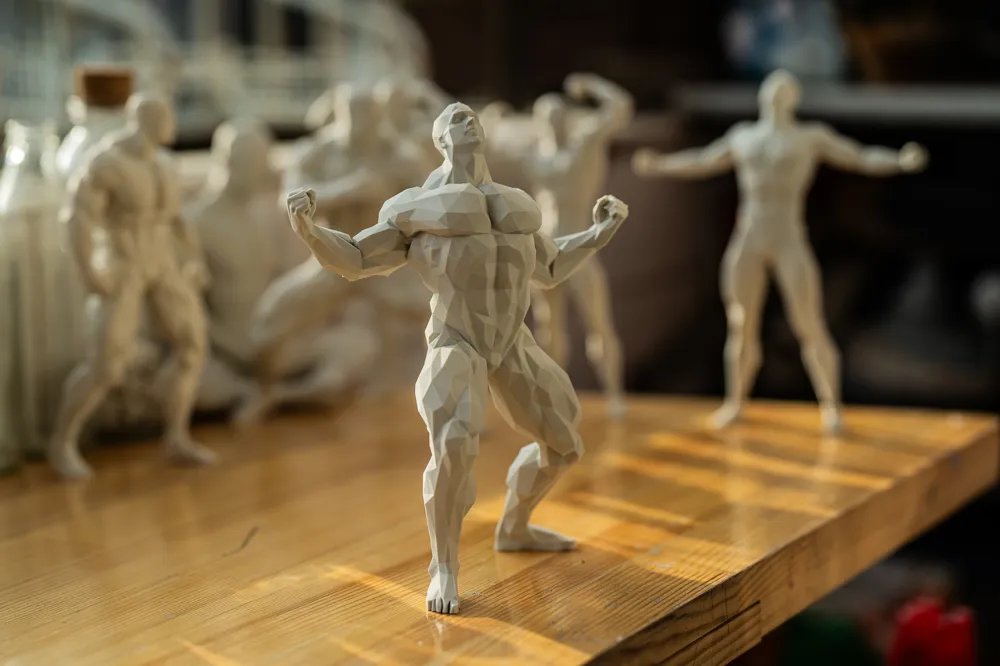
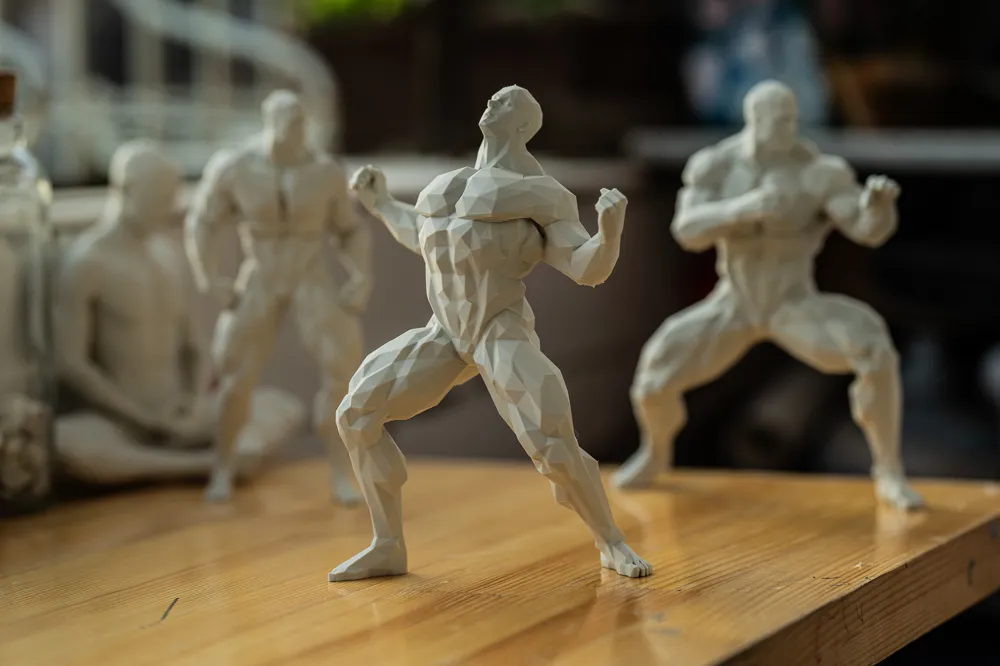
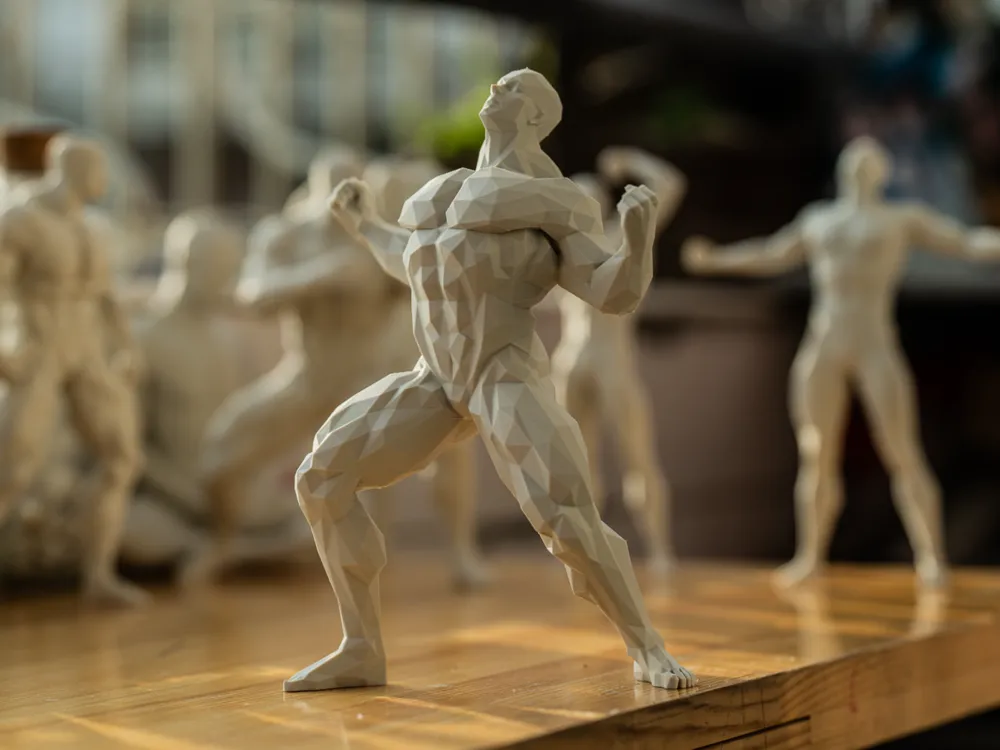
Muscle Man Series 004

IP Report
Print Profile(3)

All
P1S
P1P
X1
A1 mini
X1E
X1 Carbon
H2D
A1
H2D Pro
H2S
P2S
H2C
X2D
A2L

100MM 0.2mm layer, 2 walls, 15% infill
Designer
1.1 h
1 plate
4.9(19)

200MM 0.2mm layer, 2 walls, 10% infill
Designer
3.8 h
1 plate
4.0(7)

250MM 0.2mm layer, 2 walls, 10% infill
Designer
5.7 h
1 plate

Open in Bambu Studio
Boost
449
723
36
38
564
287
Released 

Description

Content has been automatically translated.
Show original

Super Muscular Polygon :)

If supports shift and detach during printing, remember to spray some adhesive onto the print bed before printing to increase adhesion, thus preventing detachment.

Your likes, boosts, and saves fuel my continued creation of new designs, thank you :)

Comment & Rating (36)

(0/1000)

Print Profile
200MM 0.2mm layer, 2 walls, 10% infill
Support Issue:left hand support breaks, im not sure if its issue with model/printer or slicer. Happened twice, with the 100mm and the 200mm model
0
Reply
Your model is still attached to the tree, so it means that top Z distance isn't too much or instead of snapping trees there would have been arms flying around. To lessen change that nozzle will hit the object or tree you could modify following settings: 1. Others --> Reduce infill retraction --> False 2. Filament settings --> Setting Overrides --> Z hop when retract --> 0.6 (or more if needed) 3. Filament settings --> Setting Overrides --> Z hop Type --> Spiral 4. Filament settings --> Setting Overrides --> Trave distance threshold --> 1mm These will probably solve your problem, but you could also make trees stronger: 5. Support --> Advanced --> Support wall loops --> 2 6. Support --> Tree Support --> Branch diameter --> 3mm 7. Support --> Support --> Style --> Tree Strong You could also do test prints to smaller models that are designed for that purpose. Just search "support test", "tree support", "top z" or something like that. Also, observe your slicing results (printing time, filament usage) as you modify settings.
(Edited)
2
Reply
i will try this in the upcoming days and update my rating, thanks!
0
Reply
same happened to me, left hand elbow broke
0
Reply
Print Profile
200MM 0.2mm layer, 2 walls, 10% infill
perfect, I made a base and installed an LED 👏👏👏👏
Show original
0
Reply
Print Profile
100MM 0.2mm layer, 2 walls, 15% infill
Amazing 🤩🤩🤩 the only flaw one polygon seems not to have the "smooth" surface of the others the one on the left shoulder a negligible flaw however
Show original
0
Reply
It's fantastic!! Using extra supports to ensure the entire print holds up :)
Show original
0
Reply
Two time failed, Brim is so small the foot break out from bed must adjust support to 32-33% instead 30%.
0
Reply
Nice! we will have a woman series?
5
Reply
Print Profile
200MM 0.2mm layer, 2 walls, 10% infill
one elbow fell off during printing
0
Reply
Boosted
me again :))
0
Reply
Boosted
Hope you can make praying series :))
0
Reply
Print Profile
100MM 0.2mm layer, 2 walls, 15% infill
prints well
0
Reply

License

This user content is licensed under a Standard Digital File License.

You shall not share, sub-license, sell, rent, host, transfer, or distribute in any way the digital or 3D printed versions of this object, nor any other derivative work of this object in its digital or physical format (including - but not limited to - remixes of this object, and hosting on other digital platforms). The objects may not be used without permission in any way whatsoever in which you charge money, or collect fees.