
Baseplate for Construction Blocks
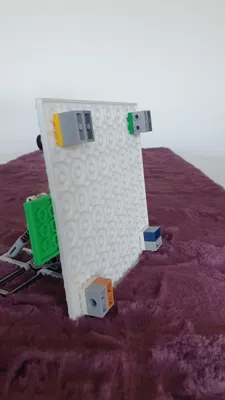
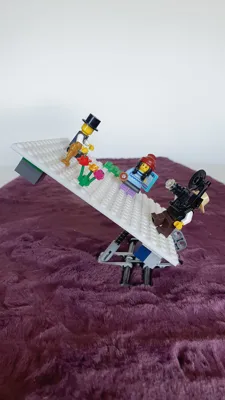
Print Profile(1)

Description
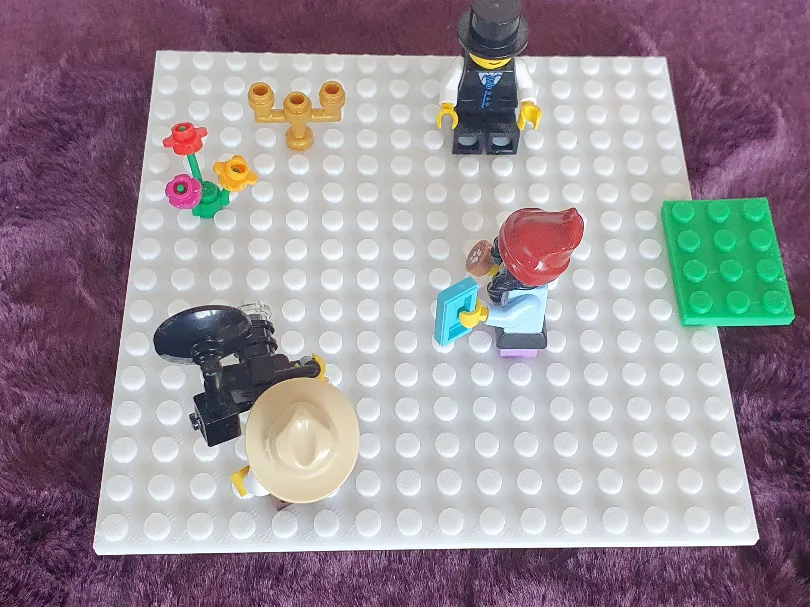
This openSCAD script generates building plates of any size to fit your print bed.
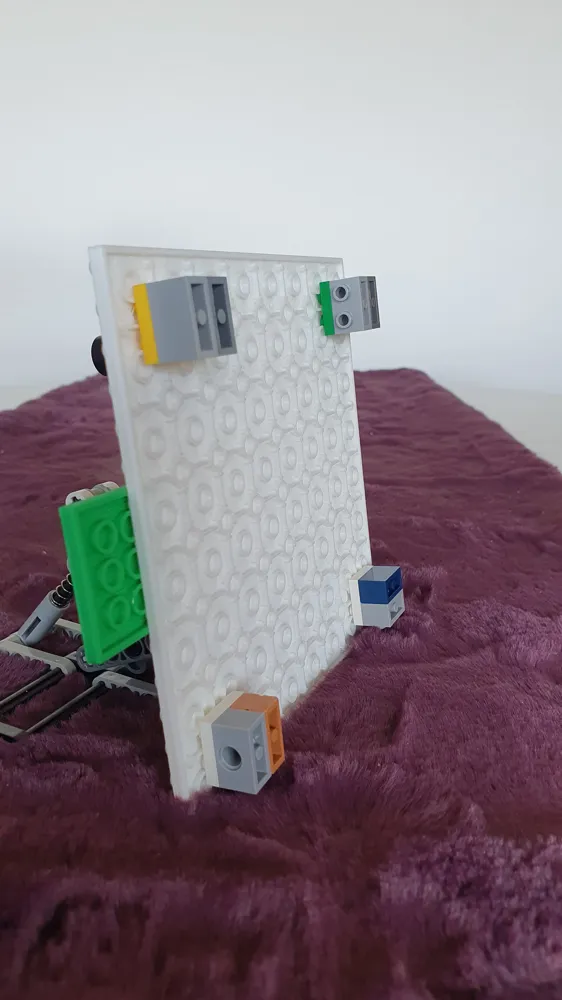
Specify the number of studs in the X and Y directions in the call. Two further optional Boolean parameters specify whether you want studs ('true') or a smooth surface ('false'), resulting in a tile. The second optional Boolean parameter specifies whether you want a surface on the bottom ('true') or the connecting structures known from construction bricks ('false'). For base plates of size 16x16 or larger, the lower connecting structure changes, as illustrated by the example of the 16x16 base plate shown. Smaller dimensions result in the familiar rows of hollow cylinders.
For printing larger plates with underside connecting structures, I recommend disabling the object fan when printing with PLA. I will add information on ABS and PETG once I have tested them.
I printed with
- P1S
- 0.4mm nozzle
- 0.16mm Optimal profile @BBL X1C
- Textured PEI
- no cooling for the first 30 layers
- no support
- all other parameters unchanged
Click “Customize” and enter the desired number of studs for the X and Y directions (cntX and cntY), then click “Generate”. You can then download the generated STL file. To generate a tile of the desired size, deactivate the ‘makeStuts’ switch. To generate a plate without a structure on the bottom but instead flat, activate the ‘makeFlat’ switch. You should leave the parameters ‘tolerance’ and ‘gridDistance’ unchanged unless you want to generate building plates that are no longer compatible with known construction brick systems.
ChangeLog:
2025/04/30: The parameter ‘thinBottom’ specifies whether the base plate should have the thickness of an original base plate ('true') or the standard thickness of a tile (⅓ the height of a standard brick). ‘thinBottom’ only has an effect if ‘makeFlat’ is also activated.
License



Comment & Rating (2)