
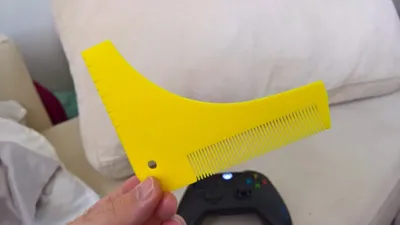
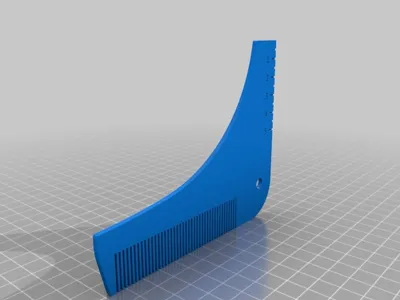
Beard shaping tool
Print Profile(4)




Description
Summary
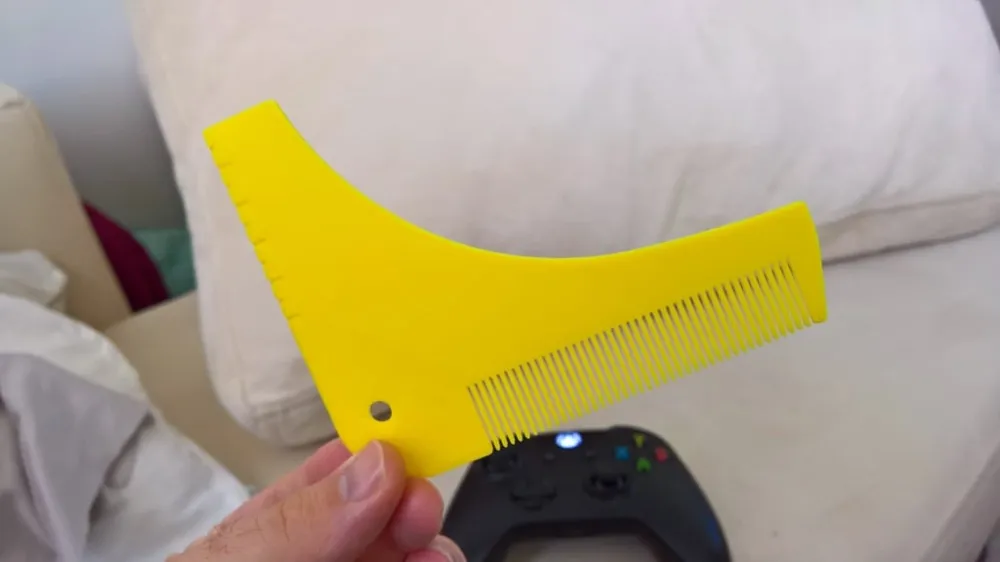
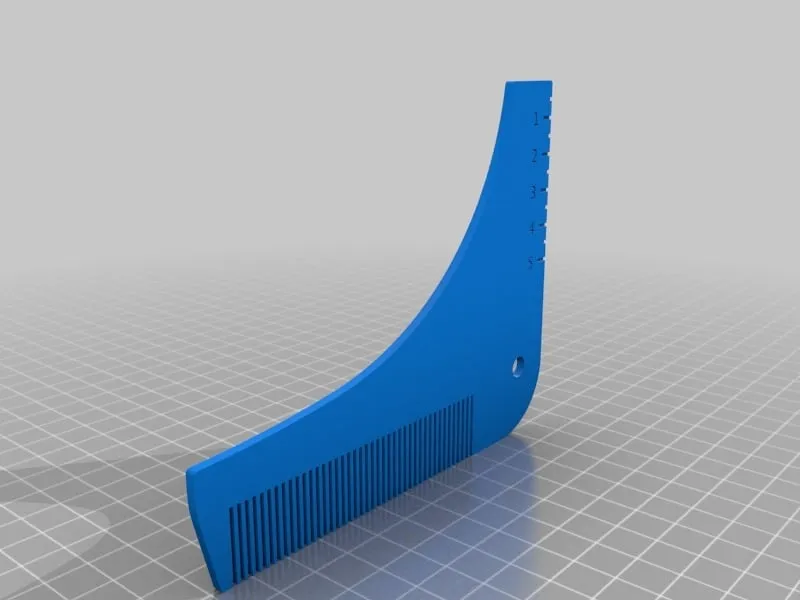
Trim your beard precisely.
Note: Print flat/parallel to the bed.
How to
Step 1: Upper trim
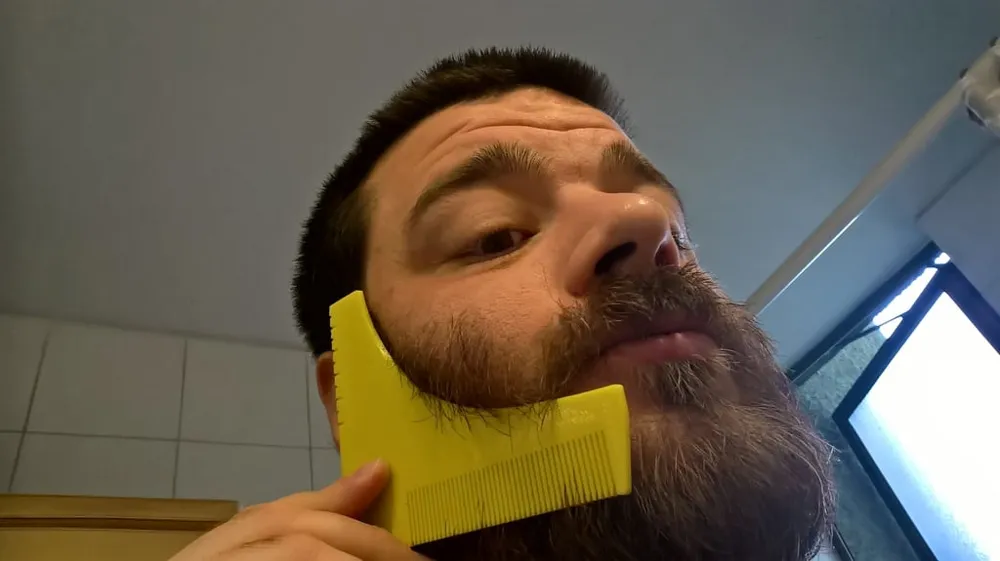
Select a reference for the back part (i.e. ear against the metric scale in the tool) and for the frontal part (i.e. the tool against the middle of your lips) and trim your beard following the tool's curved part. Flip it horizontally and repeat
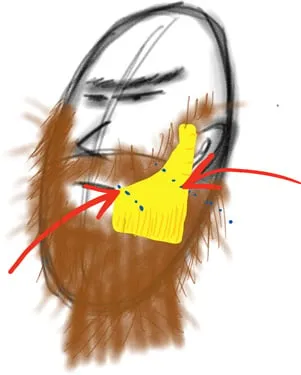
Step 2: Neck trim
Turn the tool upside down, align it vertically with the center of your neck and trim your neck beard. Flip it and do the same symmetrically. Finish by cutting the leftover bottom part
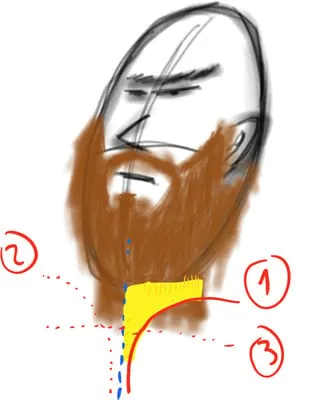
Step 3: Finish
Trim everything else between the boundaries provided by the beard shaping tool
License

You shall not share, sub-license, sell, rent, host, transfer, or distribute in any way the digital or 3D printed versions of this object, nor any other derivative work of this object in its digital or physical format (including - but not limited to - remixes of this object, and hosting on other digital platforms). The objects may not be used without permission in any way whatsoever in which you charge money, or collect fees.


Comment & Rating (694)